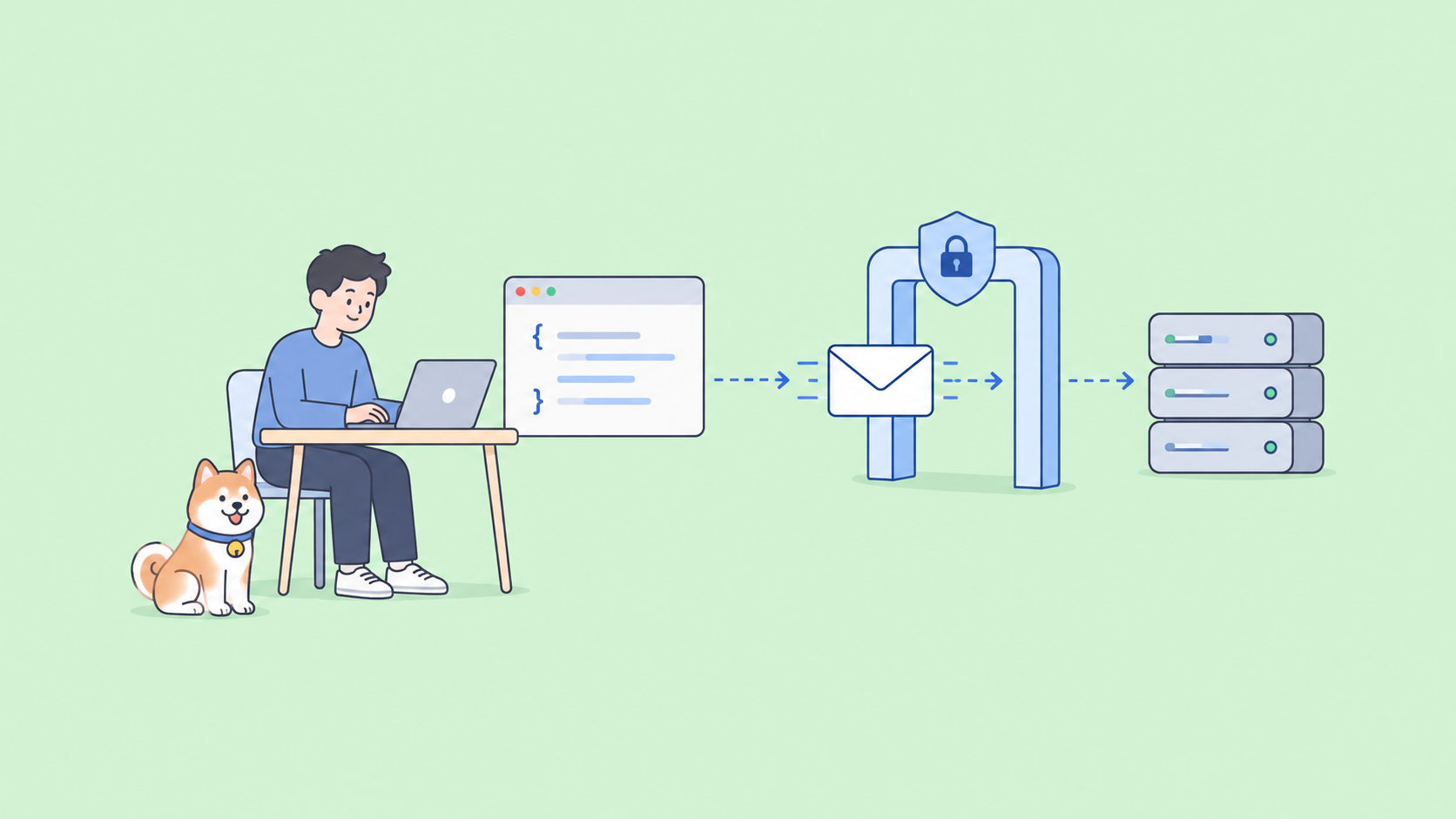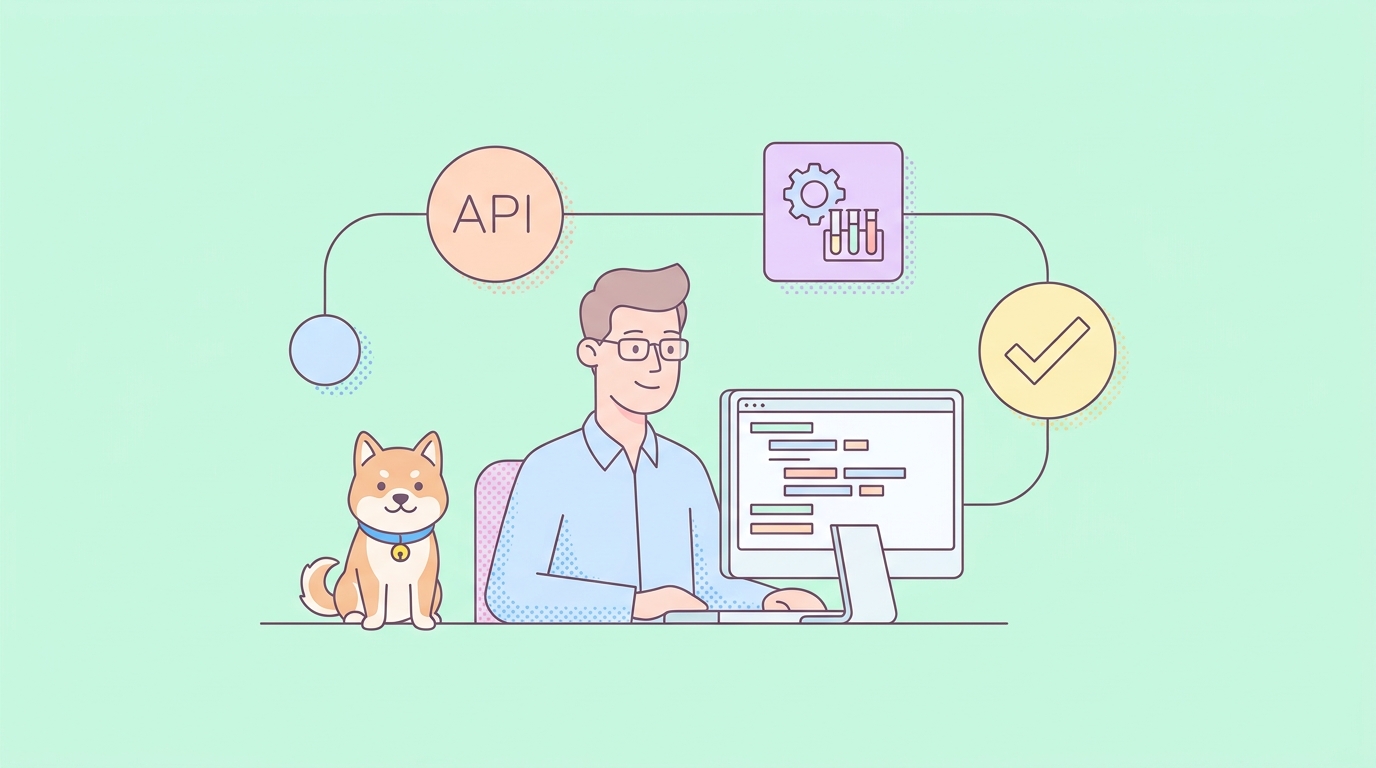
If you run API tests from inso, Kong’s Insomnia CLI, and you’ve been thinking about a change, this guide walks you through it end to end. You’ll see how to export your specs and test suites out of Insomnia, bring them into Apidog, and rewrite your inso run commands as apidog run commands. There’s a before/after command table so you can map your existing CI scripts line by line.
Why teams migrate from inso to Apidog CLI
inso is a solid tool. It brings request execution, Spectral linting, and unit tests into the terminal, and it reads from a .insomnia directory created by Insomnia’s Git Sync. If that workflow fits you, there’s no rule that says you have to leave.
The friction usually starts with Insomnia the app, not the CLI. Two things drive most migration searches:
- The required cloud account. Insomnia 8, released in 2023, introduced a mandatory login/cloud account that caught a lot of teams off guard. Plenty of developers wanted a local-first client and got a sign-in wall instead.
- Data-loss and migration pain. Some users hit data-loss and migration incidents during that transition. If you’ve lived through one, you already know the cost. If you’re recovering from one now, these walkthroughs help: recovering and exporting Insomnia data and the deeper Insomnia 8 data-loss recovery and migration guide.
The other reason is consolidation. With inso, the CLI is one piece of a stack: Insomnia for requests, Spectral for linting, separate tooling for mocks and docs. Apidog folds design, debug, test, mock, and documentation into one platform, and the CLI runs the test side of that platform. Fewer moving parts, one source of truth.
If you want the wider context before committing, Apidog vs Insomnia and choosing between Insomnia and Apidog lay out the tradeoffs for the full apps, not the CLIs.
Before you start: what moves and what doesn’t
Set expectations up front so nothing surprises you mid-migration.
| Asset in Insomnia | Moves to Apidog? | How |
|---|---|---|
| OpenAPI / design documents | Yes | Export to YAML/JSON, import into Apidog |
| Request collections | Yes | Export, then import |
| Environments and variables | Yes | Recreated as Apidog environments |
Unit test suites (inso run test) |
Partially | Rebuild as Apidog test scenarios |
Spectral lint config (inso lint spec) |
No 1:1 | See the honest note below |
The honest note: inso lint spec runs Spectral, Stoplight’s OpenAPI linter, and that’s a genuine strength. Apidog CLI does not ship a standalone spec linter, style-guide, split, join, or bundle command. Apidog validates your spec when you import it, so structural problems surface at import time, but if your pipeline depends on custom Spectral rulesets as a gate, keep Spectral in your CI alongside Apidog. Don’t expect apidog lint. It isn’t there, and pretending otherwise would only burn you later.
Step 1: export your specs and tests from Insomnia
inso can write your design document straight to a file. The spec is referenced by name, the same name you see in the Insomnia app:
# Export an OpenAPI design document to a YAML file
inso export spec "My API Design" --output my-api.yaml
If inso can’t find your data, point it at the right source. By default it reads from a .insomnia directory in the working dir or the Insomnia app data directory. Override with --workingDir or --src:
inso export spec "My API Design" --workingDir ./design --output my-api.yaml
For request collections and anything inso won’t export cleanly, use the Insomnia app itself: open the app, select your workspace, and use Export to produce an OpenAPI or Insomnia v4 file. Keep both the design document and the collection export. You’ll import them separately.
If you’re mid-recovery and the app won’t cooperate, the export and recovery walkthrough covers getting data out when Git Sync or the cloud account is fighting you.
Step 2: import into Apidog
Open Apidog, create a project, and import the YAML or JSON you just exported. Apidog reads OpenAPI natively, so your endpoints, schemas, and example data land as structured resources you can edit, mock, and test.
You can also import from the CLI as part of an automated setup, which is handy when you’re scripting a team-wide move rather than clicking through the UI. Apidog imports OpenAPI and manages endpoints, schemas, environments, branches, and merge requests as code from the terminal, authenticating via login or an access token. If you’re standing up the CLI for the first time, the Apidog CLI installation guide and the complete CLI guide cover setup and the auth flow.
On import, Apidog validates the spec. If your OpenAPI has structural issues, you’ll find out now rather than at runtime. This is the closest analog to inso lint spec, with one difference worth repeating: it’s validation, not a configurable Spectral ruleset.
Step 3: map your commands (the part you came for)
This is the meat of the migration. Here’s how inso commands translate to apidog run.
| What you want to do | inso command | Apidog CLI equivalent |
|---|---|---|
| Run a unit test suite | inso run test "Smoke Suite" --env "Staging" |
apidog run --test-scenario "Smoke Suite" -e staging |
| Run a collection | inso run collection "Checkout Flow" --env "Staging" |
apidog run "Checkout Flow" -e staging |
| Run a named script | inso script ci-smoke --env <env-id> |
apidog run -e <env-id> (wired into your CI script) |
| Lint an OpenAPI spec | inso lint spec "My API Design" |
No 1:1; Apidog validates on import |
| Export a spec to file | inso export spec "My API Design" --output api.yaml |
Handled by Apidog import/export, not a run-time step |
A few notes on the mapping:
- Environments.
insouses--env "name". Apidog uses-e(--env). Both select which environment’s base URL and variables to apply. Recreate your Insomnia environments as Apidog environments first, then reference them by name or ID. - Test suites become test scenarios. Where
inso run testruns an Insomnia unit test suite, Apidog runs test scenarios. The concept maps cleanly: ordered requests with assertions. You’ll rebuild the suite once in Apidog, then it runs on everyapidog run. inso scriptwas indirection. If you wrapped commands behind named scripts, just callapidog rundirectly in your CI step, or wrap it in your own npm/make script.
For a deeper command-by-command comparison, Apidog CLI vs inso (Insomnia CLI) goes flag by flag. If you came from Newman or the Postman CLI in a past life, Apidog CLI vs Newman and Apidog CLI vs Postman CLI cover those too.
Step 4: move your reporters
inso leans on its test output and JUnit-style reporting for CI. Apidog gives you reporters in CLI, HTML, and JSON formats, so your build can print human-readable results to the console and emit a machine-readable artifact at the same time:
# Run a scenario and emit both a CLI summary and an HTML report
apidog run --test-scenario "Smoke Suite" -e staging -r cli,html
Pick json when a downstream tool needs to parse results, html when a human reviews the build, and cli for the live console feed. You can also push results to Apidog’s cloud test reports with --upload-report so the whole team sees the run without digging through CI logs. The test reports guide covers the formats in detail.
Step 5: bring over data-driven tests
If your Insomnia suites looped over data, Apidog supports data-driven testing natively. Feed a CSV or JSON dataset with -d and the scenario runs once per row:
apidog run --test-scenario "Login Matrix" -e staging -d ./users.csv -r cli,json
This is one place Apidog tends to feel less bolted-on than chaining external data through inso. The data-driven testing guide walks through dataset formats and variable binding.
Step 6: wire it into CI
The final step is swapping the command in your pipeline. Your old GitHub Actions or GitLab step probably looked like this:
# Before: inso in CI
inso run test "Smoke Suite" --env "CI" --reporter junit
The Apidog equivalent:
# After: Apidog CLI in CI
apidog run --test-scenario "Smoke Suite" -e ci -r cli,json --upload-report
Authenticate the runner with an access token stored as a CI secret, the same way you’d handle any credentialed step. The CI/CD pipeline guide and the GitHub Actions guide have copy-paste workflow files. For token and login specifics, see Apidog CLI authentication.
If you kept Spectral for linting (recommended if you had custom rules), your pipeline now has two gates: Spectral lints the spec, Apidog runs the tests. That’s a perfectly reasonable end state, and it’s honest about what each tool does best.
Keeping Spectral in the loop
To be clear about the one thing that doesn’t port: if linting is part of your contract, don’t drop it. Spectral is open source and runs fine outside Insomnia. A typical hybrid CI looks like this:
# Lint with Spectral (kept from your inso setup)
npx @stoplight/spectral-cli lint my-api.yaml

# Test with Apidog CLI
apidog run --test-scenario "Smoke Suite" -e ci -r cli,json
You lose nothing on the linting side and gain Apidog’s integrated design-mock-test-docs platform on everything else. That’s the accurate trade, and it’s a good one for most teams.
inso vs Apidog CLI at a glance
| Capability | inso (Insomnia CLI) | Apidog CLI |
|---|---|---|
| Run collections / suites | Yes | Yes |
| Environments | --env |
-e / --env |
| OpenAPI linting | Yes (Spectral) | No standalone command (validates on import) |
| Data-driven testing | Limited | Yes (-d, CSV/JSON) |
| Report formats | CLI, JUnit | CLI, HTML, JSON, cloud upload |
| Resource-as-code | Reads .insomnia dir |
Endpoints, schemas, branches, merge requests |
| Part of a unified platform | Insomnia + external tools | One platform (design, mock, docs, test) |
| Cloud account required for app | Yes (Insomnia 8+) | Apidog account, local-friendly |
FAQ
Will my Insomnia OpenAPI spec import into Apidog without edits? Usually yes. Apidog reads OpenAPI natively and validates on import. If validation flags something, it’s typically a real structural issue in the spec, and fixing it once benefits every tool downstream.
Does Apidog CLI have a lint command like inso lint spec? No. Apidog validates specs on import, but there’s no standalone CLI linter or style-guide command. If you rely on custom Spectral rulesets, keep Spectral in your pipeline next to apidog run. For a side-by-side, see Apidog CLI vs Redocly CLI, since Redocly CLI does include a linter.
Can I run Apidog CLI in CI the same way I ran inso? Yes. Swap the command, authenticate with an access token from a CI secret, and choose your reporters. The CI/CD guide has full workflow examples.
What happens to my Insomnia unit test suites? You rebuild them as Apidog test scenarios. The structure carries over directly: ordered requests plus assertions. It’s a one-time rebuild, after which they run on every apidog run.
I’m migrating away from Insomnia because of a data-loss incident. Where do I start? Recover your data first using the recovery and export guide, then follow Step 2 above to import the cleaned export into Apidog.
Wrapping up
Migrating from inso to Apidog CLI is mostly a translation job: export your specs and suites, import them into Apidog, rewrite inso run test and inso run collection as apidog run, switch --env to -e, and point your reporters at Apidog’s CLI/HTML/JSON output. Keep Spectral if you lint, because Apidog validates on import but doesn’t replace a custom ruleset.
The payoff is one platform instead of a stack you have to keep stitching together. Ready to try it? Download Apidog and run your first apidog run against the spec you just exported.