Best MCP Testing Toolsin 2026 — Reviewed.
We tested 7 of the most powerful tools for testing Model Context Protocol (MCP) implementations — from API clients with MCP support to enterprise test automation platforms. Here is everything you need to pick the right tool for your MCP testing workflow.
The 7 Best MCP Testing Tools
In-depth reviews covering MCP support, testing capabilities, protocol coverage, real screenshots, pricing, and honest pros and cons.
Apidog
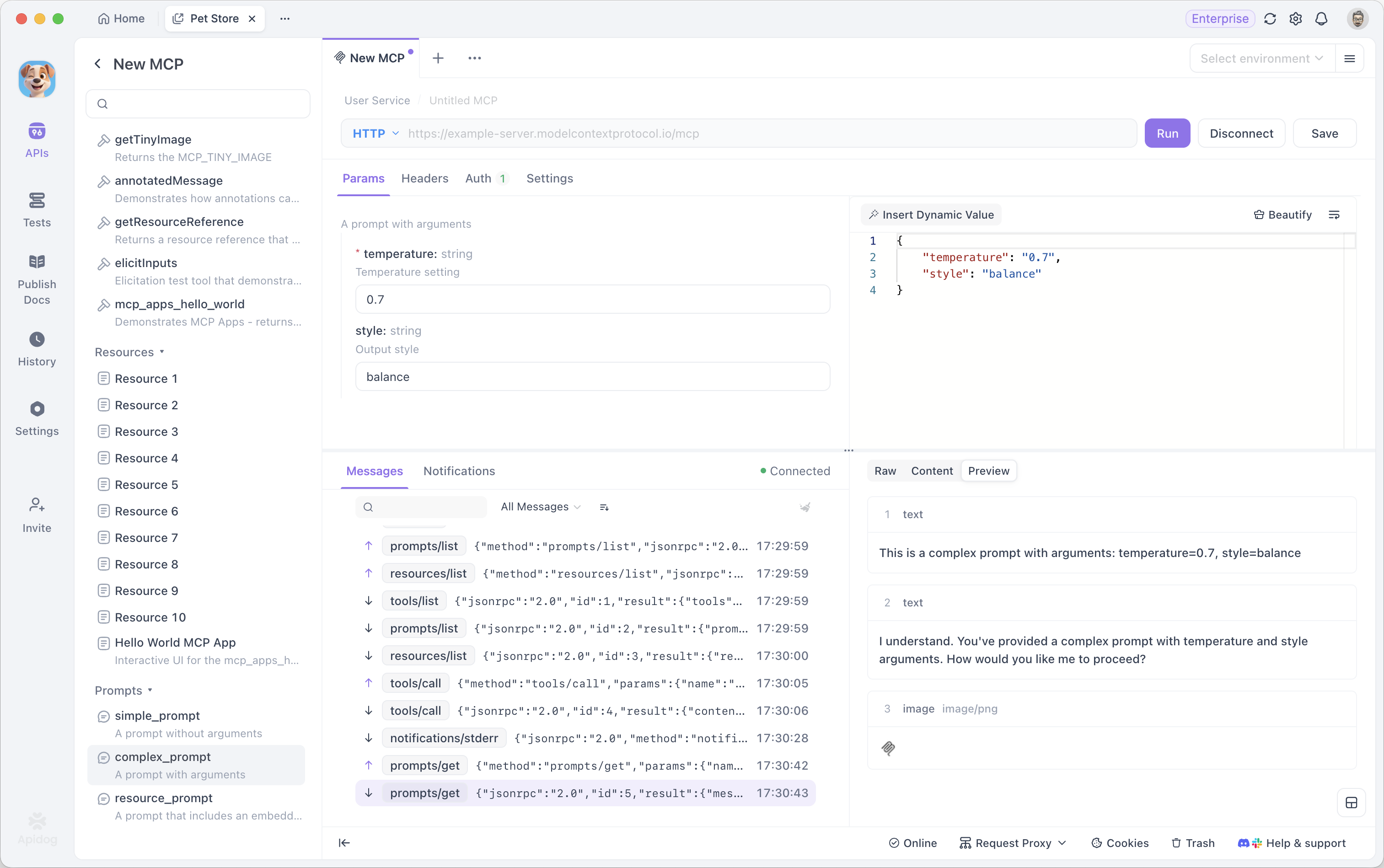
Apidog is a unified API development platform with native support for Model Context Protocol (MCP) testing. It's the first API tool to provide visual MCP testing capabilities, allowing developers to test MCP servers, validate tool definitions, verify prompt templates, and debug resource endpoints without writing code. Apidog auto-generates MCP-compliant test cases from your OpenAPI specs, validates responses against JSON Schema, and syncs your MCP tests with documentation and mock servers. With support for REST, GraphQL, gRPC, and WebSocket alongside MCP, Apidog is ideal for teams building AI-powered applications with Anthropic's Model Context Protocol.
Pros
- Native MCP protocol support with visual testing
- Auto-generate tests from MCP server definitions
- Validate tool calls, prompts, and resources
- JSON Schema validation for MCP responses
- Syncs tests with docs, mocks, and API spec
- Supports REST, GraphQL, gRPC, WebSocket + MCP
- Free plan for teams up to 4 users
Cons
- New MCP testing feature — evolving capabilities
- Best for teams using Apidog's full platform
Postman
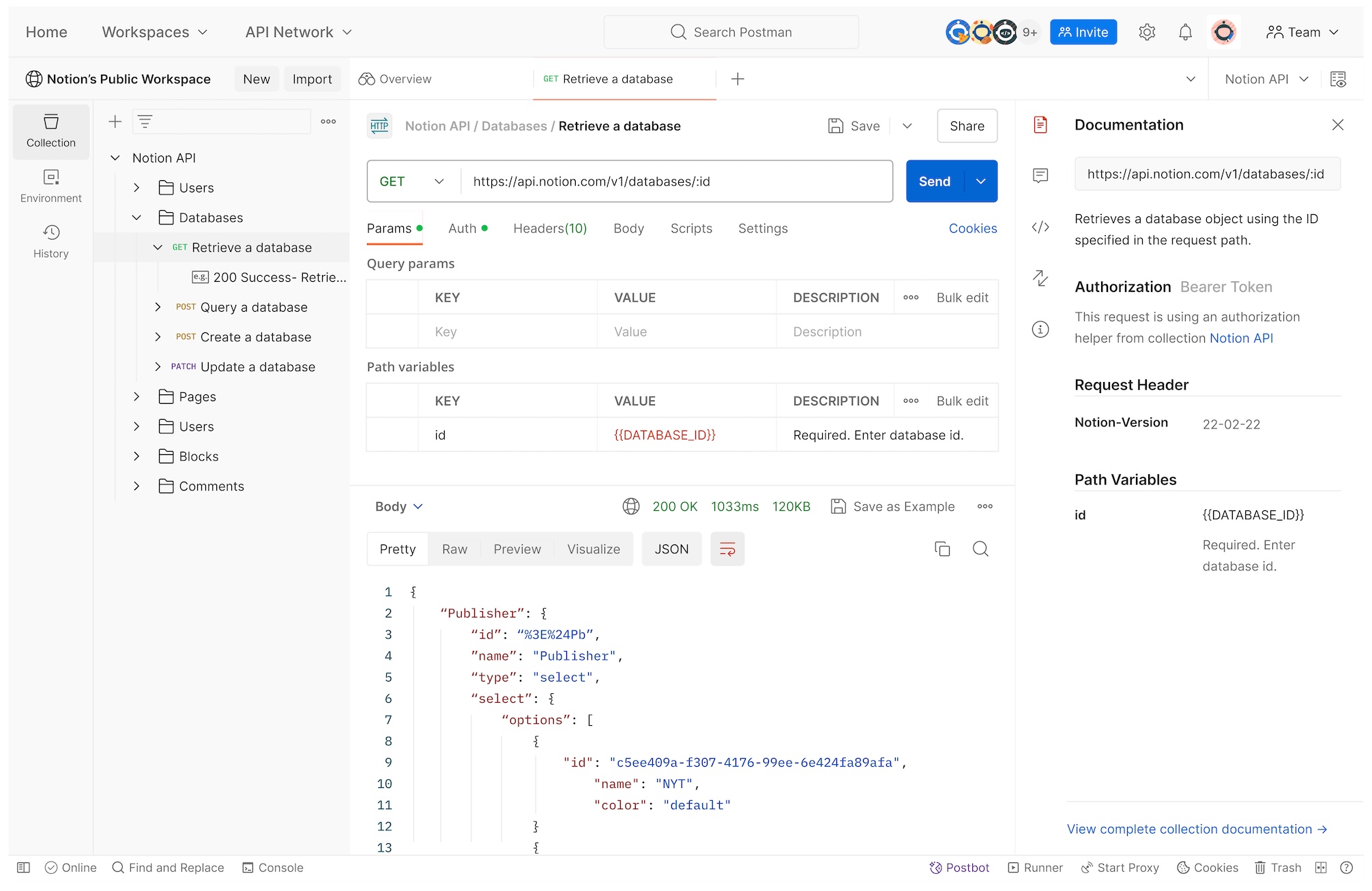
Postman is the most widely-used API client globally, with support for sending requests and running JavaScript-based tests. While Postman doesn't have native MCP support, teams can manually test MCP endpoints by crafting JSON-RPC requests and validating responses with scripts. Postman's collection-based testing works for basic MCP validation, but requires significant manual setup for each tool call, prompt, and resource endpoint. MCP testing in Postman is script-heavy and disconnected from any specification or documentation. For teams already invested in Postman, it's possible to test MCP servers, but specialized tools offer significantly better workflows.
Pros
- Massive community and ecosystem
- Scriptable with JavaScript for custom MCP validation
- Collection-based organization
- CI/CD integration via Newman CLI
Cons
- No native MCP support — manual JSON-RPC setup required
- Script-heavy testing, no visual test builder
- No MCP schema validation or auto-generation
- Disconnected from MCP specs and documentation
- Free plan limited to 1 user
Bruno
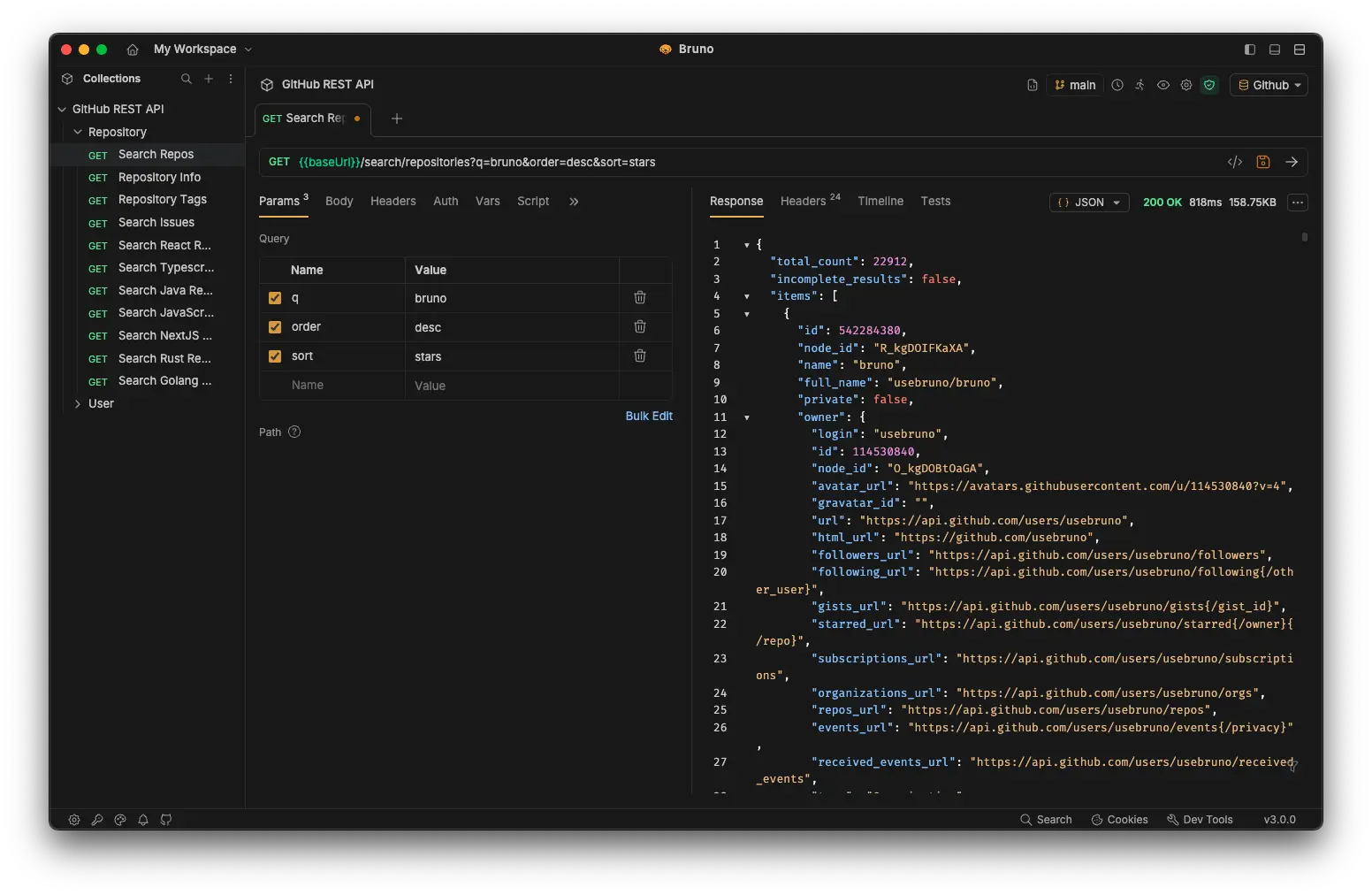
Bruno is an open-source API client that stores requests as markdown files in Git repositories. While Bruno supports REST and GraphQL, it doesn't have native MCP support. Teams can manually create MCP requests as JSON-RPC calls and store them in Git for version control. Bruno's offline-first, file-based approach is attractive for privacy-focused teams, but MCP testing requires manual setup and lacks validation, auto-generation, or integration with MCP specifications. Bruno is early in development and lacks the maturity for complex MCP testing workflows.
Pros
- Free and open source
- Git-based version control for MCP request files
- Offline-first, no cloud dependency
- Good for simple manual MCP endpoint testing
Cons
- No native MCP support
- No visual test builder or automation
- No MCP schema validation or auto-generation
- Manual setup for each MCP tool/prompt/resource
- Early-stage tool with limited features
Insomnia
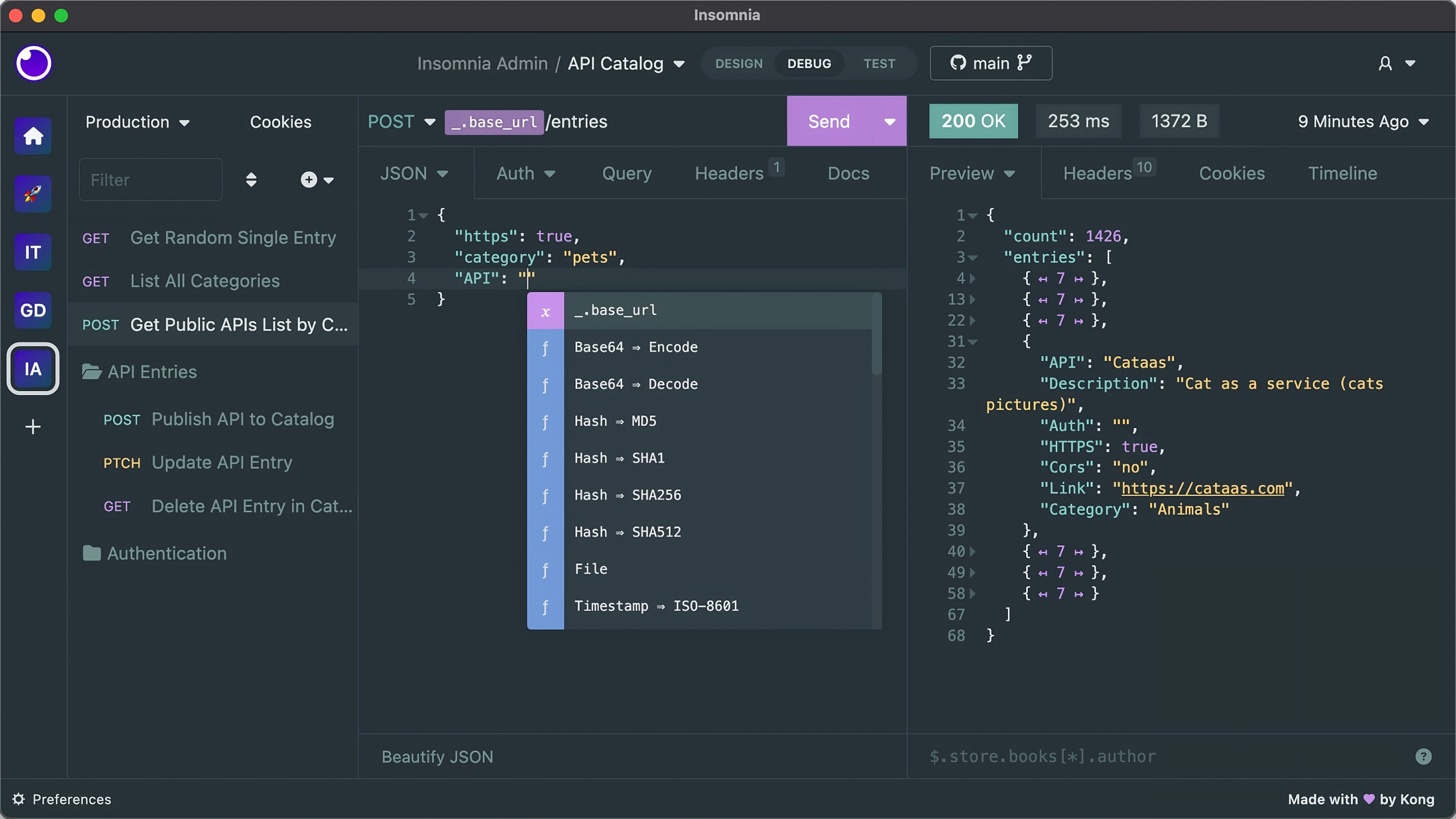
Insomnia (by Kong) is a popular open-source API client that natively supports REST and GraphQL. While Insomnia doesn't have MCP support, developers can manually craft JSON-RPC requests to test MCP servers. Insomnia's clean interface and plugin system allow for basic MCP testing, but there's no MCP-specific functionality, schema validation, or automation. Teams must manually maintain MCP tests and keep them in sync with server implementations. Insomnia is best for individual developers working with REST and GraphQL who occasionally need to test MCP endpoints.
Pros
- Open source and free to self-host
- Native GraphQL support
- Clean, lightweight interface
- Plugin ecosystem for extensibility
Cons
- No native MCP support
- Manual setup for MCP JSON-RPC requests
- No MCP schema validation or automation
- No sync with MCP specifications
- Free plan limits team collaboration
AccelQ
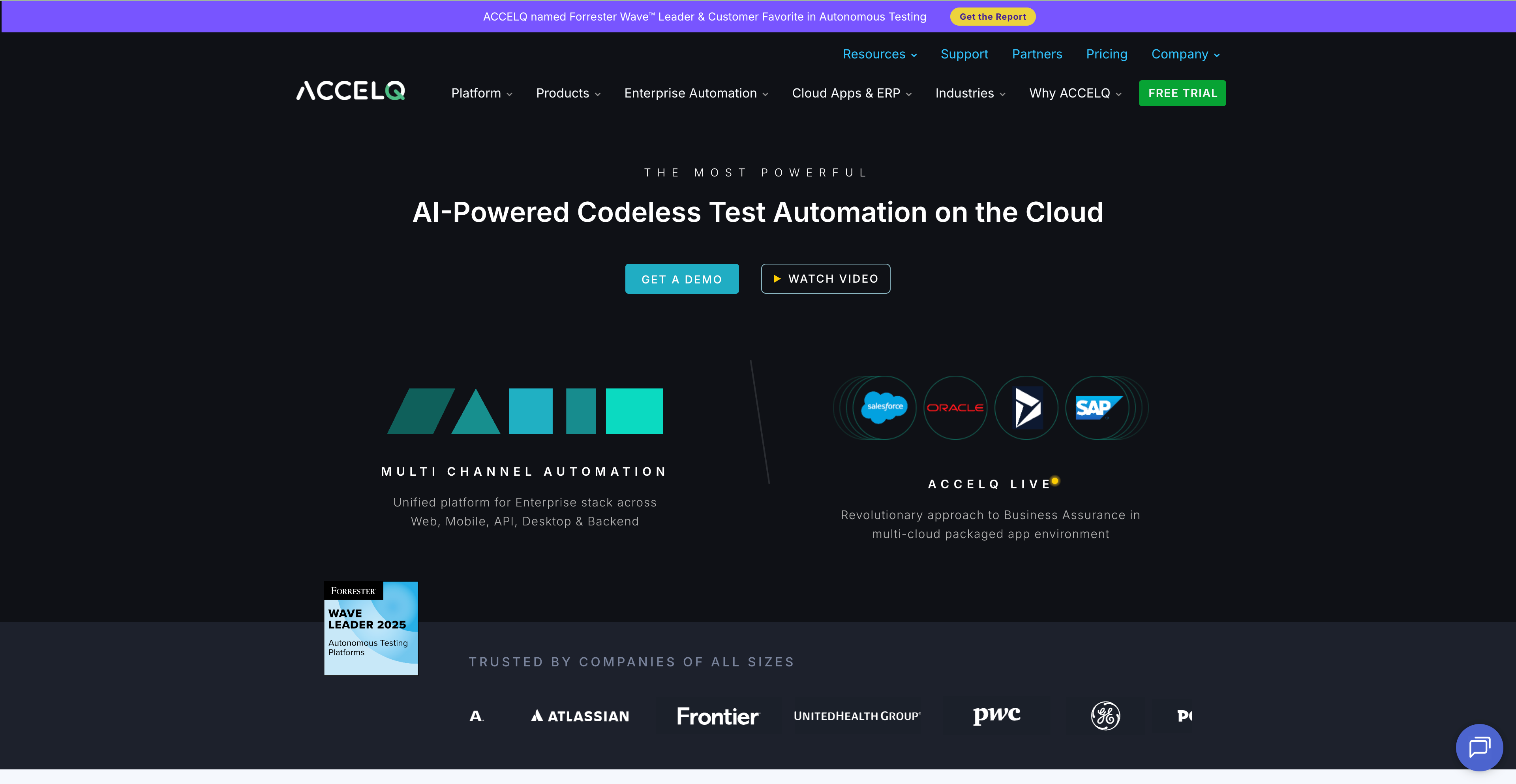
AccelQ is an AI-powered test automation platform designed for enterprise continuous testing. It offers codeless test automation, AI-driven test generation, and comprehensive testing across API, web, mobile, and desktop applications. While AccelQ doesn't have native MCP support, its flexible automation framework can be extended to test MCP servers through custom code actions. However, this requires significant setup and doesn't provide MCP-specific validation or schema checking. AccelQ is best for enterprises needing broad test automation across multiple channels, not specifically for MCP testing.
Pros
- AI-powered test generation and maintenance
- Codeless visual test builder
- Multi-channel testing (API, web, mobile, desktop)
- Enterprise-grade reporting and analytics
- Strong CI/CD and DevOps integration
Cons
- No native MCP support — requires custom code actions
- No MCP-specific validation or schema checking
- Enterprise-focused, expensive pricing
- Overkill for MCP-only testing needs
- Steep learning curve for full platform
ReadyAPI
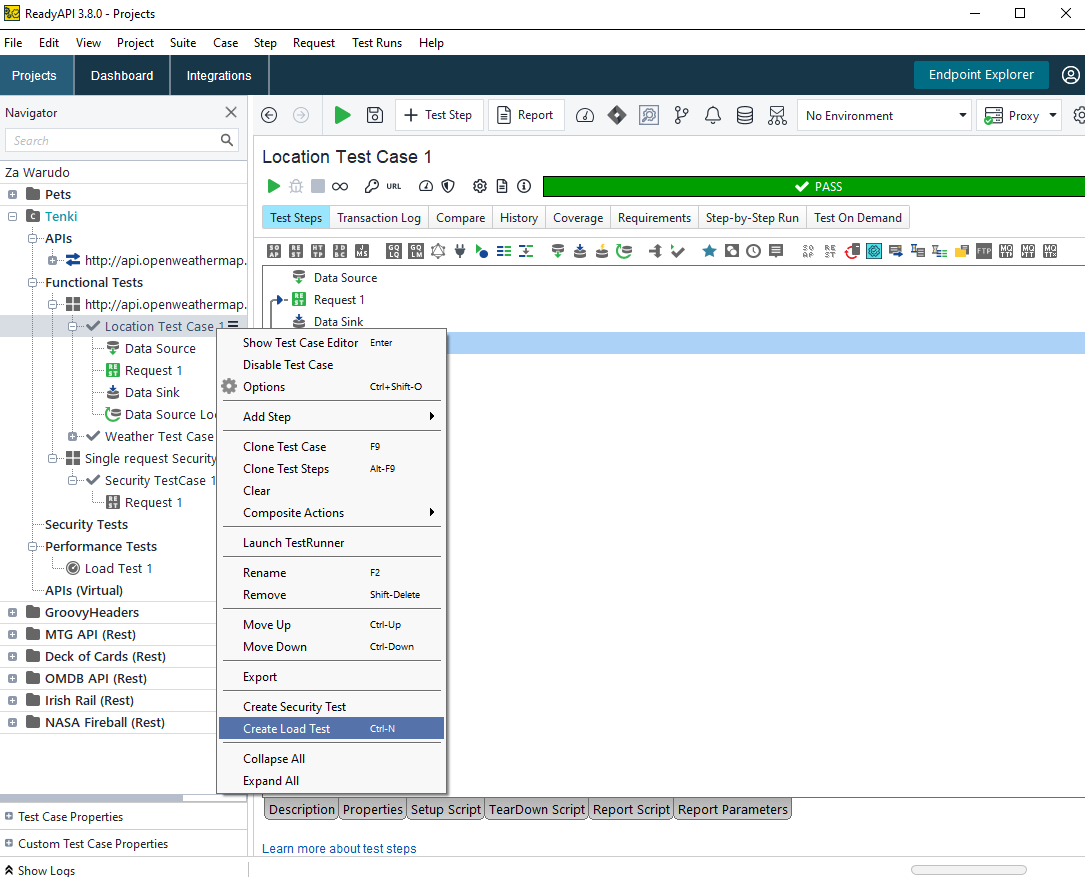
ReadyAPI (formerly SoapUI Pro) is SmartBear's enterprise API testing platform supporting REST, SOAP, GraphQL, and other protocols. It offers functional testing, security testing, load testing, and data-driven testing with advanced reporting. While ReadyAPI can test any HTTP-based API, it lacks native MCP support. Teams can create custom test cases for MCP JSON-RPC endpoints using ReadyAPI's Groovy scripting, but this requires significant manual effort and doesn't provide MCP-specific validation. ReadyAPI is powerful for enterprise API testing but has an outdated UI and high pricing, making it less suitable for modern MCP-focused workflows.
Pros
- Comprehensive API testing capabilities
- Functional, security, and load testing
- Data-driven testing and reporting
- Enterprise-grade features and support
- Groovy scripting for custom MCP test cases
Cons
- No native MCP support — requires Groovy scripting
- No MCP schema validation or auto-generation
- Dated, complex UI with steep learning curve
- Expensive enterprise pricing
- Overkill for MCP-focused testing
SOAtest
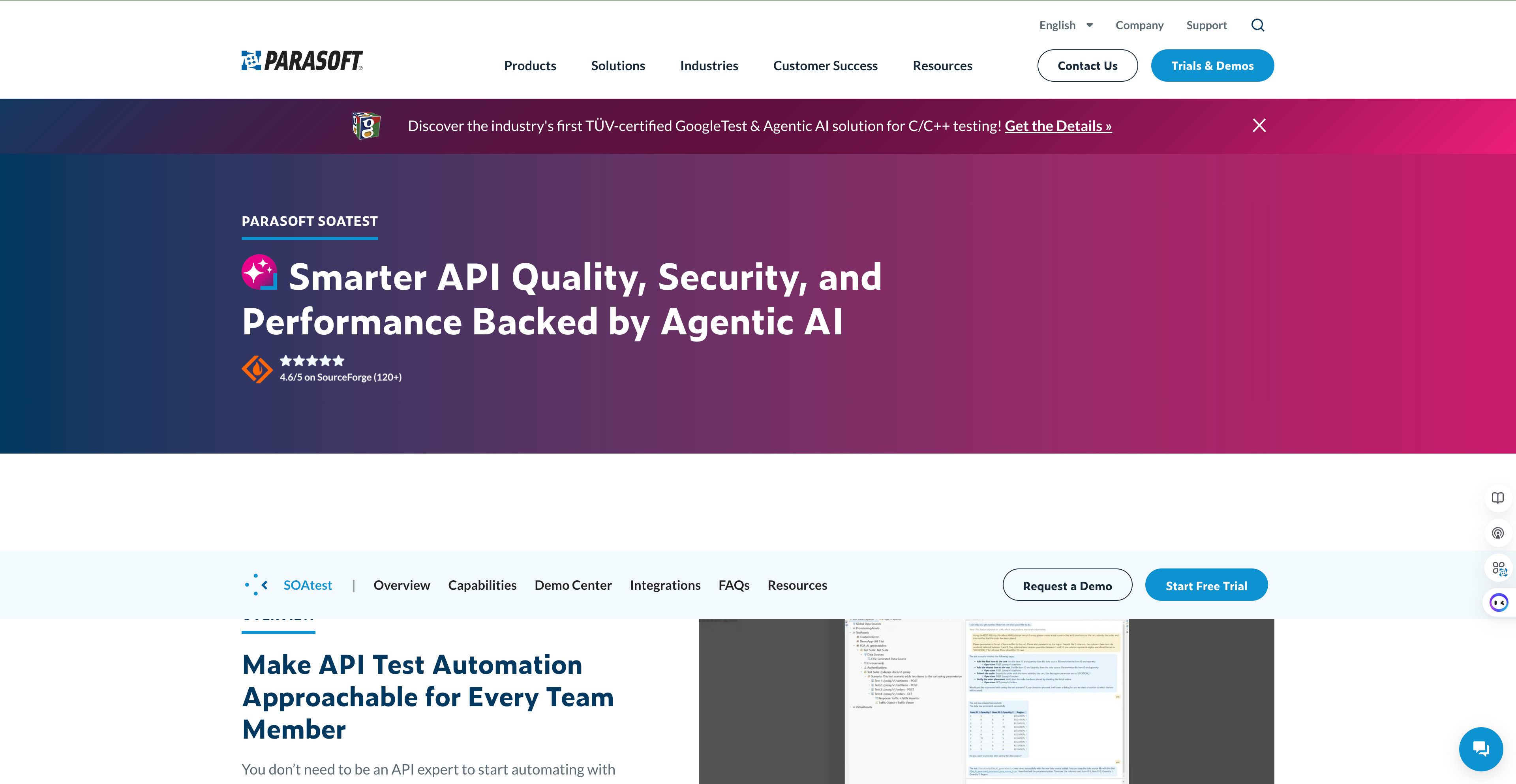
SOAtest by Parasoft is an enterprise-grade API and service testing platform designed for complex enterprise environments. It supports REST, SOAP, messaging protocols, and offers comprehensive test automation with compliance-driven reporting. Like other enterprise tools, SOAtest doesn't have native MCP support but can be extended through custom scripting to test MCP servers. Its strength lies in regulated industries requiring audit trails and compliance reporting. However, SOAtest's focus on traditional enterprise SOA architectures and lack of MCP-specific features make it a poor fit for teams building modern AI applications with Model Context Protocol.
Pros
- Comprehensive enterprise service testing
- Compliance and audit reporting for regulated industries
- Support for multiple protocols and messaging
- Test reuse across API, web, and mobile
- Integrates with Parasoft's full quality ecosystem
Cons
- No native MCP support — requires custom scripting
- Focused on traditional SOA, not modern MCP workflows
- Dated interface and complex setup
- Expensive enterprise pricing
- Overkill for MCP testing needs
Feature Comparison: 7 MCP Testing Tools
A side-by-side feature matrix to help you evaluate which tool fits your MCP testing workflow.
| Features | Postman | Bruno | Insomnia | AccelQ | ReadyAPI | SOAtest | |
|---|---|---|---|---|---|---|---|
| MCP Protocol Support | |||||||
| MCP Client (debug/test MCP servers) | |||||||
| MCP Server (expose API specs to AI) | |||||||
| Visual MCP debugging | |||||||
| MCP transport: STDIO | |||||||
| MCP transport: Streamable HTTP | |||||||
| MCP OAuth 2.0 auto-config | |||||||
| Generate MCP server from APIs | ✓ (AI Tool Builder) | ||||||
| MCP-enabled published API docs | |||||||
| Testing Capabilities | |||||||
| Visual test builder | |||||||
| Functional API testing | Basic | Basic | Basic | ||||
| JSON Schema validation | |||||||
| CI/CD integration | |||||||
| Protocol Coverage | |||||||
| HTTP / REST | |||||||
| GraphQL | |||||||
| gRPC | |||||||
| WebSocket | |||||||
| Pricing & Deployment | |||||||
| Free plan | Up to 4 Users | 1 User | Open Source | Open Source | Trial Only | Trial Only | Trial Only |
| Self-hosted / on-premises | |||||||
Why Teams Choose Apidog for MCP Testing
Apidog is the only platform with native MCP testing, visual test builders, and automatic validation — built for teams developing AI applications with Model Context Protocol.
Native MCP Protocol Support
Apidog is the first API tool with native Model Context Protocol support. Test MCP servers, validate tool definitions, verify prompt templates, and debug resource endpoints without manual JSON-RPC setup.
Visual MCP Test Builder
Create MCP tests visually without writing code. Drag-and-drop tool calls, configure prompt templates, and validate responses with a point-and-click interface. No scripting required.
Auto-Generate Tests from MCP Specs
Import your MCP server definition and Apidog auto-generates test cases for all tools, prompts, and resources. Stay in sync as your MCP server evolves.
JSON Schema Validation
Apidog validates MCP responses against JSON Schema automatically. Catch schema violations, missing fields, and incorrect data types before they reach production.
Test Alongside REST, GraphQL, gRPC
MCP servers often complement REST APIs. Test all your protocols — MCP, REST, GraphQL, gRPC, WebSocket — in one unified workspace with shared environments and data.
Free for Teams (Up to 4 Users)
Apidog offers the most generous free plan for MCP testing — unlimited tests, environments, and collaboration for teams of up to 4 users. Enterprise tools charge immediately for team features.
#1 Easiest to Use API Development Software
Ranked by real users on G2, the world's #1 B2B software review platform.
Frequently Asked Questions
Test MCP Servers with Confidence
Join developers using Apidog to test, validate, and debug Model Context Protocol implementations with visual test builders and automatic schema validation.