The Hoppscotch CLI is a clean, free way to run API collections in a terminal or CI pipeline. The command hopp test reads a collection file, executes every request, runs your pre-request and test scripts, and exits non-zero when an assertion fails. For a lot of teams that’s enough.
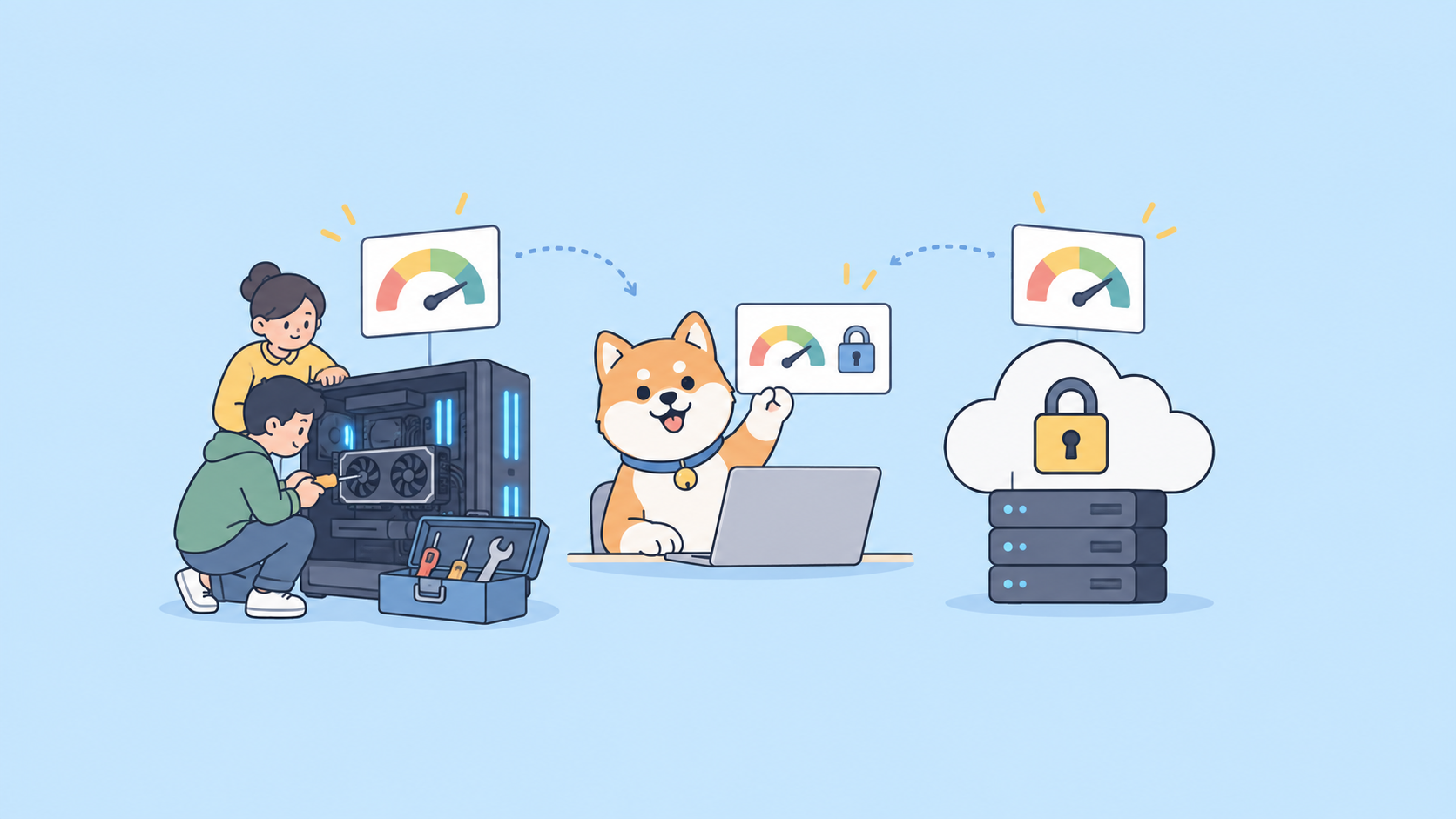
But a runner is only one slice of API work. At some point you’re juggling a separate design tool, a mock server, a docs site, and the runner, and none of them share a source of truth. That’s usually when teams start looking at how to migrate from Hoppscotch CLI to Apidog CLI. Apidog folds design, debugging, mocking, documentation, and testing into one platform, and its CLI runs the test side in CI. The runner stays the same shape you already know. What changes is everything around it.
When you should (and shouldn’t) migrate
Be honest with yourself first. If your only requirement is “run a collection in CI for free, self-host if I want,” the Hoppscotch CLI is a genuinely good tool. It’s open source, the runner is fast, and @hoppscotch/cli ships as a normal npm package. There’s no shame in staying.
Migrate when one of these starts to hurt:
- You design APIs in one tool, mock in another, and write docs in a third, and keeping them in sync is manual work.
- You want test runs, mock servers, and published documentation to share a single project definition.
- You need richer reporting (HTML reports for stakeholders, JSON for machines) plus cloud-hosted run history.
- You want to treat endpoints, schemas, environments, and branches as code that the CLI can manage, not just execute.
If that list reads like your week, the platform is the reason to move, not the runner. Here’s how to do it cleanly.
Step 1: Export your Hoppscotch collection and environment
Everything in Hoppscotch is JSON, which makes the export painless.
From the Hoppscotch app (web or desktop), open the collection you run in CI. Use the collection’s menu and choose Export, which gives you a .json file. Do the same for the environment you pass with -e: open the environments panel and export that to its own JSON file.
If you already run the CLI against local files, you have these on disk already. A typical Hoppscotch CI step looks like this:
npm i -g @hoppscotch/cli
hopp test ./collections/checkout-api.json -e ./environments/staging.json
Keep both files. checkout-api.json is your collection, staging.json is your environment. Those two are the entire payload you’re carrying over.
One note on Node versions while you’re here. The current Hoppscotch CLI needs Node.js v22 or newer; teams pinned to Node 20 stay on CLI v0.26.0. The Apidog CLI doesn’t tie you to that, so a migration is also a chance to drop a version constraint.
Step 2: Import the collection into Apidog
Create a project in Apidog (or open an existing one), then import your Hoppscotch export. Apidog reads common collection formats and OpenAPI, so you can bring the collection straight in. If your API also has an OpenAPI spec, import that too. Apidog validates the spec on import, so structural problems surface right away instead of failing silently mid-run.
Map your Hoppscotch environment into an Apidog environment with the same variable names. If staging.json defined base_url and api_token, recreate those keys under the matching Apidog environment. Keeping the names identical means your test scripts and request URLs don’t need edits.
This is also the moment the platform side starts paying off. The endpoints you imported are now design artifacts. You can attach schemas, generate a mock server from them, and publish docs from the same definitions you test against. The Apidog CLI complete guide covers the full surface once you’re set up, and the installation guide handles the runner binary.
Step 3: Map hopp test to apidog run
The mental model carries over directly. Where Hoppscotch runs a collection file, Apidog runs a test scenario or collection from your project. Same job, different source of truth.
# Hoppscotch
hopp test ./collections/checkout-api.json -e ./environments/staging.json

# Apidog
apidog run --access-token $APIDOG_TOKEN -e "Staging"
Both commands execute every request in order, run pre-request scripts, run your test assertions, and return a non-zero exit code if anything fails. That exit-code contract is the part CI depends on, and it’s preserved, so your pipeline’s pass/fail logic doesn’t change.
Authentication differs in a useful way. Hoppscotch passes a personal access token with --token for cloud or self-hosted collections. Apidog authenticates with a login or an access token, which then lets the CLI reach the resources in your project rather than a single exported file. If you’ve fought with token handling before, the authentication walkthrough lays out the options.
Step 4: Convert data-driven runs
Both tools do data-driven testing, so iterating over a CSV of inputs survives the move.
In Hoppscotch you pass iteration data and a count:
hopp test ./collections/checkout-api.json \
  -e ./environments/staging.json \
  --iteration-count 50 \
  --iteration-data ./data/orders.csv
In Apidog, the runner takes a dataset with -d. It accepts CSV and JSON, so the same orders.csv works after import:
apidog run --access-token $APIDOG_TOKEN \
  -e "Staging" \
  -d ./data/orders.csv
Your CSV header row becomes the variable names you reference inside requests and assertions, the same pattern Hoppscotch uses, so the test bodies don’t need rewriting. If you’re new to the Apidog flavor of this, the data-driven testing guide shows how to bind columns to variables and run a row per iteration.
Step 5: Convert your reporters
Reporting is where the platform pulls ahead, and the conversion is straightforward.
Hoppscotch emits a JUnit XML file with one flag, which most CI systems parse for test panels:
hopp test ./collections/checkout-api.json \
  -e ./environments/staging.json \
  --reporter-junit ./reports/results.xml
Apidog gives you a choice of reporters: a readable CLI summary, an HTML report you can hand to stakeholders, and a JSON report for machines. You can also push results to the cloud for shareable run history.
# Human-readable HTML report
apidog run --access-token $APIDOG_TOKEN \
  -e "Staging" \
  -r html \
  --upload-report
If your CI dashboard specifically expects JUnit XML, keep that integration in mind during the swap, since Apidog leans on its CLI/HTML/JSON reporters plus cloud reports rather than a JUnit flag. For most teams the HTML report plus uploaded cloud history is a step up from a raw XML file nobody opens. The test reports guide breaks down each format and when to use it.
Before and after: command mapping
| Task | Hoppscotch CLI | Apidog CLI |
|---|---|---|
| Install | npm i -g @hoppscotch/cli |
Per the installation guide |
| Run a collection | hopp test collection.json |
apidog run |
| Select environment | -e env.json |
-e "Staging" |
| Auth token | --token <pat> |
login / --access-token |
| Self-hosted / cloud target | --server <url> |
project + access token |
| Data-driven inputs | --iteration-data orders.csv |
-d orders.csv |
| Repeat runs | --iteration-count 50 |
iteration dataset |
| Add delay between requests | -d <ms> |
per-scenario settings |
| JUnit report | --reporter-junit results.xml |
-r json (or CLI / HTML) |
| Cloud run history | not built in | --upload-report |
Watch the -d flag in that table. In Hoppscotch -d is the delay in milliseconds; in Apidog -d is the dataset for data-driven runs. Same letter, different job. It’s the one gotcha that trips people during the hopp to apidog switch.
Step 6: Wire it into GitHub Actions
Last step, and the goal is a green build the whole way through. Stand up the Apidog job alongside the old Hoppscotch one first, confirm it passes, then delete the old step. Never cut over blind.
name: API tests
on: [push, pull_request]

jobs:
  apidog-tests:
    runs-on: ubuntu-latest
    steps:
      - uses: actions/checkout@v4

      - name: Install Apidog CLI
        run: npm install -g apidog-cli

      - name: Run API tests
        env:
          APIDOG_TOKEN: ${{ secrets.APIDOG_TOKEN }}
        run: |
          apidog run \
            --access-token "$APIDOG_TOKEN" \
            -e "Staging" \
            -d ./data/orders.csv \
            -r html \
            --upload-report
Store your access token as a repository secret, never in the YAML. Because the CLI returns a non-zero exit code on any failed assertion, the job fails exactly when your tests do, which is the behavior your team already trusts from Hoppscotch. The GitHub Actions guide covers caching and matrix runs, and the broader CI/CD pipeline guide handles GitLab, Jenkins, and the rest.
Once the Apidog job is green for a few runs, remove the Hoppscotch step and its npm install. Migration done, build never went red.
A fair word on Hoppscotch
None of this is a knock on Hoppscotch. Its CLI runner is fast and free, the project is fully open source, and you can self-host the whole stack. If you want a lean runner and nothing more, it earns its place. The reason to switch is scope: when design, mock, docs, and test all need to share one definition, a standalone runner can’t give you that, and an integrated platform can. Compare the two runners directly in Apidog CLI vs Hoppscotch CLI, and if you’re weighing the apps rather than the CLIs, Postman vs Hoppscotch and the Hoppscotch alternatives roundup add context.