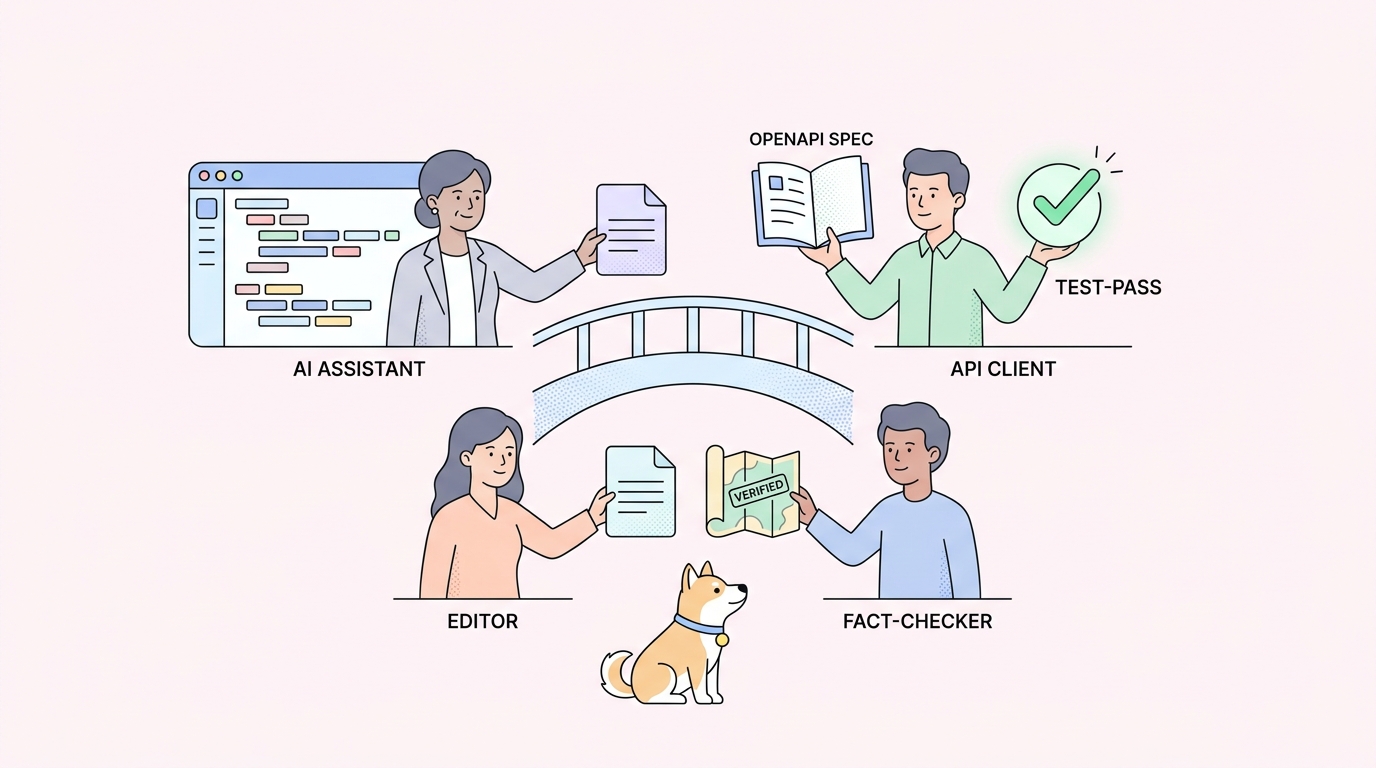
Your code lives in Git. Your API specs, request collections, docs, and tests usually don’t. They sit in a desktop GUI or a vendor cloud, drifting out of sync the moment someone ships a change. That gap is where broken contracts, stale docs, and “works on my machine” API bugs come from.
The fix is treating API artifacts the same way you treat code: store them as files, review them in pull requests, branch them per feature, and let CI validate them on every push. A growing set of API tools now supports exactly that. They read and write plain files, sync to GitHub or GitLab, and fit into the review workflow your team already runs.
This guide covers the top API tools that work with Git in 2026, grouped by what they do: clients, design and spec tools, documentation, and testing. We’ll start with the all-in-one option, Apidog, then break down the best tool for each job so you can assemble a version-controlled API stack that matches how your team works. If you’ve already moved your specs into a repo, our guide to the Git-native API workflow pairs well with this list.
TL;DR: the best Git-friendly API tools
Short on time? Here’s the shortlist.
- Apidog is the best all-in-one. It keeps design, testing, docs, and mocks in a single OpenAPI source that syncs to your Git repo, so one branch covers the whole API lifecycle.
- Bruno and Insomnia are the strongest Git-friendly clients for sending and saving requests as files.
- Stoplight and Redocly lead on Git-backed API design and spec governance.
- Mintlify, Fern, and ReadMe handle docs-as-code, publishing from your repo.
- Newman, Step CI, and Schemathesis run API tests in CI straight from version control.
The throughline: pick tools that store their work as files, not as rows in someone else’s database.
Why your API workflow belongs in Git
Putting API artifacts under version control isn’t a style preference. It removes a class of problems that GUI-and-cloud tools create.
One source of truth. When the spec, the tests, and the docs all live in the repo next to the code, there’s no second system to keep in sync. The pull request that changes an endpoint also changes its contract and its documentation in the same diff.
Real review. A change to an API contract is as risky as a change to code. Storing it as a file means a teammate can review it line by line, comment, and approve before it merges, instead of finding out in production. This is the heart of the spec-as-code approach.
Branch-per-feature. Git branches let you develop a new API version in isolation and merge it when it’s ready, the same way you ship code. No more “v2” collection sitting in a shared cloud workspace that everyone edits at once.
CI validation. Files in a repo can be linted, validated, and tested automatically on every push. A malformed OpenAPI spec or a broken contract fails the build before it reaches anyone. Teams handling sensitive specs also get an audit trail, which matters for API documentation repo security.
What “works with Git” means in practice
Not every tool that mentions GitHub is Git-friendly in a useful way. The ones worth adopting share these traits:
- File-based storage. The tool’s work saves as readable files (YAML, JSON, Markdown, or a documented text format), not an opaque binary or a cloud-only record.
- Bi-directional sync. Edits in the tool commit back to the repo, and changes pulled from the repo show up in the tool.
- Branch and merge support. You can switch branches and resolve conflicts without the tool falling over.
- CI-runnable. A command-line runner lets the same artifacts run in a pipeline.
Hold each tool below against that bar.
All-in-one: Apidog
Apidog earns the top spot because it covers the entire API lifecycle, design, debugging, testing, mocking, and documentation, from a single OpenAPI specification that syncs with Git. Most teams otherwise stitch together a client, a separate doc tool, and a separate test runner, each with its own storage. Apidog collapses that into one source you can version.
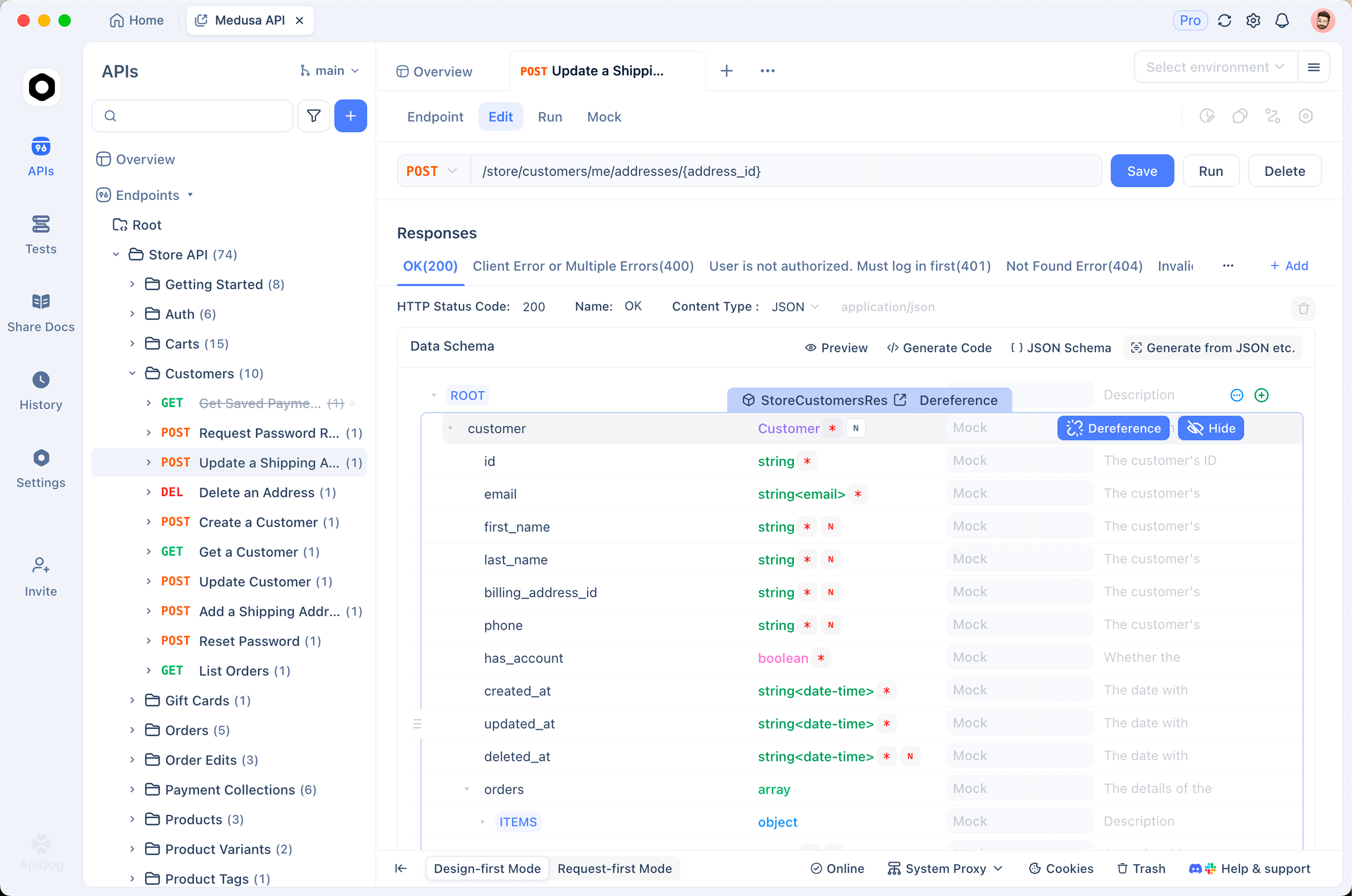
The spec-first workflow is the key. You design an endpoint, and the request examples, the mock server, the test cases, and the published docs all derive from that one definition. When the spec changes on a branch, everything downstream changes with it, and the whole thing commits as one reviewable diff. Apidog’s Git integration and sync connects to GitHub, GitLab, and self-hosted instances, so your API design moves through the same pull-request flow as your code. If you want the design-first reasoning behind this, the spec-first mode guide walks through it.
Best for: teams that want their whole API workflow, not only requests, under version control without gluing four tools together.
Git-friendly API clients: Bruno and Insomnia
If you only need to send requests and save them in Git, a file-based client is enough.
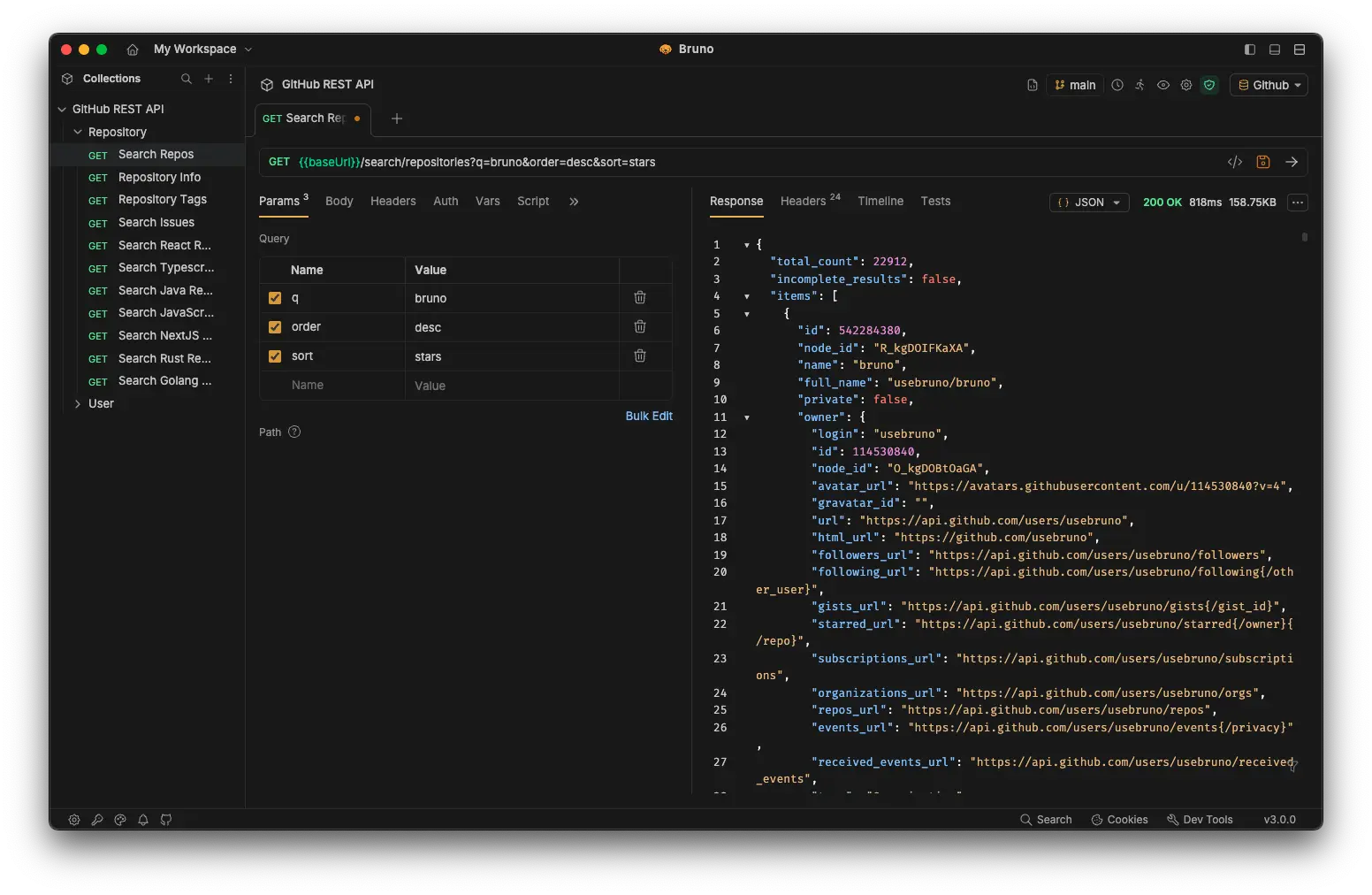
Bruno stores every request as a plain-text .bru file in a folder you own. There’s no mandatory cloud account and no sync server, the files are the collection, so they diff and merge like any other source. It’s the client that made the Git-native idea popular. We compared the approaches in Bruno request-first vs design-first.
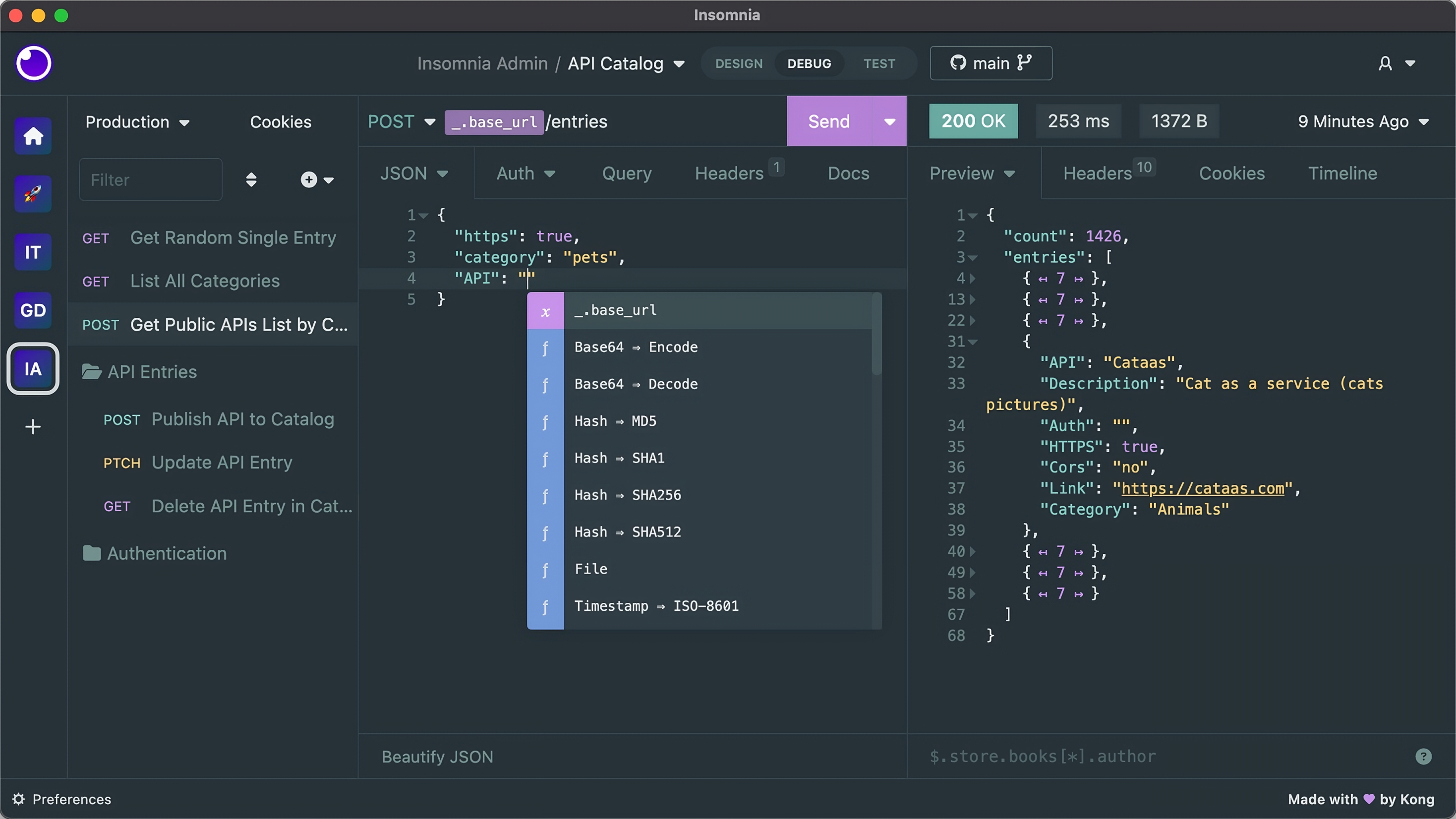
Insomnia added Git Sync so teams can store collections and environments in a repository and branch them. It’s a familiar option for people who want a polished client with version control bolted on. Our Insomnia API testing walkthrough shows the basics.
Best for: developers who want a focused request client whose collections live in the repo. For a fuller comparison, see the best Postman alternatives.
API design and spec tools: Stoplight and Redocly
These tools treat the OpenAPI document itself as the artifact, and they expect it to live in Git.
Stoplight offers a visual designer that reads and writes a standard OpenAPI file backed by your repository, plus style linting so designs stay consistent. Redocly leans into spec governance: linting rules, multi-file specs, and branch-based previews aimed at API-first teams. Both fit the pattern in our OpenAPI version control with Git guide, and you can keep specs honest with a good OpenAPI validator.
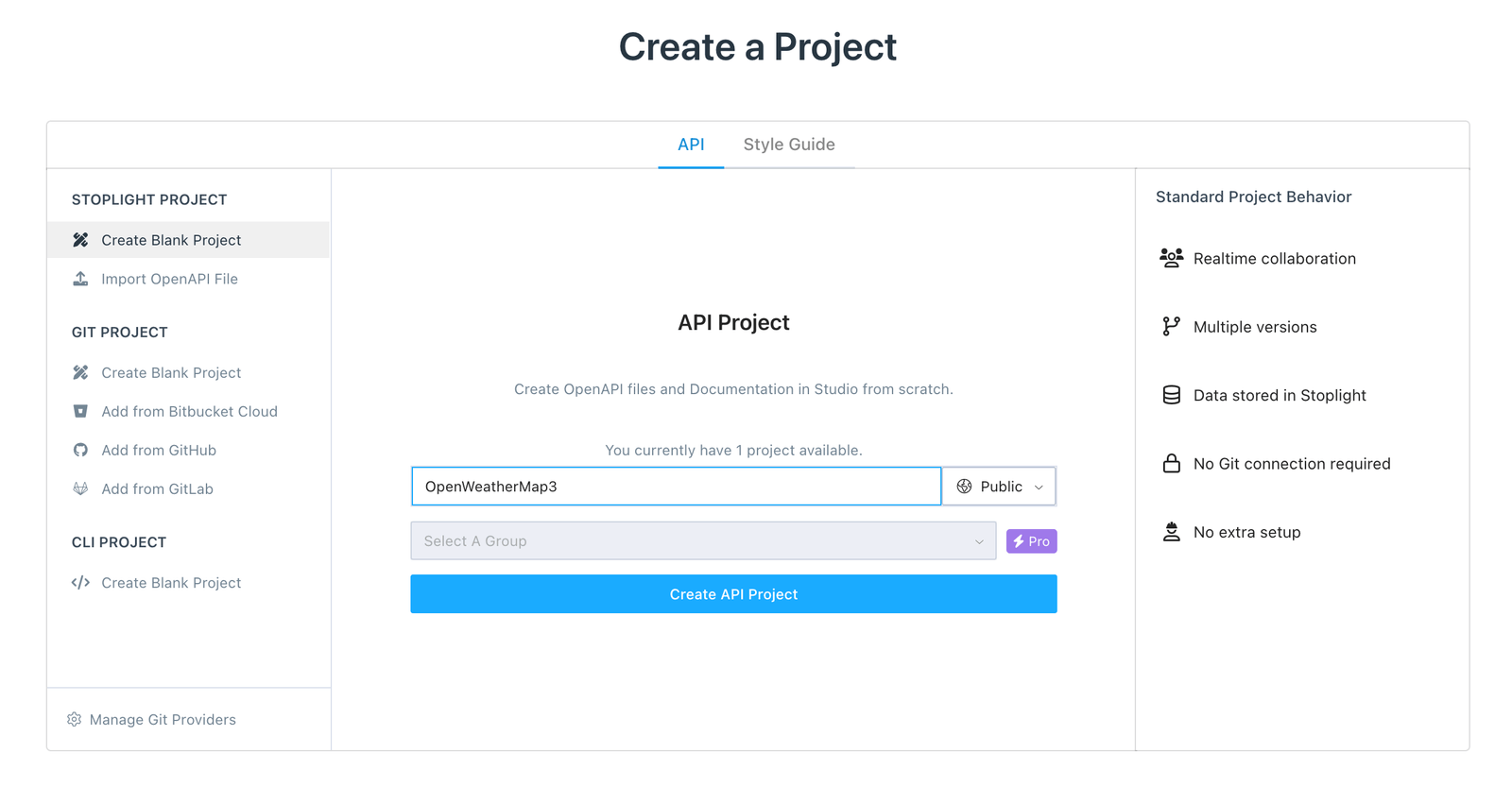
Best for: teams that want design governance enforced in CI, not in a wiki.
Documentation: Mintlify, Fern, and ReadMe
Docs-as-code means your documentation builds from files in the repo and deploys on merge, so it can’t drift from the API.
Mintlify syncs Markdown and OpenAPI from your repo and rebuilds on push, with branch previews. Fern generates both SDKs and docs from one spec, so the published reference always matches the shipped client. ReadMe offers a polished developer hub that can sync content from Git. Each maps documentation versions to branches and rebuilds through CI. We go deeper on this in the companion post on API docs with Git integration.
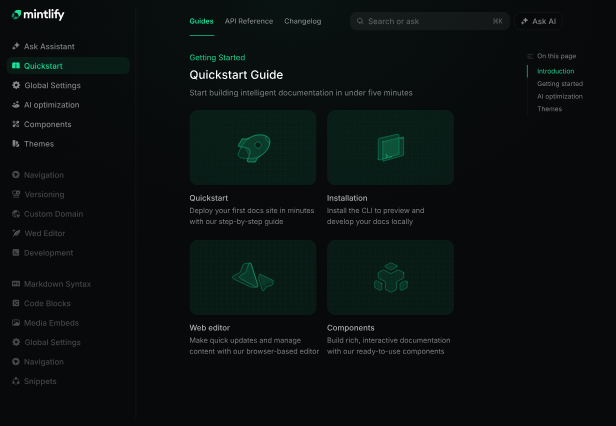
Best for: teams that publish a public developer portal and need it to track the codebase automatically.
Testing and CI: Newman, Step CI, and Schemathesis
The last category runs your API checks from the repo inside a pipeline.
Newman is Postman’s command-line runner, so collections stored in Git can execute in CI; the trade-offs are covered in Newman vs Postman and Postman CLI vs Newman. Step CI uses YAML workflow files that live beside your code and run on every push. Schemathesis reads your OpenAPI spec and generates property-based tests automatically, catching contract violations the spec implies. Apidog also ships a CLI runner, so the test cases tied to your synced spec run in the same pipeline.
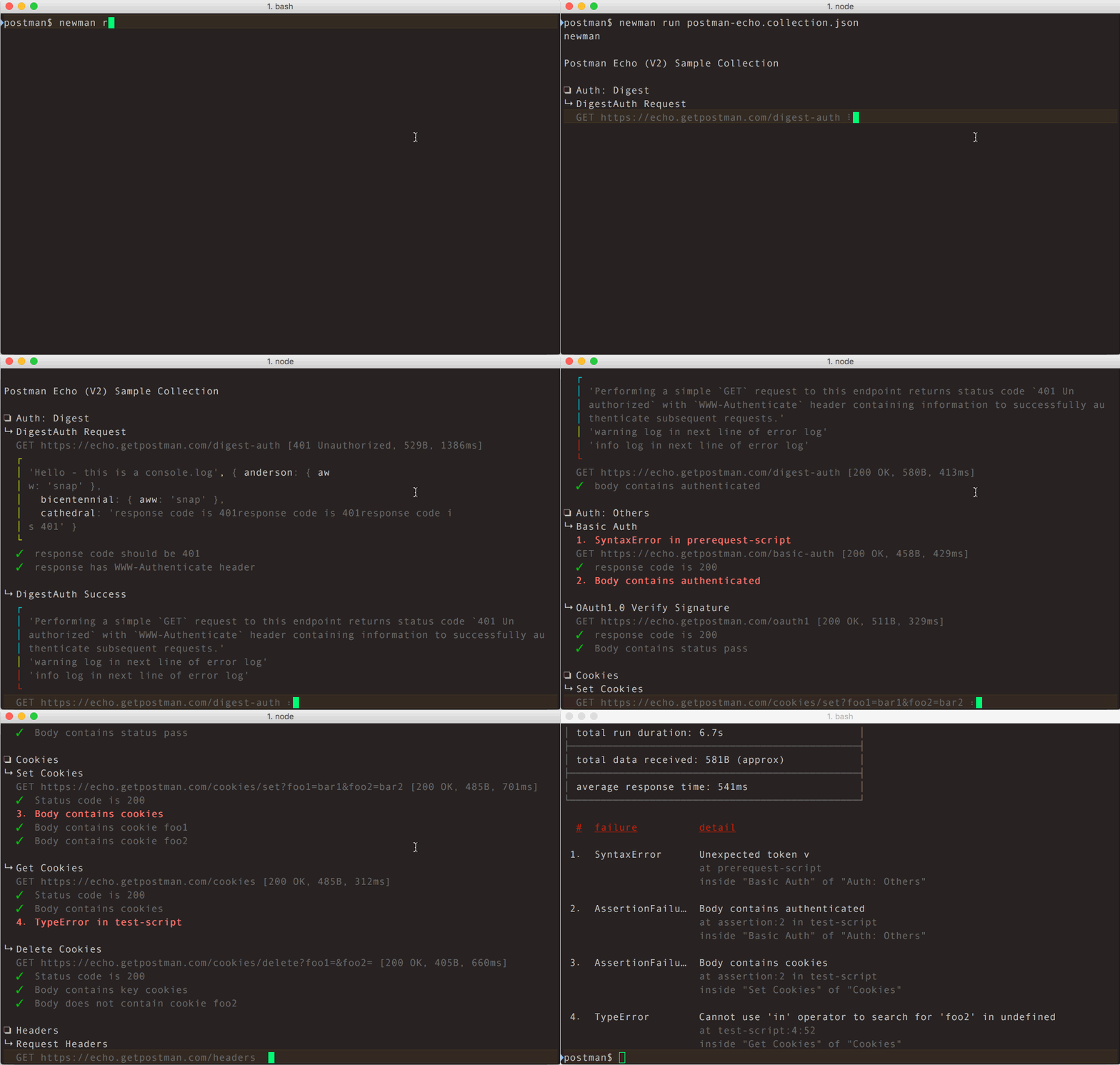
Best for: teams that want every push to validate the API contract before it merges.
Git-friendly API tools compared
| Tool | Category | Stores as | Git sync | CI runner |
|---|---|---|---|---|
| Apidog | All-in-one | OpenAPI + project files | Yes (GitHub/GitLab/self-host) | Yes |
| Bruno | Client | .bru text files |
Yes (files are the collection) | Yes |
| Insomnia | Client | Collection files | Yes (Git Sync) | Yes |
| Stoplight | Design | OpenAPI file | Yes | Via CLI |
| Redocly | Design/docs | OpenAPI + Markdown | Yes | Yes |
| Mintlify | Docs | Markdown + OpenAPI | Yes (bi-directional) | Yes |
| Fern | Docs/SDK | Spec + config | Yes | Yes |
| Newman | Testing | Postman JSON | Via repo | Yes |
| Step CI | Testing | YAML workflows | Yes | Yes |
How to move your API workflow into Git
You don’t have to convert everything at once. A practical order:
- Put the spec in the repo first. Commit your OpenAPI file alongside the code it describes. This alone gives you review and history. Our sync OpenAPI spec to GitHub guide covers the mechanics.
- Point a Git-friendly tool at it. Connect Apidog or a file-based client so the team edits the spec through a real interface while the files stay canonical.
- Add CI checks. Lint and validate the spec on every pull request, then add contract tests.
- Branch per change. Treat an API change like a code change: branch, PR, review, merge.
By the end, your API contract moves through the same gates as your application code, which is the whole point of a Git-native API development setup.
A pull request through a version-controlled API stack
Here’s what the payoff looks like on a real change. A developer needs to add a status field to the order endpoint.
- Branch. They cut a
feature/order-statusbranch off main, the same branch they’ll use for the code change. - Edit the contract. They update the OpenAPI definition in their tool of choice, adding the field, its type, and an example. The file changes on disk.
- Tests and docs follow. Because the test cases and the published reference derive from that spec, both update from the one edit. No second system to touch.
- Open the PR. The pull request shows the spec change, the updated test, and the new doc example as one diff. A reviewer reads the contract change in plain text and leaves a comment on the example.
- CI gates the merge. The pipeline lints the spec, runs the contract tests against a mock, and fails the build if anything breaks. Green check, then merge.
- Docs rebuild on merge. The live documentation updates automatically, so readers and AI assistants see the new field immediately.
Every step happened inside the workflow the team already runs for code. Nobody opened a separate cloud tool, and nothing could silently drift, because there was only ever one source.
Common mistakes when adopting Git-based API tools
A few traps trip up teams making the switch:
- Treating export as version control. Exporting a collection to JSON once is a snapshot, not a living file. If the tool’s real storage is a cloud workspace, you don’t have version control, you have a backup.
- Two sources of truth. Keeping a spec in the repo and a separate hand-maintained doc or collection guarantees drift. Generate everything from the one file.
- Skipping CI. Putting the spec in Git without linting or testing it on each push leaves the contract unguarded. Add the checks early.
- Ignoring merge strategy. Large single-file specs can cause conflicts. Split them into multiple files or use a tool that handles spec merges cleanly.
Avoid these and the workflow stays as smooth as your code review.
Test and ship your Git-based API stack with Apidog
Once your spec lives in Git, you need a tool that does something useful with it on every branch. Apidog reads the synced OpenAPI file and turns it into live requests, a mock server, and runnable test cases without manual re-entry. A few moves that help:
- Import the repo spec so your requests and tests stay generated from the canonical file instead of hand-maintained copies.
- Use environments to point the same test suite at local, staging, and production.
- Run the CLI in CI so the contract tests tied to your spec gate every merge.
- Generate docs from the same spec, so published documentation can’t fall behind the design.
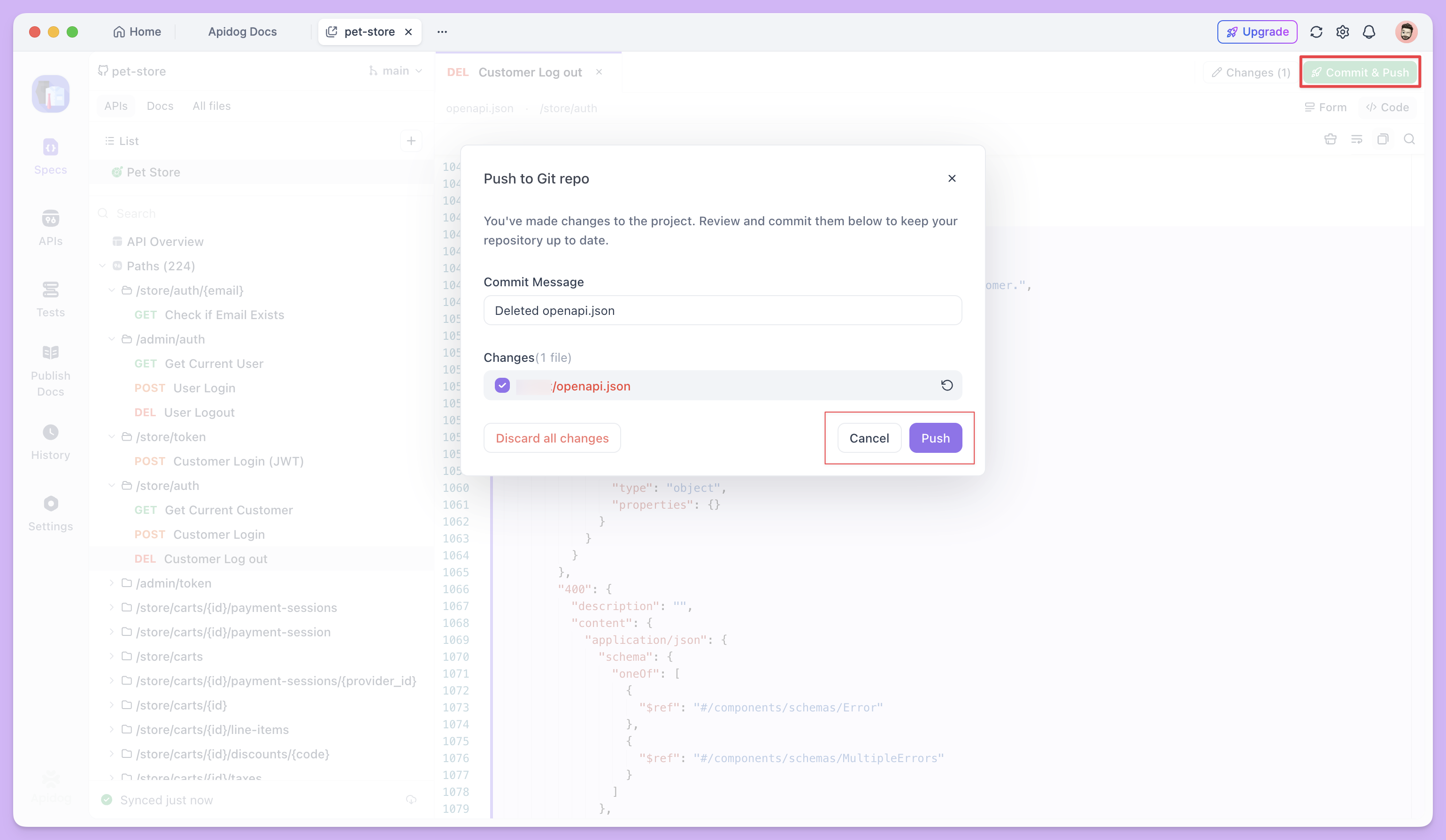
Because everything derives from one versioned file, a reviewer sees the contract, the tests, and the docs change together in a single pull request. That’s the difference between a tool that “supports GitHub” and one built for a version-controlled workflow. Download Apidog to connect your first repo-backed project.
Frequently asked questions
What does it mean for an API tool to work with Git? It means the tool stores its work as files you can commit, branch, and review, and it can sync those files to a repository in both directions. The strongest options also offer a command-line runner so the same artifacts run in CI.
Is Postman a Git-friendly API tool? Postman is cloud-first. Collections live in its workspace, and Git access comes through limited integrations rather than native file storage. Teams that want true version control usually pick a file-based client like Bruno or an all-in-one like Apidog. See the best Postman alternatives for options.
Can I keep my OpenAPI spec in Git and still use a visual tool? Yes. That’s the point of tools like Apidog, Stoplight, and Redocly. The OpenAPI file stays canonical in the repo, and the tool gives you a visual way to edit it while the files remain the source of truth.
What’s the difference between this and docs-as-code? Docs-as-code is one slice of this idea applied to documentation. Putting your whole API workflow in Git extends the same model to specs, request collections, and tests, not only the docs.
Do Git-friendly API tools work with GitLab and self-hosted Git? Many do. Apidog connects to GitHub, GitLab, and self-hosted instances, and file-based clients like Bruno work with any Git host since the files are plain text in your repo.
Do I need to move everything into Git at once? No. Start with the OpenAPI spec, since that gives you review and history right away. Add a Git-friendly client next, then CI checks, then branch-per-change over time. A staged move lets the team adjust without a disruptive switch.
Does putting API tools in Git slow the team down? The opposite, once it’s set up. Reviews catch contract breaks before they ship, CI removes manual validation, and history answers “who changed this” without a meeting. The one-time cost is agreeing on file structure and a branching convention up front.
Putting it together
The pattern behind every tool here is simple: store API work as files, and let Git do what it already does well. Match the category to your need: Apidog when you want the whole lifecycle in one versioned source, Bruno or Insomnia for file-based requests, Stoplight or Redocly for spec governance, Mintlify or Fern for docs-as-code, and Newman or Step CI to gate merges in CI.
Start by committing your spec, then point Apidog at the repo so design, tests, docs, and mocks all flow from one file your team can review. Download Apidog and bring your API into the same workflow as your code.