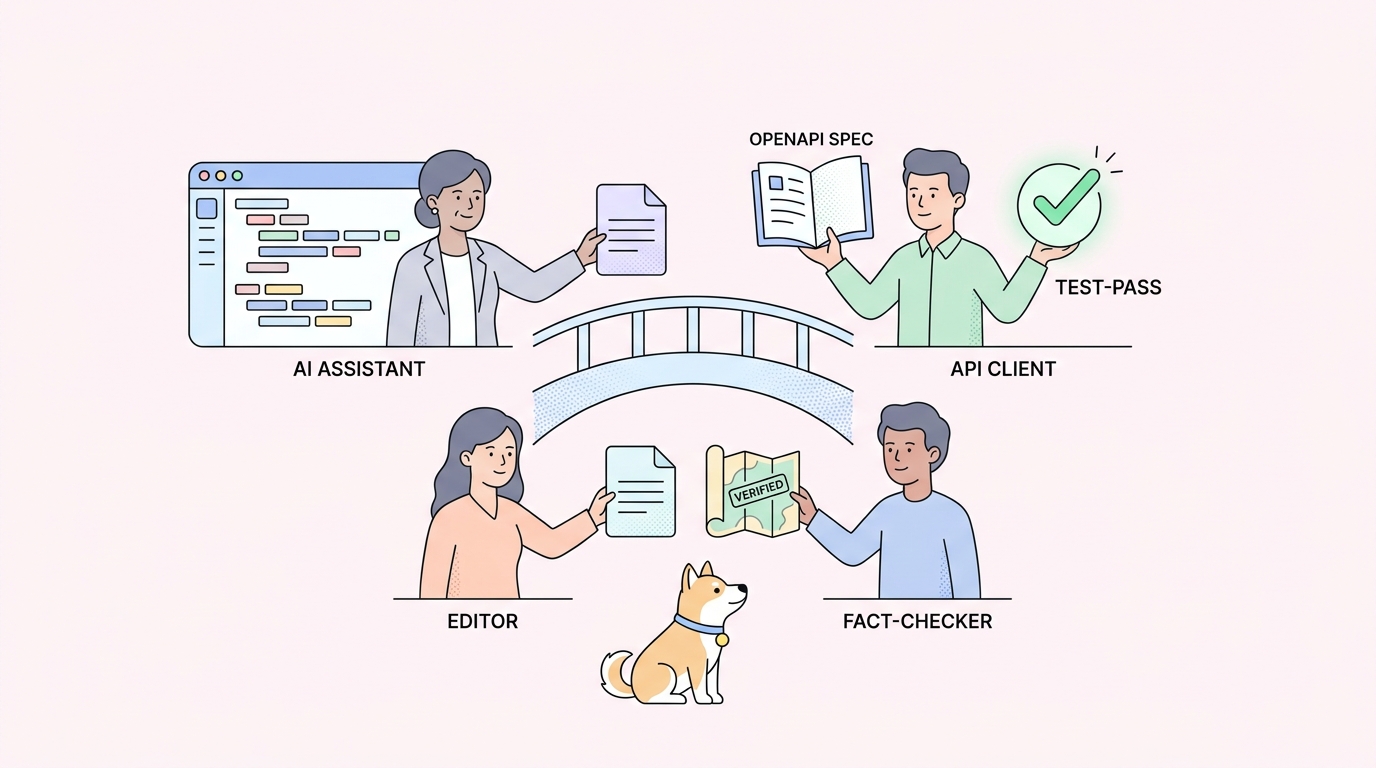
You describe the endpoint in plain English. Cursor writes the fetch call. Copilot autocompletes the headers. The code compiles, so the question lands on its own: if the agent in your editor writes the API call, why keep a separate API client open next to it?
Usually yes. Cursor and Copilot write a good first-draft API call, but two jobs stay outside the IDE: giving the agent your real API spec so it stops guessing endpoints, and running the generated call to confirm it works against the live service. An API client with an MCP server and a CLI covers both.
The honest version isn’t “the IDE agent is bad.” It writes solid client code. The point is narrower: the agent guesses at your API from patterns it saw in training, and it can’t tell you whether the call it wrote returns a 200 or a 404. Those two gaps are where a client still earns its place. This piece is the IDE-specific version of a bigger question, covered in the pillar: do you still need an API tool in the age of AI agents?
What Cursor and Copilot already do well
Give the tools their due, because pretending they’re weak is how you lose a reader who uses them every day.
An IDE agent is good at the shape of a request. Ask Cursor for a paginated GET with retry and it writes clean code: the client setup, the loop, the error handling, the types. Copilot is good at the next line. Once you’ve written one call, it autocompletes the rest of the CRUD set in your project’s style. Claude Code and Cline can wire a whole client module from a short description and keep it consistent with the files around it.
That’s real work removed. Boilerplate that used to take twenty minutes of typing and doc-hunting now arrives as a first draft. None of the gaps below are a reason to stop using the agent. They’re the reason to keep one more tool next to it.
The two jobs your IDE agent leaves open
Here’s the split, as of 2026. The agent covers the writing. It doesn’t cover the grounding or the running.
| Job | Does the IDE agent cover it? | What fills the gap |
|---|---|---|
| Write a first-draft API call | Yes, well | Keep using Cursor or Copilot |
| Autocomplete the rest of the client | Yes | Keep using the agent |
| Know your real endpoints, fields, and auth | No, it guesses from patterns | Your spec, fed to the agent over MCP |
| Confirm the call returns what you expect | No | A client or CLI that runs it |
| Re-run the check on every commit in CI | No | A deterministic test runner |
| Show the exact request the agent sent | No | An inspectable request history |
The two rows that matter most are the ones the agent can’t reach from inside the editor: knowing your real API, and running the call against it. Take them one at a time.
Gap 1: the agent needs your real spec, not a guess
The most common way an IDE agent gets an API call wrong is confident invention. It writes POST /v1/users with a name field because that’s the pattern across the public APIs it trained on. Your API exposes POST /v1/accounts with a full_name field and a required tenant header. The code looks right, compiles fine, and fails on the first real call.
A better prompt won’t fix that. The agent isn’t lazy, it’s blind to your schema. The fix is to give it the schema to read.
That’s what the Model Context Protocol is for. MCP is an open standard that lets an agent pull in outside context, like your API definition, as a tool it can query while it writes. Wire your spec in over MCP and the agent reads the real path, the real fields, and the auth before it writes the call, instead of pattern-matching after the fact.
Apidog ships this as the Apidog MCP Server. Run npx apidog-mcp-server, point it at your API project or an OpenAPI file, and your spec becomes available inside Cursor, GitHub Copilot, Claude Code, or Cline. The agent now writes calls against your endpoints, not the ones it half-remembers. The command needs no account to try, so you can test the grounding before you sign in anywhere. There’s a hands-on walkthrough in vibe coding with the Apidog MCP Server, and if MCP itself is new to you, what an MCP client is covers the moving parts.
The spec you feed it is the OpenAPI definition you already keep. No new format, no second source of truth. The agent gets to read the one you have.
Gap 2: something has to run what the agent wrote
Grounding fixes what the agent writes. It doesn’t tell you the call works. An IDE agent can’t send the request to your live service and read the response the way a client does. It can write a test, but it can’t be the thing that runs that test the same way on every commit.
You still need to send the call and check the answer. Does the endpoint return a 200? Is the body shaped like the schema says? Does auth pass? An API client answers those by running the request, not by reasoning about it. When you want that check to hold over time, it moves into CI, where a runner has to produce the same pass or fail for the same commit, every time. An agent, by design, can vary run to run, so it isn’t the thing you gate a merge on.
That run-and-verify half is where the Apidog CLI in an agent workflow fits. It runs saved test cases headless, returns a real exit code, and fails the build when a contract breaks. It runs without a login, so you can wire it into a pipeline next to the agent that wrote the tests. The agent drafts the check; the CLI runs it, over and over, without varying.
Seeing what the agent sent
One more gap, smaller but worth naming. When a generated call fails, the agent’s summary of what happened isn’t the wire truth. It might report a valid token while the client sent an expired one. You need the raw request and response to tell the difference: the exact headers, the body, the status.
That’s an inspection job, and it’s why a client keeps a request history you can read. Apidog also has an MCP Client and an AI Agent Debugger for stepping through an agent’s calls; the visual side of that is walked through in visual debugging with the Apidog MCP Client. Worth being precise: these are inspection surfaces. Apidog reads and verifies what your agent did on the API layer. It doesn’t write or run the agent.
When an IDE agent alone is enough
An honest answer needs a case where you can skip the client. You can, when:
- You’re writing a throwaway script and one call gets you there. The agent plus a
curlline is plenty. - You’re prototyping solo against two or three endpoints you already know cold, and nobody else depends on the result.
- Nothing you ship crosses into another team’s code or another company’s service.
In those spots, opening a full API platform is more setup than the task deserves. The client earns its place the moment the call has to be right for someone else: you ship to real users, other teams build against your contract, CI has to stay green, or a wrong response costs money. That covers most production work, which is why the doubt keeps resurfacing instead of settling.
Where Apidog fits
Put plainly, Apidog is the grounding-and-verification layer around whatever agent writes your code. It’s an all-in-one API platform, not an agent framework, and it isn’t open source. It doesn’t replace Cursor or Copilot. It feeds them your real spec so they stop guessing, and it runs the calls they generate so you know the result.
The two surfaces that fit an IDE-agent workflow need no account to start: npx apidog-mcp-server to put your spec inside the editor, and the CLI to run the generated tests in a pipeline. Design, smart mock, and automated tests with visual assertions sit in the same platform when the project grows past a few endpoints. Download Apidog if you want to follow along; the free tier covers the grounding and the running.
Frequently asked questions
Does Copilot need Postman or another API client? For a scratch script, no. For anything you ship, usually yes. Copilot writes the call, but it doesn’t know your real endpoints without your spec, and it can’t run the call to confirm it works. A client with an MCP server and a test runner covers both. It’s the same answer whether the agent is Copilot, Cursor, Claude Code, or Cline.
How does the agent know my endpoints? Only if you tell it. Left alone, an IDE agent guesses your API from patterns it saw in training, which is why it invents plausible-but-wrong paths. Feed your spec in over MCP with npx apidog-mcp-server and it reads your real routes, fields, and auth before writing a line.
Can Cursor test the API it wrote? It can write a test and run it once in the chat. That’s fine for exploration. It can’t give you the same pass or fail on every commit, which is what a merge gate needs. Run the tests with a deterministic tool like the Apidog CLI and gate CI on the exit code.
Do I need an account to try this? No. npx apidog-mcp-server and the CLI both run without a login, so you can wire the spec into your IDE and run tests in a pipeline before anyone signs in.
Is the standalone API client dead now that agents write calls? No, but its job moved. Typing requests by hand shrank. Grounding the agent in your real spec and verifying what it generated grew. A client that only offered a typing surface has less to do; one that grounds and verifies has more.
The real question
It was never Cursor versus a client, or Copilot versus Apidog. It’s who does which job. The IDE agent drafts the call and the client code, fast. The API client feeds it your real spec so the draft is right, and runs the call so you know it works. Keep both. Start with npx apidog-mcp-server to ground the agent, add the Apidog CLI to run what it writes, or try Apidog free.