
Across Apidog 2.8.47–2.8.50, this month’s updates make API automation, repository integration, and API documentation easier to maintain—from modular CLI imports and debug case creation to Bitbucket Cloud, self-hosted GitLab connections, and schemas published from Docs sub-sites.
This release is about making automation and Git collaboration less of a setup detour.
September’s Apidog updates focus on the points where teams often lose time: managing large project structures from scripts or AI workflows, importing API assets into the right module, creating test assets without leaving the terminal, and connecting existing Git providers without changing the way teams already work.
At a glance:
- Apidog CLI automation: manage project modules, import multi-format API data by module, and create debug test cases from configuration files.
- Git repository integrations: add Bitbucket Cloud and GitLab On-Prem connections to project import/export workflows.
- Everyday usability: clearer URL handling, better test report filtering, test data variable completion, and a faster project list.
- Docs and performance visibility: Docs sub-sites publish schemas, and performance tests report P95 and P99 response times.
🤖 Apidog CLI for API Automation and AI Workflows
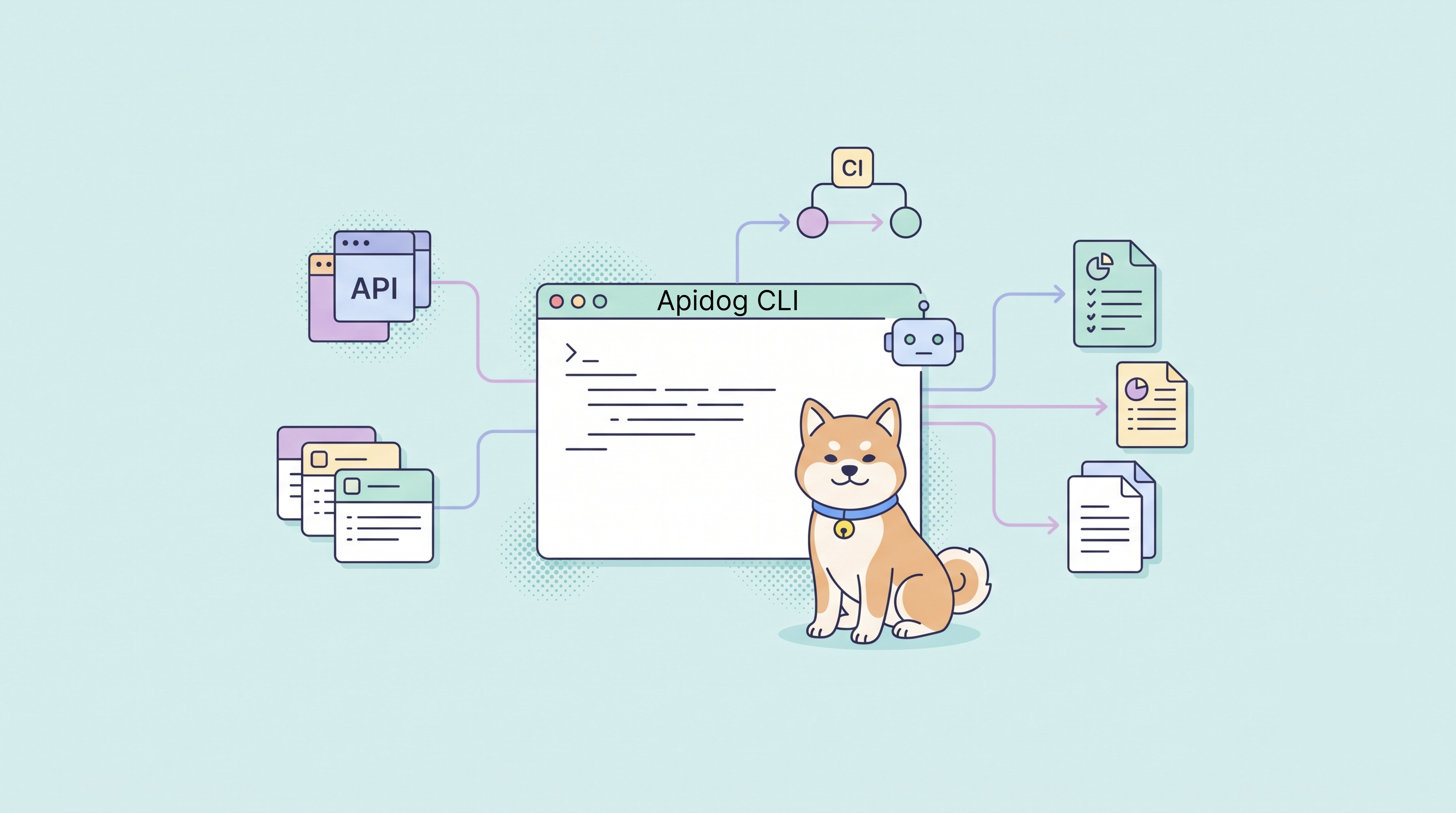
Apidog CLI has already become a useful entry point for CI test runs and automation. This release extends it earlier in the workflow: teams can manage the project structure, bring data into the right module, and create debug cases before running tests.
Manage project modules from the CLI
Apidog CLI can now query, create, update, and delete project modules.
This is useful when the module structure needs to change as part of an automated workflow. After a write operation, the CLI returns structured JSON that includes the moduleId, so scripts and agents can pass the identifier into later import, test, or maintenance steps instead of asking someone to copy it from the UI.
That makes module management part of the same repeatable loop as API testing and CI automation.
Import API data into a selected module
The CLI import command has been refactored to reuse the Apidog client’s parsing capabilities. You can import API data from supported sources into a specified project module instead of first creating the data in the UI and moving it later.
For larger migrations, import results include counts of added, updated, ignored, and removed items. That makes it easier for scripts, CI jobs, and AI agents to verify what happened before moving to the next step.
This is especially useful when multiple formats need to land in the same project structure with fewer manual cleanup steps.
Create debug test cases from configuration
CLI users can now create interface debug test cases from configuration files. A configuration can define the case name, target API, request parameters, request body, authentication, pre-processors, post-processors, and response validation.
After creation, the debug case can be opened, edited, and executed in Apidog like any other debug case. This is useful when automation or an agent prepares the initial test asset, but a developer still wants to inspect and refine it visually.
Together, module management, structured imports, and debug case creation reduce manual work across local scripts, CI/CD pipelines, and AI-assisted workflows.
If you already have Apidog CLI installed, update it before using the new capabilities:
npm install -g apidog-cli@latestSee the Apidog CLI documentation for the latest command reference.
🔗 Git Repository Integrations
September also extends Git-based import/export to two common repository environments.
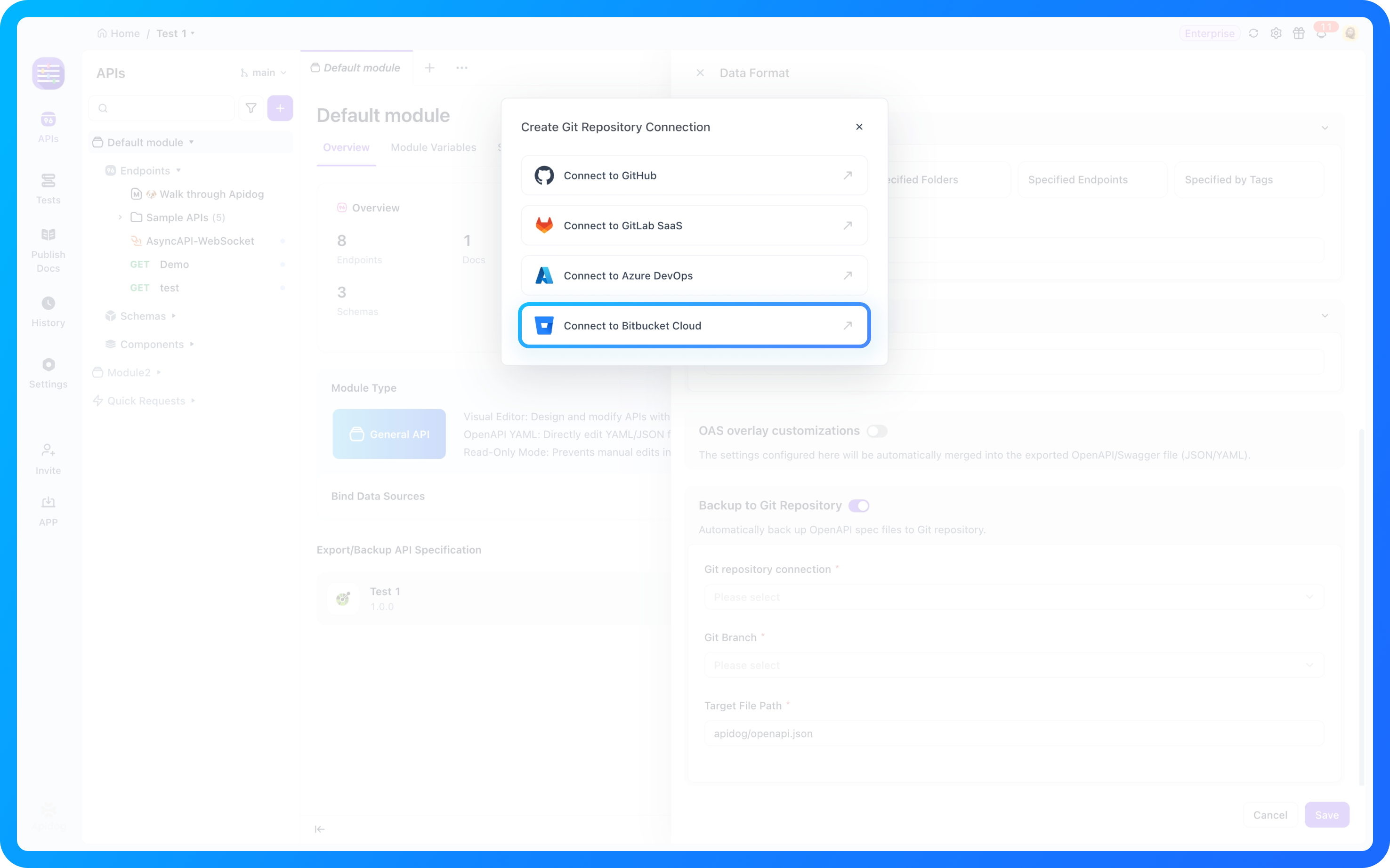
Bitbucket Cloud
Project import and export now support Bitbucket Cloud repositories. Teams already using Bitbucket Cloud can keep their existing repositories in the workflow instead of moving API assets to another Git platform.
GitLab On-Prem
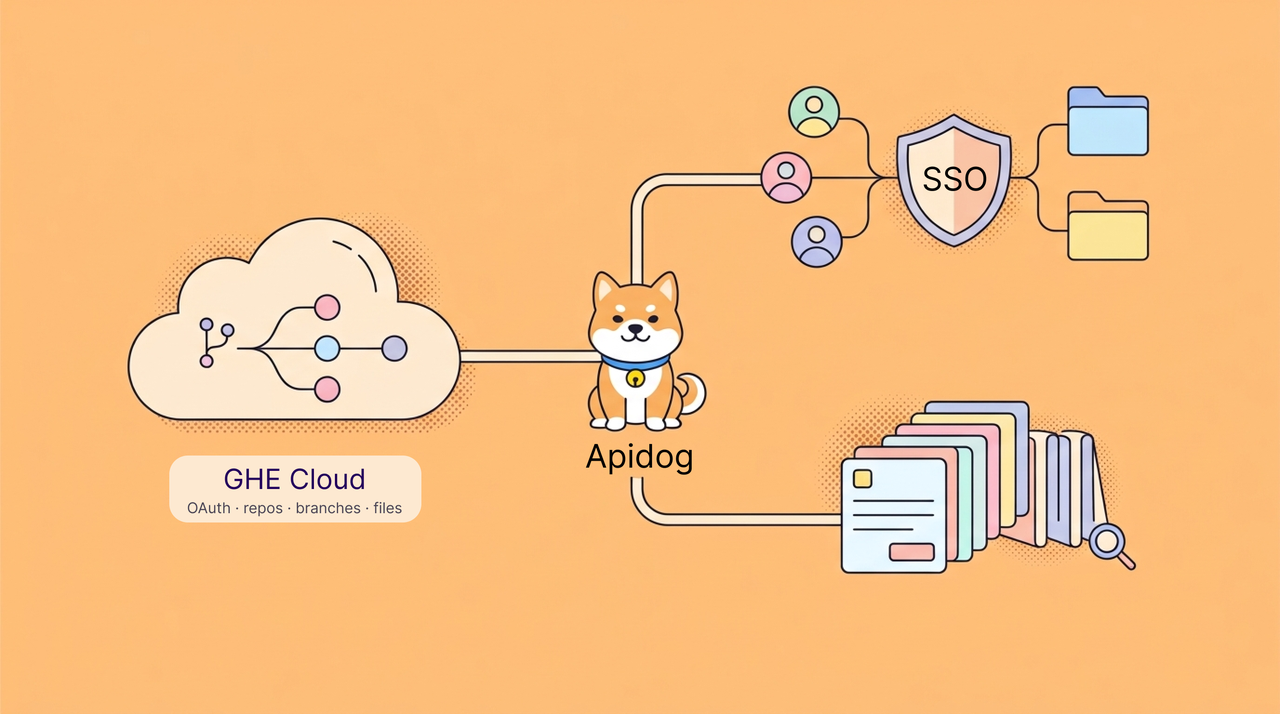
Organizations can configure a GitLab On-Prem instance in Apidog SaaS and use it in supported Git repository workflows. Each organization manages its own connection independently, so teams can continue using their existing self-hosted GitLab setup.
Before connecting, confirm that the GitLab instance address and network environment meet the connection requirements.
⚙️ Everyday Improvements
The release also addresses frequent feedback from daily API work.
Complete URLs no longer fight the environment path
When creating or editing an HTTP API, entering a complete URL that starts with http:// or https:// now hides the environment path immediately. Changing the value back to a relative path restores the environment path.
This removes the confusion of seeing a complete URL and an environment path at the same time, and removes the need to save first to see the behavior.
More useful test report filtering
Test report lists now support filtering by runner and execution source. Related display fields have also been added, so it is easier to narrow a long report list and compare recent records from different origins.
Test data variables appear in completion
Existing test data variables now appear in both code completion and dynamic value completion. When writing requests or tests, you can search and select the variable directly instead of switching back to the variable list to copy its name.
Faster project lists
Apidog optimized the response time of the project list API. Project lists load faster when entering a workspace or locating a project, reducing wait time during frequent navigation and switching.
✨ Also in This Release
Three changes round out the month, spanning documentation, performance testing, and spec-first project setup.
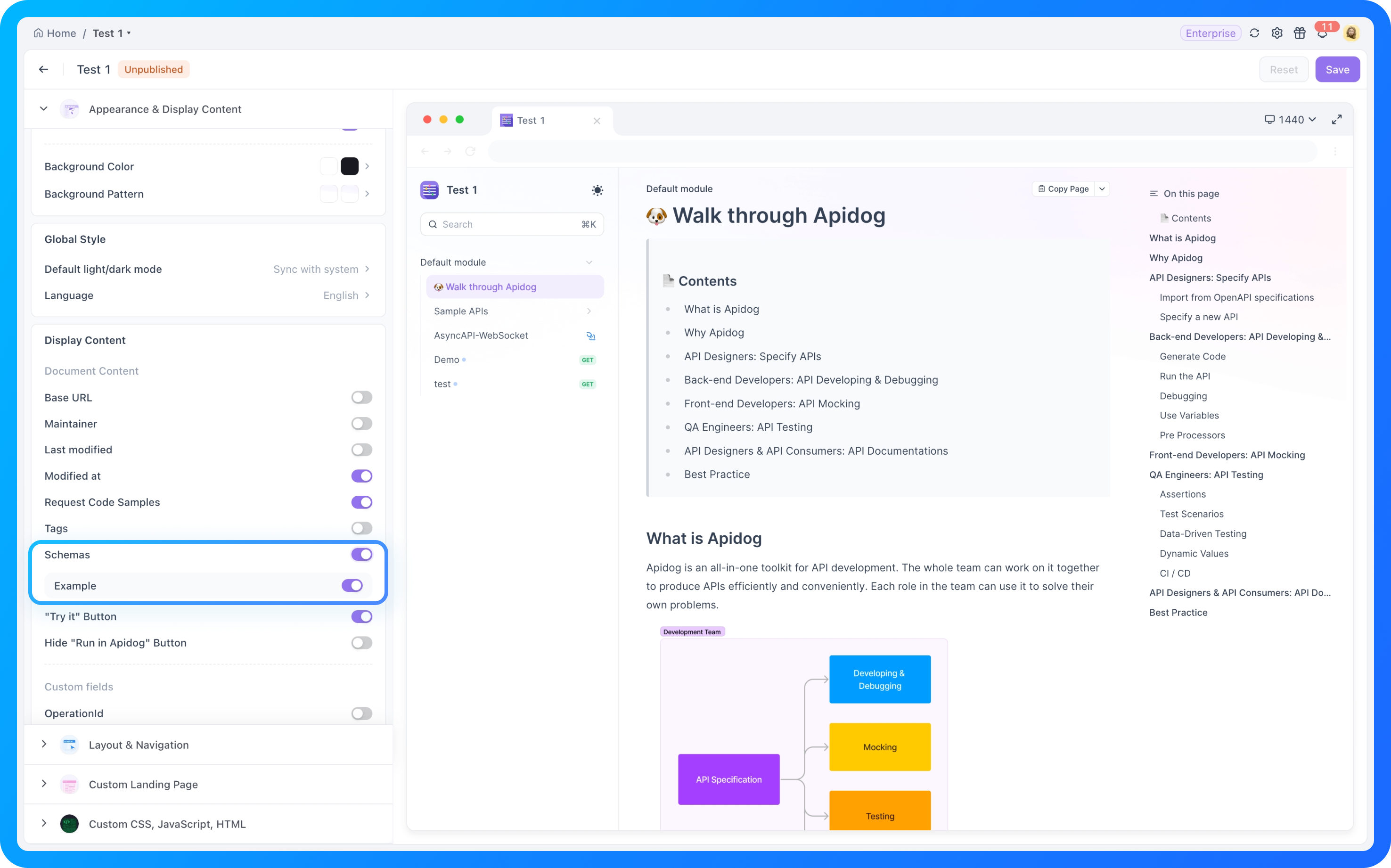
Publish schemas from Docs sub-sites
Sub-sites in Apidog Docs can now publish schemas alongside endpoints, so readers of a published site can see them in place instead of switching back to the main site. Enterprise sub-sites can enable the capability themselves.
P95 and P99 response times in performance tests
Performance test results now report P95 and P99 response times alongside existing metrics. Percentiles describe the slow tail that averages hide, which is usually the part of an API that users actually notice.
Spec Mode project setup and OpenAPI import
Spec Mode projects now open into a clearer empty state, with the OpenAPI import and create entry points surfaced directly, so a spec-first project can start without hunting for the way in.
🛠️ Additional Fixes and Improvements
This cycle also includes the following fixes and smaller changes:
- Improved how trial status and actions are displayed in the main window and tab bar.
- Improved how pending invitations appear in organization and team member lists.
- Fixed an issue where Basic Auth variables in generated request code were not expanded and were encoded directly as Base64.
- Fixed an issue where editing a tab did not expand referenced combined data model fields using
allOf. - Fixed an issue where API cross-project references to data models were incorrect after cloning or copying a project.
- Fixed an issue where debug cases created by the CLI displayed the authentication type as “No Auth” on the Web client and did not apply authentication.
- Fixed an issue where OpenAPI response
$refdefinitions were silently discarded during CLI import. - Fixed an issue where report list pagination metadata returned incorrect
pageSizeandpageIndexvalues. - Fixed an issue where generating both JUnit and HTML test reports made the JUnit report contain only the last test case result.
- Fixed an issue where the environment dropdown could not open when switching URL environments in single API testing.
- Added support for disabling the homepage invite reward entry through Enterprise Policy.
For the complete item-by-item list, explore the Apidog Changelog.
🌟 What This Means
September is a practical release for teams whose work increasingly spans people, scripts, agents, and Git repositories.
| Focus | What improves | Why it matters |
|---|---|---|
| CLI and automation | Modules, imports, and debug cases can be created and managed through the CLI. | Automation and agents can participate earlier without manual UI setup. |
| Git collaboration | Bitbucket Cloud and GitLab On-Prem connect to project workflows. | Teams can keep the repositories they already operate. |
| Everyday quality | URL handling, report filtering, variable completion, and project loading improve. | Common setup and review steps take less attention. |
| Docs, testing, and specs | Schemas publish with Docs sub-sites, performance results report P95 and P99, and Spec Mode gets a clearer start. | Schemas, latency, and spec-first context are visible without leaving the workflow. |
💬 Keep in Touch
Have feedback or questions? Connect with fellow API engineers and the Apidog team:
- Join our Discord community for real-time discussions and support.
- Participate in our Slack community for technical conversations.
- Follow us on X (Twitter) and LinkedIn for the latest updates.
P.S. For every detail in this release, check the Apidog Changelog.
Best regards,
The Apidog Team