If you want Seedance 2.5 with no restrictions, here’s the honest answer: no host removes ByteDance’s core rules, but most refusals you hit are false flags you can avoid. Seedance 2.5 blocks real human faces in reference uploads, copyrighted material and sensitive content. Rewrite prompts with context, swap real photos for approved face sources, and pick a host with flexible limits, such as A2E.
This guide is about creative freedom: nothing explicit, and nothing involving real people without their consent.
What “Seedance 2.5 with no restrictions” really means
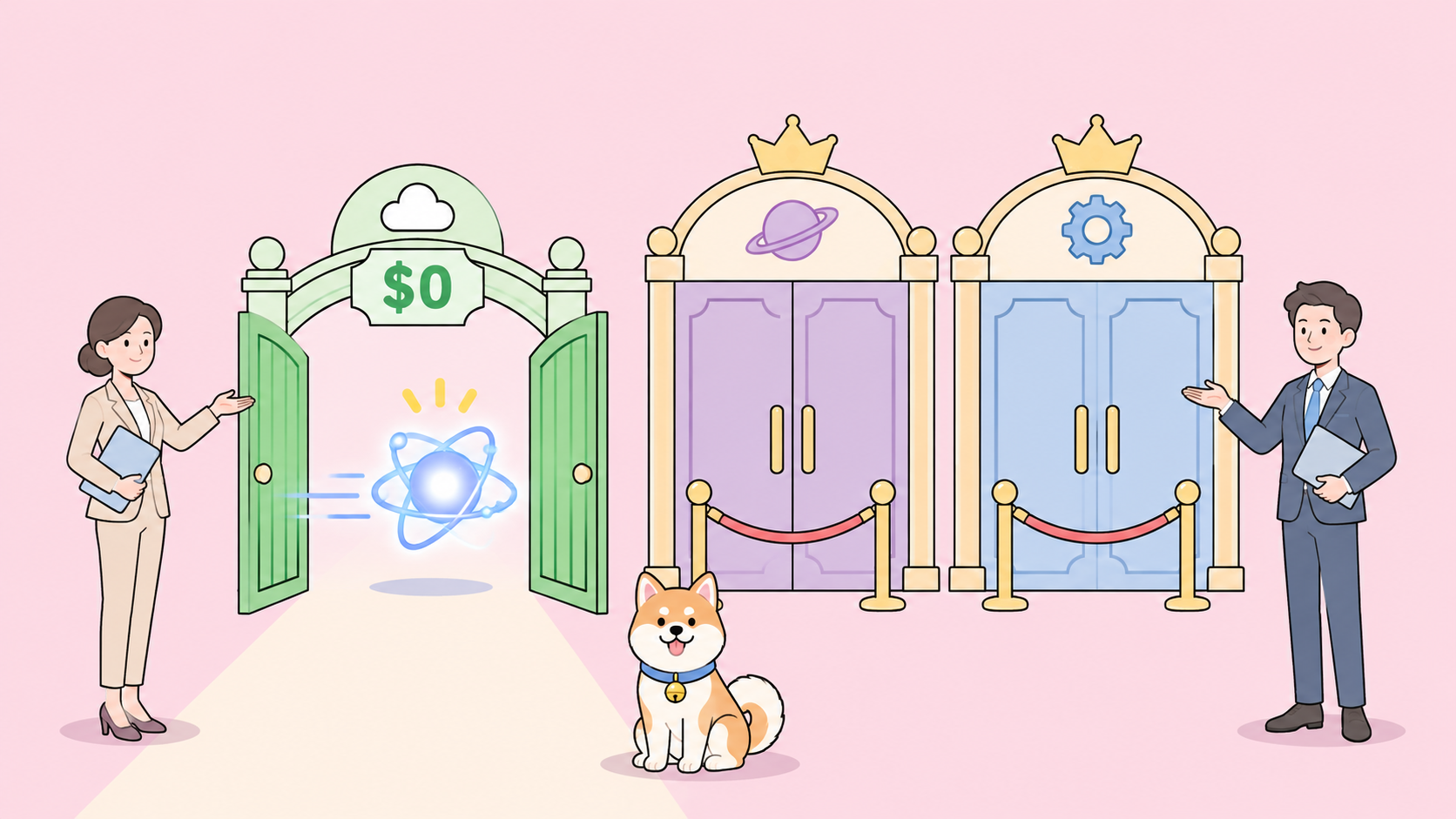
Running Seedance 2.5 with no restrictions means getting the model to accept legitimate creative requests that its moderation wrongly rejects, and using a host whose length, resolution and credit limits don’t get in your way. It doesn’t mean bypassing safety checks. The rules on real faces, copyright and sensitive content apply on every official route.
Most frustration comes from moderation that reads an innocent prompt as risky, and from platform friction: short clip caps, low free-tier resolution and daily quotas. You can fix both without breaking any rules.
What’s new in Seedance 2.5
ByteDance’s Seed team launched Seedance 2.5 on July 31, 2026. It extends single-pass video from 15 to 30 seconds and generates audio and video together. Here’s what changed, from the official announcement:
| Feature | Seedance 2.5 |
|---|---|
| Single-pass length | Up to 30 seconds, with multi-round extensions |
| Reference inputs per request | Up to 30 images, 10 video clips, 10 audio clips |
| Audio | Generated with the video in one pass, kept in sync |
| Editing | Timestamp-level edits, green screen, camera perspective, reference-based edits |
| Where it launched | Jimeng AI, Doubao Pro, then third-party platforms |
| API | BytePlus ModelArk (its docs banner now says the official API is live) |
The announcement doesn’t state an output resolution, so hosts set their own. For the request basics, see our Seedance 2.0 API guide.
What Seedance 2.5 refuses or flags
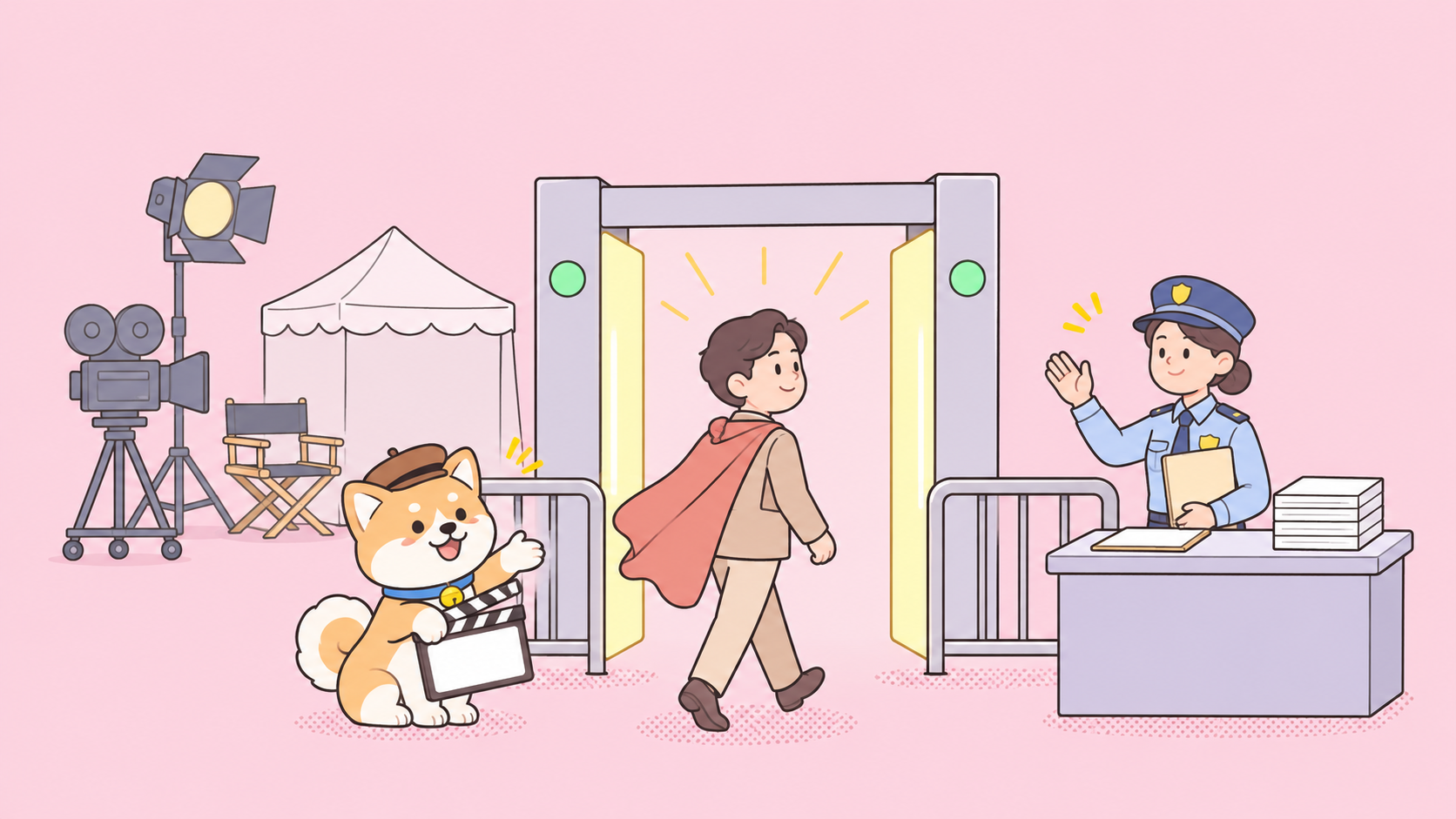
Seedance 2.5 checks a request at four points: your prompt text, your reference images and video, your reference audio, and the generated output. A failure at any point returns an HTTP 400 with a specific code. The ModelArk error code list names each one:
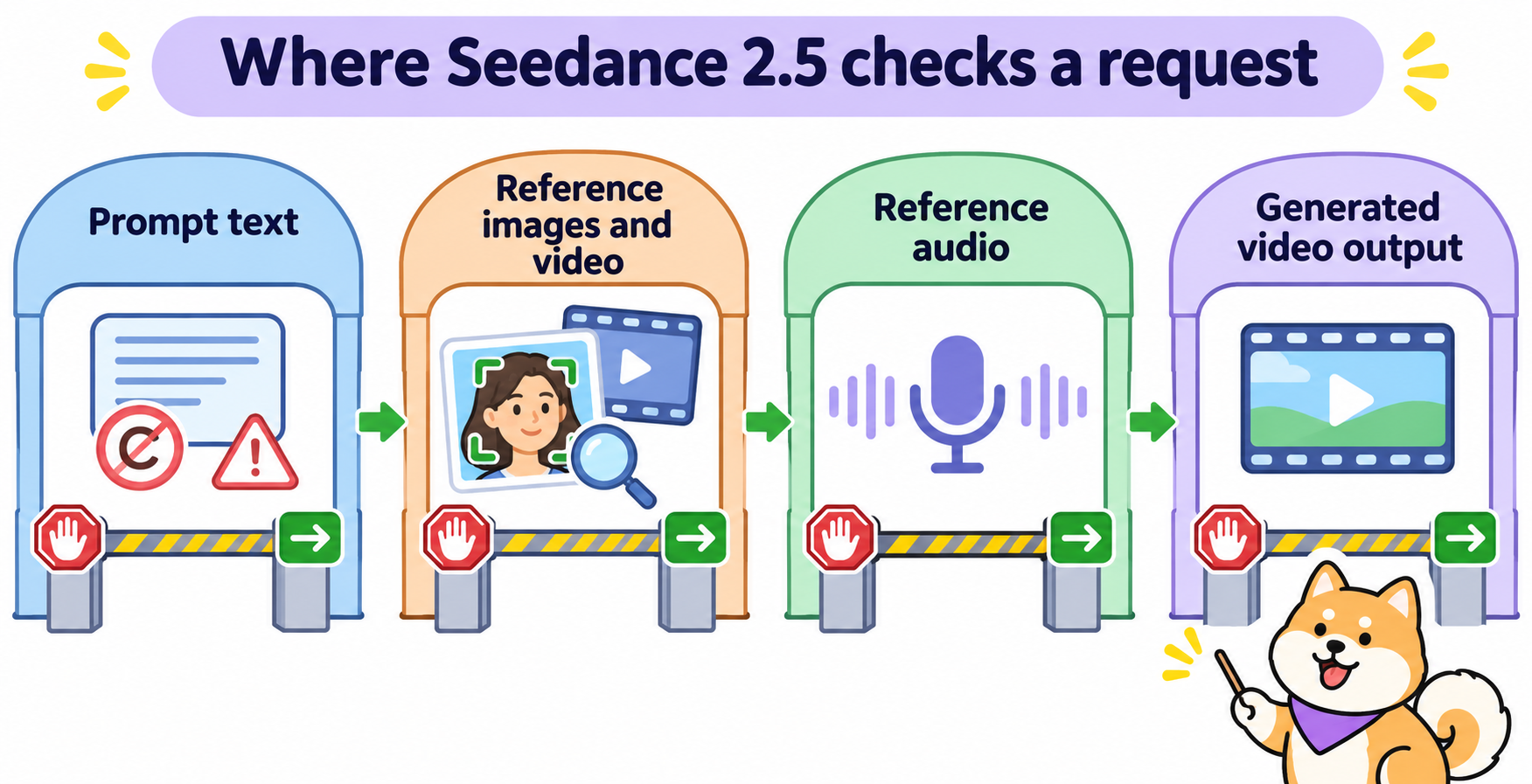
| Error code | What triggered it | What to change |
|---|---|---|
InputTextSensitiveContentDetected |
Your prompt wording | Rephrase with more context |
InputTextSensitiveContentDetected.PolicyViolation |
Prompt tied to copyright | Remove named characters, brands, franchises |
InputImageSensitiveContentDetected.PrivacyInformation |
Reference image “may contain real person” | Use an approved face source (below) |
InputVideoSensitiveContentDetected.PrivacyInformation |
Reference video may contain a real person | Same as above |
InputImageSensitiveContentDetected.PolicyViolation |
Reference image tied to copyright | Use your own artwork |
OutputVideoSensitiveContentDetected |
The generated clip itself | Change the input; a retry alone rarely helps |
OutputImageSensitiveContentDetected.DeepFake |
Output may show counterfeit documents or credentials | Drop IDs, badges, passports from the scene |
Read the code before you retry. A PrivacyInformation error means your image is the problem, so rewording the prompt won’t help.
Why real faces get blocked, and the three approved paths
The ModelArk portrait guide is direct: “Seedance 2.5 and Seedance 2.0 series models do not support directly uploading reference images/videos that contain real human faces.” The check looks at the face, not at who uploaded it, so a photo of yourself fails too. A very realistic synthetic face can also trip it.
The same guide lists three approved ways to use a face:
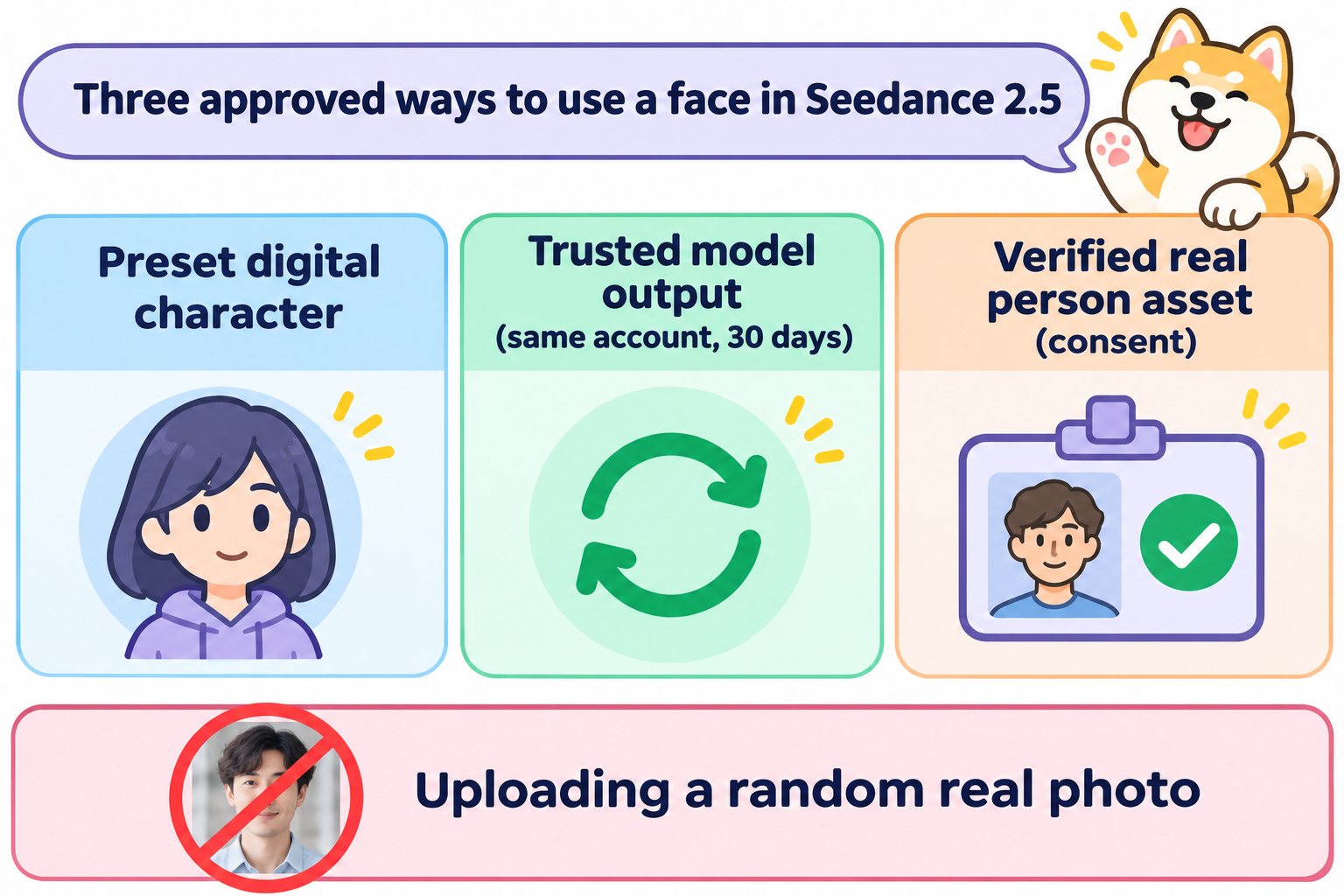
- Preset digital characters. ModelArk has a library of free, realistic-style characters. Each one has an asset ID that you pass as
asset://<asset ID>. - Trusted model outputs. Face-containing videos and last frames from Seedance 2.5 or 2.0, and face images from Seedream 5.0, can go back in as inputs. They must come from the same account, within 30 days, unedited. Compressing or forwarding the file can break the trust check.
- Authorized real-person assets. The person completes real-person verification and consents, and their image, video or audio goes into the asset library. The guide says real-human assets “must be used only after the actor’s consent and authorization.”
For a consistent human character, generate it first, then feed that output back in. For your own face, go through verification. Sneaking a real photo past the filter breaks the terms.
Prompts that avoid false flags
Most text refusals come from short, context-free prompts. Our guide to Seedance 2 prompts that avoid content flags goes deeper; here’s the short version for 2.5.
Give every risky element a reason to be there. “A man holds a knife” is ambiguous. “A chef dices onions with a kitchen knife in a bright restaurant kitchen, steam rising from the pans” isn’t.
Describe characters by role, not age. “A student,” “a young chef” or “a teenager” can draw extra scrutiny when paired with action. “A university graduate in a cap and gown” or “an apprentice baker” says the same thing without the age signal.
Use film language. Shot types, lens choices and lighting tell the model you’re making a scene: “medium shot, 35mm, golden hour, slow dolly in.”
Replace names with descriptions. Instead of a famous character or actor, describe the look: “a caped hero in a red and blue suit” becomes “a masked hero in a silver flight suit with a long navy cape.” Do the same for brand logos.
Use the timestamp edit instead of regenerating. If one moment of a 30-second clip gets flagged, Seedance 2.5’s timestamp-level editing lets you rework that segment rather than rolling the whole prompt again.
A before and after example:
Before (flagged): A girl runs from a man with a gun at night.

After: Night exterior, rain-slick city street, wide shot. A woman in her
thirties in a trench coat sprints toward a parked taxi while a detective
in a long coat shouts "Stop!" from a distance. Neon reflections, handheld
camera, tense thriller score. No blood, no injuries.
The second version sets a genre, gives each character an adult role, and states what the scene excludes.
Where to run Seedance 2.5 with fewer limits
You can use ByteDance’s apps (Jimeng AI and Doubao Pro), the official ModelArk API, or a third-party host. The safety rules travel with the model; what changes is clip length, resolution, pricing, watermarks and API ergonomics.
A2E: Seedance 2.5 with a creator toolkit and an API
A2E is an all-in-one AI image and video platform. Its homepage lists Seedance 2.5 as “now live on A2E,” and the same account covers face swap, talking photos, lip sync and other models such as Kling and Wan.
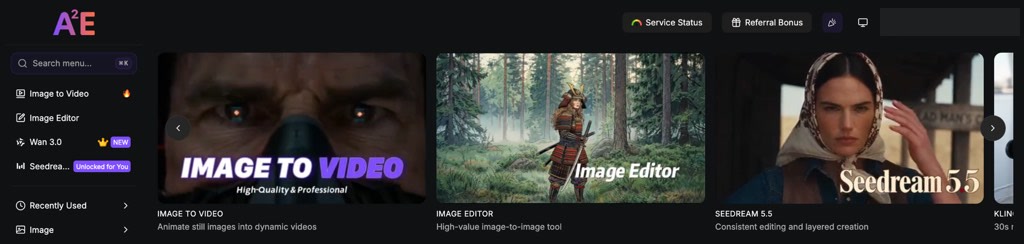
The A2E dashboard: one account for every model.
On our free account (November 13, 2026), the Seedance 2.5 page offered Text to Video, Image to Video and Multi-Modal Reference, marked Paid User Only. Through the API (POST /v1/seedance2Video/start with model_version: "2.5"), clips run up to 30 seconds in one shot at up to 1080p, with up to 30 reference images. Pro costs $14.9 with 1,500 credits, billed per second of output, so draft short clips at 480p first.
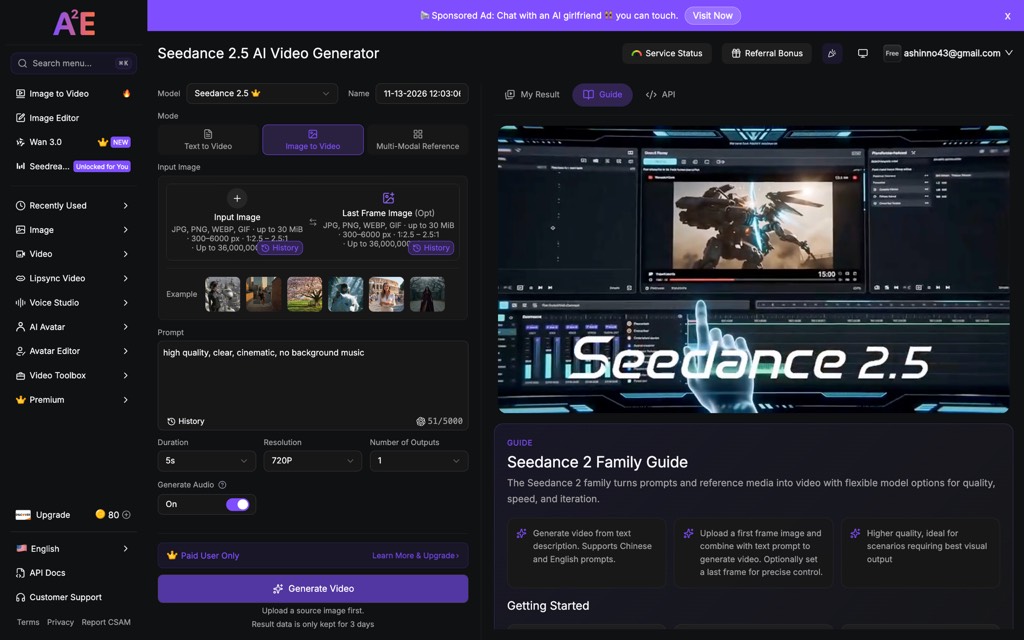
Seedance 2.5 on A2E, opened from a free account: three modes, paid plans only.
A2E runs the same ByteDance model, so the real-face rule still applies.
BytePlus ModelArk
ModelArk is ByteDance’s official API for Seedance 2.5, and the only route that documents preset digital characters and verified real-person assets, the two approved ways to put a consistent human in your clips. Its error code list tells you which checkpoint refused a request, which makes false flags faster to fix. Choose it if your project depends on a real, consenting person.
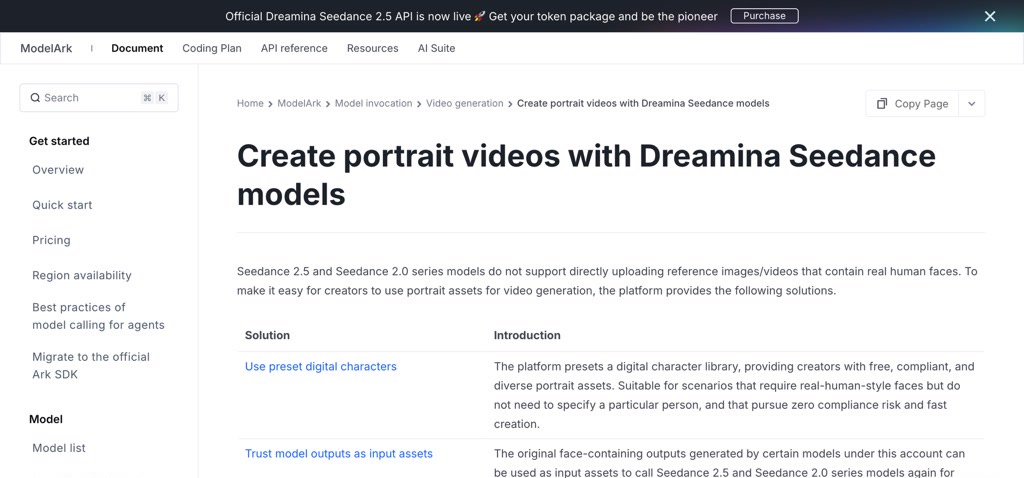
ModelArk’s portrait guide lists the three approved face routes.
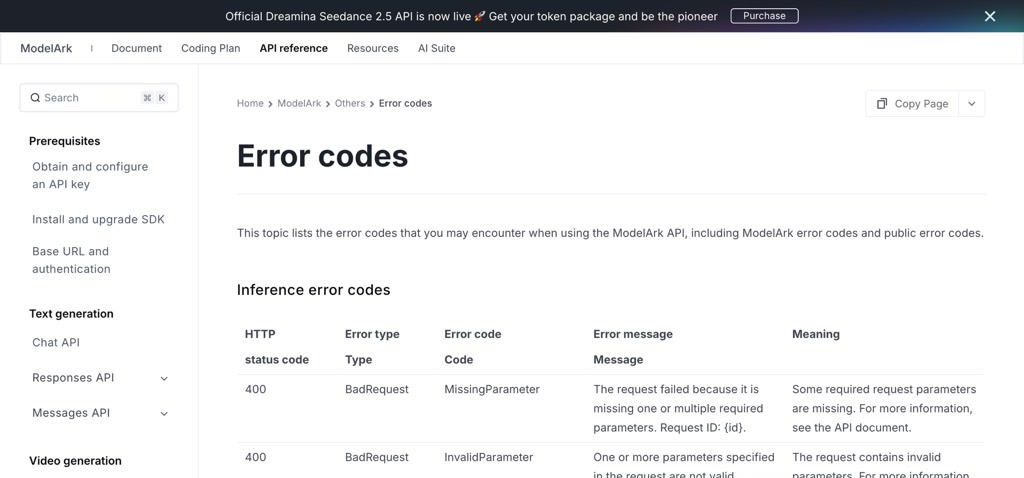
ModelArk’s error codes show which check refused a request.
The ByteDance apps
Jimeng AI and Doubao Pro got Seedance 2.5 first, before the API and third-party hosts. They’re the quickest way to try a prompt by hand with no code, and they apply the same four checkpoints as the API.
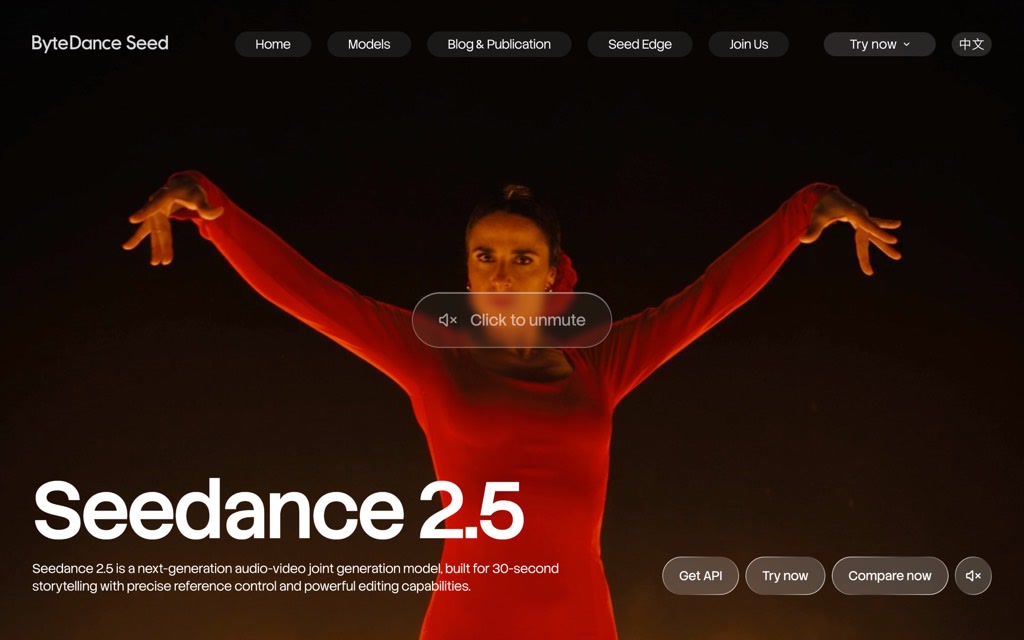
Seedance 2.5 on ByteDance Seed’s site.
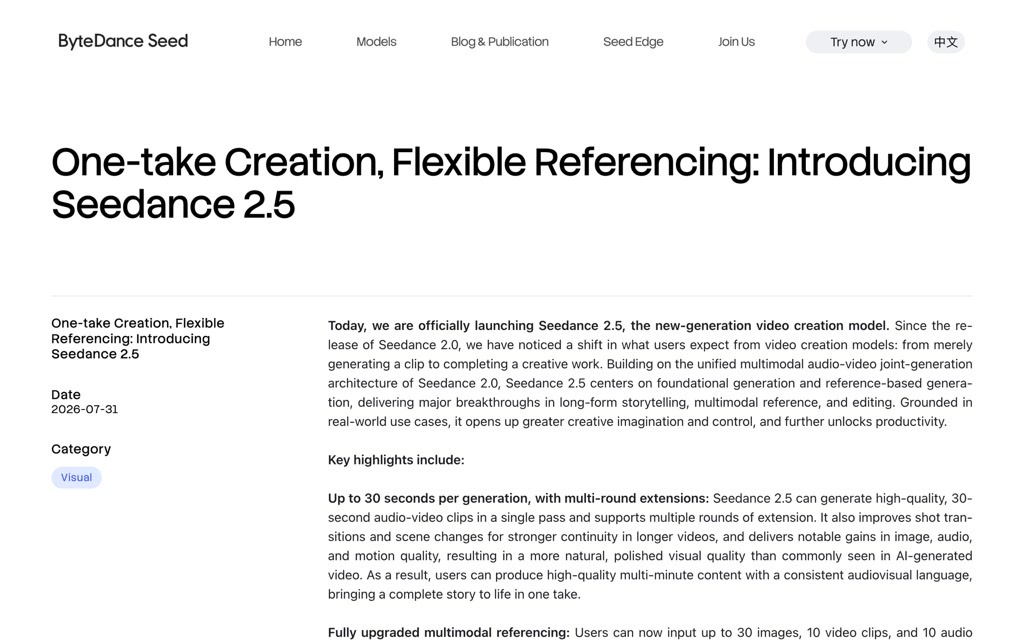
ByteDance’s launch post: 30-second clips and multi-round extensions.
For broader options, see our roundups of AI image generators with no restrictions and Grok Imagine with no restrictions.
Let your coding agent test it with Apidog CLI
Debugging refusals by hand costs credits and minutes. Let your coding agent build a small prompt regression suite so you know which phrasing passes before a 1080p render.
Install Apidog CLI, log in, and add the Apidog skill to your agent (Claude Code, Codex, Cursor or OpenCode):
npm install -g apidog-cli@latest
apidog auth login --with-token <YOUR_APIDOG_TOKEN>
apidog skill install
Then give your agent one prompt:
Write an OpenAPI 3 file for A2E's Seedance API (POST /v1/seedance2Video/start,
GET /v1/seedance2Video/{_id}, base URL https://api.a2e.ai, Bearer auth) and
import it into Apidog project <projectId>. Create a test case for the start
endpoint with model_version "2.5", duration 5, resolution "480p", using the
prompt in prompts/thriller.txt. Assert HTTP 200 and that the response has a
task id. Run it against the a2e-staging environment and tell me which
prompts were rejected and with what message.
The agent imports the spec, checks its payload against the schema, writes the case and runs it:
apidog import --project <projectId> --format openapi --file a2e-seedance.yaml
apidog cli-schema get test-case-create
apidog cli-schema validate test-case-create --file case.json
apidog test-case create --project <projectId> --file case.json
apidog test-case run <caseId> --project <projectId> -e <envId> -r cli,json
Add more prompt files and use -d prompts.csv with apidog test-case run to run each variant as an iteration. Running at 480p and 5 seconds keeps a full pass cheap. For the setup in detail, see Apidog CLI in Claude Code. Apidog’s Free plan covers up to 4 users.
FAQ
Is there a way to use Seedance 2.5 with no restrictions at all? No. ByteDance’s moderation on real faces, copyright and sensitive content applies on every official route, including third-party hosts. What you can remove is false-positive refusals (with better prompts) and platform limits like clip length and resolution (by picking a host such as A2E).
Why does Seedance 2.5 say my image “may contain real person”? That’s InputImageSensitiveContentDetected.PrivacyInformation. The model rejects reference images and videos with real human faces, whoever uploads them. Use a preset digital character, a trusted output from your own account, or a verified real-person asset.
Can I use my own face in Seedance 2.5? Yes, through ModelArk’s authorized real-person assets: you complete real-person verification, consent, and upload your assets to the library. A plain selfie upload will be blocked.
How long can a Seedance 2.5 video be? Up to 30 seconds in a single pass, with multi-round extensions for longer sequences, according to ByteDance’s announcement. A2E’s API also caps duration at 30 seconds for Seedance 2.5.
Does A2E offer Seedance 2.5 for free? Not on the Free plan: A2E’s pricing page lists Seedance 2.5 as unavailable there. You need Pro ($14.9 one-time) or Ultra ($59.9 one-time). Free credits work on A2E’s other tools.