OpenAI AgentKit is a bundle of tools for building, deploying, and measuring AI agents on OpenAI’s platform. If you’ve ever wired up an agent by hand, juggling orchestration code, connectors, and eval scripts, AgentKit was OpenAI’s answer to that fragmentation. There’s an important wrinkle in 2026 you need to know before you commit, so this guide walks through what AgentKit includes, who it’s for, a high-level build flow, and where API testing tools like Apidog fit when your agent starts calling external services.
What AgentKit is
OpenAI introduced AgentKit at DevDay on October 6, 2025. It wasn’t a single product. It was a set of pieces that sit on top of the existing OpenAI API and the OpenAI Agents SDK, aimed at shrinking the gap between “I have an agent idea” and “I have an agent running in front of users.”
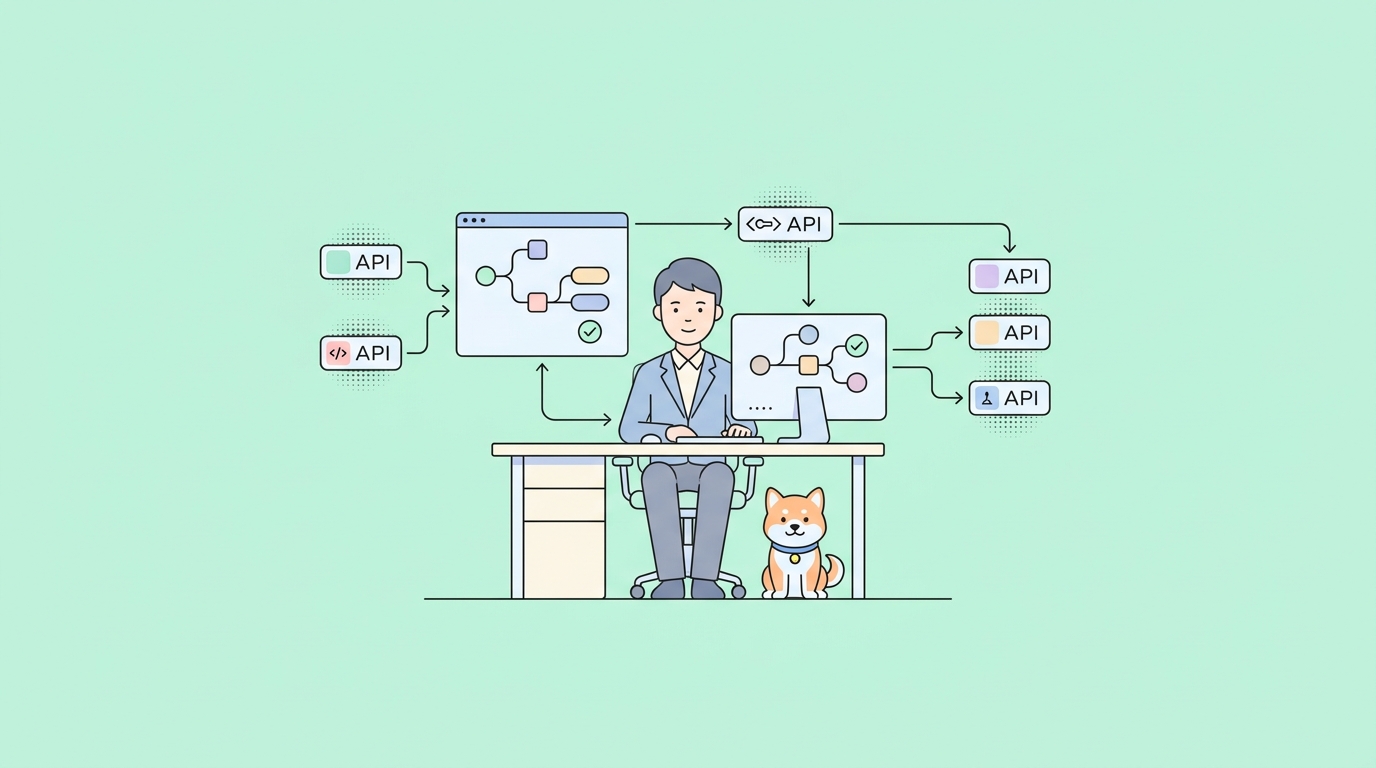
Before AgentKit, building an agent usually meant stitching together orchestration logic with no versioning, custom connectors for every data source, hand-rolled evaluation pipelines, manual prompt tuning, and a fair amount of frontend work before anything shipped. AgentKit packaged solutions to those problems under one umbrella.
One thing to flag up front, because it changes how you should treat this: on June 3, 2026, OpenAI announced it’s winding down two of the AgentKit pieces, Agent Builder and Evals. More on the dates below. The takeaway is that the durable, code-first path through AgentKit is the Agents SDK, and that’s what you should build on if you want something that lasts.
The pieces of AgentKit
AgentKit shipped as four main components. Here’s what each one does and where it stands now.
Agent Builder
Agent Builder is a visual canvas for designing multi-step agent workflows. You drag and drop nodes for each step, connect them into a flow, preview runs against real input, and publish versioned snapshots of the workflow. It’s the “no blank page” entry point, with templates to start from.
A useful detail for developers: Agent Builder isn’t a dead end away from code. It has an Agents SDK tab that exports your workflow as runnable Python or TypeScript, so you can take the visual design and extend it in your own environment.
Status matters here. OpenAI is deprecating Agent Builder, with a platform shutdown date of November 30, 2026, per its deprecations page. If you’re starting fresh today, treat the visual canvas as a prototyping aid and plan to land in SDK code.
ChatKit
ChatKit is an embeddable chat interface for putting your agent in front of users. Instead of building a chat UI from scratch, you drop in a web component, point it at a published workflow ID, and customize theming and behavior. It handles streaming responses, threads, and the usual chat plumbing.
ChatKit remains available and is the recommended way to deploy a chat-based agent experience. It’s the piece of AgentKit least affected by the 2026 changes.
Connector Registry
The Connector Registry is an admin-facing place to manage how data and tools connect across OpenAI products, spanning ChatGPT and the API. It consolidates prebuilt connectors (think Dropbox, Google Drive, SharePoint, Microsoft Teams) and third-party MCP servers into one panel, so an admin controls what an agent can reach.
If you want to understand the MCP side of that picture, our guide on MCP servers and the OpenAI Agents SDK covers how agents call tools over the Model Context Protocol.
Evals and optimization
The Evals features added datasets, trace grading (scoring each step of a multi-agent run), automated prompt optimization, and the ability to grade against third-party models, not only OpenAI’s. The goal was to measure agent quality and tune prompts without building your own eval harness.
Like Agent Builder, Evals is being wound down. It becomes read-only for existing users on October 31, 2026 and shuts down on November 30, 2026.
How AgentKit relates to the Agents SDK
This is the part worth getting straight, because it determines what you build on.
The Agents SDK is the code-level framework. It’s where you define agents, tools, handoffs, and guardrails in Python or TypeScript. AgentKit’s Agent Builder sits above it as a visual layer that generates SDK code. ChatKit sits beside it as a deployment surface.
| Layer | What it is | Where it stands in 2026 |
|---|---|---|
| Agents SDK | Code framework for defining agents, tools, and guardrails | Active, the recommended long-term path |
| Agent Builder | Visual canvas that exports Agents SDK code | Deprecated, shutdown Nov 30, 2026 |
| ChatKit | Embeddable chat UI tied to a workflow ID | Available |
| Connector Registry | Admin panel for connectors and MCP servers | Available |
| Evals | Trace grading and prompt optimization | Read-only Oct 31, 2026, shutdown Nov 30, 2026 |
OpenAI’s migration guidance is direct: for workflows that should live as code, move to the Agents SDK. For natural-language use cases that don’t need code, use Workspace Agents in ChatGPT. If you’re reading this to decide where to invest, the Agents SDK is the answer for engineering teams.
Who AgentKit is for
AgentKit targeted a few groups. Product teams that wanted to ship an agent fast without writing orchestration code leaned on Agent Builder and ChatKit. Enterprises that needed governed access to internal data used the Connector Registry. Engineering teams that wanted full control reached for the Agents SDK directly and used Evals to measure quality.
Given the deprecations, the cleanest read for 2026 is this: if you’re an engineer building something to maintain, start with the Agents SDK. If you’re prototyping and want a visual head start before the canvas goes away, Agent Builder still exports usable code.
A high-level build flow
Whether you start visually or in code, the shape of building an agent is similar. Here’s the flow most teams follow.
- Define the agent’s job. What goal does it pursue, and what tools does it need? Tools are usually external API calls: a search endpoint, a CRM lookup, an internal microservice.
- Compose the workflow. In Agent Builder you drag nodes; in the Agents SDK you define agents and attach tools and handoffs in code.
- Add guardrails. OpenAI ships an open-source, modular guardrails layer that can mask or flag PII, detect jailbreak attempts, and apply other checks. You can use it as workflow nodes or as a standalone library.
- Connect data and tools. Through the Connector Registry or by registering MCP servers and function tools the agent can call.
- Test and evaluate. Run the agent against real inputs, grade traces, and tune prompts.
- Deploy. Embed via ChatKit with a published workflow ID, or run your exported Agents SDK code in your own infrastructure.
Step 4 and step 5 are where most of the real-world pain lives, and where API testing earns its keep.
A realistic example: the tools your agent calls
An agent is only as good as the tools it can call, and those tools are almost always HTTP APIs. When you register a function tool with the Agents SDK, you describe it with a JSON schema so the model knows when and how to call it. A tool that fetches a customer’s recent orders might be defined like this:
{
  "type": "function",
  "name": "get_recent_orders",
  "description": "Look up a customer's recent orders by customer ID.",
  "parameters": {
    "type": "object",
    "properties": {
      "customer_id": {
        "type": "string",
        "description": "The customer's unique identifier"
      },
      "limit": {
        "type": "integer",
        "description": "How many orders to return",
        "default": 5
      }
    },
    "required": ["customer_id"],
    "additionalProperties": false
  }
}
When the model decides to call get_recent_orders, your code receives the arguments, makes a real request to your orders API, and returns the result to the agent. That request might look like this:
curl https://api.your-company.com/v1/customers/cus_8842/orders?limit=5 \
  -H "Authorization: Bearer $ORDERS_API_KEY" \
  -H "Content-Type: application/json"
Here’s the catch. The agent’s behavior depends entirely on what that API returns. If the orders API is slow, down, or returns a shape the model didn’t expect, the agent’s reasoning derails. And during development, the orders API might not exist yet, or you might not want to hammer production with test runs. That’s the seam where Apidog fits.
Where API testing and mocking fit
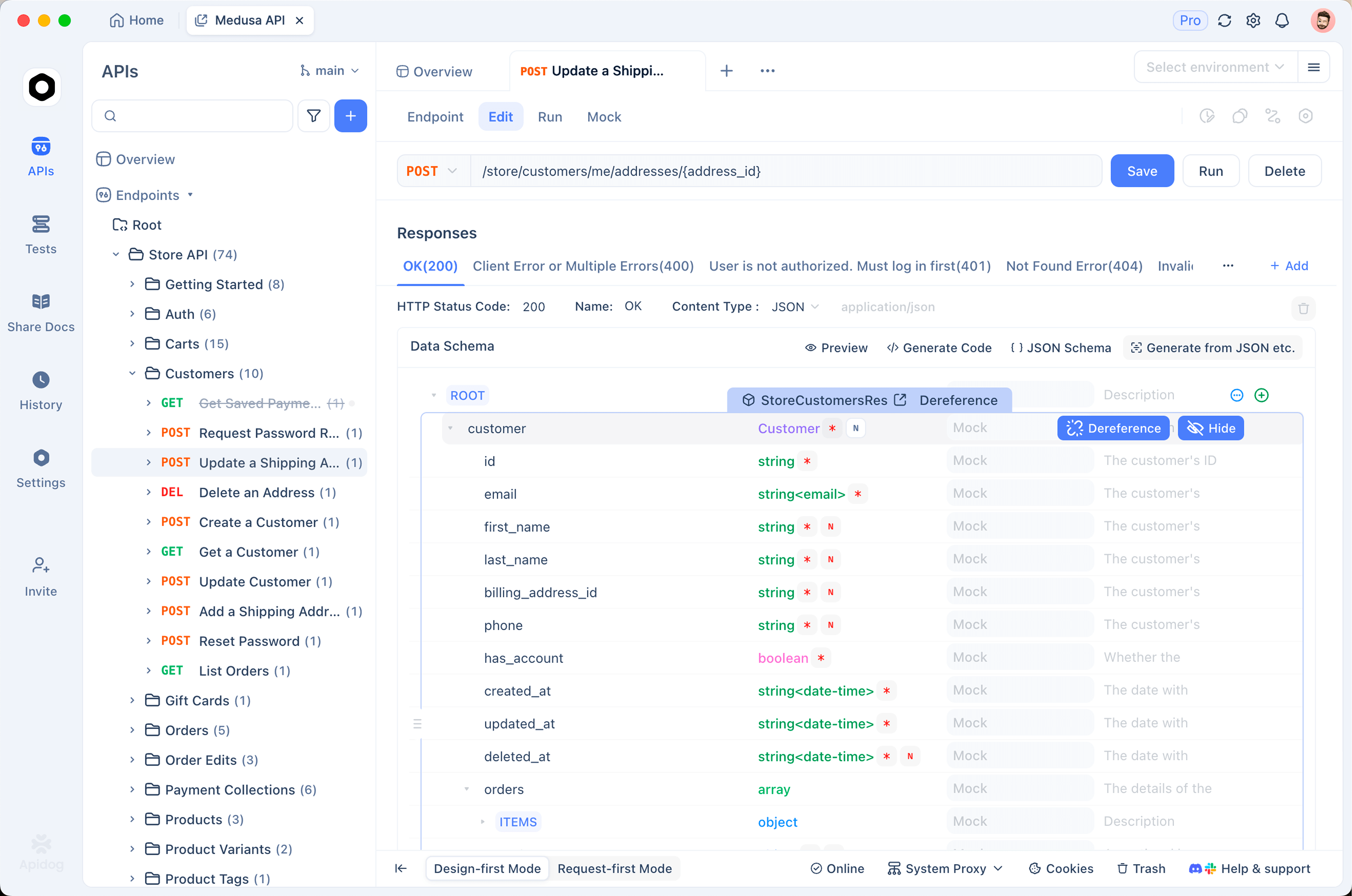
Apidog is not an agent framework, and it doesn’t build agents. AgentKit and the Agents SDK do that. What Apidog does is the layer underneath: it tests, mocks, and documents the APIs and tools your agent calls. Three concrete jobs come up constantly.
First, mock the external APIs before they’re ready. If your agent needs to call an orders service that the backend team hasn’t finished, you can stand up a mock API that returns realistic responses matching the agreed schema. Your agent develops against a stable contract instead of waiting on the backend, and you control the edge cases, empty results, errors, slow responses, on demand.
Second, assert that each tool returns what the agent expects. A tool call that returns a 200 with the wrong field names is worse than an outright failure, because the model will try to reason over garbage. By writing API test cases that validate status codes, response shape, and specific field values, you catch contract drift on every endpoint your agent touches before it reaches the model.
Third, manage environment keys and base URLs across dev, staging, and production. Agent tools carry secrets like $ORDERS_API_KEY. Keeping those in environment variables and swapping them per environment, without pasting keys into code, is exactly the kind of thing an API platform handles cleanly. You can download Apidog and pull your tool endpoints into a project to test them in isolation, away from the agent runtime.
If you want a focused walkthrough of treating an agent’s tool calls as testable APIs, we wrote one up in how to test an AI agent’s tool calls. The short version: every tool your agent calls is an API, and APIs deserve tests.
Frequently asked questions
Is OpenAI AgentKit free?
AgentKit’s tooling sits on top of your OpenAI API usage, so you pay for the underlying model tokens and any tool calls the agent makes. There’s no separate AgentKit subscription line item; the cost is the model and API usage your agent generates. Always check current pricing on OpenAI’s platform, since model rates change.
What’s the difference between AgentKit and the Agents SDK?
The Agents SDK is the code framework for defining agents, tools, and guardrails. AgentKit is a broader bundle that included the visual Agent Builder, ChatKit, the Connector Registry, and Evals on top of that SDK. With Agent Builder and Evals being wound down in late 2026, the Agents SDK is the durable, code-first path. Our Agents SDK guide covers it end to end.
Is Agent Builder going away?
Yes. OpenAI announced on June 3, 2026 that it’s deprecating Agent Builder and the Evals platform. Both shut down on November 30, 2026, and Evals becomes read-only on October 31, 2026. ChatKit remains available, and OpenAI recommends moving code-first workflows to the Agents SDK and natural-language ones to Workspace Agents in ChatGPT.
Can I test the APIs my AgentKit agent calls?
Yes, and you should. Every tool an agent calls is an HTTP API with a request and a response. You can mock those APIs while they’re still being built, assert their responses match the schema your agent expects, and manage the keys each one needs. A platform like Apidog handles all three so your agent’s tools behave predictably before they reach a real user.
Conclusion
AgentKit gave OpenAI developers a faster on-ramp to building agents: a visual canvas in Agent Builder, an embeddable UI in ChatKit, governed connectors in the Connector Registry, and measurement through Evals. Heading into late 2026, Agent Builder and Evals are being retired, so the lasting bet for engineering teams is the Agents SDK, with ChatKit and the Connector Registry alongside it.
Whichever path you take, your agent’s reliability comes down to the APIs it calls. Mock them early, assert their responses, and keep your keys organized. Apidog gives you one place to test and mock every tool endpoint your agent depends on, so the integrations hold up when an agent puts them under load.