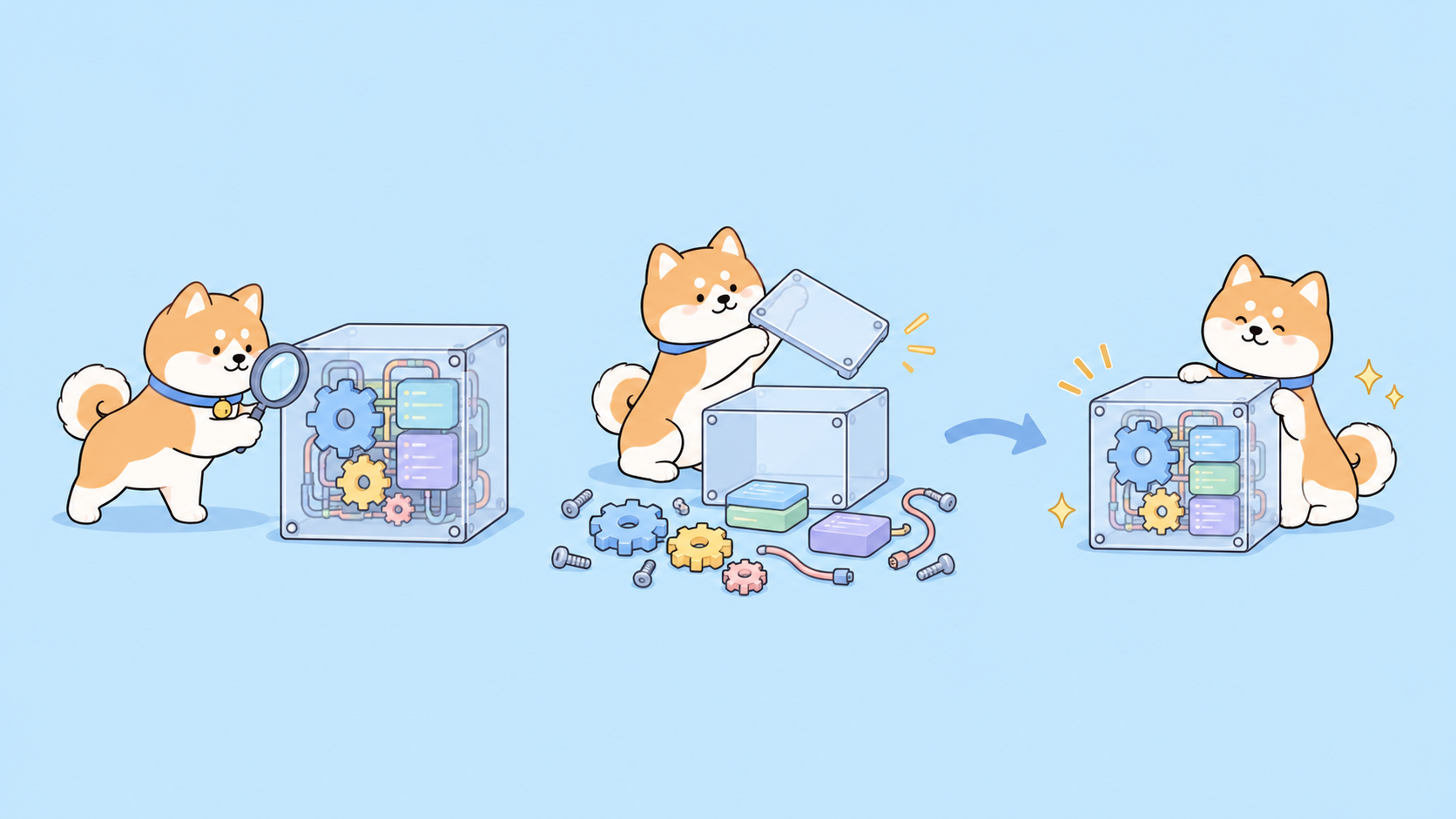
To reverse engineer anything with Opus 5.5, connect the model to a disassembly engine through REA, then work in stages: route the target, map it, decompile the busiest functions, have Opus name and explain them, write a behavior-only spec, and rebuild from that spec in a separate context. Match the effort level to each stage, and prove the rebuild with parity tests.
That’s the short version of a guide that went viral on X. On October 12, 2026, builder Movez published an 11-step course on reverse engineering with Claude Opus 5.5. It passed 1 million views and 2,800 bookmarks. This article checks its claims against the sources, corrects two benchmark details, and adds the step most guides skip: testing the API a target talks to.
Use this only on software you own or are authorized to examine. REA’s README limits the tool to “lawful research, education, interoperability, software preservation, and analysis of software you own or are authorized to examine.”
Why Opus 5.5 needs a tool to read a binary
Opus 5.5 reads and writes text; it can’t load a Mach-O or ELF file itself. REA is an MCP server that sits between your agent and an analysis engine (Hopper, Ghidra or IDA for native code), runs the analysis locally and returns findings with their evidence: addresses, pseudocode, strings and call sites. The model reads those findings and asks the next question.
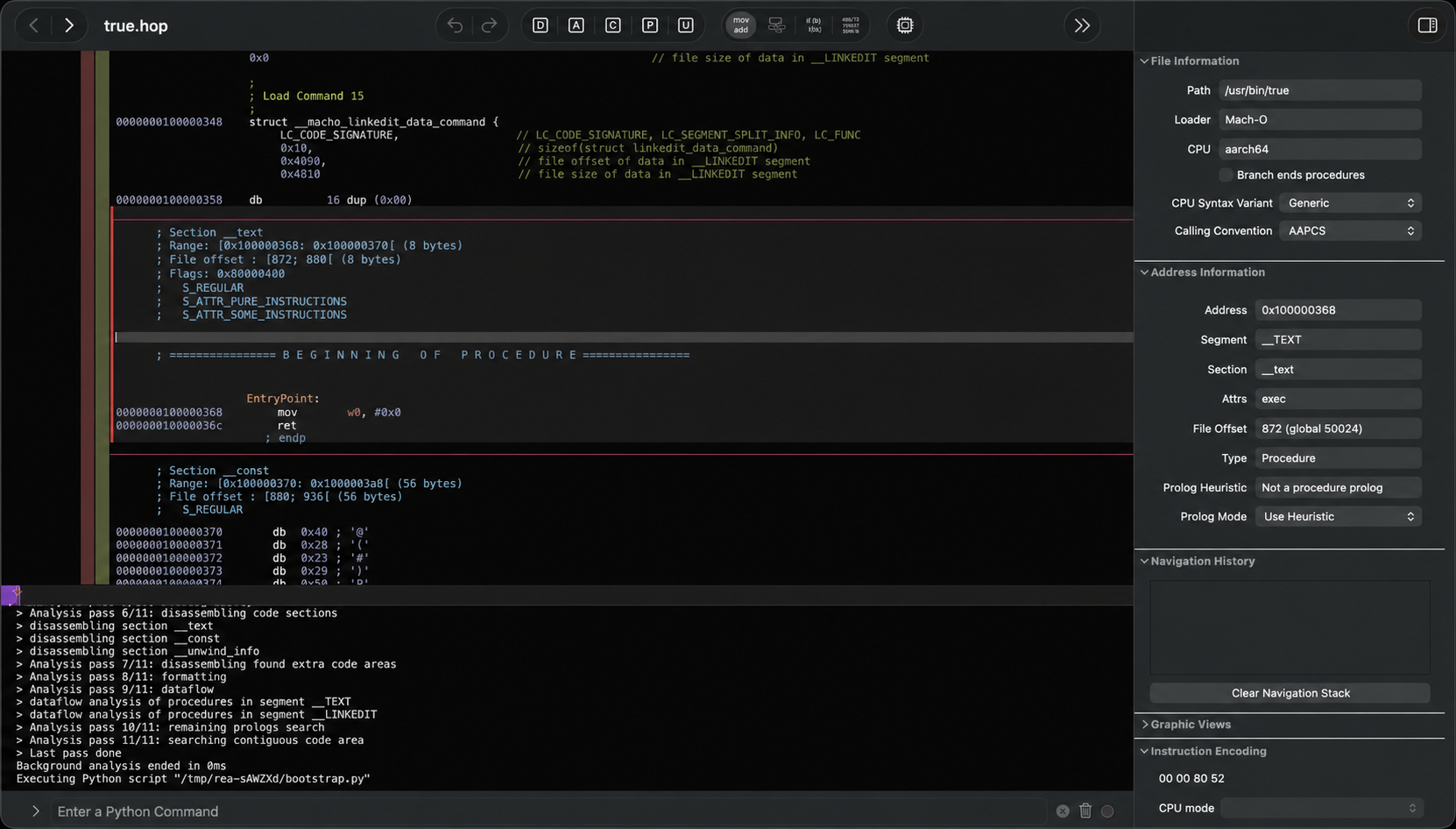
REA crossed 393,000 GitHub stars by October 27, 2026, up from about 115,000 on October 12. We covered what REA is and how it works and a six-step loop for rebuilding one app feature when it first trended. This guide focuses on the model side: the prompts, the effort settings and the limits.
Step 1: Install REA and write house rules
REA needs Node.js 22.23.4 or later on the 22 line (24.22.1+ or 26.12.1+ also work) plus npm. The current npm release is 6.8.0. Register it with your agent:
npx rea-agents setup
npm install --global rea-agents
rea --help
Setup previews its config changes, backs up what it touches and supports Claude Code, Codex, Cursor, Gemini CLI and Grok Build. Native analysis needs Hopper, Ghidra or IDA; JavaScript, Electron and .NET inspection needs no engine.
Then give the agent house rules. The course’s CLAUDE.md block is the thread’s best part:
# Reverse-engineering house rules
- Only analyze targets I own or am authorized to examine. State the basis once.
- Tag every claim: observation, inference, or unknown.
- Cite the evidence: address, bytes, pseudocode or call site.
- Start with the smallest overview. Expand only on a concrete gap.
- Separate static facts from runtime facts.
- Build from behavior and public specs, never from copied code or assets.
- Every recovered behavior needs a passing test before "done".
Step 2: Pick an effort level for each stage
Opus 5.5 supports five effort levels: low, medium, high, xhigh and max. Per Anthropic’s effort docs, Opus 5.5 defaults to medium, while xhigh targets long agentic runs and max removes all limits on token spend. You set it with output_config.effort on the API, or your agent’s effort setting.
The course’s split is a sensible starting point, not a measured rule:
| Stage | Suggested effort | Why |
|---|---|---|
| Routing, recon, navigation | medium |
Mostly tool calls and listing |
| Annotating ordinary functions | high |
Naming needs reasoning about data flow |
| Long multi-function sessions | xhigh |
Built for runs over 30 minutes |
| Obfuscated or pointer-heavy code | max |
Deepest reasoning, highest cost |
Raise effort per function, not per session.
Step 3: Route the target before you open anything
The most common beginner mistake is opening a disassembler on an Electron app whose JavaScript sits in plain view. REA covers desktop installs, native binaries, JavaScript and Electron apps, .NET assemblies, Android APKs, WASM, websites and saved network captures, each with its own entry tool. Your first prompt should only identify the target:
I want to understand how [FEATURE] works in [APP] at [ABSOLUTE PATH].
First tell me what kind of target this is (native, Electron/JS, .NET, APK, WASM)
and which REA tool opens it. Don't start deep analysis yet.
Then give me a one-paragraph map and where you'd look first for [FEATURE].
Keep observations, inferences and unknowns separate.
An Electron target goes to analyze-javascript-application (modules, imports, IPC boundaries, no engine). A native target goes to open_binary.
Step 4: Map strings and rank functions by cross-references
Don’t read code yet. For a native target, start with an inventory:
rea inspect /absolute/path/to/program --provider ghidra --json
rea search /absolute/path/to/program entry --kind procedures --provider ghidra --json
Strings are your fastest clue: URLs, error messages and feature names. A base URL or an Authorization: Bearer string also tells you the binary talks to an API, which matters in Step 9.
Next, rank functions by cross-references (how many places call them). A function with 147 callers is likely core infrastructure, such as a config loader; one with two callers can wait. Read from the top down.
Step 5: Decompile one function, then let Opus name it
Decompile a single hot function:
rea function /absolute/path/to/program parseConfig --provider ghidra --json
rea decompile /absolute/path/to/program --procedure=parseConfig --provider ghidra --json
The output is rough (var_28, casts everywhere). Hand it to Opus 5.5 at high effort with a fixed checklist:
Here is decompiled pseudocode for a function with 147 cross-references.
1. Rename every variable based on how it is used.
2. State the function's purpose in one sentence.
3. List the data structures it reads and writes.
4. Name the pattern (singleton, factory, state machine, observer).
5. Flag missing error handling, validation or security checks.
Mark anything you're unsure of instead of guessing.
Decompilers get details wrong. In REA’s DX-Ball showcase, the first pseudocode showed a sound-pan function taking no input. Only the instruction view revealed the parameter. The final C reconstruction passes 3,205 original x86 test cases and reproduces all 63 compiled function bytes, because the agent cross-checked pseudocode against assembly and callers. Ask for rea instructions when a signature looks odd.
Step 6: Budget obfuscated code, don’t grind it
This is where the viral course needs correcting. It cites Elastic Security Labs’ obfuscation benchmark as a test of “Claude Opus”. Elastic’s study, published April 21, 2026, tested Claude Opus 4.6, not Opus 5.5. The numbers:
| Tigress phase | Solved |
|---|---|
| No transforms | 1 of 1 |
| Single transforms | 4 of 6 |
| Paired transforms | 3 of 6 |
| Heavy, multi-layer | 0 of 6 |
In total, Opus 4.6 solved 8 of 20 evaluable targets (40%). Successes averaged $2.39 and failures $4.83, so a failure costs about twice a success. Treat these as a floor, not a measurement of Opus 5.5; we found no published equivalent for 5.5.
Second, the course says a tool called Caveman “removes about 75%” of decompiled junk. Elastic describes Caveman as a plugin that cuts the model’s own verbosity by up to 75%, not a decompiled-code filter.
The lesson survives: cap spend per obfuscated function, ask for a 1 to 10 confidence score, and park anything below 6 until its neighbors are resolved.
Step 7: Split big targets into a controller and workers
One chat can’t hold 500 functions; it forgets names and contradicts itself. The course’s fix is a controller that never analyzes code and workers that each take one function:
Controller: The function map is in functions.json (address, name, size, xrefs).
Cluster functions by call-graph proximity, order clusters by xref count,
send each cluster to a worker, inject already-resolved struct names into every
brief, and queue a second pass for any result with confidence below 6.
Report token spend after each cluster.
Each worker returns the address, purpose, a 1 to 10 confidence score, the structs it used or found, and clean source, reusing the controller’s struct names. Elastic’s benchmark ran the same controller and worker shape.
Step 8: Write a behavior-only spec in a clean context
A clean-room rebuild copies what software does, never its code. Ask Opus for a behavior-only spec: public interfaces, the data model, each feature as a testable requirement, file formats from public standards, and error handling. Ban addresses, decompiled names and anything copied.
Then implement from that spec in a different context that never sees the analysis. That separation is the clean-room boundary. This is engineering practice, not legal advice.
Step 9: Recover the API contract and test it with Apidog CLI
Step 4’s strings often reveal a base URL and an auth header, so part of the behavior lives behind an API. Your rebuild only matches if it honors that contract too, and traffic shows it faster than assembly.
Record a HAR on a test account you own, and let REA summarize it:
rea inspect-web-network-capture /absolute/session.har har --json
Then let your agent turn that capture into a tested contract with Apidog CLI. Set it up once:
npm install -g apidog-cli@latest
apidog auth login --with-token <YOUR_TOKEN>
apidog skill install
Give the agent one prompt:
Import session.har into Apidog project <id>. List the endpoints it created,
remove anything that isn't part of [FEATURE], and write one test case per
endpoint that asserts status code, required fields and response schema.
Run them against the original-service environment, then against my rebuild's
environment, and report every endpoint where the two disagree.
The agent runs the import, checks payload shapes before writing, and runs both environments:
apidog import --project <id> --format har --file ./session.har
apidog endpoint list --project <id>
apidog cli-schema get test-case-create
apidog cli-schema validate test-case-create --file case.json
apidog test-case create --project <id> --file case.json
apidog test-case run --project <id> --endpoint <endpointId> -e <originalEnvId> -r cli,json
apidog test-case run --project <id> --endpoint <endpointId> -e <rebuildEnvId> -r cli,json
Same cases, two environments, one diff, rerunnable on every commit with -r junit (see our Apidog CLI CI/CD guide). If you’d rather drive it from Claude Code, see Apidog CLI in Claude Code. Apidog’s free plan covers up to 4 users. For the manual approach, see reverse engineering APIs.
Step 10: Prove parity before you ship
“I think it matches” isn’t evidence. For local behavior, ask Opus to build a harness that feeds the same inputs to the original and the rebuild:
Generate 50 inputs: 30 normal, 10 edge (empty, max size, unicode), 10 error
(malformed, missing fields, corrupt). Run each through both programs. Compare
byte-for-byte where possible, semantically otherwise. Report the match rate and
every divergence as cosmetic, behavioral or critical.
With Step 9’s API run, you get two numbers to show anyone: a local match rate and an API match rate. Test as you build, not at the end.
FAQ
Is reverse engineering with Opus 5.5 legal? It depends on your jurisdiction, the license and your purpose. REA supports lawful research, education, interoperability, preservation and analysis of software you own or are authorized to examine. Get legal advice before shipping a rebuild commercially.
Which effort level should I use for reverse engineering? Start at medium for routing and recon, high for annotating functions, and reserve max for obfuscated code with a per-function budget. Opus 5.5 defaults to medium.
How well does Claude handle obfuscated binaries? The only public benchmark, from Elastic Security Labs, tested Opus 4.6: 40% of 20 Tigress targets solved and 0% of heavy multi-layer ones. No equivalent test of Opus 5.5 has been published.
How do I test the API a reverse-engineered app uses? Capture a HAR on a test account, import it with apidog import --format har, create test cases with Apidog CLI and run them against both the original service and your rebuild.
Does REA upload my binary? REA runs analysis locally. Only the findings your agent passes to the model (strings, pseudocode) reach your model provider.