If you’ve adopted Bruno, you already know the appeal. Your collections live as plain .bru files in your Git repo, version-controlled alongside the code, with no cloud account required. It’s a clean, offline-first answer to API clients that want to own your data.
But sooner or later someone asks a question Bruno doesn’t answer well: “Where are the docs? Can you send me a link?” That’s where teams hit a wall. Bruno is built for sending requests, not for publishing a shareable documentation portal. This guide covers Bruno API documentation generation honestly, what Bruno gives you, what it doesn’t, and how to generate and host docs from your spec when you need a real URL to hand to consumers.
What teams actually need from API docs
Before judging any tool, it helps to define the target. When people say “API documentation,” they usually mean three things working together:
- A shareable URL. Frontend developers, partners, and QA need to read the docs without cloning your repo or installing a client. A link in Slack should just work.
- Docs that stay in sync. Documentation that drifts from the real API is worse than none, because it sends people in the wrong direction confidently. The docs must track the spec.
- An interactive “try it” experience. Reading endpoint descriptions is fine; sending a real request against the documented endpoint, with auth and sample payloads filled in, is what turns docs into a usable reference.
Hit all three and your docs become the single source of truth. Miss one and people fall back to asking you directly, which doesn’t scale.
Bruno’s documentation story
Let’s be fair to Bruno, because it does some things well here.
Bruno’s collections are human-readable. The .bru format is plain text, so an engineer browsing the repo can open a request file and see the method, URL, headers, and body. Bruno also supports a docs block per request and a Markdown documentation view inside the app, so you can attach prose explaining what an endpoint does. Because everything is in Git, those notes are reviewed in pull requests like any other change. For an internal team that lives in the codebase, that’s a legitimate form of documentation.
The honest gap is publishing. Bruno has no built-in, hosted, auto-generated public documentation portal. There’s no “publish” button that turns your collection into a website at a stable URL with a custom domain. The in-app docs view is visible to people who already have Bruno installed and have cloned the collection, which is exactly the audience that needs docs the least.
So teams improvise. Common workarounds include exporting the collection or an OpenAPI file and feeding it into a separate static-docs generator, wiring up a docs site in CI, or maintaining a hand-written README that someone updates by memory. These can work, but they add a build pipeline to maintain and a second place where information can drift. The documentation is no longer a first-class output of the tool you test with; it’s a side project.
The docs-as-code principle
Tcleaner way to think about this, and it’s one Bruno users already half-believe: treat your documentation as a product of your specification, not a separate artifact.
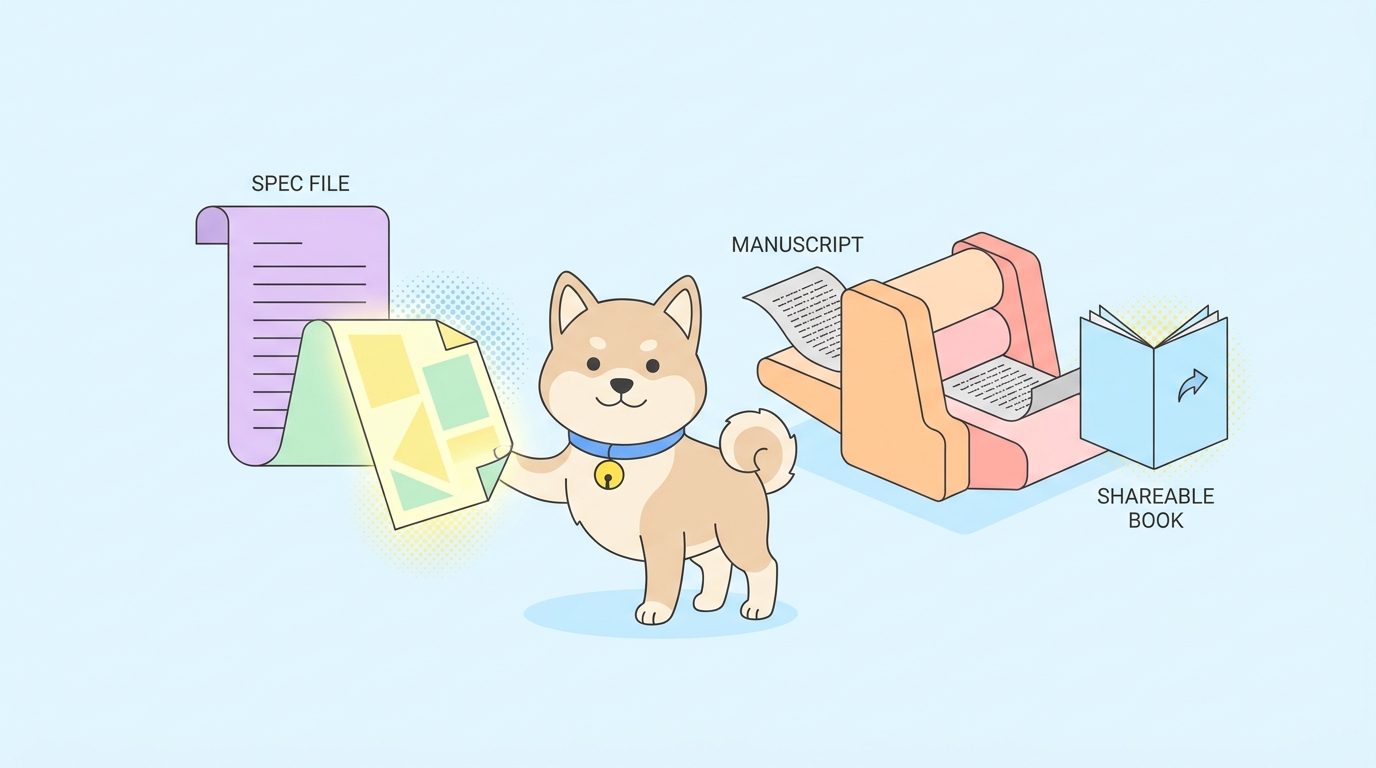
In a docs-as-code workflow, your API is described once in a machine-readable spec, typically OpenAPI. That spec lives in Git, gets reviewed in pull requests, and acts as the contract. Documentation, mock servers, and client SDKs are all generated from it. When the contract changes, the change is reviewed in one place, and everything downstream follows.
The advantage is that there’s no separate “update the docs” task to forget. The docs are a rendering of the spec. If the spec is right and reviewed, the docs are right. This is the principle Bruno gestures at by keeping collections in Git, but it stops short of the publishing step.
Generate and host docs from your spec instead
This is the gap Apidog is built to close. Apidog keeps the same spec-centered, Git-friendly mental model, then adds the piece Bruno leaves out: it generates an interactive, hosted documentation site directly from your spec, no separate build pipeline required.
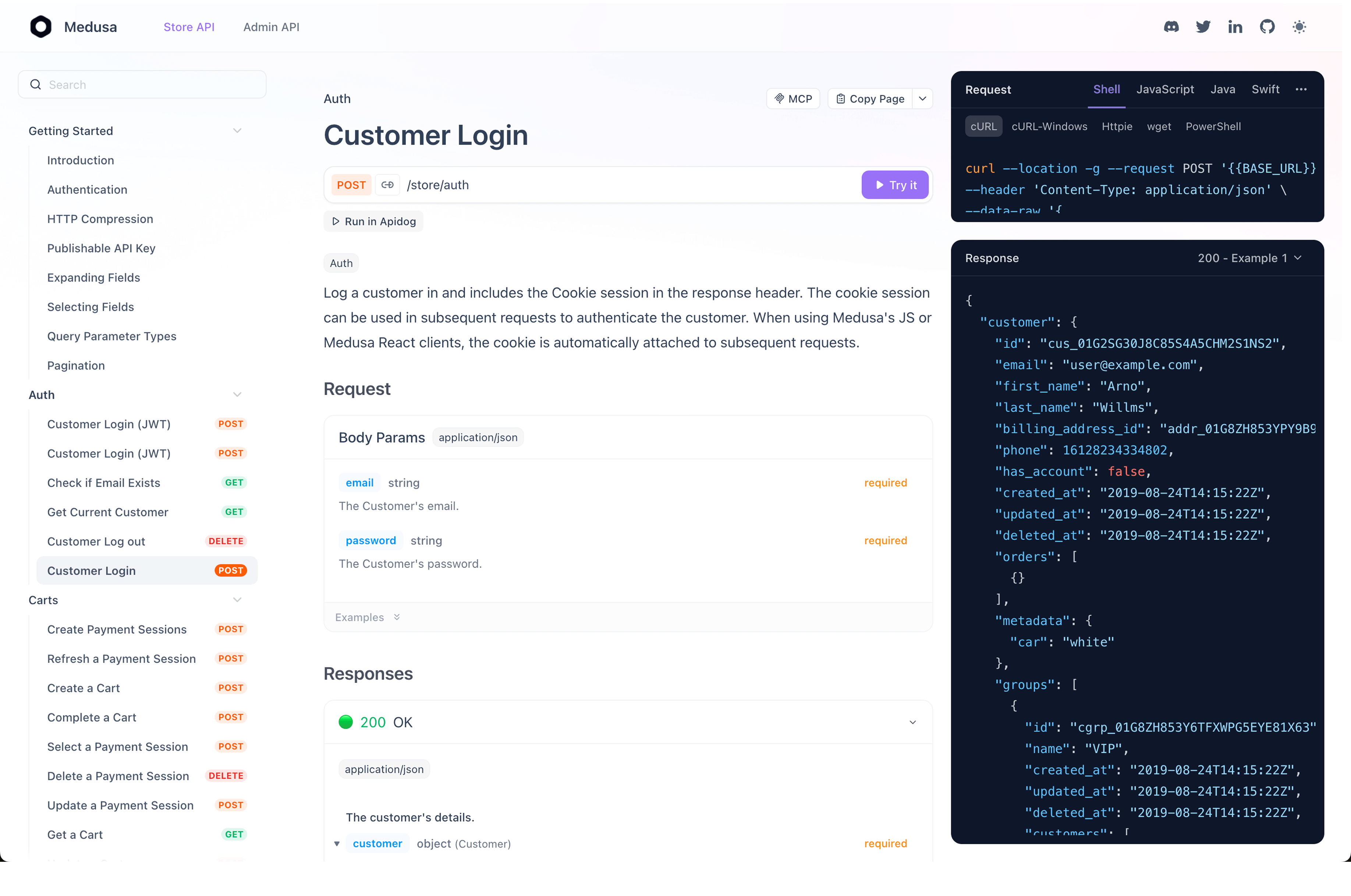
Point Apidog at your OpenAPI spec and it produces a documentation portal automatically. The result is:
- Hosted at a shareable URL, so anyone with the link can read the docs without installing anything.
- Mountable on a custom domain, so docs can live at
docs.yourcompany.comand match your brand. - Interactive, with a built-in “try it” panel that sends real requests using the documented parameters, headers, and auth.
- Generated from the spec, so the docs reflect what the API actually declares rather than a hand-written copy that can drift.
Because the same spec also drives Apidog’s testing and mocking, you’re not maintaining three descriptions of one API. You describe it once and reuse it.
Walkthrough: from spec to shareable URL
Here’s the short version of publishing docs from an OpenAPI spec.
| Step | Action | Result |
|---|---|---|
| 1 | Import or write your OpenAPI spec in Apidog | Endpoints, schemas, and examples populate automatically |
| 2 | Open the project’s documentation settings | Docs are generated from the spec, ready to configure |
| 3 | Choose visibility and (optionally) a custom domain | Docs are public, private, or password-protected |
| 4 | Publish | A live, hosted docs site is created at a stable URL |
| 5 | Share the link | Consumers read the docs and run “try it” requests |
If you already have a Bruno collection, you can convert it to OpenAPI first, then import that spec. From there the publishing step is the same. The point is that generating and hosting the docs is a has, not a pipeline you assemble yourself.
Keeping docs in sync as the spec changes
A docs URL is only useful if it stays accurate. The failure mode with improvised setups is that someone ships an endpoint change and forgets the docs.
When docs are generated from the spec, that risk shrinks. You edit the spec, the spec change goes through review like any other code change, and the published docs reflect the new state. There’s no parallel document to remember. Add a field to a response schema and it appears in the docs; deprecate an endpoint and the docs say so. The work you already do to keep the contract correct is the same work that keeps the docs correct.
This is the practical payoff of the docs-as-code principle: correctness becomes a side effect of a workflow you’d want anyway, rather than a separate chore that depends on discipline.
FAQ
Can Bruno generate and host public API documentation?
Bruno provides readable .bru collection files and an in-app Markdown docs view, both reviewed in Git. It does not include a built-in, hosted, auto-generated public docs portal with a shareable URL. To publish public docs from Bruno, teams typically export a spec and run a separate static-docs generator, which adds a pipeline to maintain.
How do I get a shareable docs URL from my API?
Describe your API in an OpenAPI spec, then use a tool that generates hosted docs from it. In Apidog you import the spec, configure visibility, optionally attach a custom domain, and publish. The output is a live documentation site at a stable URL, with an interactive “try it” panel, that you can share directly.
Do I have to abandon my Bruno collections to publish docs?
No. You can convert an existing Bruno collection to OpenAPI and import that spec into a docs tool. Your endpoints, schemas, and examples carry over, and you keep the spec under version control. The migration is at the spec layer, so the docs-as-code habits you built with Bruno still apply.