A small team in 2027 can build, test, ship and monitor real software without paying for a single tool. The catch is knowing which free plans are generous, which ones are trials in disguise, and where each free tier stops.
This guide covers 18 free developer tools, picked for a small team that writes code with AI coding agents. That team’s stack has two layers. The first is the usual one: an editor, a repo, a database, hosting and monitoring. The second is newer: the agents themselves, the models they call, and somewhere to track the work they do. Most “best free tools” lists ignore that second layer. This one is built around it.
Each entry covers what you get for free, where the free tier runs out, and when to use it. Free plans change often. Everything here was checked against the vendor’s own pricing or product page in November 2026, but check the live page before you commit a team to one.
The short list
| # | Tool | Layer | What’s free |
|---|---|---|---|
| 1 | Apidog | API design, testing, mocking, docs | Free plan for small teams, plus a free CLI your agent can run |
| 2 | Sharkly | Task board for people and coding agents | Free to start, every feature included |
| 3 | OpenCode | Coding agent | Open source, with free models in its Zen gateway |
| 4 | GitHub Free | Repos and CI | Unlimited repos, Actions minutes for private repos |
| 5 | VS Code + Copilot Free | Editor and AI completions | 2,000 completions a month plus monthly AI credits |
| 6 | Zed | Editor | Free and open source, bring your own model keys |
| 7 | Ghostty | Terminal | Free and open source |
| 8 | Ollama | Local models | Free, runs open models on your own machine |
| 9 | Docker Desktop | Containers | Free for small businesses, individuals and open source |
| 10 | Supabase | Postgres, auth, storage | 500 MB database, 50,000 monthly active users |
| 11 | Neon | Serverless Postgres | 100 CU-hours a month, 1 GB per project |
| 12 | Cloudflare Workers | Serverless functions | 100,000 requests a day |
| 13 | Vercel Hobby | Frontend hosting | Free for personal, non-commercial projects |
| 14 | Sentry | Error tracking | About 5,000 errors a month, one user |
| 15 | Grafana Cloud | Metrics, logs, traces | 10k metric series, 50 GB logs, 50 GB traces |
| 16 | PostHog | Product analytics | 1 million events and 5,000 session replays a month |
| 17 | Hugging Face | Models and datasets | Free account, public models, datasets and Spaces |
| 18 | Excalidraw | Diagrams | Free, open source whiteboard |
The first three pick themselves for a team that works with agents. Apidog gives the agent a way to design and test the APIs it writes. Sharkly gives the team one board where people and agents pick up, run and review work. OpenCode gives you a capable coding agent at no cost. Everything after that is the classic free stack, chosen because it works well with agents too.
1. Apidog
Best for: designing, testing, mocking and documenting APIs, and letting your coding agent do the testing.
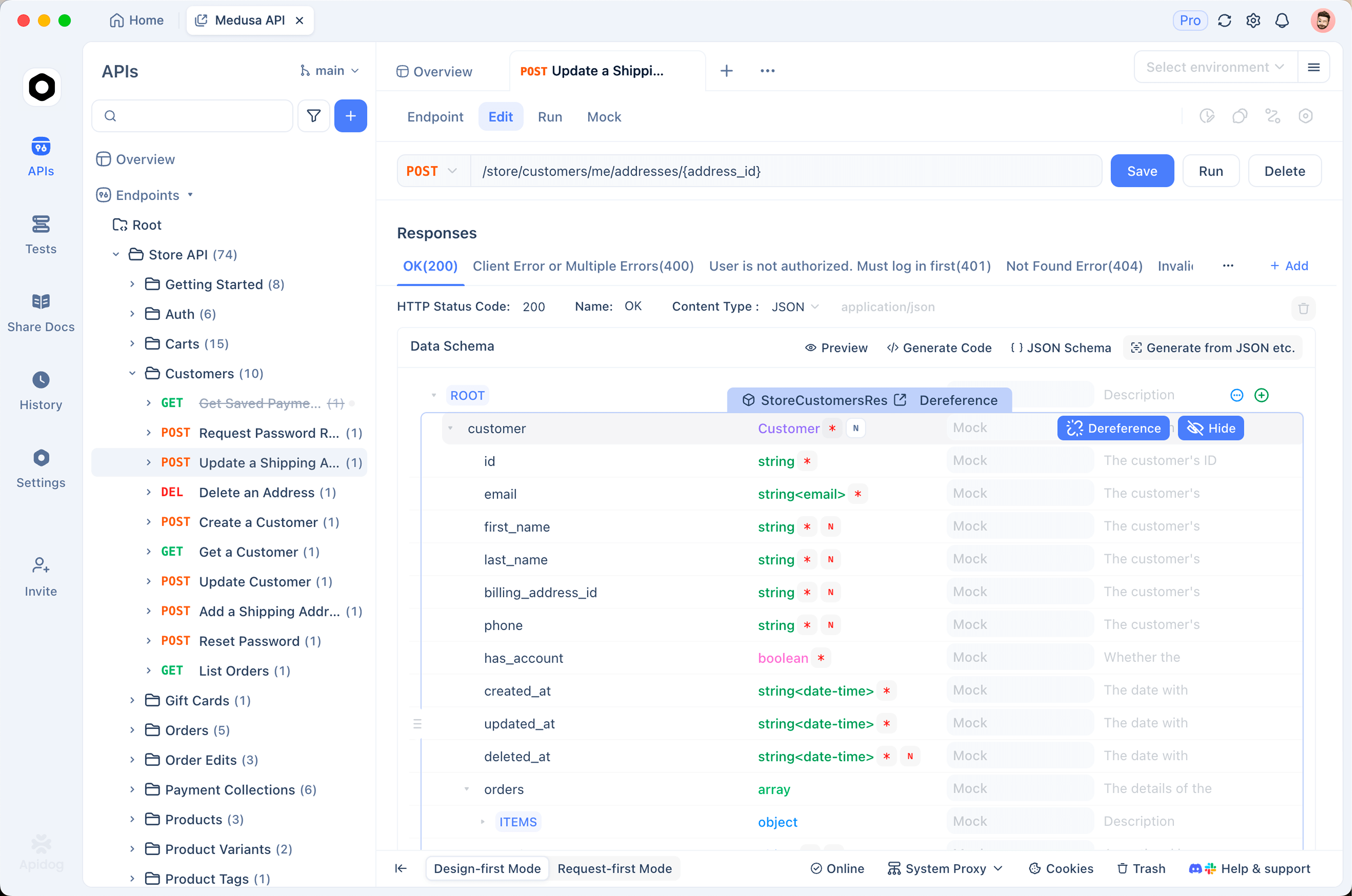
Most of what a small team ships is an API or talks to one. Apidog keeps the whole API lifecycle in one place: you design the spec, generate mocks from it, write test scenarios, and publish docs, all from the same source. That removes the usual drift between a spec file, a separate testing tool and a docs site that is three versions behind.
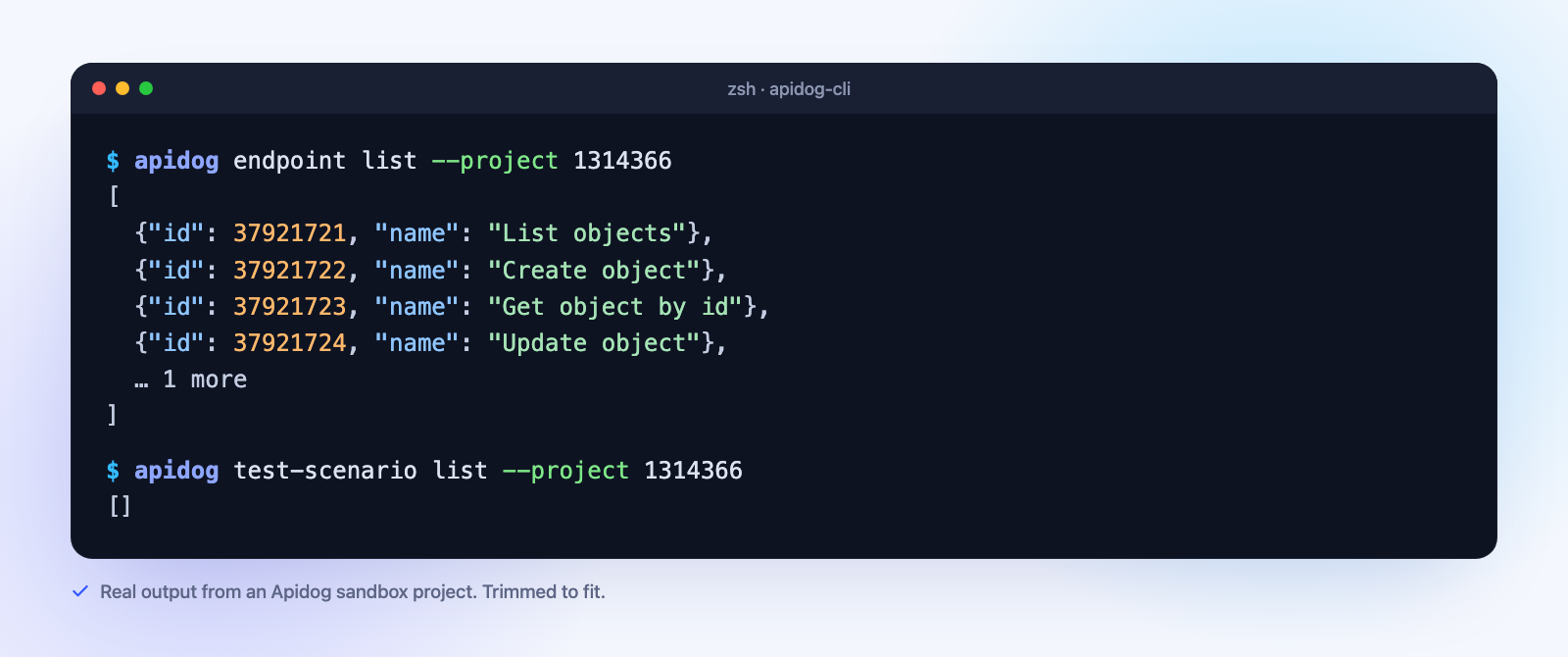
The part that matters most in 2027 is the Apidog CLI. Your coding agent no longer has to guess whether the endpoint it just wrote actually works. It runs the CLI, reads the JSON output, and fixes what failed. You install it once:
npm install -g apidog-cli@latest
apidog --help
Then you give your agent one prompt, in Claude Code, Codex, OpenCode or whichever agent you use:
List the endpoints and test scenarios in my Apidog project, then run the
smoke scenario against the dev environment and tell me what failed.
The agent runs commands like these and reads the results:
apidog endpoint list --project <project-id>
apidog test-scenario list --project <project-id>
Every CLI command prints structured JSON, and many outputs include suggested next steps, so the agent knows what to run after a list or a failed test. Every command supports --help, which is also how an agent learns the flags on its own.
What’s free: the Free plan covers a small team (up to 4 users) with API design, debugging, mocking, automated tests and docs. The CLI is free with it.
Where it stops: larger teams, advanced collaboration and enterprise controls are on paid plans.
Use it when: your product has an API and you want your agent to test it the same way every time. For more on the CLI side, see top CLI tools for AI agents and free open-source CLI tools for API testing.
2. Sharkly
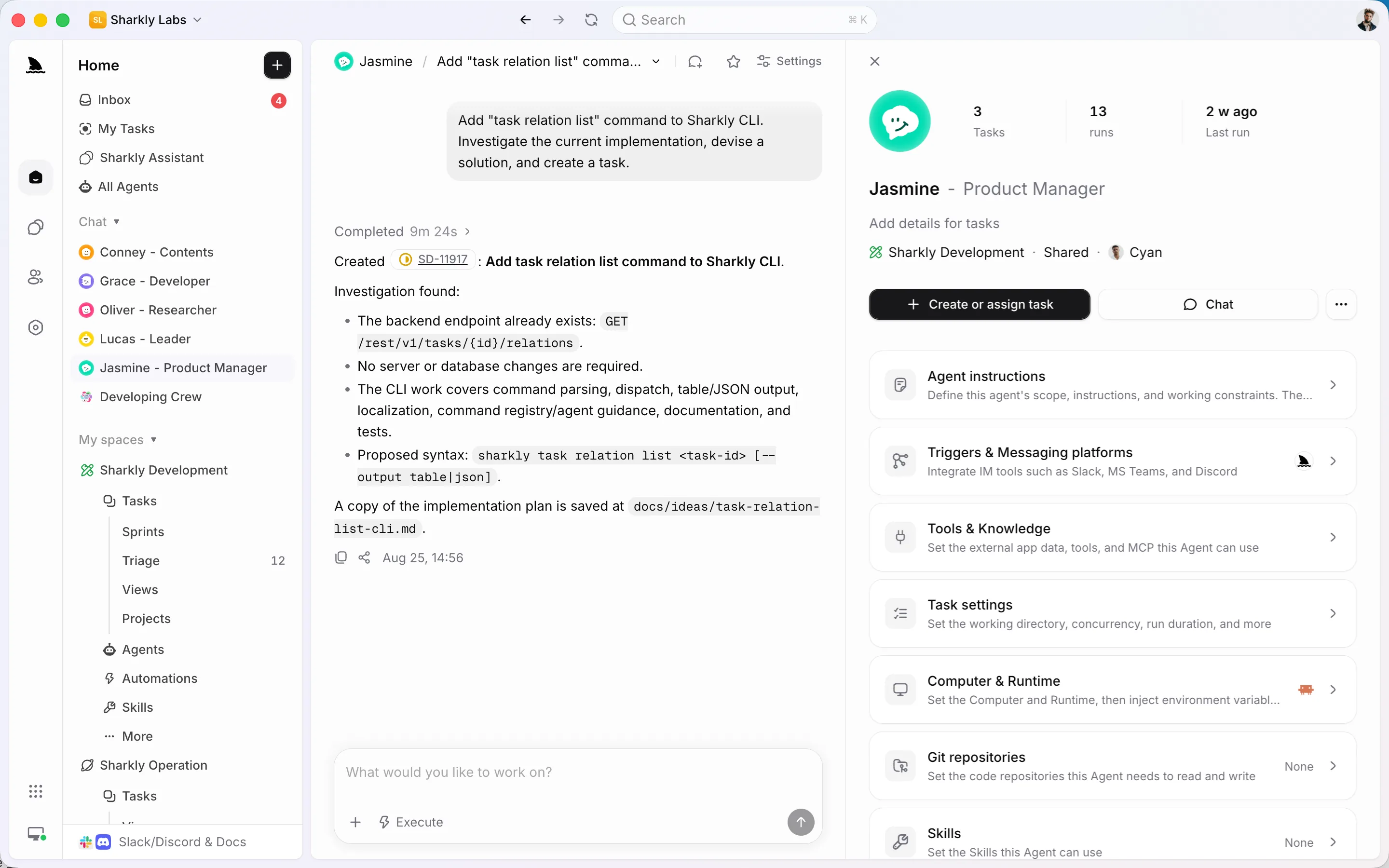
Best for: running several coding agents as a team instead of a pile of terminal tabs.
Once a team runs more than one coding agent, a new problem shows up. Claude Code is working on one branch, Codex on another, an OpenCode session is half done in a third terminal, and nobody can say which task is finished, which needs review and which agent touched what. Sharkly is a task board built for that situation. People and agents share one board. You assign a task to an agent the same way you assign it to a teammate, and the agent picks it up, runs it on a connected computer and reports back on the task.
Sharkly does not replace your coding agent. It sits above it. Each agent in Sharkly has a Runtime, which is the agent that does the work: Claude Code, Codex, OpenCode or another one. Sharkly handles the parts around the code: which task, which agent, which repo and working folder, when it runs, and who reviews the result. Model usage runs on the plan or API key you already have, so Sharkly does not resell tokens.
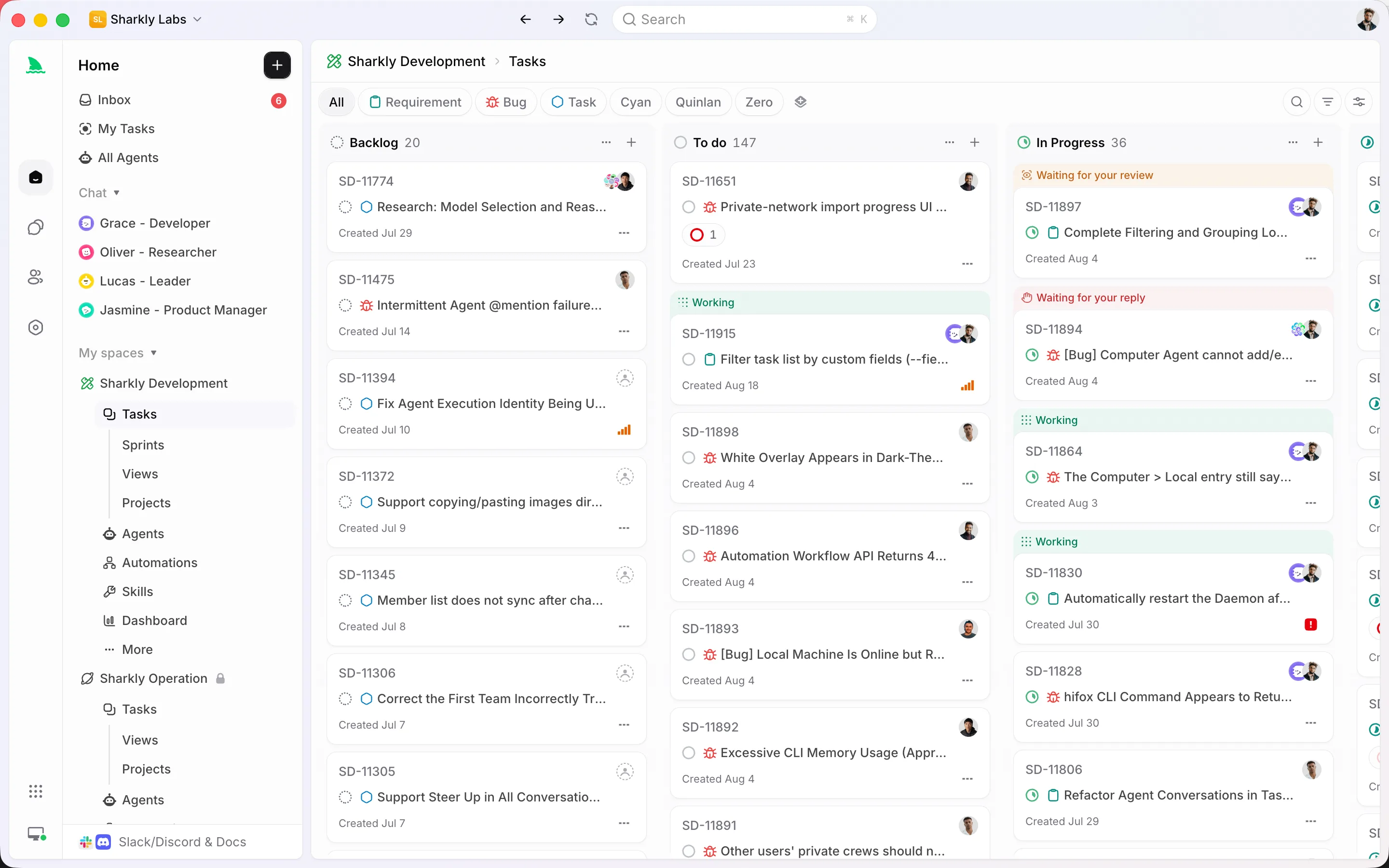
A few things make it useful on day one:
- Agents work like teammates. Assign a task, and the agent moves it through the board’s statuses. Cards it finished are flagged for your review.
- Crews and automations. Group agents into a crew, or trigger an agent when a task changes status or someone comments.
- Your tools stay connected. Documented integrations include Jira, GitHub, GitLab, Slack and Discord.
- No lock-in to one agent. If a better coding agent ships next month, you change the Runtime, not your workflow.
What’s free: Sharkly is free to start, and the free plan has every feature. Agents, crews and computers don’t use up seats, so running more agents costs nothing extra on the Sharkly side.
Where it stops: larger organizations move to the Team plan, which has the same features.
Use it when: you run more than one coding agent, or more than one person works with agents, and you want one place to see what is in progress, what is done and what needs a human.
3. OpenCode
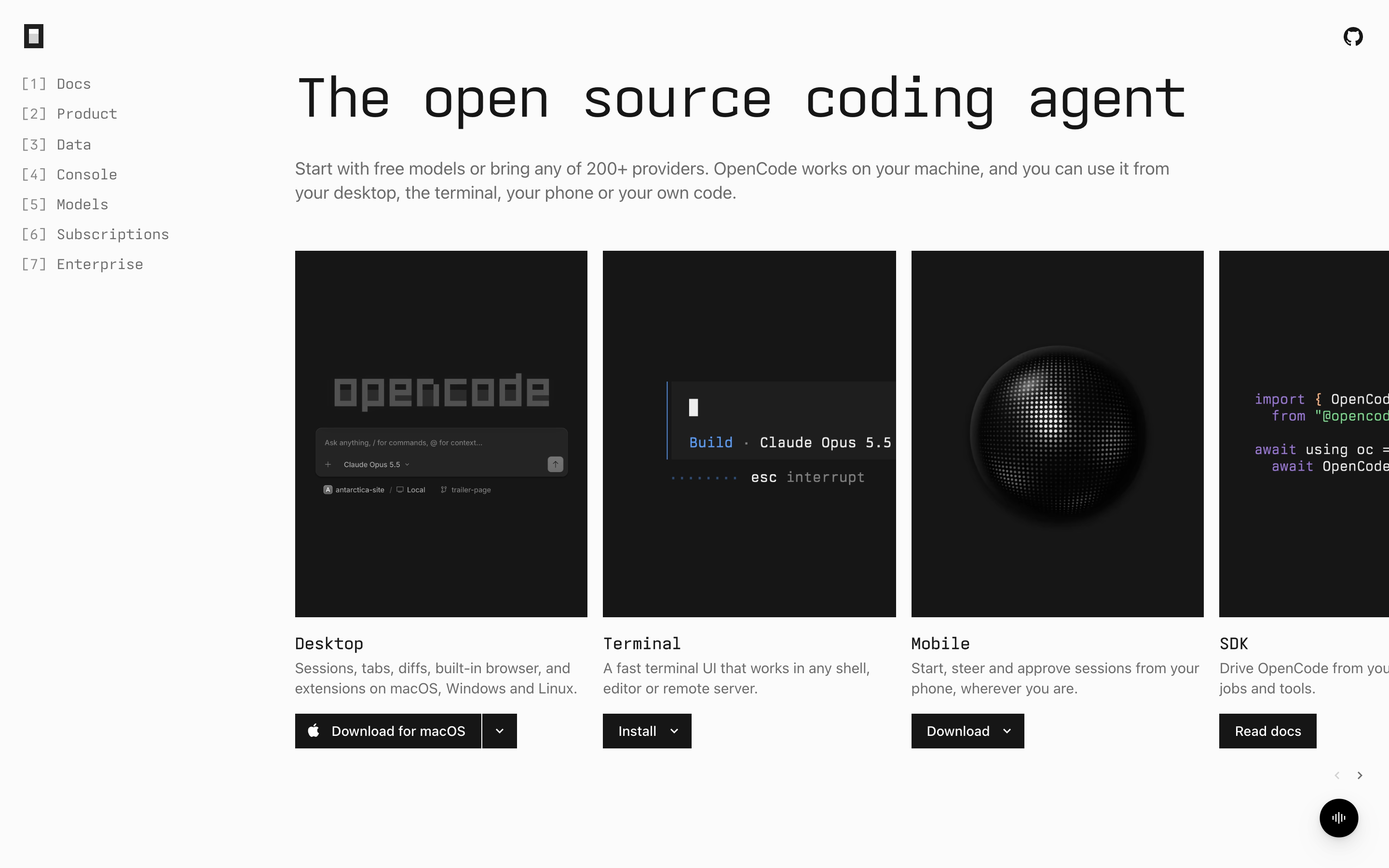
Best for: a capable coding agent that costs nothing to run.
OpenCode is an open source coding agent that runs in your terminal, as a desktop app, or in your IDE. It works with dozens of model providers, so you can point it at Claude, GPT or Gemini with your own key. The part that makes it a free tool is OpenCode Zen, its model gateway, which offers a rotating set of free models you can use without an account.
What’s free: the agent itself, plus the free models in Zen. The lineup changes often, so run /models to see what is free today.
Where it stops: free models can be used to improve the model, so don’t send them code you can’t share. For private code, use a paid model or a local one through Ollama (below).
Use it when: you want an agent for side projects, or a second agent next to your main one. It also works as a Sharkly Runtime, so a free OpenCode agent can take tasks from the same board as your paid ones.
4. GitHub Free
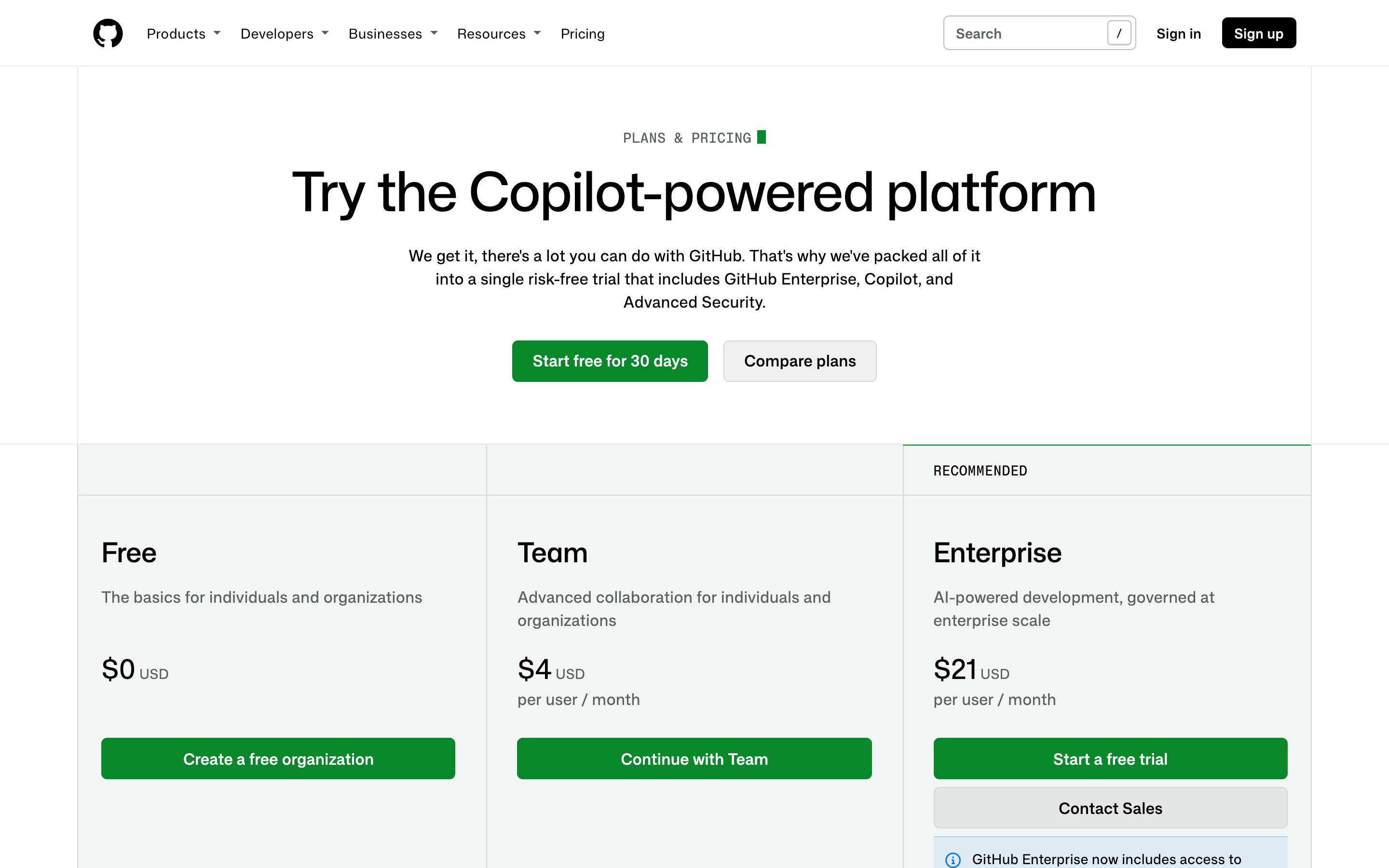
Best for: code hosting, pull requests and CI.
GitHub’s Free plan gives you unlimited public and private repositories, issues, pull requests and GitHub Actions. For most small teams, that’s the whole source-control and CI setup.
What’s free: unlimited repos and collaborators. Actions is free on standard runners in public repos. Private repos get a monthly allowance, historically 2,000 minutes, which GitHub now states as a dollar amount that works out to roughly the same.
Where it stops: larger runners are always billed, and protected branches, required reviewers and code owners on private repos need Team.
Use it when: always. Your agents will open pull requests here, and Sharkly can link tasks to the GitHub work they produce.
5. VS Code + GitHub Copilot Free
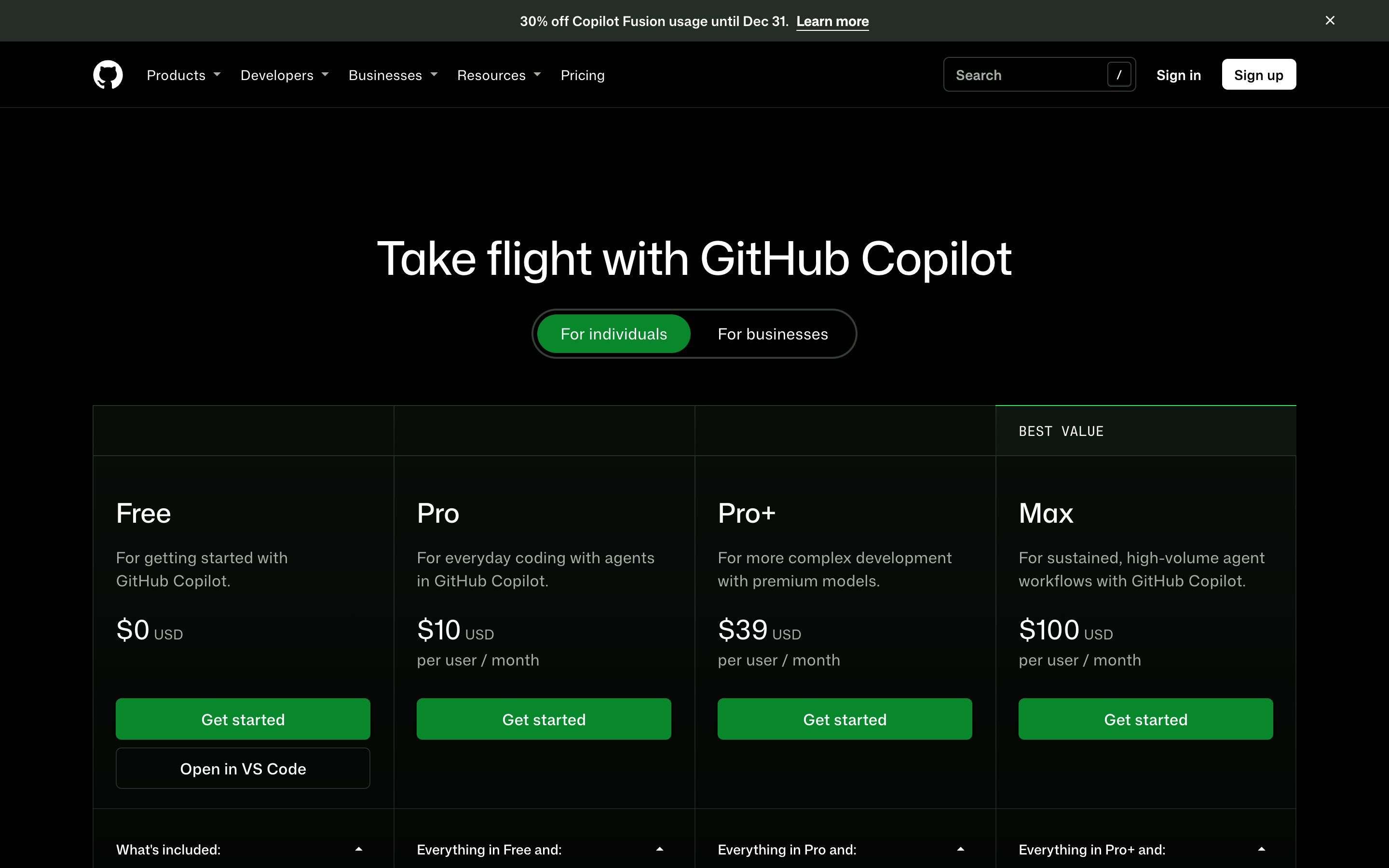
Best for: a free editor with AI completions built in.
VS Code is still the default editor for most developers, and it’s free. Copilot Free adds AI help without a subscription.
What’s free: VS Code itself, plus Copilot Free with up to 2,000 code completions a month and a small monthly allowance of GitHub AI Credits for chat and agent features. Since GitHub moved Copilot to usage-based billing in June 2026, chat and agent requests draw from that credit budget instead of a fixed chat count.
Where it stops: the credit allowance runs out quickly if you use agent mode heavily. Pro starts at $10 a month.
Use it when: you want completions in the editor while a separate agent handles larger tasks.
6. Zed
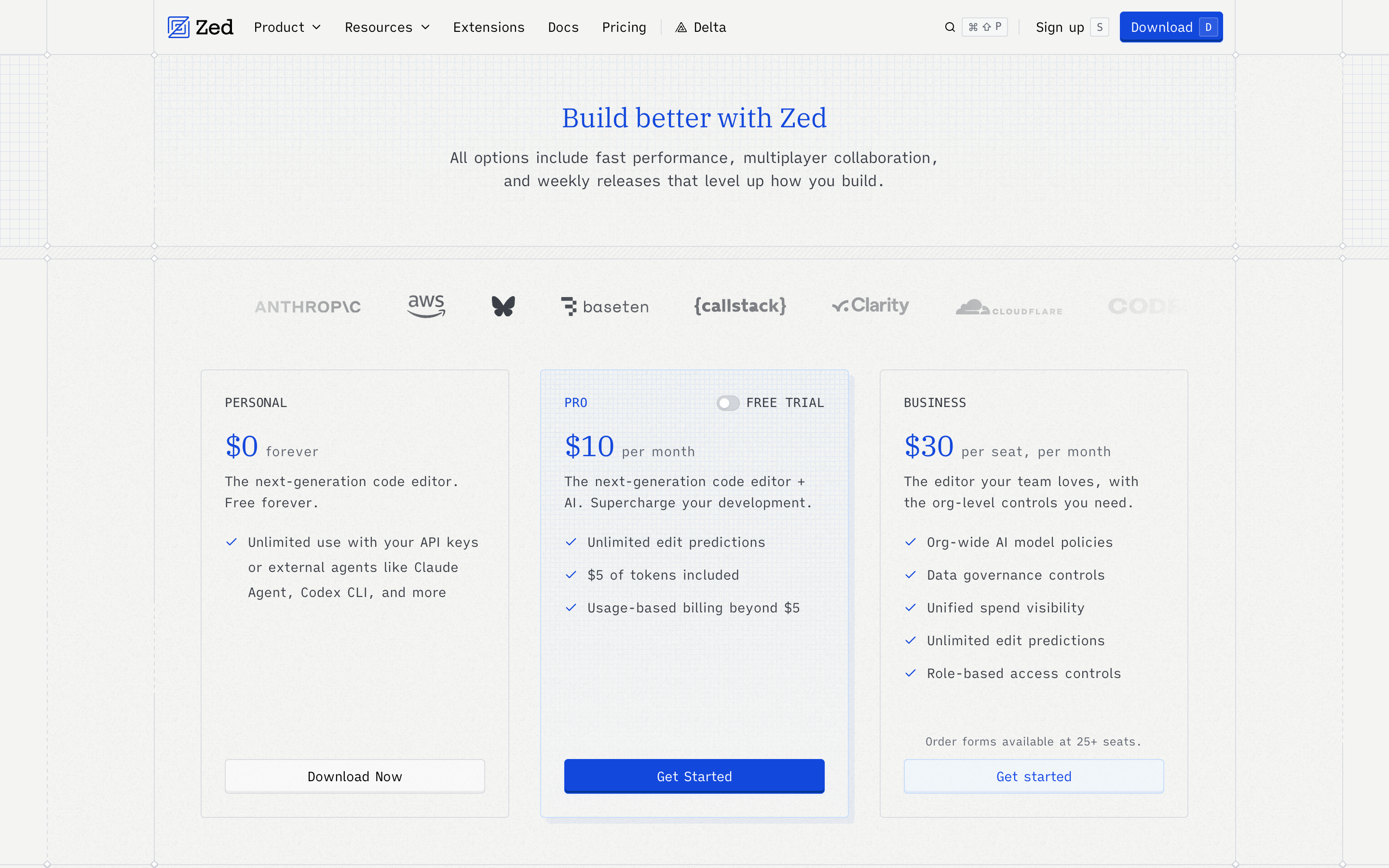
Best for: a fast native editor with AI you can bring your own keys to.
Zed is an open source editor written in Rust, and it feels much faster than an Electron editor on large repos. It has an agent panel, multiplayer editing and support for external agents.
What’s free: the editor, collaboration, and AI with your own API keys or local models. Edit predictions are limited on the free plan.
Where it stops: hosted models and unlimited edit predictions are on Pro at $10 a month.
Use it when: your laptop struggles with a heavy editor, or you already pay for a model API and want to use it directly.
7. Ghostty
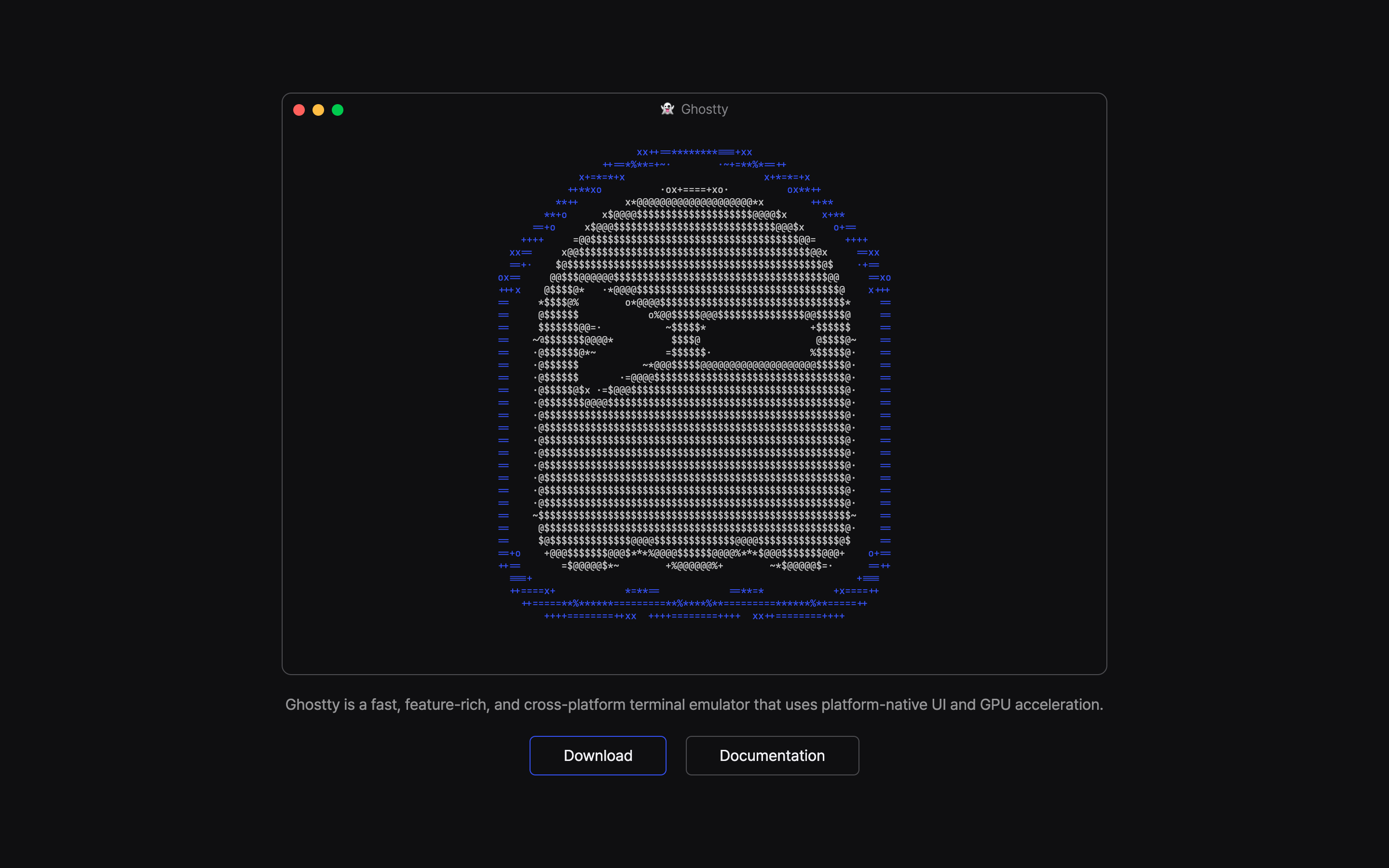
Best for: the terminal your agents live in.
Coding agents spend their whole lives in a terminal, so the terminal matters more than it used to. Ghostty is a fast, native, GPU-accelerated terminal for macOS and Linux with sensible defaults, tabs and splits.
What’s free: all of it. It’s open source with no paid tier.
Where it stops: there’s no Windows build yet.
Use it when: you run two or three agent sessions side by side and want splits that stay responsive while they stream output.
8. Ollama
Best for: running open models on your own machine.
Ollama downloads and runs open-weight models locally with one command, and exposes them through an API that OpenCode, Zed and many other tools can use. Your prompts never leave your machine.
What’s free: the app and any open model your hardware can run.
Where it stops: your GPU and RAM. Small models run on a laptop. Large ones need serious hardware, or Ollama’s paid cloud models.
Use it when: you work on code that can’t go to a hosted model, or you want an offline fallback when your API quota runs out.
9. Docker Desktop
Best for: running the same environment on every machine, including your agent’s.
Docker Desktop is still the easiest way to run containers on macOS and Windows. For agent workflows it has a second job: a container is a clean sandbox where an agent can install packages and run tests without touching your machine.
What’s free: Docker Desktop is free for individuals, education, non-commercial open source, and businesses with fewer than 250 employees and less than $10 million in annual revenue.
Where it stops: cross either threshold and you need a paid subscription.
Use it when: your project has more than one service, or you want agents to run tests in a sandbox.
10. Supabase
Best for: a full backend (Postgres, auth, storage, realtime) in one free project.
Supabase gives you a real Postgres database plus auth, file storage, edge functions and auto-generated APIs. Agents work well with it because it’s plain SQL underneath, and the generated REST API is easy to test.
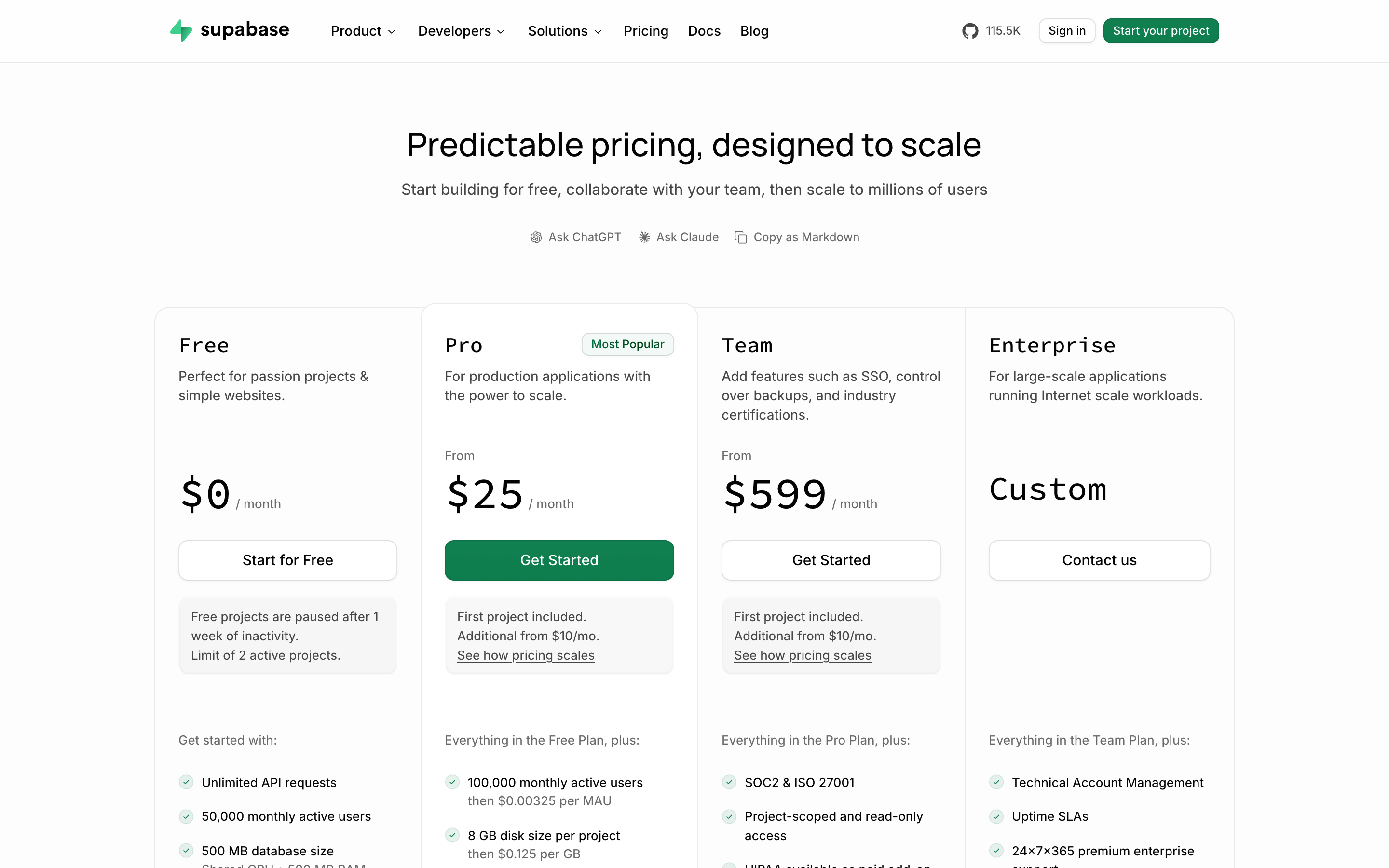
What’s free: two active projects, each with a 500 MB database, 1 GB of file storage, 5 GB of egress and 50,000 monthly active users.
Where it stops: free projects pause after a week with no activity. Pro is $25 a month and includes 8 GB of disk per project.
Use it when: you are building an MVP and want auth and a database working today.
11. Neon
Best for: serverless Postgres with branching.
Neon separates storage from compute, so a database scales to zero when idle and you can branch it like Git. That fits agent workflows well. Give each agent task its own database branch, let it run migrations there, and throw the branch away afterward.
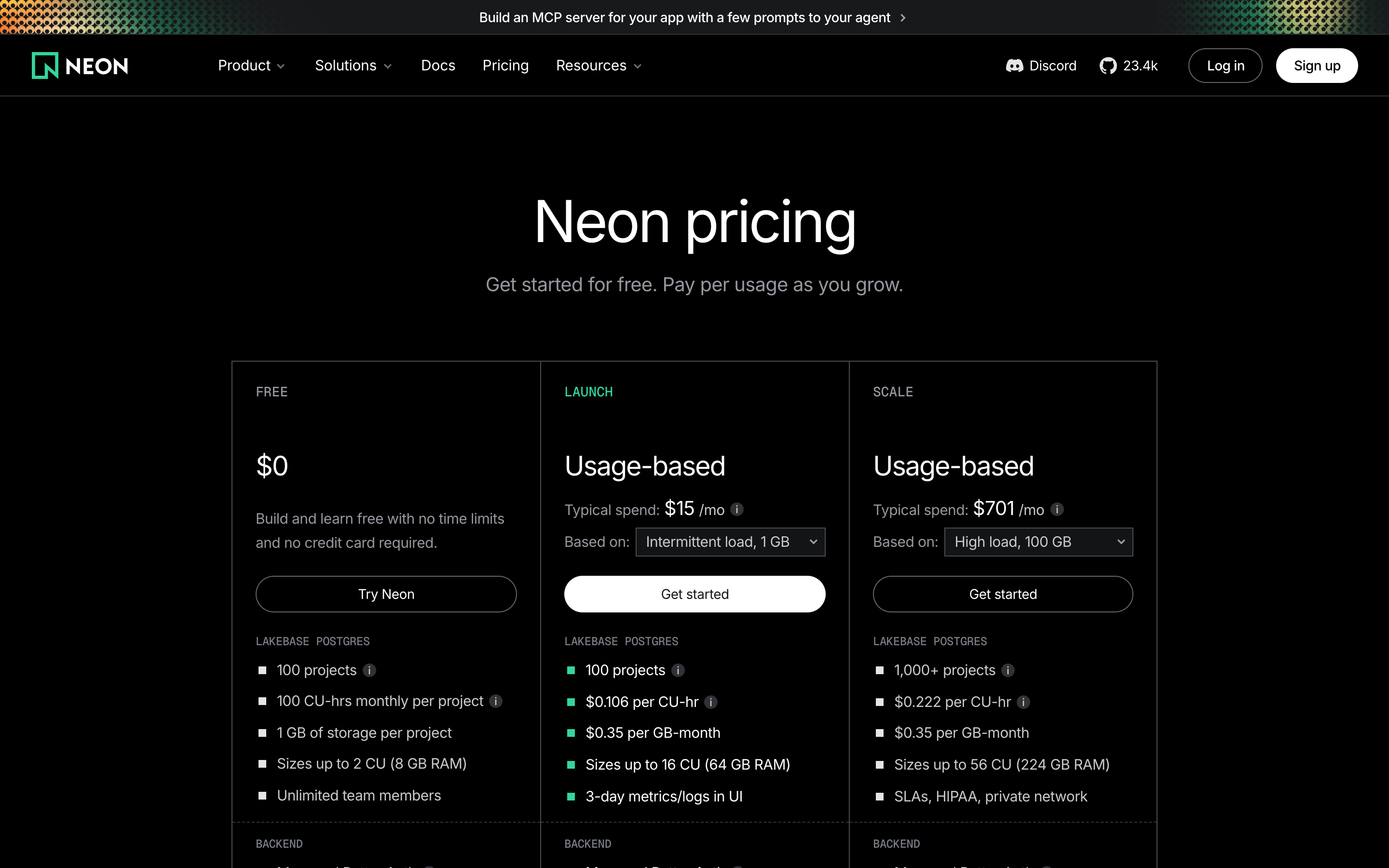
What’s free: up to 100 projects, 100 CU-hours of compute per project a month, 1 GB of storage per project and 5 GB of egress. Compute scales to zero after five minutes idle.
Where it stops: past 1 GB, writes that grow the data fail until you free space or upgrade. The paid plan is usage-based with no monthly minimum.
Use it when: you want a database per pull request or per agent task.
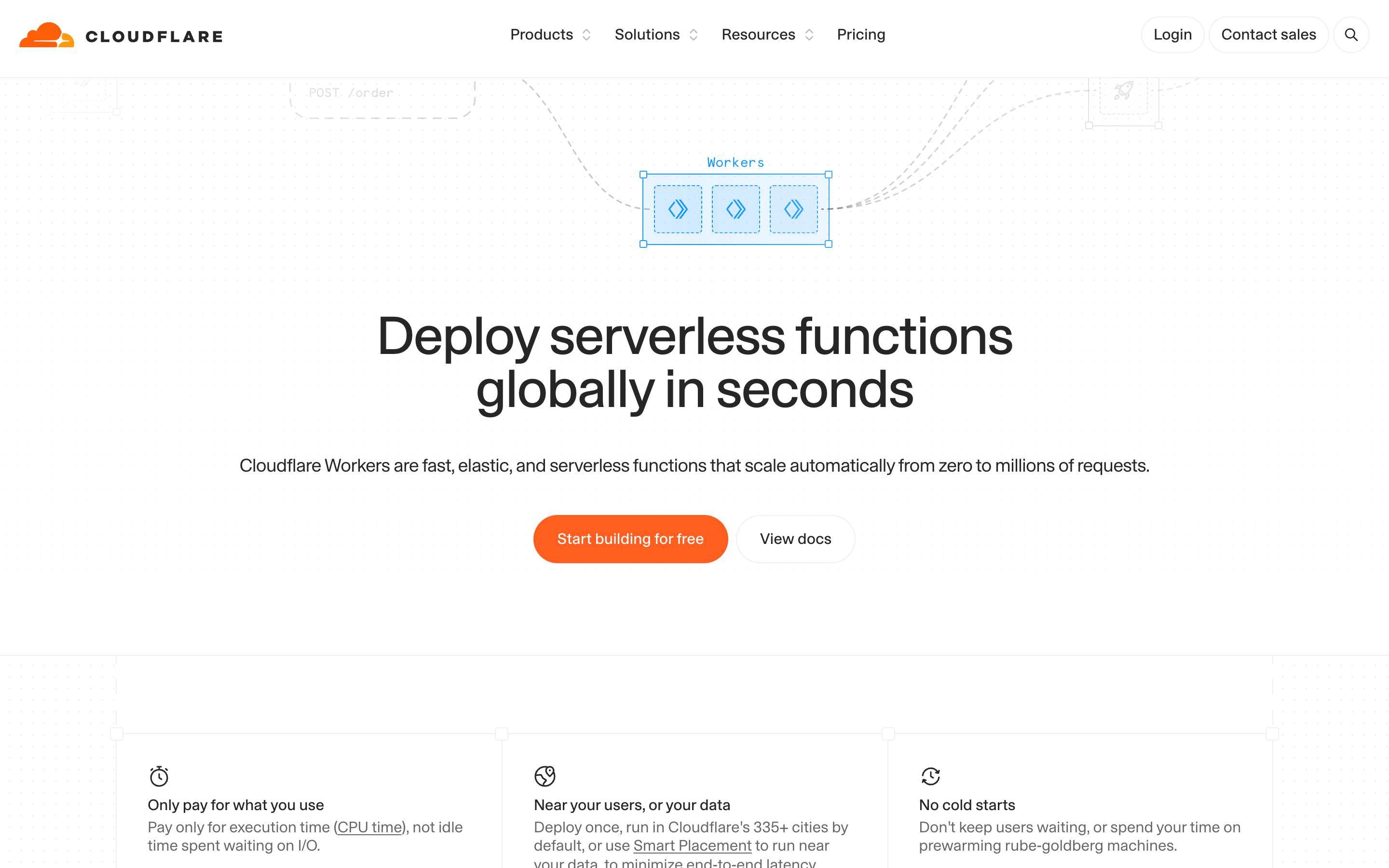
12. Cloudflare Workers
Best for: APIs and functions that run at the edge.
Workers run your code in Cloudflare’s network close to users, with no servers to manage. The free plan also gives you small allowances of KV, D1 and R2 storage.
What’s free: 100,000 requests a day, reset at midnight UTC, with 10 ms of CPU time per request.
Where it stops: past the daily cap, requests fail with error 1027 until the reset. The paid plan starts at $5 a month.
Use it when: you need a small API, a webhook receiver or a proxy that is fast everywhere. Pair it with Apidog to test the endpoints your agent deploys.
13. Vercel Hobby
Best for: deploying frontends with preview URLs on every push.
Vercel connects to your repo and deploys every branch to its own URL. That’s handy when an agent opens a pull request, because you can click the preview instead of checking out the branch.
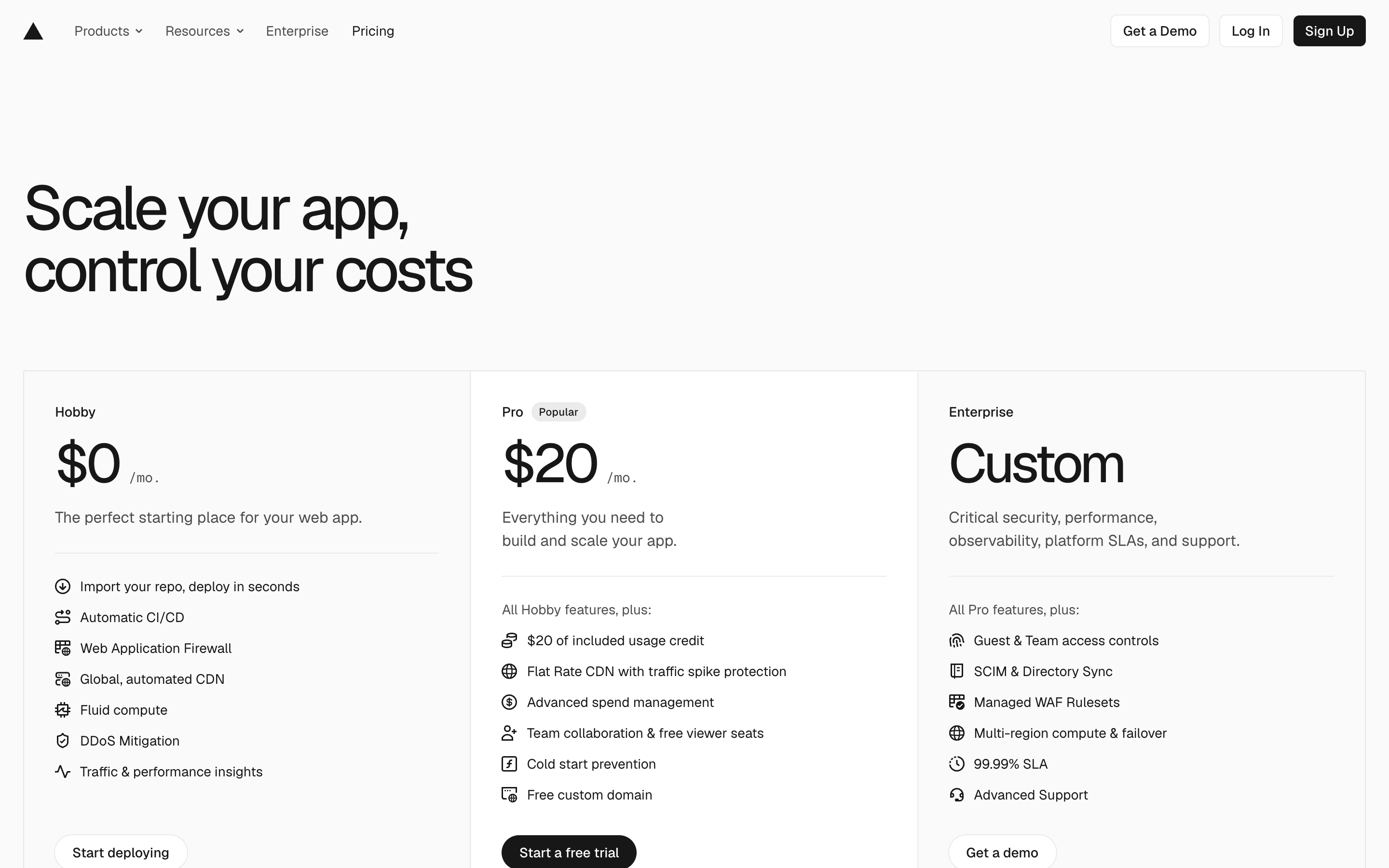
What’s free: the Hobby plan, with automatic deployments, preview URLs and a monthly allowance of bandwidth and function time.
Where it stops: Hobby is for personal, non-commercial use only. Commercial projects need Pro. Hobby projects are paused when they exceed the free usage.
Use it when: you are building a side project or prototype. Move to Pro or to Cloudflare once it earns money.
14. Sentry
Best for: knowing when production breaks, with a stack trace.
Sentry catches errors and performance problems in your app and groups them into issues with full context. A Sentry issue with a stack trace is also one of the best inputs you can hand a coding agent.
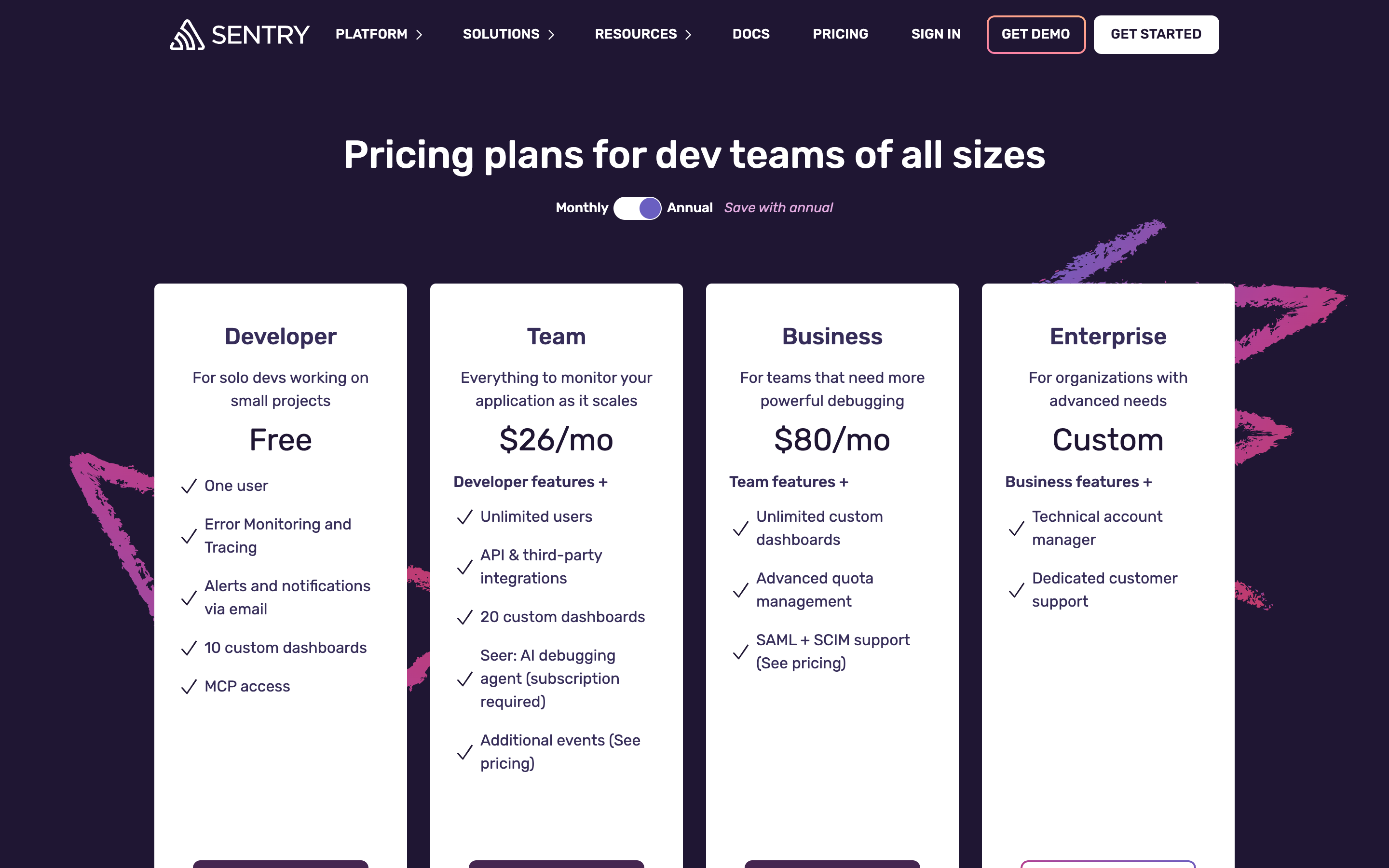
What’s free: the Developer plan, with about 5,000 errors a month for one user, plus email alerts.
Where it stops: a second user needs Team, which starts around $26 a month.
Use it when: you have anything in production. Turn new Sentry issues into board tasks and let an agent take the first pass.
15. Grafana Cloud
Best for: metrics, logs and traces in one place.
Grafana Cloud hosts the open source Grafana stack (Prometheus-compatible metrics, Loki logs, Tempo traces) so you don’t have to run it yourself.
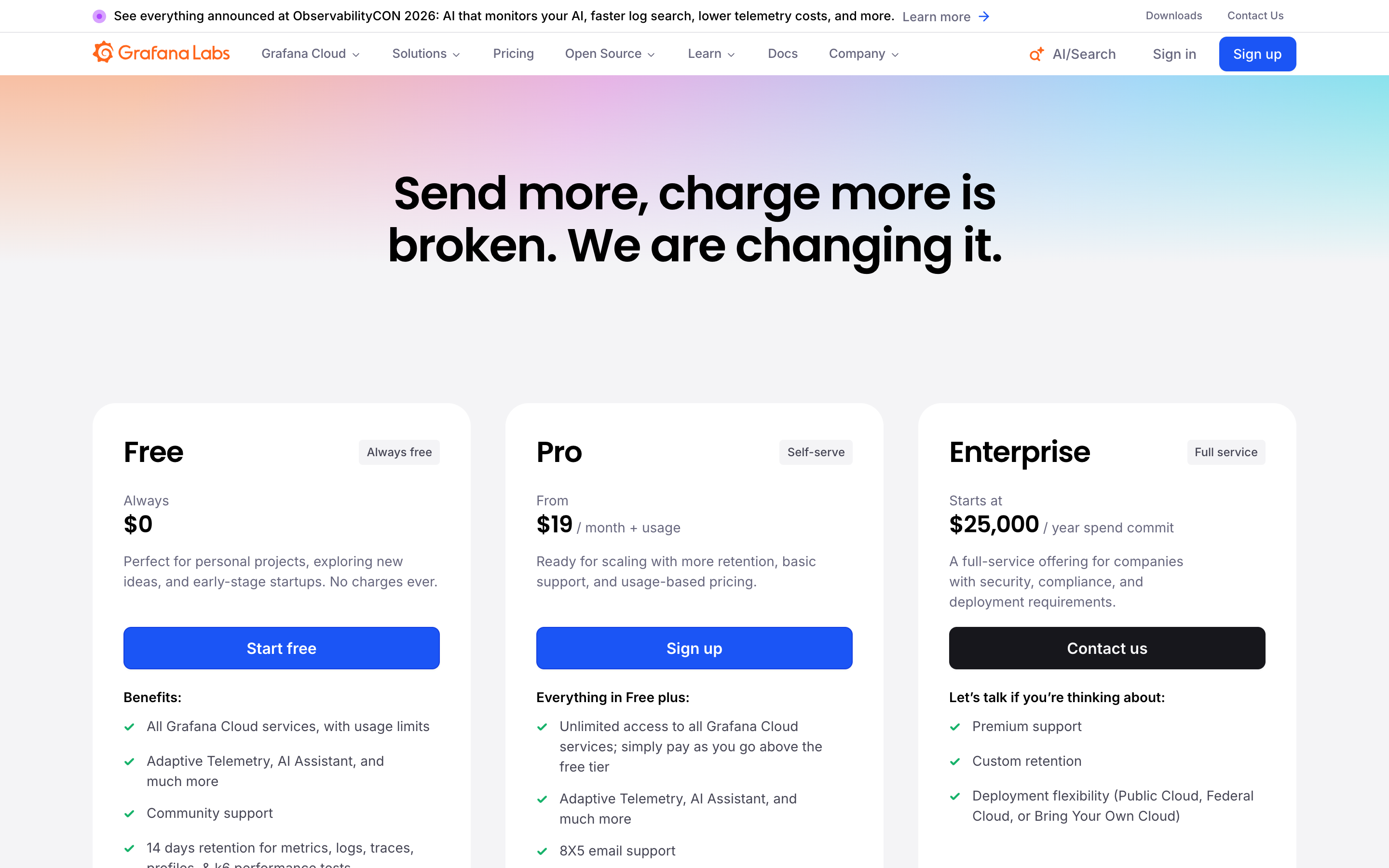
What’s free: 10,000 active metric series, 50 GB of logs and 50 GB of traces a month, each kept for 14 days, shared by up to three team members.
Where it stops: longer retention and more volume are on Pro, from $19 a month plus usage.
Use it when: Sentry tells you something broke and you need to know why. Use dashboards and logs for the bigger picture.
16. PostHog
Best for: product analytics, session replay and feature flags in one tool.
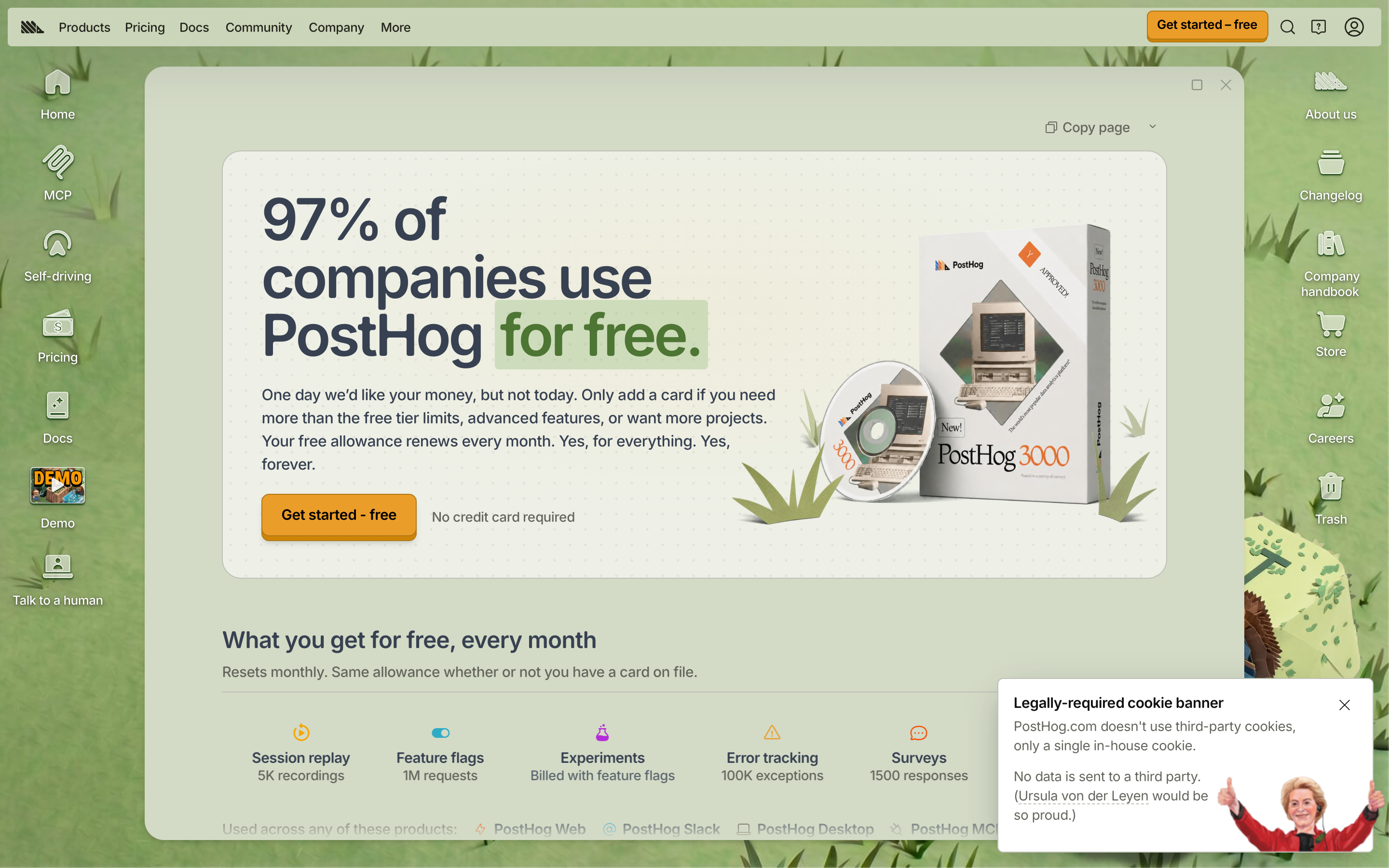
PostHog combines analytics, session recordings, feature flags, A/B tests and surveys, so a small team doesn’t need five separate tools.
What’s free: 1 million analytics events and 5,000 session replays a month, plus free allowances on flags and surveys, with one project and one year of data retention.
Where it stops: usage above the free allowances is billed per unit, and unused allowance doesn’t roll over.
Use it when: you have users and want to know what they do. Feature flags are also a safe way to ship agent-written changes to a few users first.
17. Hugging Face
Best for: finding, testing and hosting open models and datasets.
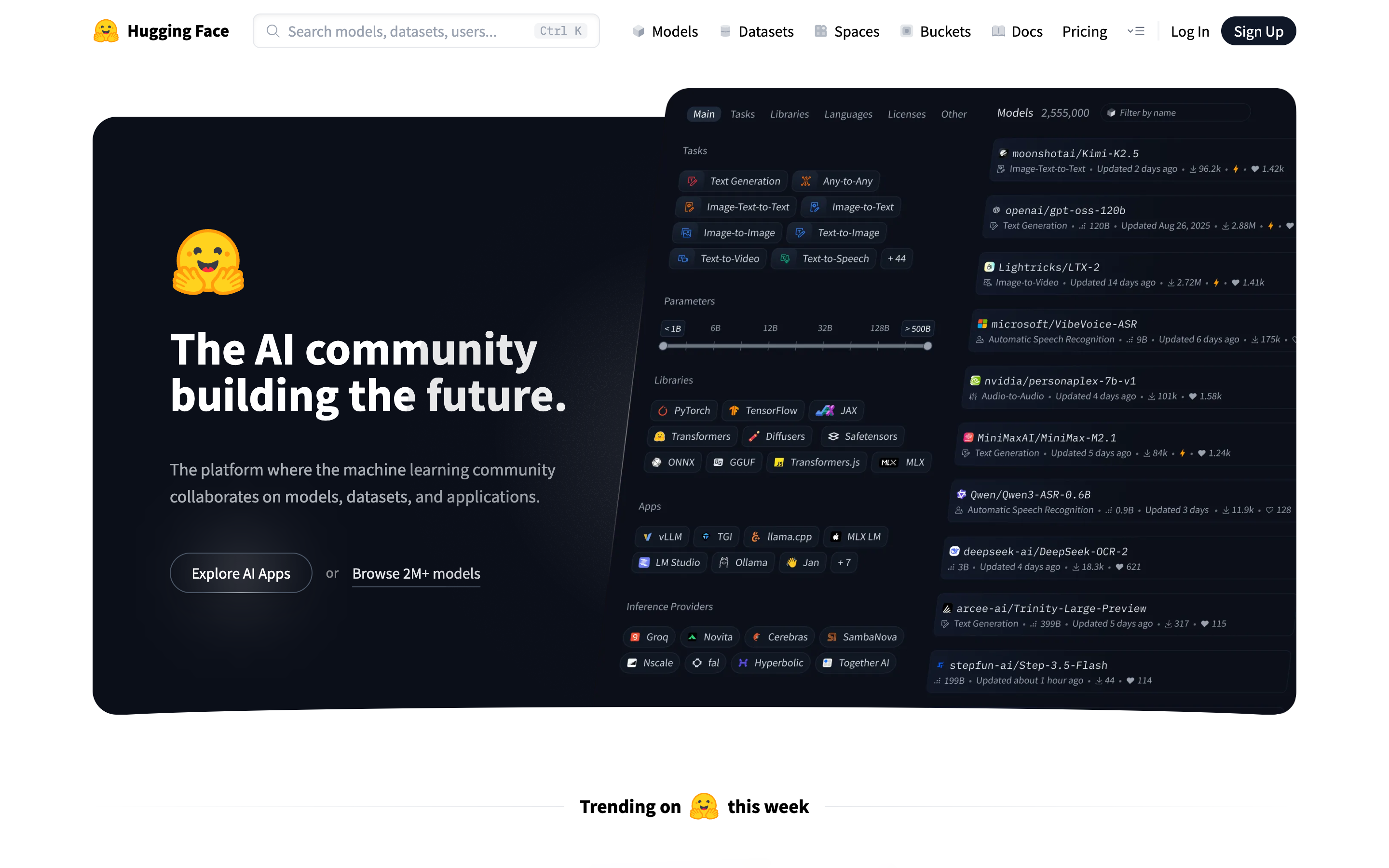
Hugging Face hosts millions of models and datasets, plus Spaces, which are small hosted demo apps. It’s where you find the open model to pull into Ollama, or the dataset to test against.
What’s free: a free account with unlimited public models, datasets and Spaces on basic CPU hardware.
Where it stops: private storage limits, GPU Spaces and inference credits are paid. PRO is $9 a month.
Use it when: you want to compare open models before you pick one, or share a demo without running a server.
18. Excalidraw
Best for: quick architecture sketches the whole team can edit.
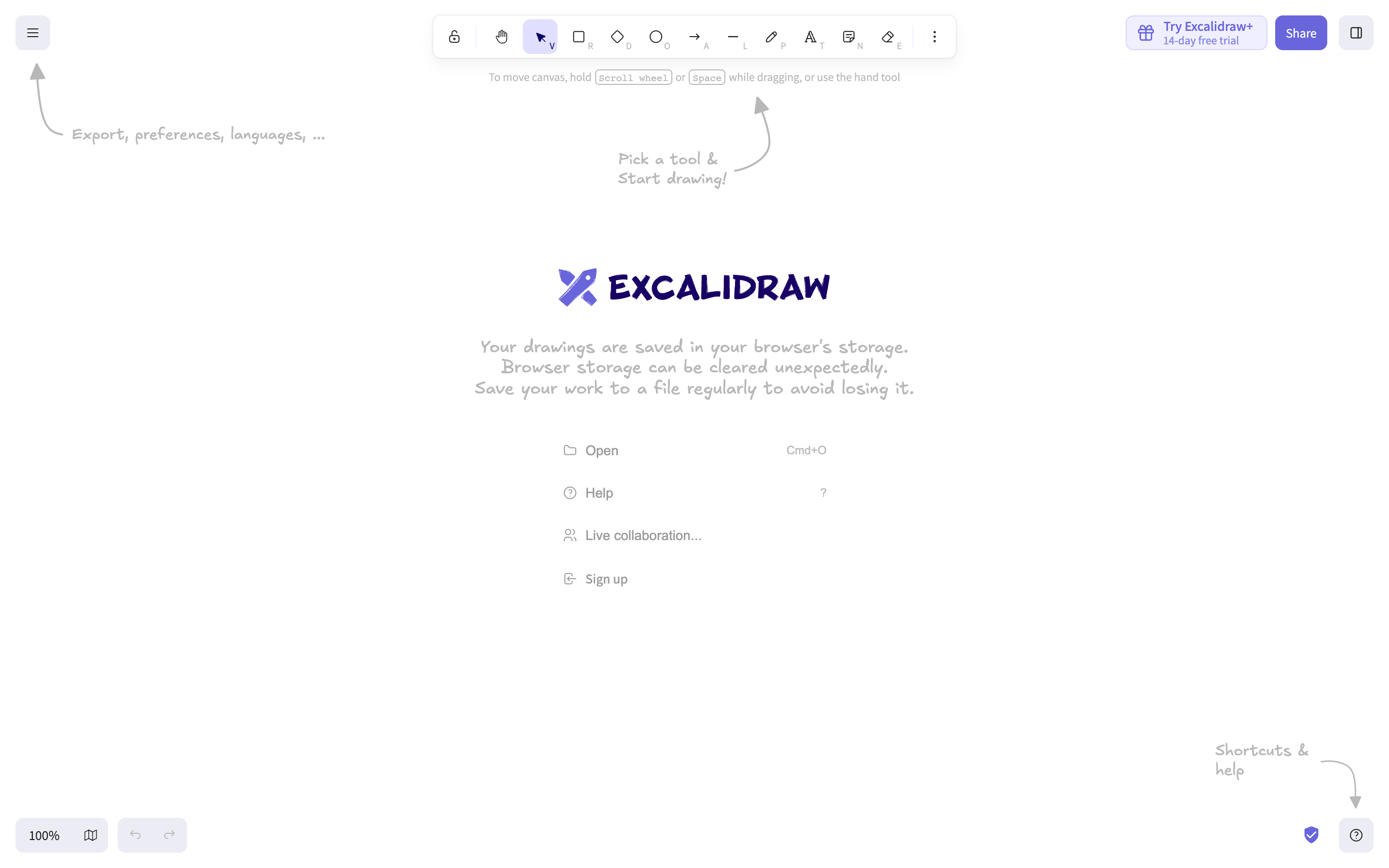
Excalidraw is an open source whiteboard with a hand-drawn look. It runs in the browser with no account, and shared sessions are end-to-end encrypted.
What’s free: the full editor and live collaboration.
Where it stops: saved workspaces and team libraries are on Excalidraw+, the paid version.
Use it when: you need to explain a system to a teammate, or sketch a design before you write the task an agent will pick up.
How the free stack fits together
Here’s how a three-person team might wire these together, with each piece on a free plan:
- Plan: the work lives on a Sharkly board. Someone sketches the design in Excalidraw and writes the task.
- Build: the task is assigned to an agent. The agent (OpenCode on a free model, or Claude Code or Codex on a plan you already pay for) writes the code in a repo on GitHub, and runs it in Docker against a Neon branch or a Supabase project.
- Test: the agent designs or updates the API in Apidog and runs the test scenarios with the Apidog CLI. Failures go back to the agent, not to a person.
- Review: the agent opens a pull request. GitHub Actions runs CI, Vercel posts a preview, and the Sharkly card is flagged for a human to review.
- Run: the code ships to Cloudflare Workers or Vercel. Sentry catches errors, Grafana shows logs, and PostHog shows what users actually do.
The pattern is simple. Agents do the repetitive loop (write, test, fix), and people do the parts that need judgment (deciding what to build, reviewing, shipping). Apidog and Sharkly are the two pieces that make that split work. One gives the agent a test it can run on its own. The other gives people a place to see and review what the agents did.
How to avoid free-tier surprises
Free plans are generous in 2027, but they come with rules that catch teams out:
- Read the commercial-use terms. Vercel Hobby is non-commercial, and Docker Desktop has revenue and headcount thresholds. A side project that starts making money can quietly break those terms.
- Watch the pause rules. Supabase pauses idle free projects after a week. Neon scales compute to zero, which is fine, but cold starts add latency.
- Know what the free models do with your code. Free hosted models can be used to train or improve the model. Keep private code on a paid model or a local one.
- Track usage-based limits. Copilot’s AI credits, Cloudflare’s daily request cap and PostHog’s event allowance all reset on a schedule. An agent in a retry loop can burn through a monthly allowance in an afternoon.
- Put each agent’s work somewhere visible. The biggest hidden cost of free agents isn’t money. It’s work nobody tracked. A shared board means you see the loop before it eats your quota.
FAQ
What is the best free developer tool for 2027? It depends on the layer. For APIs, Apidog’s free plan and CLI cover design, testing, mocking and docs. For managing coding agents as a team, Sharkly is free to start. For the agent itself, OpenCode is open source with free models.
Can a small team build a product with only free tools? Yes. GitHub, Supabase or Neon, Cloudflare Workers, Sentry and PostHog cover a production app’s basics on free plans. Watch commercial-use terms (Vercel Hobby) and revenue thresholds (Docker Desktop) once the product earns money.
Are there free AI coding agents? OpenCode is free and open source, and its Zen gateway includes free models. You can also run open models locally with Ollama. Free hosted models may use your prompts to improve the model, so keep sensitive code off them.
How do I manage several AI coding agents? Give them a shared board instead of separate terminal windows. In Sharkly, each agent takes tasks like a teammate, runs on your machine through the coding agent you already use, and flags its finished work for review.
How can an AI agent test the API it builds? Install the Apidog CLI and ask your agent to list your project’s test scenarios, run them, and fix what fails. The CLI prints JSON, so the agent can read the results directly.
Conclusion
The best free developer tools for 2027 aren’t just cheaper versions of paid ones. Several of them are built for a team where coding agents do much of the typing. Start with the three that shape how that team works. Apidog gives your agents an API test they can run on their own. Sharkly gives you one board for people and agents. OpenCode gives you an agent that costs nothing. Then add the free classics underneath, and you have a full stack for $0 until your product is big enough to need more.