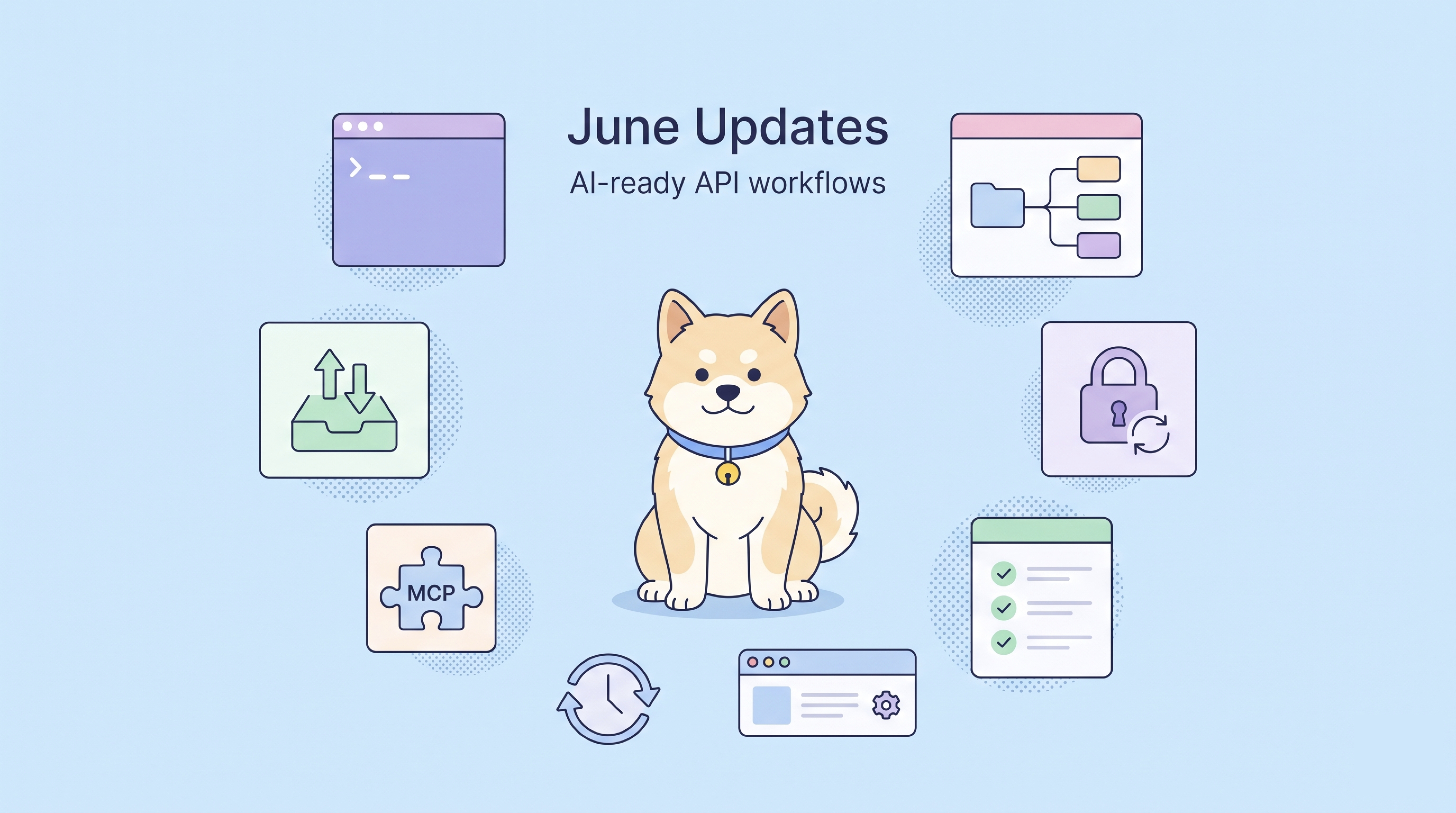
June's updates make everyday API workflows easier to automate and trust, with AI-ready CLI operations, cleaner imports, OAuth 2.0 auto refresh, and several user-requested improvements.
This release focuses on the places where API teams often lose time: giving AI agents structured access to real project resources, reducing cleanup after imports, keeping OAuth-protected requests running, and smoothing small but frequent testing and configuration tasks.
Here is what changed this month.
New Updates
Apidog CLI Supports AI-Powered API Workflows
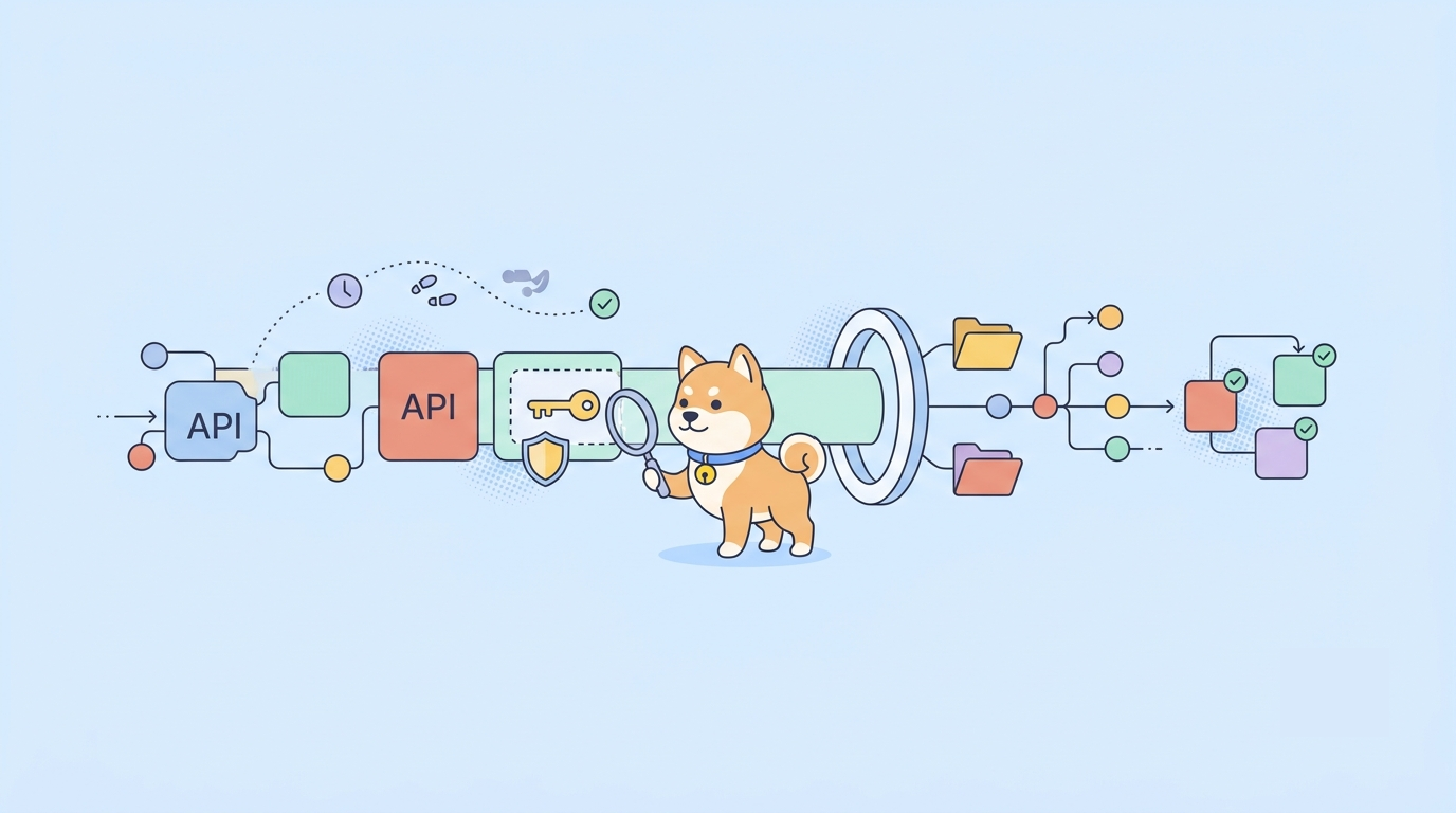
Apidog CLI is becoming the execution layer for AI-powered API workflows.
Instead of asking users to manually learn every command, the goal is to let AI agents work with real Apidog assets in a structured way. With CLI capabilities, agents can read project resources, write changes, validate structured operations, export data, and run test workflows more reliably.
This month, Apidog CLI adds several practical improvements in that direction:
- It can serve as the execution layer for AI agents operating on Apidog project resources.
- It supports running test cases.
- Scenario cases can reference endpoints, test cases, and other scenarios.
- Native-format and OpenAPI-format exports support more fine-grained scope control.
When paired with Apidog Skills, the CLI gives AI agents clearer instructions and safer operating boundaries. Agents can better understand how to use Apidog resources, validate generated changes before writing them back, and complete API tasks with less guesswork.
Think of CLI as the bridge between natural-language AI instructions and structured Apidog project operations.
Import and Export Improvements
This release also improves several import and export workflows, especially for teams moving data from Postman or maintaining API definitions with OpenAPI and Swagger.
When importing data through the Postman API, Apidog can now remove spaces from variable names. This helps reduce cleanup after import and avoids issues caused by variable names that are inconvenient or inconsistent in downstream usage.
When importing workspaces through the Postman API, Apidog can also rename confusing "My Workspace" names based on the workspace creator. For teams importing multiple workspaces, this makes imported data easier to identify and organize.
OpenAPI and Swagger import/export also becomes more complete. Apidog now supports object-type parameters and reference-type parameters during import/export, helping teams preserve richer API specification structures with less manual adjustment.
| Before | Now |
|---|---|
|
|
OAuth 2.0 Now Supports Automatic Token Refresh
OAuth 2.0 authentication now supports automatic token refresh.
When an access token is close to expiration or has already expired, Apidog can refresh it automatically so requests can continue without requiring you to manually re-authenticate or copy a new token.
This is especially useful for teams that frequently debug OAuth-protected APIs. Instead of interrupting the request flow whenever a token expires, Apidog helps keep the session moving.
This reduces authentication interruptions during API debugging, testing, and repeated request validation.
User Feedback Improvements
Better MCP Client Compatibility
Apidog improved MCP Client compatibility and can now parse non-standard schemas more reliably.
This helps when connecting to MCP servers or tools whose schema output does not strictly follow expected formats. Instead of failing early on schema differences, Apidog can handle more real-world MCP responses and improve the success rate of tool integration and debugging.
Search Static Steps by Name in Test Suites
When adding static steps to a test suite, you can now search by name.
For projects with many endpoints, test cases, or scenarios, this makes it faster to find the right step and add it to the suite without manually browsing through long lists.
Scheduled Tasks Add an "Every 8 Hours" Option
Scheduled tasks now include an "Every 8 hours" option.
This gives teams another useful interval for recurring automated tests, monitoring-style checks, or periodic API validation workflows.
Apidog Web App Supports Configuring Automatically Generated Headers
Apidog Web App now supports configuring automatically generated headers.
This gives Web App users more control over request behavior and helps align generated request headers with team or project requirements.
Bug Fixes and Smaller Improvements
We also shipped a set of fixes and smaller improvements this month, including:
- Improved performance when picking large test scenarios to child branches, reducing the chance of timeout errors.
- Sprint branch and general branch lists now support displaying branch IDs and copying them.
- A more user-friendly prompt is displayed when macOS cannot send intranet requests.
- Fixed an issue where service Base URLs were not imported and endpoints were not bound to the specified service when re-importing Apidog data into a new module.
- Fixed an issue where OAuth 1.0 authentication set to be added to the request header was not actually added to the request header.
- Fixed an issue where generated endpoint request code did not work correctly when Basic Auth used Chinese variables.
- Fixed an issue where generated request code incorrectly used HTTPS when the endpoint used HTTP.
- Fixed an issue where running CLI scenarios could report "Unexpected token" when a scenario step referenced a raw-format response body.
- Fixed an issue where test report details still showed as running after an automated test scenario was abnormally terminated.
- Fixed an issue where the corresponding report was not displayed in the test report list after running scenario cases in the root folder.
- Fixed an issue where refreshing Apidog Web App automatically switched the project back to the main branch.
- Fixed an issue where tag filter options had no content during branch import and when inserting endpoints in Markdown.
- Fixed an issue where non-default services were repeatedly added when importing Apidog files with multiple modules and services.
- Fixed an issue where Markdown document tags were not imported correctly when importing Apidog data.
- Fixed an issue where conflicts were still shown after merging endpoints into the main branch in some cases.
- Fixed an issue where frontend errors could occur in some cases when debugging SSE endpoints.
- Fixed an issue where On-Premises project statistics only counted data from the default module.
- Fixed an issue where importing a multi-module Apidog file from the team details page incorrectly imported endpoints into the default module.
- Fixed an issue where changes disappeared in some cases after submitting modifications.
- Fixed an issue where an incorrect error message was shown in the email verification flow when changing passwords.
What This Means
Together, these updates make Apidog more useful in workflows that span people, AI agents, specifications, and automated tests.
| Area | What improves | Why it matters |
|---|---|---|
| AI-powered CLI workflows | CLI can help AI agents operate on real Apidog project resources, run test cases, reference existing assets, and control exports more precisely. | Easier for AI agents to complete API tasks with structured project context instead of guessing from unstructured information. |
| Import and export | Postman API imports can clean variable names and clarify workspace names; OpenAPI/Swagger import/export supports object-type and reference-type parameters. | Less cleanup after migration and more complete API specification exchange. |
| Authentication | OAuth 2.0 tokens can refresh automatically. | Fewer interruptions during API debugging and testing. |
| MCP compatibility | MCP Client can parse more non-standard schemas. | Better compatibility with real-world MCP tools and servers. |
| Testing workflows | Static steps are easier to find, and scheduled tasks support an additional 8-hour interval. | Faster test suite setup and more flexible recurring test execution. |
| Web App configuration | Automatically generated headers can be configured in Apidog Web App. | More control over request behavior in browser-based workflows. |
The result is a cleaner operating path: AI agents get better project context, imported data needs less cleanup, OAuth requests are less likely to be interrupted, and teams have more control over recurring testing and request configuration.
Join the Conversation
Connect with fellow API engineers and the Apidog team:
- Join our Discord community for real-time discussions and support.
- Participate in our Slack community for technical conversations.
- Follow us on X (Twitter) for the latest updates.
P.S. For the full details on all updates, check the Apidog Changelog.
Best Regards,
The Apidog Team