April's release is mostly about one thing: making AI Agent development easier to inspect.
If you are building agents, you already know the hard part is not always the final answer. It is everything that happened before the answer showed up. What did the agent think the user wanted? Which tool did it call? What came back from that tool? Did the prompt fail, or did the business logic fail?
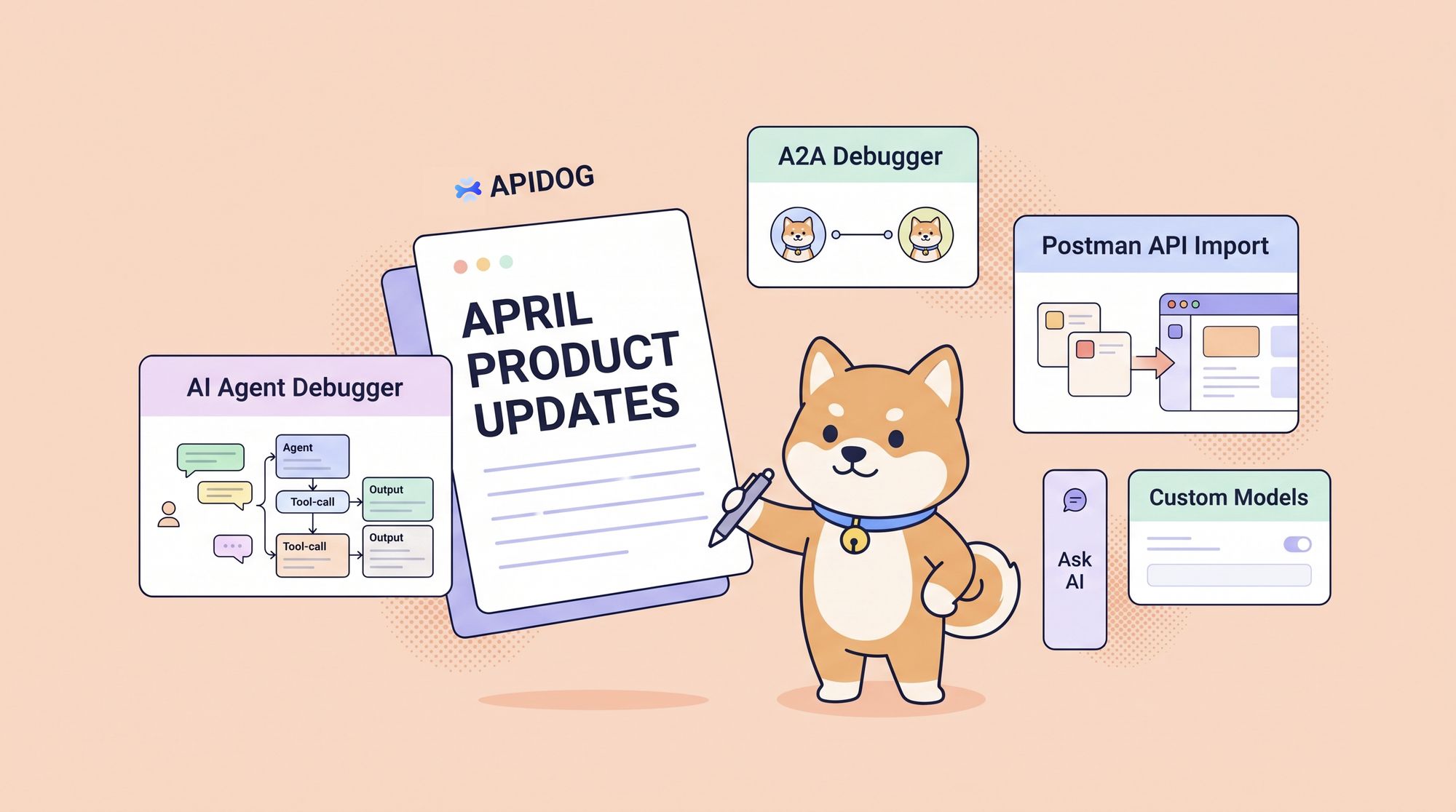
This month, Apidog adds new tools for that kind of work: AI Agent Debugger, A2A Debugger, Postman API import for larger migrations, a better Ask AI experience in published docs, and custom model providers.
Here is what changed👇
⭐ New Updates
🔥 AI Agent Debugger: Inspect the Full Agent Run
Apidog has supported visual debugging for SSE endpoints for a while. That has been useful for streaming model responses, progress updates, real-time notifications, and other event-driven APIs.
But agent debugging needs more than a stream viewer.
A model response only tells you where the agent ended up. It does not tell you how it got there. In real projects, you often need to see the steps in between: the conversation turns, model calls, MCP tool calls, custom Skill execution, tool results, and final output.
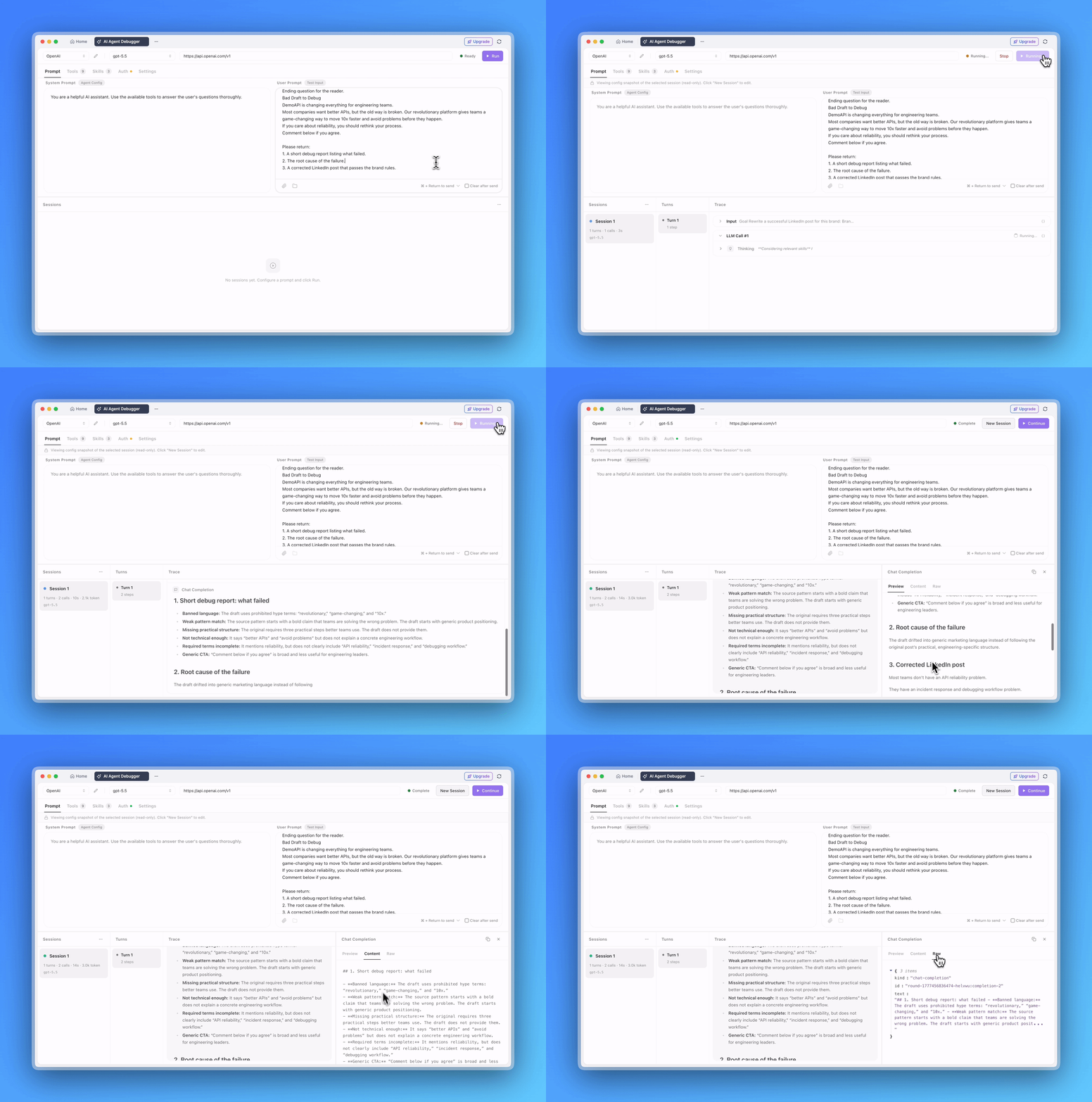
The new AI Agent Debugger is built for that.
Instead of checking only the final response, you can follow the agent's execution path inside Apidog. Each round of conversation, model call, MCP tool invocation, Skill run, and final result is recorded in one place.
That makes it much easier to answer practical debugging questions:
- Did the prompt give the model enough context?
- Did the agent choose the right tool?
- Did the MCP tool return the expected result?
- Did the issue come from model configuration, tool parameters, or business logic?
Agent systems can get messy quickly. This gives teams a cleaner way to see what actually happened.
🤝 A2A Debugger: Test Agent-to-Agent Communication
Multi-agent systems are becoming more common. Once agents start working together, you need a reliable way to check whether they can pass tasks, exchange messages, and return results correctly.
Apidog now supports debugging for Google's A2A, or Agent-to-Agent, protocol.
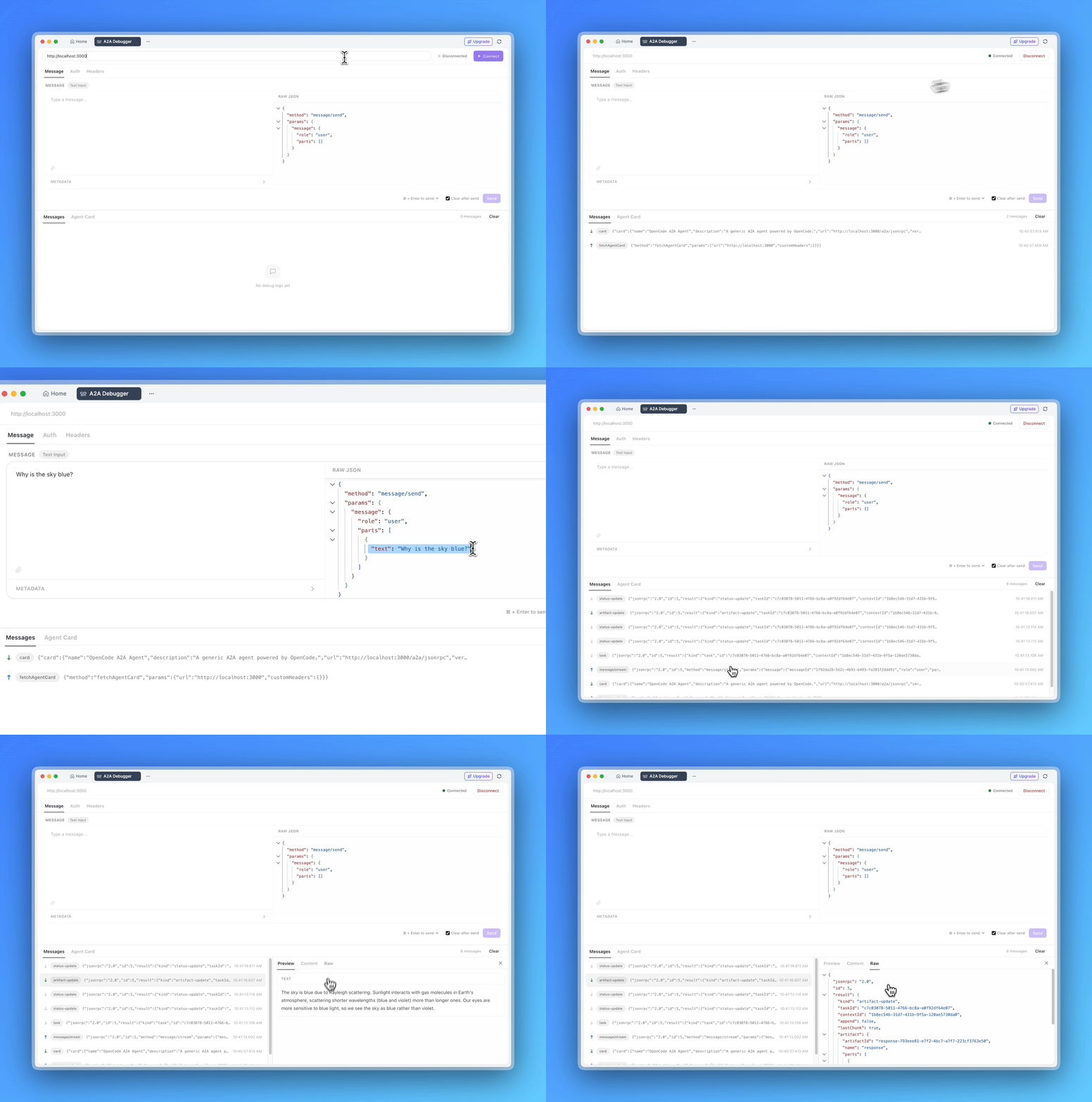
You can send A2A requests directly, inspect request parameters, check responses, and verify the result of the interaction. This helps teams test agent-to-agent communication without jumping between separate tools or reading raw protocol details by hand.
The difference between the two new debugging tools is simple:
- AI Agent Debugger checks what happens inside a single agent while it runs a task.
- A2A Debugger checks whether one agent can communicate with another agent.
Most teams working on agents will need both sooner or later.
📦 Import Postman Data Through the Postman API
Postman migration now has a better option for larger teams.
Apidog already supported importing local Postman files. Now you can also import Workspaces, Collections, and Environments through the Postman API.
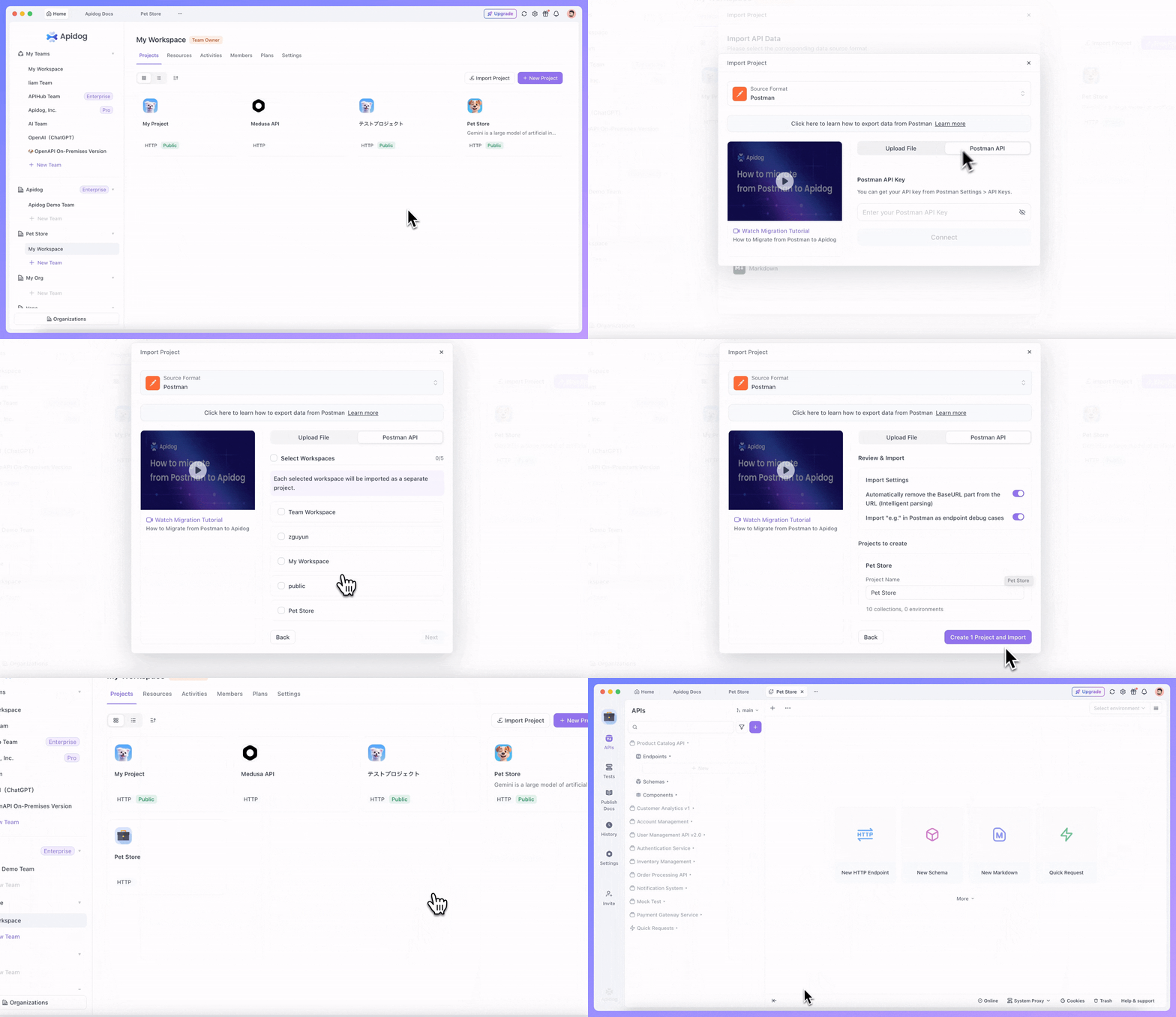
This is designed for bulk migration when creating new projects. In practice, it is closer to moving an entire Postman Workspace into Apidog. If your Postman account has multiple Workspaces, Apidog will create corresponding projects after import.
That means fewer local export, upload, and cleanup steps. For small imports, local files still work. For larger workspace migrations, the API route should be much less tedious.
🔄 Git Support for Apidog Project Files
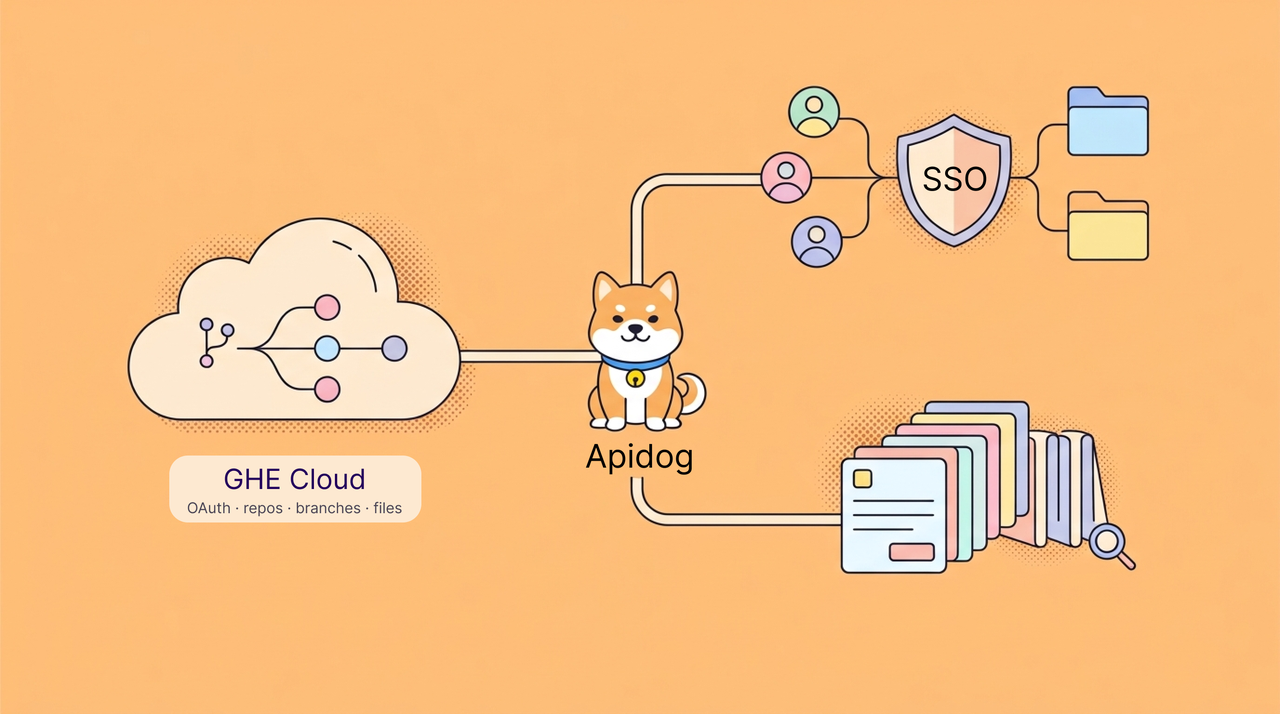
Git import and backup now support Apidog project files.
Before this update, Git-based workflows mainly focused on OpenAPI files. Now, teams can select an Apidog project file from a connected Git repository and import it into Apidog. They can also back up an Apidog project file to Git, keeping a project copy inside their existing repository workflow.
This reduces local export and upload steps, especially for teams that already store API-related assets in Git. OpenAPI files are still best for API specifications, while Apidog project files are useful for full project import and backup.
📄 Ask AI in Published Docs Now Opens in the Sidebar
Ask AI in published documentation now works in a sidebar.
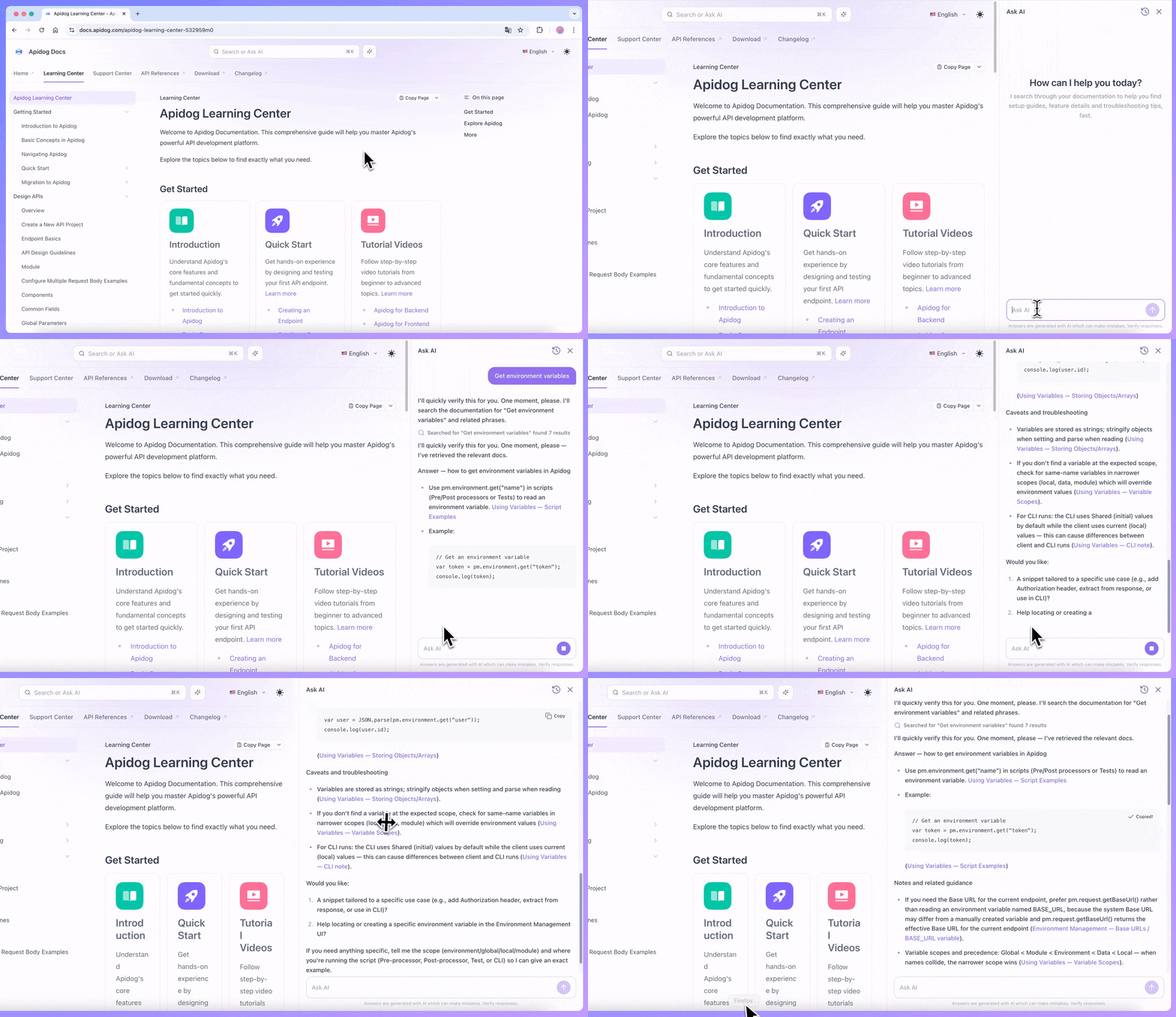
Readers can keep the current document open while asking questions about it. That sounds like a small UI change, but it removes a lot of back-and-forth. You can read the API docs, ask a question, follow up, and still keep your place in the page.
It is especially useful for longer docs, where the answer may be somewhere in the page but not easy to find quickly.
🧠 Custom AI Model Providers
Teams can also connect custom providers with a custom Base URL. If your company already uses a self-hosted model service or an internal model gateway, you can bring that setup into Apidog instead of switching tools every time you need to debug an AI-related workflow.
🐞 Bug Fixes and Smaller Improvements
We also shipped a number of fixes and quality-of-life updates this month:
- Fixed an issue where OpenAPI smart merge did not keep endpoint response examples.
- Fixed an issue where merging from a child branch into a protected main branch could include endpoints that were not selected.
- Fixed incorrect dropdown display when creating endpoint versions from branches.
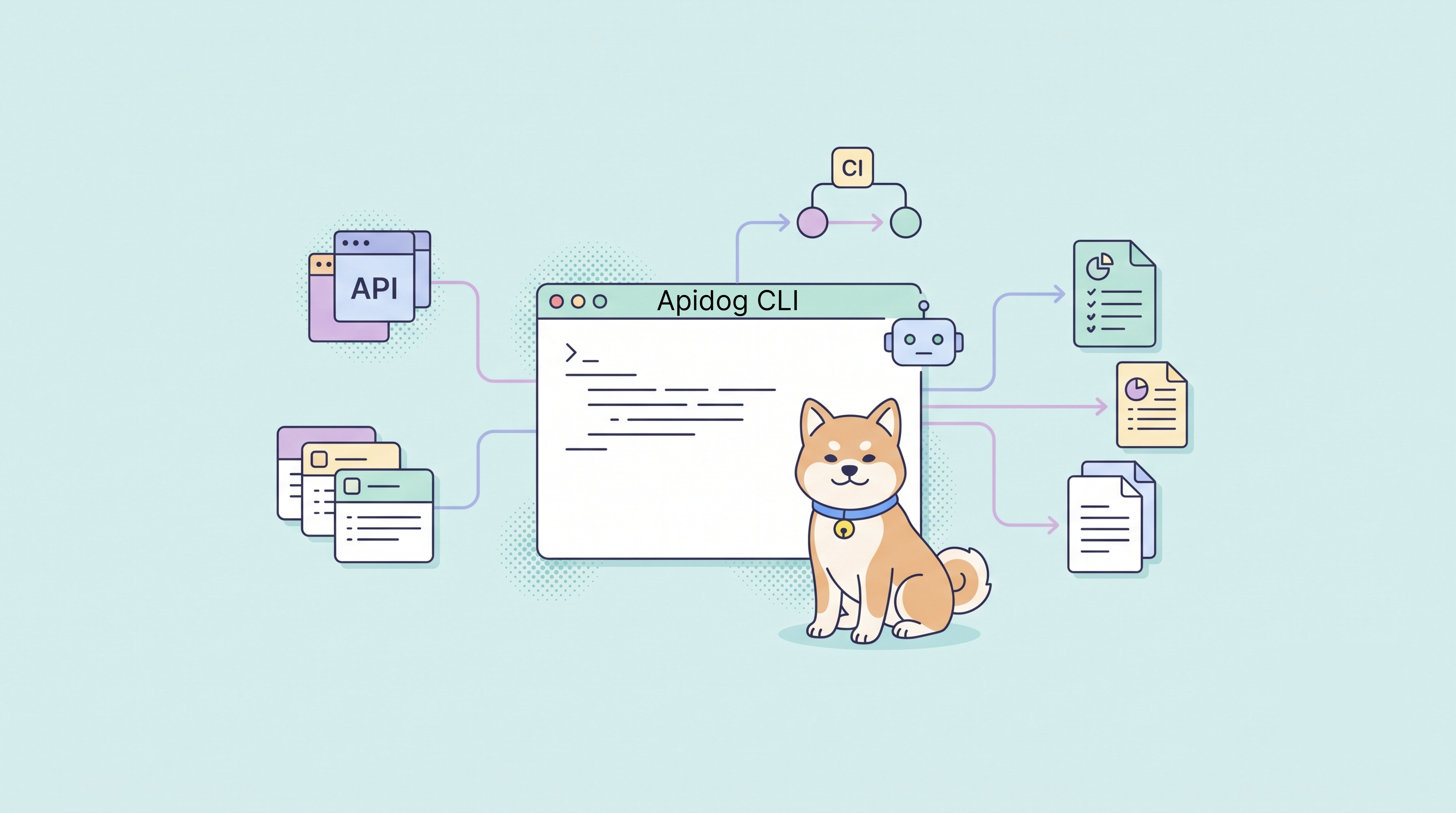
- Fixed an issue where TestData and TestCases did not work when running tests through the CLI.
- Fixed an issue where OpenAPI export included response components from unrelated modules.
- Fixed Markdown export formatting for JSON with comments.
- Fixed a Word export error caused by
crypto is not defined. - Fixed an issue where importing Knife4j with Basic Auth enabled did not show username and password fields.
- Fixed an endpoint filtering error when tags were numbers.
- Fixed an issue where
apidog endpoint list --branchdid not return data for the specified branch. - Fixed several MCP tool parameter, filtering, and error message issues.
- Fixed an issue where generated code was missing the
typescriptThreePlusconfiguration option.
🌟 What This Means
April is a practical release for teams building AI Agent products.
AI Agent Debugger helps you inspect a single agent run. A2A Debugger helps you test communication between agents. Postman API import makes migration less painful. The Ask AI sidebar makes published docs easier to use. Custom model providers give teams more control over their AI setup.
None of this is flashy for the sake of being flashy. It is the kind of tooling you start wanting once agent development moves from demos into real projects.
💬 Join the Conversation
Connect with fellow API engineers and the Apidog team:
- Join our Discord community for real-time discussions and support.
- Participate in our Slack community for technical conversations.
- Follow us on X (Twitter) for the latest updates.
P.S. For the full details on all updates, check the Apidog Changelog!
Best Regards,
The Apidog Team