Quick answer: AI video generators with no restrictions in the strict sense only exist on your own hardware: open-weight models like Wan2.2, HunyuanVideo-1.5 and LTX-2 run with no server-side filter. Every hosted service applies a content policy. If you want fewer false-positive refusals without a GPU, a multi-model platform such as A2E lets you switch models when one flags a harmless prompt.
“No restrictions” in this guide means creative freedom: fewer refusals on legitimate prompts like a horror short, a war scene, a stunt or a medical explainer. It doesn’t mean explicit content, and it never means using a real person’s face or voice without their consent. This is the video companion to our AI image generators with no restrictions guide.
What “no restrictions” means for AI video generators
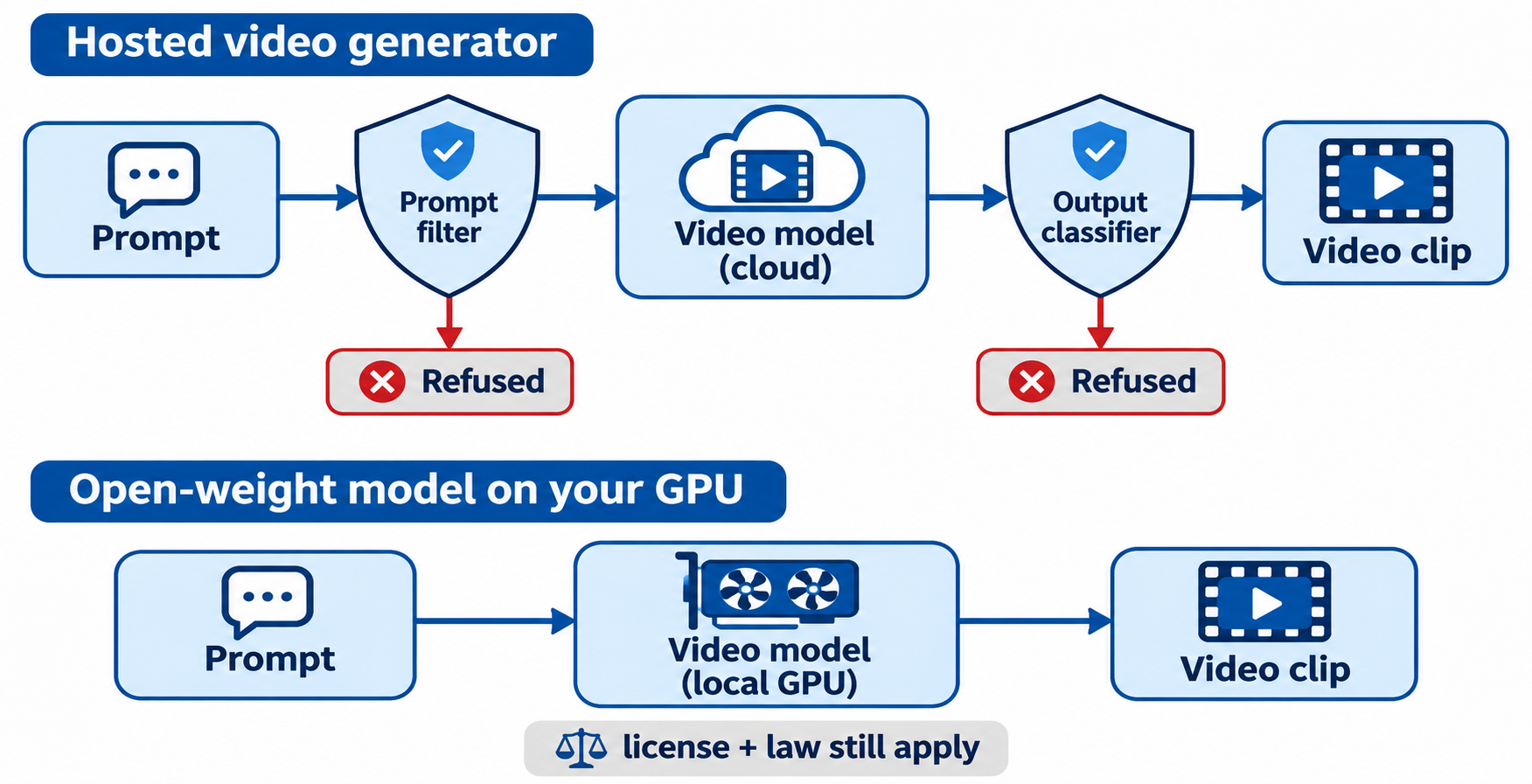
An AI video generator with no restrictions is one that runs your prompt without a provider-side content filter. In practice, that only describes open-weight models you run yourself. Hosted tools all filter, but they differ in how often they refuse harmless prompts and how many models you can try under one account.
Hosted video generators usually check twice: a prompt filter reads your text first, and an output classifier inspects frames before the clip comes back. Either can refuse. Run a model locally and neither layer exists.
Best AI video generators with no restrictions: the shortlist
Here’s how the main options compare. Prices and credits come from each official page, checked on November 13, 2026.
| Tool | Type | Filter | Free route | Best for |
|---|---|---|---|---|
| A2E | Hosted, multi-model | Provider policy | 30 credits/day, watermark, 720p | Many models on one account, plus an API |
| Kling 4.0 | Hosted | Provider policy | Check official page | Large-motion scenes with audio |
| Gemini Omni Flash | Hosted (Google) | Google policy | Check official page | 3 to 15 second clips with native audio |
| Grok Imagine | Hosted (xAI) | xAI policy | Paid API, billed per second | Short clips up to 15 s, 1080p on 1.5 |
| Seedance 2.5 | Hosted (ByteDance) | ByteDance policy | Check official page | Single shots up to 30 s |
| Wan2.2 | Open weights | None on your machine | Free weights | Local 720p at 24fps on one high-end GPU |
| HunyuanVideo-1.5 | Open weights | None on your machine | Free weights | Lighter local runs (14 GB with offloading) |
| LTX-2 | Open weights | None on your machine | Free weights | Video with synchronized audio, locally |
1. A2E: one account, many video models
A2E is an all-in-one AI image and video platform. It makes the list because of breadth, not because it ignores policy: when one model refuses a harmless prompt, you rerun it on another model with the same account and credits. Video models include Seedance 2.5, Kling 4.0, Wan 3.0, Veo 3.1, Sora 2 and Grok Imagine, next to face swap, talking photo, lip sync and voice clone.
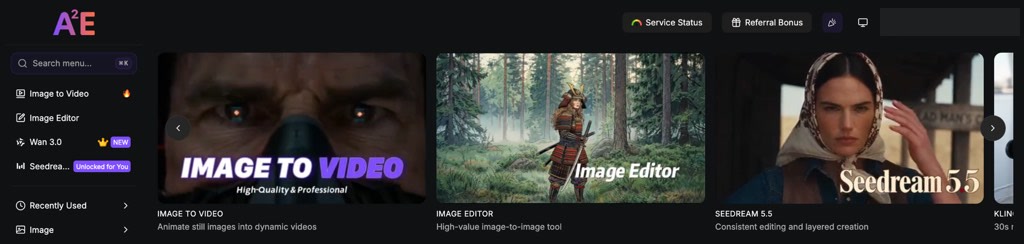
New accounts get 100 free credits plus 30 a day via check-in, with watermarked 720p output. Pro costs $14.9 for one month with 1,500 credits, no watermark and API access. In our test on November 13, 2026, a 5-second image to video clip on A2E’s V2 model cost 40 credits and rendered in about 2 minutes. A face swap on the same clip ran free on the quota, and the new face held through every frame.
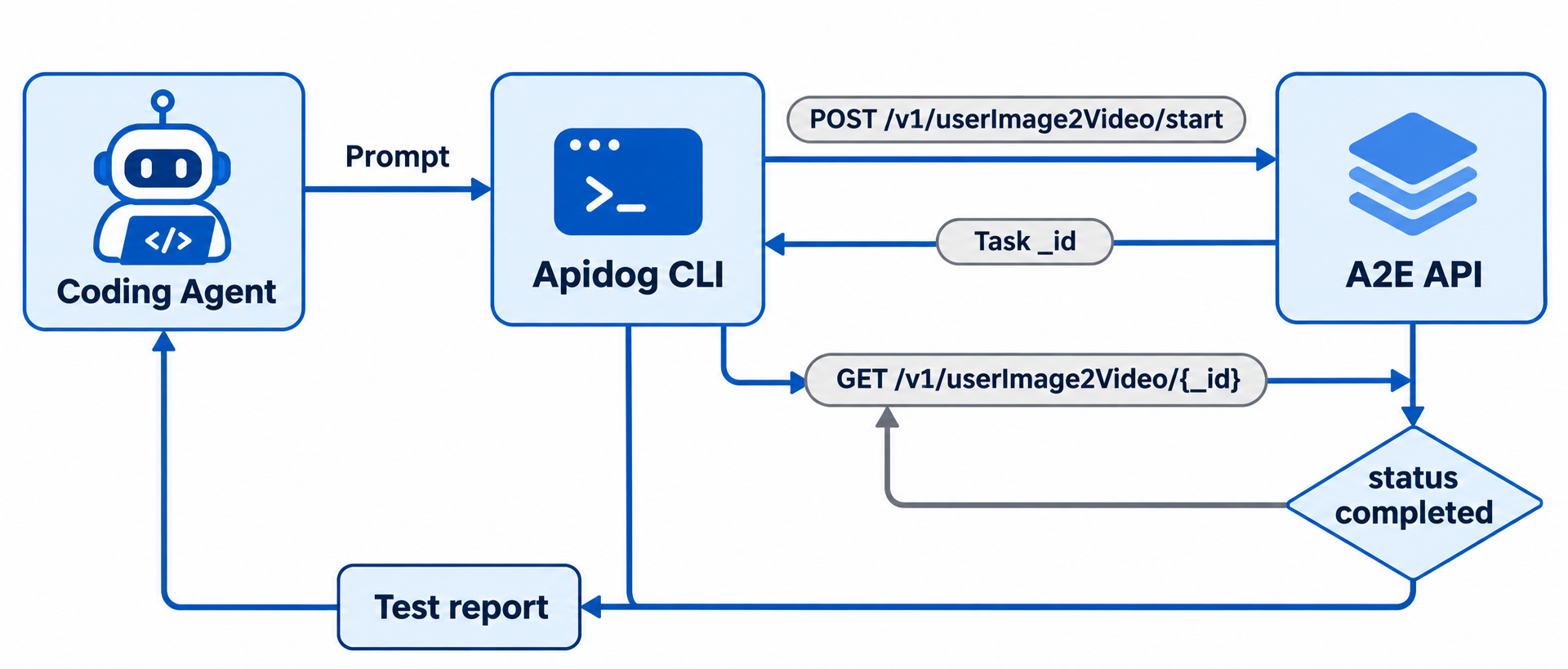
Developers get a REST API at https://api.a2e.ai with an OpenAPI spec and a SKILL.md for coding agents. Jobs are async: you start a task, then poll its _id until it completes.
Verdict: The easiest hosted route to fewer refusals, because switching models costs a dropdown, not a new subscription. A2E’s terms still apply, and the site links a CSAM report form.
2. Kling 4.0
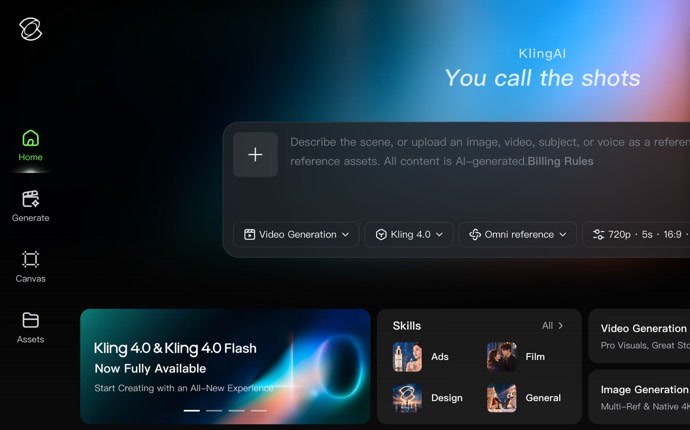
Hosted. Kling’s site pitches Kling 4.0 on audio-visual realism and stable large-motion scenes. The prompt box takes text plus an image, video, subject or voice as a reference, and starts at 720p, 5 seconds and 16:9. Around it sit motion control, lip sync, talking avatars and video to audio, plus a node-based Canvas and an MCP and API route for batch work. Paid plans start at $6.99, and Kling is also on A2E’s menu.
Verdict: A strong pick for action-heavy clips. Check its free allowance on kling.ai first.
3. Google Gemini Omni Flash (formerly Veo)
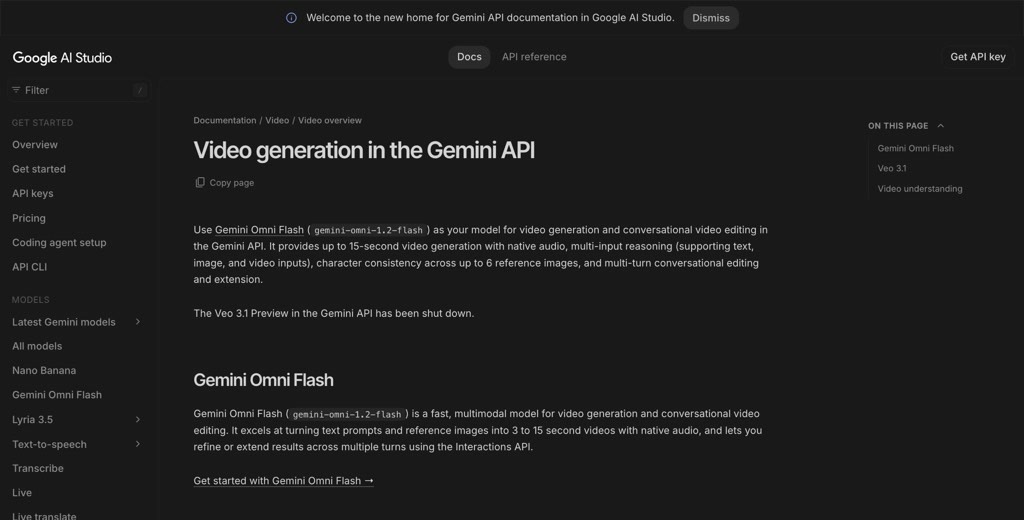
Hosted. Google shut down the Veo 3.1 preview models in the Gemini API on October 22, 2026, and its video docs now point developers to Gemini Omni Flash (gemini-omni-1.2-flash). It makes clips of up to 15 seconds with native audio from text, image or video inputs, keeps a character consistent across up to 6 reference images, and lets you refine or extend a clip over several turns. Google’s Generative AI Prohibited Use Policy governs what you can make.
Verdict: Good quality inside Google’s stack, but not the pick if refusals are your main pain.
4. Grok Imagine
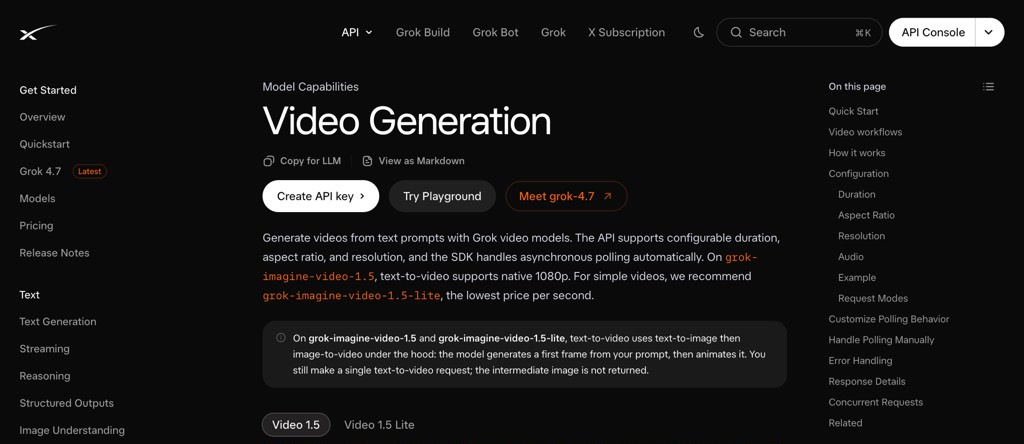
Hosted. xAI’s video model runs in the Grok app and through the xAI API. On grok-imagine-video-1.5, text to video renders at native 1080p, and the 1.5-lite model is the cheapest per second. Clips run 1 to 15 seconds with audio on by default, and xAI’s SDK handles the async polling for you. Moderation is the same in the app and the API, so the API won’t refuse less, but each job reports its own status. It’s also on A2E’s menu. Our Grok Imagine no restrictions breakdown covers what changed and what still works.
Verdict: Fast, cheap short clips, with a filter that still trips on harmless prompts.
5. Seedance 2.5
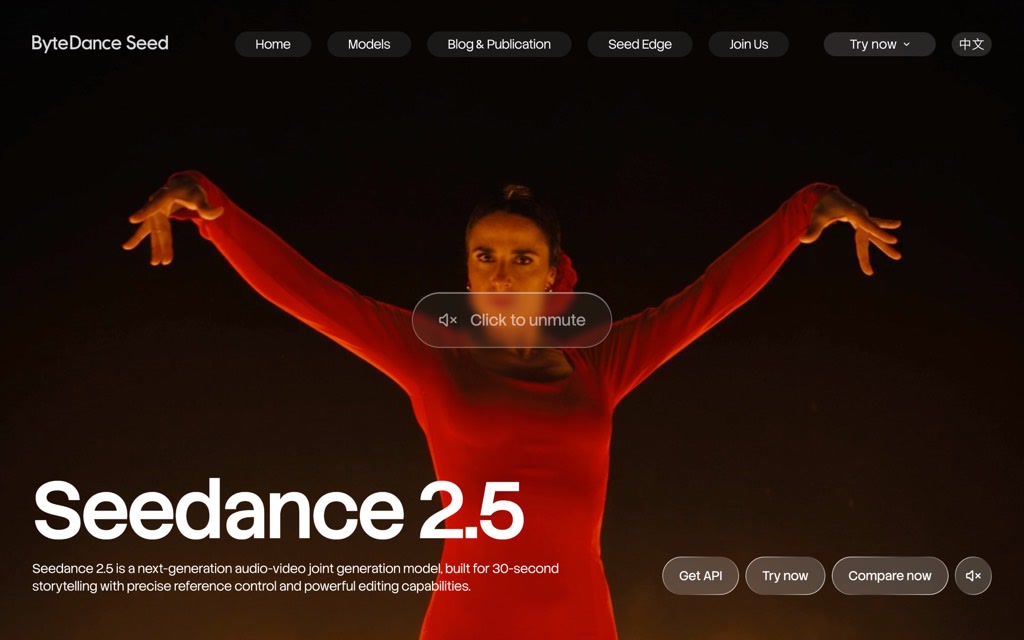
Hosted. ByteDance’s Seedance 2.5 generates audio and video together and is built for 30-second storytelling in a single shot, at up to 1080p. It takes up to 30 reference images, 10 videos and 10 audio clips. You can reach it through ByteDance’s apps, the BytePlus ModelArk API and third-party hosts, A2E included. It blocks real human faces in reference images on every route. Our guide to Seedance 2 prompts that avoid content flags covers wording that trips its filter by accident.
Verdict: The best pick for long single shots, as long as you skip real faces.
6. Wan2.2
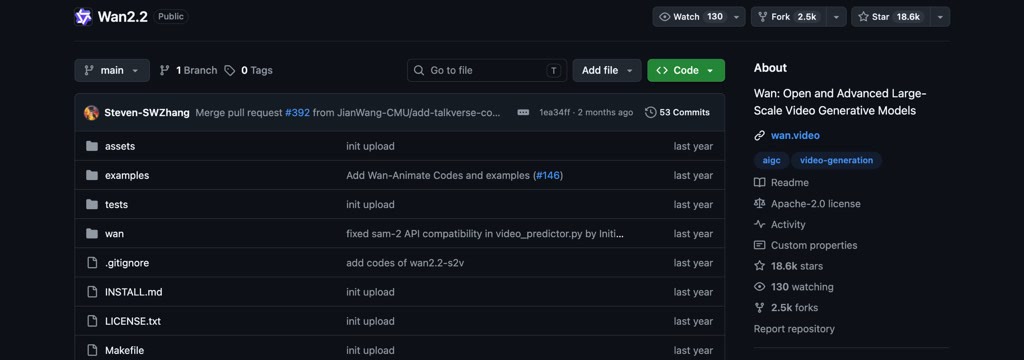
Open weights, runs locally. Wan2.2 is Apache 2.0 licensed and ships text to video, image to video and speech to video models. It uses a Mixture-of-Experts design and was trained on 65.6% more images and 83.2% more videos than Wan2.1. Its TI2V-5B model handles both text and image to video at 720p and 24fps, and the README says it runs on consumer cards like an RTX 4090. A separate Animate-14B model handles character animation and replacement.
Verdict: The best local starting point if you have one high-end GPU.
7. HunyuanVideo-1.5
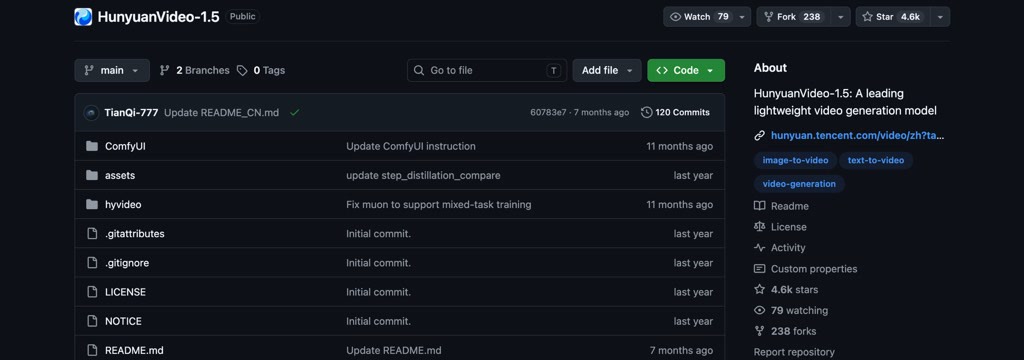
Open weights, runs locally. HunyuanVideo-1.5 is an 8.3B-parameter model for text to video and image to video, built to run on consumer GPUs. Its README lists a minimum of 14 GB of GPU memory with model offloading enabled, and a step-distilled 480p image-to-video model renders a clip in about 75 seconds on a single RTX 4090. Training code and a LoRA tuning script are open too. It ships under Tencent’s own community license, so read that before commercial use.
Verdict: The lightest local option, if its license fits your use.
8. LTX-2
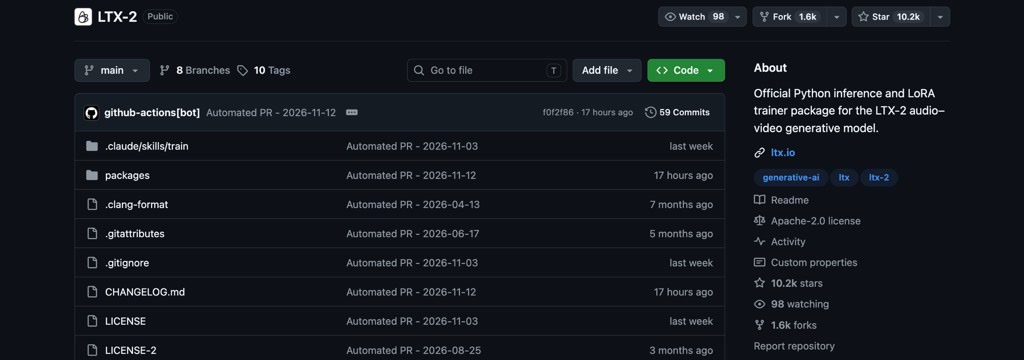
Open weights, runs locally. LTX-2 from Lightricks generates video with synchronized audio in one model, with several performance modes. The code is Apache 2.0, while the weights carry their own model license listed in the README, and Hugging Face asks you to accept the terms before you download. The current quick start pulls about 66 GiB of LTX-2.5 weights, so plan disk space. It supports fp8 quantization and offload when GPU memory is tight, and the repo includes a LoRA trainer.
Verdict: The local pick when you need sound in the same pass.
For all three open-weight models, ComfyUI is the usual front end: load the weights, wire a workflow, and generate offline. You trade the provider filter for hardware and setup time.
How to cut false-positive refusals on hosted tools
Most refusals on legitimate prompts come from wording, not intent:
- Describe the shot literally. “A chef slices onions with a large knife” beats a prompt built on violent verbs.
- Drop real names. Most providers block prompts naming public figures, for good reason.
- Start from your own image. It gives the model a clear, consented subject.
- Use the negative prompt to push out gore, blur and distortion.
- Switch models. A prompt one model refuses often passes on another.
Let your coding agent test the A2E API with Apidog CLI
On a video API, the risky part is the async job that comes back failed or the refusal your UI doesn’t handle. Let your coding agent write and run those checks with Apidog CLI.
Set it up once:
npm install -g apidog-cli@latest
apidog auth login --with-token <YOUR_APIDOG_TOKEN>
apidog skill install
curl -sL https://video.a2e.ai/dev/openapi-spec -o a2e-openapi.json
apidog import --project <projectId> --format openapi --file ./a2e-openapi.json
Then give your agent (Claude Code, Codex, Cursor or OpenCode) one prompt:
In Apidog project <projectId>, create a test case for POST /v1/userImage2Video/start
with a Bearer token from the environment variable A2E_TOKEN. Assert the response
has code 0 and a data._id. Then call GET /v1/userImage2Video/{_id} until
current_status is completed or failed, and fail the test on failed with the
reason. Run it against environment <envId> and summarize the result.
Real runs spend A2E credits, so have the agent add a mock expectation for the failed state (apidog cli-schema get mock-create, then apidog mock create) and test error handling against it. In CI, apidog run --test-case <caseId> -r junit gives a JUnit report; see Apidog CLI in a CI/CD pipeline.
Which AI video generator should you pick?
- Zero provider filtering, 14 GB or larger GPU: HunyuanVideo-1.5 or Wan2.2 TI2V-5B in ComfyUI.
- Audio and video from one local model: LTX-2.
- Many hosted models on one account: A2E.
- Action-heavy clips: Kling 4.0.
- Long single shots: Seedance 2.5.
- Building a product: A2E’s API plus Apidog CLI tests for the async job lifecycle.
FAQ
Are there AI video generators with truly no restrictions?
Only open-weight models you run yourself, such as Wan2.2, HunyuanVideo-1.5 and LTX-2. They have no provider-side filter. Their licenses and your local law still apply, and every hosted service enforces some content policy.
Is A2E free to use?
A2E has a $0 Free plan with 30 bonus credits a day via check-in, a watermark and 720p output. API access starts on Pro at $14.9 for one month.
Why does my AI video generator refuse harmless prompts?
Prompt filters and output classifiers trip on words tied to violence or real people, even in innocent scenes. Describe the shot literally and try another model.
Does image to video get refused less than text to video?
Often, because your own image gives the model a clear subject. Output classifiers still check the frames, so it isn’t a guarantee.