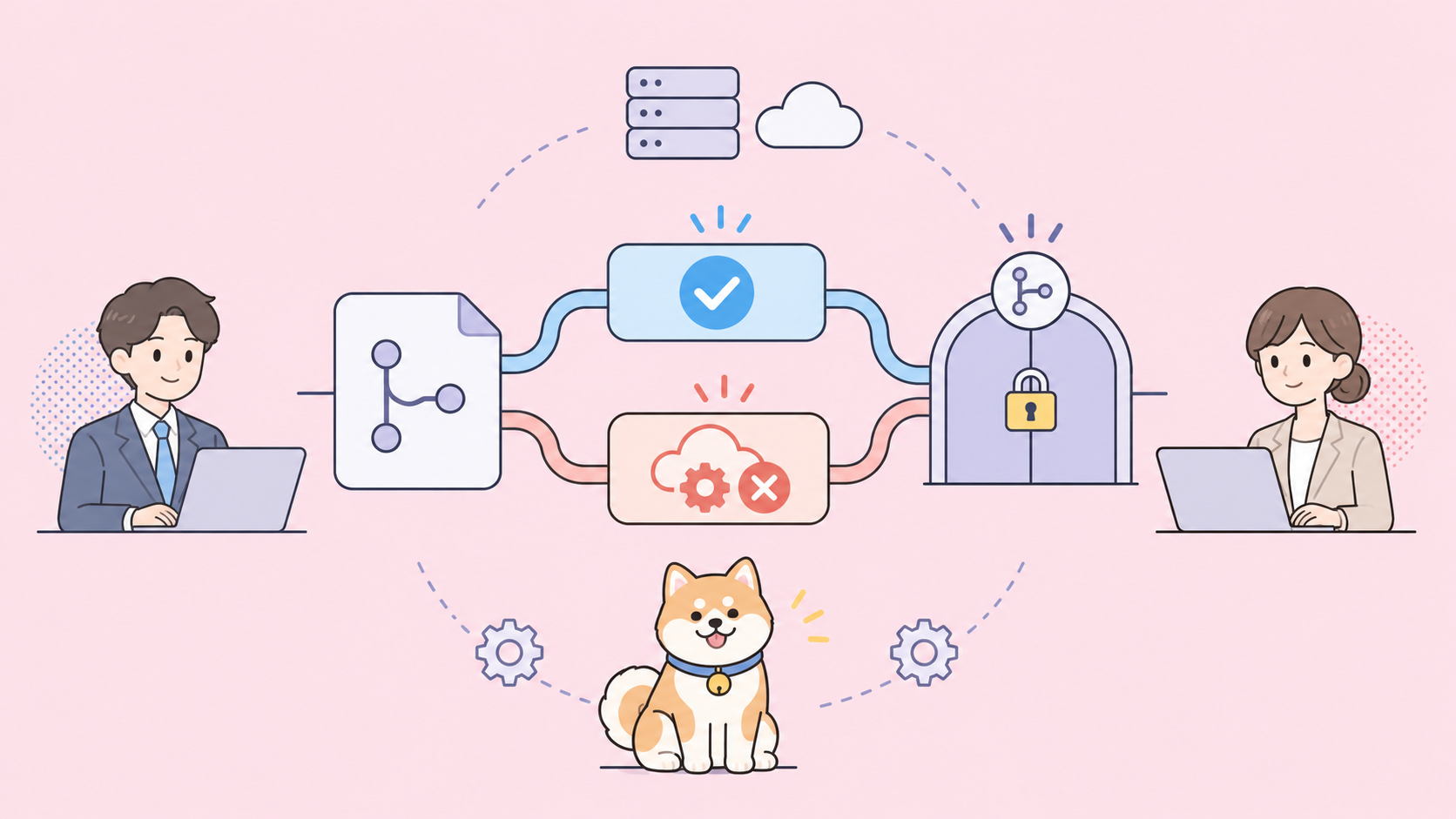
The 1Password breach exposed some customers’ names, sign-in emails, account metadata and tokens from certain invitation and recovery links. 1Password says customer vaults, stored passwords and the keys that protect them were unaffected. The company says you don’t need to update your account because of the incident. Treat unexpected invitation or recovery messages as potential phishing.
What happened in the 1Password breach?
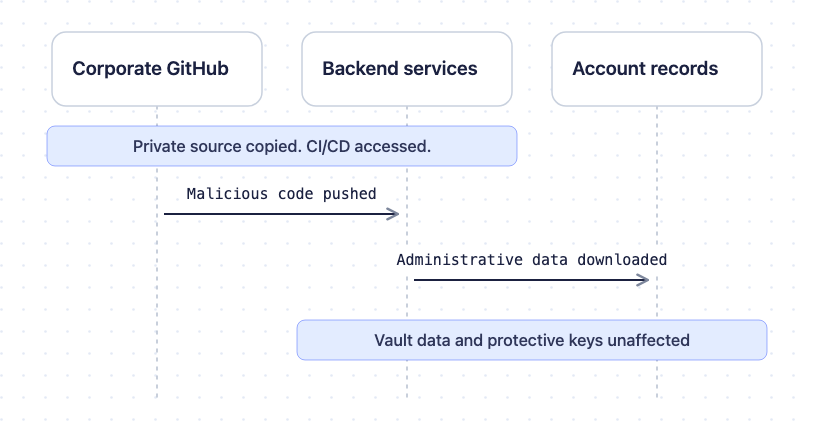
1Password began investigating on November 19, 2026, after spotting signs that someone had accessed an employee’s corporate GitHub account. The company disclosed the incident on November 25. It says the attacker used the account to access source code and push malicious code to backend services, which downloaded administrative customer data. 1Password’s incident disclosure
| Area | What 1Password reported |
|---|---|
| Customer account records | Names, sign-in emails, account and user identifiers, creation and last sign-in times, public keys, Secure Remote Password parameters and other administrative metadata for a subset of customers. |
| Invitation and recovery | Tokens in certain emailed invitation, provisioning and recovery links. 1Password notified affected users who were in those flows. |
| Engineering systems | Copies of private repository source code and access to CI/CD. 1Password says the source contained no user secrets and it rotated or revoked potentially exposed internal credentials. |
| Vaults and client apps | Vault data, its protective keys, account recovery keys, apps and browser extensions were unaffected. |
The exposed link tokens required a second step. Depending on the flow, it was a single sign-on (SSO) sign-in or a verification code sent to the registered email address. 1Password says it found no internal evidence of account takeovers using exposed provisioning tokens and lengthened its email verification codes from six digits to ten alphanumeric characters. 1Password’s incident disclosure
What should 1Password users do?
1Password advises customers to watch for unsolicited invitations, recovery requests, texts and calls. If you get a message about your account that you weren’t expecting, open the official app or type the website address yourself. 1Password says it never contacts customers to ask for their account password or Secret Key.
How much entropy should a verification code have?
A six-digit code has one million possible values when leading zeros are allowed. That number describes the size of the code space. In your API, choose the length and alphabet alongside a short lifetime, a limit on verification failures and an independent identity check where the flow requires one. NIST authentication guidance
A longer format only adds meaningful uncertainty if the generator uses a cryptographically secure source of randomness. If you change the code length, check that your verifier, email template and client accept the same format. Treat the code as a string so a valid leading zero survives serialization. Otherwise, a code can look fine in an email and fail as soon as the client sends it.
Regression check: Give your agent a synthetic account and a fixture with the exact code format your API promises. Assert that the fixture’s valid code completes the flow and that inputs with the wrong length or forbidden characters fail. Review randomness in the generator separately. A passing format check says the fields agree about the contract.
How do you test verification rate limits?
Make the allowed failure budget part of the API contract. If your service returns HTTP 429 when a verification challenge exhausts its budget, assert the response at that documented boundary. Run the check with a fixed set of known-invalid fixture values on an isolated test account and verify that the account state is unchanged.
Give the test an exact request budget and a fresh fixture. Expected error responses should have explicit assertions so the report distinguishes a planned rejection from a timeout or server failure. If your contract includes a retry window, assert its documented response header and exercise the window with a test clock wherever the service supports one.
Regression check: Have your agent compare the response just before the boundary with the response at the boundary. Assert the status and application error code, and check that the service rejects continuation while the policy is in effect. A control case with a separate synthetic account confirms that the API is still available to eligible users.
How do you test token expiry and single use?
Use separate fixtures to prove that a valid token can complete its intended action once, a consumed token can’t complete it again, and an unused token fails after its expiry time. Bind each token to its intended account and action, and verify the resulting account state along with the response.
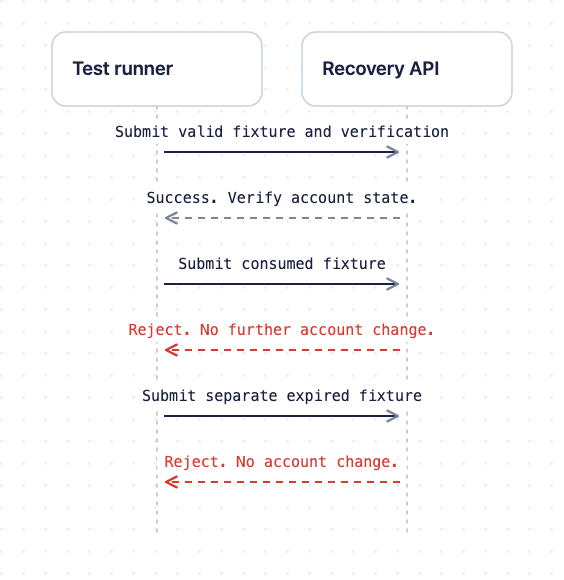
Seed the unused expired fixture relative to a controlled clock. That gives you a deterministic expiry test in CI without waiting for a real email or letting a test sit idle. For the single-use scenario, verify the action succeeded before submitting the consumed fixture again. Otherwise, your test could pass because the first request never reached a usable flow.
Regression check: Assert that a valid synthetic token with the expected verification evidence completes the action. Reuse the consumed fixture and separately submit the expired fixture. Both should fail according to your contract, with no extra session, credential change or other account write. If the flow requires a second proof, include a separate fixture where that proof is missing and assert that the state stays the same.
How do you limit what one developer or CI credential can reach?
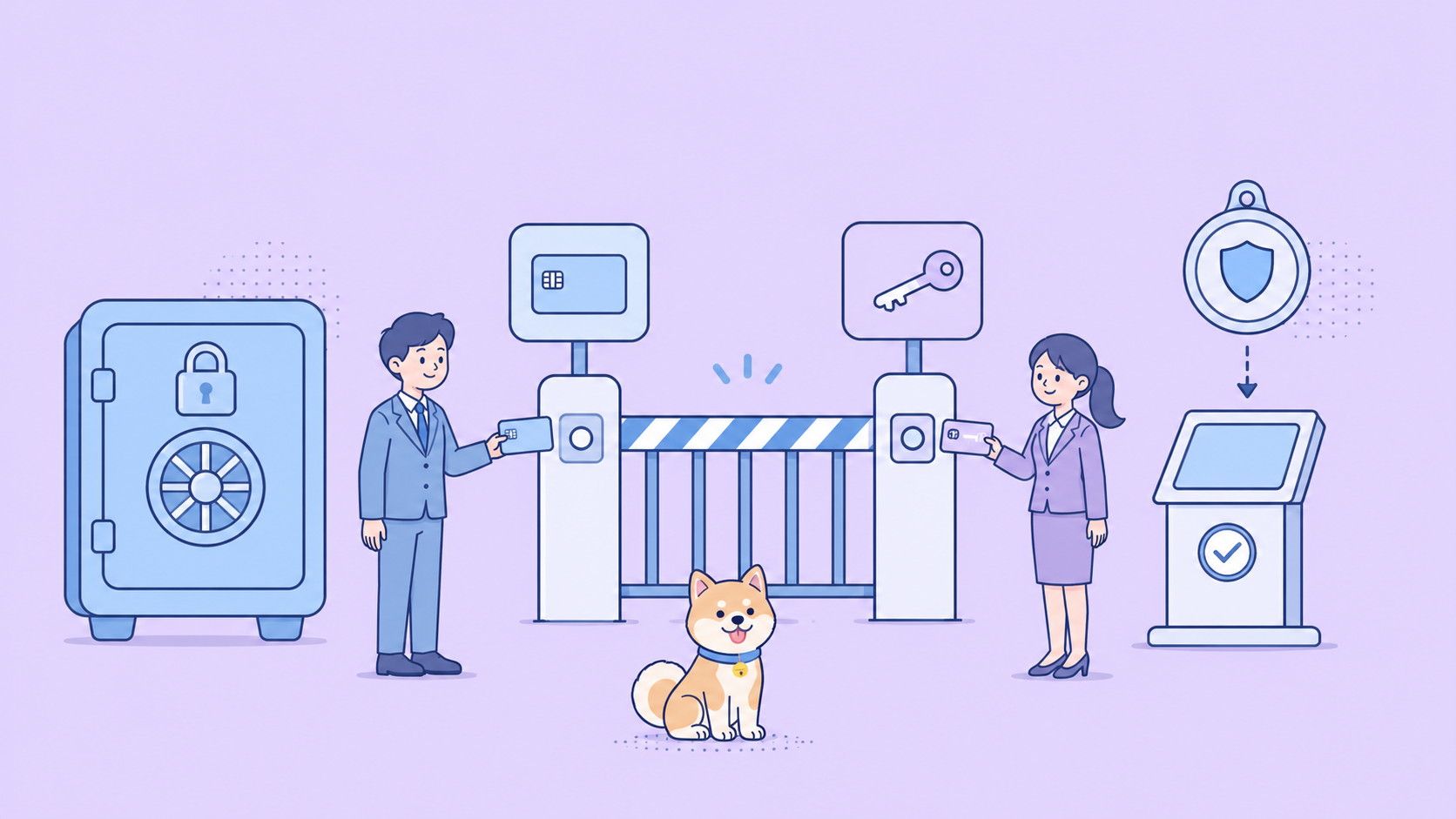
Define what each identity needs to do, then grant permissions at that scope. A workflow that reads repository contents and runs tests can use a read-only credential. A deployment job can use a separate identity with access to its designated environment. Review those grants whenever the workflow gains a new step. GitHub’s workflow token permissions guide
Where your CI and cloud provider support workload identity, issue short-lived credentials to the workflow so a long-lived deployment secret doesn’t have to live in the repository or runner. Keep deployment access behind its own environment policy and document how to revoke the credential. During containment, that gives you a list of workloads to examine and owners who can confirm whether each job still works after rotation.
Regression check: Give your agent a test-only read identity. Verify a permitted read in its assigned environment, then verify an explicit authorization denial for a controlled write on a disposable fixture. Check that the fixture stayed unchanged. Use the permission configuration itself to review grants for real deployment identities.
If you’re reviewing credentials stored in API project assets, see the Apidog Secret Scanner walkthrough. For credential rotation after an incident, see the API security lessons from the Vercel breach.
Let your coding agent run the checks with Apidog CLI
Use Apidog CLI to run your own test project’s verification, expiry, single-use and scope assertions. Give your coding agent the expected outcomes, the staging environment ID and the fixture setup instructions. Review the scenario steps and target before allowing the first run.
Install the CLI, authenticate with your Apidog access token and add the Apidog skill to your coding agent. Keep the login token out of prompts and saved scenario data.
npm install -g apidog-cli@latest
apidog login --with-token "$APIDOG_ACCESS_TOKEN"
npx -y skills add https://apidog.com
Give your agent this prompt after substituting your own IDs.
In Apidog project <projectId>, create a test scenario for our staging API using only synthetic accounts and documented test fixtures. Verify code format, the fixed request boundary that returns 429, successful redemption, rejection of a consumed token, rejection of a separate expired token, and authorization for a read-only identity. Assert account state after rejected actions. Inspect CLI help and payload schemas before writing. Show me the planned steps and environment before running the scenario with apidog run in <stagingEnvId>. Summarize failed assertions without printing tokens, codes or sensitive response bodies.
Your agent can look up the environment and scenario IDs, then run the reviewed scenario.
apidog environment list --project "${PROJECT_ID}"
apidog test-scenario list --project "${PROJECT_ID}"
apidog run --project "${PROJECT_ID}" -t "${SCENARIO_ID}" -e "${STAGING_ENV_ID}" -r cli
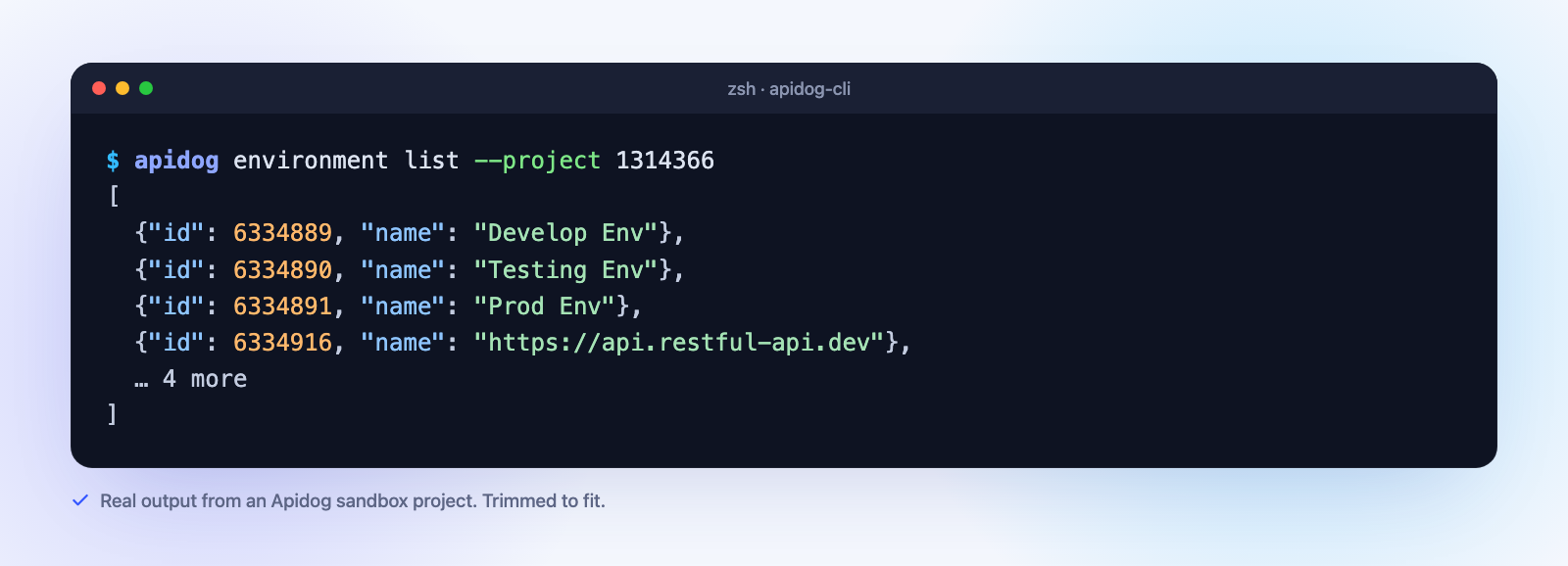
The terminal shows environment selection in a sandbox project. Use the ID for your own staging environment in the run command.
Keep the negative cases in your deployment checks and use the JUnit reporter when your CI system needs machine-readable results. The Apidog run command reference covers report options and execution flags. Review what the runner writes before retaining or sharing reports from authentication tests.
When your team wants to assign these checks to different coding agents, Sharkly gives you a board to hand out the work and review results from agents running on your team’s computers.
For the test runner credentials themselves, see how to supply 1Password secrets to API tests.
FAQ
Were passwords stolen in the 1Password breach?
According to 1Password, customer vaults, their contents and their protective keys were unaffected. The company reported exposure of administrative account records for a subset of customers and tokens from certain emailed links.
Should I change my 1Password account password or Secret Key?
1Password says you don’t need to update anything in your account because of this incident. Be cautious about unexpected messages and go directly to the official app or website if you need to check your account.
Could an exposed link token sign someone into 1Password on its own?
1Password says the flow also required SSO or a verification code sent to the registered email address. The company reported no internal evidence of account takeovers using exposed provisioning tokens.
Is a longer code enough to protect an API recovery flow?
Use longer, securely generated codes alongside a short expiry and a server-enforced attempt limit. Add tests for consumed tokens, expired tokens and missing verification evidence so regressions show up at the API boundary.
Can I run these API security checks in CI?
Yes. Point your Apidog scenario at an isolated staging environment with synthetic data. Keep the runner credential scoped to the test project, and use a separate test identity for each permission level you need to verify.