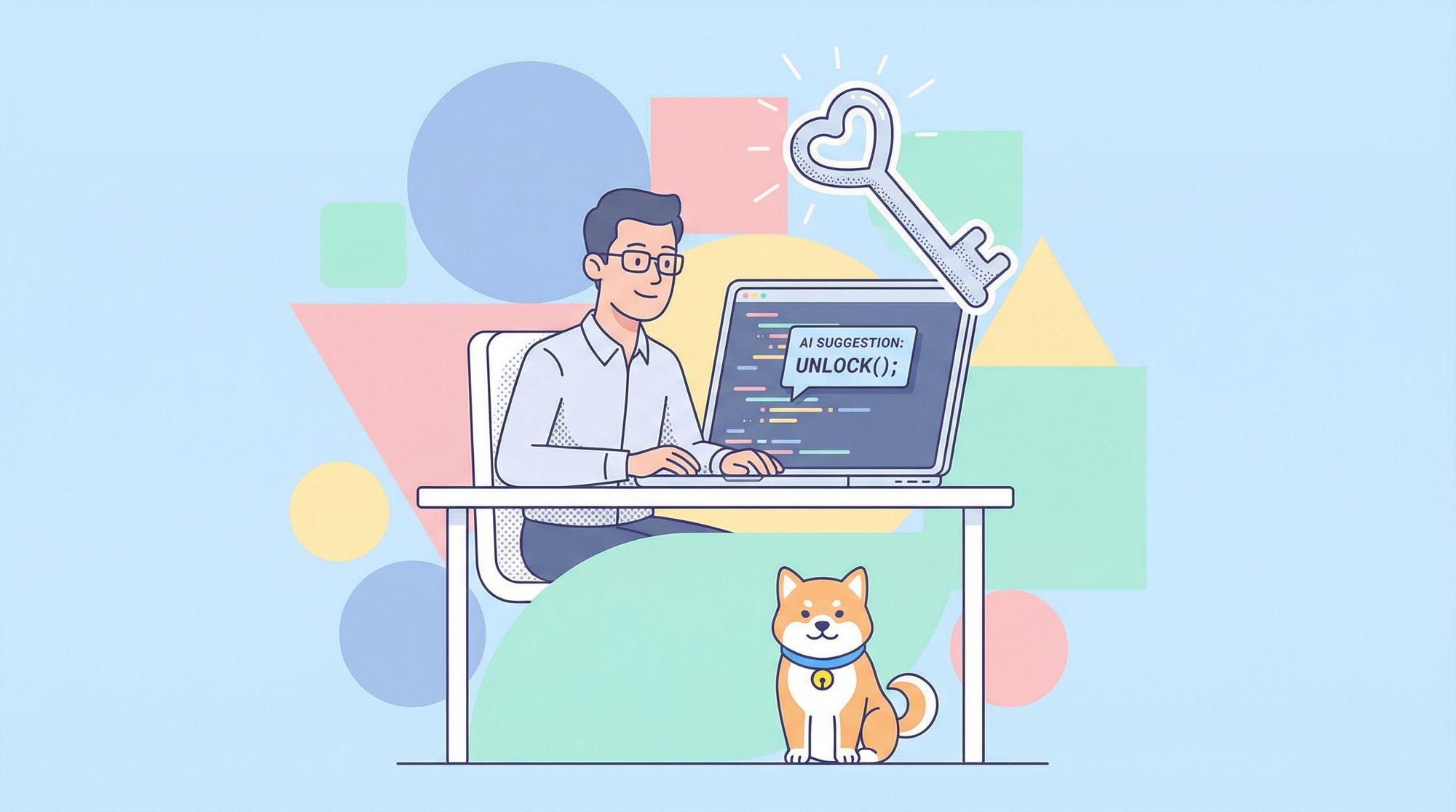
Let's be honest—we've all been there. You're deep in the zone, refactoring that gnarly legacy codebase, when suddenly Cursor AI hits you with the dreaded message: "Too many free trial accounts used on this machine. Please upgrade to pro."
Just when your AI coding assistant was about to save you hours of Stack Overflow diving!
But here's the thing—as developers, we're problem solvers by nature. When we hit a wall, we don't just accept it—we find a way around, over, or straight through it. And that's exactly what I did with Cursor's limitations.
In this guide, I'll show you five battle-tested methods to bypass that annoying "Too many free trial accounts" message and get back to what matters: writing awesome code with AI assistance.
Why Does Cursor Show This Message?
Before diving into the solutions, let's understand what's happening. Cursor tracks your machine's unique identifier to prevent multiple free trials on the same device. Smart from a business perspective, but frustrating when you're on a tight budget or just want to test-drive the tool longer.
As a developer who lives and breathes in VS Code and terminal windows, paying for yet another subscription wasn't in my plans. So I went hunting for alternatives.
Method 1: Maximize Cursor AI’s Free Tier
The simplest approach is working within Cursor's free tier limitations:
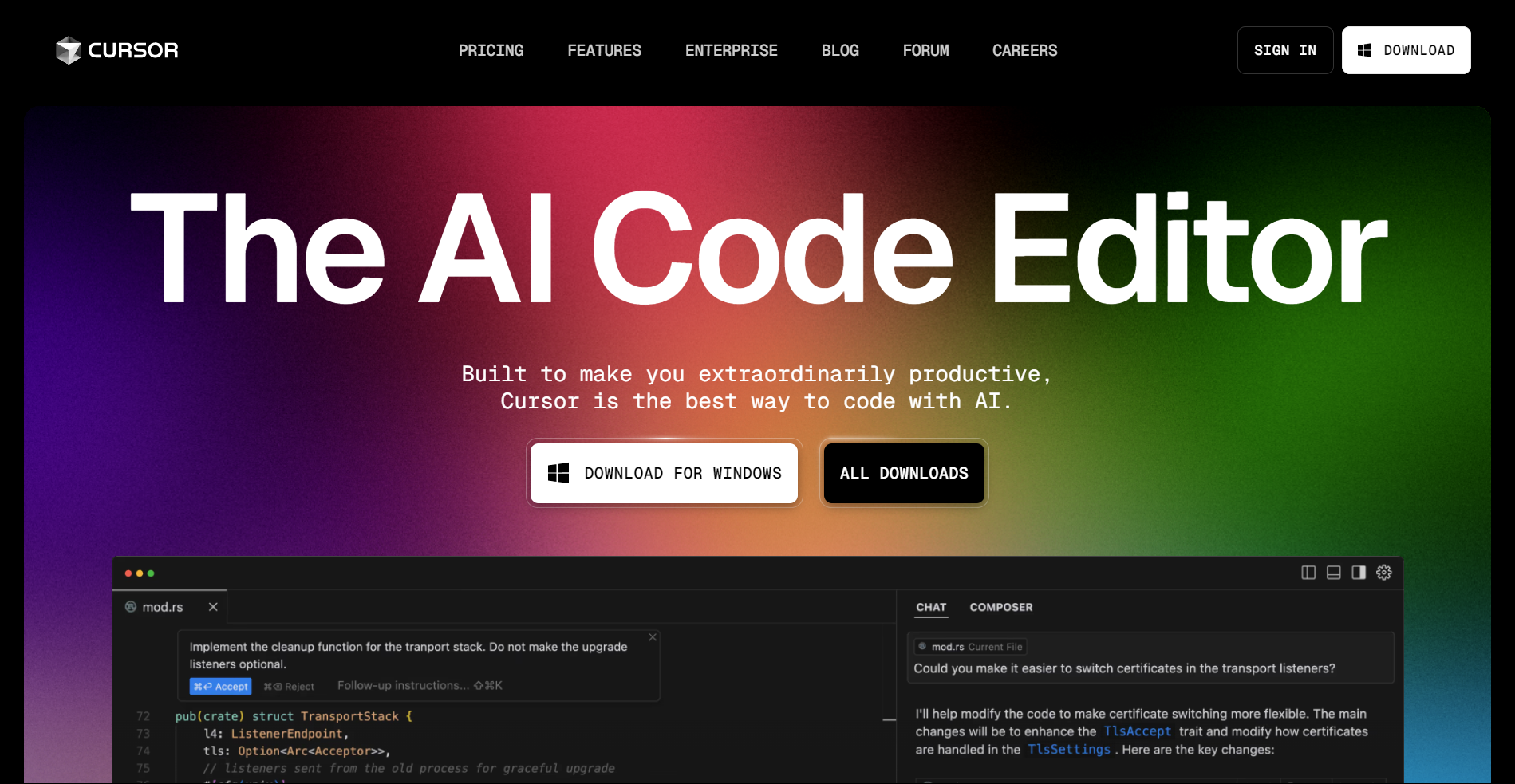
1. Download the official Cursor AI from their website.
2. Skip the Paid Plan
- When prompted to upgrade to Pro, simply close the pop-up.
The free tier includes:
- Basic AI Autocomplete: Get real-time code suggestions.
- Error Detection: Catch bugs before they break your code.
- Limited AI Chat: Ask up to 50 questions per month.
3. Start Coding
- Open a project or create a new file.
- Type
defin Python orfunctionin JavaScript, and watch Cursor AI generate full-function templates.
Limitations:
- Advanced features like code refactoring and unlimited AI chat are restricted.
- Best suited for small projects or learning.
Pro Tip: Pair Cursor AI’s free tier with tools like GitHub Copilot (free for students) or VSCode’s IntelliSense for a more robust setup.
Method 2: Reset Your Machine ID
This is where things get interesting. Cursor identifies your machine through specific IDs stored in configuration files. By changing these, you can essentially "become a new user" in Cursor's eyes.
Here's how I did it:
1. Download the Cursor Pro Trial Reset Tool: Get the Cursor Pro Trial Reset Tool from GitHub.
2. Close the Cursor completely (check Task Manager to kill all processes)
3. Run the tool to generate a new machine ID
4. Manually edit the storage.json file:
- Find and edit the "storage.json file" in the following directories:
- Windows:
%APPDATA%\Cursor\User\globalStorage\storage.json - macOS:
~/Library/Application Support/Cursor/User/globalStorage/storage.json - Linux:
~/.config/Cursor/User/globalStorage/storage.json
- Windows:
- Inside the file, update the following values with the new identifiers generated by the reset tool:
telemetry.macMachineIdtelemetry.machineIdtelemetry.devDeviceId
5. Restart Cursor and enjoy your "new" trial
Pro tip: If you're comfortable with JSON editing, you can skip the tool and manually generate UUIDs to replace these values. I've done this multiple times without issues.
Method 3: Use the Cursor Free VIP
For those who want a more permanent solution, Cursor Free VIP is an open-source tool that bypasses Cursor's membership verification entirely. It's like having a permanent backstage pass to all Pro features.
1. Find a Cursor Free VIP on GitHub (there are several available)
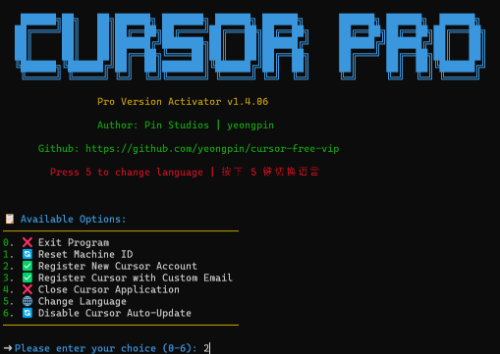
2. Install Cursor Free VIP
- For Windows Users:
Open PowerShell and run:
irm https://raw.githubusercontent.com/yeongpin/cursor-free-vip/main/scripts/install.ps1 | iex
- For macOS & Linux Users:
Open Terminal and run:
curl -fsSL https://raw.githubusercontent.com/yeongpin/cursor-free-vip/main/scripts/install.sh -o install.sh
chmod +x install.sh
sudo ./install.sh
3. Log out of Cursor completely
4. Run the script, restart Cursor, and enjoy Pro features!
I was skeptical at first, but this method has been rock-solid for me. The script essentially modifies how Cursor verifies your subscription status, giving you access to all the premium features without the premium price tag.
Warning: This method is the most likely to break with Cursor updates, so keep an eye on the GitHub repo for fixes if needed.
Method 4: The Fake Machine ID Plugin
Another elegant solution is using the cursor-fake-machine plugin:
1. Download the "cursor-fake-machine" plug-in.
2. Open Cursor AI and drag the plug-in into the extension area.
3. Go to Cursor settings > General > Manage (you will be redirected to the official website) > Delete account.
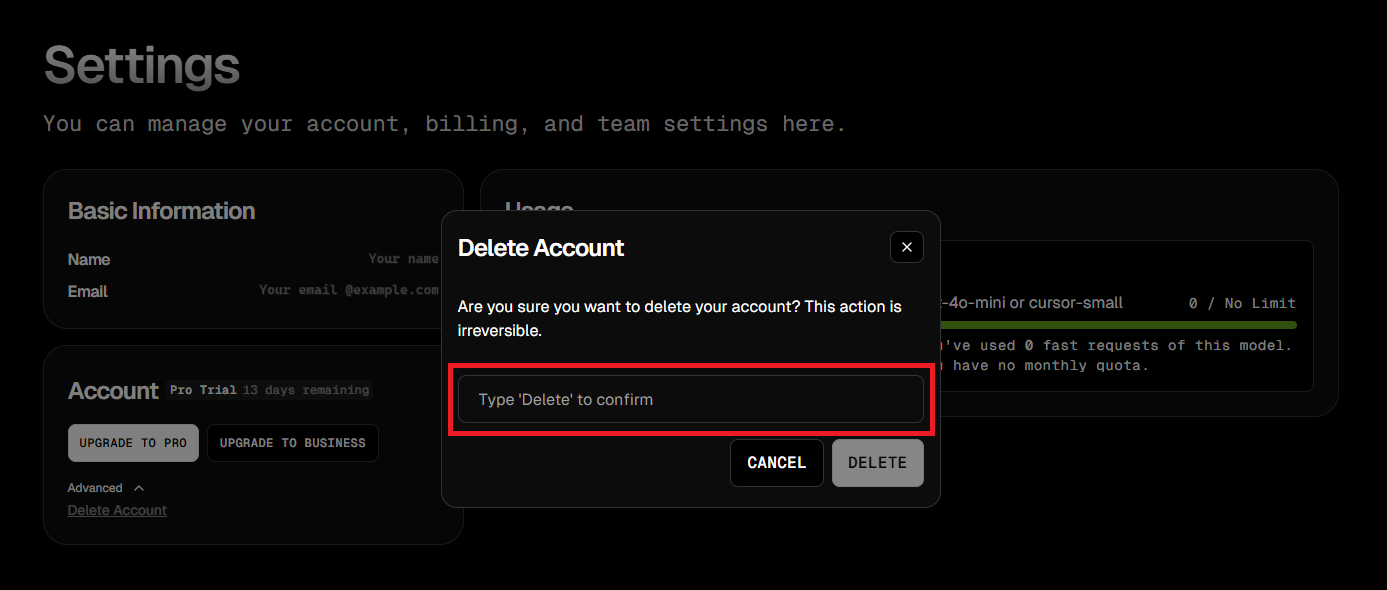
4. Go back and ensure you Logged out of Cursor completely.
5. Press Ctrl + Shift + P and search for "Fake Cursor".
6. Select it, and Cursor will generate a new machine ID.
7. Log back in with your original account.
Method 5: Go-Cursor-Help for One-Click Reset
If you're looking for the absolute simplest solution, Go-Cursor-Help offers a one-command approach:
1. Run the following command in the terminal:
🔹 For macOS/Linux Users:
curl -fsSL https://raw.githubusercontent.com/yuaotian/go-cursor-help/master/scripts/install.sh | sudo bash
🔹 For Windows Users:
irm https://raw.githubusercontent.com/yuaotian/go-cursor-help/main/scripts/install.ps1 | iex
2. Complete the Setup: Wait for the installation to complete, and you're back in business with a fresh trial period. It's practically magic! ✨
Cursor's trial restrictions don't stop at device limits — if you're actively coding, you may also hit the per-session trial request cap before your work is done.
The Bottom Line: No More "Too Many Free Trial Accounts" Messages
The "Too many free trial accounts used on this machine. Please upgrade to pro" message doesn't have to be the end of your Cursor AI journey. With these methods, you can continue leveraging AI to write better code, faster.
And remember—while you're enjoying your unlimited access to Cursor AI, pair it with other free developer tools, like Apidog, to create a powerful development environment that won't cost you a dime.