Written by the Apidog team. Apidog is the recommendation here, and the numbers that support it were checked on each vendor's pricing page on September 8, 2026.
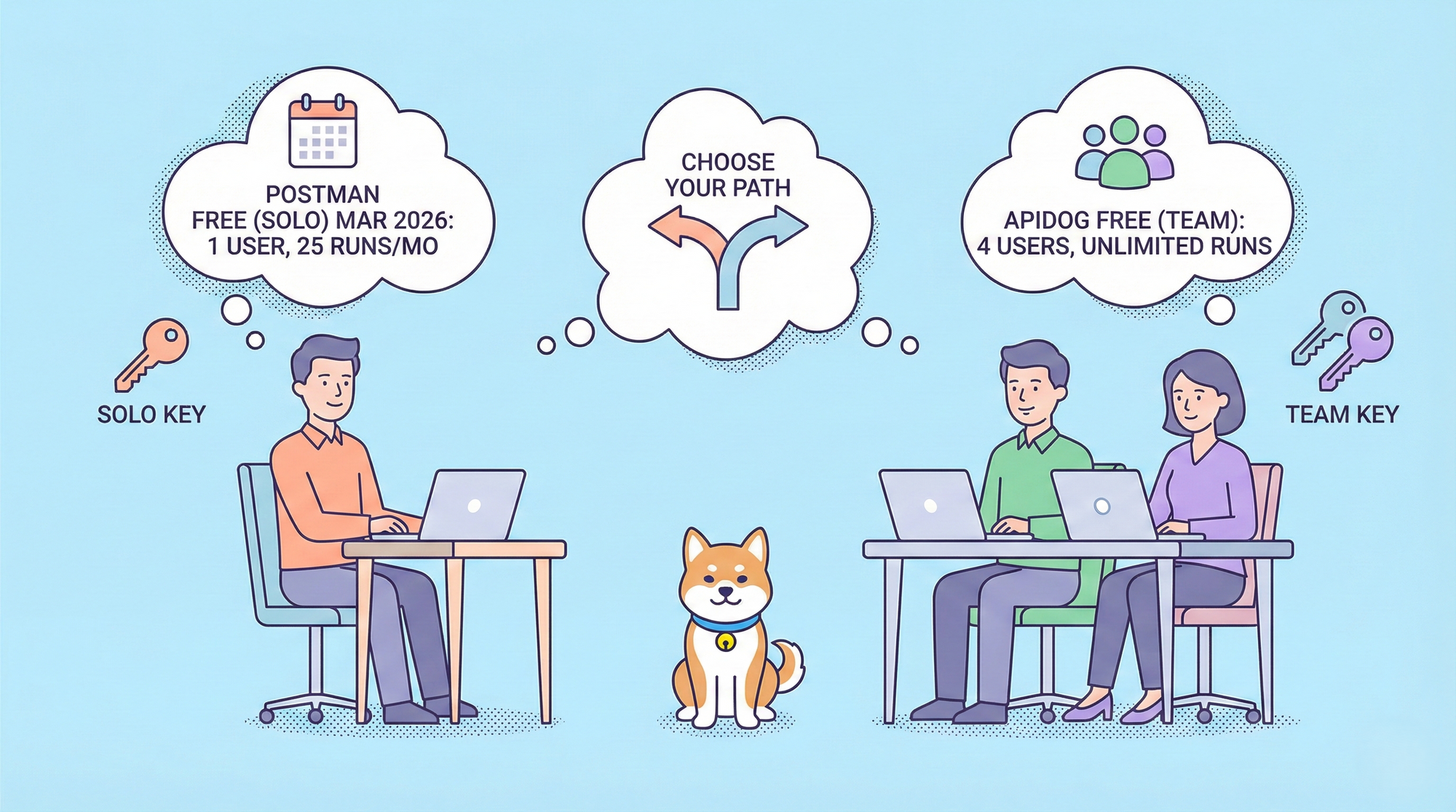
For a team, the Postman question is arithmetic before it is anything else. Since March 2026 the Free plan is one user, Solo ($9) is one user, and the first plan a team can actually share is Team at $19 per user per month on annual billing. Enterprise is $49 per user. Ten engineers on Team is $2,280 a year; fifty on Enterprise is $29,400. Collection runs and mocks are unlimited on all of those, so what you are paying for is seats, workspaces, and enterprise controls.
The alternatives split into two groups: cheaper clients that leave the shared layer to Git, and Apidog, which keeps the shared layer and prices the seat at $9.
Per-seat pricing for a team
| Tool | Team-capable plan | Price per user per month (annual) | 10 users per year | Free seats |
|---|---|---|---|---|
| Postman | Team | $19 | $2,280 | 1 (no team on Free) |
| Postman | Enterprise | $49 | $5,880 | |
| Apidog | Basic | $9 | $1,080 | 4 (free plan only) |
| Apidog | Professional | $18 | $2,160 | |
| Apidog | Enterprise | $27 | $3,240 | |
| Bruno | Pro | $6 | $720 | Unlimited client, Git for sharing |
| Bruno | Ultimate | $11 | $1,320 | |
| Insomnia | Pro | $12 | $1,440 | 3 on Git Sync |
| Insomnia | Enterprise | $45 | $5,400 | |
| Hoppscotch | Organization | $6 | $720 | Unlimited stated |
| Thunder Client | Business | $7 | $840 | 1 |
| Thunder Client | Enterprise | $16 | $1,920 |
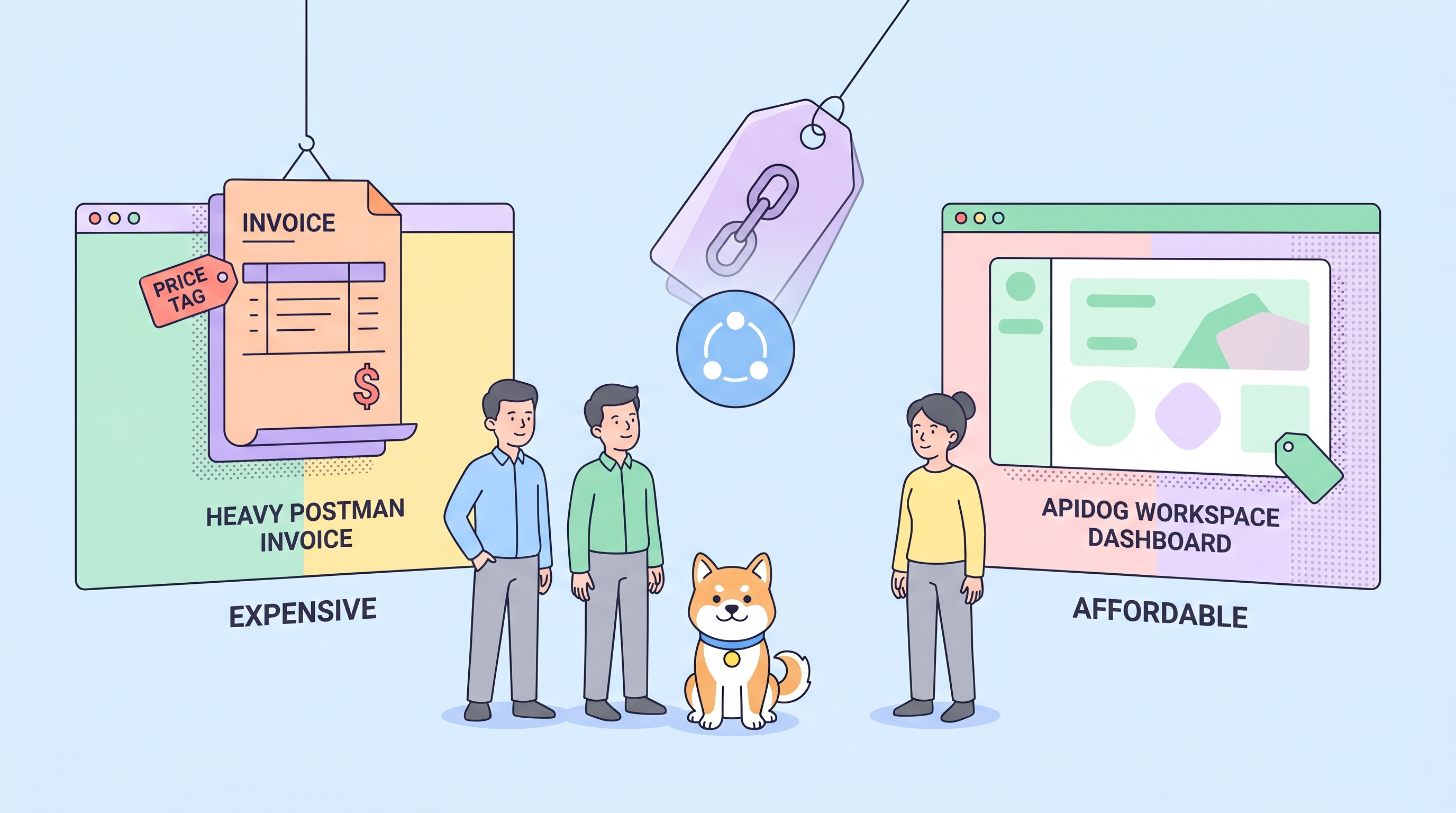
Apidog's free plan covers a team of up to four at $0. Above that every member is a paid seat, so a ten-person team on Basic pays $1,080 a year against Postman Team's $2,280, and Apidog Enterprise at $27 is a little over half of Postman Enterprise's $49.
What a team actually needs, tool by tool
Real-time collaboration. Postman Team and Apidog (from Free) give two people the same workspace live. Apidog adds co-editing of the same endpoint spec, comments, an activity feed, and sprint branches with a protected main branch and admin-reviewed merge requests. Bruno and Insomnia on Git collaborate through commits; Hoppscotch has team workspaces without a design layer.
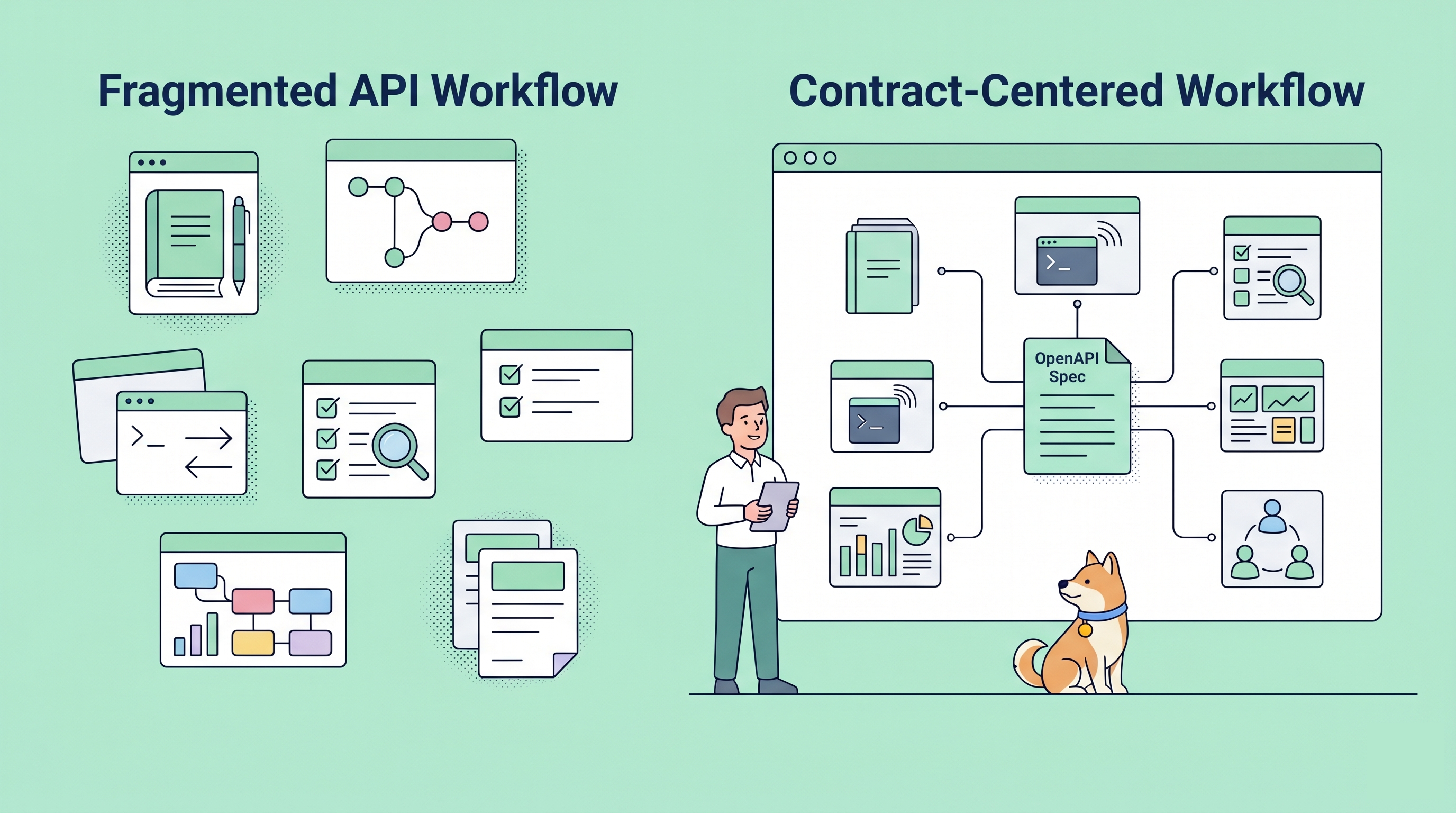
One source of truth. This is the difference that shows up six months in. In Apidog the spec drives the mock, the schema assertions in tests, and the published docs, so a schema change propagates. In Postman, collections, mocks, and docs are separate artifacts that drift unless someone maintains them. In the Git-based clients the spec is a byproduct of requests.
Testing at team scale. Apidog scenarios chain endpoint cases, assert visually, run data-driven from a table, and can query a database as a step to confirm a write. The same scenarios run in GitHub Actions, GitLab CI, and Jenkins through the CLI, with scheduled runs on a self-hosted runner and failure notifications. Postman covers this with scripts plus Collection Runner and Monitors; Bruno's runner is unlimited on Pro; Thunder Client meters runs until Enterprise.
Enterprise controls.
| Control | Postman | Apidog | Bruno | Insomnia | Hoppscotch |
|---|---|---|---|---|---|
| SAML SSO | Enterprise ($49) | Enterprise ($27) | Ultimate ($11) | Enterprise ($45) | Self-host |
| SCIM provisioning | Enterprise | Enterprise | Ultimate | Enterprise | |
| Audit logs | Enterprise | Enterprise, with API and CSV export | Ultimate | Enterprise | |
| Data residency | Enterprise option | EU-hosted instance | Local files | Storage mandate on Enterprise | Self-host |
| Self-hosted execution | No | Self-hosted runner (tests, mocks, imports) | Local by nature | No | Whole app self-hostable |
| On-premises edition | No | Yes | Not applicable | No | Yes (open source) |
Self-hosting and on-premises
Three answers exist, and they are different. Hoppscotch can be self-hosted in full from its repository, which suits teams with the ops capacity to run it. Bruno and Yaak keep everything local, so there is no server to host and also no shared layer. Apidog offers a self-hosted runner, a Docker container inside your network that runs scheduled tests, scheduled imports, and mocks against services the cloud cannot reach, and a full on-premises edition for organizations that cannot use SaaS at all. Postman has neither a self-hosted runner nor an on-premises edition. The details of the Apidog deployment options are in the self-hosted runner docs.
Why Apidog is the recommendation
For a team, Apidog is the only alternative that keeps everything Postman Team gives you (shared workspaces, live collaboration, unlimited runs and mocks, published docs, CI) and adds the parts Postman does not (spec-first consistency, database steps in tests, a self-hosted runner, an EU region, on-premises) at less than half the seat price. The trade-offs are real and specific: no public API Network, no passive multi-region monitoring, and no organization-wide governance rulebook. If one of those is a hard requirement, keep Postman for that job; the honest comparison is in Apidog vs Postman.
Migration playbook for a team
- Inventory. List collections by owner and last-run date. Most teams find a third are dead; do not migrate those.
- Export. From Postman, export each live collection and every environment as JSON. Note which collections use Flows; Flows do not export and become test scenarios.
- Import into one Apidog project per API or product. Apidog reads the Postman format directly, keeps folder structure, and runs
pm.*pre-request and test scripts unchanged. Step-by-step: how to migrate from Postman to Apidog. - Promote the spec. Generate or import the OpenAPI spec, mark the main branch protected, and route changes through sprint branches and merge requests.
- Turn regression collections into scenarios. Add assertions, attach data tables, add database steps where a write needs checking.
- Wire CI. Copy the generated GitHub Actions, GitLab CI, or Jenkins snippet from the Tests page. Set up the self-hosted runner if any service is behind a VPN.
- Publish docs and switch the team's bookmarks. Then cancel the Postman seats; run both tools for a sprint first if you want a safety net, using scheduled import to keep Apidog in sync.
FAQ
What is the cheapest Postman alternative for a team? Bruno Pro and Hoppscotch Organization at $6 per user, with Git or a self-hosted instance carrying the shared layer. Apidog at $9 is the cheapest that includes real-time collaboration, mocks, docs, and CI, and its free plan covers four users.
Does Apidog have SSO and audit logs? Yes, on Enterprise at $27 per user: SAML SSO with Microsoft Entra ID, Okta, and JumpCloud guides, SCIM provisioning, and audit logs with CSV export and an API.
Can a team stay on Postman Free? Not as a team. Free cannot create a team workspace; sharing means exporting files. See how to use Postman for free for what still works solo.
What does Postman Enterprise cost compared with Apidog Enterprise? $49 against $27 per user per month. The Postman side is broken down in the cost of Postman Enterprise.
Is there a free option for teams at all? Apidog's free plan, up to four users with unlimited runs and mocks. The other free tiers are compared in free Postman alternatives, and all eight tools in Postman alternatives in 2026.
Prices were checked on September 8, 2026.