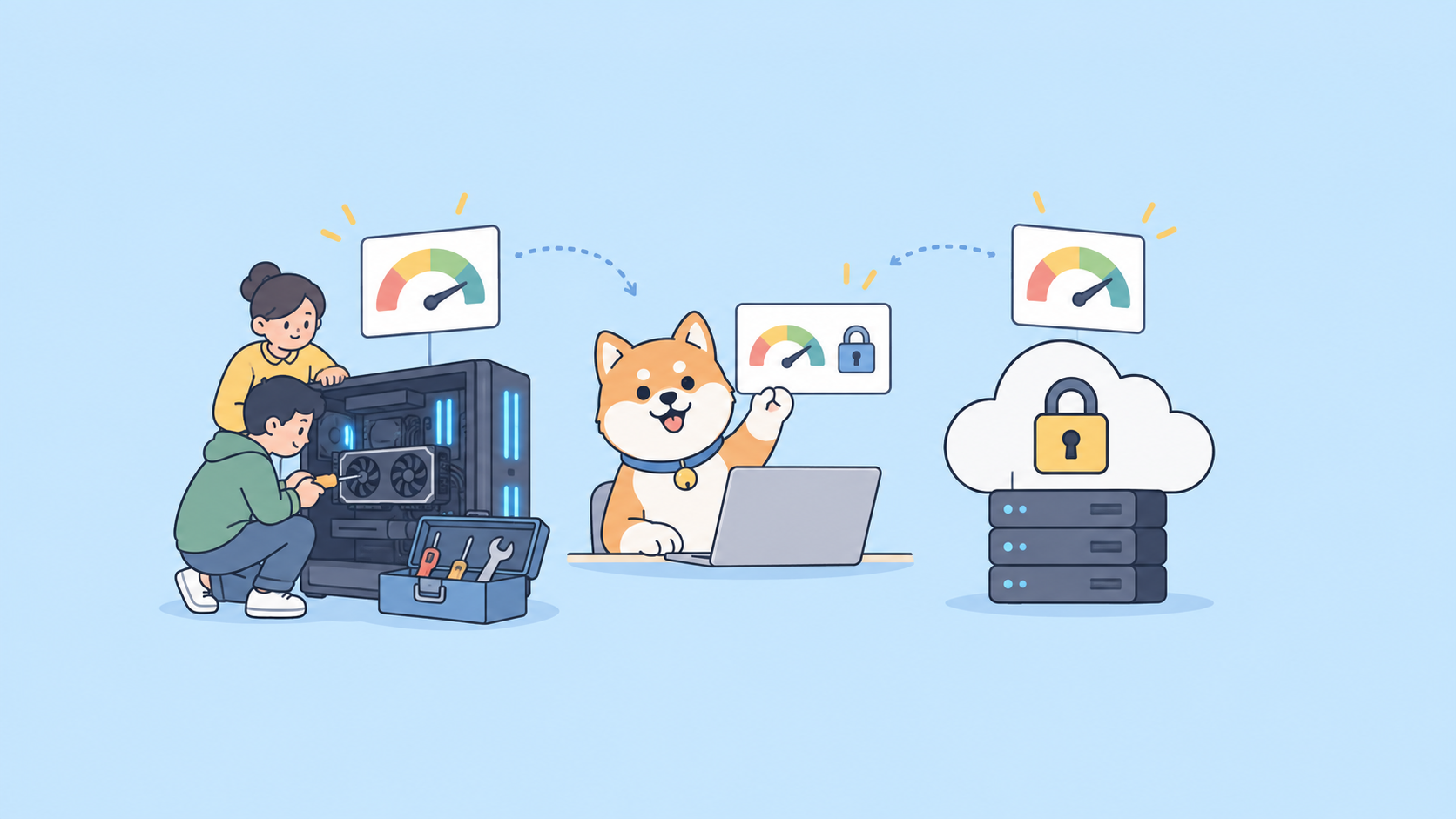
Two engineers on the same team ship two endpoints in the same week. One returns created_at, the other returns createdAt. One paginates with ?page=2, the other with ?offset=20. One puts errors in a top-level error object, the other inlines a message string. Both pass code review, because reviewers are reading logic, not naming. Six months later your API surface reads like it was written by five different companies, and every client integration needs a special case.
An OpenAPI linter exists to catch that drift before it ships. It reads your OpenAPI document, runs it against a set of rules (operations need descriptions, schemas need examples, property names follow a case convention, every response declares a media type), and fails the build when a rule is broken. It is the same idea as ESLint for JavaScript or RuboCop for Ruby, pointed at your API contract instead of your application code. If you have ever wished API design review could be automated the way code formatting is, that is exactly what a linter does.
What an OpenAPI linter actually checks
A linter operates on the spec file, not on a running server. Point it at openapi.yaml and it walks every path, operation, parameter, schema, and response, applying rules one at a time. Rules fall into a few buckets.
Validity. Is this even a legal OpenAPI document? Does every $ref resolve? Are required keywords present? This overlaps with plain schema validation, and most linters do it as a baseline before anything else.
Completeness. Does every operation have an operationId, a summary, and a description? Does every parameter explain itself? Does every schema carry an example? These are the rules that make generated documentation and SDKs actually usable, and they are the ones humans forget most.
Consistency. This is the real prize. Property names use one case convention. Path segments are plural nouns. Error responses share one shape. Every 2xx response declares application/json. Status codes are used the way the HTTP spec intends. None of these are bugs in isolation; together they are the difference between an API that feels designed and one that feels assembled.
House style. Your own conventions. Maybe every endpoint must be tagged. Maybe DELETE must return 204. Maybe internal-only fields must be prefixed. These are the rules nobody else has, and the ability to write them is what separates a linter you can live with from one you fight.
A rule has a severity: error, warning, info, or hint. Errors fail the build; warnings show up but let it pass. That severity dial is what lets you adopt linting on an existing API without drowning in 4,000 violations on day one. Start everything as a warning, fix the worst, then promote rules to error as you go. For the conceptual side of why these rules matter and how teams enforce them at scale, the deeper background lives in how top companies ensure API design consistency.
The main OpenAPI linter options
Here are the tools worth knowing, with an honest read on where each one fits.
Spectral
Spectral, from Stoplight, is the de facto standard. It is an open-source CLI and library that lints OpenAPI 2.0 and 3.x (and AsyncAPI, and any JSON or YAML via JSONPath). It ships with a built-in spectral:oas ruleset that covers the common-sense rules, and its real strength is custom rules: you describe what to check using JSONPath-style given selectors plus a then function, all in a YAML file. There is a large catalog of built-in functions (truthy, pattern, casing, length, enumeration) and you can drop down to JavaScript when you need logic the declarative format cannot express.
Strengths: it is everywhere, it has the biggest rule ecosystem, editor extensions exist for VS Code and others, and it runs anywhere Node runs. If you want one tool the whole industry recognizes, this is it. The tradeoff is that writing nontrivial rules means learning JSONPath and, eventually, Spectral’s function API. We have a full walkthrough on that in building custom Spectral rules with TypeScript if you want to go deep on authoring.
A minimal .spectral.yaml:
extends: ["spectral:oas"]
rules:
  operation-operationId: error
  operation-description: warn
  property-casing:
    description: Properties must be camelCase
    given: $.components.schemas..properties[*]~
    severity: error
    then:
      function: casing
      functionOptions:
        type: camel
Run it:
npx @stoplight/spectral-cli lint openapi.yaml
Redocly CLI
Redocly’s CLI bundles linting with bundling and docs preview. Its linter reads a redocly.yaml config, ships a set of built-in rules, and supports configurable rulesets plus custom plugins written in JavaScript. Teams already using Redocly for documentation get linting in the same toolchain without adding a dependency, and the built-in rules lean toward what makes docs render well.
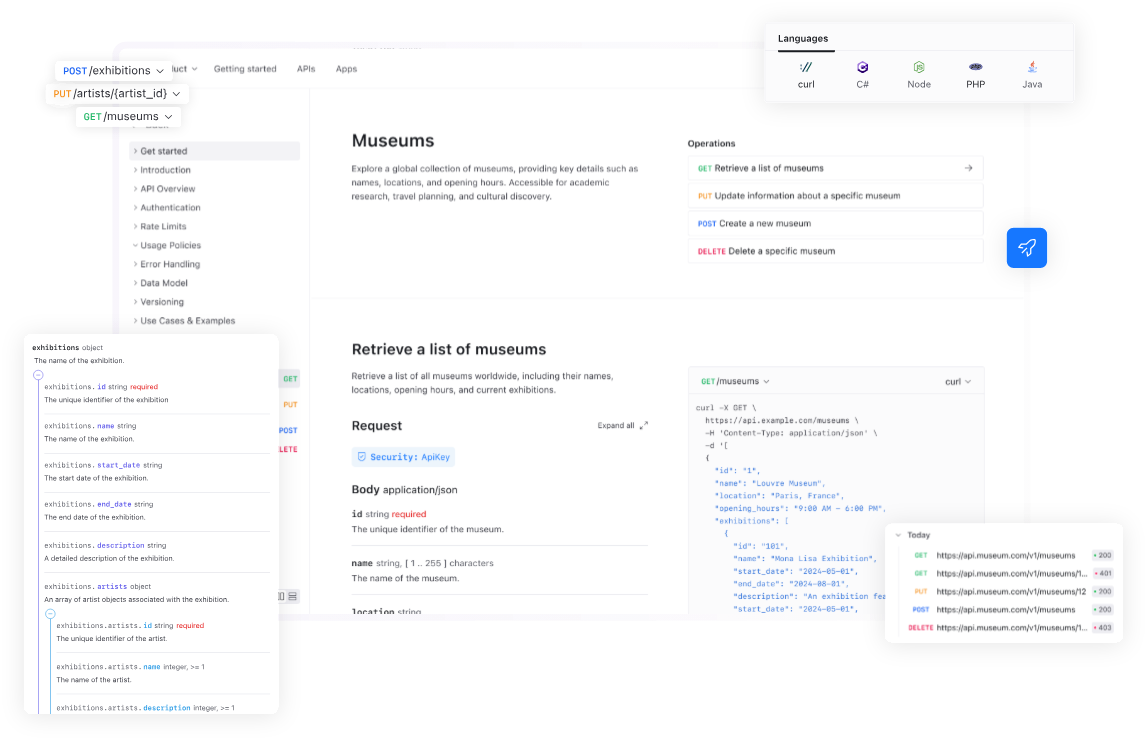
Strengths: tight integration with a docs and bundling workflow, decent defaults, and a config format that feels at home if you live in the Redocly ecosystem. If you are not already there, the rule library is smaller than Spectral’s and the custom-rule story is less broadly documented.
npx @redocly/cli lint openapi.yaml
Vacuum
Vacuum is a newer linter written in Go, built for speed. It is compatible with Spectral rulesets, so you can point it at an existing .spectral.yaml and get the same checks running much faster on large specs. For a monorepo with dozens of large API documents, the runtime difference is real.
Strengths: fast, Spectral-ruleset-compatible, single binary with no Node runtime. If your spec is small the speed gain is invisible, and the ecosystem and editor tooling are younger than Spectral’s, so it is most attractive as a CI accelerator rather than a from-scratch choice.
Swagger and openapi-spec-validator
Worth naming so you do not confuse them with linters. The Swagger Editor and swagger-cli/openapi-spec-validator check whether a document is valid OpenAPI. That is validity only, not consistency or house style. They will happily pass a spec where every property is named differently, because nothing in the OpenAPI specification forbids that. Validation is necessary, but it is the floor, not the ceiling. If you are choosing between Swagger-family tools and a full design platform, the tradeoffs are laid out in Swagger alternatives that also test your API.
Design-time checks in Apidog
The tools above run after you have a file. The other place to catch inconsistency is before the file exists, while you are designing the endpoint. Apidog is a design-first platform: you build endpoints and data schemas in a visual editor, and it keeps your project internally consistent as you go. Reusable data schemas mean the same model is referenced everywhere instead of redefined per endpoint, which kills a whole class of naming drift at the source. Shared response components do the same for error shapes.
Apidog is not a drop-in replacement for a Spectral ruleset; if you have committed .spectral.yaml rules, keep running them. What Apidog changes is how much your linter finds in the first place. When the design surface enforces reuse, the linter goes from a wall of violations to an occasional catch. And because Apidog imports and exports standard OpenAPI 3.x, the file you hand to Spectral or Vacuum in CI is the same artifact, so the two layers stack instead of competing.
A linter setup you can run today
A good setup runs the check in three places, each with a different job. The editor gives instant feedback. The pre-commit hook stops obvious mistakes locally. CI is the gate nobody can skip. Here is each layer.
Layer 1: the editor
Install the Spectral VS Code extension and add a .spectral.yaml to your repo root. The extension picks it up automatically and underlines violations as you edit the spec, the same way a typo gets a red squiggle. This is the cheapest possible feedback loop, because the developer fixes the issue before it ever becomes a commit. Nothing else to configure; the file in the repo is the single source of truth for what the rules are.
Layer 2: pre-commit
Add a hook so a broken spec never even reaches the remote. Using a package.json script plus a Git hook is enough:
{
  "scripts": {
    "lint:api": "spectral lint openapi.yaml --fail-severity=error"
  }
}
# .git/hooks/pre-commit  (or via husky)
#!/bin/sh
npm run lint:api || {
  echo "OpenAPI lint failed. Fix the spec before committing."
  exit 1
}
The --fail-severity=error flag is the important part. It tells the linter to exit non-zero only on errors, so warnings still print without blocking the commit. That keeps the hook usable while you are still promoting rules.
Layer 3: CI
This is the gate that matters, because it is the one a teammate cannot bypass with --no-verify. A GitHub Actions step:
name: API lint
on: [pull_request]
jobs:
  spectral:
    runs-on: ubuntu-latest
    steps:
      - uses: actions/checkout@v4
      - uses: actions/setup-node@v4
        with:
          node-version: 20
      - run: npx @stoplight/spectral-cli lint openapi.yaml --fail-severity=error
The job fails when the spec breaks an error-level rule, the pull request shows a red check, and the merge is blocked until someone fixes it. That is the whole enforcement mechanism. No dashboards, no nagging; the rule is either green or it is not.
Layer 4: test the API the spec describes
A linter proves the spec is well-formed and consistent. It says nothing about whether the running API matches the spec. That gap is where contract drift hides: a beautifully linted document describing behavior the server stopped honoring three releases ago. To close it you run tests against the live API in the same pipeline.
This is where the Apidog CLI fits next to your linter. It is an npm package, apidog-cli, and it runs your Apidog test scenarios from the command line so they slot into CI right after the lint step:
npm install -g apidog-cli
apidog run --access-token $APIDOG_ACCESS_TOKEN -t 605067 -e 1629989 -r cli,junit
The apidog run command exits non-zero when a test fails, the same contract every CI step relies on, so a failing test blocks the merge exactly the way a failing lint does. The -r junit reporter emits XML your CI dashboard parses into a pass/fail tree, and -e points the same scenarios at staging or production without duplicating them. The CLI can also import an OpenAPI 3.x document, so the file your linter checks is the same file Apidog tests against. For the full pipeline pattern, including reporters and exit-code handling, see the guide on running the Apidog CLI in your CI/CD pipeline. If you are on GitHub specifically, the Apidog CLI in GitHub Actions has a copy-paste workflow.
Lint first, test second. The lint step is fast and catches design problems; the test step is slower and catches behavior problems. Run them as two stages and a pull request has to clear both.
Choosing and adopting a ruleset without the pain
Picking the tool is the easy part. Adopting it on an API that already exists is where teams stall, because the first run on a mature spec returns hundreds of violations and the obvious reaction is to turn the whole thing off.
Do not start from zero rules and do not start from every rule at error. Start from the built-in ruleset (spectral:oas) with everything you add set to warn. Run it, read the count, and fix the validity errors first because those are real bugs. Then pick the two or three consistency rules that matter most to your clients (usually property casing and a single error shape) and promote only those to error. Everything else stays a warning. Each sprint, promote one or two more warnings to errors as the codebase catches up. Within a quarter the whole ruleset is enforced and nobody had to stop shipping to get there.
Write house-style rules sparingly. Every custom rule is code someone has to maintain and explain to the next hire. A rule earns its place only when a violation has actually bitten you, not because it might. For the rules you do write, lean on the design layer to make them rare: if your schemas are reused from a central definition, a property-casing rule almost never fires because there is one place the name is defined. The conceptual framing for which rules are worth enforcing, versus which are bikeshedding, is covered in API design best practices.
If you design in a different language than raw YAML, the linter still applies. TypeSpec compiles down to OpenAPI, and you lint the emitted document the same way; the linter does not care how the file was authored, only what it says.
Where the linter fits in the bigger design loop
A linter is one control in a design-first workflow, not the whole thing. The full loop is: design the contract, lint it, mock it so clients can build against it, test the implementation against it, and publish docs from it. Skip any step and the others lose value. A linted spec nobody mocks still blocks frontend work. A mocked spec nobody tests still drifts from reality.
The reason to put design first in that loop is the same reason linting works: catch problems where they are cheapest to fix. Changing a property name in the design tool is one edit. Changing it after three teams have shipped against the old name is a migration. The linter enforces consistency on the file; a design-first process enforces it on the decision before the file exists. If you want the broader argument for sequencing, API-first vs API design-first vs code-first lays out the tradeoffs, and contract-first API design tools covers the tooling that supports it.
Apidog covers that whole loop in one place: design with reusable schemas, mock instantly, test with the CLI in CI, and export clean OpenAPI for whichever linter you standardize on. The linter still has a job; there is just less for it to catch.