GPT-Live is rolling out globally as the new engine behind ChatGPT Voice, across iOS, Android, and chatgpt.com. There’s no separate app and no toggle hunt: for most people it simply becomes the voice model the next time the rollout reaches their account.
That said, the details are scattered across help-center fragments: which model your tier gets, what the Medium and High variants are for, how CarPlay fits in, and what to do when you don’t see any of it yet. Here’s the whole picture in one place.
Which GPT-Live model you get
Your ChatGPT plan decides your default voice model:
| Plan | Default voice model | Backend |
|---|---|---|
| Free | GPT-Live-1 mini | GPT-5.5 Instant |
| Go / Plus / Pro | GPT-Live-1 | GPT-5.5 Instant |
| Reasoning variants | GPT-Live-1 Medium / High | GPT-5.5 Thinking (medium / high effort) |
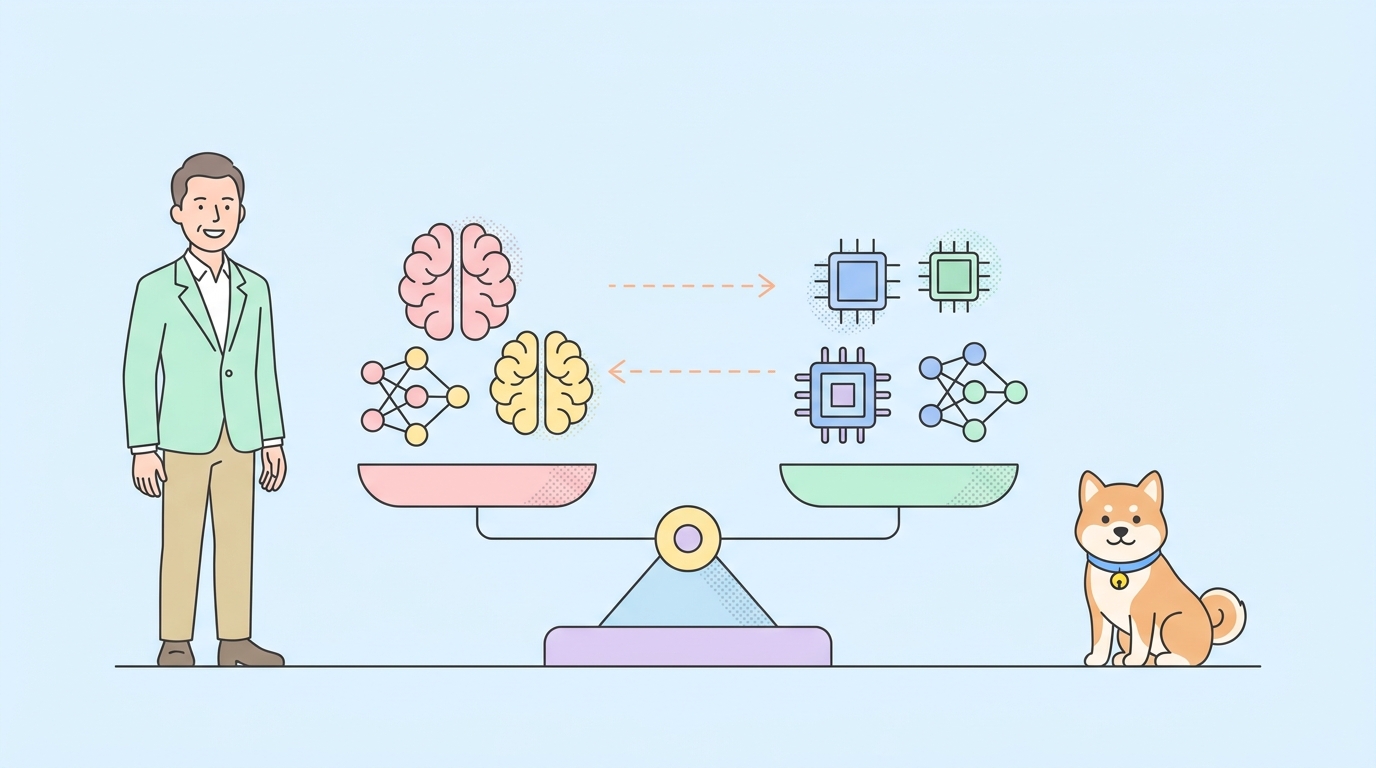
All variants share the full-duplex interaction style: they listen while speaking, backchannel naturally, and handle interruptions without losing the thread. The Medium and High variants trade speed for reasoning depth by running GPT-5.5 Thinking behind the conversation; pick them for work sessions where you’d rather wait a beat for a better answer.
Starting a GPT-Live conversation
- Update the ChatGPT app (iOS or Android) or open chatgpt.com.
- Tap the voice icon in the message bar.
- Talk. There’s no push-to-talk; the model listens continuously, and you can interrupt it whenever you like.
Everything else is conversational: ask for a translation and it translates live between languages; ask about weather, stocks, or sports and a visual card renders on screen; upload an image or file mid-conversation and keep talking about it. Memory works the same as in text chats.
What’s not there yet: video and screen sharing. OpenAI is explicit that GPT-Live launches without them and it’s “working to introduce these capabilities soon.” If you rely on either, Advanced Voice Mode still has them; the trade-offs are laid out in GPT-Live vs Advanced Voice Mode.
Don’t see GPT-Live yet?
“Rolling out globally” means staged. If your voice mode still behaves like the old one:
- Update the app. Old versions keep old voice stacks.
- Check the model indicator in the voice interface; the rollout reaches accounts on OpenAI’s schedule, not on app version alone.
- Free tier lands last in most OpenAI rollouts; GPT-Live-1 mini may arrive after paid accounts see GPT-Live-1.
- Standard and Advanced Voice Mode remain available, so nothing breaks in the meantime.
There’s no waitlist and nothing to enable; patience is the whole troubleshooting guide.
Using GPT-Live in your car (CarPlay)
ChatGPT in CarPlay is available globally on all plans and pairs naturally with a full-duplex voice model, since a moving car is exactly where turn-taking friction hurts most.
Requirements and steps:
- iPhone running iOS 26.4 or later, with the ChatGPT app updated.
- In CarPlay, select ChatGPT.
- Select New voice chat and start talking.
Limits worth knowing before you rely on it: CarPlay conversations can’t access maps, vehicle information, or live location. It’s a conversation surface, not a navigation assistant; ask it to explain something, draft a message, or think through a problem, and use your car’s own systems for driving data.
Getting more out of it
- Interrupt freely. The model is designed for it; correcting it mid-sentence is faster than waiting out a wrong answer.
- Let it delegate. Hard questions trigger background delegation to a stronger model; the conversation continues while it works, so you don’t need to switch to text for depth.
- Use it for translation. Live translation plus full-duplex means both sides can speak naturally rather than in walkie-talkie turns.
- Match the variant to the task. Quick facts and hands-free chores: the default Instant variants. Working sessions on hard material: Medium or High.
For what’s under the hood, the four-variant architecture and the delegation design, see what is GPT-Live. If you’re a developer wondering when you can build with these models: not yet, and here’s what to use today instead. Teams already building voice agents on OpenAI’s Realtime API can lean on Apidog for WebSocket session testing and backend mocking while the GPT-Live API stays on OpenAI’s “soon” list; download it free to keep those integrations verifiable.
FAQ
Is GPT-Live free to use? Yes, within ChatGPT’s Free tier, where GPT-Live-1 mini becomes the default voice model. Paid tiers get the full GPT-Live-1.
How do I switch between GPT-Live and Advanced Voice Mode? Voice mode selection stays in ChatGPT’s voice settings. AVM remains available, and it’s the only way to keep video and screen sharing for now.
Does GPT-Live work in CarPlay? ChatGPT in CarPlay works on all plans with iOS 26.4+; open ChatGPT from the CarPlay screen and start a new voice chat. Maps, vehicle data, and live location aren’t accessible there.
What are GPT-Live-1 Medium and High? Variants backed by GPT-5.5 Thinking at medium and high reasoning effort: slower, deeper answers for harder conversations.
Why doesn’t my ChatGPT have GPT-Live yet? The rollout is staged. Update the app, then wait; there’s nothing to enable manually.