DeepSeek shipped something unusual on August 13, 2026: not a model, but the machine that runs one. DeepSeek Harness (dsh) is the company’s official open-source agent harness. It’s the software layer that turns a large language model into a working coding agent, with a session loop, tool execution, permission checks, and a local web UI. It launched the same day as DeepSeek V4-Pro on the API, and VentureBeat framed it as an open-source rival to Claude Code.
The developer community reacted fast. As of August 20, the deepseek-harness repository sits at roughly 169,000 stars and 18,100 forks, one week after release. Numbers that size in seven days say less about the code and more about the appetite: developers want an agent harness they can inspect, modify, and point at any model.
What DeepSeek Harness actually is
A harness is everything around the model. The model predicts tokens. The harness decides what the model sees, which tools it can call, how file edits and shell commands get approved, and how a multi-step session holds together. Claude Code, Codex CLI, and Gemini CLI are all harnesses wrapped around their vendors’ models. If you want the background on how those two compare, we’ve covered it in Claude Code vs Codex CLI.
DeepSeek Harness is DeepSeek’s entry in that category, with three properties that set the frame:
- It’s official. This is a first-party project from DeepSeek AI, not a community wrapper around their API.
- It’s open source. MIT licensed, with third-party dependencies documented in the repo’s THIRD_PARTY_NOTICES file. You can read the agent loop you’re trusting with your codebase.
- It’s a developer preview. The README warns, verbatim: “THERE WILL BE COMPATIBILITY-BREAKING CHANGES.” Take that at face value. More on what it means in practice below.
The launch timing matters too. dsh arrived alongside DeepSeek V4-Pro on the API, so the harness and its flagship default model landed as a pair. If you’re evaluating the model side, our guide to the DeepSeek V4-Pro API covers endpoints, model IDs, and request examples.
The architecture: everything is a plugin
Here’s where dsh diverges from every mainstream coding agent. Most harnesses are monolithic. The agent loop, the model client, the tool definitions, and the session store ship as one application. You can configure them, sometimes extend them, but you can’t swap the core parts.
dsh inverts that. Its design principle is “everything is a plugin,” built on a framework called Cordis, whose design is described in a paper titled “A Programming Paradigm for Spatiotemporal Composability.” Strip away the academic title and the practical claim is this: the pieces of an agent that are usually welded together are, in dsh, replaceable modules. That includes:
- The model adapter. The layer that talks to the LLM API is a plugin. Swap it and dsh drives a different backend.
- The tool registry. The set of tools the agent can call (file edits, shell, search) is registered by plugins, not hardcoded.
- The session log. How sessions are recorded and replayed is pluggable.
- The agent loop itself. Even the core decide-act-observe cycle is a plugin you can replace.
Why does this matter? Because the harness layer is where the real experimentation is happening in 2026. Teams want to try different context-management strategies, different permission models, different tool sets for different repos. With a monolithic agent you wait for the vendor to ship your idea. With dsh you write a plugin.
The trade-off is equally real. A system where everything is swappable has more surface area for breakage, and a developer preview that promises compatibility-breaking changes will break plugins along the way. That’s the bet dsh asks you to make: flexibility now, stability later.
Quick start: from zero to a running agent
The install path is one command:
npx @deepseek-ai/dsh web
That launches a local web UI at http://127.0.0.1:3080 and opens your browser to it (pass --no-open if you’d rather it didn’t). No global install, no account creation as a gate.
If you’d rather build from source, the repo path works too: clone the repository, then pnpm install, pnpm run build, and pnpm dsh web.
From there, the first-run flow has three steps:
- Configure a DeepSeek API key in Settings. Keys live in
$DSH_HOME/.credentials.yaml, kept separate from the main settings file, which only holds references to them. - Choose a workspace. Click “Choose workspace”, add the project directory where you started dsh, and select it. This step isn’t optional: the session composer stays unavailable until a workspace is selected. dsh wants an explicit answer to “which files am I allowed to think about” before it will run anything.
- Run a task and approve operations. The web UI asks before operations “that require approval under the active permission policy”. File writes and shell commands surface as prompts rather than executing silently.
The web UI is only one entry point. Under the hood, dsh boots profiles: dsh web is shorthand for dsh --profile web, and profiles live under $DSH_HOME/profiles/<name>. There’s a headless mode (dsh --profile headless "job") that executes a single fresh session, prints the result, and exits, which is the shape you want for scripts and CI. A dsh plugin subcommand manages a profile’s plugins by forwarding to pnpm in the profile directory, and launcher flags like --dump-config and --dump-default-config print the composed configuration tree without booting. The full list is in the CLI README.
What models can it run?
DeepSeek models are the default, and V4-Pro is the headline pairing. Worth knowing on the cost side: DeepSeek made its off-peak discount permanent, which changes the economics of running an agent that burns tokens all day. Details in our post on the DeepSeek V4-Pro price cut, and the official reference lives at api-docs.deepseek.com.
But the model adapter is a plugin, and dsh leans into that. Two paths exist beyond the default:
- Catalog providers. Built-in provider entries for Anthropic, OpenAI, Bedrock, Vertex, and Azure, each with provider-specific credential handling.
- Custom providers. Any OpenAI-compatible endpoint can be registered in
$DSH_HOME/settings.yamlwith a base URL, an env var for the key, and a model list. That covers local runtimes and gateways, not only cloud APIs.
Selecting a model makes it the default for new sessions, and every session logs the model it started with, so switching mid-project doesn’t muddy your history. The providers guide documents the config format. We keep this section short on purpose: the full walkthrough, including the exact YAML for custom endpoints, is in how to run any model in DeepSeek Harness.
The plugin ecosystem, one week in
Plugins are discovered through the dsh-plugin GitHub topic, and the community coordinates through GitHub Discussions and a Discord server. A week after launch, the ecosystem already shows the shape of demand:
- Desktop wrappers. Projects like deepseek-harness-desktop (Tauri) and dsh_desktop (Windows) package the web UI as a native app. These are community projects, not official DeepSeek releases, so apply the scrutiny you’d apply to any third-party wrapper that touches your API keys.
- Capability plugins. Community repos like dsh-context and dsh-vision-router extend what sessions can see and route. Same caveat: community-built.
- MCP support. dsh doesn’t ship native Model Context Protocol support in the core as of this writing. What exists is a community plugin, dsh-mcp-manager, which adds a Settings page for MCP: remote HTTP or local stdio servers, OAuth or static-token auth, tools registered under
mcp__<name>__*names, and per-project server configs inside the workspace’s.dshdirectory.
That last point deserves emphasis because it’s easy to get wrong. If you read a post claiming dsh “supports MCP”, the accurate version is: the community has built MCP support as a plugin, which is exactly what the everything-is-a-plugin architecture is for. The core may absorb it later. It hasn’t yet.
Where your API workflow fits
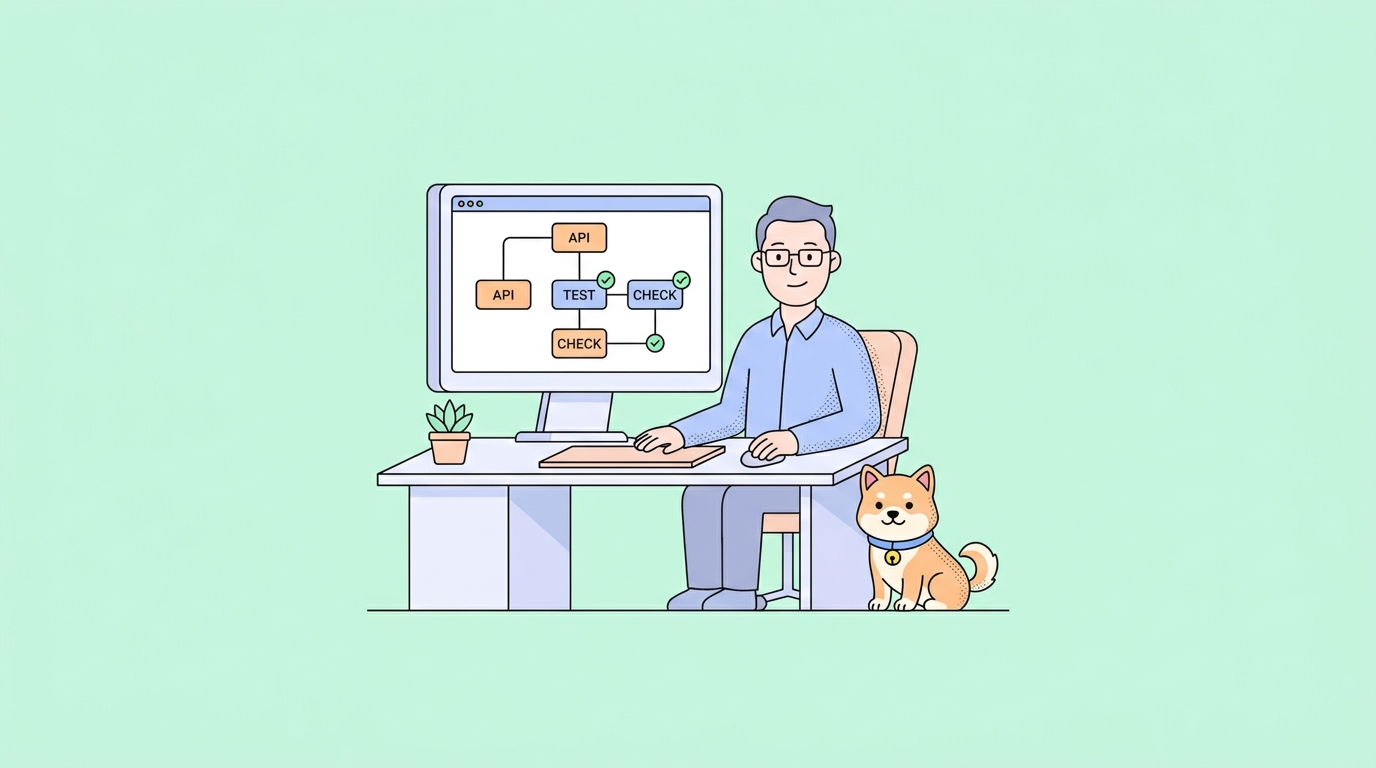
An agent harness is, at bottom, a machine for executing API calls: the model API it drives, and the APIs inside whatever project you point it at. When dsh writes code against your backend, it works from whatever understanding of your endpoints it can scrape from the codebase. If your API’s actual behavior doesn’t match its spec, the agent codes confidently against the wrong contract, and you find out at runtime.
The fix is boring and effective: verify the API surface before the agent touches it. Apidog covers that layer. Design or import the OpenAPI spec, test the real endpoints against it, and spin up mock servers so the agent can develop against stable, spec-accurate responses even while the backend is moving. An agent iterating against a verified mock produces far fewer hallucinated integrations than one guessing from stale code.
There’s a direct integration path too. Apidog MCP Server exposes your API specifications to AI tools over MCP. In dsh, that goes through the community dsh-mcp-manager plugin described above: install the plugin, register the Apidog MCP Server, and sessions can query your actual spec instead of inferring it. We walk the whole loop, including CLI-based test runs the agent can trigger itself, in using Apidog CLI in DeepSeek Harness. If you want the API side ready before you experiment, Download Apidog and import your spec first. It’s a five-minute setup that removes the biggest source of agent error.
Should you try it now or wait?
The honest answer depends on what you’d use it for.
Try it now if:
- You want to understand how agent harnesses work internally. dsh is the most inspectable major harness available, and reading a real agent loop teaches more than any blog post.
- You need model flexibility. If your team runs different models for different tasks, or self-hosts, the pluggable model adapter is the feature monolithic agents won’t give you.
- You build tooling. The plugin ecosystem is a week old. Early plugin authors in a repo with this much attention get outsized visibility.
- You’re already on DeepSeek’s API and want the first-party agent experience for V4-Pro.
Wait if:
- You need a stable daily driver. “THERE WILL BE COMPATIBILITY-BREAKING CHANGES” is not marketing modesty, it’s a promise. Your config, your plugins, and your muscle memory may all break between versions.
- Your organization requires vetted, supported tooling. A developer preview with community plugins handling credentials is a different risk profile than a GA product with a support contract.
- You want the polish of mature harnesses. Claude Code has had a long head start on ergonomics, and a one-week-old preview won’t match it everywhere yet.
For most working developers, the pragmatic move is both: keep your current agent for production work, run dsh in a side project, and form your own opinion before the preview label comes off. If your main question is how it stacks up against the incumbent, we’ve done the side-by-side in DeepSeek Harness vs Claude Code.
FAQ
Is DeepSeek Harness free?
The harness itself is free and open source under the MIT license. What costs money is the model behind it: API usage on DeepSeek’s platform (or whichever provider you configure) is billed normally by that provider. Since the adapter layer is pluggable, you can also point dsh at a locally hosted model and pay nothing per token; see run any model in DeepSeek Harness for the setup.
Does dsh only work with DeepSeek models?
No. DeepSeek models are the default, but the model adapter is a plugin. Catalog providers cover Anthropic, OpenAI, Bedrock, Vertex, and Azure, and any OpenAI-compatible endpoint can be added through $DSH_HOME/settings.yaml.
Is DeepSeek Harness safe to run on my codebase?
It’s as safe as its permission model plus your judgment. The web UI requires you to select a workspace before any session can run, and it prompts before operations that need approval under the active permission policy. That said, it’s a developer preview, and community plugins (including desktop wrappers) are third-party code that may handle your API keys. Review what you install, and keep the preview away from repos where an errant edit would hurt.
How is a “harness” different from a model?
The model is the reasoning engine; the harness is everything that lets it act. Session management, tool calls, file access, permission prompts, and context assembly all live in the harness. Two agents using the identical model can behave completely differently because their harnesses differ, which is why the harness layer is where most coding-agent competition now happens.