Unlock the full power of Google's latest Gemini 2.5 Pro AI model—renowned for its advanced coding, reasoning, and multimodal capabilities—directly in your coding workflow with Cline, all at zero cost. This guide walks API developers, backend engineers, and technical leads through setting up Gemini 2.5 Pro in Cline, maximizing your productivity for complex coding and API tasks without budget barriers.
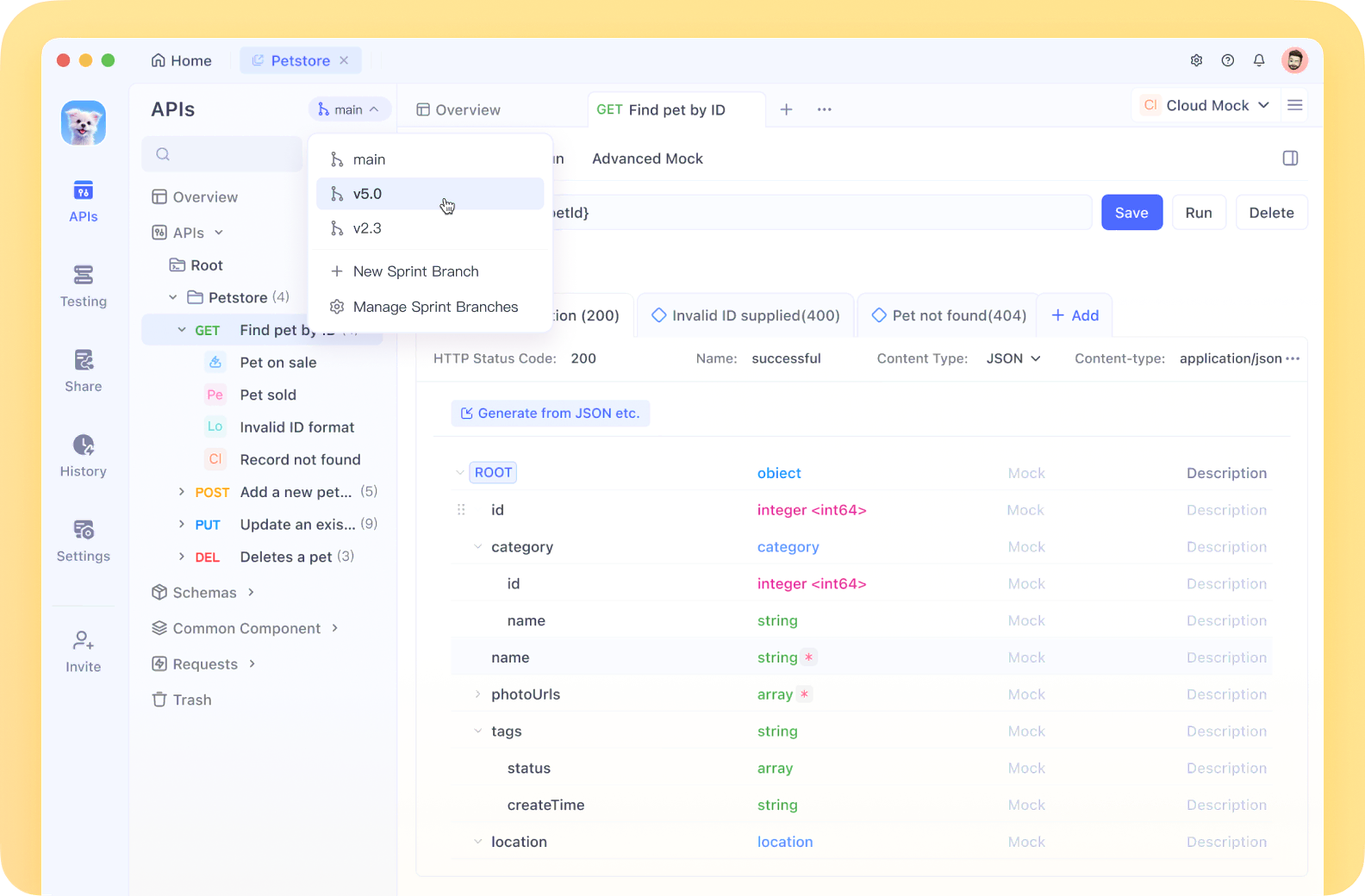
💡 Streamline your API development and testing with Apidog—a unified platform for API design, testing, and documentation. Apidog automates the entire API lifecycle, making it an invaluable tool for developers who want efficient, reliable workflows, especially when coding with advanced AI like Gemini in Cline!
Why Gemini 2.5 Pro is a Game Changer for Coding
Gemini 2.5 Pro is Google's most sophisticated AI model, architected for high-level reasoning, superior code generation, and context-aware understanding. Its cutting-edge transformer-based design, enhanced with a mixture-of-experts (MoE) approach and pre-reasoning modules, enables developers to tackle challenging programming problems at scale.
[ ]
]
Key Capabilities for Developers
- Superior Code Generation
- Achieves 94.2% pass@1 on HumanEval and MBPP, surpassing specialized coding models.
- Repository-Wide Context
- Handles entire codebases, maintaining context across multiple files and deep dependencies.
- Advanced Code Refactoring
- 76% success on complex, architecture-level refactoring—23% better than Gemini 1.5 Pro.
- Unified Multimodal Processing
- Processes code, text, and images in a single pipeline for comprehensive project understanding.
- Efficient Large-Scale Processing
- The 2 million token context window supports huge documents and repositories with 40% less computational overhead.
- Memory Optimization
- Hierarchical token compression enables fast, efficient handling of large codebases.
These features make Gemini 2.5 Pro uniquely powerful for API development, backend logic, and large-scale code analysis.
Step-by-Step: Set Up Gemini 2.5 Pro for Free in Cline
Cline, a popular AI chat client for VSCode, allows you to access Gemini 2.5 Pro at no cost. You can connect via your Google API key or through OpenRouter, depending on your preferences.
Option 1: Connect Gemini 2.5 Pro with Google AI Studio API Key
1. Obtain a Gemini API Key
- Visit Google AI Studio
- Sign in with your Google account
- Click "Get API key" in the top-left
- Select "Create API key" and choose to create it in a new project
[ ]
]
2. Configure Cline in VSCode
- Open Cline in VSCode
- Navigate to Cline’s settings
- Set "Google Gemini" as your API Provider
- Paste your Gemini API key in the required field
- Select
'gemini-2.5-pro-exp-03-25'as the model
[ ]
]
3. Start Coding with Gemini
- Begin a new conversation in Cline—Gemini 2.5 Pro powers your interactions instantly.
Option 2: Use OpenRouter as an Alternative
Don’t want to use a Google account? OpenRouter provides another free way to interact with Gemini 2.5 Pro.
1. Get an OpenRouter API Key
- Go to OpenRouter
- Sign up and retrieve your API key
2. Configure Cline with OpenRouter
- Open Cline in VSCode
- Go to settings
- Select 'OpenRouter' as your provider
- Paste your OpenRouter API key
- Choose
'google/gemini-2.5-pro-exp-03-25:free'as your model
[ ]
]
Practical Ways to Use Gemini 2.5 Pro in Cline for Coding
With Gemini 2.5 Pro set up, leverage its capabilities to accelerate your development process. Here are actionable prompt ideas:
-
Code Generation
Prompt:
“Create a React component that displays a sortable table of user data with pagination.” -
Code Refactoring
Prompt:
“Refactor this JavaScript function to use modern ES6 features and improve performance.” -
Debugging Assistance
Prompt:
“I'm getting this TypeError in my Python script. Can you help me fix it?” -
Learning New Libraries
Prompt:
“Show me how to build a simple REST API using FastAPI with authentication.”
These tasks are especially relevant for API developers and backend engineers—Gemini 2.5 Pro’s large context window and deep reasoning make it ideal for complex, multi-file projects.
How to Handle Gemini 2.5 Pro API Rate Limits
[ ]
]
While Gemini 2.5 Pro is free, you may encounter rate limiting during peak usage. Here’s how to stay productive:
- Batch Requests: Combine related questions into single, comprehensive prompts.
- Use Cached Responses: Reference Cline’s saved answers to avoid redundant queries.
- Prioritize Critical Tasks: Focus on complex or high-value requests when nearing the rate limit.
- Switch Providers: Set up both Google and OpenRouter in Cline to alternate when limits are hit.
- Work Off-Peak: Use Gemini during less busy hours for smoother access.
Conclusion: Power Up API Workflows with Gemini 2.5 Pro and Cline
Accessing Gemini 2.5 Pro for free in Cline empowers developers to build, debug, and optimize code with state-of-the-art AI—no strings attached. The combination of Cline’s seamless chat interface and Gemini’s deep technical reasoning can transform how you approach API development, backend logic, and large-scale code analysis.
If you’re looking to further streamline your API lifecycle, Apidog offers an integrated solution for API design, testing, and documentation—enabling teams to automate and accelerate development alongside advanced AI tools like Gemini in Cline.