
You run Apidog CLI tests in Harness by adding a CI stage with a single Run step that installs apidog-cli, executes apidog run, and publishes JUnit results. Store your Apidog access token as a Harness secret, reference it with the <+secrets.getValue("...")> expression, and point a JUnit report block at the CLI’s XML output. This guide gives you copy-paste pipeline YAML for both Harness Cloud and a self-hosted delegate.
What is Harness CI/CD?
Harness CI is the continuous integration module of the Harness platform. It builds, tests, and validates your code on managed or self-hosted build infrastructure, then hands artifacts to Harness CD for deployment.
You define everything as YAML. A pipeline contains one or more stages. Each stage has a type, and a CI stage runs on build infrastructure. Inside the stage, an execution block holds an ordered list of steps that run your commands.
The model maps cleanly onto API testing. You add a CI stage, drop in a step that runs your test command, and let Harness gate the build on the result. If the tests fail, the step fails, and the pipeline stops.
Harness reads JUnit XML for test reporting. Since the Apidog CLI can emit JUnit, you get a native Tests tab with pass and fail counts on every build. No glue code required.
How Harness CI works
The YAML hierarchy is strict, so it helps to see the nesting before you write anything. A CI pipeline looks like this from the top down:
pipelineholds metadata and astageslist.- Each
stagehas atype: CIand aspec. - The stage
specdeclares build infrastructure and anexecutionblock. executionholds astepslist.- Each
stephas atype,name,identifier, and its ownspec.
For running a shell command, the step type is Run. The Run step’s spec carries a shell field (Bash, Sh, PowerShell, Pwsh, or Python) and a command field that holds your script. You write multi-line commands with the YAML block scalar |-.
That single Run step is all you need to install and execute the Apidog CLI. Everything else in this guide is configuration around that one step.
The Apidog CLI in one minute
The Apidog CLI is a command-line runner for test scenarios you build visually in Apidog. You design tests in the app, then execute them headlessly in any pipeline, similar to how Newman runs Postman collections. If you want the side-by-side, see Apidog CLI vs Newman.
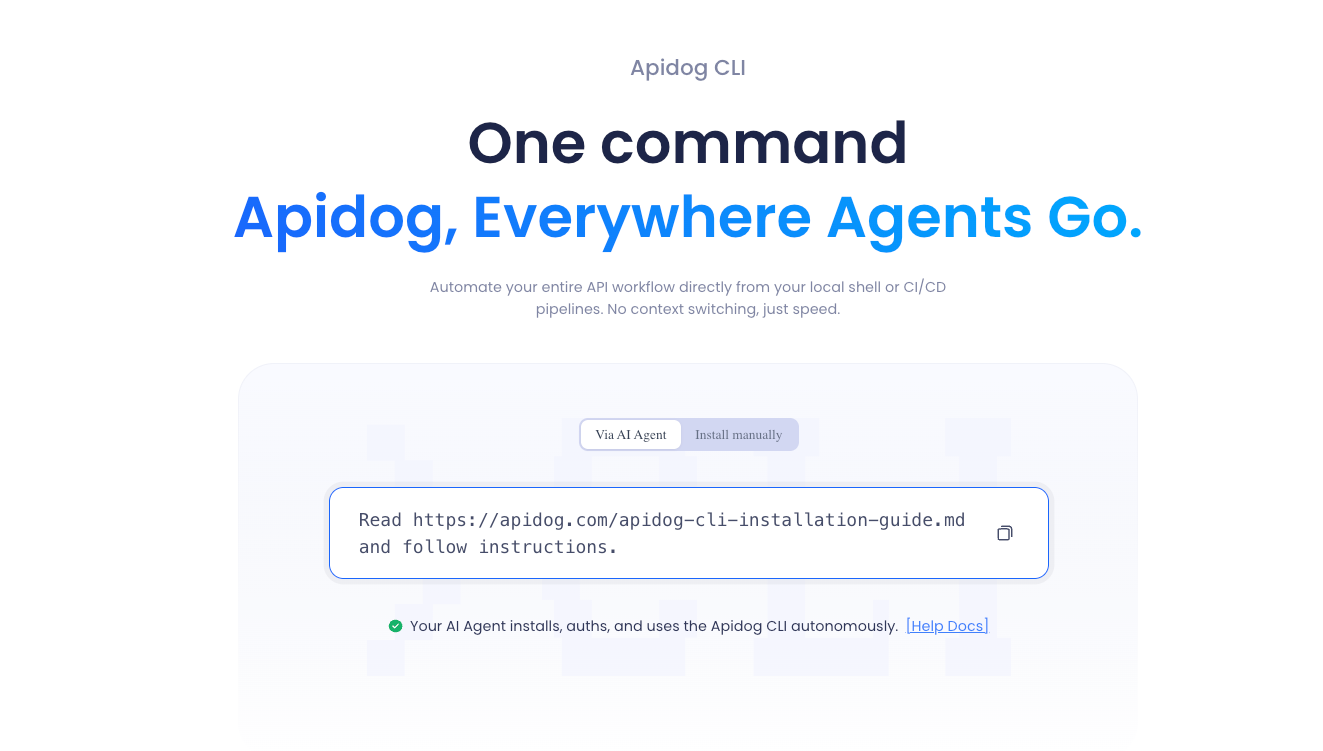
You install it from npm and run a single command:
npm install -g apidog-cli
apidog run --access-token <ACCESS_TOKEN> -t <TEST_SCENARIO_ID> -e <ENVIRONMENT_ID> -r cli,junit --out-dir ./apidog-reports
A few flags matter for CI. The --access-token flag authenticates cloud execution and has no short form. The -e flag sets the environment and is required. The -t flag selects a test scenario by ID. The -r flag picks reporters, and junit is one of the supported values (cli, html, json, junit). The --out-dir flag controls where reports land, defaulting to ./apidog-reports.
That -r cli,junit choice is the bridge to Harness. The CLI writes JUnit XML into the output directory, and Harness reads it directly. For more on what the CLI produces, see the Apidog CLI test reports guide.
Storing your Apidog access token as a Harness secret
Never hardcode the token in YAML. Add it to the Harness secret manager first, then reference it.
In the Harness UI, go to your project (or org/account) settings, open Secrets, and create a new Text secret. Give it the identifier apidog_token. The identifier is what you reference in YAML, and it differs from the display name.
You reference the secret with this expression:
<+secrets.getValue("apidog_token")>
Use the identifier inside the quotes, not the display name. For an org-scoped secret, prefix it with org. like <+secrets.getValue("org.apidog_token")>. For an account-scoped secret, use account. instead.
Wrap the expression in single quotes inside a shell command. The token could contain a $ character, and single quotes stop the shell from expanding it. You can read more about token setup in the Apidog CLI authentication notes.
Harness Cloud pipeline (recommended starting point)
Harness Cloud gives you Harness-managed build machines with Node.js and npm preinstalled. There is no infrastructure to maintain, and Linux runs out of the box. This is the fastest way to get a working pipeline.
On Harness Cloud, the stage spec uses a platform block and a runtime block of type: Cloud. You do not specify an image on the Run step here, since the managed machine already has the tools.
pipeline:
  name: Apidog API Tests
  identifier: apidog_api_tests
  projectIdentifier: YOUR_PROJECT
  orgIdentifier: YOUR_ORG
  stages:
    - stage:
        name: API Tests
        identifier: api_tests
        type: CI
        spec:
          cloneCodebase: false
          platform:
            os: Linux
            arch: Amd64
          runtime:
            type: Cloud
            spec: {}
          execution:
            steps:
              - step:
                  type: Run
                  name: Run Apidog CLI Tests
                  identifier: run_apidog_cli_tests
                  spec:
                    shell: Sh
                    command: |-
                      npm install -g apidog-cli
                      apidog run \
                        --access-token '<+secrets.getValue("apidog_token")>' \
                        -t 605067 \
                        -e 1629989 \
                        -n 1 \
                        -r cli,junit \
                        --out-dir ./apidog-reports
                    reports:
                      type: JUnit
                      spec:
                        paths:
                          - apidog-reports/*.xml
Replace 605067 with your test scenario ID and 1629989 with your environment ID. The -n 1 flag runs one iteration. Set cloneCodebase: false because the tests live in Apidog’s cloud, so the pipeline does not need your repo.
Publishing test results
The reports block on the Run step is what surfaces results in Harness. It takes a type of JUnit and a spec with a paths list pointing at your XML files.
reports:
  type: JUnit
  spec:
    paths:
      - apidog-reports/*.xml
Harness parses only JUnit XML for native reporting. After the build, you see a Tests tab with each scenario, its status, and timing. The glob apidog-reports/*.xml matches the files the CLI wrote with -r cli,junit into the default output directory.
Harness also offers Test Intelligence, which uses a separate Test step type to run only the tests affected by a code change. That optimization targets language-level unit tests, not headless API scenarios. For ingesting Apidog CLI output, the plain Run step with a JUnit reports block is the correct path.
If you ever switch reporters, keep at least junit in the -r list. Without it, the CLI writes no XML, and the Tests tab stays empty even when the step itself passes.
Self-hosted delegate alternative
Use a delegate-backed build when you need private-network access, a custom or legacy runtime, or you want to avoid Harness Cloud build credits. A Kubernetes delegate runs each stage as a pod.
The structure changes in two ways. The stage spec uses an infrastructure block instead of platform and runtime. And on Kubernetes infrastructure, each Run step must declare a connectorRef and an image, because the step runs inside a container you specify.
        spec:
          cloneCodebase: false
          infrastructure:
            type: KubernetesDirect
            spec:
              connectorRef: YOUR_K8S_CONNECTOR
              namespace: harness-ci
          execution:
            steps:
              - step:
                  type: Run
                  name: Run Apidog CLI Tests
                  identifier: run_apidog_cli_tests
                  spec:
                    connectorRef: YOUR_DOCKER_CONNECTOR
                    image: node:20
                    shell: Sh
                    command: |-
                      npm install -g apidog-cli
                      apidog run \
                        --access-token '<+secrets.getValue("apidog_token")>' \
                        -t 605067 -e 1629989 -r cli,junit --out-dir ./apidog-reports
                    reports:
                      type: JUnit
                      spec:
                        paths:
                          - apidog-reports/*.xml
The image: node:20 line gives you Node.js and npm inside the pod. The connectorRef values point at your registered Kubernetes and Docker connectors. Do not mix the two infrastructure styles in one stage. A stage is either Harness Cloud (platform plus runtime) or delegate-backed (infrastructure), never both.
Choosing Harness Cloud vs a delegate
Pick based on where your APIs live and who owns the build machines.
| Factor | Harness Cloud | Self-hosted delegate |
|---|---|---|
| Setup | Zero infra, npm preinstalled | You manage the cluster or VMs |
| Network reach | Public endpoints | Private and internal endpoints |
| Run step needs image | No | Yes, on Kubernetes infra |
| Cost model | Uses build credits | Your own compute |
| Best for | Cloud APIs, fast start | Internal APIs, custom runtimes |
Start with Harness Cloud if your Apidog environment hits public endpoints. Move to a delegate when your test environment sits behind a VPN or needs a runtime you control. The Run step and the Apidog command stay almost identical between the two.
Data-driven runs
You can feed a CSV or JSON file into the run for parameterized testing. The -d flag (long name --iteration-data) takes the data file path, and -n sets the iteration count.
apidog run --access-token <ACCESS_TOKEN> -t <TEST_SCENARIO_ID> -e <ENVIRONMENT_ID> -d ./data.csv -n 5 -r cli,junit --out-dir ./apidog-reports
This runs the scenario once per data row. In a Harness Run step, you would git clone or otherwise stage the data file first, then point -d at its path. For the full pattern, see Apidog CLI data-driven testing and the broader automated API testing guide.
Why design tests in Apidog first
The CLI only runs scenarios that already exist in your Apidog project. That is the point. Apidog is an all-in-one API platform for design, debugging, testing, mocking, and documentation, so you build your test suite once and reuse it everywhere.
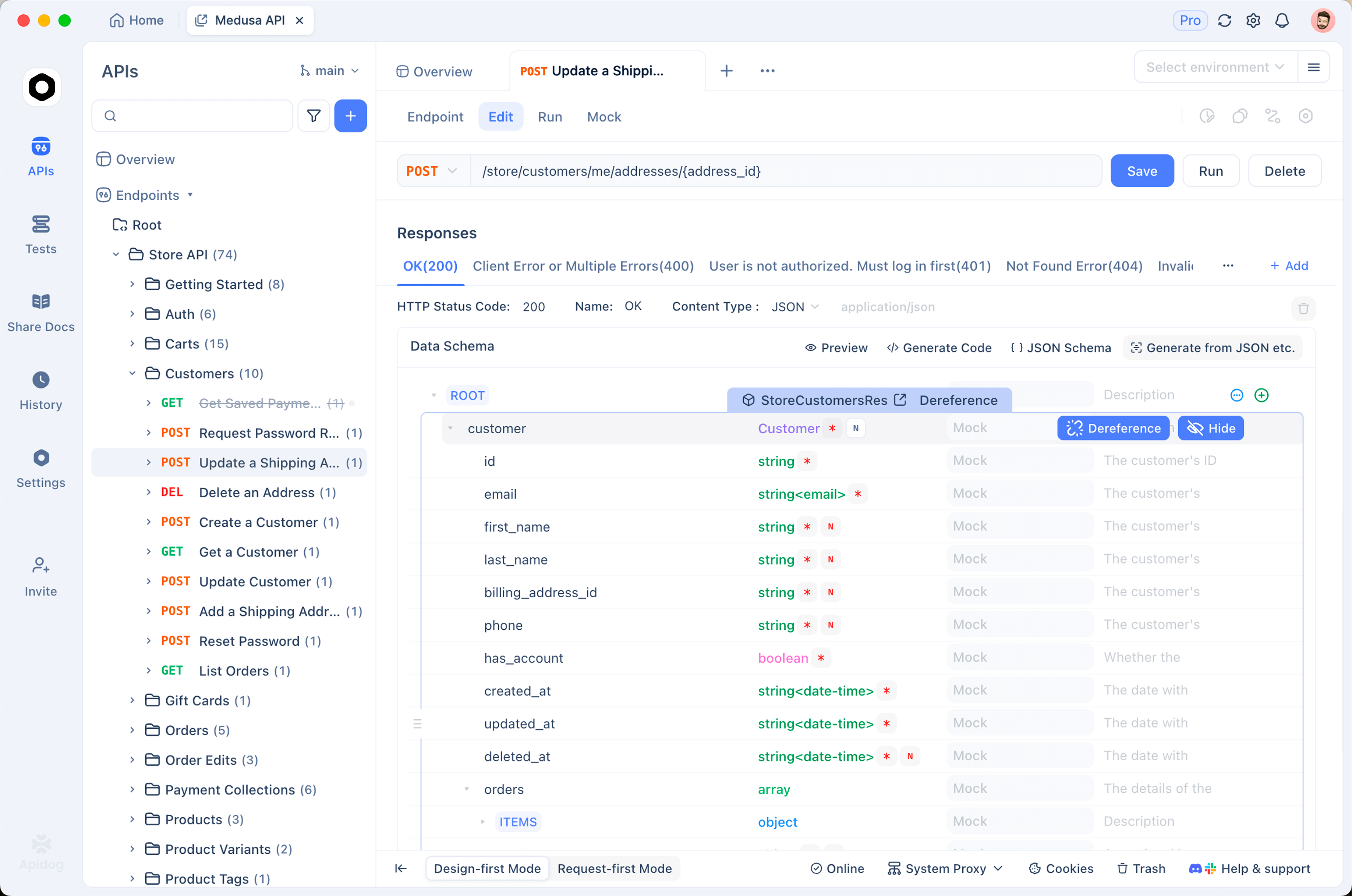
You design tests with a visual builder, no scripting required. You chain requests, extract values from one response into the next, and add assertions through a UI. The CLI then executes that exact suite headlessly in Harness, so what you debug locally is what runs in the pipeline.
Because Apidog is OpenAPI-native with branch support and team workspaces, your QA engineers and backend developers share one source of truth. A scenario approved in a branch becomes the same scenario your apidog run command executes. For broader pipeline patterns, the what is CI/CD primer and the GitHub Actions workflow guide cover the same CLI in other systems. The Jenkins walkthrough in integrate Apidog tests with Jenkins uses the identical command shape.
Download Apidog for free to build your first test scenario, then wire it into Harness with the YAML above.
Frequently Asked Questions
What is Harness CI/CD?
Harness CI/CD is a pipeline platform for building, testing, and deploying software. You define pipelines as YAML made of stages and steps. A CI stage runs on build infrastructure, either Harness-managed Cloud machines or a self-hosted delegate, and a CD stage handles deployment.
How does Harness CI work?
A pipeline holds a stages list. Each CI stage has a spec that declares build infrastructure and an execution block. The execution block runs an ordered list of steps. A Run step executes a shell command, which is where you install and run the Apidog CLI.
How do you store and use secrets in Harness?
Create a Text secret in the Harness secret manager and note its identifier. Reference it in YAML with <+secrets.getValue("identifier")>, using the identifier rather than the display name. Prefix with org. or account. for those scopes, and wrap the expression in single quotes inside shell commands.
How do you publish test results in Harness?
Add a reports block to your Run step with type: JUnit and a paths list pointing at your XML files. Harness parses JUnit XML and shows results on the build’s Tests tab. The Apidog CLI emits this XML when you pass -r junit or -r cli,junit.
Is Harness CI free?
Harness offers a free tier for CI, and Harness Cloud builds consume build credits included with your plan. Pricing and credit limits change over time, so check the current Harness pricing page for exact figures before you commit to a tier.
Can I run Apidog CLI tests without cloning my repo?
Yes. Set cloneCodebase: false on the stage when your tests live in Apidog’s cloud. The CLI authenticates with your access token and pulls the scenario and environment by ID, so the pipeline never needs your source code for the test run.