When you're deep into API development or backend engineering, a reliable AI-powered code editor is no longer a luxury—it's essential. For many developers, Cursor AI has become a core part of their daily workflow, thanks to its smart code suggestions, seamless AI model integration, and productivity-boosting features. But what do you do when Cursor is down, unresponsive, or throwing frustrating errors?
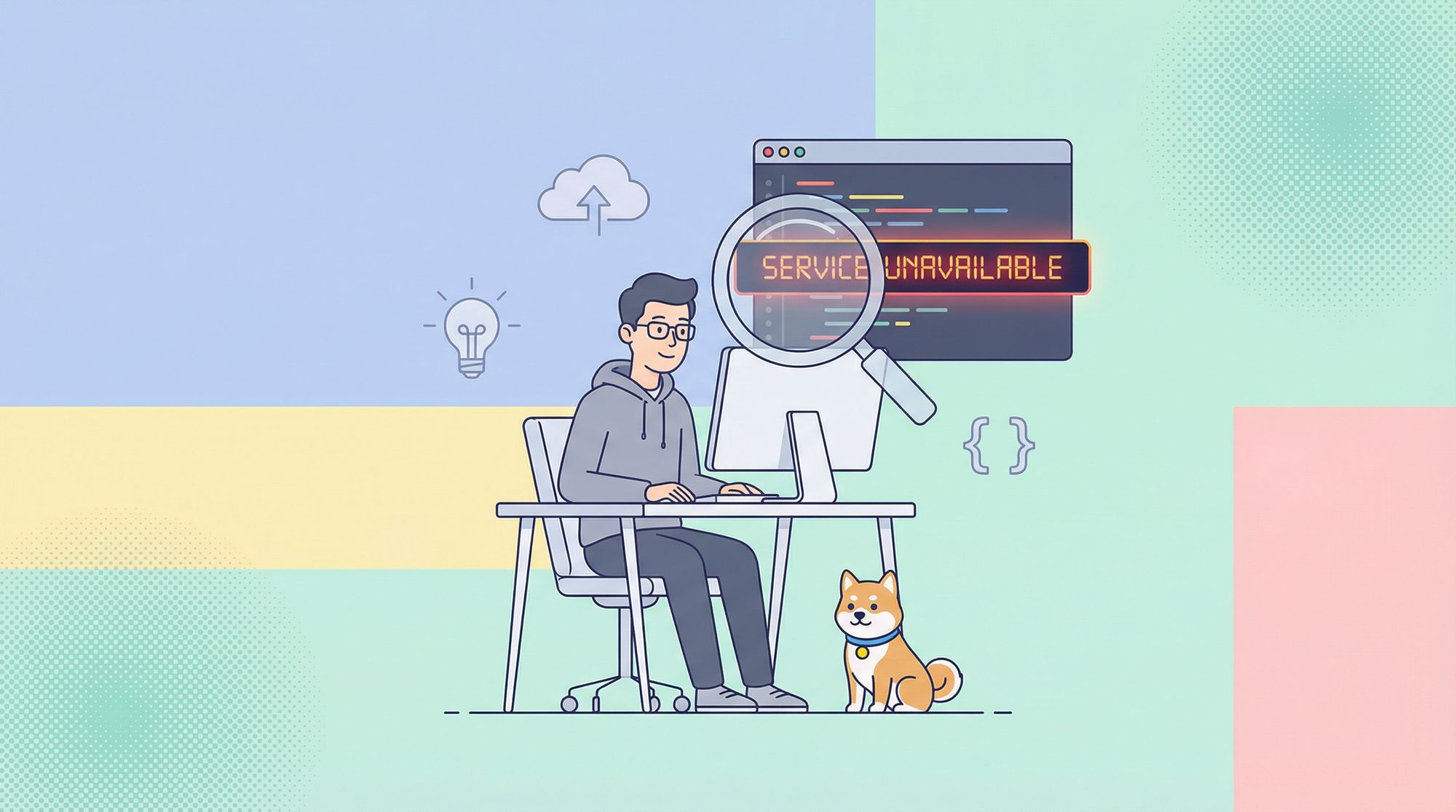
A common sign is the "Service Unavailable" error, indicating that Cursor's backend service may be experiencing issues.
This guide is designed for technical teams and API professionals who need quick, effective solutions when Cursor stops working. We'll walk through practical troubleshooting steps—from quick diagnostics to advanced fixes—so you can get back to coding fast. And if Cursor is truly down, we'll show you robust alternatives and how Apidog can supercharge your workflow.
How to Check If Cursor Is Really Down
Before diving into fixes, determine whether the issue is widespread or limited to your setup. Here’s how API engineers and developer teams can quickly triage the situation:
1. Check Official Cursor Status
Start with Cursor's official communication channels:
- Visit the Cursor Status Page for real-time outage updates.

- Review announcements on their Discord or social media accounts.
- Look for user reports and discussions in the official channels; a true outage will likely create a spike in activity.

2. Use Third-Party Outage Checkers
- Search "Is Cursor down" on third-party sites that monitor service outages.
- While Cursor may not always be listed, check related infrastructure like your ISP or GitHub (which Cursor relies on).
- Visit developer communities (e.g., Reddit) to see if others are reporting problems.

Tip: Sometimes, your internet connection or a regional issue is the real culprit. Don’t overlook the basics!
3. Quick Restart Fix
It sounds simple, but fully quitting Cursor and relaunching often resolves minor glitches. If that fails, reboot your machine. This clears cached data, resets memory, and resolves many transient issues.
Cursor Not Working—But Only for You? Local Debugging Steps
If there’s no major outage, the problem may be isolated to your device or environment. Here’s a step-by-step local troubleshooting process for engineers:
1. Check Your Internet Connection
Cursor’s AI features are cloud-dependent:
- Test connectivity: Open multiple unrelated sites to ensure general internet access.
- Run a speed test: Slow or unstable networks cause timeouts and errors.
- Disable VPN or firewall: Temporarily turn off VPNs or firewalls that might block Cursor. Corporate firewalls, especially, can restrict new services.
2. Clear Cursor AI Cache
A corrupted cache is a common cause of startup failures and freezing.
Cache Location by OS:
- macOS:
~/Library/Application Support/Cursor - Windows:
%APPDATA%\Cursor - Linux:
~/.config/Cursor
Steps:
- Fully close Cursor.
- Navigate to the cache folder above.
- Delete the contents of
Cache,Code Cache, andGPUCache(or the entire folders). Cursor will recreate them when restarted.
3. Reset Keybindings
Custom keybindings can conflict and disable critical commands.
- Open the Keyboard Shortcuts Editor:
- Use Command Palette (
Cmd/Ctrl + Shift + P), then search “Preferences: Open Keyboard Shortcuts.”
- Use Command Palette (
- Search for the affected command and check for conflicts.
- Use the option to reset keybindings to default if needed.
4. Troubleshoot AI Model-Specific Issues
If only Cursor’s AI features fail (e.g., chat timeouts, code generation errors):
- Check your API key: If using a personal OpenAI API key, verify it’s valid and funded.
- Switch models: Try a different AI model (e.g., from GPT-4 to GPT-3.5) to rule out model-specific problems.
- Simplify prompts: Overly complex prompts may confuse the AI; try more direct requests.
What If You Can't Work Without Cursor? Best Alternatives for Developers
If Cursor is down and critical work can’t wait, there are strong alternatives that keep your team productive—especially when collaborating on APIs or backend systems.
1. Claude Code
A leading Cursor alternative for heavy AI code users.


2. GitHub Copilot
Copilot offers inline code suggestions and chat-like interaction directly in Visual Studio Code. It matches many of Cursor’s core AI capabilities.
3. JetBrains IDEs with AI Assistant
If you use JetBrains products (IntelliJ IDEA, PyCharm, etc.), their AI Assistant provides integrated code generation, refactoring, and deep code analysis—ideal for sophisticated API and backend work.
4. Replit
For cloud-based collaboration, Replit delivers a flexible coding environment with built-in AI features. It’s especially useful if your local setup is the issue.
Boost API Productivity with Apidog
If your team needs more than just a code editor—think seamless API collaboration, automated testing, and beautiful documentation—Apidog delivers. It’s an integrated, all-in-one platform built for API-centric teams, combining:
- Collaborative API design and testing
- Real-time documentation generation
- Streamlined workflow for developer teams
- A cost-effective alternative to Postman
Ready to boost your API workflow? Discover how Apidog replaces Postman at a much more affordable price.
If recurring downtime is pushing you to evaluate alternatives more seriously,a direct comparison of DeepSite and Cursor AI for building full websiteslays out where each tool fits.
If Cursor's availability issues have you evaluating browser-based alternatives, Onlook's visual React editor takes a fundamentally different architecture—no local IDE required—and targets the same design-to-code workflow that makes Cursor appealing.
Conclusion
When Cursor AI goes down, don’t let your workflow grind to a halt. By using these targeted troubleshooting steps, you can quickly diagnose whether the issue is global or local—and fix it fast. And if you need to pivot, there are several robust AI coding alternatives to keep your productivity high.
For API teams, tools like Apidog ensure you’re never stuck, seamlessly supporting your end-to-end API design, testing, and documentation needs—even if your favorite code editor is on the fritz.