You hit an endpoint with curl, it returns a wall of minified JSON, and now you are squinting at a single line trying to find the field that broke. You add | jq, you add -i to see headers, you copy the bearer token in again because the last one expired. The request worked. Reading the result, saving it, and running it again tomorrow is where the friction starts.
curl is not the problem here. It is one of the most reliable pieces of software ever written, it ships on nearly every machine, and for a quick one-off check it is hard to beat. Type a URL, get a response, move on. The trouble shows up when a one-off check turns into a workflow: you are testing the same five endpoints every day, juggling tokens across environments, asserting on response bodies, and wishing the whole thing lived somewhere other than your shell history. That is the moment a real API client earns its place.
If you want the curl-only path first, we already cover how to use cURL to test a REST API in detail.
First, what curl is genuinely good at
It is worth being fair to the baseline before replacing it. curl wins in a few situations that no GUI client touches:
- It is already there. Every Linux box, every CI image, every Docker container ships with it. Zero install, zero config.
- It is scriptable. Pipe it, loop it, embed it in a bash script. It composes with the entire Unix toolbox.
- It is precise. Every byte on the wire is under your control. When you need to reproduce an exact request, curl shows you exactly what it sent.
- It is documentation-friendly. A curl command pasted into a README is the closest thing the industry has to a universal “here is how you call this API” format.
So the question is never “curl or something else” in the abstract. It is “what am I actually doing.” A health check in a deploy script stays curl. Manually exercising a forty-endpoint API across dev, staging, and prod does not. Here are five tools for the second case.
1. HTTPie: curl with human-friendly output
HTTPie is the most direct upgrade if you like living in the terminal but hate reading raw JSON. It is a command-line HTTP client built for humans, with colorized and indented output, sane defaults, and a syntax that reads like the request you are trying to make.
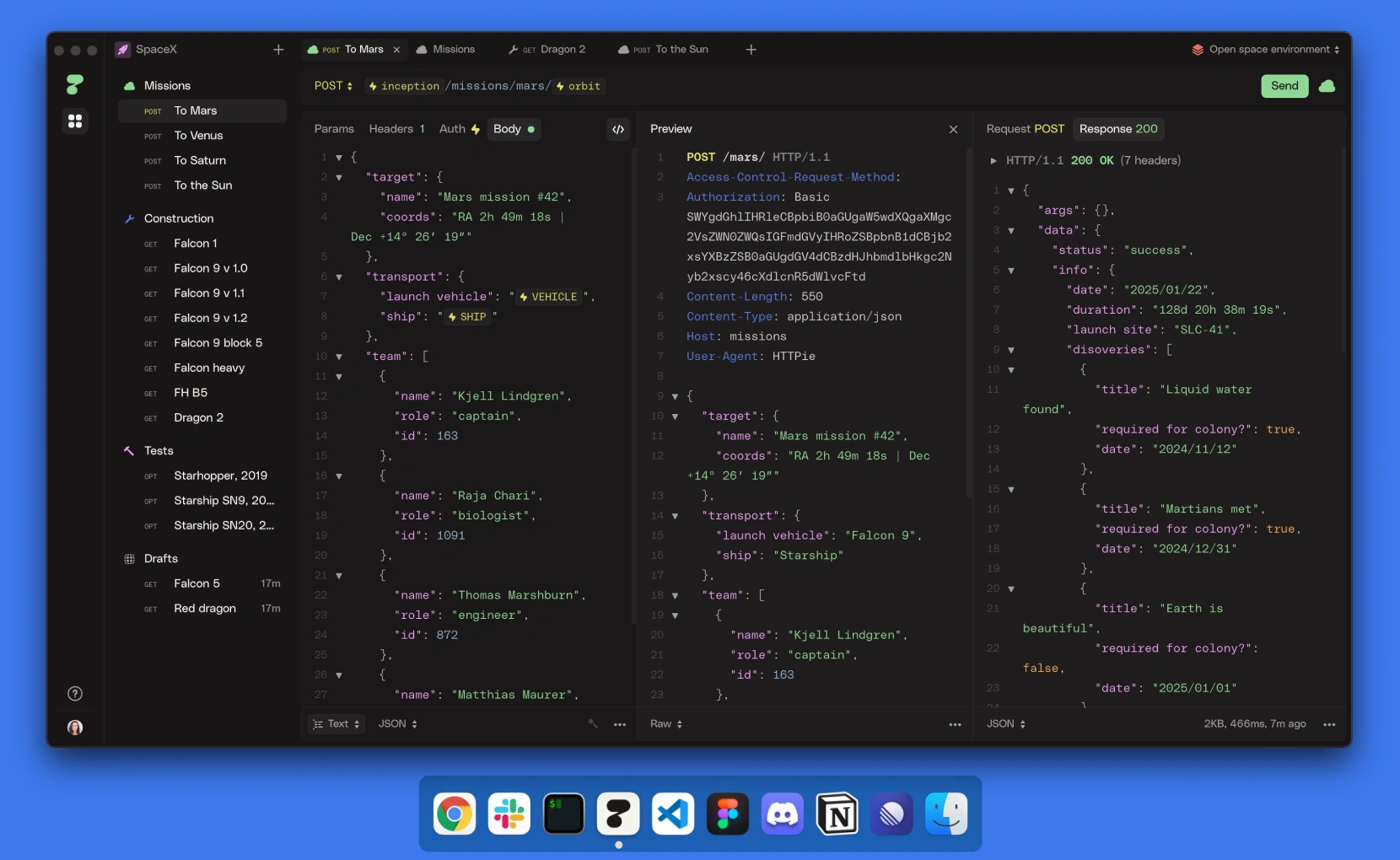
Compare the two. In curl:
curl -X POST https://api.example.com/orders \
  -H "Content-Type: application/json" \
  -H "Authorization: Bearer $TOKEN" \
  -d '{"sku":"A-100","qty":2}'
The same call in HTTPie:
http POST api.example.com/orders \
  sku=A-100 qty:=2 \
  Authorization:"Bearer $TOKEN"
HTTPie assumes JSON, sets the Content-Type for you, pretty-prints the response with syntax highlighting, and uses := to mark qty as a raw number instead of a string. Less ceremony, fewer flags to remember.
When to use it: you want to stay on the command line and keep everything scriptable, but you are tired of curl’s verbosity and unreadable output. It is a personal-productivity swap more than a workflow change. If you are weighing the two, we wrote a side-by-side on switching between curl and HTTPie.
Where it stops: HTTPie is still a one-request-at-a-time tool by design. It has no native concept of a saved test suite, response assertions, or sharing a collection with your team. That is not a flaw; it is the scope.
2. Hurl: plain-text requests with built-in assertions
Hurl is the answer when you want to keep tests in plain text and version them in Git, but you also want to assert on the response, not just read it. You write requests in a simple .hurl file, add expected status codes and body checks, and run the file from the command line. It is built on top of libcurl, so the HTTP behavior matches curl exactly.

A small example saved as orders.hurl:
POST https://api.example.com/orders
Authorization: Bearer {{token}}
Content-Type: application/json
{
  "sku": "A-100",
  "qty": 2
}

HTTP 201
[Asserts]
jsonpath "$.status" == "confirmed"
jsonpath "$.id" exists
Run it:
hurl --test --variable token=$TOKEN orders.hurl
Hurl sends the request, checks that the status is 201, verifies the status field equals confirmed, and confirms an id came back. It exits non-zero if any assertion fails, so it drops straight into CI.
When to use it: you want testable, diffable, Git-native request files without adopting a GUI. It is a strong fit for developers who already keep everything in the repo and want their API checks to live there too. The idea overlaps with the broader move toward Git-native API clients.
Where it stops: Hurl is deliberately minimal. There is no visual editor, no environment manager beyond variables, no shared workspace, and no mocking or documentation. If your team needs to collaborate on the requests, you are managing that through Git alone.
3. Postman with Newman: the collection-and-runner model
Postman is the tool most people reach for first, and Newman is its command-line companion. You build requests in the Postman GUI, group them into a collection, then run that collection headlessly with Newman in CI. It is a mature, well-documented model, and Postman’s request-building experience is genuinely good.
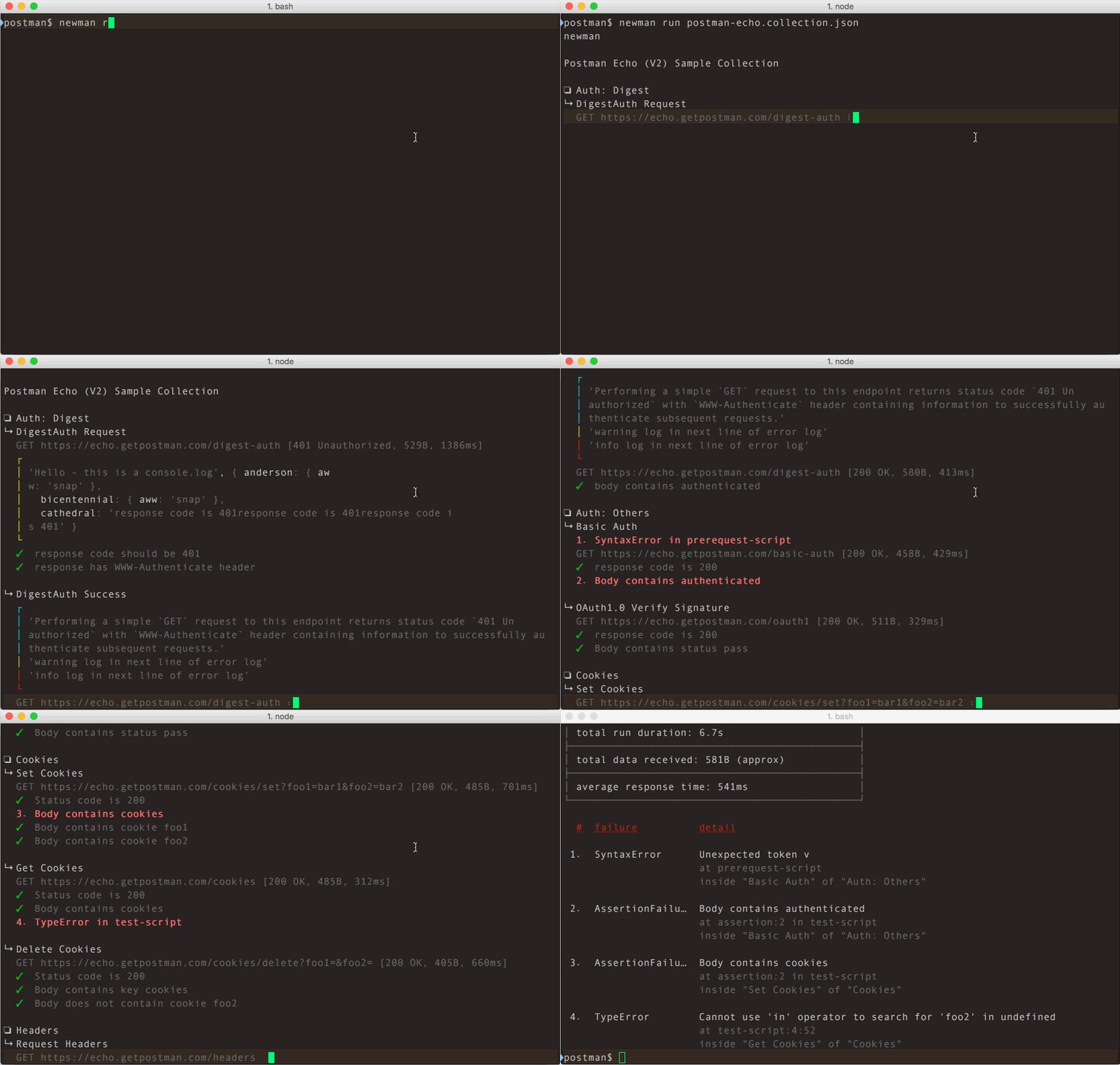
A typical Newman run:
newman run orders-collection.json \
  --environment staging.json \
  --reporters cli,junit
That executes every request in the collection against the staging environment and emits a JUnit report your CI dashboard can read.
When to use it: you already live in Postman, your team has collections built, and you want those same collections gating your pipeline. The GUI-plus-runner split is a sound pattern, and a large ecosystem backs it.
Where it stops: the separation between the desktop app and Newman is real friction. Newman is a separate npm package with its own version cadence, and the cloud-sync model has pushed some teams toward local-first or self-hosted options. We covered the migration calculus in leaving Postman in 2026, and the full feature comparison lives in Apidog vs Postman.
4. Insomnia: a lean desktop client for focused work
Insomnia is a clean, fast desktop API client that many developers prefer for its uncluttered interface. It handles REST, GraphQL, and gRPC, manages environments, and stores requests in workspaces. For exploring an API by hand, it is pleasant to use and quick to learn.
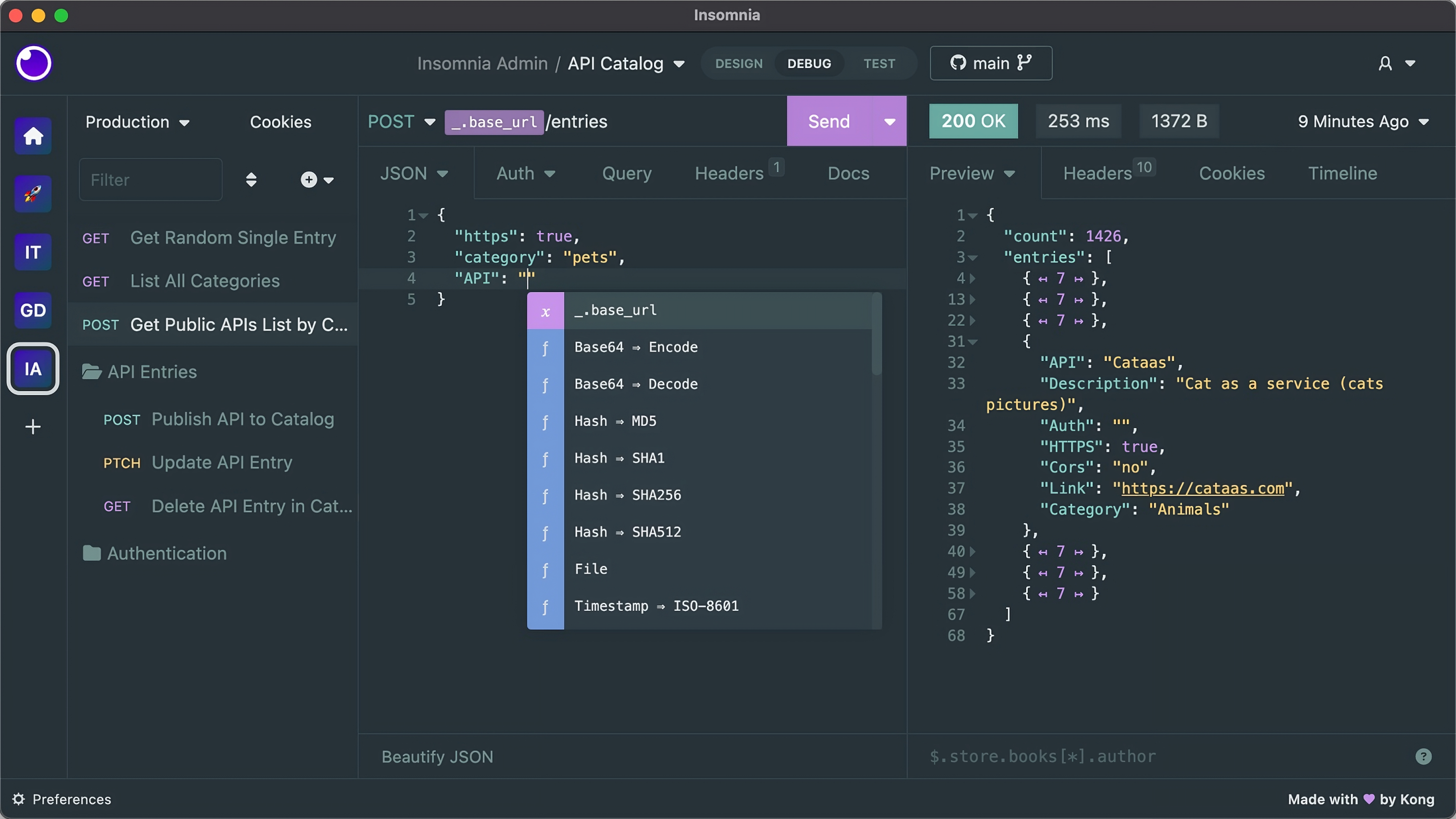
When to use it: you want a focused GUI for building and sending requests, you value a minimal interface, and your testing needs are mostly manual exploration rather than large automated suites. Insomnia is a real step up from curl for anyone who would rather click than type flags.
Where it stops: Insomnia’s automated-testing and team-collaboration features are lighter than a full platform’s, and some teams have run into account and sync changes they did not want. If that is your situation, we keep a running list of Insomnia alternatives, including open-source ones.
5. Apidog: one workspace for sending, testing, and automating
Apidog is the option for when “test this endpoint” has grown into “design, debug, test, mock, and document this API, with a team, across three environments, and run it in CI.” It is an all-in-one API client that covers the manual side of curl, the assertion side of Hurl, and the collection-runner side of Postman in a single workspace, without bolting on a separate CLI package as an afterthought.
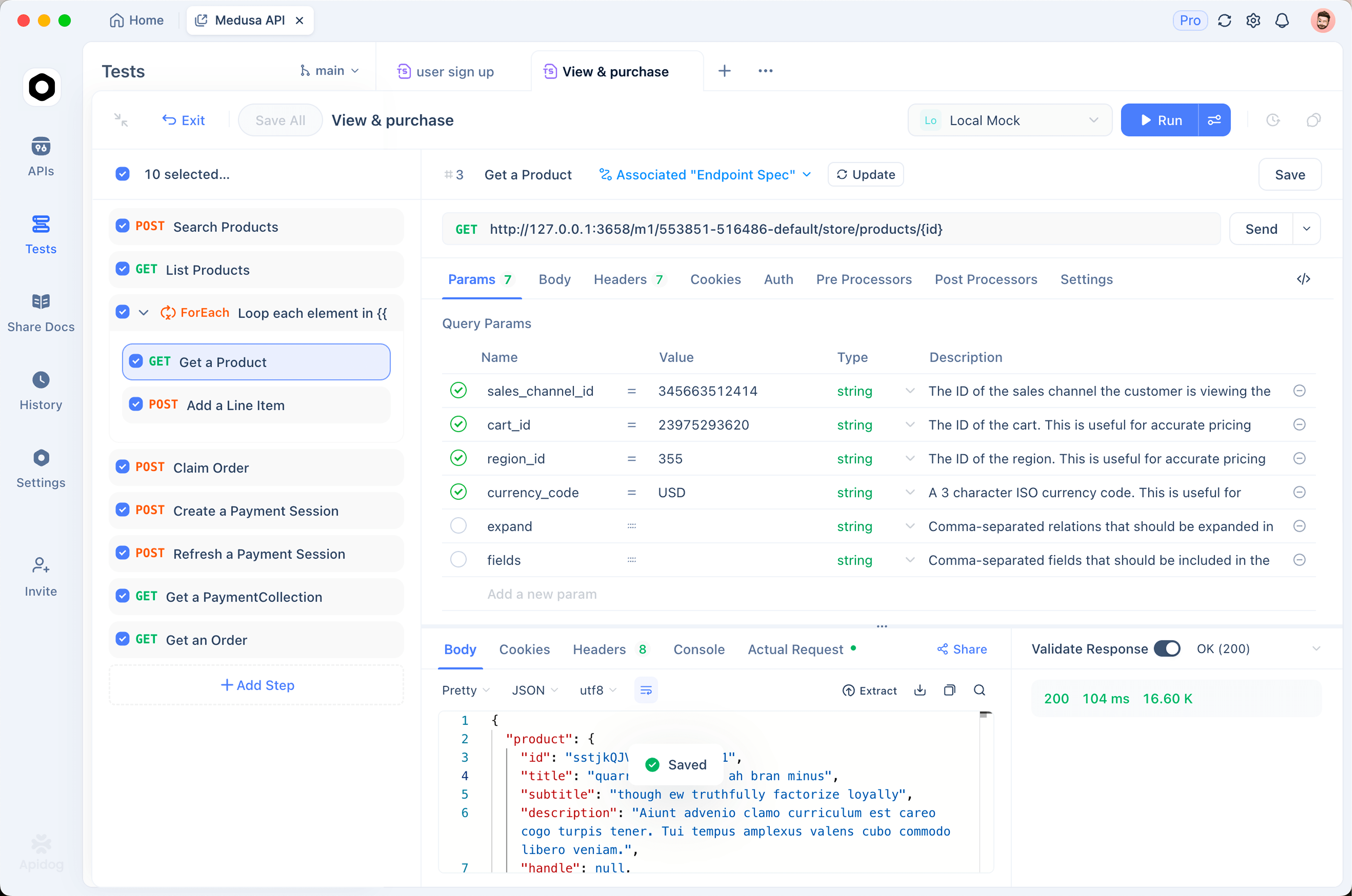
For the day-to-day, you send a request in a visual editor, see the response formatted and color-coded, save it, and organize related requests into folders. Environments hold your base URLs and tokens, so you switch from staging to production with a dropdown instead of editing a shell variable. When you want to assert on responses, you build test scenarios visually: chain requests together, pull a value from one response into the next, and add checks without writing a test framework by hand. We walk through that in API assertions: a practical guide.
Because curl is so universal, Apidog meets you where you are. You can paste a curl command straight in and it parses into a saved request, so migrating an existing pile of curl snippets is a copy-paste, not a rewrite. (The reverse trip, curl to other tools, is a common chore; see importing curl into Postman for the long way around.)
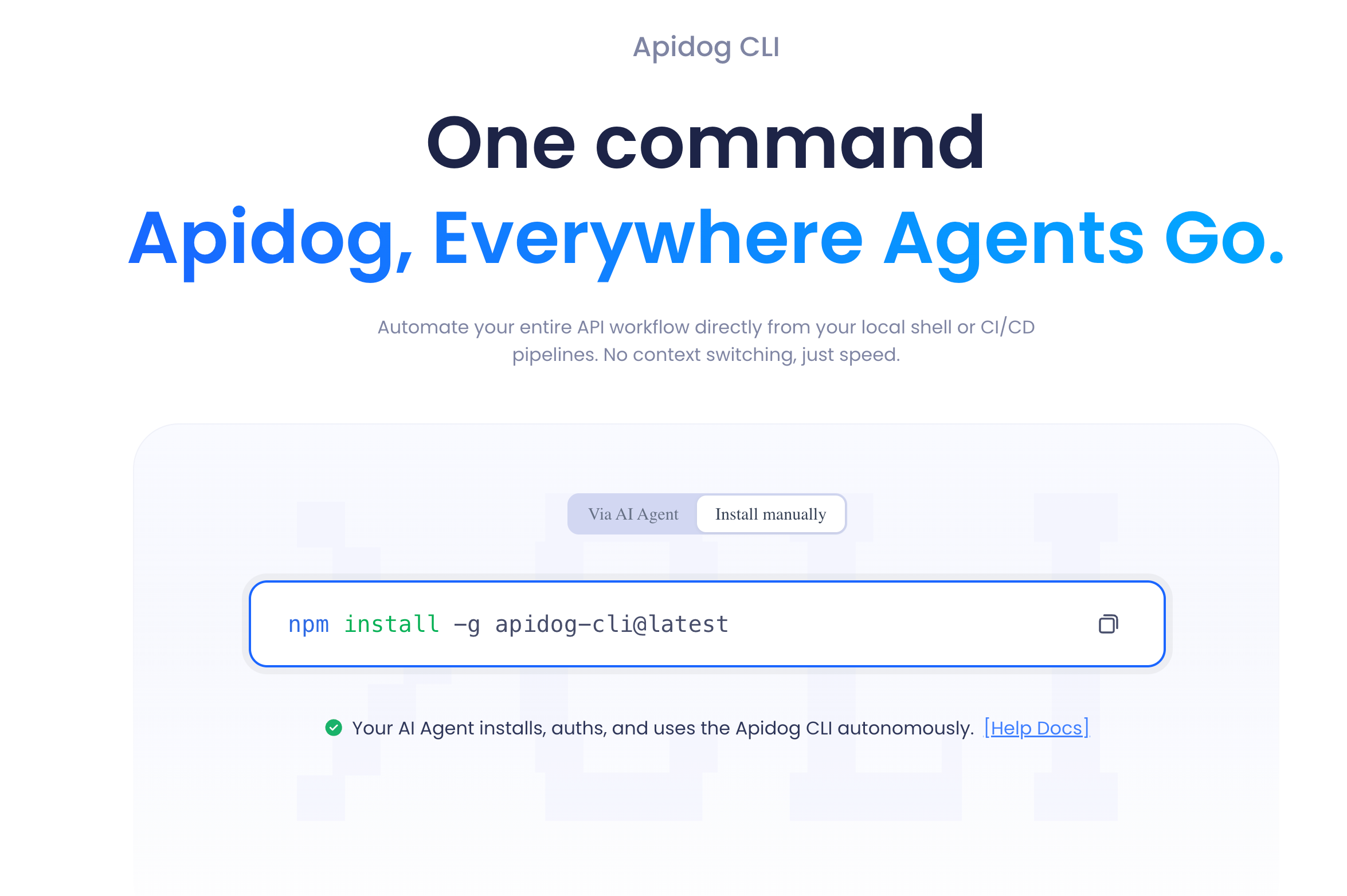
When the manual work is built, the Apidog CLI runs the same test scenarios headlessly in any pipeline. You do not rewrite your tests as code. You install the npm package, point it at a scenario, and it runs exactly what you built in the app:
npm install -g apidog-cli
apidog run --access-token $APIDOG_ACCESS_TOKEN -t <scenarioId> -e <environmentId> -r cli,junit
It exits non-zero when a test fails, so it gates a build the same way Newman or Hurl would, and it can emit JUnit XML for your CI dashboard. If you want every flag, run apidog run --help or read the full reference in the Apidog CLI automation guide.
When to use it: you have outgrown single requests and want design, manual testing, automated test suites, environment management, mocking, and documentation in one place rather than stitched across HTTPie, Hurl, Newman, and a wiki. Download Apidog and paste in your first curl command to see the swap.
Where curl still wins: a one-line health check in a deploy script. Do not open a GUI for that. Use the right tool for the size of the job.
Quick comparison
| Tool | Interface | Built-in assertions | Team workspace | CI runner | Best for |
|---|---|---|---|---|---|
| curl | CLI | No | No | Scriptable | Quick one-offs, health checks |
| HTTPie | CLI | No | No | Scriptable | Readable terminal requests |
| Hurl | CLI (text files) | Yes | Via Git | Native | Git-native testable requests |
| Postman + Newman | GUI + CLI | Yes | Yes | Newman | Collection-based teams |
| Insomnia | GUI | Light | Light | Limited | Focused manual exploration |
| Apidog | GUI + CLI | Yes | Yes | Apidog CLI | End-to-end API lifecycle |
How to choose
The decision is not about which tool is “best.” It is about how big the job is.
- Still a one-off? Stay on curl, or upgrade to HTTPie if you want the output to be readable.
- Want testable requests in your repo? Hurl gives you assertions in plain text with no GUI.
- Already invested in Postman collections? Postman with Newman is the path of least resistance.
- Want a lightweight desktop client for manual work? Insomnia is clean and quick.
- Testing a whole API, with a team, into CI? That is where an all-in-one platform like Apidog stops you from gluing five separate tools together.
A good rule: the moment you find yourself copying tokens between commands, re-reading the same response three times, or wishing your colleague could see the request you just built, you have crossed from “curl is fine” into “you need a real client.” For more options across the whole category, our roundup of 30 API testing tools covers the rest of the field.
The bottom line
curl is a fine starting point and a permanent fixture for quick checks. The five alternatives above each pick up where it gets tedious: HTTPie for readable output, Hurl for Git-native assertions, Postman with Newman for collection-based teams, Insomnia for clean manual work, and Apidog for the whole API lifecycle in one place. Match the tool to the size of the job, and you stop fighting your shell history.
If your “quick curl test” has quietly turned into a daily workflow, download Apidog, paste in one of your existing curl commands, and watch it turn into a saved, repeatable, shareable test in a few seconds.