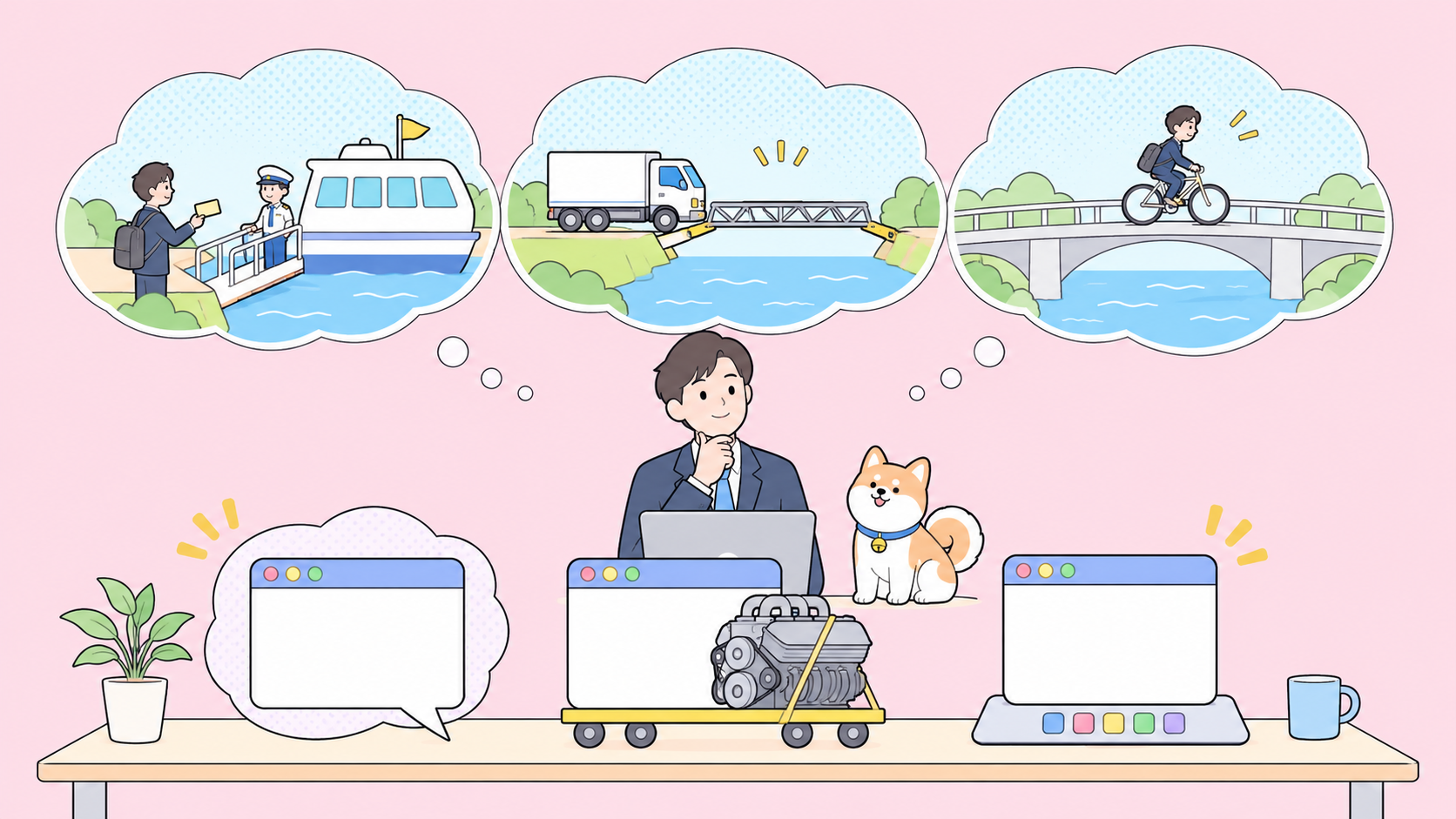
Claude artifact app permissions come in three levels: Default, App permissions and Full computer access. When you use “Install as app” on an artifact in Claude for Mac or Windows, the app starts with only what a browser page can do. It can ask for more, and you decide how far it goes.
Anthropic announced the feature on November 24, 2026 as a beta on all plans, and the ClaudeDevs launch post spread fast. The permission prompts deserve a slow read, because the top level lets an app run programs and delete files without asking each time. Below: what each level allows, why Claude asks again after updates, and a checklist before you grant full access.
What is Install as App in Claude?
Install as App turns a Claude artifact into a desktop app on Mac or Windows. The app gets its own icon and window, can use Claude and your connectors, and updates when the artifact is edited. You don’t package, sign or add an API key: it runs on your Claude account.
You start it from the Share menu of an artifact. A few facts from the announcement shape everything below:
- It’s in beta, rolling out in Claude for Mac and Windows on all plans.
- Requests the app makes to Claude count toward your plan’s usage limits.
- You must be online and signed in to Claude to open an installed app.
- Some artifacts can’t be installed, including Claude Docs, Slides and Sheets.
- HIPAA-ready organizations and hybrid deployments can’t use it.
Anthropic staff shipped examples with the launch, including Phosphor (a file manager), Tern (a terminal with Claude alongside) and Vitals (a menu bar performance monitor). A file manager and a terminal only make sense with full computer access.
The three Claude artifact app permission levels
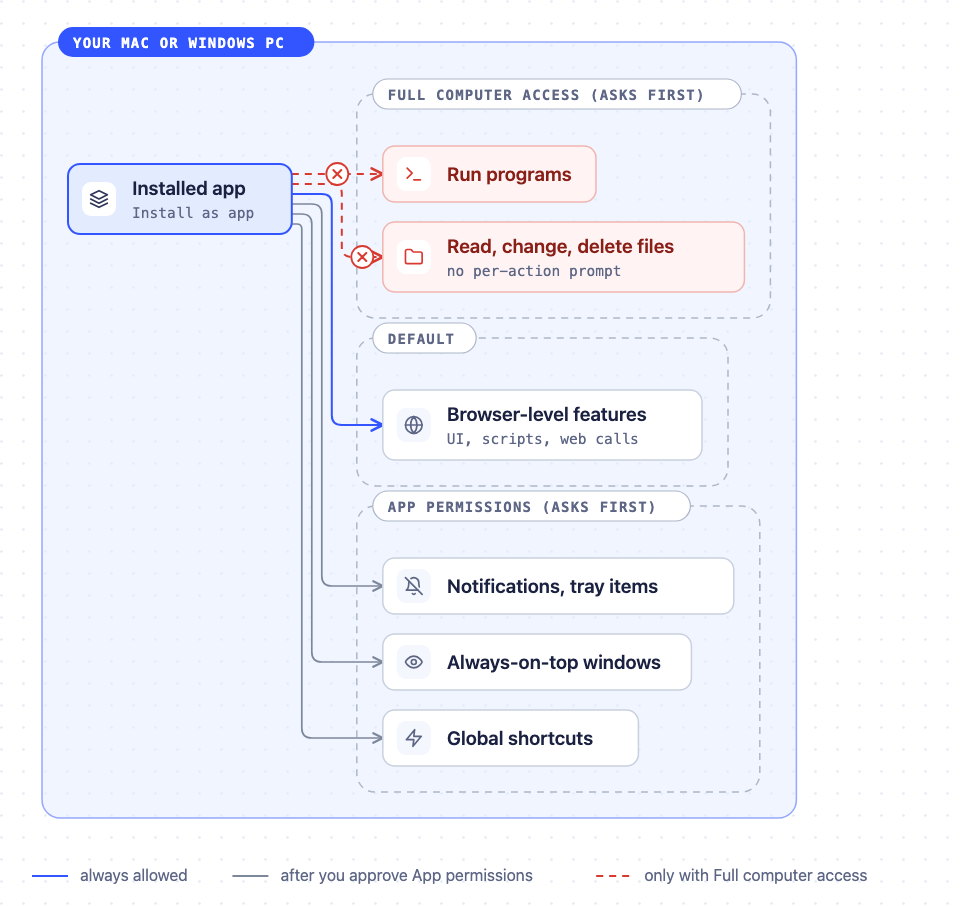
Each installed app sits at one of three levels. You choose per app.
| Level | What the app can do | Typical use |
|---|---|---|
| Default | Only what it could do in a browser | Dashboards, trackers, meeting prep pages |
| App permissions | Asks for features Claude tightly controls: always-on-top windows, global shortcuts, notifications, menu bar or system tray items | Timers, monitors, reminder apps |
| Full computer access | Asks to run programs and read, change or delete your files without asking each time | File managers, terminals, folder automation |
Default: the browser boundary
At Default, an installed app has the same reach as a web page. A page in a browser can draw an interface, run JavaScript and call web services, but it can’t open arbitrary files on your disk or launch programs. That’s the web security model you already rely on every day.
One detail matters here. The permission levels describe what an app can do on your computer. Separately, the announcement says every installed app can use Claude and your connectors. So a Default app can still read what your connected calendar or email returns. Default limits the app’s reach into your machine, not into your connected accounts.
App permissions: desktop features with a leash
App permissions cover the features that make a tool feel native: an always-on-top window, a global keyboard shortcut, notifications, a menu bar or tray icon. Anthropic calls these “common features that Claude can tightly control.” The risk is mostly annoyance, like a shortcut that grabs a key combination you use elsewhere. None of them touches your files.
Full computer access: the level that needs care
Full computer access lets an app run programs and read, change or delete your files without asking each time. Once you grant it, there’s no per-action prompt: the app acts, and you see the result. That’s what makes a file manager useful, and why Anthropic limits who can receive it.
Why Claude asks for permission again after every update
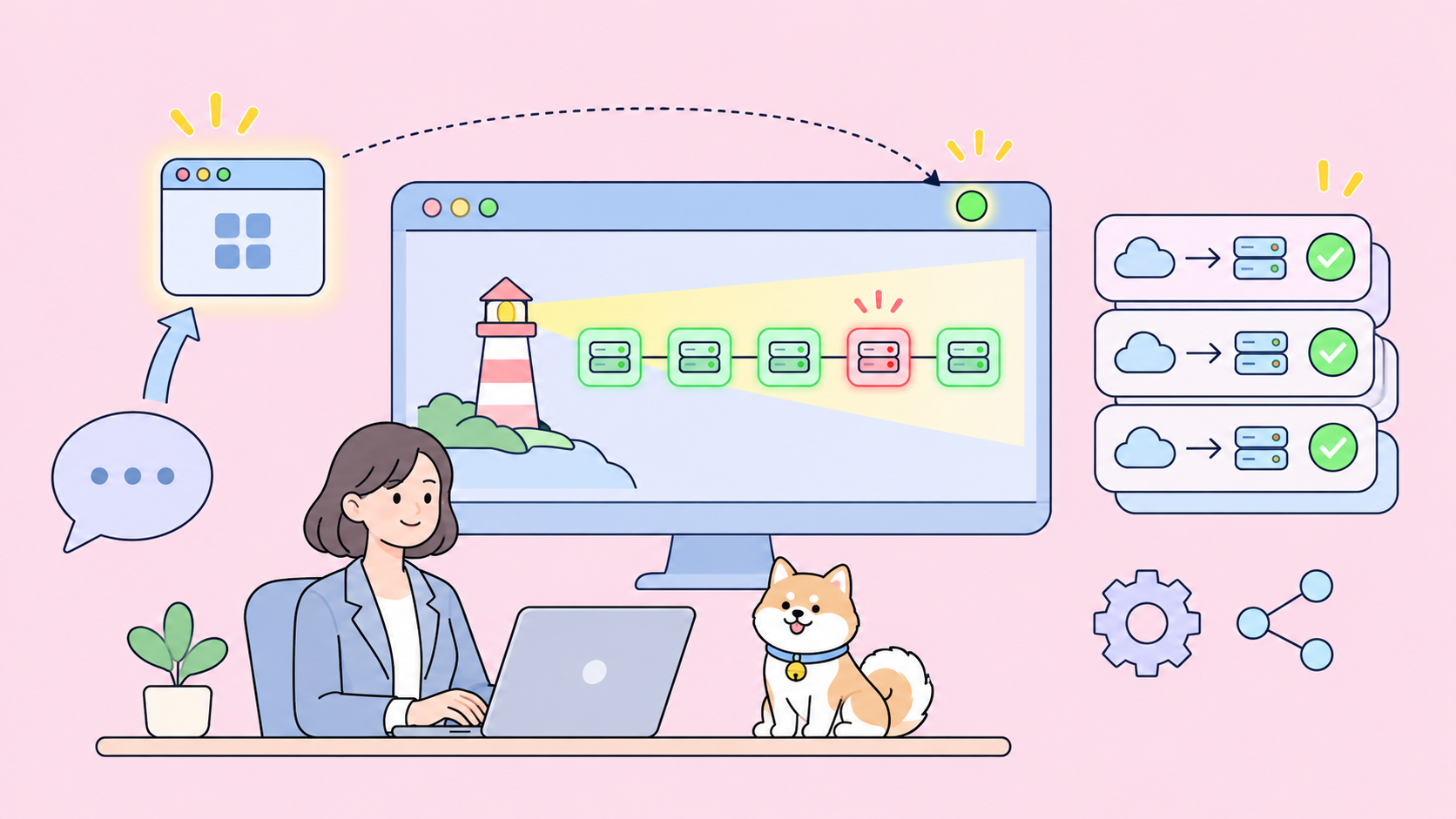
Your permission covers the current version of the app only. Claude asks again after every update, “even your own edits,” in Anthropic’s words. Installed apps update automatically when the underlying artifact changes, so the re-prompt is the moment you get to review what changed.
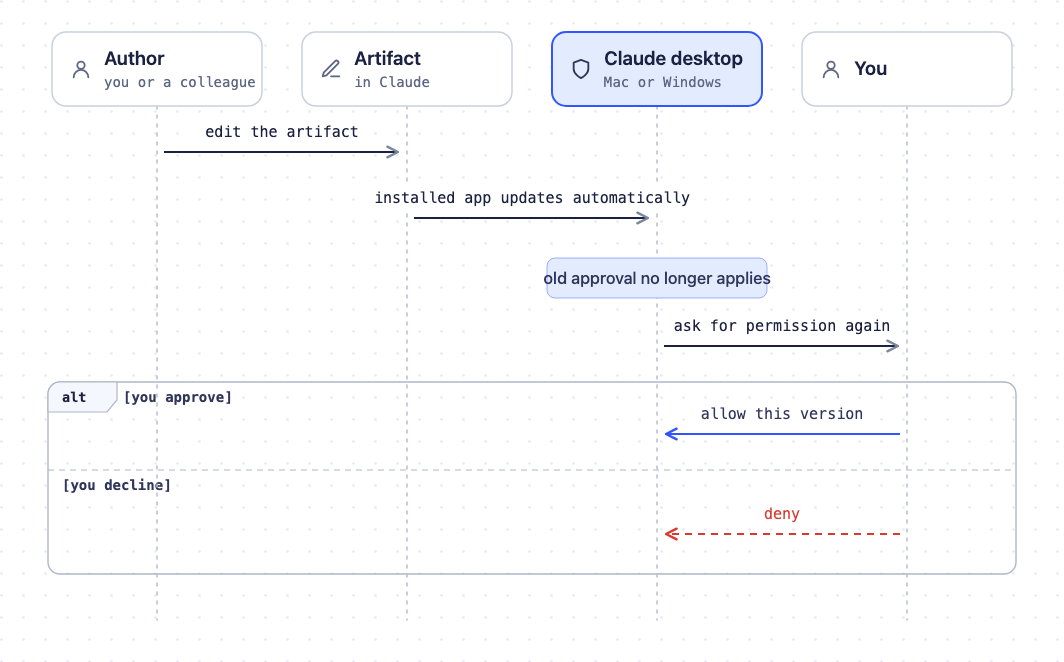
Treat the re-prompt like a pull request review, not a cookie banner. If a colleague shared the app, ask what changed before you approve.
There’s one gap the announcement states plainly: “If part of an app comes from another website, that part can change without Claude asking you again.” An app that loads a script, a stylesheet or a data feed from an outside URL can change behavior while the version you approved stays the same.
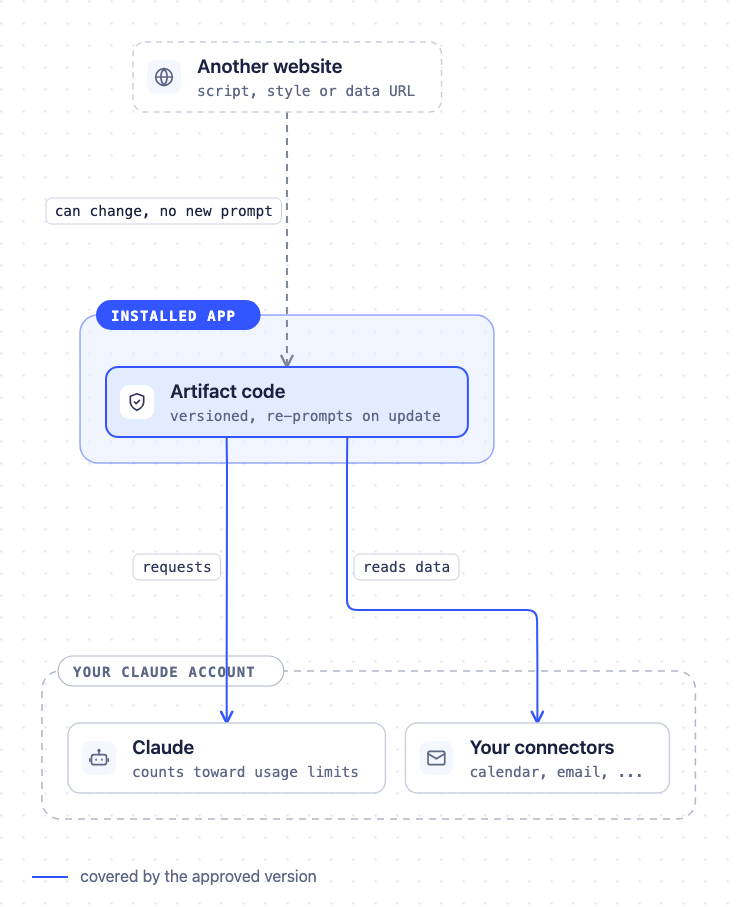
That’s the same class of risk as a compromised third-party script on a website, and the same as prompt injection reaching an API through content an agent reads. Before granting a high level, check whether the app pulls anything from outside the artifact.
What “Anthropic doesn’t review apps” means for you
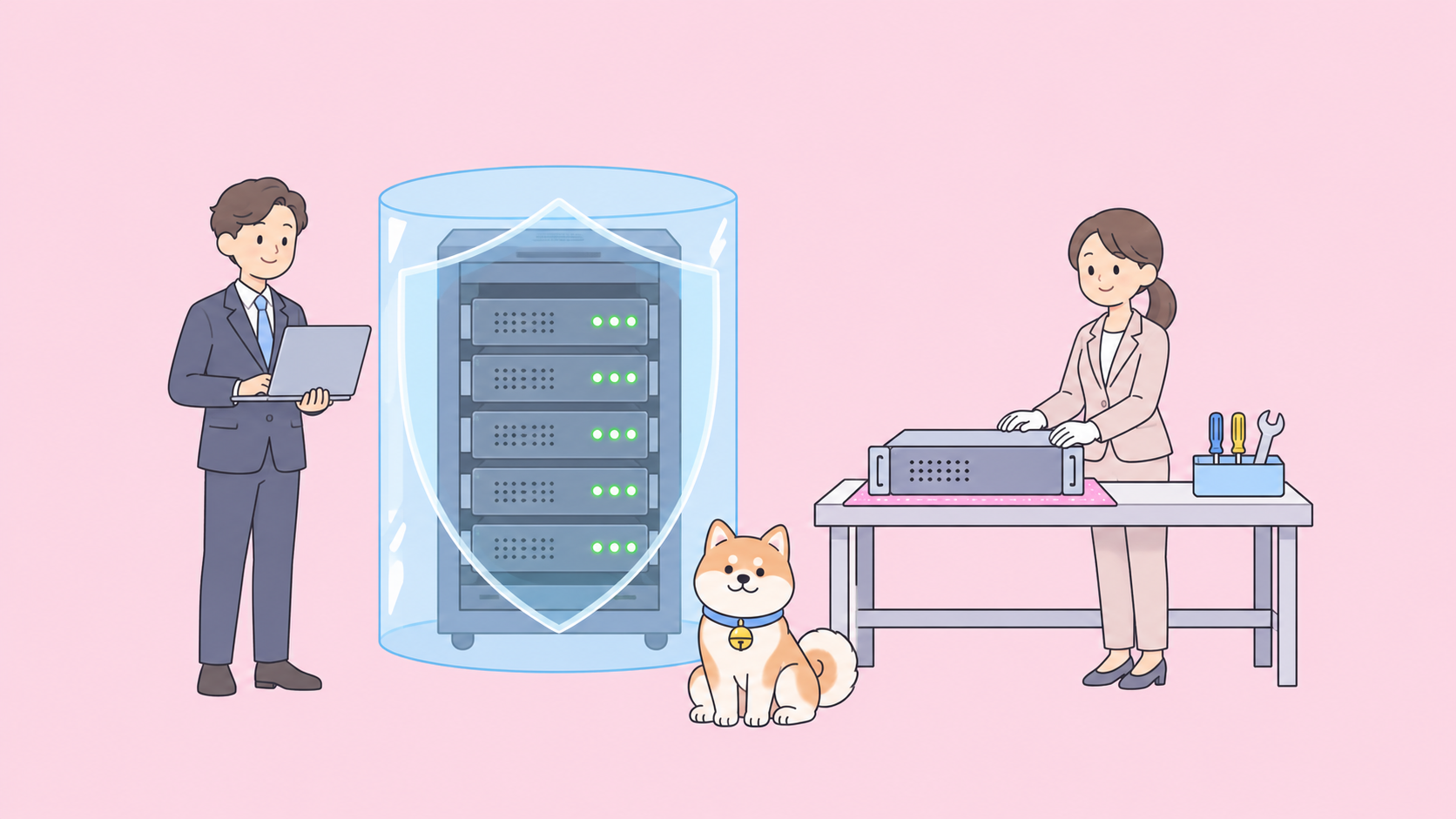
The announcement is direct: “Anthropic doesn’t review apps before you install them, so only give full access to apps you trust.” There’s no app store review and no signing between the person who built the app and your machine. You own three jobs: know who wrote the app, read what it does before granting more than Default, and watch each re-prompt, since a trusted app can still ship a bad change.
The same principle shows up in API security as least privilege for AI agents: give a tool the smallest access that lets it do its job, and widen it only when you have a reason.
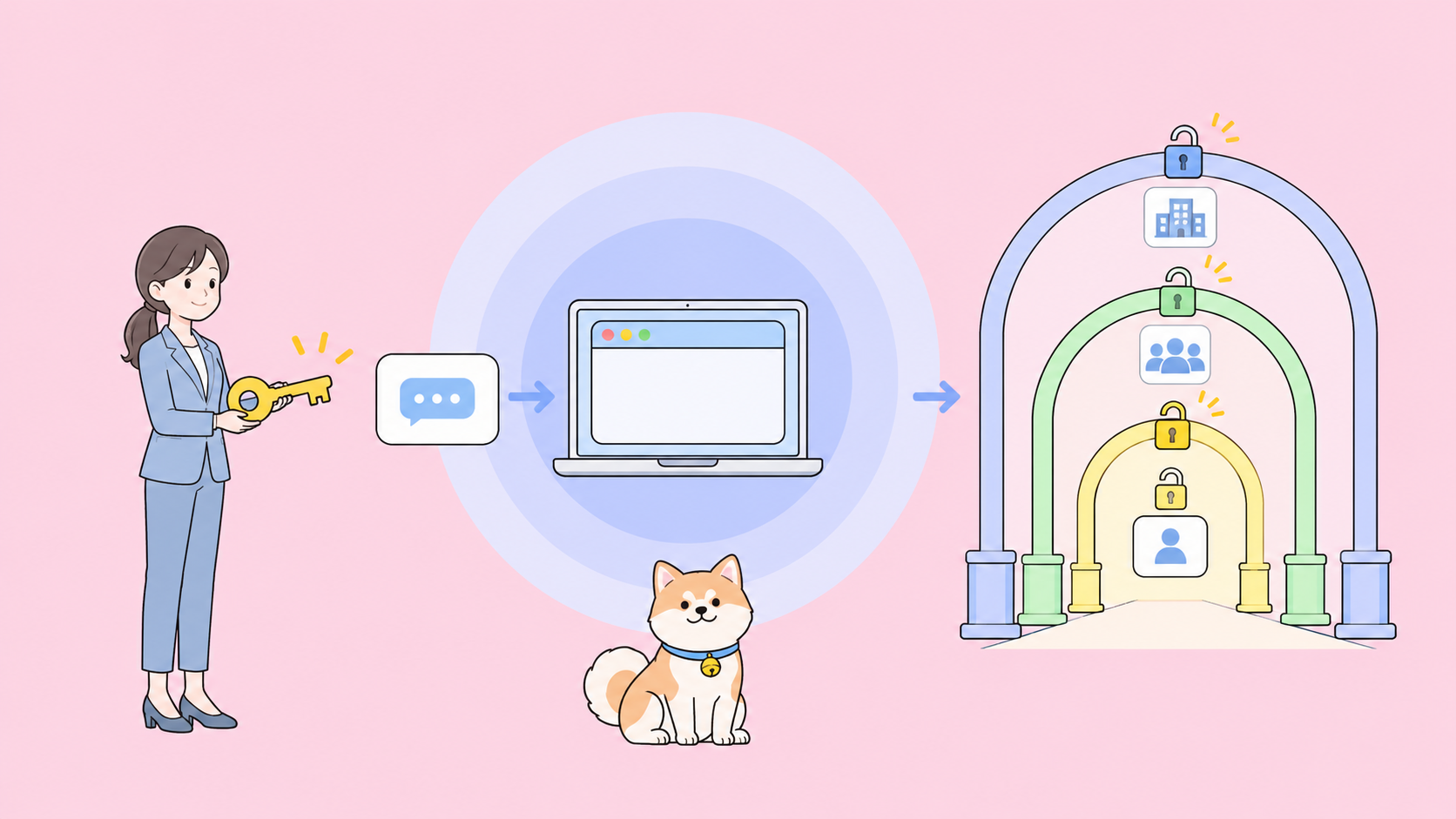
Who can grant full computer access
Anthropic restricts the top level by author. You can give full access only to apps you made or, on Team and Enterprise, apps made by people in your organization. An app shared by someone outside your organization can’t get full access from you.
Organization defaults also differ by plan:
| Plan or deployment | Install as App | Full computer access |
|---|---|---|
| Individual plans | Rolling out in beta | Only for apps you made |
| Team | On by default | Off by default; admins can turn it on |
| Enterprise | Off until an owner turns it on | Controlled by admins |
| HIPAA-ready orgs, hybrid deployments | Not available | Not available |
If you run a Team workspace, decide on full access before people start sharing apps, not after.
Checklist before you grant full computer access
Run these before you approve full access, and again when an update adds new behavior:
- Confirm the author. You or someone in your organization built it.
- Read the artifact. Ask Claude to list every file path, program and command the app uses, and ask plainly: “What does this app delete?”
- Look for outside code. Each URL the app loads from can change without a new prompt.
- Check the connectors. A Default app can still read connected accounts.
- Try a lower level first. Many dashboards and trackers never need more than Default.
- Scope the files. Point file-handling apps at one working folder and keep backups.
- Review every re-prompt. Approve an update only when you know what changed.
Test the API your app depends on with Apidog CLI
Many installed apps are front ends for an API. A tracker for the orders that ship today, like the example in Anthropic’s announcement, has to read those orders from somewhere, and a team dashboard reads from an internal endpoint. When that API changes, the app breaks or, worse, writes bad data. The re-prompt after an update is a good moment to check the API contract too, and your coding agent can do that work with Apidog CLI.
Set it up once:
npm install -g apidog-cli@latest
apidog auth login --with-token <YOUR_TOKEN>
apidog skill install
Then give Claude Code (or Codex, or any agent that runs shell commands) one prompt:
My installed Claude app reads from the /objects API in Apidog project 1314366. List the endpoints, create one test case for each endpoint the app calls, run them against the Testing environment and report any failures before I approve the app's next update.
The agent starts by listing the endpoints the app depends on. Replace 1314366 with your own project ID:
apidog endpoint list --project 1314366
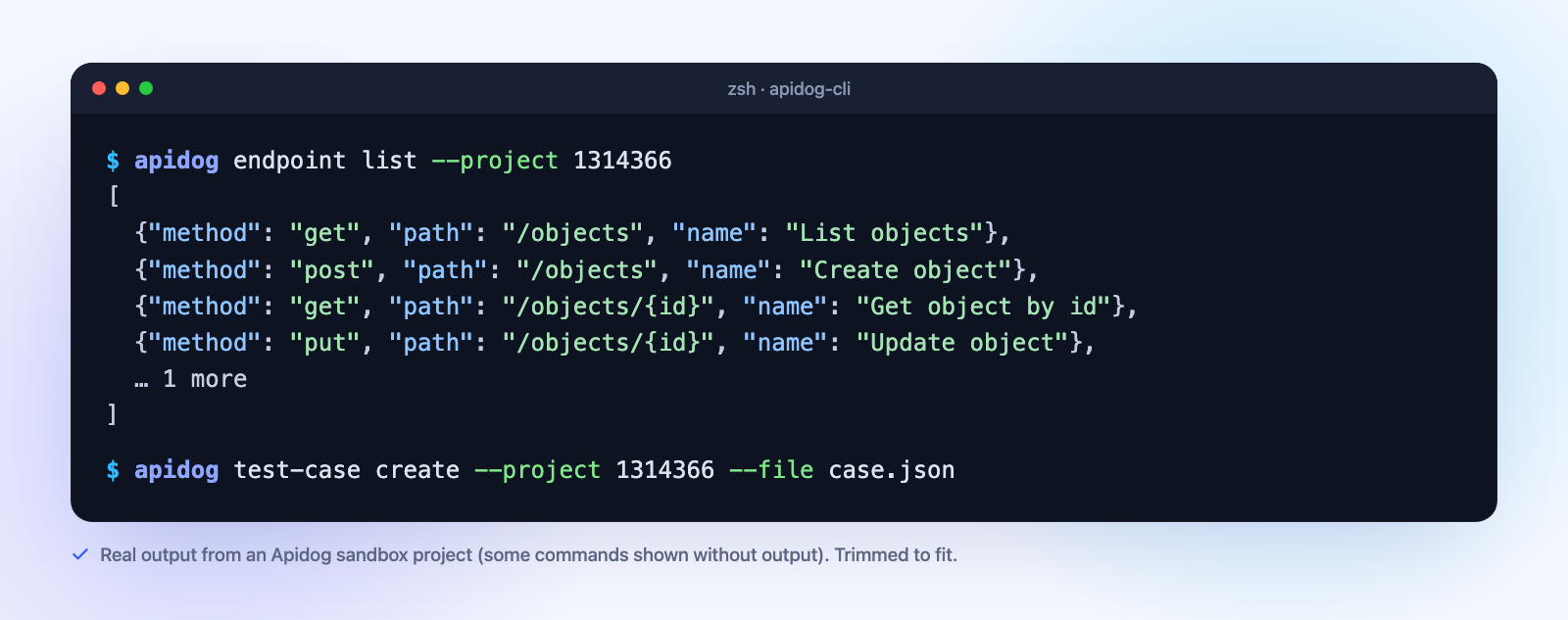
Then it reads the payload schema, validates its test case, writes it and runs it:
apidog cli-schema get test-case-create
apidog cli-schema validate test-case-create --file case.json
apidog test-case create --project 1314366 --file case.json
apidog run --test-case <caseId> --project 1314366 -e <envId> -r cli,json
The same apidog run command with -r junit drops into CI, so the API check runs on every change instead of only when you remember. The Apidog CLI in Claude Code guide covers the setup in more depth, and the MCP server guide for Claude Desktop shows another way to give Claude your API spec.
When a team runs these checks across several apps, the agent runs pile up. Sharkly turns them into tasks on a board, assigns them to coding agents running Claude Code, Codex or Gemini CLI on your team’s own computers, and lets you review what each one ships before it merges. It’s free to start.
Bottom line
The permission model is sensible: browser-level by default, desktop features on request, full access only for apps from you or your organization, and a fresh prompt after every update. The weak points are the ones Anthropic names: no app review, and outside code that can change silently. Start every app at Default, grant full access only after the checklist, and test the APIs your apps depend on before you approve the next version.
FAQ
What can a Claude artifact app do at the Default permission level? Only what it could do in a browser. It can show an interface, run code and use Claude and your connectors, but it can’t run programs or read your files.
Why does my installed Claude app keep asking for permission? Your approval covers the current version only. Claude asks again after every update, including your own edits to the artifact.
Can I give full computer access to an app someone shared with me? Only if you made it or, on Team and Enterprise, someone in your organization made it. Apps from outside your organization can’t get full access.
Does Anthropic review installed apps for safety? No. Anthropic states it doesn’t review apps before you install them, so grant full access only to apps you trust.
Do installed apps cost extra? The announcement lists no separate fee. Requests an app makes to Claude count toward your plan’s usage limits.
Can I install a Claude Doc or Sheet as an app? No. Claude Docs, Slides and Sheets are among the artifacts that can’t be installed.