
If you are building on Anthropic’s newest model and wondering about Claude Fable 5 rate limits, here is the honest answer up front: Anthropic did not ship a separate, Fable-5-only rate-limit system at launch. Fable 5 (model id claude-fable-5, priced at $10 per million input tokens and $50 per million output tokens, launched on June 9, 2026) uses the same standard Messages API and draws on your organization’s standard, tier-based API rate limits. Those limits scale with your account’s usage and spend history, they are enforced per organization and per model class, and the exact numbers you get depend on which usage tier you are in. That framing matters, because if you are trying to plan capacity for a Fable 5 agent, you are planning around Anthropic’s tier system, not around a magic number printed on the launch announcement. If you are new to the model itself, the Claude Fable 5 overview is a good companion read.
TL;DR
Claude Fable 5 uses Anthropic’s standard tier-based rate limits: requests per minute (RPM) plus input-tokens-per-minute (ITPM) and output-tokens-per-minute (OTPM), enforced per organization and per model class. Limits rise as your cumulative spend moves you up usage tiers (1 through 4). Always confirm your real numbers in the Anthropic Console, and handle a 429 by reading its retry-after header.
How Anthropic rate limits work
Anthropic does not set a single global “API limit.” It runs a usage-tier system, and your tier decides how much throughput you get. There are two related concepts: spend limits (how much you can be billed per calendar month) and rate limits (how fast you can call the API). This article is about the second one, but the two are linked, because your tier is what advances both.
The limit types
For the Messages API, rate limits are measured in three dimensions, each enforced per minute and per model class:
- Requests per minute (RPM). How many separate API calls you can start each minute.
- Input tokens per minute (ITPM). How many input tokens you can send each minute. On most current models, only uncached input tokens count here. Tokens read from a prompt cache do not count against ITPM, which is why caching can raise your effective throughput well above the raw number.
- Output tokens per minute (OTPM). How many tokens the model can generate for you each minute. This is evaluated in real time as tokens stream out, and your
max_tokensceiling does not pre-charge against it. Setting a highmax_tokensdoes not, by itself, eat OTPM; only the tokens actually produced count.
Anthropic enforces these with a token-bucket algorithm. Instead of resetting your full quota at the top of each minute, your capacity refills continuously up to your maximum. The practical consequence is that a limit like “50 RPM” can behave like roughly one request per second, so a tight burst of calls can trip a limit even when your per-minute average looks fine. Smooth, steady traffic gets more out of the same numbers than spiky traffic does.
Per organization, per model class
Two more details shape how the numbers apply to you. First, limits are set at the organization level, not per API key, so every key in your org draws from the same pool (you can carve out smaller per-workspace limits if you want to protect one workspace from another). Second, limits are applied per model class. That means Fable 5 traffic and, say, Opus traffic are metered against their own separate buckets. You can run different model classes up to their respective limits at the same time without one starving the other.
How tiers advance
Tiers advance automatically as your cumulative credit purchases cross thresholds. Per Anthropic’s published tiers (verify your own status in the Console), the structure looks like this: Tier 1 unlocks at a $5 credit purchase, Tier 2 at $40 cumulative, Tier 3 at $200 cumulative, and Tier 4 at $400 cumulative, with monthly spend ceilings rising at each step. You move up the moment you cross a threshold; you do not have to file a ticket. Above Tier 4, higher ceilings go through sales or monthly invoicing.
For a deeper look at how those purchases translate into cost on this specific model, the Claude Fable 5 pricing breakdown pairs well with this section.
What this means for Claude Fable 5 specifically
Here is the part people most want pinned down. Fable 5 does not get an exotic, model-specific limit framework. It slots into the standard tier table as its own model class, so the question “what are my Fable 5 limits?” resolves to “what tier is my organization in, and what does the Fable 5 row say for that tier?”
Per Anthropic’s published rate-limit tiers (again, confirm yours in the Console, since custom and enterprise arrangements differ), the Fable 5 row scales roughly like this:
- Tier 1: 50 RPM, 100,000 ITPM, 20,000 OTPM.
- Tier 2: 1,000 RPM, 500,000 ITPM, 100,000 OTPM.
- Tier 3: 2,000 RPM, 1,500,000 ITPM, 300,000 OTPM.
- Tier 4: 4,000 RPM, 4,000,000 ITPM, 800,000 OTPM.
Treat those as the shape of the system, not a contract. Anthropic updates the tables, Priority Tier and enterprise deals change the picture, and your Console is the source of truth. If a number here ever disagrees with what your account shows, believe your account.
The dimension that bites hardest on Fable 5 is OTPM. Fable 5 is built for millions-of-tokens, long-horizon work, the kind of run where an agent grinds through a large task and emits a lot of output along the way. A long generation does not consume one big chunk of OTPM at the start; it draws down your output budget steadily as it streams. So a single ambitious Fable 5 job can sit near your OTPM ceiling for a sustained stretch, and if you fire several such jobs concurrently, OTPM is usually the first wall you hit, not RPM. Two habits follow from that: right-size max_tokens so a runaway generation cannot balloon, and stream long outputs so you are not holding a connection open waiting on a giant non-streamed response (which also helps you dodge request timeouts). If you are wiring up the model for the first time, the Claude Fable 5 API guide walks through the request shape these limits apply to.
Reading and checking your limits
Never guess your limits from a blog post, including this one. There are two reliable ways to see the real numbers.
The first is the Anthropic Console. The Limits page under settings shows your organization’s current tier and the per-model rate limits in effect, and the Usage page charts your actual input-token and output-token rate over time against your ceiling, including your cache hit rate. Those charts are the fastest way to answer “do I have headroom, or am I about to hit a wall?” before you scale traffic up.
The second is the response headers on every API call. Anthropic returns a set of anthropic-ratelimit-* headers that tell you exactly where you stand at that moment:
anthropic-ratelimit-requests-limitandanthropic-ratelimit-requests-remainingfor RPM.anthropic-ratelimit-input-tokens-limitandanthropic-ratelimit-input-tokens-remainingfor ITPM.anthropic-ratelimit-output-tokens-limitandanthropic-ratelimit-output-tokens-remainingfor OTPM.- A matching
*-resetheader for each, in RFC 3339 format, telling you when that bucket fully replenishes.
The remaining-token headers are rounded to the nearest thousand, and the combined token headers report whichever limit is most restrictive right now (for example, a workspace-level cap if you have set one). Reading *-remaining on each response lets your client throttle itself before it ever earns a 429, which is the difference between graceful backpressure and a stream of errors.
Handling 429s gracefully
A 429 response means you hit one of the limits. The body tells you which one, and, crucially, the response carries a retry-after header with the number of seconds to wait before trying again. Retrying earlier than retry-after says will fail again, so honor it.
The good news is that the official SDKs already do the right thing. The Anthropic SDK automatically retries 429 and 5xx responses with exponential backoff (two retries by default), reading retry-after to time each attempt. For most applications, that built-in behavior is enough, and you should not hand-roll a retry loop unless you need something the SDK does not give you. Here is the baseline call with Fable 5:
import anthropic

client = anthropic.Anthropic()  # reads ANTHROPIC_API_KEY from the environment

# Raise max_retries above the default of 2 for a 429-prone batch workload.
resilient = client.with_options(max_retries=5)

message = resilient.messages.create(
    model="claude-fable-5",
    max_tokens=4096,
    messages=[
        {"role": "user", "content": "Draft a release summary for our June changelog."}
    ],
)

print(message.content[0].text)
If you do need explicit control, for instance to surface a “we are busy, retrying” state in your own UI, you can catch the typed exception and read the header yourself:
import anthropic

client = anthropic.Anthropic()

try:
    message = client.messages.create(
        model="claude-fable-5",
        max_tokens=4096,
        messages=[{"role": "user", "content": "Summarize this incident report."}],
    )
except anthropic.RateLimitError as exc:
    wait_seconds = int(exc.response.headers.get("retry-after", "60"))
    print(f"Rate limited. Backing off for {wait_seconds}s before retry.")
Beyond retries, the durable fix for sustained pressure is to queue. If your traffic is bursty, put requests on a queue and drain it at a rate your tier can absorb, using the anthropic-ratelimit-*-remaining headers to pace the drain. That turns a wall of 429s into a smooth, slightly slower pipeline, which is almost always what you actually want. The same throttle-and-queue discipline shows up when you test any rate-limited API, and the patterns in testing the ChatGPT API with Apidog transfer directly to Claude work.
Raising your limits and reducing pressure
When you keep bumping into limits, you have two levers: get more headroom, or need less of it.
To get more headroom, advance your tier. Because tiers move with cumulative credit purchases, steady real usage pulls you up the table automatically, and each step meaningfully raises RPM, ITPM, and OTPM. If you need to jump ahead of the automatic schedule, or you need custom or enterprise limits, contact sales through the Limits page in the Console; Priority Tier and monthly invoicing exist precisely for committed, high-volume workloads.
To need less headroom, attack the token throughput itself:
- Use the Batches API for work that is not latency-sensitive. It processes Messages API requests asynchronously at roughly 50 percent of standard cost, and it has its own separate rate-limit pool, so it keeps bulk jobs from competing with your live, interactive traffic.
- Turn on prompt caching for repeated context. Because cached input tokens generally do not count against ITPM, caching a large system prompt, tool set, or reference document across a Fable 5 batch can multiply your effective input throughput without touching your tier. Watch your cache hit rate on the Usage page to confirm it is landing.
- Right-size
max_tokens. There is no OTPM penalty for a high ceiling, but a generousmax_tokensdoes let a single response run long and draw down OTPM longer. Set it to what the task actually needs. - Stream long outputs. Streaming protects you from request timeouts on big generations and lets you watch output accrue in real time, which pairs naturally with reading the OTPM headers.
These techniques compound. A cached, batched, well-streamed Fable 5 pipeline can do far more work inside the same tier than a naive one. For agent-style workloads specifically, the Claude Fable 5 agent walkthrough shows how these levers fit a long-running loop. And if you are comparing model classes for a throughput-sensitive job, the Claude Opus 4.8 API guide and the Opus 4.8 pricing notes are useful reference points, since each model class has its own separate limit bucket.
Monitor your Fable 5 usage with Apidog
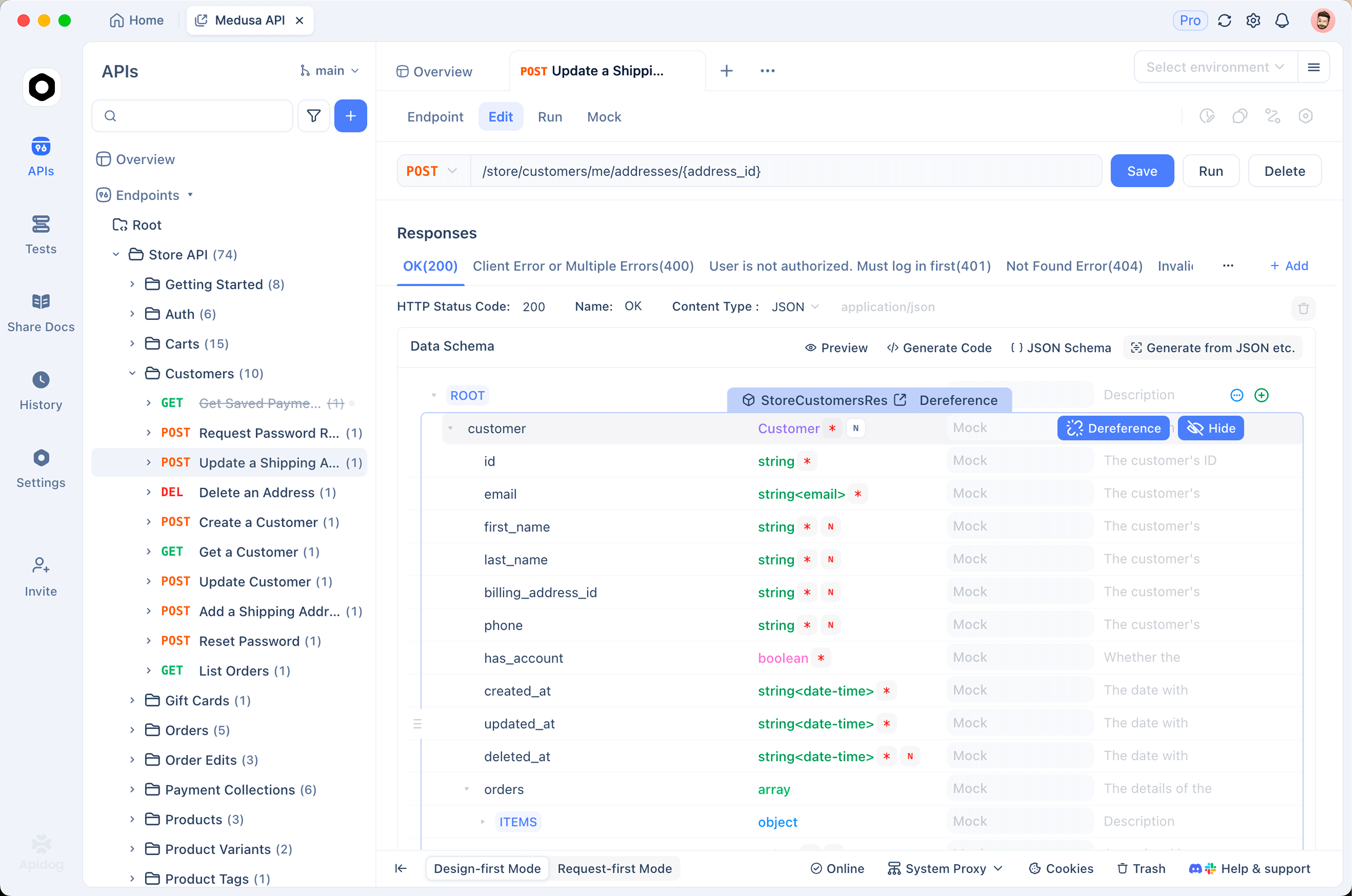
The cleanest way to understand your real limits is to watch them on live requests, and an API client makes that concrete. With Apidog, you can build a Fable 5 request against the Messages API, send it, and inspect the full response, including the anthropic-ratelimit-* headers and the usage object that reports input, output, and cached token counts for that call. Seeing those numbers side by side, request after request, tells you exactly how close you are running to ITPM and OTPM, and how much caching is actually saving you, without waiting for a 429 to find out.
A practical loop while you are building: send a representative Fable 5 prompt in Apidog, read anthropic-ratelimit-output-tokens-remaining and the usage.output_tokens value off the response, and note how fast a long generation draws the remaining count down. Then add a cached system prompt, send it again, and confirm usage.cache_read_input_tokens rises while your ITPM consumption barely moves. That two-request comparison turns the abstract tier table into a feel for your own headroom. You can also save the request, vary max_tokens, and watch how OTPM consumption tracks actual output rather than your ceiling, which is the quickest way to convince yourself that a high max_tokens is safe. Download Apidog if you want to run that experiment against your own key, and keep an eye on the response headers as you tune your request rate. Teams already standardized on Apidog for API design and testing can fold Fable 5 monitoring into the same workspace they use for everything else.