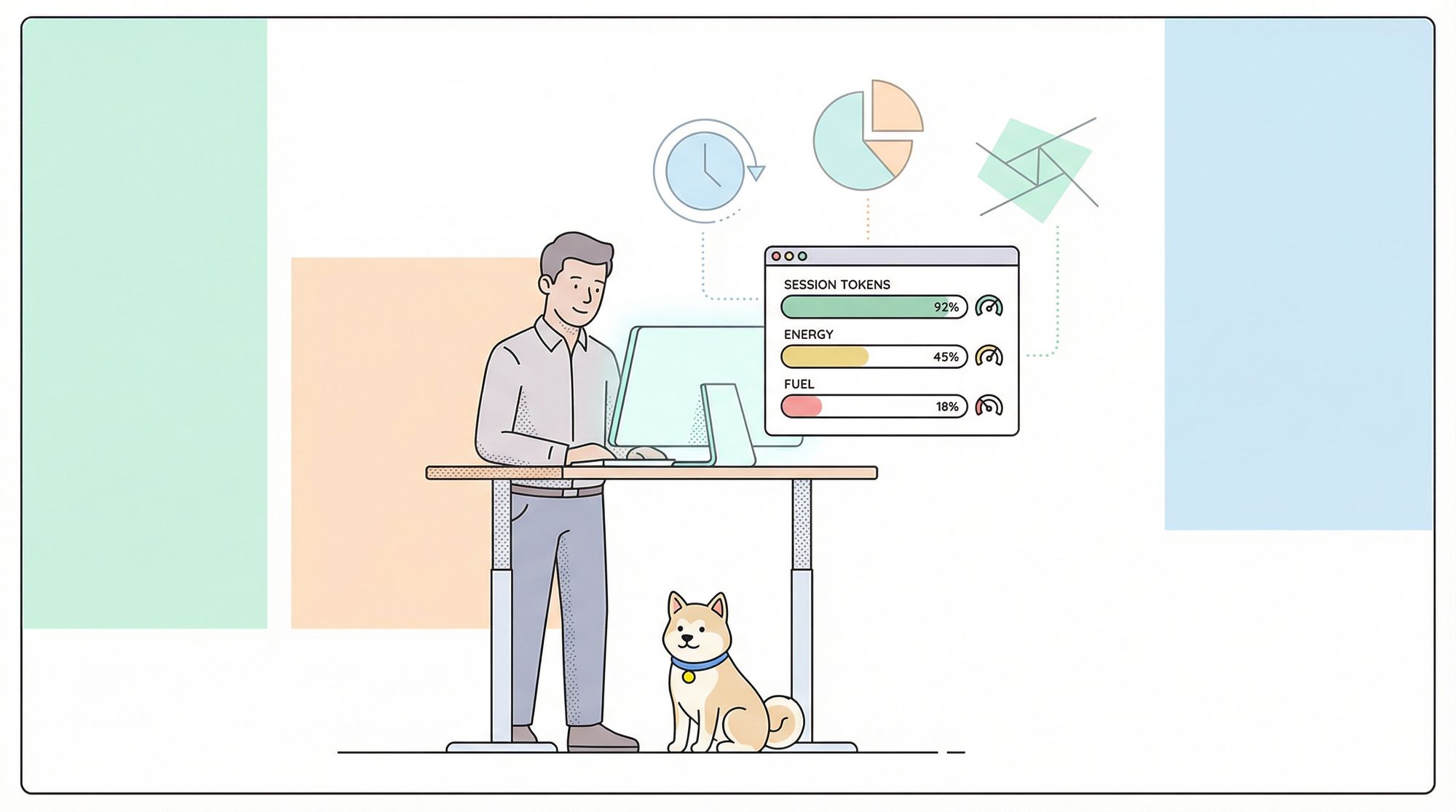
In today’s fast-paced development workflows, AI coding assistants like Anthropic Claude Code are essential for productive, “vibe-driven” coding. But even with their power, developers often hit a frustrating roadblock: hidden session token limits. A sudden “session ended” or cutoff can disrupt coding flow and waste valuable time, especially when you’re deep in a complex project.
To solve this challenge, the open-source Claude Code Usage Monitor by Maciek-roboblog offers developers detailed, real-time insight into token consumption. Unlike simple counters, this terminal-based tool provides live progress bars, burn rate analytics, and session predictions—helping you plan coding sessions and avoid disruptive surprises. In this guide, we’ll walk through installing, configuring, and using the monitor effectively, so you can take charge of your Claude Code usage and focus on building great software.

Why Developers Need a Claude Code Usage Monitor
Claude Code operates with a rolling 5-hour session window, where each session has a strict token cap. Sessions start with your first message and expire 5 hours later, but you might have several sessions running in parallel (e.g., start one at 10:30 AM, another at 12:15 PM).
This flexible model is confusing to track manually:
- Which session’s limit are you close to?
- What’s your total token burn rate across sessions?
- Will you run out of tokens before your session resets?
Without visibility, you risk being cut off mid-task—hurting focus and productivity.
How to Install & Set Up Claude Code Usage Monitor
If you’re building and testing APIs or collaborating across teams, reliable tools are essential. Apidog is a great example: it generates beautiful API documentation, boosts team productivity (see how), and even outperforms Postman at a lower price. The Claude Code Usage Monitor fits the same philosophy—making your workflow smoother and more predictable.
Prerequisites
- Python 3.6+
- Node.js (for the
ccusageCLI utility)
Quick Start (Testing Only)
If you want to try the monitor immediately:
npm install -g ccusage
pip install pytz

# Clone and run
git clone https://github.com/Maciek-roboblog/Claude-Code-Usage-Monitor.git
cd Claude-Code-Usage-Monitor
python ccusage_monitor.py
Note: This installs dependencies globally—fine for testing, but not ideal for long-term or team projects.
Production Setup (Recommended for Daily Use)
For a stable, isolated setup, use a Python virtual environment. This keeps dependencies separate and prevents conflicts.
Step-by-step setup:
Install ccusage globally (fetches usage data):
npm install -g ccusage
Clone the repository:
git clone https://github.com/Maciek-roboblog/Claude-Code-Usage-Monitor.git
cd Claude-Code-Usage-Monitor
Create a Python virtual environment:
python3 -m venv venv
Activate the virtual environment:
- On Linux/macOS:
source venv/bin/activate
- On Windows:
venv\Scripts\activate
Your prompt should display (venv).Install Python dependencies:
pip install pytz
(Optional) Make script executable (Linux/macOS):
chmod +x ccusage_monitor.py
Run the monitor:
- Linux/macOS:
./ccusage_monitor.py
- All platforms:
python ccusage_monitor.py
Daily Usage & Workflow Tips
To streamline your daily workflow:
cd Claude-Code-Usage-Monitor
source venv/bin/activate
./ccusage_monitor.py
# When finished:
deactivate
Create a convenient shell alias for quick access:
alias claude-monitor='cd ~/path/to/Claude-Code-Usage-Monitor && source venv/bin/activate && ./ccusage_monitor.py'
Now, just type claude-monitor to launch the monitor from anywhere.
Monitor Usage & Configuration: Get the Most from Your Sessions
Running the monitor is simple, but tuning its options gives you more power and accuracy.
Basic Usage
Run the monitor with default settings (Pro plan, ~7,000 tokens). Press Ctrl+C to exit.
Plan-Specific Configuration
Set your session limit to match your Claude plan:
# Pro (~7,000 tokens, default)
./ccusage_monitor.py --plan pro

# Max5 (~35,000 tokens)
./ccusage_monitor.py --plan max5

# Max20 (~140,000 tokens)
./ccusage_monitor.py --plan max20

# Auto-detect (finds your highest previous session)
./ccusage_monitor.py --plan custom_max
Choose the right plan:
| Plan | Token Limit | Best For |
|---|---|---|
| pro | ~7,000 | Light usage, quick testing |
| max5 | ~35,000 | Regular development |
| max20 | ~140,000 | Heavy usage, large projects |
| custom_max | Auto-detect | Unsure or variable limits |
Set Reset Times & Timezones
Synchronize token reset times with your local workday for accurate planning.
# Reset at 9 AM US Eastern Time
./ccusage_monitor.py --reset-hour 9 --timezone US/Eastern

# Use UTC for distributed teams
./ccusage_monitor.py --timezone UTC
Advanced Features & How They Help Developers
The monitor’s value comes from its intelligent, developer-focused features:
- Real-time Refresh: Updates every 3 seconds, flicker-free.
- Visual Progress Bars: Instantly see token and time usage—green (safe), yellow (warning), red (limit approaching).
- Burn Rate Analytics: Calculates token consumption velocity over the last hour.
- Predictive Warnings: Alerts if you’re on track to hit your limit before reset.
- Automatic Plan Switching: If you exceed your plan’s default, the tool switches to
custom_maxand scans your history for the correct limit.
Practical Workflows & Best Practices
Integrate the monitor into your daily routine for maximum productivity:
- Morning Start: Align resets with your workday.
./ccusage_monitor.py --plan max5 --reset-hour 9 --timezone America/New_York
- Uncertain Limits: Let the tool auto-detect:
./ccusage_monitor.py --plan custom_max
- Persistent Monitoring: Run in a
tmuxorscreensession:
tmux new-session -d -s claude-monitor './ccusage_monitor.py --plan max20'
# Re-attach later:
tmux attach -t claude-monitor
Tips:
- Launch the monitor at the start of your session for most accurate stats.
- Always use a virtual environment to avoid conflicts.
- Watch your burn rate—plan less intensive tasks if you’re nearing the limit.
- Set your timezone for accurate reset predictions.
Troubleshooting: Common Issues & Solutions
Problem: No active session found error.
Solution:
- Go to the Claude web interface and send at least two messages to initialize a session.
- If needed, specify a custom config path:
CLAUDE_CONFIG_DIR=~/.config/claude ./ccusage_monitor.py
Outside the Claude ecosystem, similar caps apply elsewhere — xAI publishes its own per-tier limits for Grok-3 that are worth comparing if you build across providers.
Monitoring is half the battle — fluency with the CLI itself is the other, and our guide to mastering Claude Code CLI commands rounds out the toolkit.
Tracking your usage matters even more now that Anthropic has layered weekly caps on top of the rolling five-hour window — we've examined whether Claude's new weekly rate limits will actually slow down your coding workflow.
Beyond the monitoring approach covered here, there is a growing ecosystem of open-source tools for tracking Claude Code usage that can complement or replace a manual setup.
Conclusion: Gain Control Over Your Claude Coding Workflow
The Claude Code Usage Monitor transforms opaque token limits into actionable insights, letting you code without interruption or anxiety. For API developers and backend engineers, it’s a must-have tool—just like Apidog, which helps teams create, test, and document APIs efficiently (see productivity benefits). Both tools empower you to focus on building, not battling workflow disruptions.