TL;DR
Bruno has no built-in cloud sync. Teams work around this with git repositories, shared network drives, or dev containers. Each workaround has real limits. Apidog now closes the gap from both sides: its new Spec-First Git mode lets the OpenAPI spec live in your repo and move through pull requests, the same way Bruno does, while optional cloud sync adds live collaboration, role-based access, central credentials, and a built-in mock server on top. You no longer have to pick git or a team workspace.
Introduction
Bruno’s local-only design is a feature, not an oversight. The maintainers made a deliberate choice: your data stays on your machine. No cloud means no account, no subscription, no vendor holding your collections hostage.
But “local-only” creates a coordination problem the moment a second person needs the same collection. How does a team of five developers share API collections? How does a QA engineer get the latest requests? How does a new hire set up their environment without copying files over Slack?
This guide walks through every workaround teams use, what each one actually costs, and where the line is. It also covers something new: Apidog’s Spec-First Git mode, which lets you keep Bruno’s file-in-a-repo philosophy and still get the live collaboration git alone can’t give you. If you want the broader picture first, our roundup of API tools that work with Git sets the context.
The git approach (the intended path)
Bruno was designed around git. Collections are .bru files, environments are JSON files, everything is plain text. The intended sharing mechanism is a git repository.
How it works:
- Create a git repository for your API collection (or use a folder inside your existing repo)
- Push the collection to GitHub, GitLab, or Bitbucket
- Team members clone the repo and open the folder in Bruno
- Changes are committed and pushed; others pull
What works well:
- Complete version history on every request
- API changes go through code review
- CI/CD integration is natural (
bru runin your pipeline) - No third-party service required beyond your git host
- Works with any team size in theory
What breaks down:
- Team members without git fluency struggle with the workflow
- Changes are not live. You push, others pull manually
- Secret values (tokens, passwords) don’t commit, so you need a separate mechanism
- Merge conflicts happen when two people edit the same request
- No way to give read-only access to non-developers without git accounts
Who this works for: developer-only teams with consistent git discipline. It holds up for 2-8 developers who already work in git for everything else. The pattern matches the wider OpenAPI version control with Git approach.
The shared network drive approach
Some teams put the Bruno collection folder on a shared network drive: a NAS, a network file server, a shared Dropbox, or a Google Drive folder.
How it works: Bruno opens collections from any folder path. Point it at the shared drive location.
What works:
- Easy setup, no git required
- All team members see the same files
- Works for non-developers who can’t use git
What breaks down:
- No version history, or poor version history if you use Dropbox or Drive
- Two people opening the same collection at once can corrupt or overwrite files
- Network drives are slower than local files; large collections feel sluggish
- No access control beyond filesystem permissions
- Secret values still need separate management
- Falls apart when team members are offline or on a flaky connection
Who this works for: small teams of 2-3 who rarely edit at the same time and need non-git sharing. Not recommended beyond casual use.
The Gitpod / dev container approach
Some teams put their Bruno collections in a Gitpod workspace or a dev container definition, so everyone gets a consistent environment with the collection included.
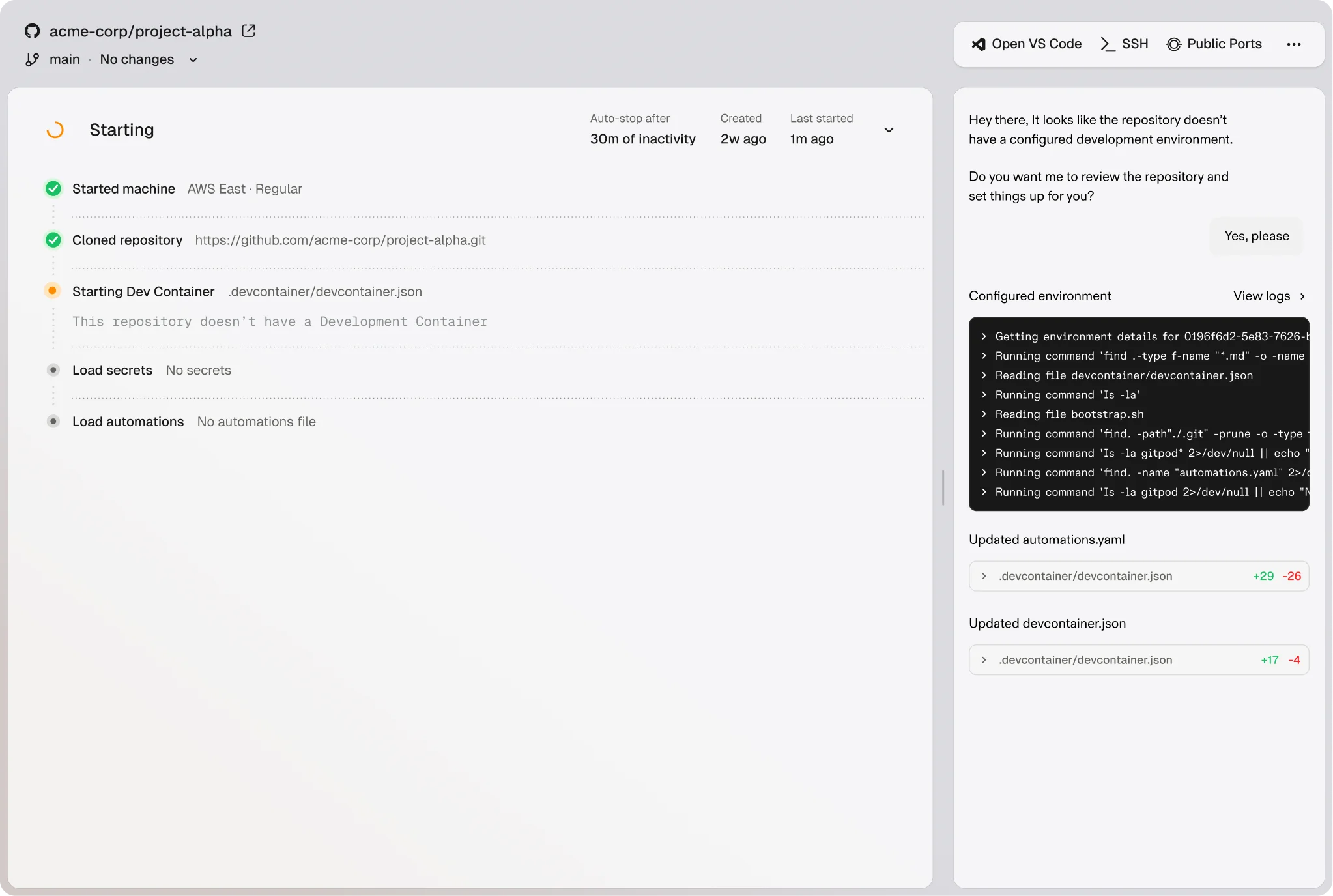
How it works: the collection lives in the repo. Gitpod or a dev container spins up with Bruno (or the Bruno CLI) and the collection pre-loaded.
What works:
- Consistent environment for every developer
- The collection always matches the codebase it tests
- No local setup. Clone and start the dev container
What breaks down:
- Still git-based; non-git users don’t benefit
- The desktop Bruno GUI doesn’t run in a cloud dev environment (most container setups give you the headless CLI only)
- Real-time sync still doesn’t exist
Who this works for: teams already on Gitpod or dev containers who want API tests wired into the dev environment.
The per-developer copy approach
This is the least structured option: each developer keeps their own Bruno collection and manually syncs it with shared docs or copies from a teammate’s export.
What works:
- Full autonomy, no coordination required
- Fast for an individual developer
What breaks down:
- Collections diverge immediately
- No shared source of truth
- “The team’s API collection” means nothing when everyone has a different version
- Maintenance overhead piles up fast
Who this works for: nobody past a solo developer. This pattern accrues technical debt quickly.
The limits every workaround shares
All Bruno sync workarounds carry the same gaps, and git can’t close them:
No real-time collaboration. In Apidog, or in Postman’s paid tier, two people open the same collection and see each other’s changes instantly. With Bruno plus git, Alice and Bob always work from their last pull. If Alice adds a request and pushes, Bob sees nothing until he pulls. During an active API session, that’s constant friction.
No role-based access. Git permissions (read or write at the repo level) don’t map to API collection roles. You can’t make a stakeholder a viewer who runs requests but can’t edit them. You can’t restrict a contractor to specific folders. Access in Bruno is all-or-nothing per repository.
No shared environment credentials. Bruno’s secret variables don’t commit, which is correct security behavior. But it means every teammate sets up credentials by hand, and when a token rotates you need an out-of-band process to tell everyone to update locally. Tools with secure cloud environments handle this centrally.
No collection-level comments. You can’t leave a note on a specific request for teammates to see. Git PR comments are close, but they attach to a diff, not to the live collection.
These four gaps are the real reason teams outgrow the workarounds. The next section is how Apidog closes them without making you give up git.
Apidog’s Spec-First Git mode: the git workflow without the workarounds
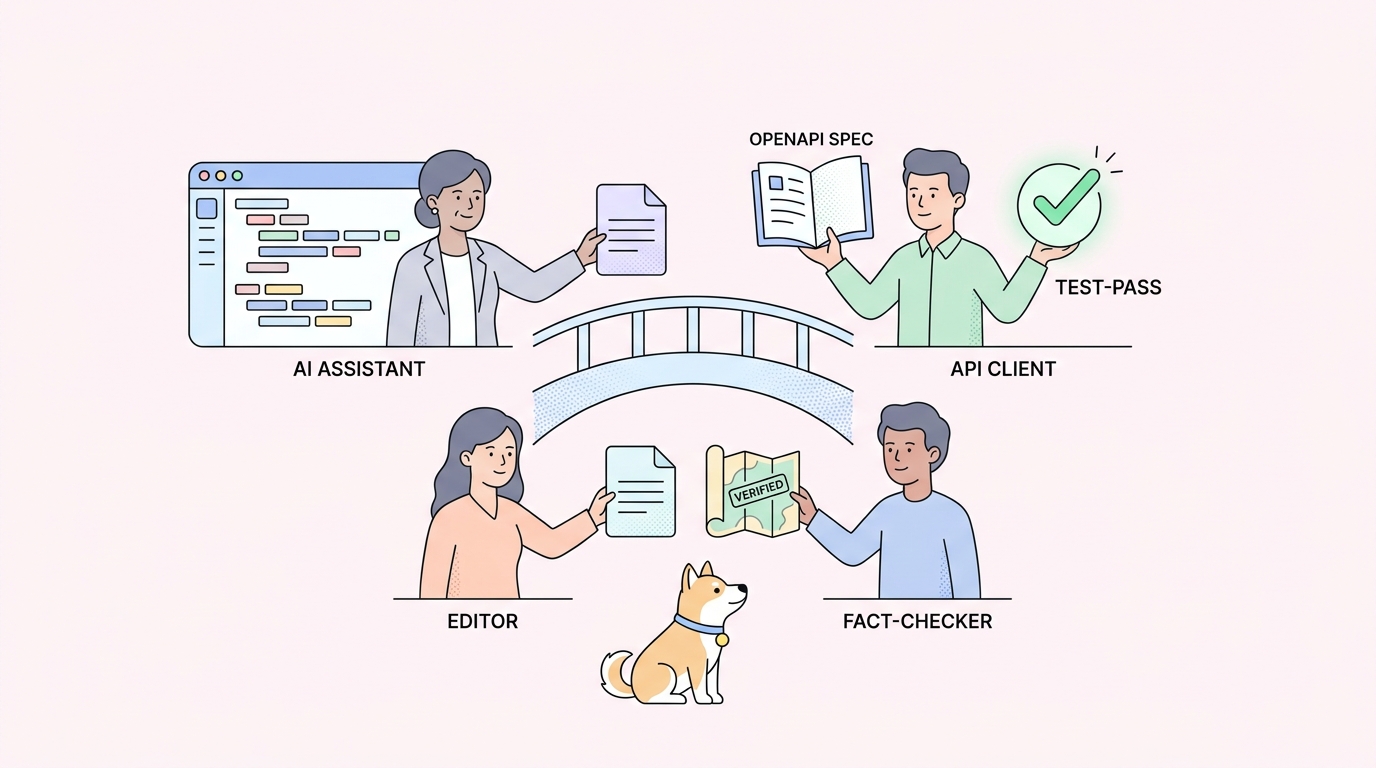
The usual framing pits “Bruno plus git” against “a cloud tool.” Apidog’s Spec-First Git mode collapses that choice. It lets the OpenAPI spec sit in your own GitHub, GitLab, or self-hosted repository as the single source of truth, then layers team features on top of that same repo.
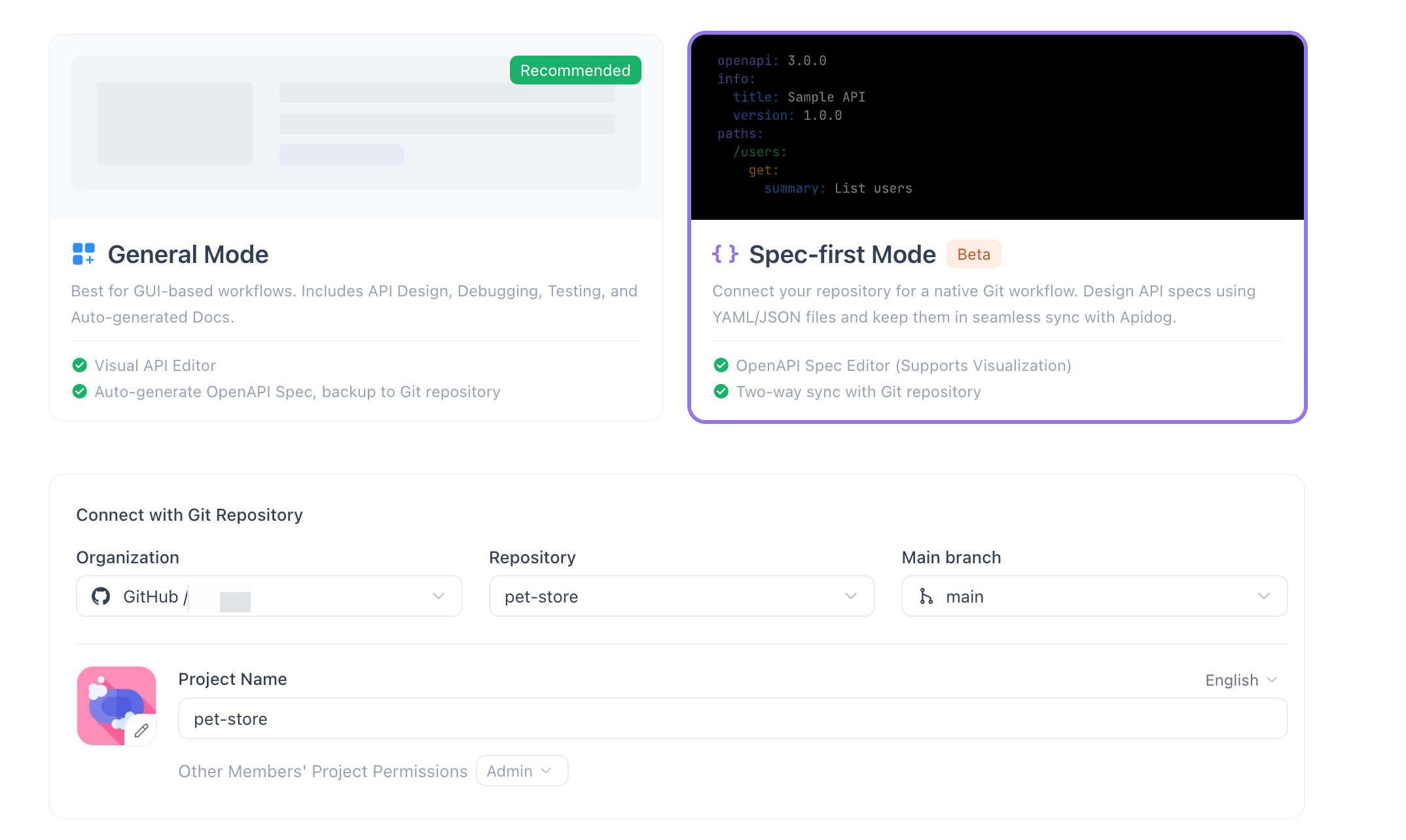
Here is what changes compared to a Bruno-plus-git setup.
The spec is the source of truth, and it lives in your repo. You connect an Apidog project to a git repository and the API definition syncs as files. Branch per feature, open a pull request, review the contract diff line by line, and merge. This is the exact review flow Bruno enables, applied to a full OpenAPI document instead of loose .bru request files. For the design-first reasoning behind it, see What is spec-first API development?.
Design, tests, mocks, and docs derive from one definition. When the spec changes on a branch, the mock server, the example responses, the test cases, and the published reference docs all change with it, and the whole thing commits as one reviewable diff. With Bruno you get request files; the docs and mocks are someone else’s problem. This is the core of the spec-as-code approach, and it’s where a single OpenAPI file does the work that four separate tools used to.
You keep git, and you add live collaboration. This is the part no Bruno workaround can match. The repo stays the system of record, but teammates working in the Apidog app see each other’s edits in real time instead of waiting on the next pull. Git gives you history and review; the shared workspace gives you the live session. You stop choosing between them.
Role-based access sits on top of the repo. Viewer, editor, and admin roles let a stakeholder run requests without editing them, or scope a contractor to specific projects, none of which repo-level git permissions can express.
Credentials are managed centrally. Cloud environments hold shared (and securely stored) variables, so a token rotation updates once instead of pinging every developer to edit a local .secret.json.
A mock server ships in the box. Bruno has no mock server, which is why teams reach for a Bruno mock server alternative. In Apidog the mock comes straight from the spec, so frontend work starts on day one against a realistic response.
It runs in CI. Apidog ships a CLI runner, so the test cases tied to your synced spec execute in the same pipeline as bru run would, on every push.
A short, honest comparison:
| Capability | Bruno + git | Apidog Spec-First Git mode |
|---|---|---|
| Files in your own repo | Yes (.bru) |
Yes (OpenAPI spec) |
| Branch + pull-request review | Yes | Yes |
| CI runner | Yes (bru run) |
Yes (Apidog CLI) |
| Self-hosted / GitLab support | Yes | Yes |
| Live multi-user editing | No | Yes |
| Role-based access (viewer/editor) | No | Yes |
| Central shared credentials | No | Yes |
| Mock server from the spec | No | Yes |
| Docs + tests derived from one file | No | Yes |
Spec-First Git mode is in beta, so confirm the specifics against your own GitHub or GitLab setup in a trial before you migrate a whole team. For a deeper walkthrough of the connection itself, see Apidog’s Git integration and sync and the Spec-First mode guide. If you’re weighing this against a two-tool design-and-test stack, Stoplight + Postman vs Apidog runs the same evaluation.
When to stay with Bruno, and when to switch
Bruno plus git works. For the right team it works well. The question is when the cumulative cost of the workarounds passes the value of Bruno’s simplicity.
Stay with Bruno when your whole team is developers, everyone is fluent in git, you don’t need live sync, and an all-or-nothing repo permission model is fine.
Move to Apidog’s Spec-First Git mode when:
- You have non-developer team members who need API access without learning git
- Your team is 5 or more and git-only coordination has become daily friction
- You need live sync during active API sessions
- You need access control at the project or folder level, not just the repository
- You’re tired of distributing credentials by hand every time a token rotates
- You need a mock server next to your API client
Because the spec still lives in your repo, this isn’t a one-way door away from version control. You keep the git workflow Bruno taught you and add the team layer on top.
Setting up a Bruno + git workflow that actually works
If you’re staying with Bruno, here’s a layout that keeps friction low:
Repository structure:
api-collections/
  .gitignore              # exclude *.secret.json, .env
  README.md               # onboarding instructions
  environments/
    local.json
    staging.json
    production.json       # no secrets, just variable names
  users-api/
    get-user.bru
    create-user.bru
  orders-api/
    create-order.bru
    list-orders.bru
  bruno.json
Credential management: use environments/production.secret.json (gitignored) for local secrets. Document the required variables in environments/production.json with empty values as a template. Store the real values in your team’s password manager or secrets vault, with a link in the README.
Onboarding new developers:
- Clone the repo
- Open the collection folder in Bruno
- Copy
production.jsontoproduction.secret.json - Fill in credentials from the vault (linked in the README)
- Ready to use
CI/CD: inject environment variables at runtime, so no secret files live in the repo.
Bruno’s no-cloud stance is principled and has real benefits, and the sync workarounds are livable for the right team. Knowing their limits tells you when to lean on them and when to reach for a tool built for team collaboration. With Apidog now keeping the spec in your repo, that reach no longer means leaving git behind. Download Apidog and point it at your existing repository to see the difference on your own API.