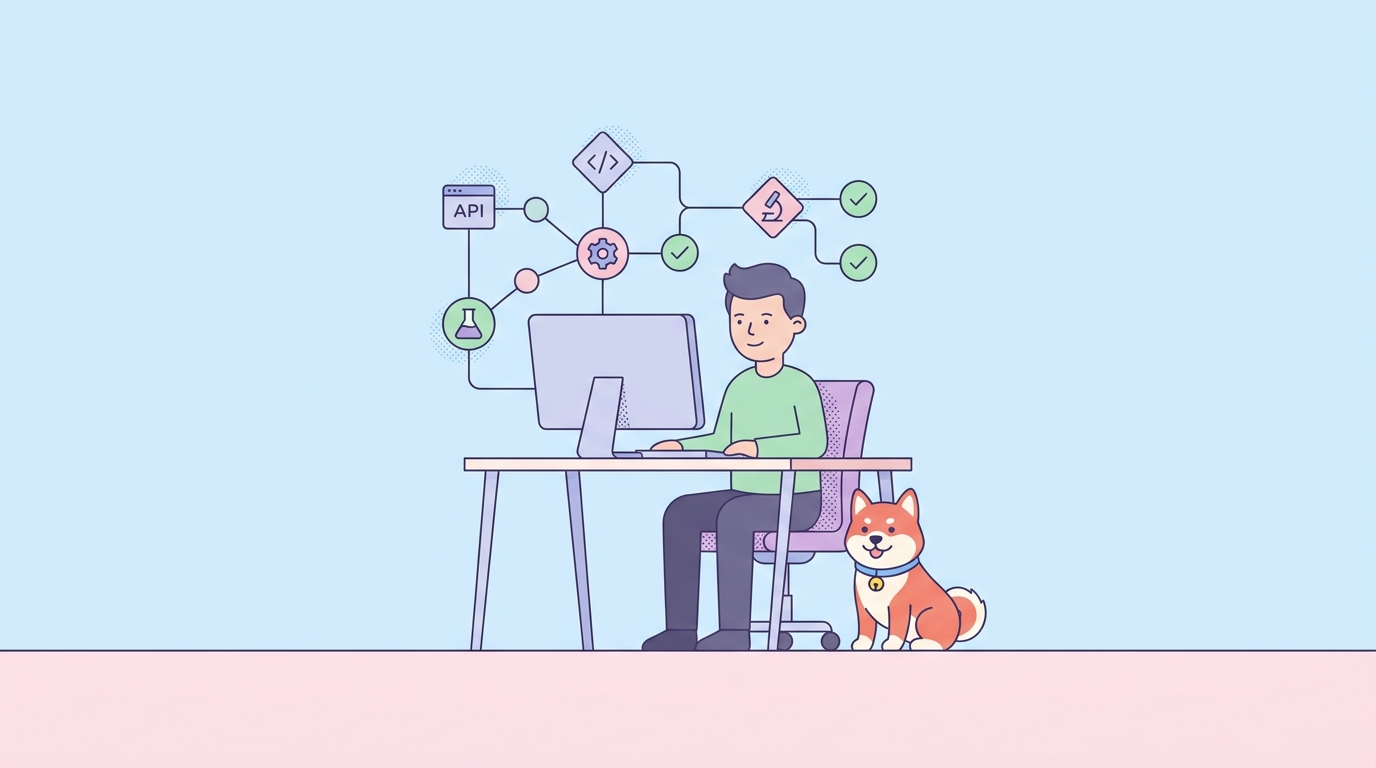
Harnessing browser automation with AI unlocks powerful workflows for API developers, QA engineers, and backend teams. In this comprehensive guide, you'll learn how to leverage Browser Use Cloud to automate data extraction, streamline web app testing, and build robust monitoring agents—complete with live previews, cost transparency, and real-world examples.
💡 Looking for an API testing tool that generates beautiful API documentation and boosts team productivity? Try Apidog—an all-in-one platform that can replace Postman at a more affordable price.
What Is Browser Use Cloud?
Browser Use Cloud is a developer-centric platform for creating and managing intelligent browser automation agents through a simple API. Imagine having a programmable fleet of virtual assistants that perform web tasks—like scraping, UI testing, or form submissions—using natural language instructions.
How Does It Work?
- Task-based Automation: You describe a task (e.g., "Go to hacker-news.com, collect the top 5 article titles and URLs") in natural language.
- LLM-powered Agents: The system uses large language models (LLMs) to interpret your instructions and control a real browser in the cloud.
- Live Monitoring: Each task generates a
live_url—an interactive, real-time preview of the browser session, enabling instant visibility and manual intervention.
Getting Started: Obtaining Your API Key
To interact with the Browser Use Cloud API, you'll need an API key tied to your subscription.
Note: An active subscription is required. Retrieve your API key from the billing page: cloud.browser-use.com/billing.
Security Tip:
Store your API key securely as an environment variable. Do not expose it in client-side code or commit it to version control.
export BROWSER_USE_API_KEY="your_api_key_here"
Transparent and Flexible Pricing Model
Browser Use Cloud uses a straightforward pay-as-you-go approach, ideal for both small projects and enterprise automation.
Cost Breakdown
- Task Initialization: $0.01 per task (covers browser spin-up)
- Task Steps: Pay per agent action. Step cost depends on the selected LLM model.
LLM Pricing Table
| Model | Cost per Step |
|---|---|
| GPT-4o | $0.03 |
| GPT-4.1 | $0.03 |
| Claude 3.7 Sonnet (2025-02-19) | $0.03 |
| GPT-4o mini | $0.01 |
| GPT-4.1 mini | $0.01 |
| Gemini 2.0 Flash | $0.01 |
| Gemini 2.0 Flash Lite | $0.01 |
| Llama 4 Maverick | $0.01 |
Example: Calculating Task Cost
Suppose your automation involves logging in, navigating, and extracting data in about 15 steps using GPT-4o:
- Initialization: $0.01
- Steps: 15 × $0.03 = $0.45
- Total: $0.46
This clarity lets you estimate and control your automation spend.
Step-by-Step: Creating Your First Browser Agent
Let’s launch a simple automation—searching for "Browser Use" on Google—using the API.
curl -X POST https://api.browser-use.com/api/v1/run-task \
  -H "Authorization: Bearer $BROWSER_USE_API_KEY" \
  -H "Content-Type: application/json" \
  -d '{
    "task": "Go to google.com and search for Browser Use"
  }'
Command Breakdown:
-X POST: Sends a POST request.-H "Authorization...": Passes your API key securely.-H "Content-Type...": Specifies JSON payload.-d '{ "task": ... }': Supplies your natural language instructions.
Understanding the Response
A successful request returns something like:
{
  "task_id": "ts_2a9b4e7c-1d0f-4g8h-9i1j-k2l3m4n5o6p7",
  "status": "running",
  "live_url": "https://previews.browser-use.com/ts_2a9b4e7c-1d0f-4g8h-9i1j-k2l3m4n5o6p7"
}
- task_id: Unique identifier for follow-up actions.
- status: Task state (e.g., running).
- live_url: Real-time, interactive preview link.
Live Previews: Debug, Monitor, and Intervene
The live_url feature stands out for hands-on development and debugging. Unlike static logs or screenshots, you get a fully interactive remote session:
- Debugging: Instantly see what the agent sees if it gets stuck.
- Manual Intervention: Temporarily take control (e.g., for CAPTCHAs or edge cases).
- Stakeholder Demos: Embed live browser activity in presentations or dashboards.
Embed Example:
<!DOCTYPE html>
<html>
<head>
  <title>Agent Live Preview</title>
  <style>
    body, html { margin: 0; padding: 0; height: 100%; overflow: hidden; }
    iframe { width: 100%; height: 100%; border: none; }
  </style>
</head>
<body>
  <iframe src="YOUR_LIVE_URL_HERE"></iframe>
</body>
</html>
Replace YOUR_LIVE_URL_HERE with your returned live_url.
Managing Task Lifecycle via API
Automation often needs control—pause, resume, or stop agents as workflows change.
Pausing a Task
curl -X POST https://api.browser-use.com/api/v1/pause-task \
  -H "Authorization: Bearer $BROWSER_USE_API_KEY" \
  -H "Content-Type: application/json" \
  -d '{
    "task_id": "YOUR_TASK_ID_HERE"
  }'
Resuming a Task
curl -X POST https://api.browser-use.com/api/v1/resume-task \
  -H "Authorization: Bearer $BROWSER_USE_API_KEY" \
  -H "Content-Type: application/json" \
  -d '{
    "task_id": "YOUR_TASK_ID_HERE"
  }'
Stopping a Task
To terminate and clean up a task:
curl -X POST https://api.browser-use.com/api/v1/stop-task \
  -H "Authorization: Bearer $BROWSER_USE_API_KEY" \
  -H "Content-Type: application/json" \
  -d '{
    "task_id": "YOUR_TASK_ID_HERE"
  }'
Note: Stopped tasks cannot be resumed; browser sessions and resources are released.
Advanced Task Customization
For more control, you can specify parameters such as model selection or complex instructions in your API call.
Selecting an LLM Model
To use, for example, Claude 3.7 Sonnet:
curl -X POST https://api.browser-use.com/api/v1/run-task \
  -H "Authorization: Bearer $BROWSER_USE_API_KEY" \
  -H "Content-Type: application/json" \
  -d '{
    "task": "Go to reddit.com/r/programming and find the top post of the day.",
    "model": "claude-3.7-sonnet-20250219"
  }'
If omitted, a cost-effective default is chosen (typically GPT-4o mini).
Browser Use Cloud treats the browser as a tool that agents invoke, but the layer governing how agents exchange messages and coordinate across systems is an evolving set of standards;the leading AI agent communication protocolsmap out that landscape for developers building multi-agent pipelines.
If per-session cloud costs or added latency become a bottleneck as you scale your automation,Lightpanda's embedded headless browser is built from the ground up with AI agent performance in mind and is worth evaluating alongside managed options.
Building Your Own API Client
While curl is great for quick tests, production use demands robust, type-safe clients. Browser Use Cloud provides an OpenAPI specification for easy client code generation.
Python: Async Client Generation
- Install generator:
pipx install openapi-python-client --include-deps - Generate client:
openapi-python-client generate --url http://api.browser-use.com/openapi.json - Install and use:
import asyncio
from browser_use_api import Client
from browser_use_api.models import RunTaskRequest

async def main():
    client = Client(base_url="https://api.browser-use.com/api/v1")
    request = RunTaskRequest(task="Go to ycombinator.com and list the top 3 companies.")

    response = await client.run_task.api_v1_run_task_post(
        client=client,
        json_body=request,
        headers={"Authorization": f"Bearer {YOUR_API_KEY}"}
    )

    if response:
        print(f"Task created with ID: {response.task_id}")
        print(f"Live URL: {response.live_url}")

if __name__ == "__main__":
    asyncio.run(main())
TypeScript/JavaScript: Typed API Integration
- Install and generate types:
npm install -D openapi-typescript npx openapi-typescript http://api.browser-use.com/openapi.json -o src/browser-use-api.ts - Use with your HTTP client:
import { paths } from './src/browser-use-api';

const API_URL = "https://api.browser-use.com/api/v1";

type RunTaskRequest = paths["/run-task"]["post"]["requestBody"]["content"]["application/json"];
type RunTaskResponse = paths["/run-task"]["post"]["responses"]["200"]["content"]["application/json"];

async function createTask(task: string, apiKey: string): Promise<RunTaskResponse> {
  const body: RunTaskRequest = { task };

  const response = await fetch(`${API_URL}/run-task`, {
    method: 'POST',
    headers: {
      'Content-Type': 'application/json',
      'Authorization': `Bearer ${apiKey}`,
    },
    body: JSON.stringify(body),
  });

  if (!response.ok) {
    throw new Error(`API request failed with status ${response.status}`);
  }

  return response.json() as Promise<RunTaskResponse>;
}

async function run() {
  const apiKey = process.env.BROWSER_USE_API_KEY;
  if (!apiKey) {
    throw new Error("API key not found in environment variables.");
  }

  try {
    const result = await createTask("Find the current weather in New York City.", apiKey);
    console.log("Task created:", result);
  } catch (error) {
    console.error("Failed to create task:", error);
  }
}

run();
💡 Want an API testing platform that generates beautiful documentation and streamlines workflow? Explore Apidog, designed for API-focused teams who want seamless collaboration and maximum productivity. Apidog also offers a more affordable alternative to Postman.