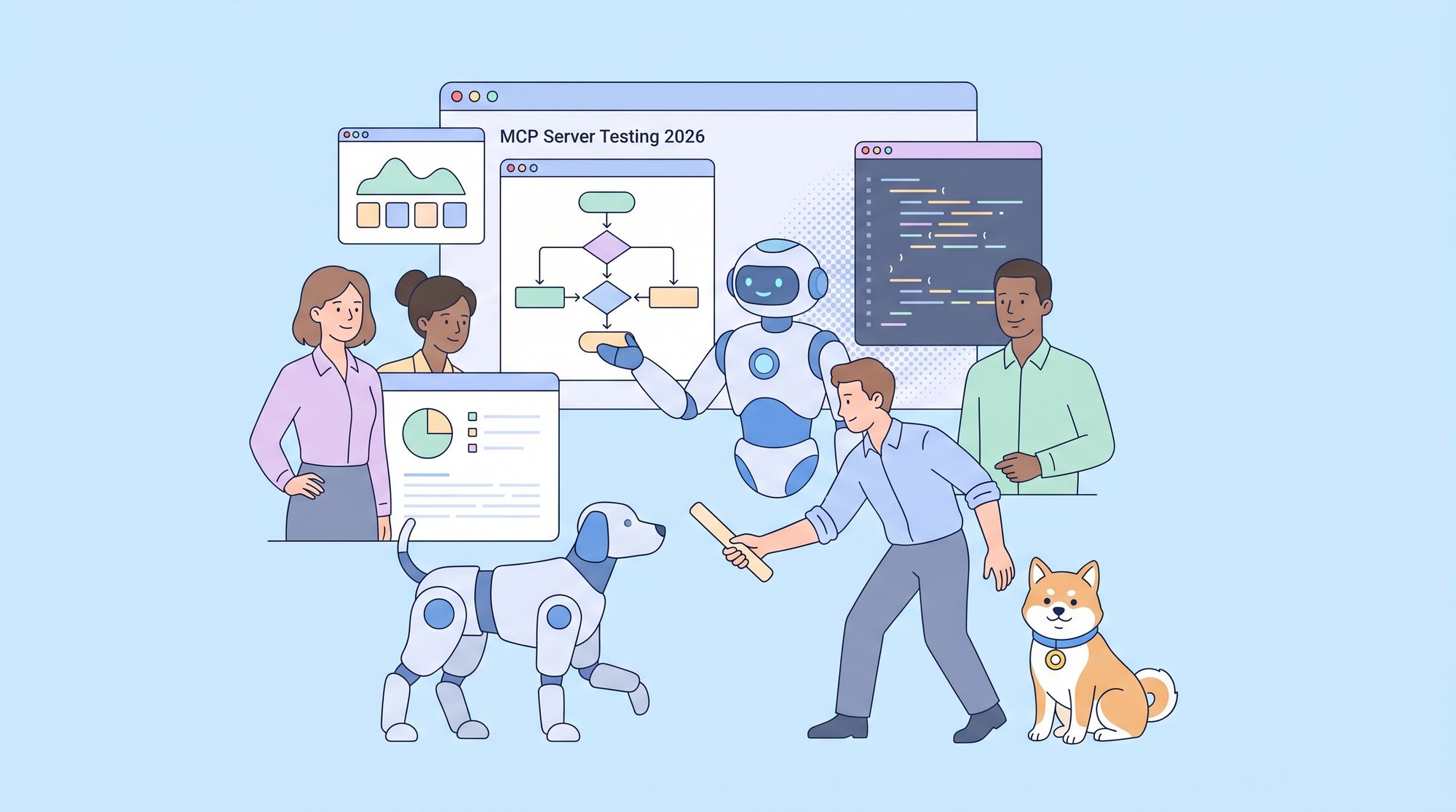
Model Context Protocol (MCP) server testing has rapidly evolved in the era of AI-powered development, with new challenges and powerful automation tools emerging. If you’re building or maintaining using an AI-driven approach, picking the best MCP server testing tool 2026 isn’t just about features—it’s about seamless integration, real-world resilience, and future-proofing your workflow.
This comprehensive guide cuts through the hype. We’ll compare the leading MCP server testing tools for 2026, dig into technical pain points like authentication and Shadow DOM, and provide hands-on advice, code samples, and real-world case studies. Whether you’re just getting started or looking to optimize your current stack, you’ll find practical guidance here.
What Is an MCP Server Testing Tool?
An MCP Server testing tool is a specialized client designed to help developers and AI applications interact with MCP (Model Context Protocol) Servers, which provide standardized access to tools, prompts, and data resources.
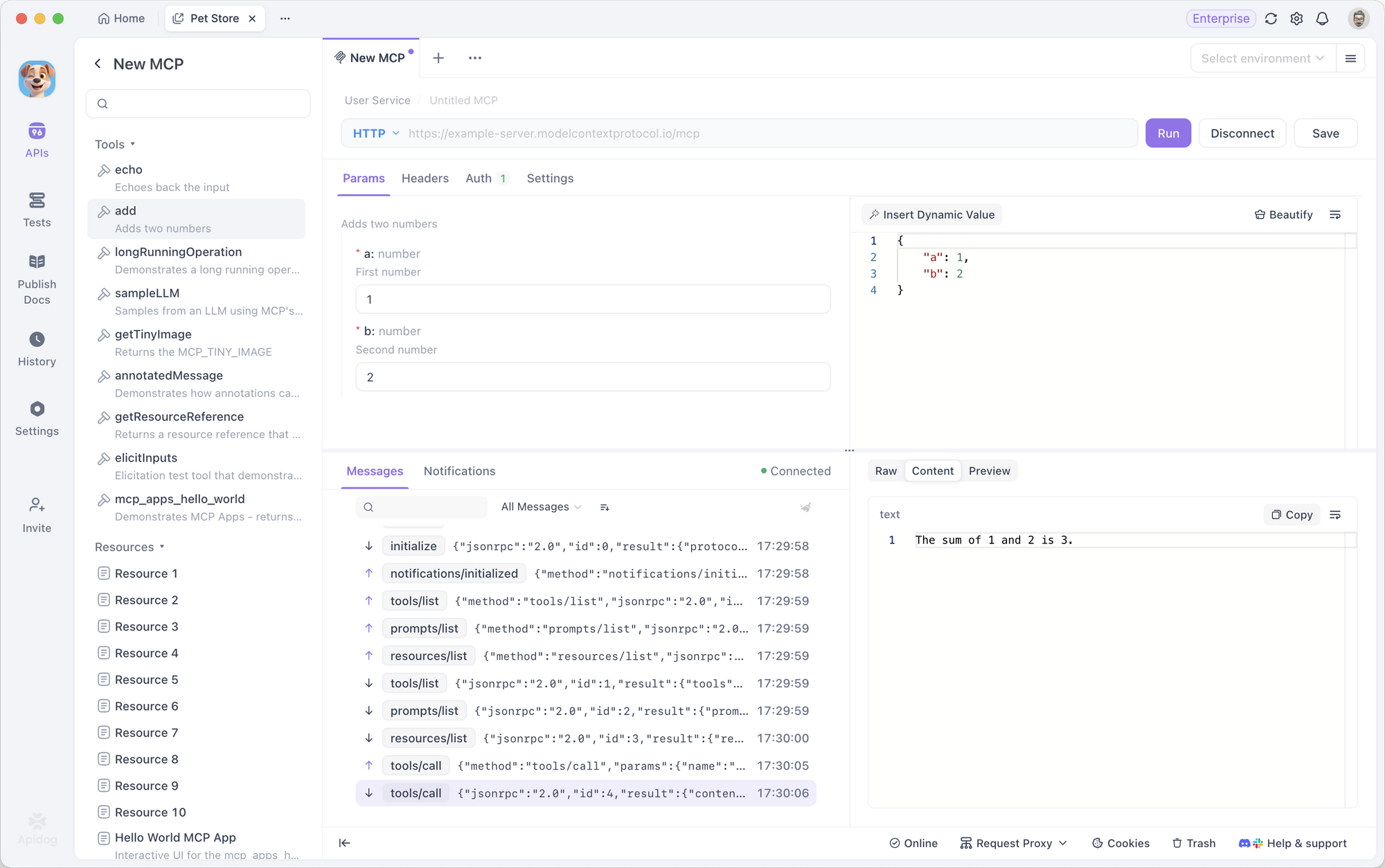
These testing tools allow users to connect to MCP Servers via local processes (STDIO) or remote HTTP endpoints, configure authentication and environment variables, and execute server-side functions or prompts with precise control over parameters.
By providing real-time feedback, structured responses, and rich visual previews, MCP testing tools enable developers to debug server functionality, validate API responses, and ensure that prompts and tools behave as expected.
They also support variables, configuration files, and team collaboration, making it easier to manage multiple servers and test scenarios efficiently. In essence, an MCP Server testing tool bridges the gap between AI applications and external resources, allowing seamless experimentation, development, and monitoring of AI-driven workflows.
Deep Dive: The Best MCP Server Testing Tools of 2026
As AI-powered applications grow, so does the need to test, validate, and debug Model Context Protocol (MCP) servers efficiently. MCP is a protocol that standardizes communication between large language models (LLMs) and external tools, prompts, and data resources. For developers building AI apps, having the right MCP testing tool is critical to ensure reliability, performance, and compliance. Below are the best MCP testing tools available today, highlighting their features, pros, cons, and ideal use cases.
1. Apidog: Best MCP Server Testing Platform with Visual Test Builder
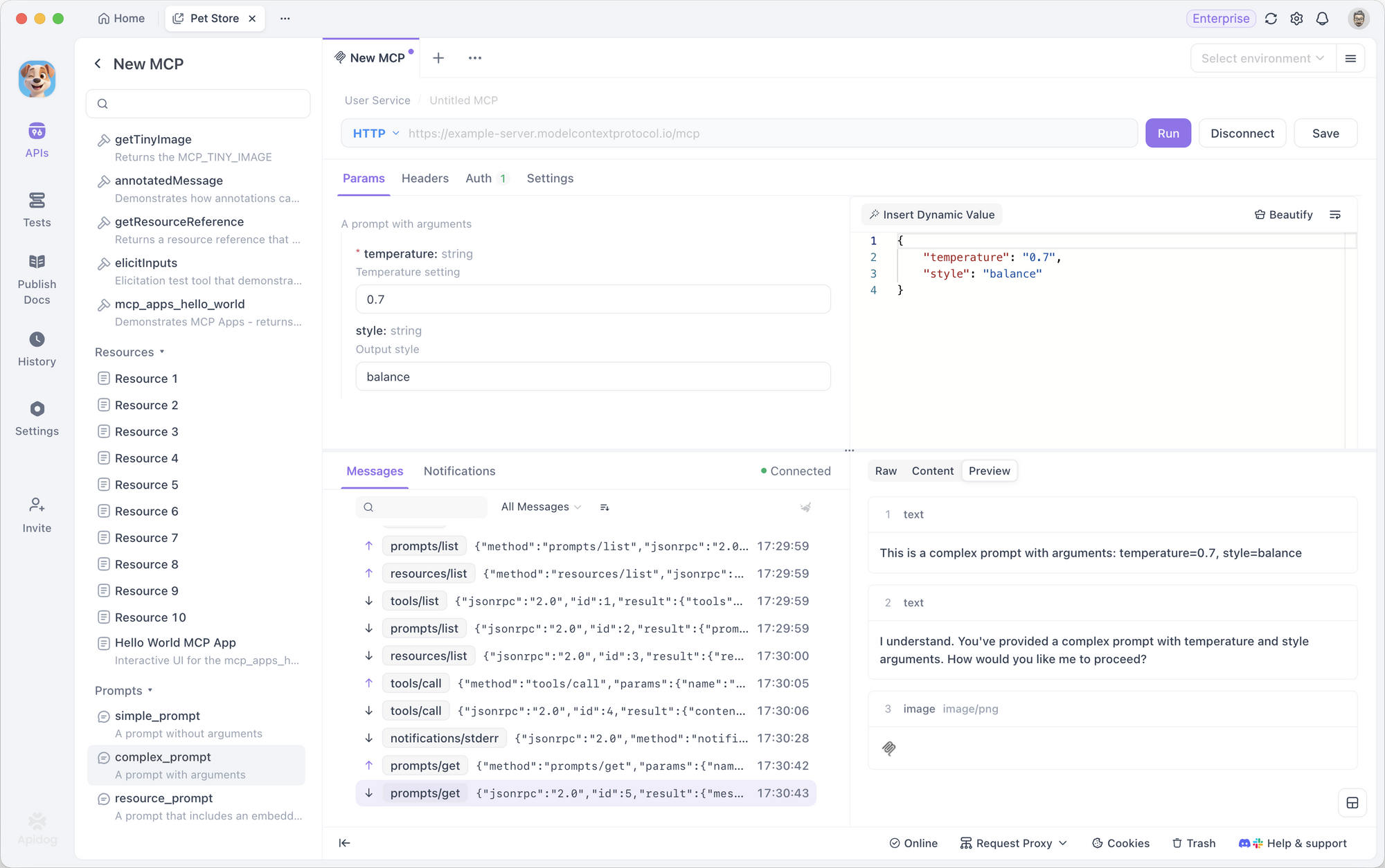
Apidog is a unified API development platform that natively supports MCP testing, offering the world's first and best visual MCP testing interface. Developers can test MCP servers, validate tool definitions, verify prompt templates, and debug resource endpoints without writing any code.
Apidog automatically generates MCP-compliant test cases from OpenAPI specifications, validates responses against JSON Schema, and keeps tests synchronized with documentation and mock servers. With support for REST, GraphQL, gRPC, WebSocket, and MCP, it’s ideal for teams building AI applications that rely on the Model Context Protocol.
Pros:
- Native MCP protocol support with visual testing
- Auto-generates tests from MCP server definitions
- Validates tool calls, prompts, and resources
- JSON Schema validation for MCP responses
- Syncs tests with docs, mocks, and API spec
- Supports REST, GraphQL, gRPC, WebSocket + MCP
- Free plan for teams up to 4 users
Cons:
- New feature — evolving capabilities
- Best for teams using Apidog’s full platform
Best for: Teams building AI applications with MCP needing integrated testing, documentation, and debugging in one workspace.
Pricing: Free for up to 4 users; paid plans start at $9/user/month.
2. Postman: Popular API Client with Script-Based MCP Testing
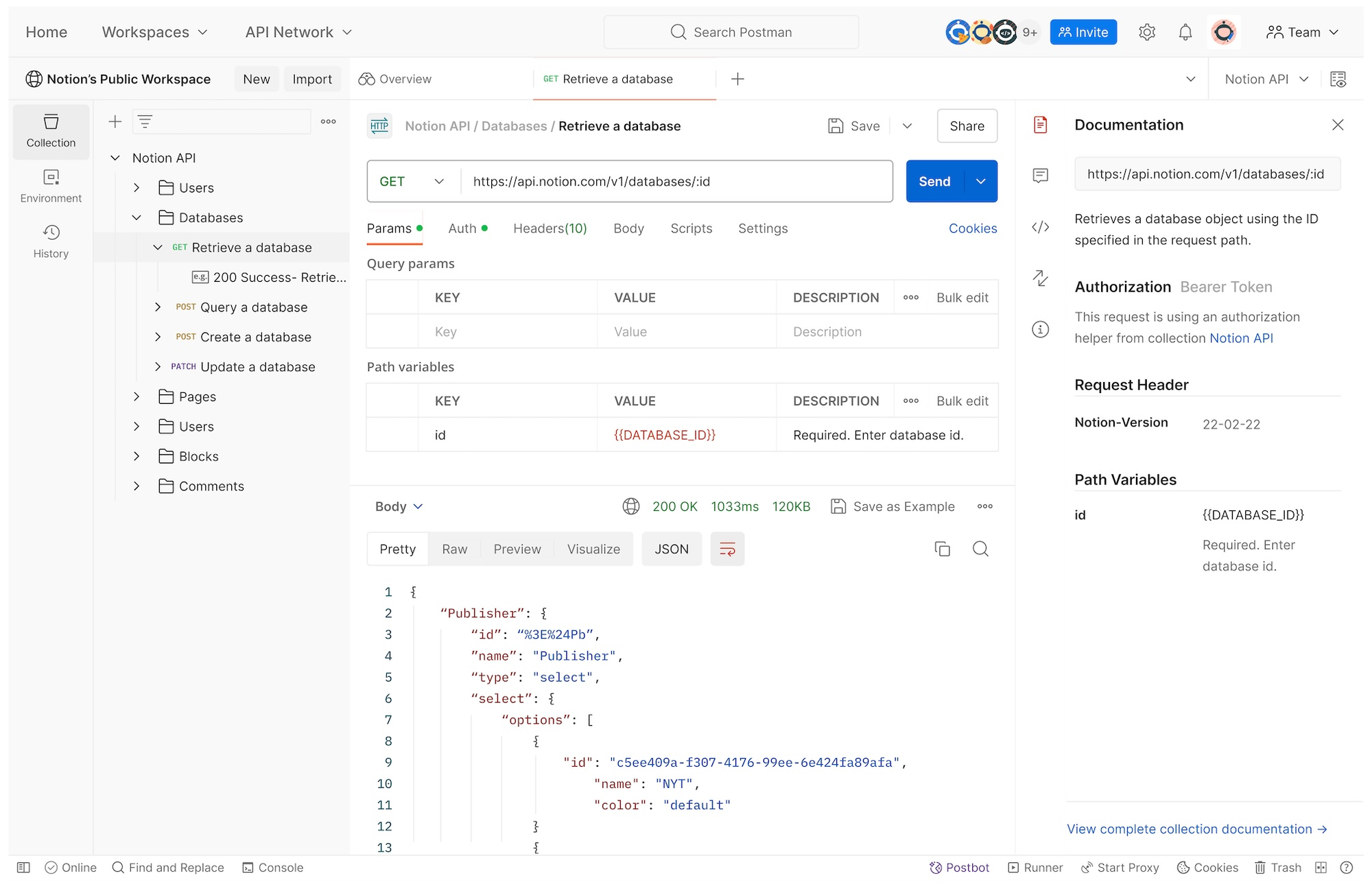
Postman is the most widely used API client globally. While it doesn’t have native MCP support, developers can manually test MCP endpoints by crafting JSON-RPC requests and validating responses with JavaScript scripts. Postman collections can organize MCP tests, but this requires manual setup for each tool, prompt, and resource, making the workflow more script-heavy.
Pros:
- Large community and ecosystem
- Scriptable with JavaScript for custom MCP validation
- Collection-based organization
- CI/CD integration via Newman CLI
Cons:
- No native MCP support — manual setup required
- Script-heavy testing, no visual test builder
- Disconnected from MCP specs and documentation
Best for: Individual developers already using Postman who need basic MCP endpoint testing with custom scripts.
Pricing: Free for 1 user; teams from $14/user/month.
3. Bruno: Git-Based Open-Source API Client
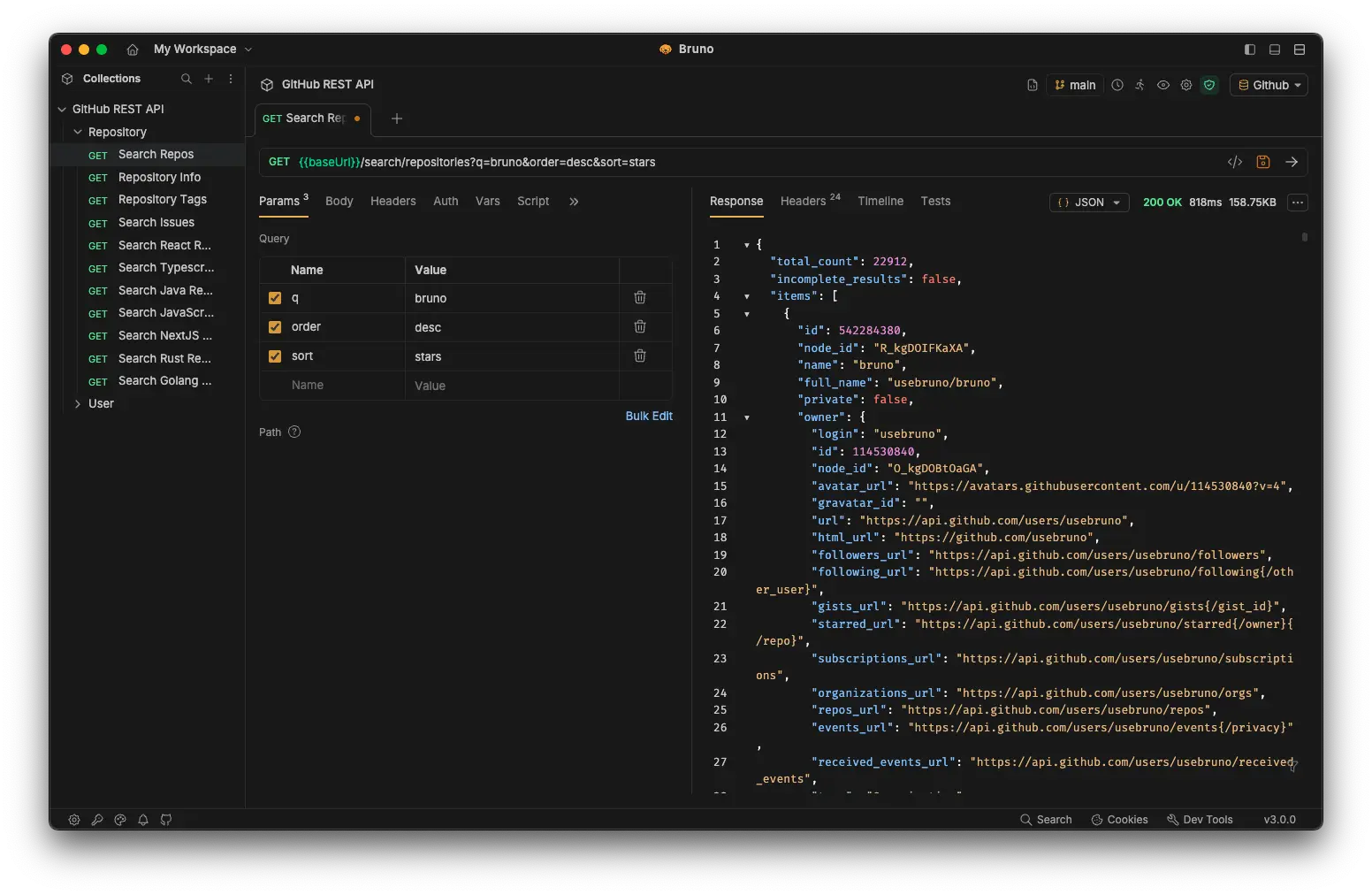
Bruno is an open-source, Git-based API client that stores requests as markdown files. While it supports REST and GraphQL, MCP testing must be done manually using JSON-RPC calls. Bruno is appealing for privacy-focused teams and offline workflows, but lacks automation, schema validation, and integration with MCP specs.
Pros:
- Free and open source
- Git-based version control for MCP requests
- Offline-first, no cloud dependency
Cons:
- No native MCP support
- Manual setup for each tool/prompt/resource
- Early-stage tool with limited MCP features
Best for: Teams prioritizing offline workflows and Git-based version control for basic MCP endpoint testing.
Pricing: Free and open source.
4. Insomnia: Developer-Friendly REST/GraphQL Client
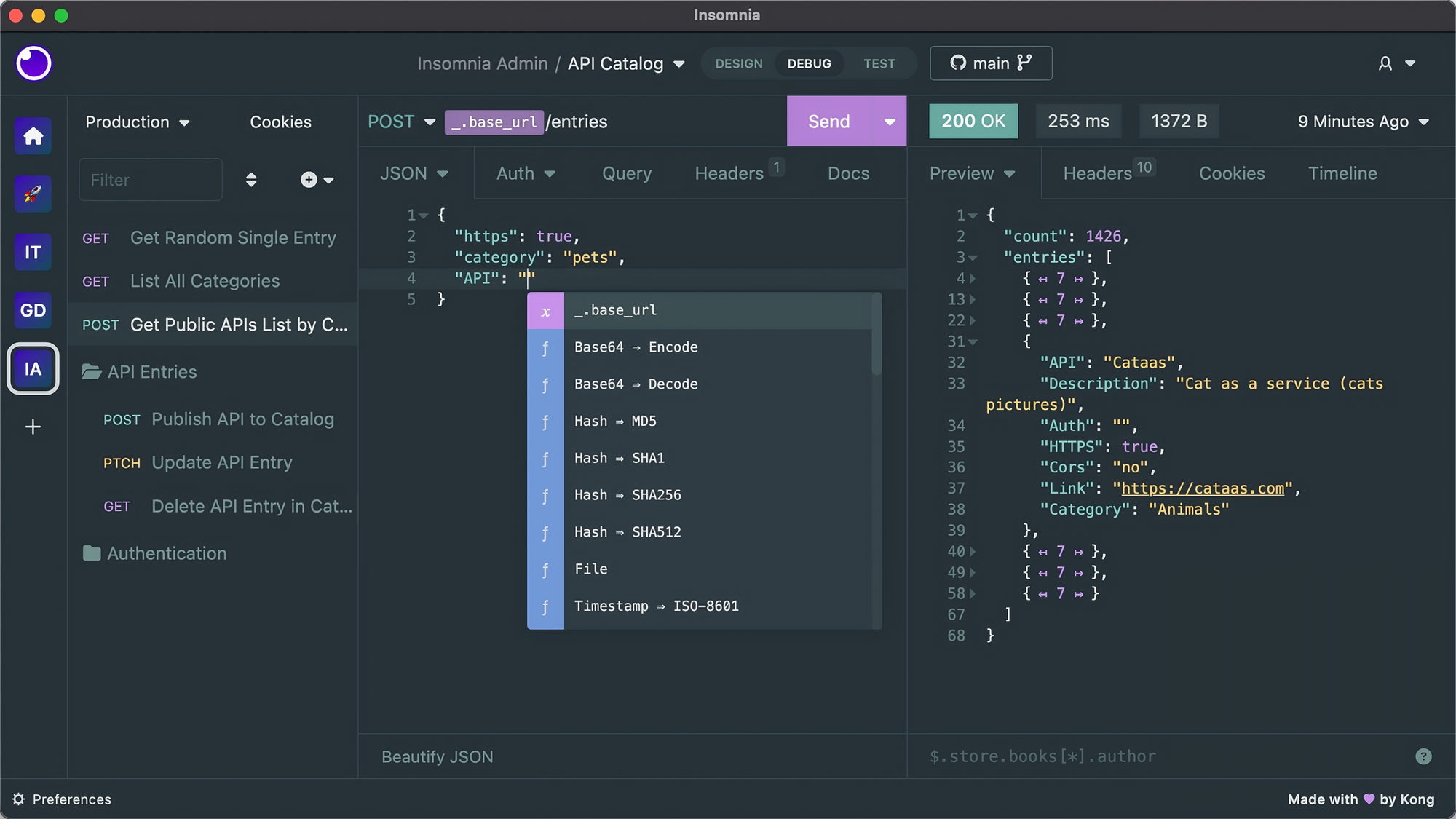
Insomnia by Kong is a clean, open-source API client for REST and GraphQL. MCP testing is possible by manually crafting JSON-RPC requests. While Insomnia provides a lightweight interface and plugin system, it lacks native MCP features, automation, and schema validation.
Pros:
- Open source and free to self-host
- Native GraphQL support
- Clean, lightweight interface
- Extensible via plugins
Cons:
- No native MCP support
- Manual setup and maintenance for MCP tests
- Not synced with MCP specifications
Best for: Individual developers working with REST/GraphQL who occasionally need MCP endpoint testing.
Pricing: Free; paid plans from $12/user/month.
5. AccelQ: AI-Powered Continuous Testing Platform
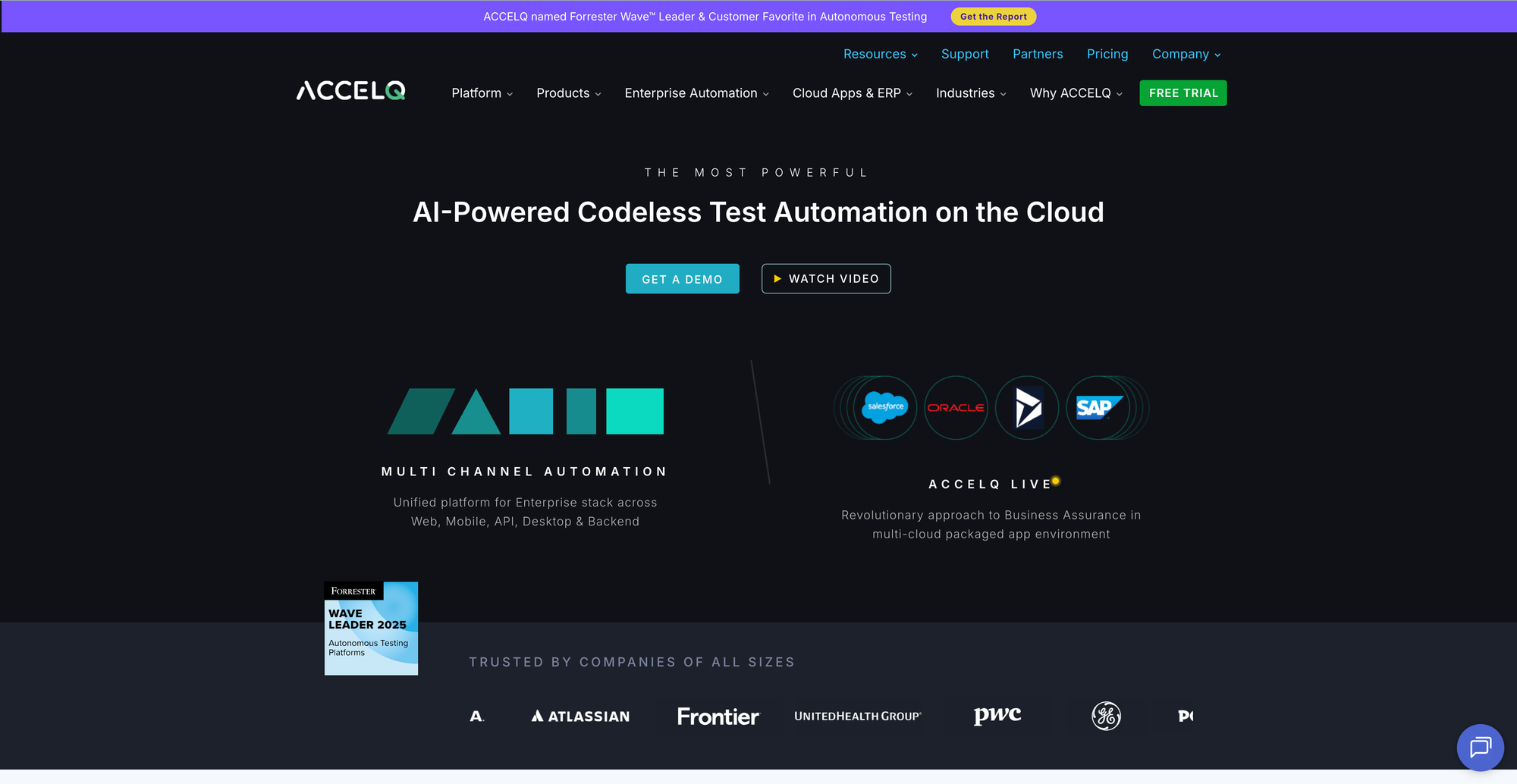
AccelQ is an enterprise test automation platform with codeless, AI-driven testing across API, web, mobile, and desktop apps. While it doesn’t natively support MCP, its framework can be extended with custom code actions. Best suited for enterprises needing multi-channel testing, it is overkill for teams focused solely on MCP.
Pros:
- AI-powered test generation and maintenance
- Codeless visual test builder
- Multi-channel testing and enterprise-grade reporting
Cons:
- No native MCP support
- Enterprise-focused, expensive pricing
Best for: Enterprises needing comprehensive multi-channel test automation with occasional MCP testing.
Pricing: Trial available; enterprise pricing on request.
6. ReadyAPI: SmartBear’s Enterprise API Testing Suite
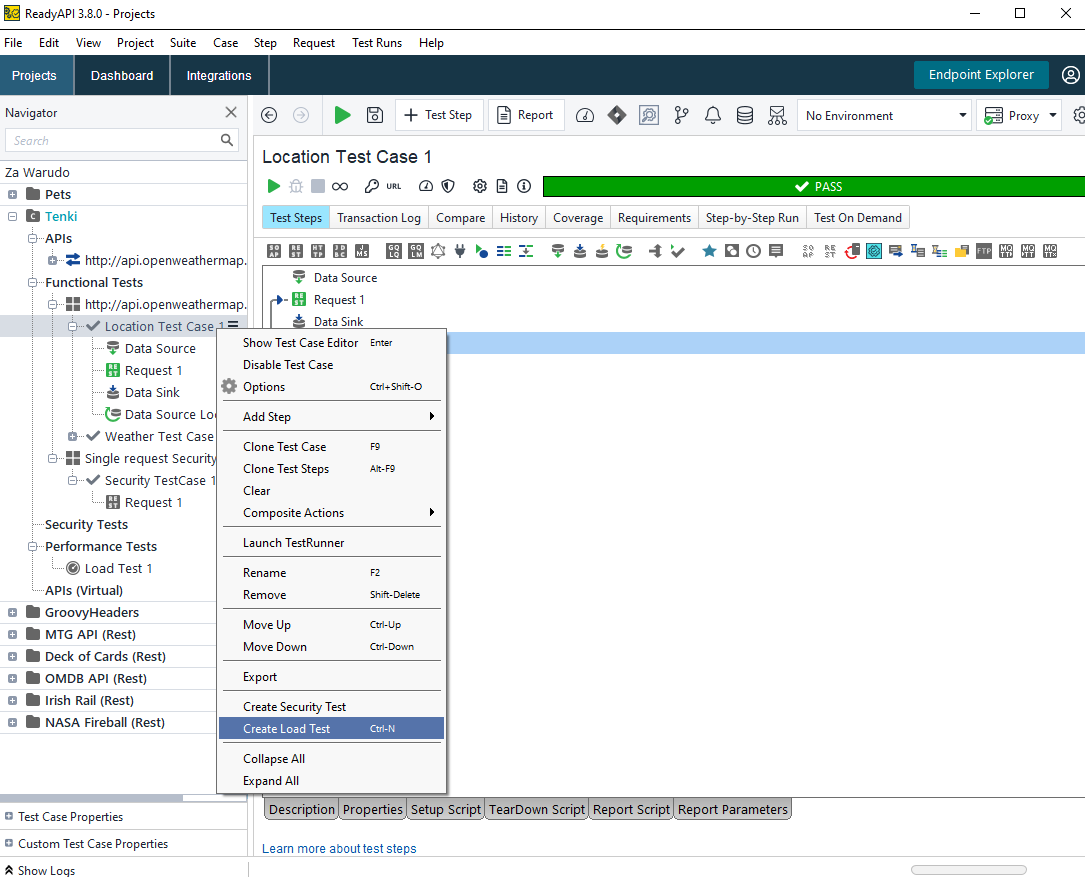
ReadyAPI is an enterprise-grade platform for REST, SOAP, and GraphQL testing. MCP testing is possible with Groovy scripting, but lacks native MCP support, schema validation, or automation. Its high pricing and complex UI make it less suited for modern MCP workflows.
Best for: Enterprise teams with diverse API testing needs and the resources to implement custom MCP automation.
Pricing: Trial available; Pro version from ~$740/user/year.
7. SOAtest: Parasoft’s Enterprise API and Service Testing
SOAtest is designed for enterprise service testing in regulated industries. While it can test MCP endpoints via custom scripting, its focus on traditional SOA, compliance, and audit reporting makes it a poor fit for modern MCP-focused development.
Best for: Regulated enterprise teams needing comprehensive service testing with occasional MCP validation.
Pricing: Trial available; enterprise pricing on request.
Conclusion
For teams building AI-powered applications with MCP, Apidog clearly stands out as the first platform offering visual MCP testing, auto-generation from specs, schema validation, and seamless documentation integration. Other tools like Postman, Insomnia, and Bruno can be used for manual MCP testing, but require more setup and scripting. Enterprise platforms such as AccelQ, ReadyAPI, and SOAtest are powerful, but MCP support is limited and requires customization.
If your goal is efficient, integrated, and automated MCP testing, especially for AI workflows, Apidog is the best starting point.