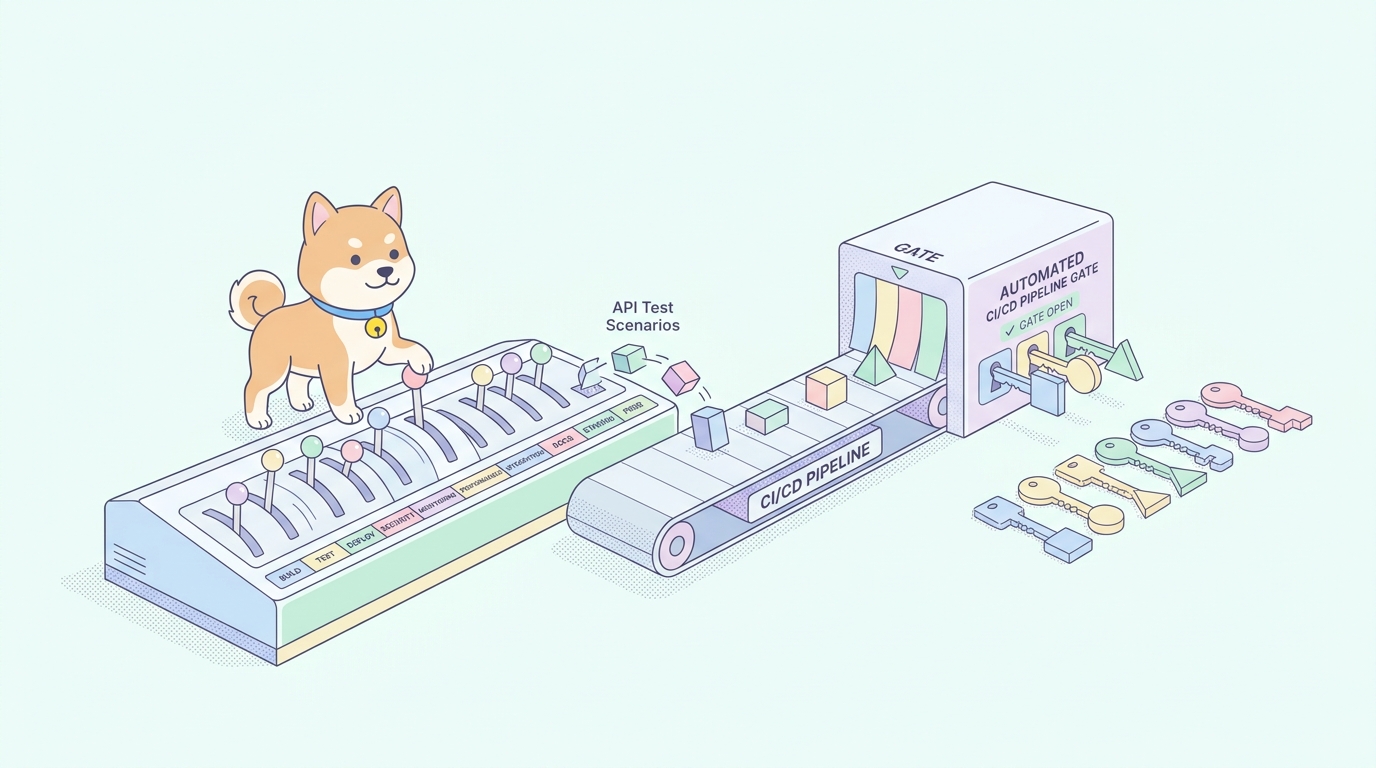
Your API works on your machine. Then a teammate merges a change, a response field gets renamed, and three downstream services break in production at 2 a.m. Nobody caught it because the tests only ran when someone remembered to click “Send” in a GUI. That gap, between writing a request and actually running it on every commit, is what API test automation tools exist to close.
The hard part is not writing one test. It is wiring a whole suite into your pipeline so it runs on every pull request, fails the build when a contract breaks, and gives a report a human can read in ten seconds. The tool you pick decides how much of that wiring you write by hand and how much it does for you. Some make you script everything in code. Others give you a visual editor but leave you stranded at the CI/CD boundary.
What makes an API test automation tool good for CI/CD
Before the list, here is the bar. A tool earns a spot in your pipeline when it does these things well:
- Headless execution. It runs from a command line or a Docker image with no GUI, no manual clicks, and a real exit code your pipeline can read.
- Machine-readable reports. JUnit XML so the CI dashboard shows pass/fail per test, plus HTML or JSON for humans and dashboards.
- Environment handling. You can swap base URLs, tokens, and variables between dev, staging, and prod without editing the tests.
- Data-driven runs. Feed a CSV or JSON file and run the same scenario across many inputs.
- Assertions that catch real breakage. Status codes, response bodies, JSON schema, and response time, not just “did it return 200.”
- Low maintenance. When the API changes, updating tests should not mean rewriting a wall of code.
Keep that checklist handy. Every tool below is scored against it.
1. Apidog
Apidog is an all-in-one API platform: design, debug, mock, document, and test in one workspace. For test automation, the part that matters is how the visual side and the command-line side connect. You build a test scenario visually, chaining requests, passing data between steps, and adding assertions without writing boilerplate. Then the Apidog CLI, an npm package, runs that exact scenario headlessly in your pipeline.
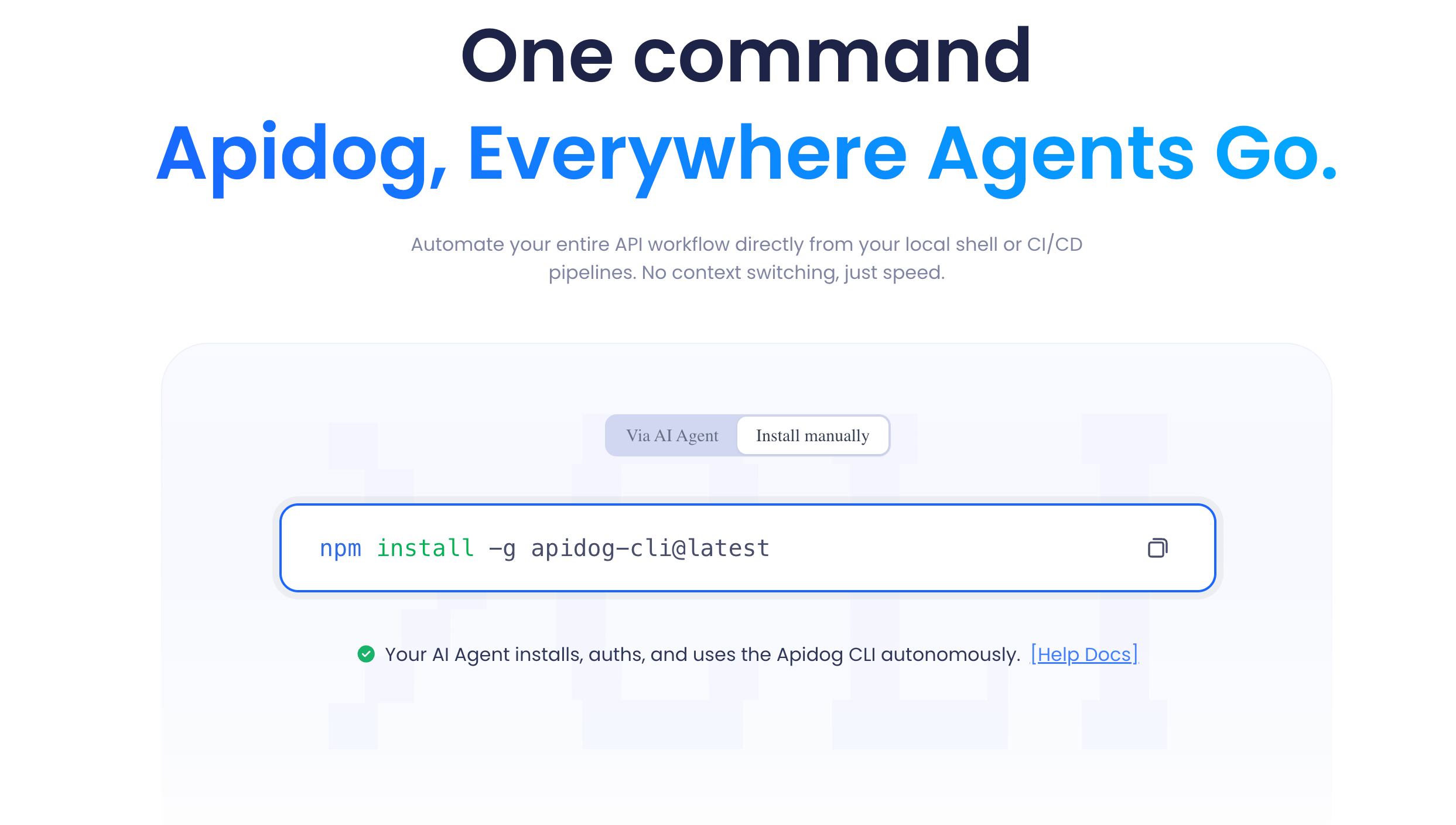
That continuity is the selling point. With most tools you design in one place and re-express the test in code for CI/CD. With Apidog the scenario you debugged by hand is the artifact your pipeline runs. No translation step, no drift between “what I tested locally” and “what runs on commit.”
Getting it into a pipeline takes a few minutes. Install the CLI and run a scenario by ID:
npm install -g apidog-cli
apidog run --access-token $APIDOG_ACCESS_TOKEN -t 605067 -e 1629989 -r html,cli
You do not have to memorize those IDs. Open a test scenario in the app, switch to its CI/CD tab, choose the command-line option, generate an access token, and Apidog builds the full command for you with the scenario ID and environment ID already filled in. Copy it into your pipeline step and you are done.
The flags map directly to the CI/CD checklist above. Pick scope with -t for a single scenario, -f for a folder, or --test-suite for a curated test suite. Pick the target environment with -e. Drive iterations from a data file with -d. Choose reporters with -r, where junit feeds your CI dashboard and html gives you a browsable report. Control failure behavior with --on-error, where end fails fast at the first broken step. A realistic pipeline step looks like this:
apidog run --access-token $APIDOG_ACCESS_TOKEN \
  -t 605067 -e 1629989 \
  -r html,junit --out-dir ./test-reports \
  --on-error end
In a GitHub Actions workflow, that becomes a single job step. The full setup, including caching the CLI and uploading reports as artifacts, is covered in the Apidog CLI and GitHub Actions guide.
Where Apidog fits: teams that want one source of truth from design through automated testing, and people who would rather maintain tests in a visual editor than in scripts. If your QA engineers are not all fluent in JavaScript, this lowers the floor a lot. See the side-by-side in Apidog vs Postman for API testing.
Where it is less of a fit: if your team is committed to keeping every test as code in the repo, reviewed in pull requests like any other source file, a code-first framework may sit better with your workflow. Apidog stores scenarios in the platform, though it does sync to Git branches.
2. Postman with Newman
Postman is the tool most developers reach for first, and for good reason. The request builder is excellent, the collection format is an industry standard, and the documentation and mock features are mature. For automation, Postman pairs with Newman, its command-line collection runner.
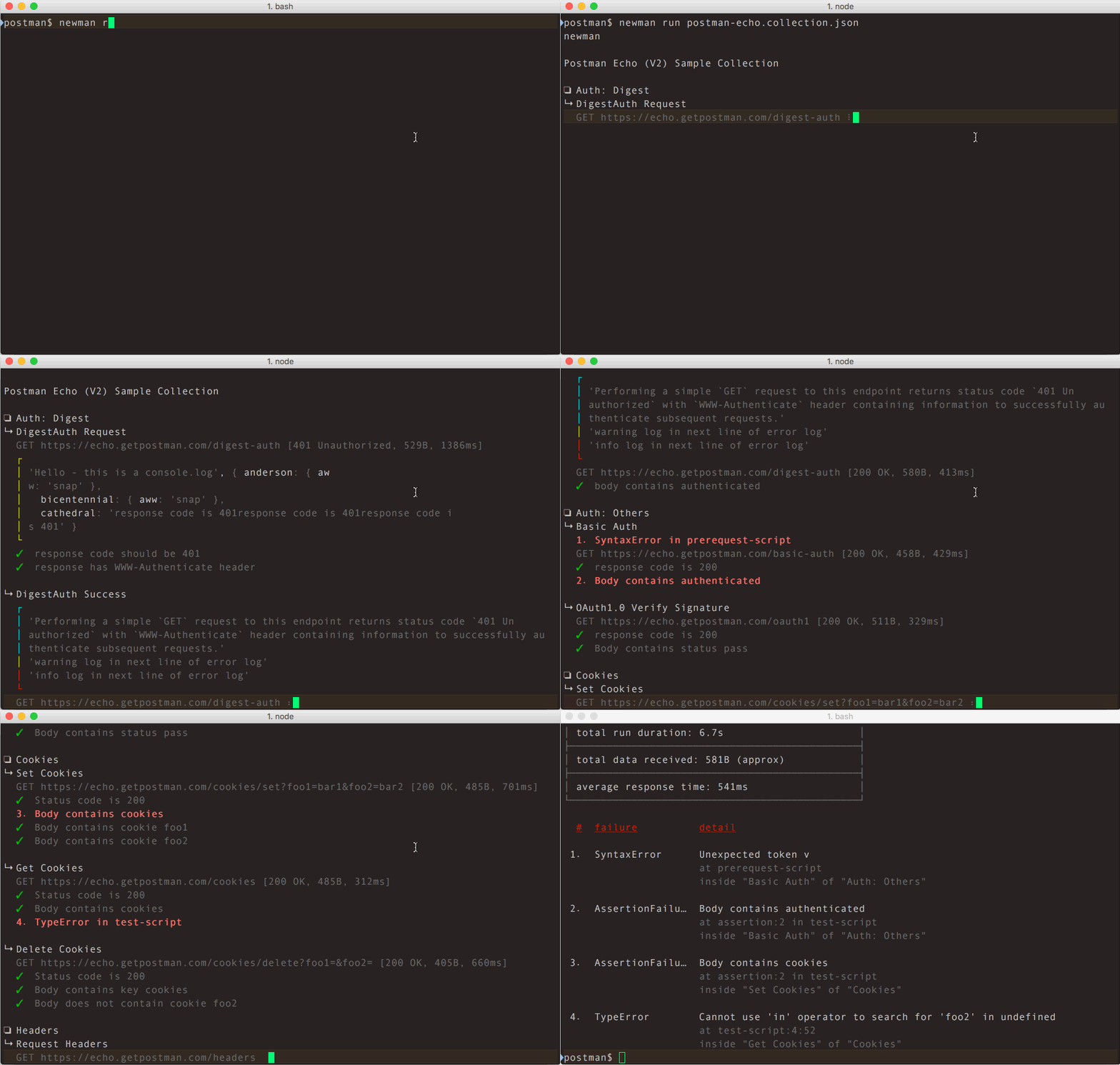
Newman runs a Postman collection headlessly and emits reports, including JUnit XML through a reporter package. The workflow is: build and debug in the Postman GUI, export or sync the collection, then run it with Newman in CI.
npm install -g newman
newman run my-collection.json -e staging.postman_environment.json \
  -r cli,junit --reporter-junit-export results.xml
What Postman does well: huge ecosystem, plenty of tutorials, and almost every API team already has collections lying around. Newman is stable and well understood.
Where it gets awkward: assertions live in JavaScript inside the “Tests” tab of each request, so non-trivial validation means writing and maintaining scripts. Keeping the GUI collection and the exported JSON in sync across a team takes discipline. Many teams hit a wall as collections grow; if that is you, the Postman alternatives roundup and API testing without Postman walk through the options.
3. REST Assured
REST Assured is a Java DSL for testing REST services. If your backend is already Java and your team lives in JUnit and Maven or Gradle, this is the natural choice. Tests read fluently:
given()
    .header("Authorization", "Bearer " + token)
.when()
    .get("/v1/orders/42")
.then()
    .statusCode(200)
    .body("status", equalTo("shipped"));
What it does well: it plugs straight into the JVM test lifecycle, so it runs in CI with whatever build tool you already use, and reporting flows through Surefire and your existing dashboards. The fluent syntax is readable and expressive.
Where it gets awkward: it is Java-only, and you are writing and maintaining real code. There is no visual editor, so QA folk who do not write Java are shut out. Setup is heavier than a CLI that just runs a file.
4. Playwright
Playwright is best known for browser end-to-end testing, but its APIRequestContext makes it a credible API test runner too, especially when one suite needs to mix UI and API checks. It is multi-language (TypeScript, Python, Java, .NET) and the tooling is polished.
import { test, expect } from '@playwright/test';

test('order is created', async ({ request }) => {
  const res = await request.post('/v1/orders', {
    data: { sku: 'A-100', qty: 2 },
  });
  expect(res.status()).toBe(201);
});
What it does well: one framework for API and UI tests, parallel execution, and a strong CI story with first-party GitHub Actions support. The trace viewer is genuinely useful for debugging.
Where it gets awkward: it is code-first and was built for browser testing, so pure API suites carry framework weight they may not need. For comparison with other code runners, see how to automate API tests in CI/CD.
5. Karate
Karate is a dedicated API test framework with its own Gherkin-style syntax, so tests read almost like plain English and you do not need a programming background to write them.
Scenario: fetch a user
  Given url 'https://api.example.com'
  And path 'users', 7
  When method get
  Then status 200
  And match response.name == 'Ada Lovelace'
What it does well: built-in JSON and XML assertions, data-driven tests, parallel execution, and built-in reporting. It runs on the JVM but you are not writing Java. Contract testing and mocking are supported in one tool.
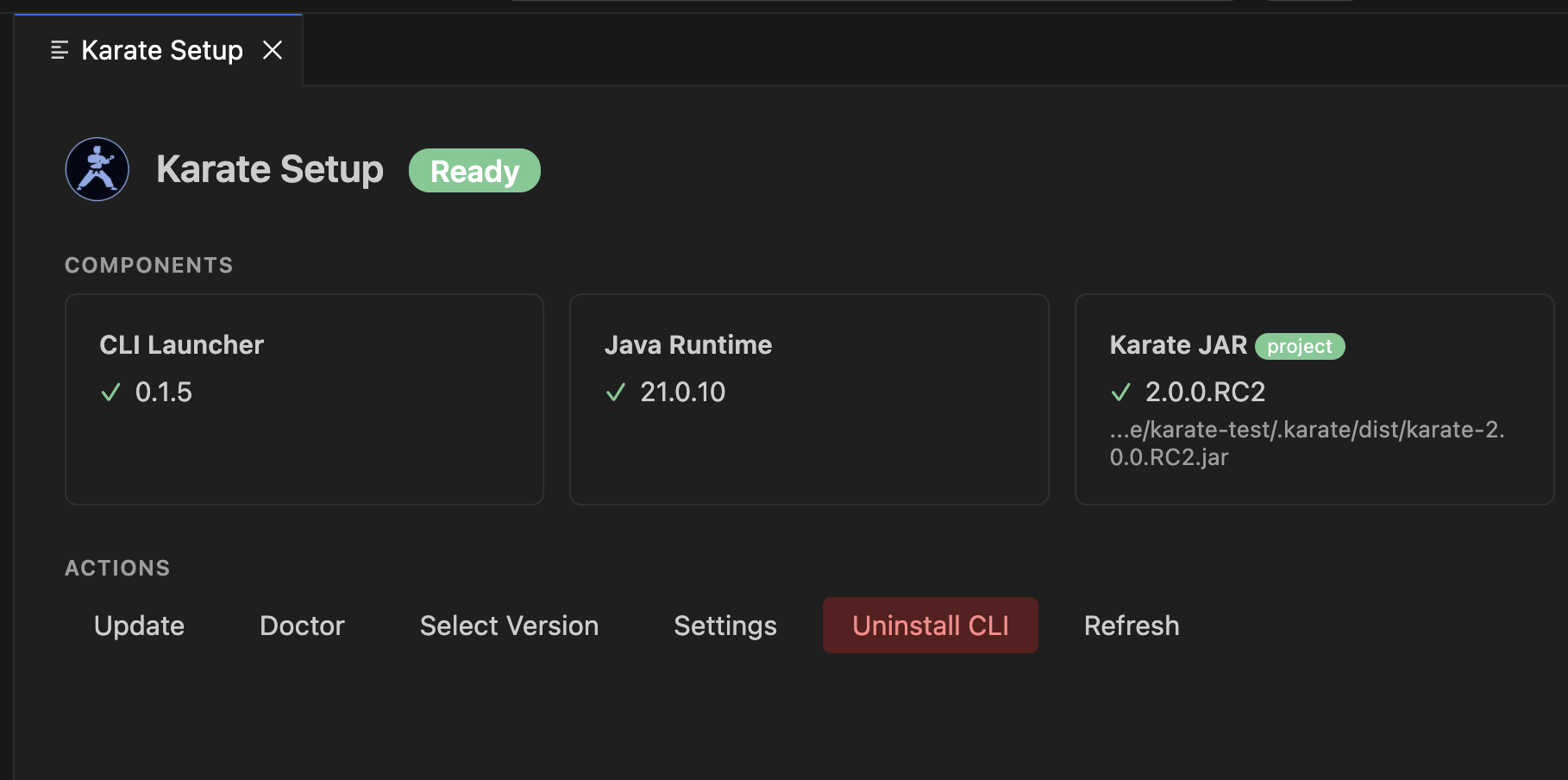
Where it gets awkward: the Gherkin-meets-JavaScript syntax is its own thing to learn, and debugging complex flows can get fiddly. It still runs through Maven or Gradle, so JVM tooling is a prerequisite.
6. SoapUI / ReadyAPI
SoapUI is the long-standing tool for SOAP and REST testing, with a GUI for building test cases. ReadyAPI is the paid commercial edition with extra features for larger teams. The open-source SoapUI runs in CI through its testrunner command-line utility.
What it does well: strong support for SOAP and WSDL, which still matters in enterprise and legacy environments where other tools are weaker. Data-driven testing and security scanning are mature in the paid tier.
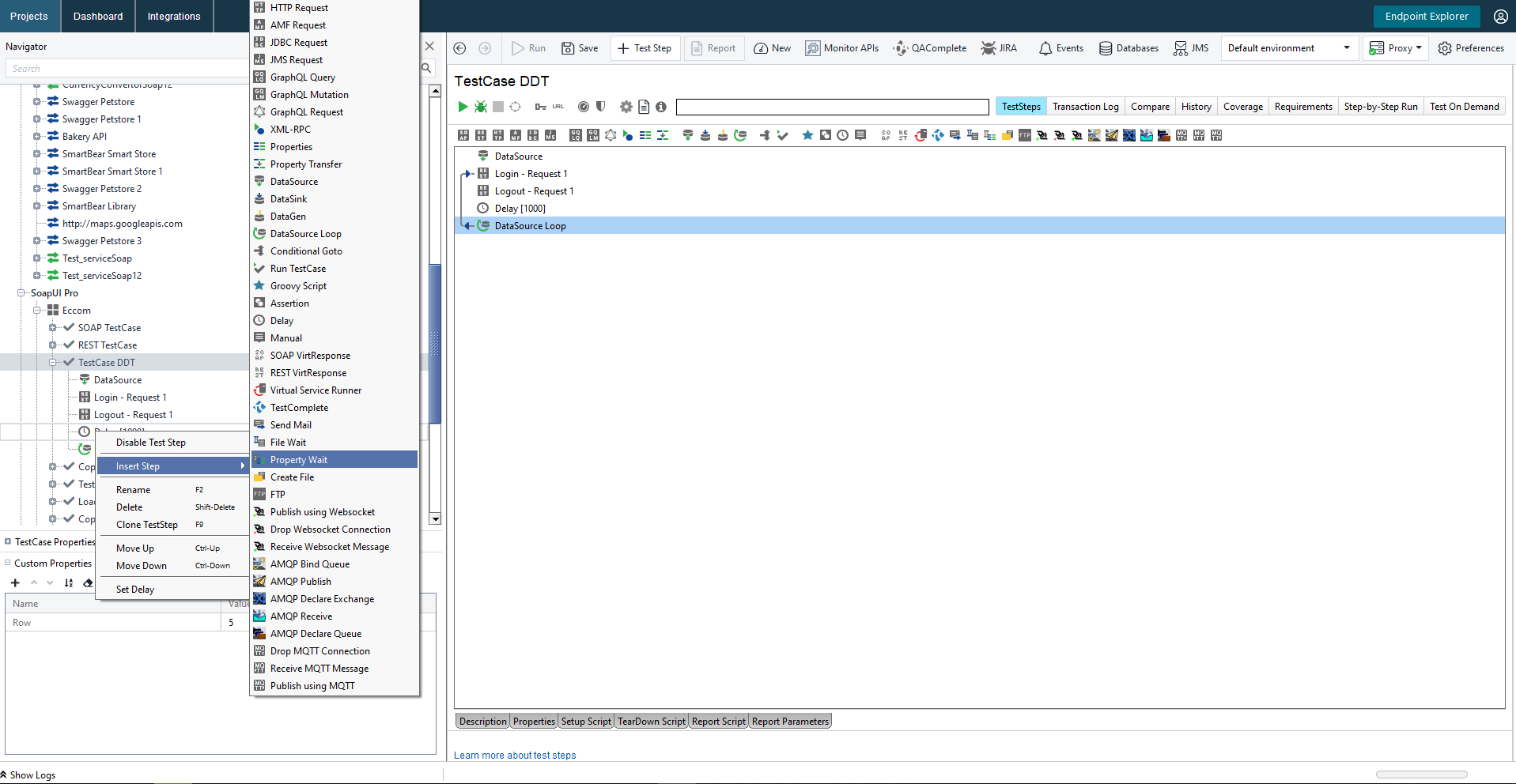
Where it gets awkward: the interface feels dated, and the free version is noticeably more limited than ReadyAPI. The Java-based runner can be heavy. Teams looking past it often evaluate a ReadyAPI and Jenkins alternative.
7. k6
k6 is built for load and performance testing, scripted in JavaScript and run from a Go-based engine. It is not a functional test tool first, but you can and should add functional checks to a performance run, and many teams use it for both in their pipeline.
import http from 'k6/http';
import { check } from 'k6';

export default function () {
  const res = http.get('https://api.example.com/health');
  check(res, { 'status is 200': (r) => r.status === 200 });
}
What it does well: excellent performance and load testing, a clean scripting model, and a strong CLI made for CI. Thresholds let you fail a build when latency regresses, not just when a request errors.

Where it gets awkward: functional assertions are basic compared with dedicated test tools, so it is a complement to one rather than a replacement. If load is your focus, compare it against other API load testing tools.
8. Schemathesis
Schemathesis takes a different angle: point it at an OpenAPI or GraphQL schema and it generates test cases automatically, including edge cases a human would not think to write. It is a Python tool that runs from the command line.
pip install schemathesis
schemathesis run https://api.example.com/openapi.json --checks all
What it does well: property-based testing finds real bugs by throwing unexpected inputs at your endpoints, and it needs almost no test authoring because the schema drives everything. It runs cleanly in CI and is genuinely strong at catching contract violations.
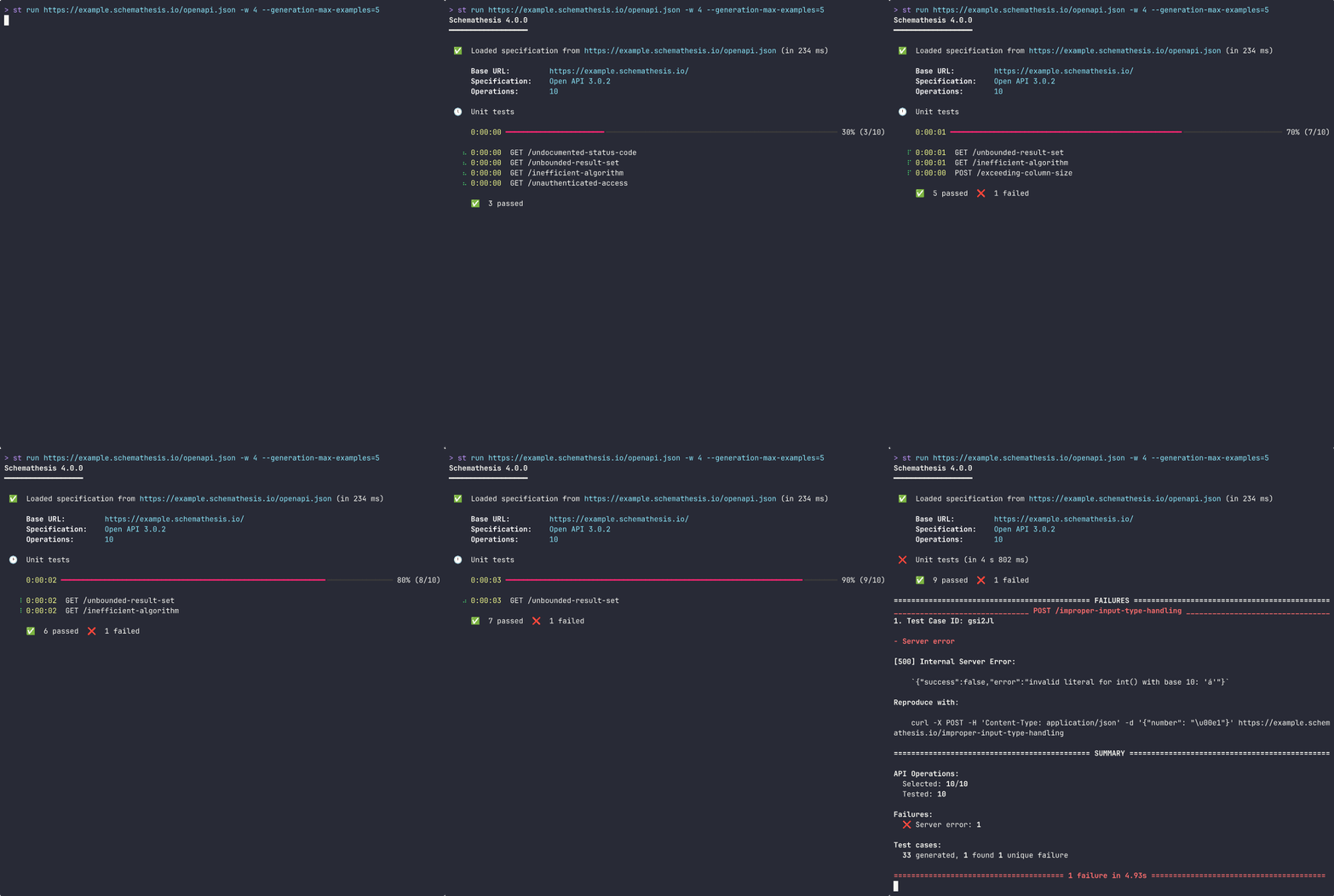
Where it gets awkward: it only tests what the schema describes, so the quality of your testing depends on the quality of your spec. It is not designed for hand-crafted business-flow scenarios, and the output takes some learning to interpret.
9. Hoppscotch
Hoppscotch is a lightweight, open-source API client, often described as a fast browser-based alternative to heavier desktop tools. It has a CLI (hopp) that can run collections in CI.
npm install -g @hoppscotch/cli
hopp test my-collection.json
What it does well: it is free, open-source, fast to load, and self-hostable, which appeals to teams that want to keep everything in-house. The CLI brings collection runs into a pipeline.
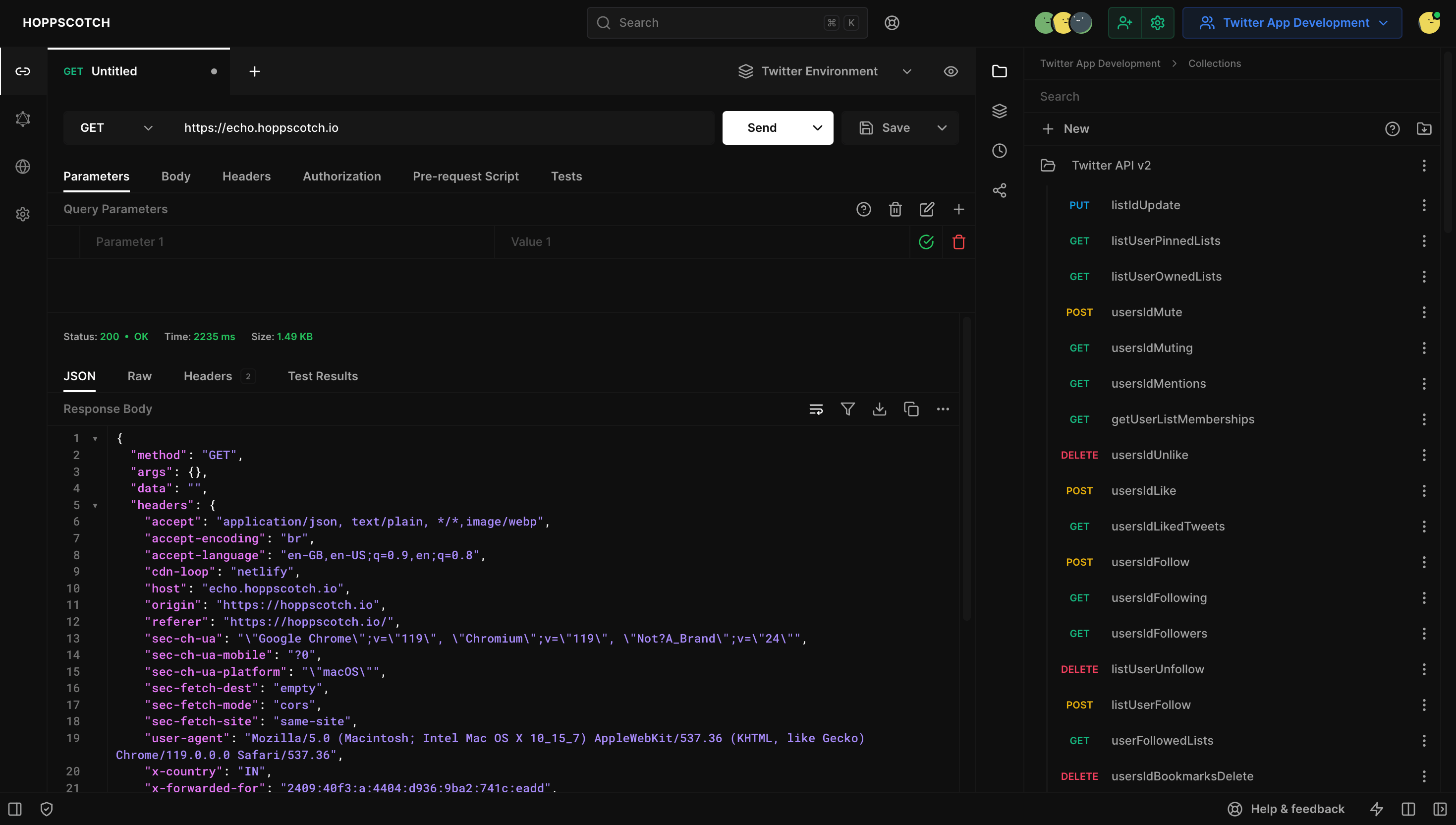
Where it gets awkward: it is younger and less feature-deep than the established tools, the CLI and automation story is still maturing, and complex data-driven scenarios are harder to express than in purpose-built test platforms.
10. Bruno
Bruno is an open-source API client with a distinctive design choice: collections are stored as plain text files (in a markup called Bru) right in your Git repo, so tests are versioned like any other source. Its CLI runs collections headlessly in CI.
npm install -g @usebruno/cli
bru run --env staging
What it does well: the Git-native, files-in-the-repo model is a clean fit for teams that want every test reviewed in pull requests with no cloud sync. It is offline-first and privacy-friendly, and the CLI integrates simply into pipelines.
Where it gets awkward: assertions still lean on scripting, the Bru format is one more thing to learn, and the surrounding ecosystem (mocking, docs, large-team collaboration) is lighter than the all-in-one platforms. It is a strong fit for a specific philosophy rather than a universal pick.
Quick comparison
| Tool | Approach | Best for | CI/CD runner |
|---|---|---|---|
| Apidog | Visual design + CLI | One source of truth from design to tested | apidog run |
| Postman + Newman | GUI + JS scripts | Teams already on Postman | newman run |
| REST Assured | Java DSL | JVM backends, code-first | Maven/Gradle |
| Playwright | Multi-lang code | Mixed API + UI suites | playwright test |
| Karate | Gherkin DSL | Readable tests on the JVM | Maven/Gradle |
| SoapUI / ReadyAPI | GUI | SOAP and legacy enterprise | testrunner |
| k6 | JS scripting | Load + performance | k6 run |
| Schemathesis | Schema-driven | Auto-generated contract tests | schemathesis run |
| Hoppscotch | Lightweight client | Self-hosted, open-source | hopp test |
| Bruno | Git-native files | Tests reviewed as code | bru run |
How to choose
There is no single winner. The right tool depends on your stack and who writes the tests.
Pick a code-first framework (REST Assured, Playwright, Karate) when your team is fluent in the language, wants every test in the repo, and reviews tests in pull requests. The cost is maintenance: when the API changes, someone updates code.
Pick a schema or load specialist (Schemathesis, k6) as a complement, not the whole strategy. They are excellent at their one job and weak outside it.
Pick a visual-plus-CLI platform like Apidog when you want QA and developers building tests in the same place, and you want the test you debugged by hand to be the exact thing your pipeline runs. It collapses the design-to-CI gap that most other tools leave open, and it covers design, mocking, and docs in the same workspace. For a deeper look at the automation side, read the Apidog test suites guide. When you are ready to wire it in, download Apidog and follow the GitHub Actions walkthrough or the Jenkins integration guide.
Whatever you choose, the goal is the same: tests that run on every commit, fail the build when a contract breaks, and tell a human what went wrong in seconds.
Frequently asked questions
What is the difference between API testing and API test automation?
API testing is checking that an endpoint behaves correctly: right status code, right body, right error handling. API test automation is making those checks run by themselves, on a schedule or on every commit, without anyone clicking “Send.” Automation is what turns a one-time check into a safety net. A good API testing automation setup runs the same tests on every pull request.
Do I need to write code to automate API tests?
No, not always. Code-first frameworks like REST Assured and Playwright require it, but visual-plus-CLI tools like Apidog let you build test scenarios in an editor and still run them headlessly in CI. You write zero scripts for common assertions and only reach for code when a scenario needs custom logic.
Can these tools run in GitHub Actions or Jenkins?
Yes. Every tool in this list ships a command-line runner or a build-tool plugin, which is all a CI system needs. You add a step that installs the runner and executes your tests, then publish the JUnit report so the dashboard shows pass and fail per test. See the GitHub Actions guide for a full example.
Which tool is best for a team without dedicated QA engineers?
A visual tool lowers the floor the most, because developers can build and maintain tests without learning a separate test framework. Apidog and the GUI-based clients fit here. Code-first frameworks assume someone on the team is comfortable writing and reviewing test code.
Are there free options for API test automation?
Yes. Newman, REST Assured, Playwright, Karate, k6, Schemathesis, Hoppscotch, and Bruno are open-source, and Apidog has a free tier. The roundup of free API testing tools goes deeper on what each free tier actually includes.
How do I keep automated tests from breaking every time the API changes?
Reduce duplication and keep assertions focused. Test the fields that matter to your consumers, not every byte of every response. Schema-driven tools update automatically when the spec changes, and visual tools make small edits faster than rewriting code. Follow API testing best practices to keep maintenance low.