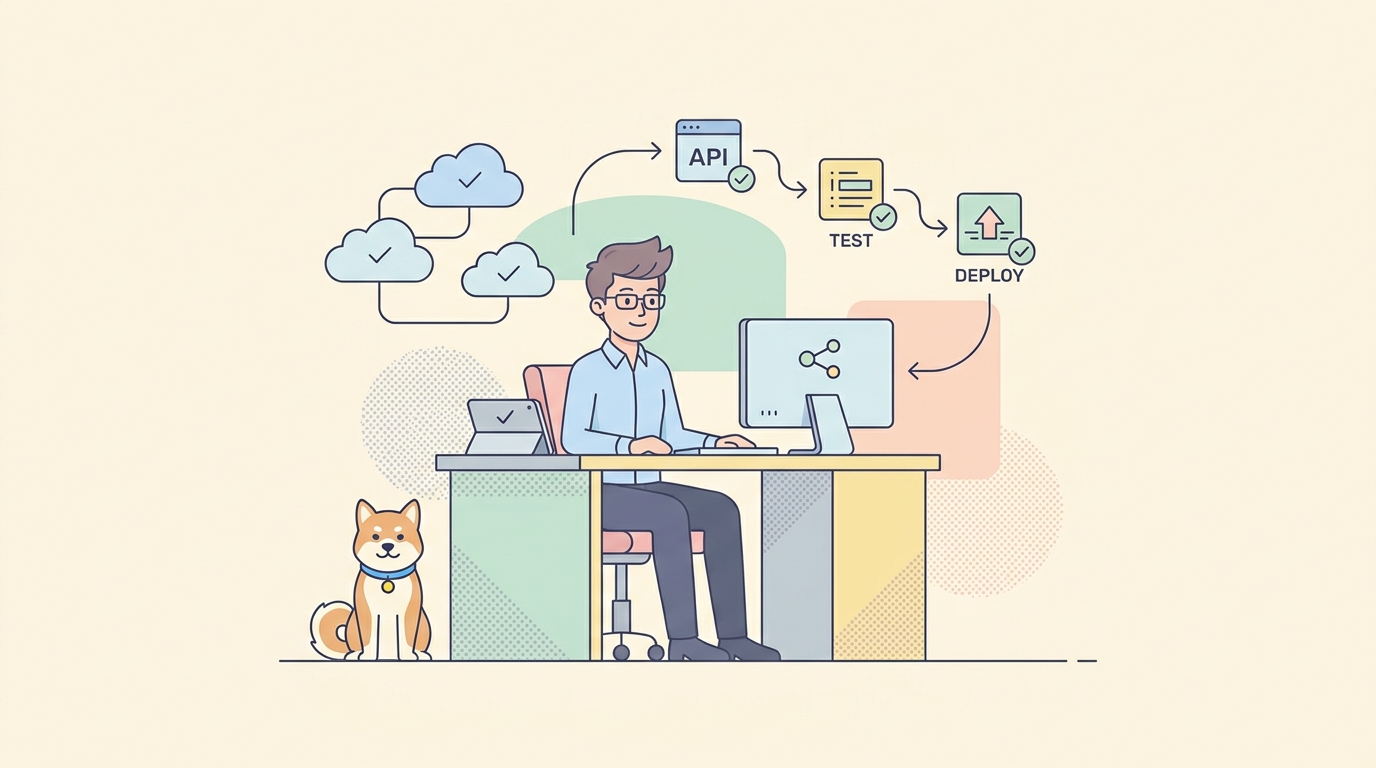
You ship a small change to an endpoint. The code compiles, the new feature works, and you deploy. Two days later a mobile client starts crashing because a field you renamed used to be a string and is now an object. Nobody meant to break it. The change looked local. It was not.
API regression testing exists to catch that class of failure before it reaches anyone. You save a suite of tests that describe how your API behaves today, then re-run that suite on every change. When a response shape, status code, or key value drifts from what you recorded, the suite fails and tells you exactly where. This guide covers what to baseline, how to build a reusable suite, and how to run it automatically in CI so a rename never becomes an incident.
What API regression testing is (and why APIs regress)
Regression testing means re-running tests that already passed to confirm existing behavior still holds after a change. For APIs, the “existing behavior” is the contract your consumers depend on: the routes, the status codes, the response schema, and the values in key fields.
APIs regress for ordinary reasons. Someone renames a JSON field. A refactor changes a 200 into a 204. A new validation rule rejects input that used to be accepted. An ORM upgrade silently changes date formatting. A dependency bump alters an error message that a client parses. None of these show up as compile errors. They show up as broken integrations, and often only for a subset of callers.
The distinction that matters here: API regression testing is narrower than general software regression testing. You are not re-verifying business logic across the whole app. You are checking that the HTTP surface, the part other systems couple to, has not moved. That focus is what makes it cheap to run on every commit.
What to baseline
A regression suite is only as good as what it asserts on. Assert on too little and real breakages slip through. Assert on too much and every intentional change turns the suite red. Aim for the fields a consumer would actually notice.
Baseline these four layers:
- Status codes. Every endpoint should return a known status for known inputs. A
200that becomes a500, or a201that becomes a200, is a regression even if the body looks fine. - Response schema. The structure and types of the response. Field names, nesting, and whether a value is a string, number, array, or object. Schema drift is the most common silent break.
- Key field values. Not every value, but the ones with contractual meaning: an
idthat must be present, astatusenum that must stay within a known set, atotalthat must be a number. - Contracts. The relationship between your OpenAPI spec and the live response. If the spec says
emailis required and the API stops returning it, that is a contract violation. See API contract testing for how to make the spec the source of truth.
A useful rule: assert on what a client would break on, not on what happens to be in the payload today. A createdAt timestamp changes every request, so pin its type and format, not its value.
Here is a minimal set of assertions for a single endpoint, written as plain checks you would run against a response:
GET /v1/users/42  ->  200
  body.id            is present, type number
  body.email         is present, type string, matches email format
  body.status        is one of ["active", "pending", "suspended"]
  body.roles         type array
  response time      < 800 ms
Those five lines describe the contract. If any of them fail after a change, you have a regression. For a deeper treatment of writing checks against response bodies, see API assertions.
Manual vs automated regression testing
You can regression-test by hand. After a change you open your API client, replay a handful of saved requests, and eyeball the responses. This works for one endpoint and falls apart at ten. Humans skip the boring cases, and the boring cases are where regressions hide. Manual checks also cannot run at 2 a.m. when a scheduled job merges a dependency update.
Automated regression testing removes the human from the loop. You record the suite once, then a machine re-runs it on every push, every pull request, and every deploy. The value is not speed on a single run. It is that the suite runs every single time, without anyone deciding it is worth the effort.
The tradeoff is upfront work. You have to build the suite and keep it current. That maintenance cost is real, but it is smaller than the cost of one production incident that a five-second test would have caught.
| Manual | Automated | |
|---|---|---|
| Runs on every change | No, depends on discipline | Yes, by default |
| Coverage | A few endpoints | The whole suite |
| Cost per run | Minutes of human time | Seconds of compute |
| Catches 2 a.m. breakages | No | Yes |
| Upfront effort | Low | Moderate |
For anything beyond a toy project, automate it.
Building a reusable regression suite
A regression suite is a set of saved requests, each with assertions, grouped so you can run them together. The goal is reuse: build it once, run it forever, extend it when you add endpoints.
Structure the suite so it survives change:
Group by resource, not by feature. Put all the /users tests together, all the /orders tests together. When you touch the users service, you know which group to watch.
Use environment variables for anything that moves. The base URL, auth tokens, and tenant IDs belong in an environment, not hardcoded in each request. That lets the same suite run against local, staging, and production by swapping one setting.
Chain requests that depend on each other. A realistic flow creates a resource, reads it back, updates it, and deletes it. Extract the id from the create response and pass it to the next request. This catches regressions that only appear across a sequence, not in isolation. This is where regression testing overlaps with API integration testing.
Drive edge cases with data. Instead of ten near-identical requests, write one request and feed it a table of inputs: valid values, empty values, boundary values, and known-bad values. Each row becomes a test case. Data-driven tests keep the suite small while widening coverage.
Here is what a data table for a single validation test might look like as CSV:
email,expectedStatus
alice@example.com,201
bob@test.co,201
not-an-email,422
,422
a@b,422
One request, five cases, five assertions on the status code. Add a row when you find a new edge case, and the suite grows without new code.
Keep the suite fast. A regression suite that takes twenty minutes will get skipped. Mock slow third-party dependencies, run independent requests in parallel where your tool allows it, and reserve the full end-to-end flows for a smaller, slower nightly run.
Running the suite on every change in CI
A regression suite that lives on your laptop protects only your laptop. The point is to run it in continuous integration, on the same events that can introduce a regression: pull requests and merges to your main branch.
The pattern is the same across CI systems. Install a headless runner, point it at your saved suite, and fail the build if any assertion fails. Apidog ships a command-line runner for exactly this. Install it with Node:
npm install -g apidog-cli
Then run a saved test scenario or suite by its ID, against a chosen environment, and emit reports:
apidog run \
  --access-token "$APIDOG_ACCESS_TOKEN" \
  -t 123456 \
  -e 789012 \
  -r cli,html,junit
Break that down:
--access-tokenauthenticates the run. Store the token as a CI secret, never in the repo.-tis the ID of the scenario, folder, or suite to run.-eis the environment ID, so the same suite can target staging or production by changing one value.-rlists the report formats.cliprints to the console,htmlproduces a readable report, andjunitemits XML your CI can parse to show pass/fail per test.
The runner is headless. It fits any CI step that can run Node, so the same command works in GitHub Actions, GitLab CI, Jenkins, or CircleCI. Here is a GitHub Actions job that runs the suite on every pull request:
name: API Regression
on: [pull_request]
jobs:
  regression:
    runs-on: ubuntu-latest
    steps:
      - uses: actions/checkout@v6
      - uses: actions/setup-node@v6
        with:
          node-version: '22'
      - run: npm install -g apidog-cli
      - run: |
          apidog run \
            --access-token "$APIDOG_ACCESS_TOKEN" \
            -t 123456 \
            -e 789012 \
            -r cli,junit
        env:
          APIDOG_ACCESS_TOKEN: ${{ secrets.APIDOG_ACCESS_TOKEN }}
When a scenario fails, the runner exits non-zero and the job goes red. The pull request is blocked until someone looks. For a full copy-paste pipeline and more CI patterns, see Apidog CLI for CI/CD and how to automate API tests in GitHub Actions.
If you feed the suite a data file, pass it with -d:
apidog run \
  --access-token "$APIDOG_ACCESS_TOKEN" \
  -t 123456 \
  -e 789012 \
  -d ./test-data/emails.csv \
  -r cli,junit
Testing a feature branch that has its own API version? Add --branch to run against that branch’s saved suite instead of the default. To keep a history of runs in the cloud, append the bare --upload-report flag.
Schema and contract diffing
Assertions catch regressions in behavior. Schema diffing catches them in the definition, often before you deploy.
The idea: your OpenAPI spec is a versioned file in your repo. When someone edits it, you diff the new spec against the previous one and classify the change. Adding an optional field is safe. Removing a field, renaming one, tightening a type, or making an optional field required is a breaking change. A diff tool can flag the breaking ones in the pull request, so the reviewer sees “this removes user.phone” instead of a wall of YAML.
Pair that with contract testing against the live API. On each run, validate real responses against the current schema. If the spec promises a field the API no longer returns, or the API returns a type the spec forbids, the check fails. This is the two-sided guard: the spec diff catches intentional edits to the contract, and the contract test catches the code drifting away from the contract.
Breaking changes are not always bugs. Sometimes you mean to remove a field. The point of diffing is to make that decision explicit and route it through your versioning and deprecation process instead of surprising a client. See how to version and deprecate APIs at scale for handling the changes you make on purpose.
How Apidog runs regression suites
Apidog covers the pieces described above in one place, which keeps the suite and the spec next to each other.
You build test scenarios visually: chain requests, extract values from one response into the next, and attach assertions on status, schema, and field values. Because the API design and the tests live in the same project, you can validate responses against the endpoint’s saved schema without writing the schema twice. When the design changes, the schema the tests check against changes with it.
For data-driven cases, attach a CSV or JSON dataset to a scenario and Apidog runs one case per row. Save related scenarios into a test suite so a single run exercises a whole resource or flow.
The apidog-cli runner takes those saved suites headless into CI, as shown above. It runs saved scenarios and suites. It is not an interactive request sender and not a load generator. It does one job: replay your regression suite and report what passed. That narrow scope is what lets it slot into any Node-capable CI step. For the CLI plus a scripted workflow, see the Apidog CLI CI/CD pipeline guide.
A starter workflow
Here is a sequence you can adopt this week without rebuilding your test strategy:
- Pick your five most-called endpoints. Regression risk concentrates where traffic does. Start there.
- Save a request per endpoint with assertions. Status code, response schema, and two or three key fields each. This is your baseline.
- Add one chained flow. Create, read, update, delete on your core resource. This catches cross-request regressions the isolated tests miss.
- Add a data table to one validation-heavy endpoint. A handful of valid, empty, and bad inputs.
- Wire it into CI on pull requests. Install
apidog-cli, run the suite with-r junit, and block merges on failure. - Grow the suite when a bug escapes. Every production regression that slips through becomes a new test case. The suite gets stronger from its own misses.
Steps one through four are an afternoon. Step five is a single CI file. After that, the suite runs itself and you extend it only when reality teaches you a new failure mode. That feedback loop is the whole point: a rename that would have been an incident becomes a red check on a pull request.
FAQ
How is API regression testing different from general regression testing? General regression testing re-verifies application behavior across the whole system, including UI and business logic. API regression testing narrows that to the HTTP surface: routes, status codes, response schema, and key field values. The narrow focus keeps it fast enough to run on every commit, and it targets exactly what other systems couple to.
How often should I run the regression suite? On every change that can affect the API. In practice that means every pull request and every merge to your main branch, run automatically in CI. Keep a fast core suite for pull requests and a larger end-to-end run for nightly builds so the per-commit check stays quick.
What should I assert on to avoid a brittle suite? Assert on what a consumer would break on. Pin status codes, response structure and types, and the values of fields with contractual meaning like IDs and status enums. For values that change every request, such as timestamps, assert on the type and format, not the literal value. Over-asserting on volatile data is the main cause of false failures.
Can I run API regression tests without writing code? Yes. Tools like Apidog let you build scenarios and assertions visually, then run them headless in CI with apidog-cli. You save the suite once through the interface and the command-line runner replays it in your pipeline, so the tests run automatically without a hand-written test harness.
How do I handle intentional breaking changes? Route them through your versioning and deprecation process rather than letting them surface as surprise test failures. Use schema diffing to flag the change in review, version the endpoint or add the field as optional first, and update the regression baseline deliberately once the change is intended and communicated to consumers.