If you have used the Insomnia API client, you have a graphical place to send requests, design OpenAPI specs, and write tests. But graphical tools stop at the edge of your machine. The moment you want those same tests to run inside a CI pipeline, or you want to lint a spec on every pull request, you need something that lives in the terminal. That something is inso.
This guide explains what inso is, how to install it, the exact commands you will use day to day, how it finds your specs and collections, and where its limits show up. By the end you will know whether the inso cli fits your workflow, and what to reach for if it does not.
What is inso?
inso is the command-line companion to Insomnia, the open-source API client now maintained by Kong. It takes three of the things Insomnia does in its UI and makes them scriptable: running tests, executing request collections, and linting API specifications. That makes it the bridge between Insomnia on your desktop and the automated checks you want in CI/CD.
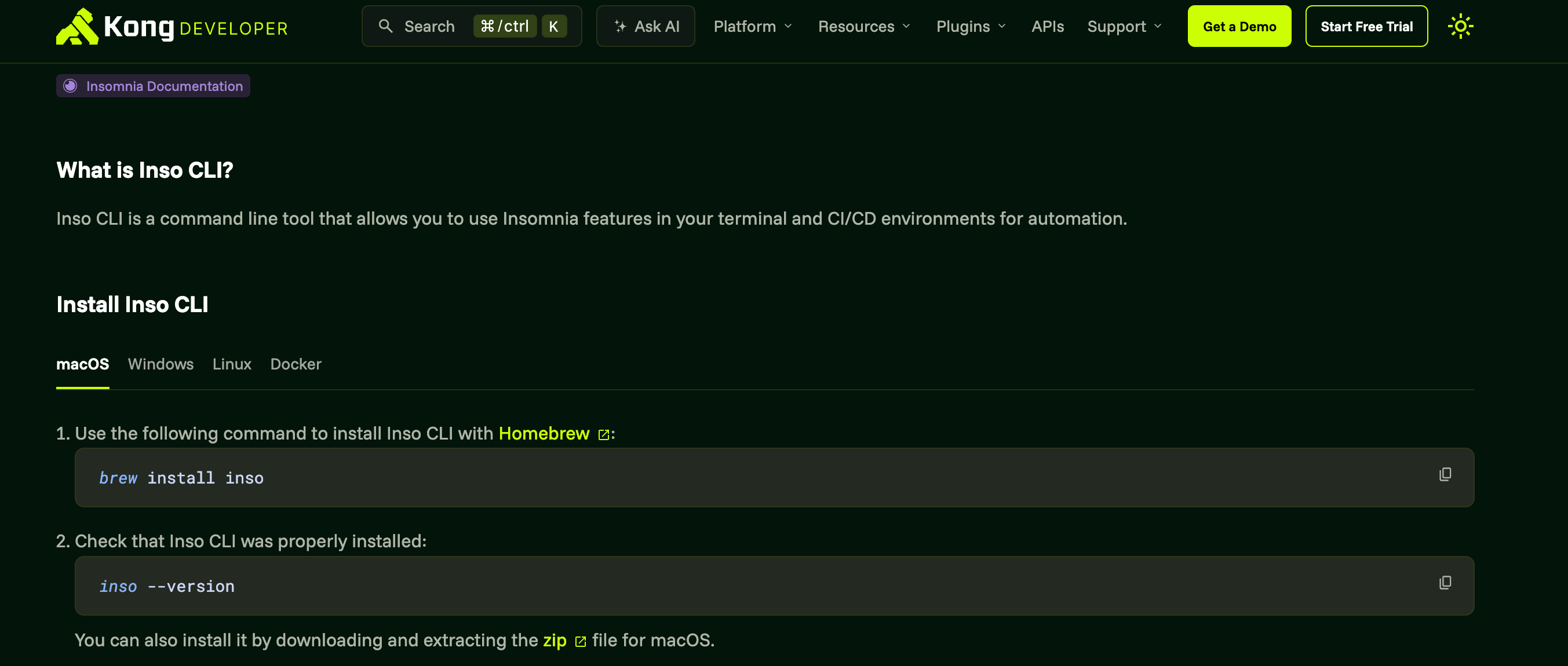
The short version of “what is inso”: it is how you run your Insomnia work without opening Insomnia. You point it at a design document or a collection by name, and it executes against the same data your app already knows about.
Installing the inso cli
You have a few documented paths. Pick the one that matches how you ship.
Homebrew is the simplest on macOS and Linux:
brew install inso
Docker is the cleanest choice for CI runners, where you do not want to manage a local toolchain:
docker pull kong/inso:latest
You can also grab a direct download. Kong publishes Windows, Linux, and macOS zip archives on the inso CLI documentation site, which is handy when you want a pinned version in a build artifact.
Historically inso was also distributed on npm as insomnia-inso. That route still exists, but the documented and recommended paths now are Homebrew, Docker, and the direct downloads. If you are setting up something new, prefer those.
Confirm the install resolved:
inso --version
The core inso commands
inso has a small, focused surface. Here are the commands you will actually use, with real examples.
inso run test
Run a unit test suite you authored in Insomnia, against a named environment:
inso run test "Payments API tests" --env "Staging"
The suite and the environment are both referenced by name, exactly as they appear in your Insomnia data. The inso run test command exits non-zero if any assertion fails, which is what makes it usable as a CI gate.
inso run collection
Run every request in a collection in sequence, again against a named environment:
inso run collection "Checkout flow" --env "Staging"
This is the closest equivalent to “play the whole folder” in the UI. It is useful for smoke tests where you want to confirm a sequence of endpoints all respond as expected.
inso lint spec
Validate an OpenAPI design document:
inso lint spec "Orders API"
Under the hood, inso lint spec uses Spectral, the open-source OpenAPI and JSON linter from Stoplight. That is a genuine strength worth calling out plainly: you get real, rule-based spec linting with a mature ruleset, not a shallow syntax check. If your team cares about style-guide enforcement on specs, this command is the reason many people keep inso around.
inso export spec
Pull a design document out to a file on disk:
inso export spec "Orders API" --output orders.yaml
Handy when you want to feed the spec to another generator, commit a snapshot, or hand it to a tool that expects a plain YAML file.
inso script
Run a named script defined in your Insomnia data, passing an environment by id:
inso script deploy-smoke --env env_9f2a
This is the escape hatch for chaining your own custom steps.
How inso finds your specs and collections
This is the part that trips people up, so it is worth being precise. inso does not store anything itself. It reads from one of two places:
- A
.insomniadirectory in your working directory. This is what Insomnia’s Git Sync produces, so when you commit your API project to a repo, inso can read it straight from the checkout. This is the pattern you want for CI. - The Insomnia application data directory, if the app is installed on the machine. This is convenient locally but useless on a clean CI runner that has never had the app.
You can override the source explicitly:
inso lint spec "Orders API" --workingDir ./api-project
# or point at an exact source
inso run test "Payments API tests" --src ./api-project/.insomnia
The key mental model: inso references everything by name (or id), and those names resolve against whichever data source it found. If a name is not present in the .insomnia directory or app data, inso cannot run it. There is no concept of pointing inso at a loose OpenAPI file and saying “test this” unless that file lives inside an Insomnia project structure.
A minimal CI example
Here is a GitHub Actions job that lints a spec and runs a test suite on every push, using the Git-synced .insomnia directory committed to the repo:
name: API checks
on: [push]

jobs:
  inso:
    runs-on: ubuntu-latest
    steps:
      - uses: actions/checkout@v4
      - name: Install inso
        run: |
          curl -sSL https://github.com/Kong/insomnia/releases/latest/download/inso-linux-x64.zip -o inso.zip
          unzip inso.zip && sudo mv inso /usr/local/bin/
      - name: Lint the spec
        run: inso lint spec "Orders API" --workingDir .
      - name: Run the test suite
        run: inso run test "Payments API tests" --env "CI" --workingDir .
Because both commands exit non-zero on failure, a broken spec or a failing assertion fails the job. That is the whole point of moving these checks out of the GUI.
Honest limitations
inso is good at what it does, but it has real edges.
It is tied to Insomnia’s data sources. Your specs, collections, and suites have to live in an Insomnia project, surfaced either through Git Sync or the installed app. If your team does not use Insomnia as the source of truth, inso has nothing to operate on.
Everything is referenced by name. That is readable, but it is brittle. Rename a suite in the UI and a CI job that hard-codes the old name breaks silently until the next run. Names also have to be unique enough to resolve cleanly.
The scope is narrow by design. inso runs tests, runs collections, lints specs, exports, and runs scripts. It is not a design-mock-document-test platform. For anything beyond those verbs you are back in the GUI or reaching for other tools.
inso vs the integrated alternative
inso is a strong terminal companion when Insomnia is already your client. The trade-off is that you are stitching together pieces: Insomnia for design and debugging, inso for CI, Spectral rules for linting, and separate tooling for mocks and docs.
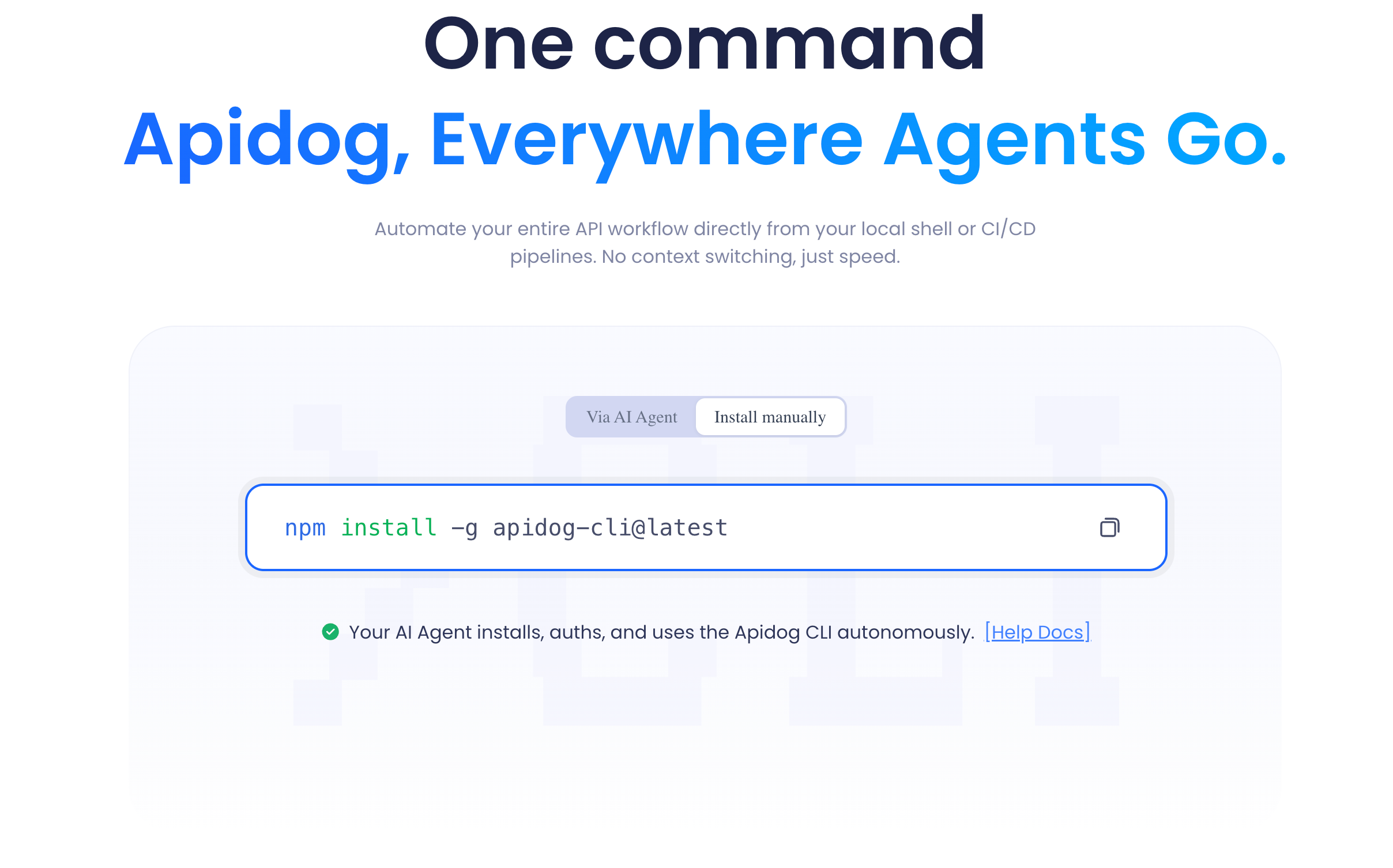
Apidog takes the opposite stance. It puts design, mock, documentation, and testing in one platform, and its Apidog CLI runs your test scenarios and collections from the same source of truth, with data-driven testing, multiple reporter formats, and resource-and-branch-as-code. Worth being fair here: the Apidog CLI does not ship a standalone spec linter the way inso does with Spectral, so if Spectral-style style-guide enforcement is your priority, inso has a real edge there. Where Apidog pulls ahead is integration. You are not gluing five tools together.
If you want to compare the two head to head, see Apidog CLI vs inso (Insomnia CLI), or read the deeper background in what is inso (Insomnia CLI). If you have decided inso is not the right home, the best inso alternative roundup and the migrate from inso to Apidog CLI guide walk through the move step by step. For broader context on the GUI clients themselves, Apidog vs Insomnia and how to use Insomnia to test an API are good starting points.
You can download Apidog free if you want to see the integrated approach side by side with your inso setup.