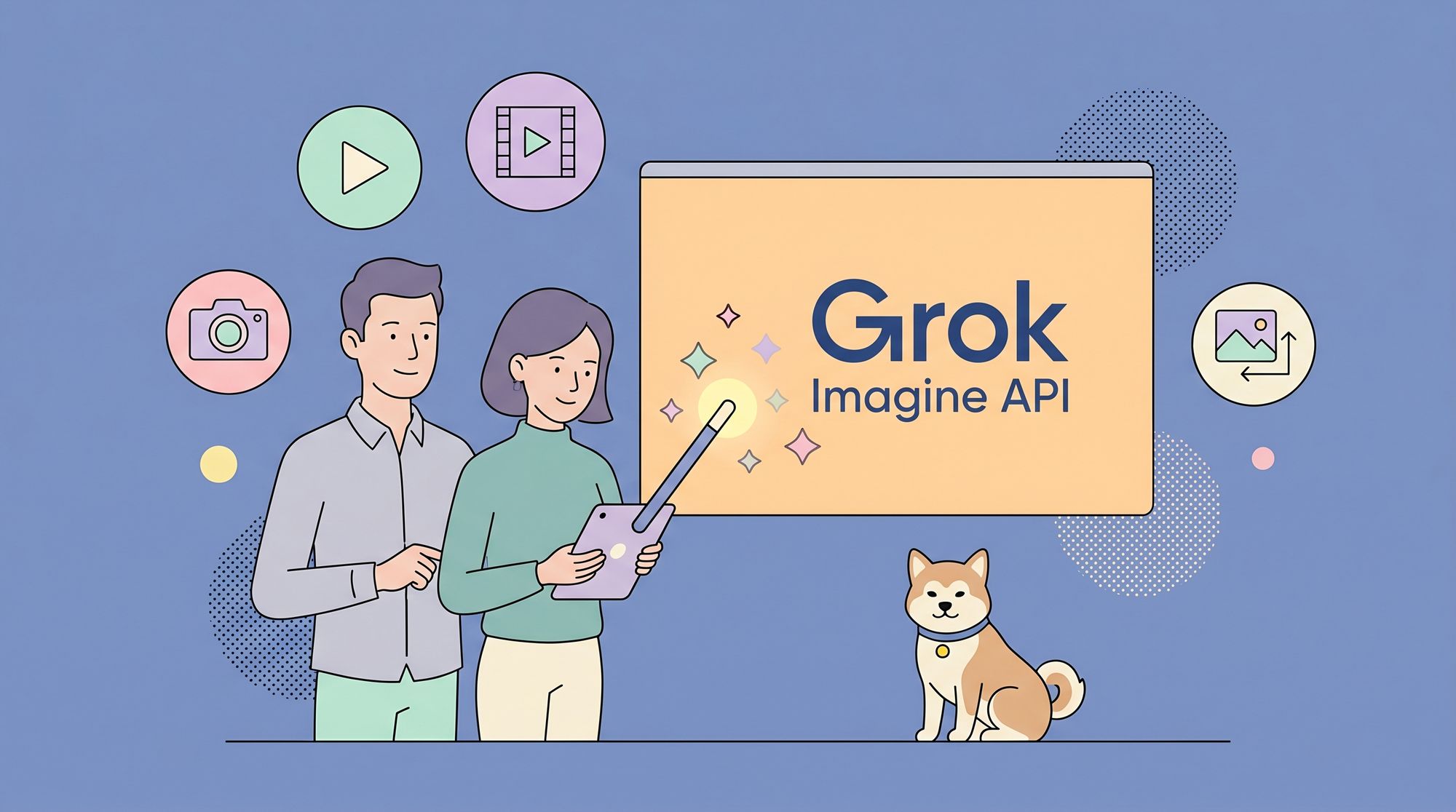
Grok Imagine API is revolutionizing how creators, developers, and businesses generate videos and images using AI. But can you access these powerful generative models without breaking the bank? Absolutely. In this comprehensive guide, you’ll learn how to use Grok Imagine API for free—with step-by-step tutorials, comparison tables, platform walkthroughs, troubleshooting tips, and even real-world creative examples.
What Is Grok Imagine API? Key Capabilities
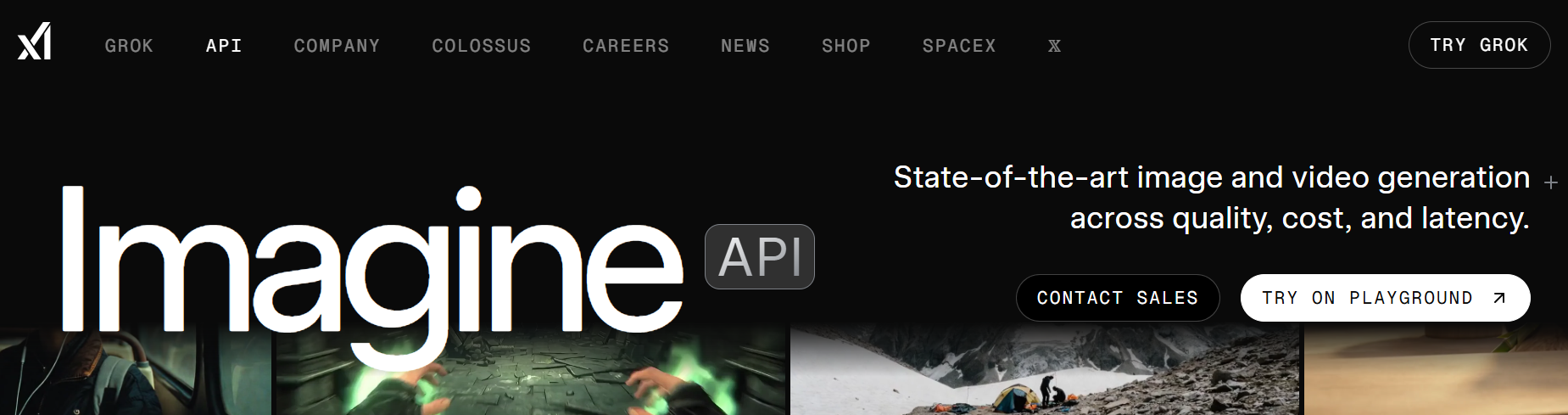
Before we dive into how to use Grok Imagine API for free, let's clarify what it is and why it's so compelling.
Grok Imagine API is xAI’s advanced generative video and image model suite. Key capabilities include:
- Text-to-Video (T2V): Turn written prompts into short, realistic videos.
- Image-to-Video (I2V): Animate a single image with smooth motion, depth, and lighting effects.
- Synchronized Audio: Generate background audio automatically, matching video tone and rhythm.
- Creative Modes: Choose from standard or “Spicy” modes for more expressive, artistic outputs.
- Fast, High-Quality Generation: Get impressive results in seconds, suitable for prototyping, storytelling, or product demos.
How to Access Grok Imagine API for Free: Quick Comparison
Not all access methods are created equal. Here’s a quick-glance comparison of the top platforms where you can use Grok Imagine API for free:
| Platform | Free Access Details | Quotas & Limits | API Key Needed | Unique Features | Best For |
|---|---|---|---|---|---|
| Kie.ai | Free trial credits at signup | Credits may expire; paid upgrades available | No (web interface) | Text-to-video, image-to-video, audio sync, Spicy mode | No-code use, rapid prototyping |
| Puter.js | No cost for developers; user-pays model | Unlimited for devs; usage costs billed to end users | No | JavaScript integration, no server setup, supports Grok 4.20 | Web apps, JS projects, rapid API testing |
| fal.ai | Occasional free API credits/promos | Limited by promo/credits; paid plans for scale | Yes | Integration with various AI models | Experimenting with multiple AIs |
| xAI Playground | Free limited use (may require signup) | Strict quotas; for demo/testing only | Possibly | Official, up-to-date features | Testing latest Grok features |
TL;DR:
- For pure no-code or quick trials, start with Kie.ai.
- For developer-friendly, unlimited integration, try Puter.js.
- For API tinkerers or multi-model experiments, explore fal.ai.
Option 1: Using Grok Imagine API Free via Kie.ai
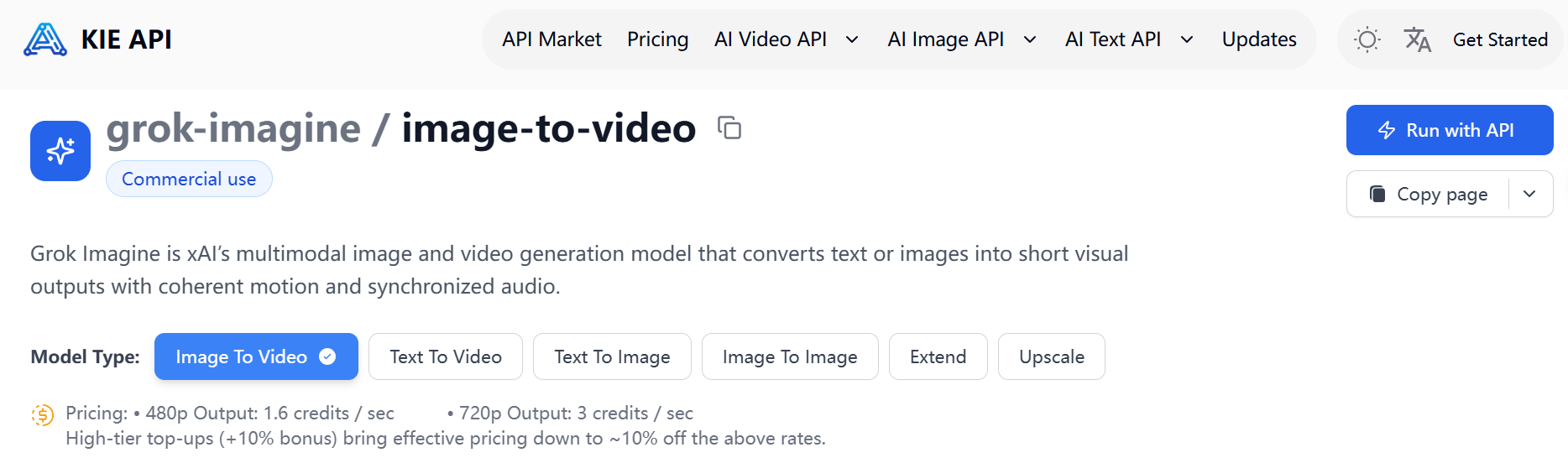
Kie.ai is one of the easiest ways to use Grok Imagine API for free—no coding or API keys required.
Key Features on Kie.ai
- Text-to-Video and Image-to-Video: Simple prompt or image upload.
- Synchronized Audio: Audio is generated automatically with each video.
- Multiple Modes: Choose between Standard and Spicy for varied creative results.
- Fast, Web-Based Workflow: Generate and preview directly in your browser.
Step-by-Step: How to Use Grok Imagine API Free on Kie.ai
1. Visit Kie.ai’s Grok Imagine Section
2. Sign up for a free account (use email or social login).
3. Claim your free trial credits—these allow you to generate a set number of videos/images.
4. Choose Generation Type:
- Text-to-Video: Enter your prompt (e.g., “A futuristic city at sunset, with flying cars”).
- Image-to-Video: Upload your image (PNG, JPG) and adjust settings.
5. Select Creative Mode: Pick Standard or Spicy depending on your desired style.
6. Hit Generate: Wait a few seconds; your video will be ready to preview and download.
7. Download or Share as needed.
Pro Tip: Experiment with prompt phrasing and try both modes to see how outputs differ. If you run out of credits, refer friends for bonuses or consider paid plans.
Option 2: Using Grok Imagine API Free via Puter.js
If you’re a developer eager to integrate Grok Imagine for free, Puter.js is a game-changer. Thanks to its "user-pays" model, developers incur no cost or API key hassle—end users cover their own usage.
Highlights of Using Puter.js for Grok Imagine API
- No API Keys, No Server Setup: Start building instantly.
- Unlimited Developer Access: Scale without worrying about hidden costs.
- Supports the Latest Grok Models: Including Grok 4.20 and beyond.
- Client-side JavaScript Library: Ideal for web apps, bots, or creative tools.
Step-by-Step: How to Use Grok Imagine API Free with Puter.js
1. Install Puter.js in Your Project
- npm:
npm install @heyputer/puter.js
- Or via CDN:
<script src="https://js.puter.com/v2/"></script>2. Basic Usage Example (Text-to-Video or Chat)
<p>           // Example: Generate a witty Grok video script</p>
<p>           puter.ai.chat(</p>
<p>               "Write a short script for a video about AI-powered dogs.",</p>
<p>               {model: 'x-ai/grok-4.20'}</p>
<p>           ).then(response => {</p>
<p>               puter.print(response.message.content);</p>
<p>           });</p>
3. Streaming or Context-Aware Usage
- For dynamic interactions, check out the Puter.js docs.
4. No Billing or API Key Required: Start testing your integrations instantly.
Advanced Tip: Use Apidog to mock and test your API integration workflows before deploying your full app. This ensures reliability and helps simulate Grok Imagine API responses.
Option 3: Using Grok Imagine API Free via fal.ai
Some users prefer fal.ai for its API-first approach and periodic free credits/promotions.
Steps for Using Grok Imagine API Free on fal.ai
1. Sign up at fal.ai
2. Redeem Free Credits (check for current promos or beta invites).
3. Find the Grok Imagine API Model—fal.ai supports many models, so search or browse their library.
4. Grab Your API Key (required for RESTful API calls).
5. Make API Calls via Python, cURL, or your favorite HTTP client.
Example (Python):
   import requests   headers = {"Authorization": "Bearer YOUR_API_KEY"}
   data = {
       "prompt": "A cat dancing salsa in a neon-lit alley.",
       "mode": "video"
   }
   response = requests.post("https://fal.ai/api/grok-imagine", json=data, headers=headers)
   print(response.json())
Note: Free quotas are limited, so use your credits wisely. For more robust testing or integration, try using Apidog's automated test suites to quickly validate your API scenarios and quotas.
Real-World Examples: Creative Projects with Free Grok Imagine
Looking for inspiration? Here are practical ways users leverage free Grok Imagine API access:
- Social Media Video Clips: Generate short, catchy videos for TikTok or Instagram using text prompts.
- Animated Product Previews: Turn static product shots into dynamic video teasers.
- Storyboarding: Rapidly prototype video sequences for film or advertising.
- Educational Explainers: Pair generated videos with lesson scripts for engaging learning modules.
- Personalized E-Cards: Create unique, animated greetings from user-submitted images.
Troubleshooting & Tips for Free Grok Imagine API Use
Even with free access, you might encounter hiccups. Here's how to smooth things out:
1. Ran Out of Credits?
- Refer friends, check for bonus programs, or switch platforms (e.g., from Kie.ai to Puter.js).
2. Low-Quality Output?
- Refine your prompt—be specific but concise.
- Try both Standard and Spicy modes for variety.
3. Technical Issues?
- Clear your browser cache if using a web client.
- For API calls, check that your input data matches API schema (use Apidog for schema validation).
4. Integration Bugs?
- Use Apidog’s mock server to simulate Grok Imagine API responses, enabling you to debug without burning through free credits.
How Apidog Can Streamline Your Grok Imagine API Workflow
When you're building apps or testing integrations with Grok Imagine API (especially via fal.ai or Puter.js), Apidog is your secret weapon:
- API Testing Suite: Automate your Grok Imagine API tests—verify prompt results, payloads, and error handling.
- Mock Server: Simulate Grok Imagine’s responses before using up free quotas or deploying live.
- Schema Validation: Ensure your API requests and responses follow Grok Imagine’s specification, reducing bugs and integration headaches.
- Performance Testing: Benchmark your app's use of Grok Imagine API under different loads, all within Apidog’s unified environment.
Why Use Apidog?
Because free quotas are precious—catch issues early, maximize value, and document your workflows for yourself or your team.
Conclusion: Unleash Your Creativity with Free Grok Imagine API Access
Knowing how to use Grok Imagine API for free opens up a world of creative and technical possibilities. Whether you’re a no-code creator using Kie.ai, a developer integrating Puter.js, or an API enthusiast experimenting with fal.ai, you now have the tools, steps, and tips to get started—without spending a cent.
Remember:
- Explore all three major free platforms to find your best fit.
- Use Apidog to streamline your API testing, validation, and performance tracking.
- Don’t be afraid to experiment—Grok Imagine is at its most powerful in creative hands.
Ready to bring your ideas to life? Dive in and start generating with Grok Imagine API for free today!