Claude 3.7 Sonnet, Anthropic’s latest and most advanced AI model, has set a new bar for natural language reasoning and developer productivity. But with recent policy changes, direct access to Claude 3.7 Sonnet via Claude.ai now sits behind a paid Pro subscription—leaving many API developers, backend engineers, and technical teams looking for free alternatives.
If you’ve suddenly lost access or are searching for ways to leverage Claude 3.7 Sonnet’s capabilities without a paid plan, this guide provides practical, up-to-date solutions tailored for professional API and backend workflows.
Has Claude 3.7 Sonnet Been Removed from Anthropic’s Free Plan?
Many developers have reported that after just one prompt, Claude 3.7 Sonnet now requires a Pro upgrade on Claude.ai—mirroring previous access restrictions with Claude 3.5 Sonnet. Whether this paywall is temporary or permanent remains unclear, but for now, free-tier users can no longer use the model directly on Anthropic’s platform.
Key Question:
How can you still utilize Claude 3.7 Sonnet’s advanced reasoning and code-generation features without subscribing to Claude Pro?
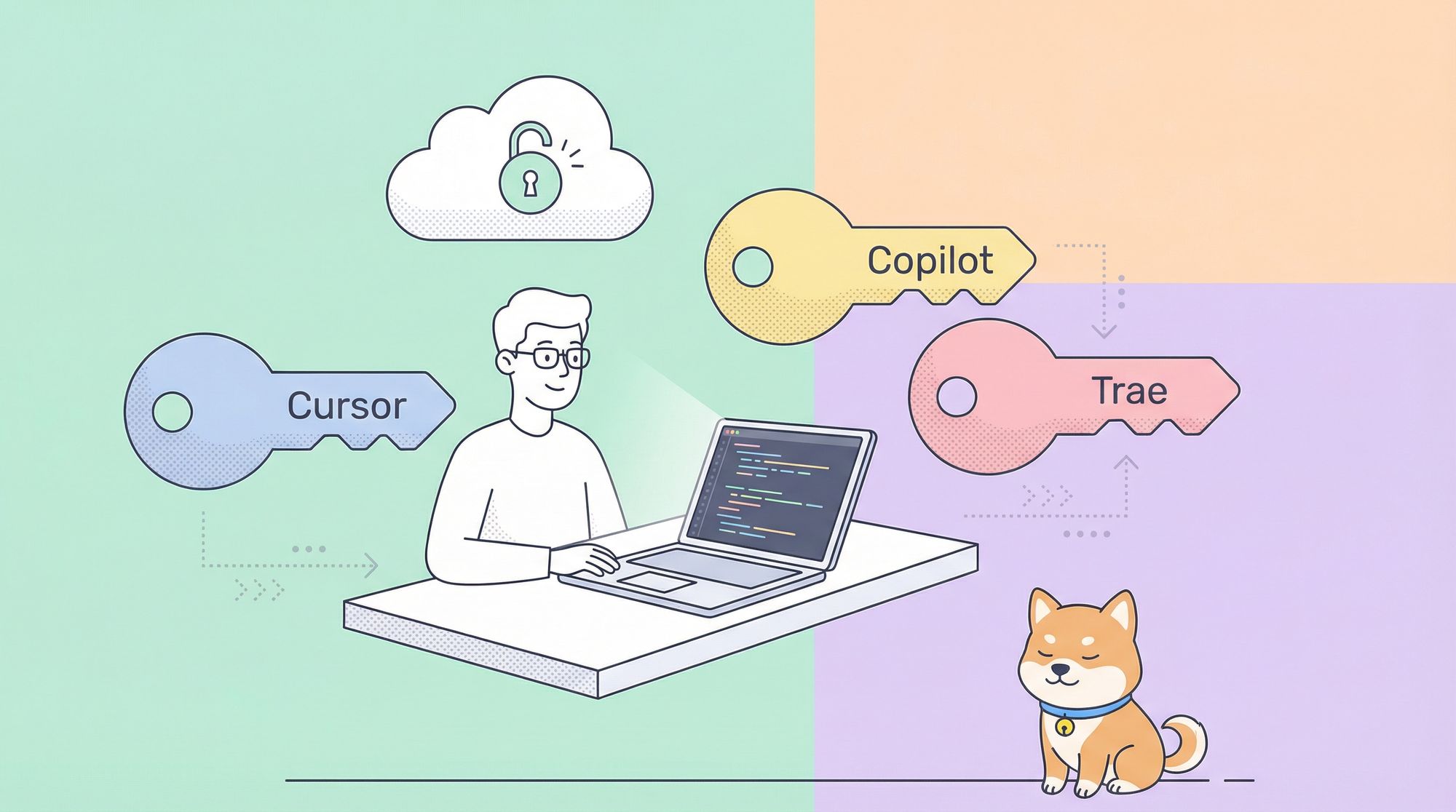
Below are three proven, developer-focused alternatives to keep Claude 3.7 Sonnet in your workflow—no paid subscription required.
1. Use Claude 3.7 Sonnet for Free with Cursor
Cursor, a developer-centric AI code editor, integrates Claude 3.7 Sonnet as a built-in model—offering free access for all users, including those working with APIs and backend systems.
Why Cursor?
- No subscription or payment required
- Seamless integration of Claude 3.7 Sonnet’s code reasoning
- Ideal for API, backend, and QA engineers
How to Set Up Cursor for Claude 3.7 Sonnet:
-
Download and Install Cursor
Visit the official Cursor website and choose the right installer for your OS.
-
Select Claude 3.7 Sonnet as the Language Model
Open Cursor, navigate to LLM model selection, and pick Claude 3.7 Sonnet from the list.
Now you’re ready to access Claude 3.7 Sonnet for free within your development environment.
Pro Tip:
Want to connect API documentation and specifications directly to your AI-powered IDE?
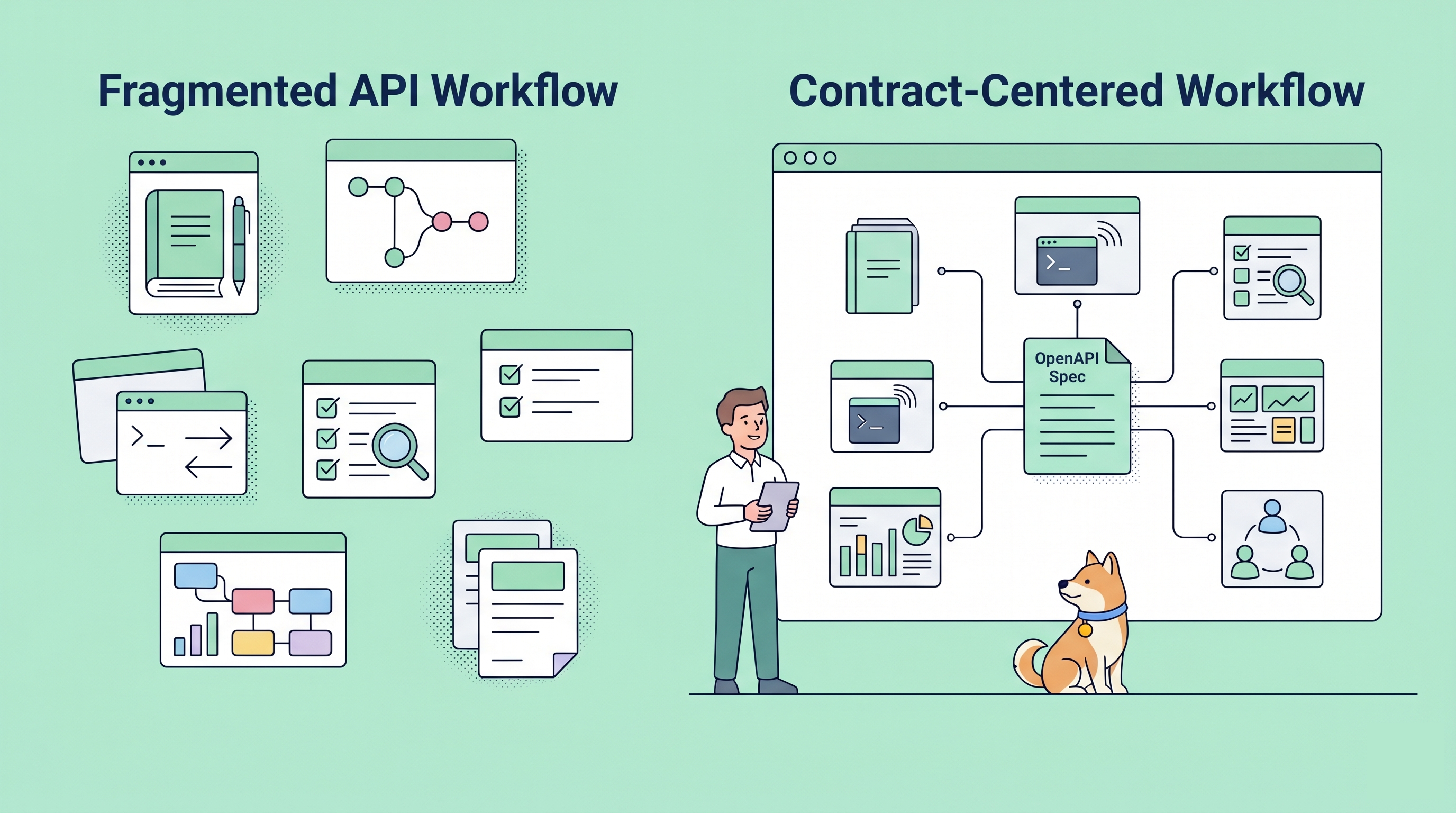
Apidog MCP Server lets you use your API docs as a data source for AI models in Cursor and similar tools. This can drastically speed up API testing, endpoint prototyping, and code generation.
See how Apidog boosts "vibe coding" with AI integration.
2. Leverage GitHub Copilot’s Free Trial for Claude 3.7 Sonnet Access
GitHub Copilot recently added Claude 3.7 Sonnet to its premium model lineup. Through the Copilot Pro 30-day free trial, you can use Claude 3.7 Sonnet directly within your favorite IDEs—ideal for evaluating AI-powered code assistance without upfront cost.
Where You Can Use It:
- VS Code
- Visual Studio
- GitHub.com Copilot Chat

How to Access Claude 3.7 Sonnet via GitHub Copilot:
-
Sign Up for Copilot Pro Trial
Go to the GitHub Copilot Pro page and activate your 30-day free trial (billing info required, but you can cancel anytime). -
Install Copilot Extensions
Add the Copilot extension to VS Code, Visual Studio, or enable Copilot Chat on GitHub.com. -
Enable Claude 3.7 Sonnet
Within Copilot Chat, select Claude 3.7 Sonnet from the model selector.

- Cancel Before Trial Ends
To avoid charges, cancel before your trial expires.
Tip:
This is a great option if you’re working on a short-term project, want to test Claude 3.7 Sonnet, or need to compare AI models before making a purchase decision.
3. Get Unlimited Free Access to Claude 3.7 Sonnet with Trae
Trae, ByteDance’s new AI code editor, currently offers the most generous free access—unlimited use of Claude 3.7 Sonnet, with no subscription required. For API teams and backend engineers seeking ongoing, cost-free access to advanced AI code assistance, Trae is a top choice.
Highlights for API Developers:
- Unlimited free access to Claude 3.7 Sonnet
- Supports complex reasoning and code suggestions
- No usage limits (as of June 2024)
How to Use Claude 3.7 Sonnet in Trae:
-
Download and Install Trae
Visit Trae’s official website and download for your OS. -
Launch Trae and Open AI Model Settings
-
Select Claude 3.7 Sonnet
Pick Claude 3.7 Sonnet from the available models and start coding with advanced AI support.


Summary: Continue Using Claude 3.7 Sonnet for Free
Although Claude 3.7 Sonnet is now behind a paywall on Anthropic’s platform, developers still have three reliable, workflow-friendly options:
- Cursor: Free, built-in Claude 3.7 Sonnet access for code and API work
- GitHub Copilot: Free 30-day trial with Claude 3.7 Sonnet integration in major IDEs
- Trae: Completely free, unlimited access to Claude 3.7 Sonnet for ongoing projects
For API developers, backend engineers, and technical leads, these tools ensure you can keep leveraging Claude 3.7 Sonnet’s advanced reasoning and code generation—without being forced into an Anthropic Pro subscription.
Evaluate which tool aligns best with your workflow and tech stack. And if you’re looking to connect API documentation to your AI-powered development—streamlining endpoint design, testing, and collaboration—explore how Apidog MCP Server can bring even more intelligence to your stack.