“Swagger” means three or four different things, and that is half the problem. Sometimes you mean the open specification format. Sometimes you mean Swagger UI, the page that renders that spec into clickable docs. Sometimes you mean Swagger Editor, the browser textarea where you hand-write YAML. And sometimes you mean SwaggerHub, the hosted product that wraps all of it for teams. When a developer Googles “swagger alternative,” they are usually unhappy with one specific piece: the editor feels clunky, the UI is read-only, or the toolchain stops at documentation and leaves testing to a second tool entirely.
That last gap is the one that hurts. You design an API in Swagger Editor, render it with Swagger UI, and then open a completely separate app to actually send requests, write assertions, and run the thing in CI. Two tools, two sources of truth, and a spec that quietly drifts away from the tests. If you have watched your Swagger docs and Postman collections slowly disagree, you know the tax.
Quick comparison
| Tool | Design / edit spec | Renders docs | Sends requests + tests | Hosted for teams | License |
|---|---|---|---|---|---|
| Swagger (UI / Editor / Hub) | Yes | Yes | No (UI is try-it-out only) | SwaggerHub (paid) | Apache 2.0 / commercial |
| Apidog | Yes (visual) | Yes | Yes (full test runner + CLI) | Yes | Free tier + paid |
| Stoplight | Yes (visual) | Yes | Limited | Yes | Free tier + paid |
| Redocly | Editor + CLI | Yes (Redoc) | No | Yes | Free tier + paid |
| Scalar | Editor | Yes | Built-in API client | Yes | Open source + paid |
| Postman | Import spec | Yes | Yes | Yes | Free tier + paid |
| Insomnia | Import spec | Limited | Yes | Yes | Free tier + paid |
| Bump.sh | No (consumes spec) | Yes | No | Yes | Free tier + paid |
The columns that matter most depend on your pain. If documentation rendering is the whole job, Redocly, Scalar, and Bump.sh are strong. If you need design plus testing in one place, that narrows fast.
What Swagger does well (and where it stops)
Start with the honest part. The OpenAPI spec, which grew out of the original Swagger spec, is the standard that almost every tool on this list reads and writes. Swagger UI is the most recognizable API docs renderer on the planet, it is open source under Apache 2.0, and the “Try it out” button has introduced more developers to live API calls than any other feature. Swagger Editor gives you instant spec validation as you type. None of that is going away, and you should not throw it out for the sake of novelty.
Where it stops is the lifecycle. Swagger UI’s “Try it out” sends a single request from the browser; it is a demo, not a test harness. There is no assertion engine, no test scenarios, no environment management, no CLI runner for CI. Swagger Editor is a text box, so your design work is hand-written YAML with no visual schema builder. SwaggerHub adds collaboration and hosting but charges per seat, and even then testing is not its job. The result is a documentation toolchain, not a development one. Every alternative below is really answering the question “what do I bolt on, or replace it with, to get past docs?”
If you are still learning the format itself, the Swagger and OpenAPI primer is a better starting point than this comparison.
1. Apidog: design and test the same spec in one place
Apidog is built around the idea that the spec, the mock, the tests, and the docs should never be separate files in separate tools. You design an endpoint in a visual editor that writes valid OpenAPI underneath, and the moment the schema exists you get three things for free: an interactive doc page, a mock server that returns schema-shaped data, and a request you can actually send and assert against.
That last part is what sets it apart from a pure docs tool. Swagger UI shows you the endpoint; Apidog lets you build a test scenario, chain requests, extract a token from one response and feed it into the next, and assert on status codes and JSON fields without writing a script. When the design changes, the tests point at the same definition, so they do not silently rot. You can generate a full set of test collections straight from an OpenAPI spec instead of hand-building them.
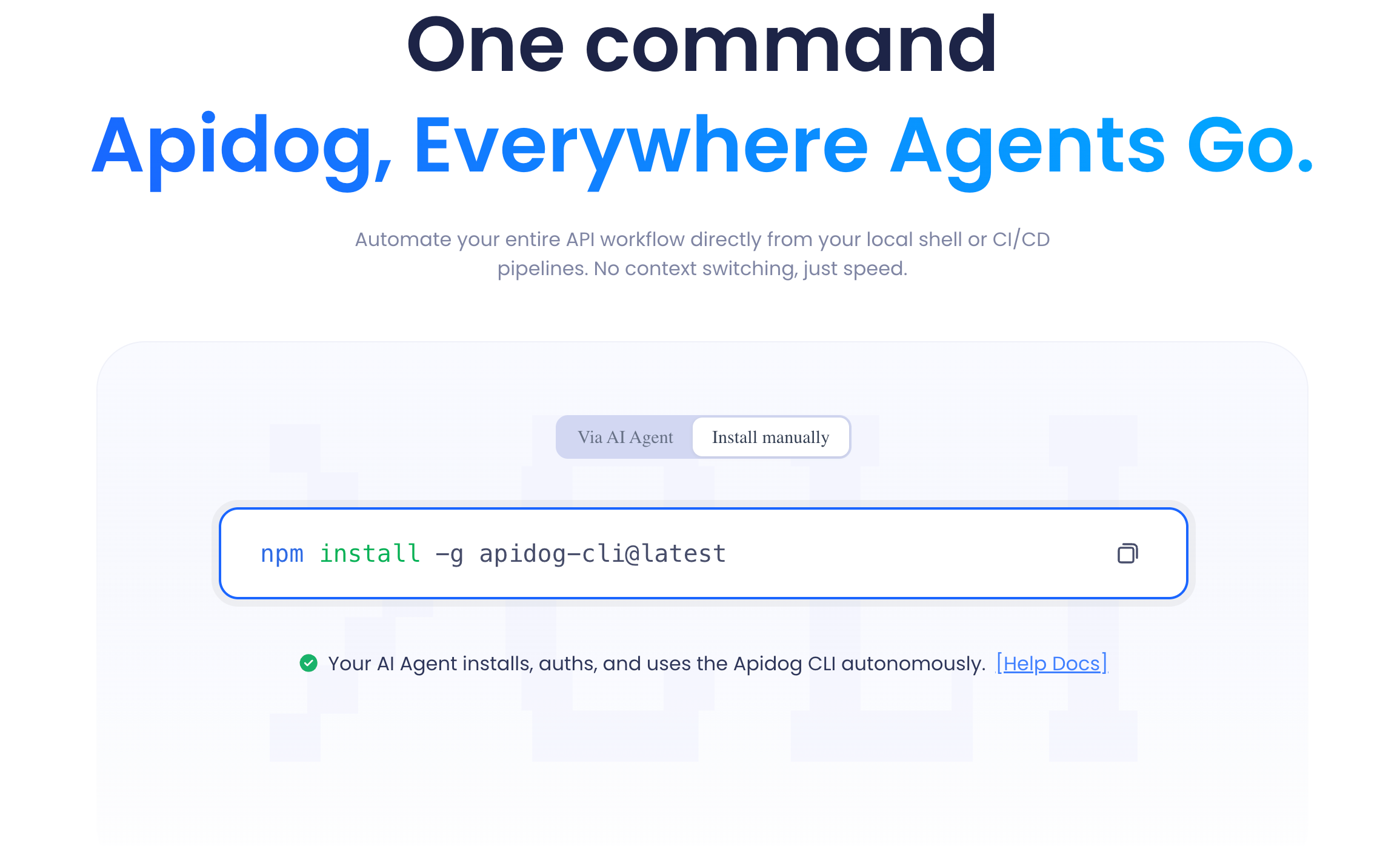
For the CI side, there is a command-line runner published as the apidog-cli npm package. You install it and run a saved scenario headlessly:
npm install -g apidog-cli
apidog run --access-token $APIDOG_ACCESS_TOKEN -t 605067 -e 1629989 -r cli
The -t flag is the test scenario ID, -e is the environment ID, and -r chooses report formats (for example cli or html,cli). The runner exits with a clean status code, so a failing assertion turns the pipeline red. If you want every flag, run apidog run --help; the full walkthrough lives in the Apidog CLI and CI automation guide.
Where it fits: teams who are tired of designing in one tool and testing in another. Where it does not: if all you need is a static docs page for a finished spec, Apidog is more than the job requires. Download Apidog if the design-plus-test overlap is your actual problem.
2. Stoplight: spec-first design with strong governance
Stoplight is the closest competitor to Swagger Editor for people who want to design APIs visually rather than typing YAML. Its Studio editor gives you a form-based view of an OpenAPI document, and Spectral, its open-source linting engine, is genuinely the best-in-class tool for enforcing API style guides. If your organization cares about consistent naming, required descriptions, and design rules across dozens of specs, Spectral is the reason to look at Stoplight.
What it does well: visual design, mocking from the spec, hosted docs, and governance at scale. What it does less of: Stoplight is a design and documentation platform, not a full test runner. You can hit a mock, but for serious functional testing with chained scenarios and CI assertions you will reach for another tool. Teams already invested in Stoplight sometimes pair it with a separate testing app, which puts you back in two-tool territory. If you are weighing a move, the Stoplight to Apidog migration notes cover what carries over.
Where it fits: design-led teams with a strong governance mandate. Where it does not: if you want the same tool to also run your tests.
3. Redocly: the cleanest static docs, plus a real CLI
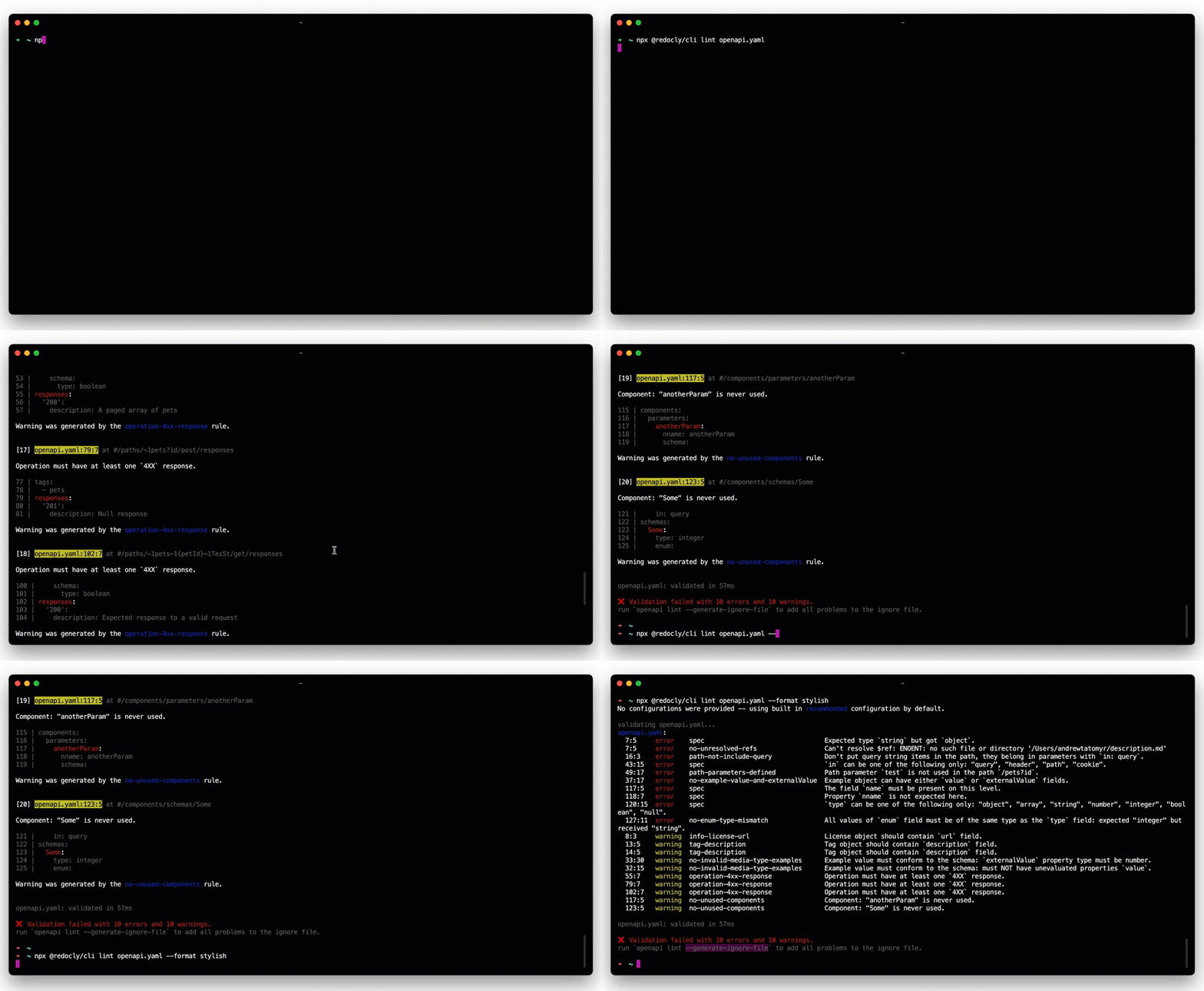
Redocly builds on Redoc, the open-source renderer that produces the long, three-panel API reference pages you have seen on a hundred developer portals. The output is clean, fast, and a clear visual upgrade over default Swagger UI. Redocly the company adds a hosted portal, versioning, and a developer-friendly CLI that bundles, lints, and previews your spec from the terminal:
npx @redocly/cli lint openapi.yaml
npx @redocly/cli build-docs openapi.yaml -o docs.html
What it does well: documentation. If your goal is to publish beautiful, performant API reference docs from an OpenAPI file, Redocly is one of the strongest choices, and the lint command catches spec problems early. What it does not do: send requests or run tests. It is firmly a docs and spec-tooling product. For a deeper look at where it shines and where it does not, see the Redocly alternatives roundup.
Where it fits: teams whose number-one need is polished, version-controlled reference docs. Where it does not: anyone who expected an alternative to also cover testing.
4. Scalar: open-source docs with a built-in API client
Scalar is the newer open-source entry that a lot of developers reach for when Swagger UI feels dated. It renders an OpenAPI spec into a clean, searchable docs page, and unlike Swagger UI it ships with a real API client built into the docs, so the “try it” experience is closer to a lightweight request tool than a single-shot demo button. Because the core is MIT-licensed, you can self-host it and theme it freely.
What it does well: attractive, open-source documentation with an interactive client, and a generous free posture. What it stops short of: it is not a test-scenario platform with assertions, environments, and a CI runner. The built-in client is for exploration, not automated regression testing. The Scalar alternatives comparison lays out the trade-offs against heavier platforms.
Where it fits: open-source projects and indie teams who want good-looking docs they control. Where it does not: teams that need automated testing in a pipeline.
5. Postman: the request tool most teams already have
Postman is not a documentation-first tool, but it shows up in every “swagger alternative” search because so many teams already live in it. You can import an OpenAPI spec, get a collection of requests, send them, write tests in JavaScript with the pm.test API, and run the whole thing in CI with Newman. For pure request-sending and scripting, it is mature and widely understood.
What it does well: ad-hoc requests, scripting flexibility, a huge ecosystem, and team workspaces. Where the friction shows up: the spec and the collection are separate artifacts, so importing an updated OpenAPI file does not cleanly merge with edits you made to the collection, and the two drift apart. Pricing has also pushed teams to look elsewhere as seat counts grow. If cost or drift is your trigger, the Postman alternatives for API testing breakdown is the relevant read.
Where it fits: teams who want maximum scripting freedom and already have Postman muscle memory. Where it does not: teams who want the spec and the tests to be one synchronized source of truth.
6. Insomnia: a lean, open-core request client
Insomnia is the lighter, more keyboard-friendly cousin to Postman. It imports OpenAPI and GraphQL, sends requests, and supports a design view for editing specs, with the Inso CLI for running test suites in automation. Developers who find Postman heavy often prefer its speed and cleaner interface, and the core has an open-source heritage that appeals to people wary of vendor lock-in.
What it does well: fast request work, GraphQL support, and a simpler footprint. The caveats: documentation rendering is thinner than the dedicated docs tools above, and Insomnia has had bumpy releases around account requirements and storage that pushed some users to evaluate other options. It sits closer to “request client with a design view” than to “full design-and-test platform.” For a hands-on look, see how to use Insomnia to test an API.
Where it fits: developers who want a quick, low-friction request client and do not need rich hosted docs. Where it does not: teams who need design, docs, and testing unified.
7. Bump.sh: documentation and change tracking, done one way
Bump.sh deliberately does one thing: it turns an OpenAPI or AsyncAPI file into hosted documentation and tracks every change to that spec over time. Push a new version of your spec and Bump.sh generates a human-readable changelog and diff, which is genuinely useful for communicating breaking changes to API consumers.
What it does well: clean hosted docs and first-class API change tracking, including for event-driven AsyncAPI specs that many tools ignore. What it does not do, on purpose: it does not edit specs, send requests, or run tests. It consumes a spec you produce elsewhere. That focus is a feature if docs and changelogs are your need, and a dealbreaker if you wanted testing. If you care about spec evolution, the breakdown of what changed across OpenAPI 3.0, 3.1, and 3.2 pairs well with a change-tracking workflow.
Where it fits: teams who publish a spec and need beautiful docs plus a reliable changelog. Where it does not: anyone wanting an all-in-one design and test tool.
How to choose
Sort the seven by the job you actually need done.
- Docs only, from a finished spec. Redocly, Scalar, and Bump.sh are the cleanest. Pick Redocly for polish and a CLI, Scalar for open-source control, Bump.sh for change tracking.
- Visual spec design with governance. Stoplight, especially if Spectral linting matters to a large org.
- Sending requests and scripting tests. Postman if you want maximum scripting freedom, Insomnia if you want it lighter.
- Design and testing in one source of truth. Apidog, because the spec, mock, tests, and docs share one definition and the same tests run in CI through the
apidog-cli.
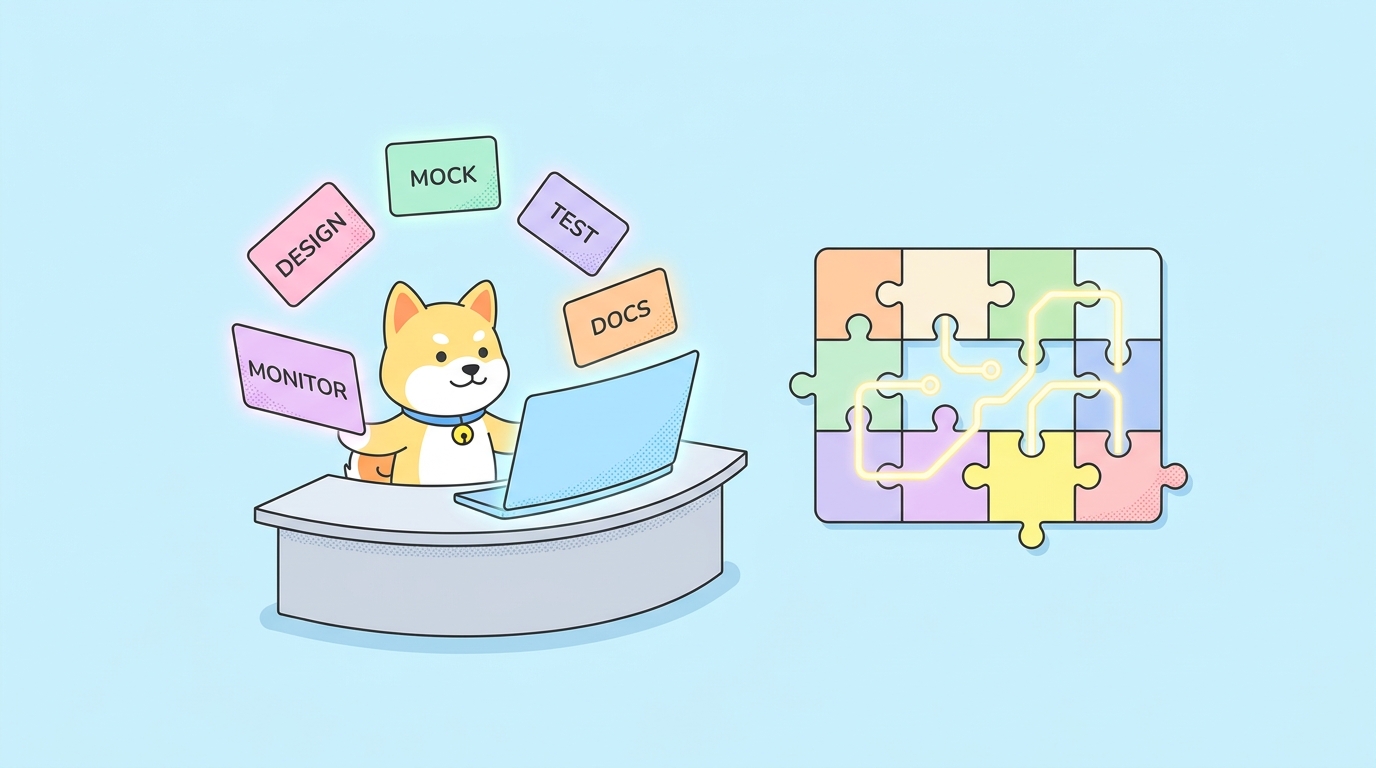
A useful gut check: count your tabs. If designing, mocking, documenting, and testing one API means opening four different tools, the drift between them is a recurring cost, not a one-time setup. The reason “swagger alternative” is such a common search is that Swagger does its part of the job well and then stops, and the bolt-on tools rarely talk to each other. Consolidating the design-and-test loop is where most of the time savings actually come from.
Whichever you pick, keep the spec at the center. Lint it, validate it, and treat it as the contract, not as an afterthought you regenerate from code. Solid API design principles and a habit of running a real OpenAPI validator will outlast any single tool on this list.
FAQ
Is Swagger the same as OpenAPI? Not exactly. OpenAPI is the specification standard; Swagger is the original name and the family of tools (Swagger UI, Editor, and SwaggerHub) built around it by SmartBear. When people say “swagger file” they almost always mean an OpenAPI document. The format is shared, so every tool here reads the same spec.
What is the best free Swagger alternative? For documentation, Scalar is open source and free to self-host. For design plus testing in one place, Apidog has a free tier that covers solo developers and small projects. Swagger UI and Swagger Editor themselves are also free and open source, so “free” is rarely the deciding factor; the real question is how much of the lifecycle the tool covers.
Can any of these tools both design a spec and run tests against it? This is the dividing line. Most docs tools (Redocly, Scalar, Bump.sh) only render. Most request tools (Postman, Insomnia) only test, with the spec imported as a separate artifact. Apidog is the option here designed so the same OpenAPI definition powers the design, the mock, and the test scenarios, and the apidog-cli runs those tests in CI.
Do I have to abandon Swagger UI to use one of these? No. The OpenAPI spec is portable. You can keep Swagger UI for public docs and use a different tool for design or testing, or import your existing spec into a new platform and keep one source of truth. Because the format is standard, switching costs are mostly about workflow habits, not file conversion. You can even import a Swagger or OpenAPI file and generate runnable requests in minutes.
Which alternative is best for CI/CD pipelines? You need a tool with a real test runner and a CLI that returns proper exit codes. Apidog ships the apidog-cli for this; Postman has Newman and Insomnia has Inso. Pure documentation tools like Redocly and Bump.sh are not built for functional testing in a pipeline, though Redocly’s CLI is useful for linting specs as a pre-commit or CI step.