TL;DR: Orca is a desktop app from Stably for running a fleet of coding agents at once, each in its own isolated git worktree. It drives any CLI agent through your existing subscriptions, adds terminal splits, diff annotation, SSH worktrees, a Chromium Design Mode, GitHub and Linear browsing, and a mobile companion app. 58,464 stars as of September 1, 2026, MIT licensed, on macOS, Windows, and Linux. It removes you as the throughput bottleneck. It does not tell you which of the five diffs is correct, and it does not leave a record anyone else can read.
This is a deep dive on one tool from our roundup of five open source AI agent tools worth installing in 2026.
One agent in one terminal is one unit of work. You prompt, you wait, you review, you prompt again. The agent is fast and you are the slow part, which is a strange place to end up after two years of tooling progress.
The obvious fix is to run several at once, and the obvious problem with that is that agents editing the same working tree destroy each other. Orca solves both, and then keeps going into a pile of features that are mostly about removing context switches.
The core idea: one worktree per agent
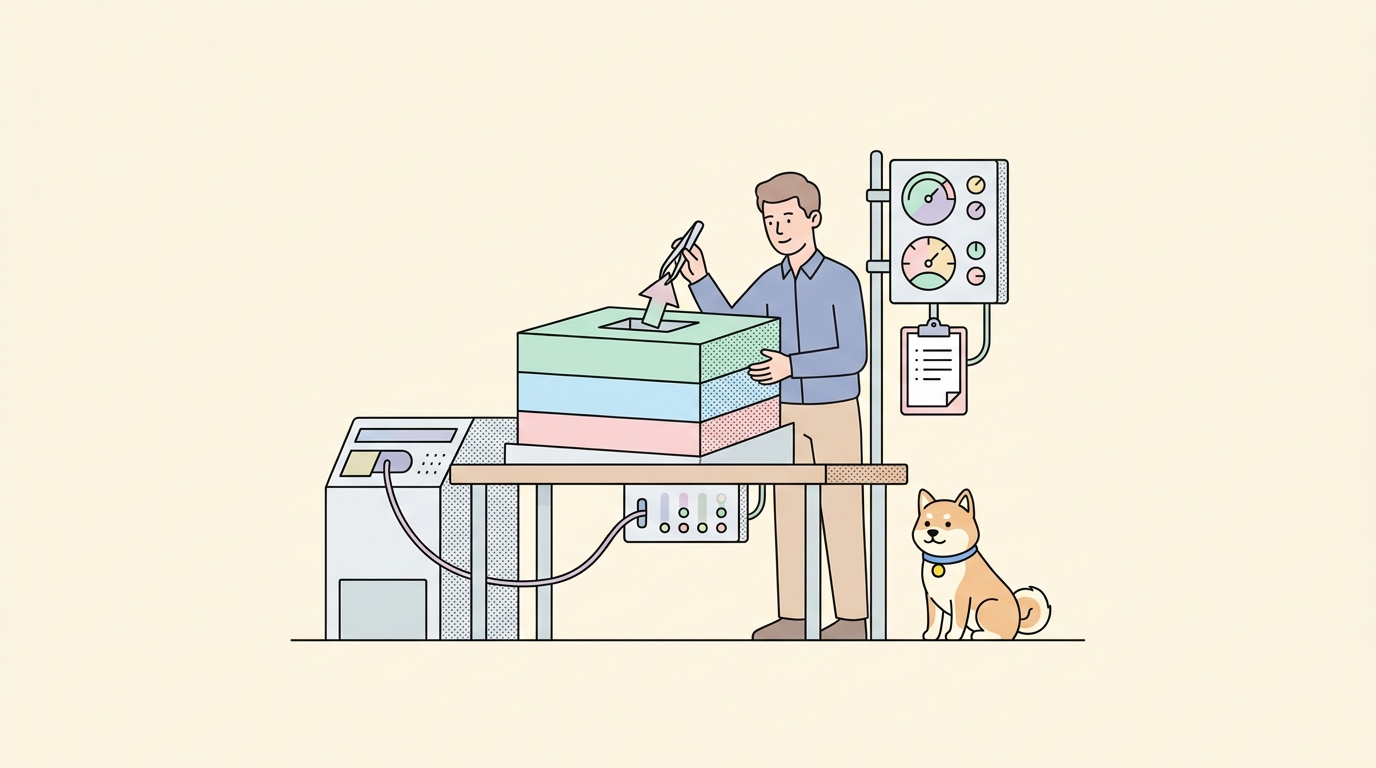
Git worktrees let one repository have several working directories checked out at different branches simultaneously. Orca makes that the primitive. Each agent gets its own worktree, so five agents can work on the same repo at the same time without touching each other’s files.
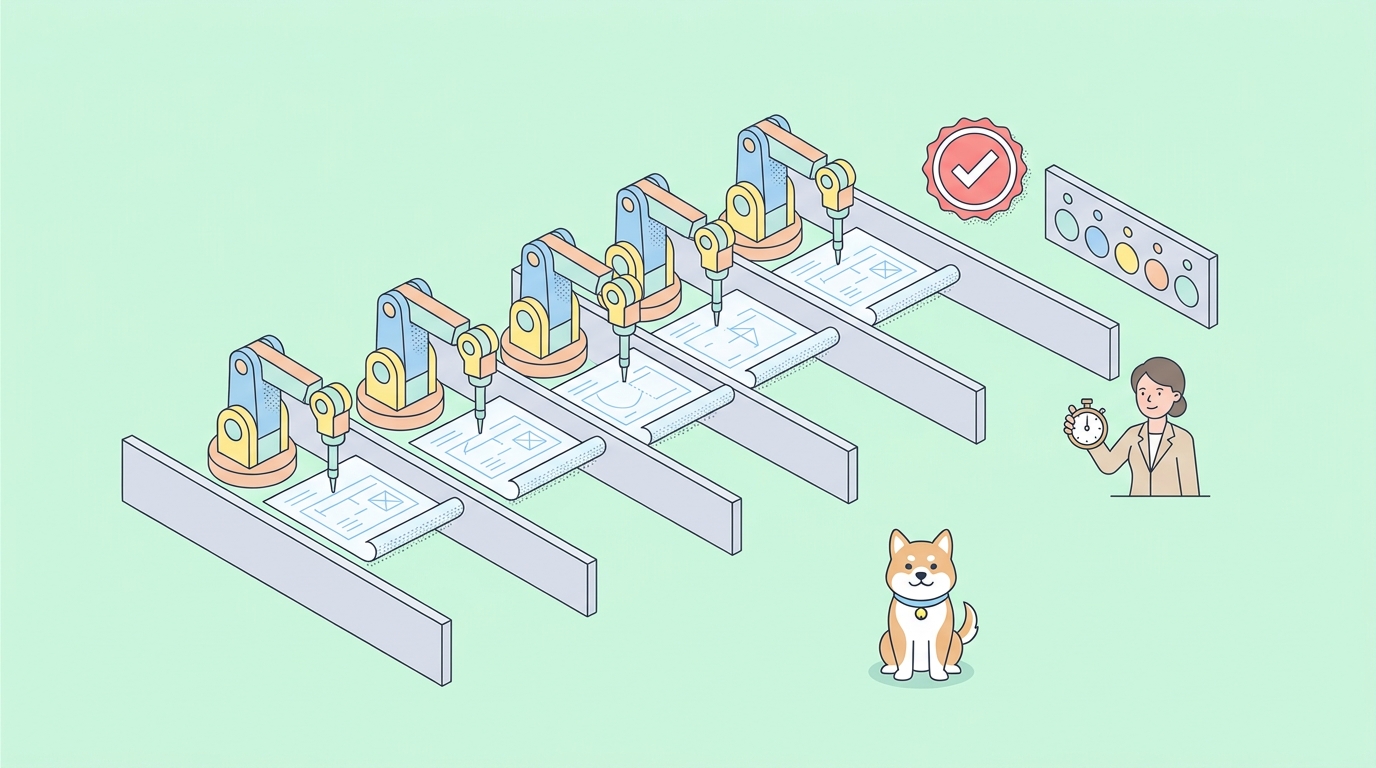
The pattern that makes this more than a convenience is fan-out. You take one prompt, send it to several agents at once, and compare the results:
Fan one prompt across five agents, each in its own isolated worktree, then compare the results and merge the winner.
For a well-specified task that is waste. For a genuinely hard one, where you cannot predict which approach lands, it is the most valuable thing on this list. Three attempts at a tricky migration from three different models will not fail the same way, and picking the best of three beats iterating on the first one.
Doing this by hand means five terminal tabs, five git worktree add commands, and a mental map of which tab is which. That is exactly the kind of bookkeeping people stop doing after a week.
What it runs
Anything that runs in a terminal. The supported list is long and includes Claude Code, Codex, Cursor CLI, GitHub Copilot CLI, OpenCode, Grok, Amp, Antigravity, Pi, oh-my-pi, Hermes Agent, Devin, Goose, Auggie, Charm, Cline, Codebuff, Command Code, Continue, Droid, Kilocode, Kimi, Kiro, Mistral Vibe, Qwen Code, Rovo Dev, and MiMo Code, plus a catch-all for any other CLI agent.
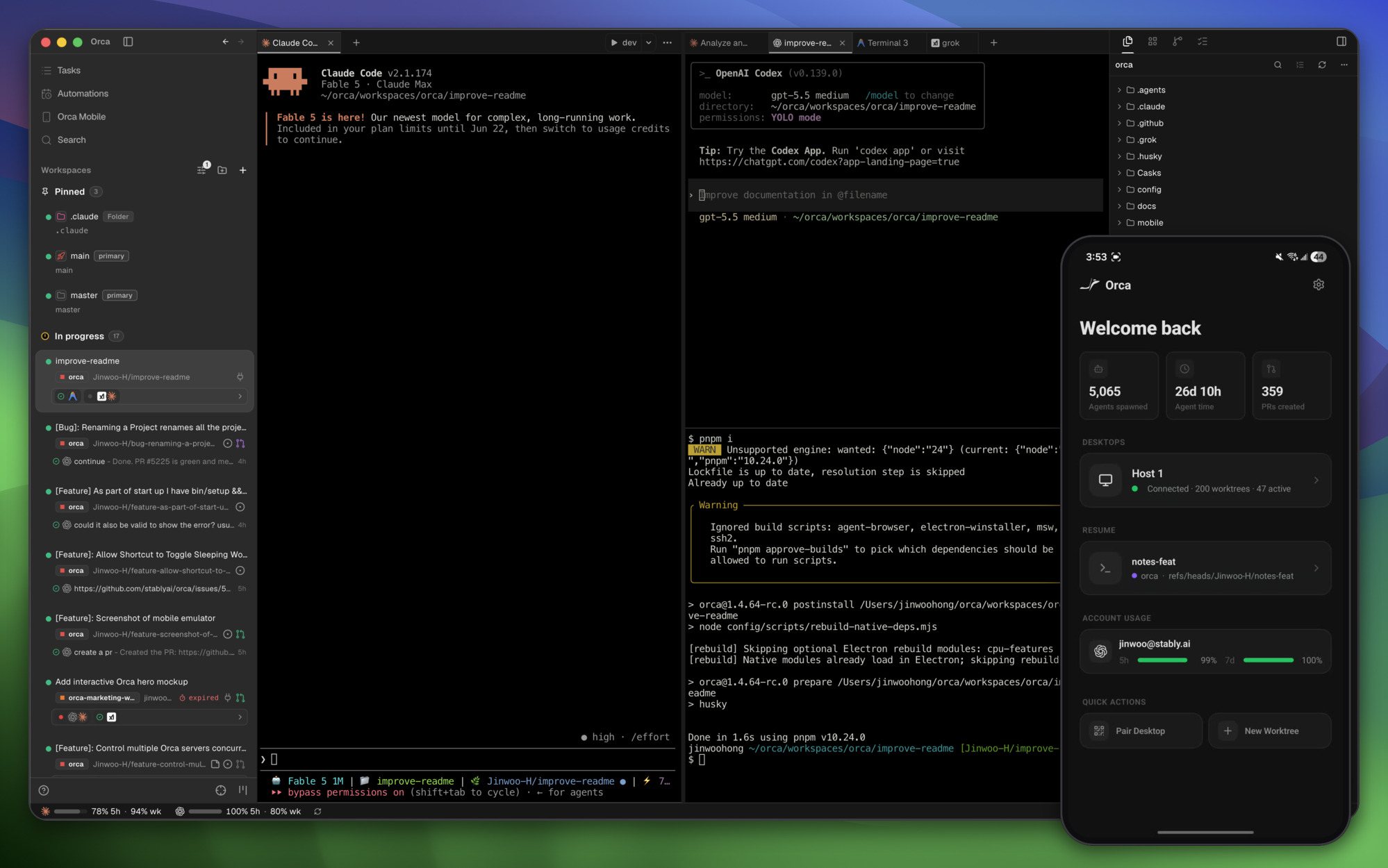
Crucially it uses your own subscriptions and API keys. Nothing here resells you tokens or proxies your requests. If you are running Claude Code with Opus 5 and Codex against open models, Orca runs both against the accounts you already pay for.
That also makes the multi-model comparison genuinely cheap to try. Fanning one prompt across Claude Code, Codex, and OpenCode costs you three subscription calls instead of a new vendor relationship.
Installing it
# macOS
brew install --cask stablyai/orca/orca

# Arch Linux
yay -S stably-orca-bin
Direct downloads for macOS Apple Silicon and Intel, a Windows installer, and a Linux AppImage are on the releases page. For a headless Linux server there is orca serve and a dedicated guide in the repo.
The mobile companion pairs with the desktop app and is on the iOS App Store, with an Android APK in the releases.
The features that matter after week one
The parallel worktree story gets the headline. These are the ones that change daily use.
Account switcher and usage tracking. See Claude and Codex usage and rate-limit reset times in the app, and hot-swap accounts without logging out and back in. If you are running five agents in parallel, you will hit limits, and knowing when they reset is the difference between planning around it and discovering it mid-task.
Annotate AI diffs. Drop comments on any diff line and send them back to the agent. Review, edit, and commit without leaving the app. This is the correct interaction model for agent output, because the useful review feedback is almost always line-specific and typing “in the retry helper, the backoff should be exponential” into a chat box loses the anchor.
SSH worktrees. Run agents on a bigger remote machine with full file editing, git, and terminals, with auto-reconnect and port forwarding. Practical when your laptop cannot host five parallel builds, which it usually cannot.
Design Mode. Click any element in a real Chromium window and Orca sends its HTML, CSS, and a cropped screenshot into the agent’s prompt. This kills the worst part of frontend agent work, which is describing in words which thing is broken.
Terminal splits. Ghostty-class terminals with WebGL rendering, infinite splits, and scrollback that survives restarts. Hold that last detail; it comes back later.
GitHub and Linear, in-app. Browse PRs, issues, and boards, and open a worktree directly from a task.
Orca CLI. Agents can drive Orca itself with orca worktree create, snapshot, click, and fill, so workflows are scriptable rather than click-only.
There is also drag-and-drop of files and images into prompts on a VS Code-based editor with autosave, quick open across worktrees and agents, markdown and PDF previews, computer use for workflows needing real UI interaction, and notification and unread state so you know when an agent finished or stalled. The maintainers ship daily and say the changelog is the real feature list, which is both a fair warning and a good sign.
When fan-out pays, and when it burns tokens
Parallelism is not free, and the failure mode is spending five times the tokens to get five versions of the same answer. A rough rule from using this pattern: fan out on ambiguity, run single on specification.
Fan out when the task has several defensible approaches. A state management refactor, a tricky data migration, a performance problem where the bottleneck is not yet identified, an unfamiliar library integration. Here the models genuinely diverge, and the spread is the value. Three agents will produce three different structures, and one of them will be better than what you would have written.
Run one agent when the task is specified. Adding a field to an endpoint, wiring a handler that matches four existing handlers, writing tests for a function whose behavior is documented. Five agents will produce five near-identical diffs, and you will have paid five times for a rounding error.
Fan out across models, not just across runs. Three Claude Code instances on the same prompt cluster tightly. Claude Code, Codex, and OpenCode on the same prompt diverge much more, because the differences come from training rather than sampling. Orca making that a one-click comparison is the underrated feature here, and it is the reason the account switcher and usage tracking matter as much as the worktrees do.
Write the acceptance criteria before you fan out. If you cannot state what a correct answer looks like before the agents start, you will pick a winner on aesthetics. Writing three bullet points of criteria first takes a minute and converts the review from a judgment call into a check. It also gives you something to hand the agents, which usually improves all five candidates.
The economics are simple enough to hold in your head. Fan-out trades tokens for a wider search of the solution space. That is a good trade when the space is wide and a bad one when there is only one sensible answer.
The problem Orca creates
Run five agents and you get five diffs. Now what?
This is the part the tooling does not answer, and it gets worse as the tooling gets better. Fan-out multiplies output. Your ability to tell correct from plausible stays exactly where it was. Reading five diffs carefully takes longer than writing the code did, so in practice people skim, pick the one that looks cleanest, and merge it.
Clean-looking is not correct. That is the whole problem with agent output, and it is sharpest on anything touching an API, because that is where the agent is guessing rather than reasoning. Each of your five agents invented its own idea of what the endpoint returns. All five wrote code that handles their imagined shape. All five wrote tests that pass against their own assumption. The diffs disagree and none of them is checkable by reading.
What you need is a referee that is not you. That means a contract the agents did not invent and a test suite that fails on the difference:
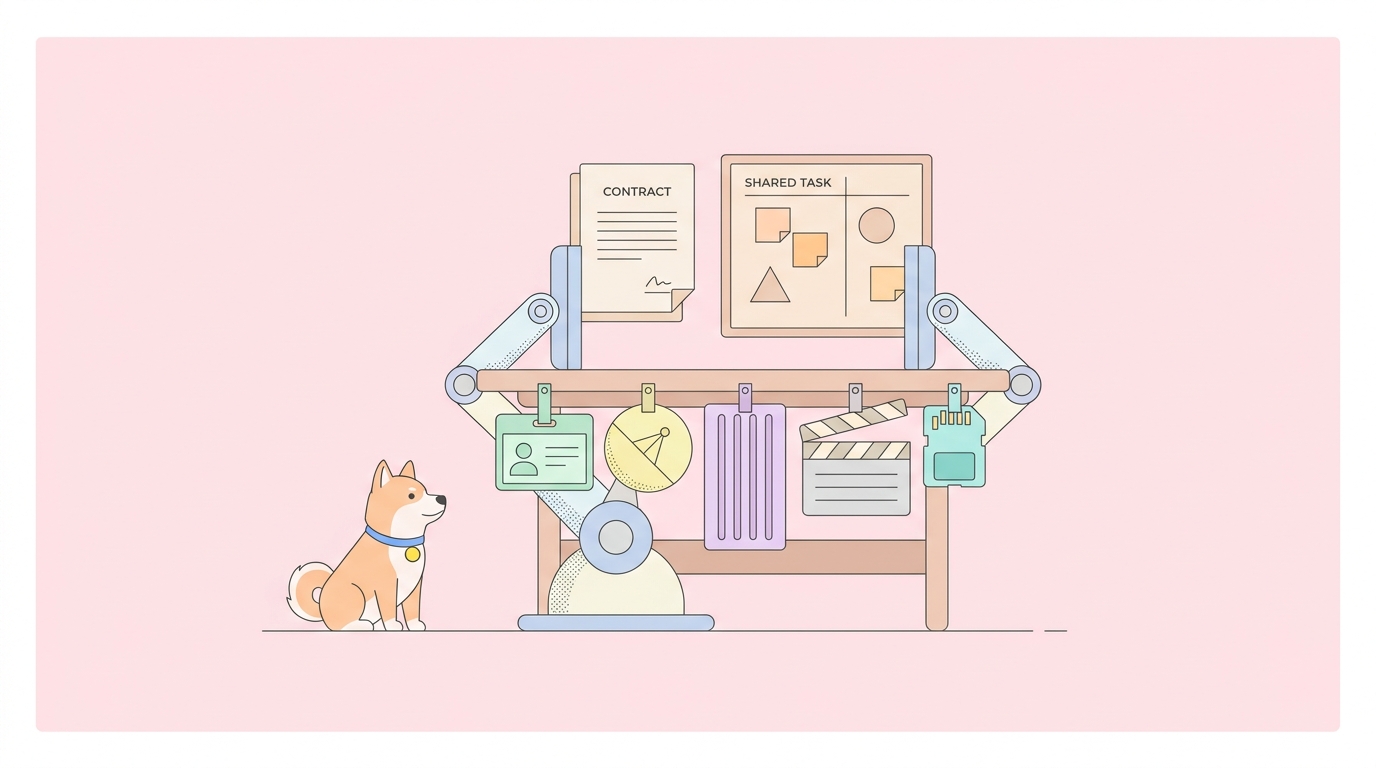
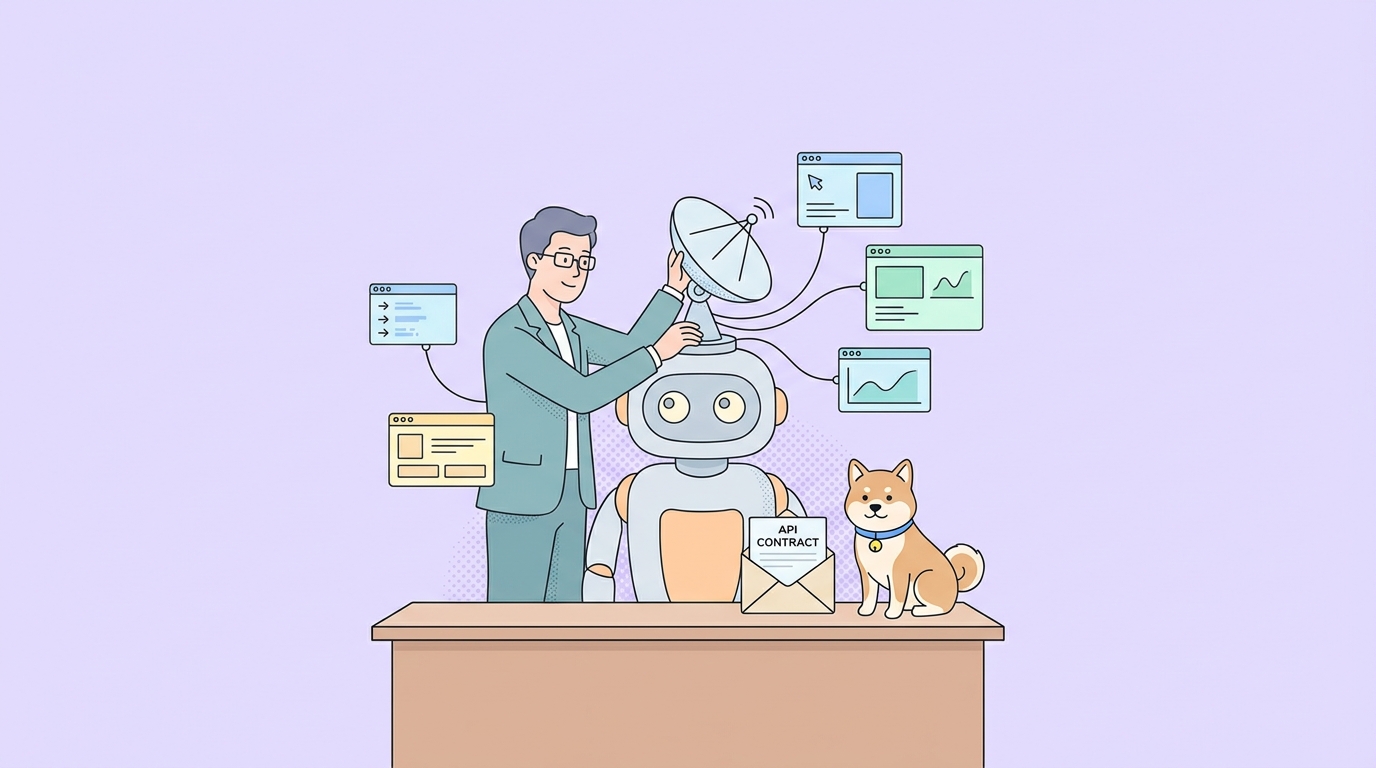
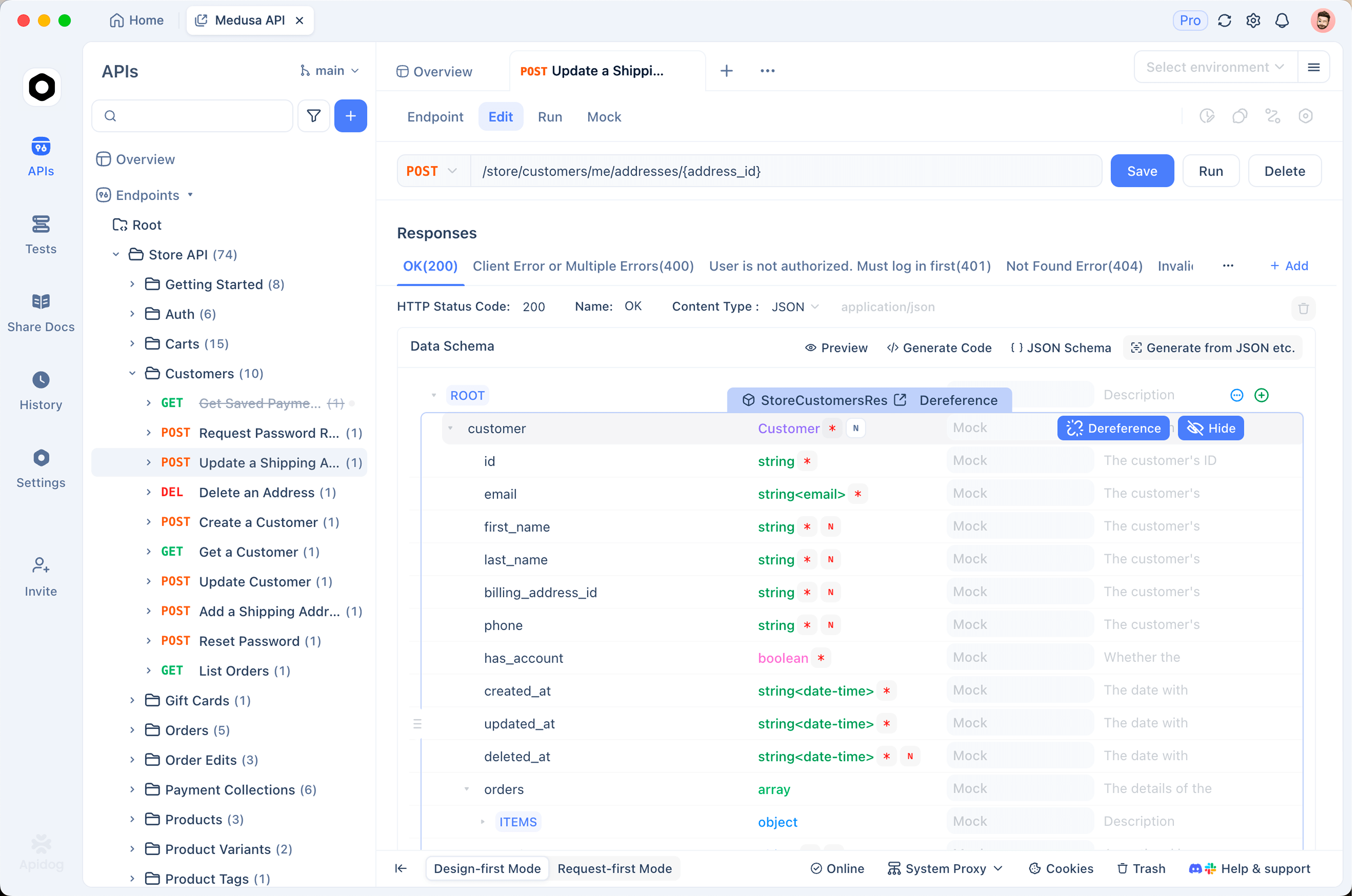
- The OpenAPI spec is the shared truth. Every agent in every worktree reads the same schemas, status codes, and error envelopes instead of five separate guesses. That is the case made in using your OpenAPI spec as agent tools.
- Mocks generate from the spec. Including the error branches, so an agent that only handled the happy path fails immediately rather than at staging.
- Contract tests decide the winner. Run the same suite against all five worktrees. Two pass, three do not. That is a merge decision made on evidence rather than on which diff read nicest at 6pm.
- Shape changes surface loudly. When the upstream contract moves, the tests break rather than the behavior silently drifting. See what happens when API changes break AI agents.
This is where Apidog fits into an Orca setup, and it is a genuinely complementary fit rather than a pitch. Orca gives you five candidate answers cheaply. A spec plus a deterministic test suite is what makes choosing between them cheap too. Without that second half, parallelism multiplies your review burden instead of your throughput. Download Apidog and wire the spec in before you turn on fan-out, not after. The broader argument for why verification grows rather than shrinks as agents write more code is in do you still need an API tool in the age of AI agents, and the reliability practices around it are in production AI agent reliability.
Scrollback is not a record
Now the second gap, which is not a flaw in Orca so much as a boundary of what it is.
Orca is an excellent cockpit for one operator. Everything lives on your machine: the worktrees, the terminal sessions, the diffs, the scrollback that helpfully survives restarts. That is exactly right for solo work and it becomes a problem the moment a second person needs to know anything.
You run five agents on Thursday. On Monday a teammate asks why the retry logic changed in the payments client. The answer is in a terminal pane on your laptop, if you have not closed that worktree. The prompt that produced it is gone, the reasoning is gone, and the only durable artifact is a commit message written by a model.
Prompts are not a record. A cockpit is not an organization.
Sharkly is built on the other side of that line, and the two are closer in philosophy than the category names suggest. Both isolate work per unit. Both let you bring your own execution and your own subscriptions. The difference is what the unit is: Orca’s unit is a worktree you are looking at, and Sharkly’s is a task that outlives the session.
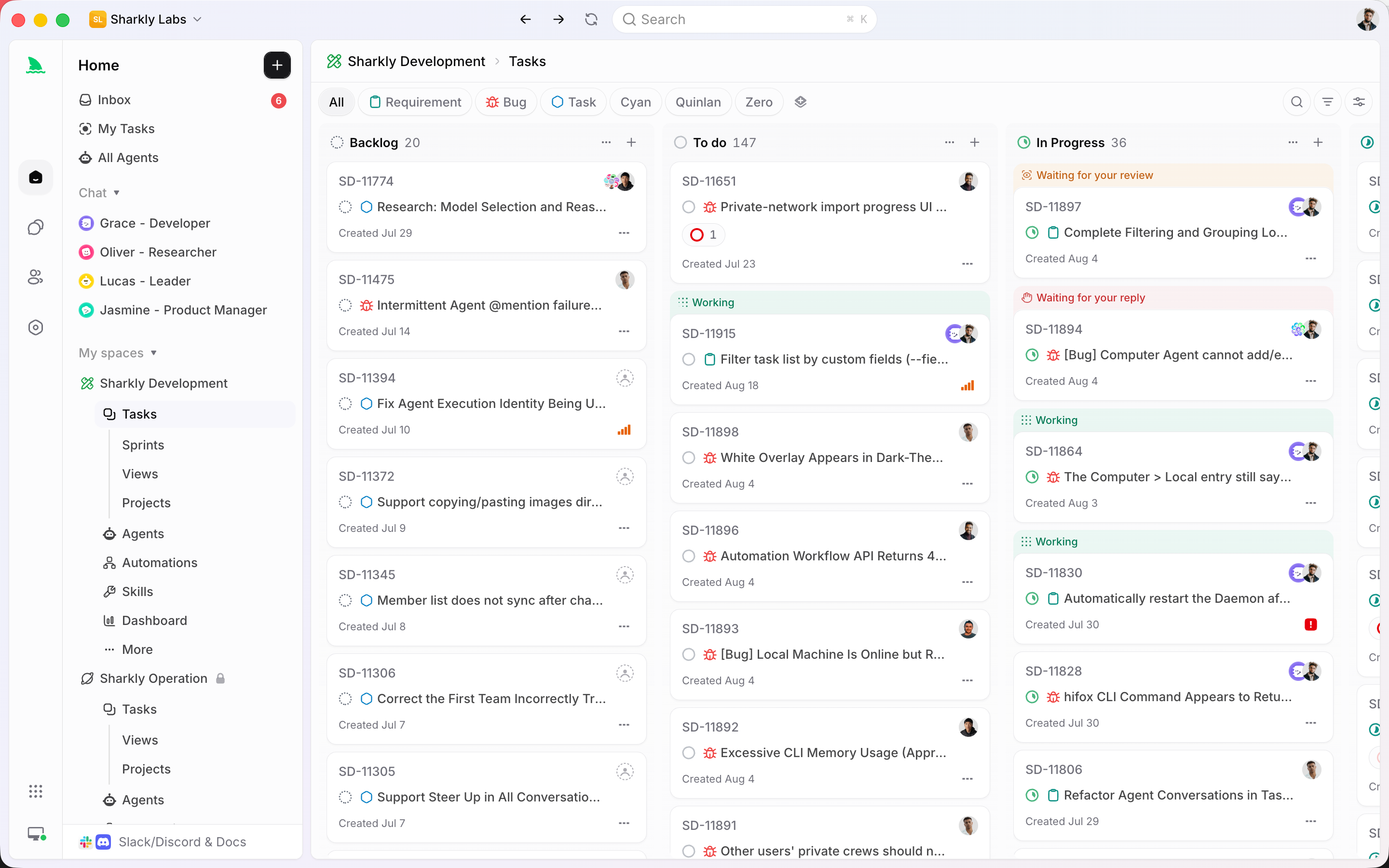
- The task is the shared record, not the prompt. Progress, tool calls, and results stream back to it, and the agent’s output lands as comments you reply to. Monday’s question has an answer that is not a screen recording.
- An Agent is a saved configuration. Instructions, runtime, skills, repositories, environment. The setup you tuned for the payments service is reused rather than retyped into a fresh pane every morning.
- A Crew is a leader agent plus other agents and people, running leader-first. The leader reads the task context, decides which members to pull in, and combines results in one place. That is fan-out with a synthesis step, rather than fan-out plus you reading five diffs.
- Execution is bring your own. You connect a Computer, which can be your laptop, a server, or a container, and Sharkly uses the Runtime already installed on it. Same model as Orca’s use of your own subscriptions, and the same reason it is the right one.
- Repository work runs in a separate worktree per task. The identical isolation trick, applied at the task level instead of the pane level.
- Backlog does not run. A task sitting in Backlog starts nothing, so work gets prepared and reviewed before any tokens are spent. That checkpoint is what most parallel-agent setups are missing.
- Structure a team already understands. Spaces, projects, sprints, tasks, with Jira sync for teams that live there.
The honest summary: if you work alone, Orca is probably enough, and it is very good. The moment a second person needs visibility into what the agents did, you need a durable task record, and no amount of scrollback provides one.
A setup that works
If you are adopting this, an order that avoids the common mess:
- Install Orca and use one agent for a week. The terminal, editor, and diff annotation are worth it before you touch parallelism.
- Wire in the spec and the contract tests first. Fan-out without a referee makes things worse. This is the step people skip.
- Fan out on hard problems only. Three agents on an ambiguous refactor, one agent on a clear ticket. Fanning everything wastes tokens and your attention.
- Cut the token cost of each agent first. Five agents grepping the same repository is five times the waste, so pair this with codebase-memory-mcp.
- Use annotation instead of re-prompting. Line comments back to the agent beat rewriting the whole instruction.
- Move to SSH worktrees when your laptop stops coping. It will, around agent three or four on any real build.
- Add a task layer when a second person is involved. Solo, skip it. On a team, the record is not optional.
FAQ
Does Orca replace my IDE? Mostly, for agent-driven work. It has a VS Code-based editor with autosave, a file explorer, terminals, and diff review. People still keep a full IDE around for deep debugging.
Do I need separate subscriptions for each parallel agent? No. Orca uses the accounts you already have, and the built-in usage tracking shows your Claude and Codex limits and reset times. You will hit rate limits running several agents at once; that is a plan-limit question, not an Orca one.
Is running five agents on one repo actually safe? Yes, because each gets its own git worktree, so they cannot overwrite each other’s files. Shared state outside the repo, meaning databases, running dev servers, and ports, is still yours to manage. Point them at separate environments or you will get confusing failures that look like agent errors.
How do I choose between the diffs? Run the same test suite against all of them and let it decide. If your tests do not distinguish the candidates, the tests are the thing to fix before you scale the fan-out. Tracing what each agent actually called helps too, which is covered in tracing agent tool calls.
Orca or a work management tool like Sharkly? Different layers, and they compose. Orca is where you drive agents right now. A task system is where the work lives, gets assigned, and stays reviewable afterward. Solo you may only need the first.
Is it really MIT licensed? Yes, unlike some tools in this category. Stably is a commercial company and the desktop app is open source under MIT.
Wrapping up
Orca is the strongest answer available to the throughput problem. Parallel worktrees, a real terminal, diff annotation, remote execution, and a mobile companion add up to a serious tool, and using your own subscriptions rather than reselling tokens is the right business model.
What it hands you is more candidate answers per hour. That is only progress if you can also decide between them and remember what happened. The deciding part needs a contract and a test suite, which is Apidog. The remembering part needs a task that outlives the session, which is Sharkly.
Five agents with no referee is not five times the output. It is five times the review queue.