Subtitles are essential for accessibility, breaking language barriers, and enhancing the viewing experience for global audiences. For API developers building media players, language tools, or content platforms, integrating subtitle functionality can make or break user engagement. The OpenSubtitles API stands out as a robust solution, offering direct access to one of the largest subtitle repositories in the world.
This article is a comprehensive, developer-focused guide to the OpenSubtitles API. You’ll learn how to authenticate, search, download, and even translate subtitles—plus best practices for seamless integration. Whether you’re building a new product or upgrading your current workflow, this guide is for you.
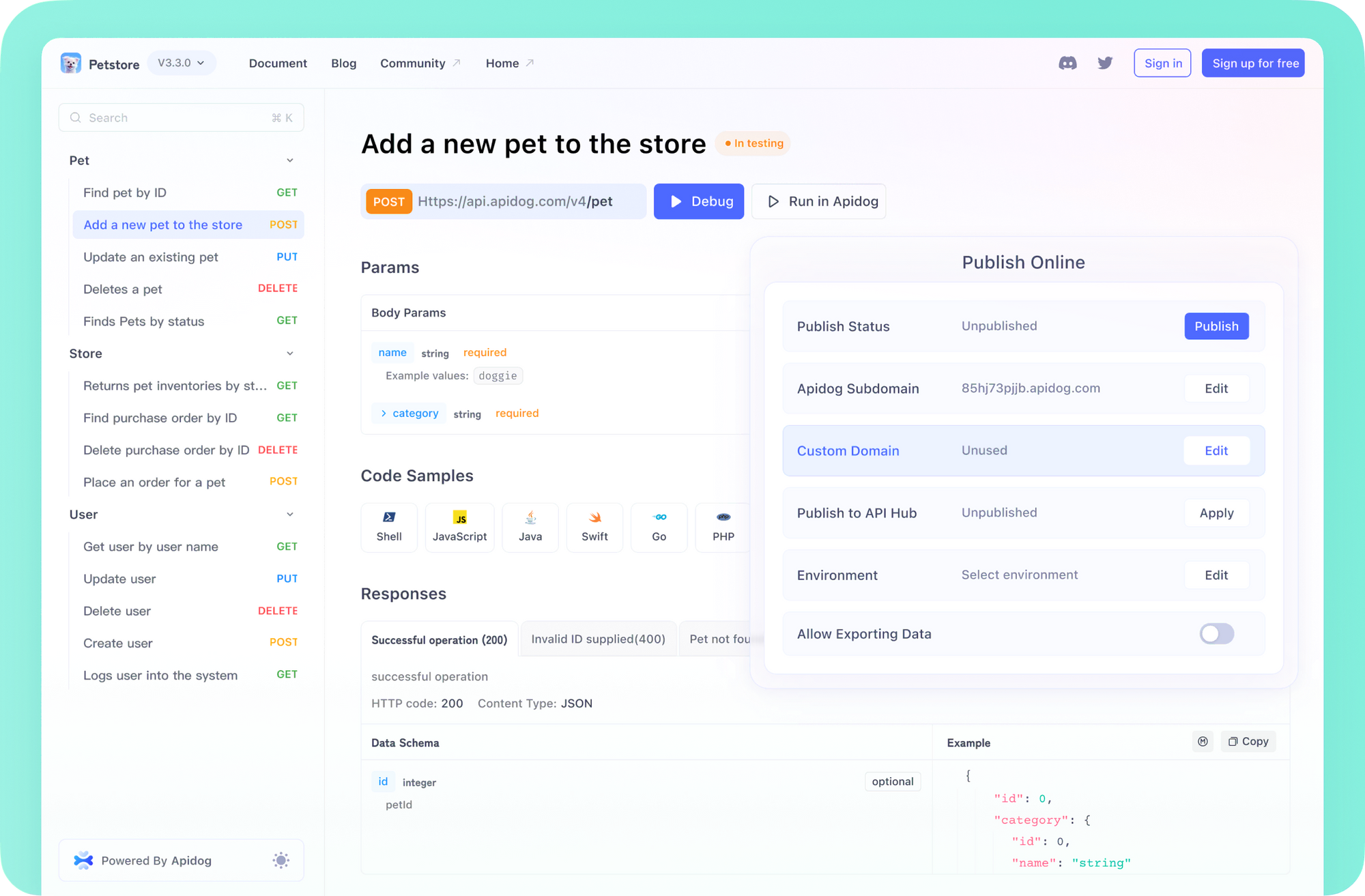
💡 Looking for an API platform that makes testing, documentation, and team collaboration effortless? Apidog offers an all-in-one solution—see how it compares to Postman and why it’s trusted by API-focused teams.
What Is the OpenSubtitles API?
The OpenSubtitles API is a RESTful interface for programmatic access to the OpenSubtitles subtitle database. Instead of manually downloading subtitle files, you can automate searches, downloads, and even AI-driven translations directly within your application.
Core capabilities include:
- Searching: Locate subtitles by movie/show title, IMDb/TMDB ID, language, file hash, and more.
- Downloading: Retrieve specific subtitle files for playback or processing.
- AI Translation: Translate subtitles into new languages using AI models.
- Metadata Access: Fetch detailed information about subtitles and associated media.
This API is purpose-built for developers who want to enrich their platforms with multilingual subtitle support.
Getting Started: Prerequisites and Setup
Before making API calls, ensure you have the following in place:
1. API Endpoint
All requests use the base URL:
https://api.opensubtitles.com/api/v1
Append the specific resource paths (e.g., /subtitles, /download) as needed.
2. Account Registration & API Key
- Register for a free account on OpenSubtitles.
- Generate an API Key from your profile or developer dashboard.
- Keep your API Key secure—treat it as a secret credential.
3. Authentication Methods
The API supports two main authentication flows:
- API Key: Attach your API key to each request via the
Api-Keyheader.
Example:Api-Key: YOUR_API_KEY - JWT Token (Optional): For user-specific actions or higher quotas, exchange credentials for a JWT using the
/loginendpoint.
UseAuthorization: Bearer YOUR_JWT_TOKENalongsideApi-Key.
4. Required Headers
Every API call should include:
Content-Type: application/json(for POST requests)User-Agent: YourAppName v1.0(custom, descriptive string—avoid defaults likepython-requests)Api-Key: YOUR_API_KEY
5. Rate Limiting
OpenSubtitles enforces rate limits. Pay close attention to these response headers:
X-RateLimit-LimitX-RateLimit-RemainingX-RateLimit-ResetRetry-After(on 429 errors)
Implement logic to gracefully handle limits—queue requests or back off as needed.
Authenticating with the /login Endpoint
To perform user-specific operations or unlock higher quotas, authenticate with /login:
Endpoint:
POST /login
Request:
{
  "username": "your_opensubtitles_username",
  "password": "your_opensubtitles_password"
}
Headers:
Content-Type: application/json
Accept: application/json
Api-Key: YOUR_API_KEY
User-Agent: YourAppName v1.0
Response (success):
{
  "user": { ... },
  "token": "eyJhbGciOiJIUzI1NiIsInR5cCI6IkpXVCJ9...",
  "status": 200
}
Use the token as your JWT in the Authorization header for future requests. JWTs may expire, so be prepared to re-authenticate as needed.
Searching for Subtitles: /subtitles Endpoint
The /subtitles endpoint is your gateway to the subtitle database.
Endpoint:
GET /subtitles
Authentication:
Api-Key (required), plus Authorization: Bearer JWT if needed.
Common Query Parameters:
| Parameter | Description | Example |
|---|---|---|
query |
Search by movie or episode title | query=Inception |
imdb_id |
IMDb ID for exact match | imdb_id=tt1375666 |
tmdb_id |
TMDb ID for movies | tmdb_id=27205 |
languages |
Comma-separated ISO 639-2B codes | languages=en,es |
moviehash |
Unique hash from video file for highest accuracy | moviehash=abc123... |
type |
Filter by media type (movie or episode) |
type=movie |
hearing_impaired |
Filter for hearing-impaired subtitles | hearing_impaired=only |
order_by |
Sort by field (e.g., download_count) | order_by=download_count |
Example: Find English subtitles for "Inception" using TMDb ID
GET /api/v1/subtitles?tmdb_id=27205&languages=en HTTP/1.1
Host: api.opensubtitles.com
Api-Key: YOUR_API_KEY
User-Agent: MySubtitleApp v1.0
Accept: application/json
Sample Response (truncated):
{
  "data": [
    {
      "id": "1234567",
      "attributes": {
        "language": "en",
        "download_count": 500000,
        "files": [
          { "file_id": 998877, "file_name": "Inception.2010.720p.BluRay.x264-REWARD.srt" }
        ],
        "feature_details": {
          "title": "Inception",
          "imdb_id": "tt1375666"
        }
      }
    }
  ]
}
Tip: The file_id inside the files array is required for downloads.
Downloading Subtitles: /download Endpoint
After identifying the subtitle file, obtain a download link:
Endpoint:
POST /download
Request Body:
{
  "file_id": 998877
}
Headers:
Include your Api-Key, Authorization: Bearer YOUR_JWT_TOKEN (if required), and User-Agent.
Response:
{
  "link": "https://dl.opensubtitles.org/en/download/sub/1234567?...",
  "file_name": "Inception.2010.720p.BluRay.x264-REWARD.srt",
  "remaining": 95,
  "reset_time": "2023-10-27T12:00:00Z"
}
To download the subtitle:
Make an HTTP GET request to the link URL—no additional headers needed. Save the file using the provided file_name.
Note: Download links are temporary. Always request a fresh link before each download.
Translating Subtitles with AI: /ai-translation Endpoint
OpenSubtitles provides AI-powered translation for subtitles, expanding accessibility to more languages.
Endpoint:
POST /ai-translation (Check documentation for latest info)
Request Example:
{
  "file_id": 998877,
  "target_language": "de"
}
- Translation may be queued; response might indicate job status or provide a new
file_idfor the translated file. - AI translation features may have different usage quotas or require VIP access.
Use Cases:
- Serve users in languages not covered by existing subtitles.
- Offer real-time subtitle translation in your application.
Best Practices for OpenSubtitles API Integration
Follow these guidelines for a robust, user-friendly integration:
- Cache Search Results: Avoid redundant API calls for popular titles; invalidate cache periodically.
- Respect Rate Limits: Monitor limit headers. Implement exponential backoff on 429 errors.
- Use Accurate Identifiers: Prioritize
imdb_idortmdb_idto improve search accuracy and speed. - Set a Clear User-Agent: Use a distinctive, traceable string for troubleshooting and compliance.
- Handle Errors Gracefully: Surface meaningful error messages for issues like quota exhaustion, authentication failures, or missing subtitles.
- Monitor Download Quotas: Inform users when nearing or exceeding quota using the
remainingfield. - Secure Secrets: Never expose API keys in client-side code—store and manage them server-side.
Tip: For streamlined API testing, request/response validation, and documentation, consider an integrated platform like Apidog to speed up your development workflow.
Developer Tools, Wrappers, and Community Resources
You don’t have to start from scratch. Explore these resources:
- API Wrappers: Search for language-specific SDKs (Python, JavaScript, Java, etc.) on GitHub, PyPI, or npm. Community-maintained wrappers can simplify authentication and requests.
- Command-line Scripts: Useful for automation, batch downloads, or integration with CI/CD pipelines.
- Developer Forums: The OpenSubtitles forums and community channels often feature usage tips, code samples, and troubleshooting help.
Understanding the underlying REST endpoints is still essential for debugging and advanced scenarios.
API Subscription Tiers and Pricing
OpenSubtitles offers different levels of API access:
- Free Tier: Basic search and download with lower rate limits—ideal for testing or low-traffic apps.
- VIP/Paid Tiers: Higher quotas, premium support, and access to advanced features like AI translation.
Check the official OpenSubtitles API documentation for up-to-date pricing and feature comparisons. Select a plan that fits your projected traffic and use cases.
Conclusion
The OpenSubtitles API is a powerful resource for developers looking to integrate subtitles at scale. By leveraging its REST endpoints for search, download, and translation—and following best practices for authentication, rate limiting, and error handling—you can deliver seamless subtitle experiences to your users.
Combine the OpenSubtitles API with a robust API platform like Apidog for rapid development, automated testing, and collaborative documentation. This approach not only accelerates integration but also ensures reliability across your API-driven products.