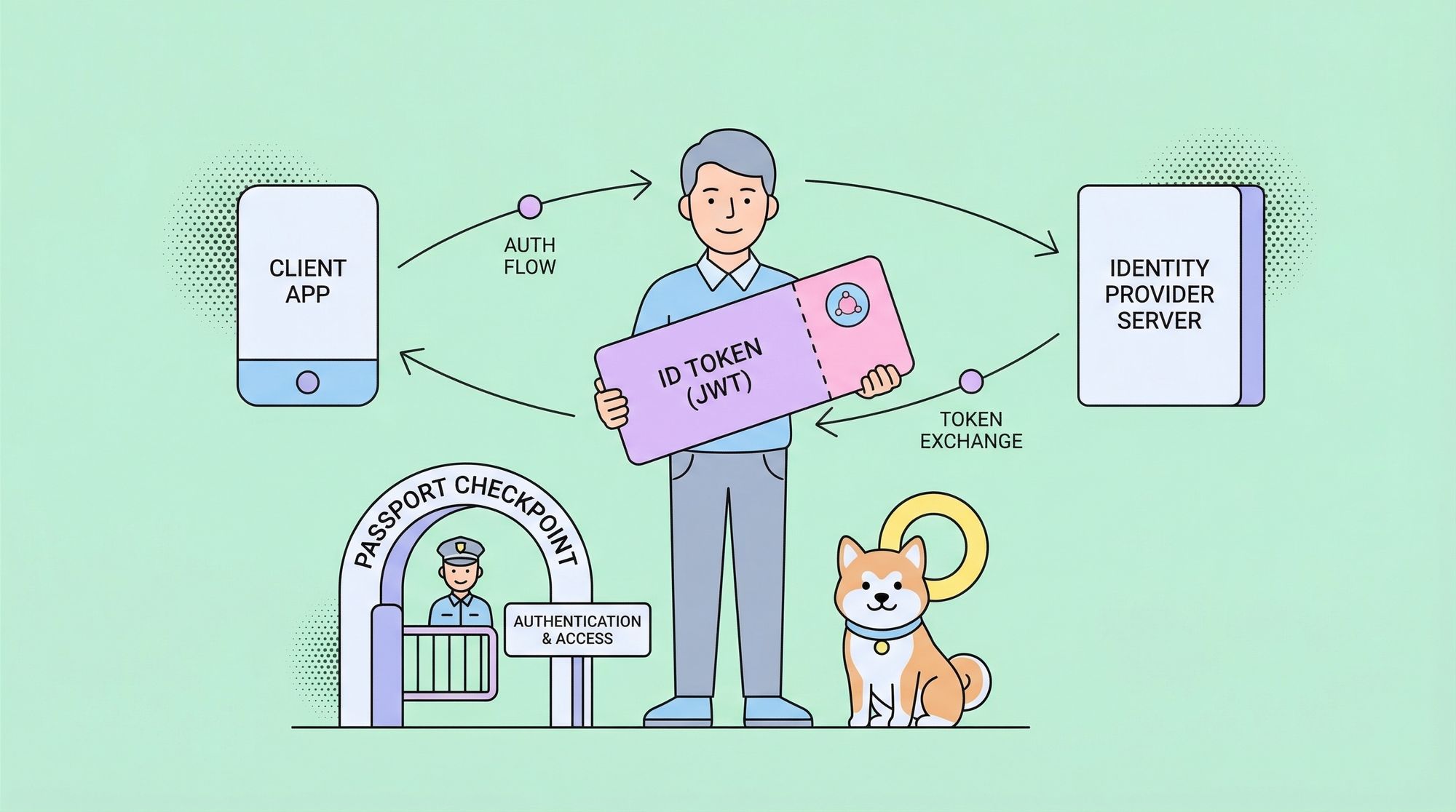
OpenID Connect has become the industry standard for secure, modern authentication and single sign-on (SSO). If you’re looking for a clear, practical, and exhaustive OpenID Connect tutorial, you’re in the right place. This guide will walk you through what OpenID Connect is, why it matters, the core concepts, the authentication flow, hands-on implementation, and practical examples for real-world scenarios.
What is OpenID Connect? (OpenID Connect Tutorial Basics)
OpenID Connect is an authentication protocol that sits on top of the OAuth 2.0 framework. While OAuth 2.0 is designed for authorization (granting access to resources), OpenID Connect is built for authentication—verifying the identity of users and providing basic profile information in a secure way.
Why is OpenID Connect important?
- Secure Authentication: Avoids insecure, home-grown login systems.
- Single Sign-On (SSO): Users can sign in to multiple applications using a single identity provider.
- Interoperability: Works across web, mobile, and API clients.
- Profile Information: Returns identity and profile data in a standardized format (JWT ID tokens).
In this OpenID Connect tutorial, you’ll learn how all these benefits are achieved, step by step.
Key Concepts for this OpenID Connect Tutorial
Before diving into the OpenID Connect tutorial flow, let’s clarify the essential terms and components you’ll encounter:
- Identity Provider (IdP): The service that authenticates users (e.g., Google, Auth0, Okta).
- Client (Relying Party): The application requesting authentication (your web app, mobile app, or API).
- End User: The person authenticating.
- Authorization Server: Usually the same as the IdP; issues tokens upon successful authentication.
- ID Token: A JSON Web Token (JWT) that contains identity information about the user.
- Access Token: (from OAuth 2.0) Used to access protected APIs after authentication.
- Discovery Document: A well-known endpoint that provides metadata and URLs for the authentication flows.
OpenID Connect Tutorial: The Authentication Flow Explained
A robust OpenID Connect tutorial must walk you through the full authentication process. Here’s how it works, step-by-step:
1. User Initiates Login
The user clicks "Login with OpenID Connect" in your application.
2. Client Redirects to Authorization Server
Your app redirects the user’s browser to the authorization endpoint of the IdP, including parameters like:
client_idredirect_uriscope(usually includesopenid)stateresponse_type(oftencodefor the Authorization Code flow)
Example URL:
https://idp.example.com/authorize?
  client_id=YOUR_CLIENT_ID
  &redirect_uri=https://yourapp.com/callback
  &scope=openid%20profile%20email
  &response_type=code
  &state=randomState123
3. User Authenticates
The IdP shows a login screen. The user enters credentials and consents to share their profile.
4. Authorization Server Redirects Back
After successful login, the IdP redirects the browser to your redirect_uri with an authorization code and the original state.
Example:
https://yourapp.com/callback?code=AUTH_CODE&state=randomState123
5. Client Exchanges Code for Tokens
Your backend exchanges the authorization code for tokens by POST-ing to the IdP’s token endpoint.
Example (HTTP POST):
POST /token
Host: idp.example.com
Content-Type: application/x-www-form-urlencodedgrant_type=authorization_code
&code=AUTH_CODE
&redirect_uri=https://yourapp.com/callback
&client_id=YOUR_CLIENT_ID
&client_secret=YOUR_CLIENT_SECRET
6. Tokens Returned
The IdP returns a response with:
id_token(JWT containing user info)access_token(for API access)- (optionally)
refresh_token
Example JSON Response:
{
  "access_token": "eyJ...abc",
  "id_token": "eyJ...xyz",
  "expires_in": 3600,
  "token_type": "Bearer"
}
7. Client Validates and Uses Tokens
Your app validates the id_token (signature, audience, expiry) and logs in the user. You can use the access_token to call resource APIs if needed.
OpenID Connect Tutorial: Understanding Flows
OpenID Connect supports several authentication flows. This tutorial will focus on the most common: Authorization Code Flow.
Authorization Code Flow (Recommended for Web Apps)
- Most secure (tokens not exposed to browser)
- Supports server-side validation
- Used for confidential clients (apps with a backend)
Why Not Use Implicit Flow?
The Implicit Flow is now discouraged due to security reasons (tokens exposed in browser URL). Always prefer the Authorization Code Flow with PKCE (Proof Key for Code Exchange) for public clients like Single Page Applications (SPAs).
OpenID Connect Tutorial: Decoding the ID Token
The id_token is the heart of OpenID Connect. It’s a JWT (JSON Web Token), which you can decode to extract user information.
Example id_token payload:
{
  "iss": "https://idp.example.com",
  "sub": "1234567890",
  "aud": "YOUR_CLIENT_ID",
  "exp": 1712345678,
  "iat": 1712341678,
  "email": "user@example.com",
  "name": "Jane Doe"
}
- iss: Issuer (the IdP)
- sub: Subject (user ID at IdP)
- aud: Audience (your app’s client ID)
- exp: Expiry time
- email, name: Standard claims
Tip: Always validate the signature and claims in the ID token before logging in the user.
OpenID Connect Tutorial: Hands-On Example (Python)
Here’s a practical OpenID Connect tutorial example using Python (without external SDKs), so you understand every step.
Step 1: Build the Authorization URL
import urllib.parseparams = {
    "client_id": "YOUR_CLIENT_ID",
    "redirect_uri": "https://yourapp.com/callback",
    "response_type": "code",
    "scope": "openid profile email",
    "state": "randomState123"
}
auth_url = "https://idp.example.com/authorize?" + urllib.parse.urlencode(params)
print(auth_url)
Step 2: Exchange Authorization Code for Tokens
import requeststoken_data = {
    "grant_type": "authorization_code",
    "code": "AUTH_CODE",
    "redirect_uri": "https://yourapp.com/callback",
    "client_id": "YOUR_CLIENT_ID",
    "client_secret": "YOUR_CLIENT_SECRET"
}resp = requests.post("https://idp.example.com/token", data=token_data)
tokens = resp.json()
print(tokens)
Step 3: Decode and Validate the ID Token
import jwtid_token = tokens['id_token']
decoded = jwt.decode(id_token, options={"verify_signature": False})
print(decoded)
Note: In production, always verify the signature using the IdP’s public key!
OpenID Connect Tutorial: Practical Application Scenarios
1. Single Sign-On (SSO) Across Multiple Apps
With OpenID Connect, your users log in once (e.g., via Google) and access all your applications seamlessly. This OpenID Connect tutorial enables you to implement enterprise-grade SSO.
2. Secure API Authentication
Use OpenID Connect to authenticate API consumers. Validate the ID token on your API backend for each request. Tools like Apidog help you design and test such secured API endpoints quickly.
3. Social Login Integration
Want "Login with Google" or "Login with Microsoft" on your site? Follow this OpenID Connect tutorial to integrate these providers effortlessly.
4. Mobile App Authentication
OpenID Connect’s flexibility allows you to use the same flow in mobile apps—using deep links or in-app browsers for authentication.
OpenID Connect Tutorial: Testing and Debugging with Apidog
When developing OpenID Connect integrations, robust API development and testing is crucial. Apidog is a spec-driven API development platform that simplifies API design, mocking, and testing.
- API Request Testing: Use Apidog’s visual interface to simulate token requests and validate responses during your OpenID Connect tutorial journey.
- Mocking Endpoints: Create mock IdP endpoints in Apidog to test your authentication flows without relying on live providers.
- API Documentation: Document your OpenID Connect-secured APIs in Apidog for seamless collaboration with frontend and security teams.
By integrating Apidog into your OpenID Connect tutorial workflow, you speed up development, reduce errors, and ensure your authentication flows are solid.
OpenID Connect Tutorial: Best Practices
- Always validate ID tokens: Check signature, issuer, audience, and expiry.
- Use HTTPS everywhere: Never transmit tokens over insecure channels.
- Store secrets securely: Keep
client_secretand tokens safe. - Implement proper error handling: Handle failed logins, expired tokens, and revoked sessions gracefully.
- Stay updated: OpenID Connect is an evolving standard; keep your libraries and knowledge current.
Conclusion: Next Steps After This OpenID Connect Tutorial
You’ve now completed a comprehensive OpenID Connect tutorial—understanding the protocol, flows, implementation, and real-world scenarios. OpenID Connect is the gold standard for authentication in modern applications, and mastering it will level up your security and user experience.
Next steps:
1. Register your app with a trusted Identity Provider (Google, Auth0, Okta, or your own).
2. Implement the Authorization Code Flow using this tutorial as your blueprint.
3. Test your flows with Apidog to ensure reliability and security.
4. Expand your knowledge by exploring advanced topics like OpenID Connect Discovery, dynamic client registration, and federated identity.
With this OpenID Connect tutorial, you’re ready to build secure, modern authentication into any application. Happy coding!