TL;DR:Connect OpenClaw to WeChat by installing the @tencent-weixin/openclaw-weixin plugin, scanning a QR code to authorize your account, and restarting the gateway. The entire setup takes under 5 minutes. The plugin is free, open-source, and supports multiple WeChat accounts simultaneously.
Introduction
Running an AI assistant on WeChat sounds complicated. Most solutions require expensive API subscriptions, complex server setups, or enterprise accounts. OpenClaw changes that.
The @tencent-weixin/openclaw-weixin plugin connects your personal WeChat account to OpenClaw’s AI gateway in minutes. No enterprise account needed. No monthly fees. Just scan a QR code and you’re live.
This guide walks through the complete setup — from installing the plugin to handling multiple accounts and isolating conversation contexts. By the end, your WeChat will have a fully functional AI assistant running on OpenClaw.
Prerequisites
Before starting, you need:
- OpenClaw installed (version
>=2026.3.22for plugin v2.0.x) openclawCLI available in your terminal- A WeChat account (personal account works — no enterprise required)
- Node.js installed (for the one-click installer)
Check your OpenClaw version:
openclaw --version
If you’re on an older version, update first. Plugin v2.0.x requires OpenClaw >=2026.3.22.
Plugin Compatibility
| Plugin Version | OpenClaw Version | Status |
|---|---|---|
| 2.0.x | >=2026.3.22 |
Active |
| 1.0.x | >=2026.1.0 <2026.3.22 |
Maintenance |
The plugin checks the host version on startup. If your OpenClaw version is out of range, the plugin will refuse to load.
Step 1: Install the Plugin
Option A: One-Click Install (Recommended)
npx -y @tencent-weixin/openclaw-weixin-cli install
This handles everything automatically — plugin installation, configuration, and initial setup.
Option B: Manual Install
If the one-click installer doesn’t work on your system, install manually:
1. Install the plugin:
openclaw plugins install "@tencent-weixin/openclaw-weixin"
2. Enable the plugin:
openclaw config set plugins.entries.openclaw-weixin.enabled true
Step 2: Scan QR Code to Authorize WeChat
Once the plugin is installed, log in with your WeChat account:
openclaw channels login --channel openclaw-weixin
A QR code will appear in your terminal. Open WeChat on your phone, tap the scan icon, and scan the code. Confirm the authorization on your phone.
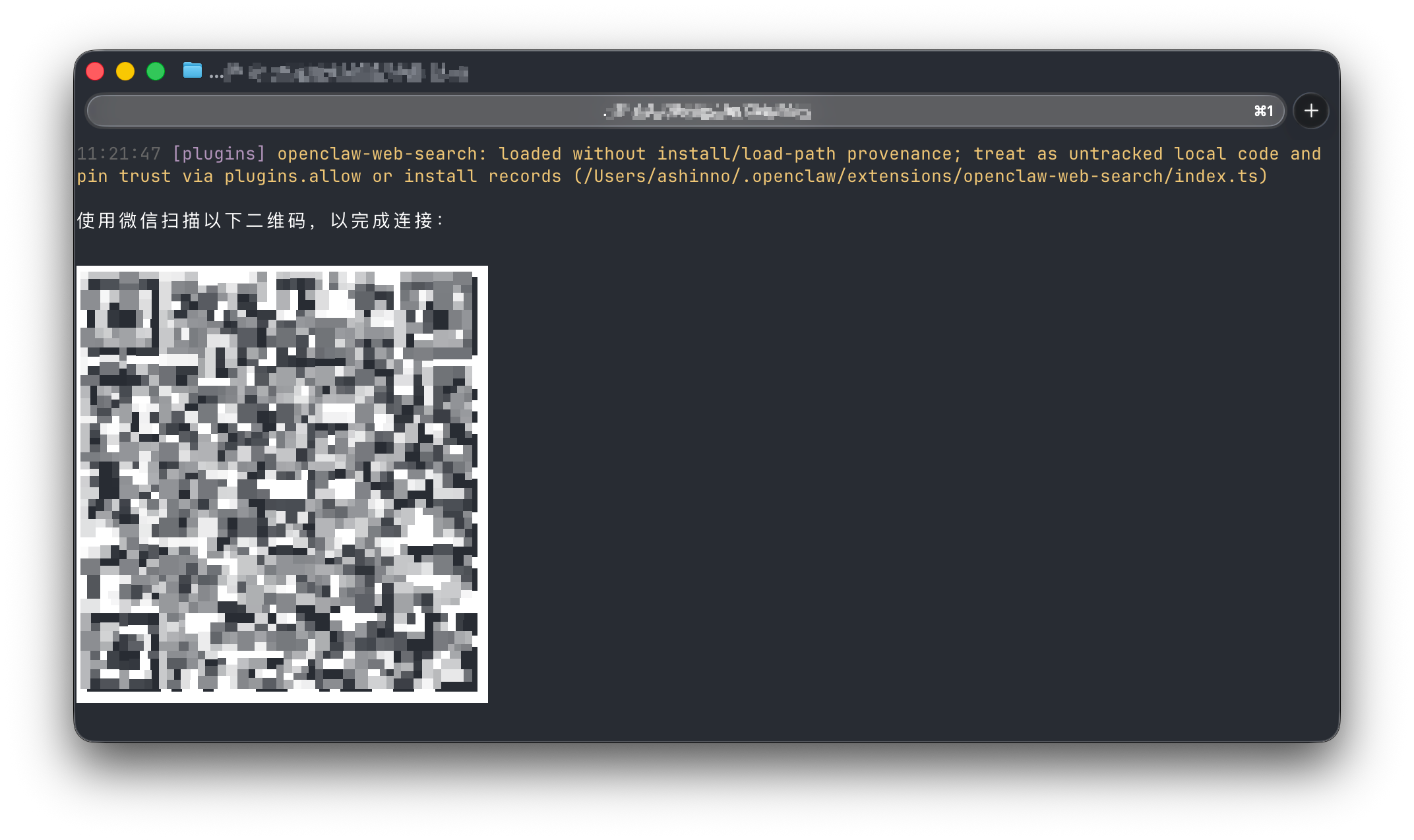
Your login credentials are saved locally automatically. No need to scan again unless you log out.
Step 3: Restart the Gateway
After authorizing, restart the OpenClaw gateway to activate the plugin:
openclaw gateway restart
That’s it. Your WeChat account is now connected to OpenClaw. Messages sent to your WeChat will be processed by the AI agent.
Step 4: Add Multiple WeChat Accounts (Optional)
OpenClaw supports multiple WeChat accounts simultaneously. To add another account, just run the login command again:
openclaw channels login --channel openclaw-weixin
Each QR code scan creates a new account entry. All accounts run in parallel without interfering with each other.
Step 5: Isolate Conversation Contexts (Optional)
By default, all channels share the same AI conversation context. This means your WeChat conversations and other channels (Telegram, Discord, etc.) share the same AI memory.
If you want each WeChat account to have its own isolated context:
openclaw config set agents.mode per-channel-per-peer
With this setting, every combination of “WeChat account + contact” gets its own independent AI memory. Conversations between different accounts won’t bleed into each other.
How the Plugin Works Under the Hood
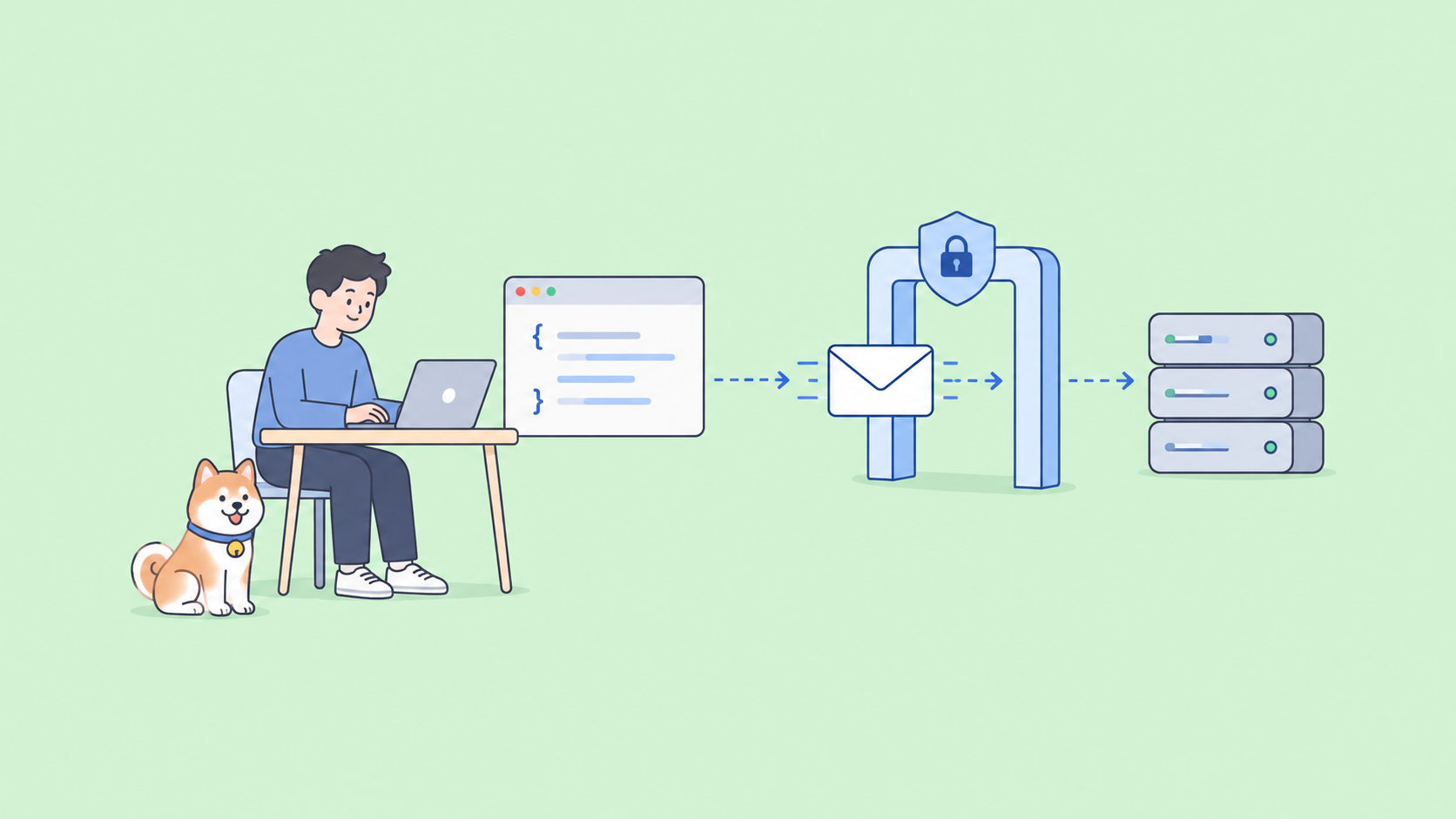
For developers who want to understand or extend the plugin, here’s how it communicates with the OpenClaw gateway.
Authentication Headers
All API requests use these headers:
| Header | Value |
|---|---|
Content-Type |
application/json |
AuthorizationType |
ilink_bot_token |
Authorization |
Bearer <token> |
X-WECHAT-UIN |
Random uint32 encoded as base64 |
Core API Endpoints
The plugin uses 5 HTTP JSON endpoints:
| Endpoint | Path | Purpose |
|---|---|---|
| getUpdates | getupdates |
Long-poll for new messages |
| sendMessage | sendmessage |
Send text/image/video/file |
| getUploadUrl | getuploadurl |
Get CDN upload URL for media |
| getConfig | getconfig |
Get account config (typing ticket) |
| sendTyping | sendtyping |
Show/hide typing indicator |
Receiving Messages (Long Polling)
The plugin uses long polling to receive messages:
// Request
{
  "get_updates_buf": ""
}

// Response
{
  "ret": 0,
  "msgs": [...],
  "get_updates_buf": "<new_cursor>",
  "longpolling_timeout_ms": 35000
}
Pass the get_updates_buf cursor back on each subsequent request to receive only new messages.
Sending Messages
{
  "msg": {
    "to_user_id": "<target_user_id>",
    "context_token": "<session_context_token>",
    "item_list": [
      {
        "type": 1,
        "text_item": { "text": "Hello!" }
      }
    ]
  }
}
Message Types
| Type | Value |
|---|---|
| TEXT | 1 |
| IMAGE | 2 |
| VOICE | 3 |
| FILE | 4 |
| VIDEO | 5 |
Media Upload (Images, Files, Videos)
Media files are encrypted with AES-128-ECB before upload. The flow:
- Call
getUploadUrlwith file metadata (size, MD5) - Receive pre-signed CDN upload parameters
- Encrypt file with AES-128-ECB
- Upload to CDN using the pre-signed URL
- Reference the CDN file in
sendMessage
Common Issues and Fixes
Plugin Refuses to Load
Error: Plugin rejects loading on startup
Fix: Check your OpenClaw version. Plugin v2.0.x requires >=2026.3.22.
openclaw --version
# If outdated, update OpenClaw first
QR Code Expired
Error: QR code times out before scanning
Fix: Run the login command again. QR codes expire after ~30 seconds.
openclaw channels login --channel openclaw-weixin
Messages Not Received
Error: WeChat messages not reaching OpenClaw
Fix: Restart the gateway after login.
openclaw gateway restart
Multiple Accounts Mixing Contexts
Error: AI responses from one account appear in another
Fix: Enable per-channel context isolation.
openclaw config set agents.mode per-channel-per-peer
Real-World Use Cases
Personal AI Assistant
Connect your personal WeChat to OpenClaw and have an AI assistant respond to messages when you’re busy. Set up context isolation so each contact gets personalized responses based on their conversation history.
Small Business Customer Support
Run multiple WeChat accounts for different business lines. Each account handles its own customer queries with isolated AI memory. No cross-contamination between accounts.
Developer Testing
Use the HTTP JSON API to build custom integrations. The plugin’s backend protocol is fully documented, making it easy to extend or replace the default behavior.
Conclusion
Setting up OpenClaw with WeChat takes less than 5 minutes. Install the plugin, scan a QR code, restart the gateway — done. The free setup supports multiple accounts, context isolation, and full media support (images, voice, files, video).
For developers, the documented HTTP JSON API makes custom integrations straightforward.
Start with the one-click installer:
npx -y @tencent-weixin/openclaw-weixin-cli install
Next step: Once your WeChat bot is running, you’ll likely need to connect it to external APIs — payment gateways, CRMs, weather services, etc. Test your APIs with Apidog to make sure your bot sends the right data every time. Free tier available, no credit card required.
FAQ
Q: Does this work with personal WeChat accounts?
A: Yes. Unlike most WeChat automation tools, this plugin works with personal accounts. No enterprise or official account required.
Q: Is the plugin free?
A: Yes. The @tencent-weixin/openclaw-weixin plugin is free and open-source. You only need a working OpenClaw installation.
Q: Can I run multiple WeChat accounts at the same time?
A: Yes. Run openclaw channels login --channel openclaw-weixin for each account. All accounts run simultaneously.
Q: What happens if I restart my computer?
A: Login credentials are saved locally. You don’t need to scan the QR code again after a restart. Just restart the gateway with openclaw gateway restart.
Q: Can I build custom integrations on top of this?
A: Yes. The plugin exposes a documented HTTP JSON API with 5 endpoints: getUpdates, sendMessage, getUploadUrl, getConfig, and sendTyping. If your bot needs to call external services, use Apidog to test and validate your API integrations before going live.