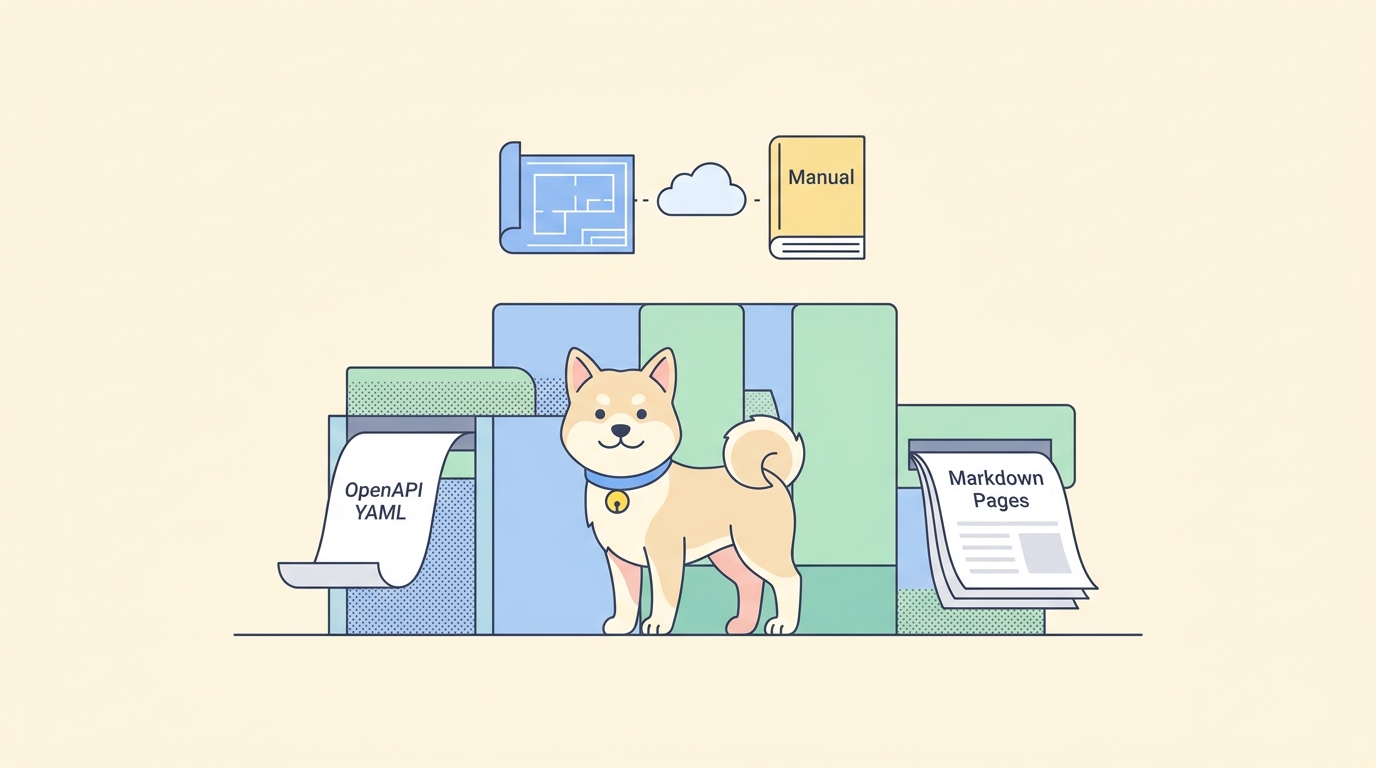
Your OpenAPI file is the source of truth for your API. It lists every path, every parameter, every response shape. The problem is that almost nobody on your team wants to read raw YAML or JSON. A backend engineer wants a quick endpoint reference in the repo. A frontend developer wants a table of request fields they can scan in a pull request. A technical writer wants something they can paste into a wiki without re-typing the whole schema.
Markdown is the format that fits all of those readers. It renders on GitHub, in Confluence, in a static site generator, and in a plain text editor. So the recurring task is this: take an openapi.yaml that already exists, and turn it into clean Markdown that humans actually open. Doing it by hand is slow and it drifts the moment someone adds an endpoint. Doing it automatically is the only version that survives contact with a real release cycle.
Why generate Markdown from OpenAPI at all
An OpenAPI document is built for machines. Tools parse it to generate clients, run contract tests, validate requests, and render interactive docs. That machine-readability is the whole point, and it is worth protecting. If you want a refresher on keeping the spec itself correct, the OpenAPI validator tools guide covers linting before you ever generate anything from it.
Markdown solves a different problem: distribution to humans in places that do not run an OpenAPI renderer. A few concrete cases come up again and again.
- A
README.mdor/docsfolder in the repository, so a new contributor sees the endpoint list without leaving the codebase. - A pull-request description that needs to show what a new endpoint accepts and returns.
- A Confluence or Notion page where the wider team, including non-engineers, reviews the contract.
- A static documentation site built with Docusaurus, MkDocs, or Hugo, all of which take Markdown as input.
The key word is automatically. A Markdown file you write once and forget is wrong by the next sprint. A Markdown file regenerated from the spec on every change stays true to the contract for free. That is the difference between docs people trust and docs people learn to ignore.
The conversion methods, from quick to bulletproof
There is no single official command that ships with OpenAPI to produce Markdown. Instead there is a small ecosystem of converters plus the docs engines built into API platforms. Here is the landscape, ordered roughly by how much setup each takes.
| Method | Best for | Output you get |
|---|---|---|
openapi-to-md / openapi-markdown |
A fast, no-config Markdown dump | A single Markdown file or schema tables |
| Widdershins | Slate/Docusaurus-style docs with code tabs | Themeable Markdown with language samples |
| A custom script over the parsed spec | Exactly the layout your team wants | Whatever you template |
| Apidog | Spec import, rendered docs, and tests in one workspace | Hosted docs plus Markdown content blocks |
Pick based on how much control you need and where the output has to land. The next sections show each one running.
Method 1: a one-line open-source converter
The fastest path is a dedicated converter. Two well-known ones cover the Node and Python worlds.
For a Node project, openapi-to-md takes a v2 or v3 document in YAML or JSON and writes a structured Markdown file. You can run it without a global install:
npx openapi-to-md openapi.yaml api-reference.md
For a Python toolchain, openapi-markdown does the same job with a pip install and a single command:
pip install openapi-markdown
openapi2markdown openapi.yaml api-reference.md
Both read the spec, walk every path and schema, and emit one Markdown file with headings per endpoint and tables for parameters and responses. The output file argument is optional in some of these tools; leave it off and they default to the input name with a .md extension. That is enough for a repo reference you regenerate on demand.
The trade-off with the quick converters is layout control. You get their structure, not yours. If their default tables match how your team reads docs, you are done in one line. If you need code samples in five languages or a specific section order, you want the next method.
Method 2: Widdershins for themeable docs with code samples
Widdershins is the established Node tool for turning an OpenAPI or Swagger file into Slate-compatible Markdown. It is the one to reach for when you want language code tabs and a customizable template, and when the Markdown feeds a static site generator like Docusaurus or MkDocs.
Install it and run the basic conversion:
npm install -g widdershins
widdershins openapi.yaml -o api-reference.md
Add code-sample languages and drop the front-matter header when you are piping the output somewhere that adds its own:
widdershins --language_tabs 'shell:cURL' 'python:Python' 'javascript:JavaScript' \
  --omitHeader openapi.yaml -o api-reference.md
Widdershins uses a template system, so you can override the layout of any section instead of accepting the default. That makes it the bridge between a raw dump and a fully hand-built doc site. The cost is that you now own a template and a build step, which is fine for a documentation repo and overkill for a quick README.
Method 3: a custom script when you need an exact layout
Sometimes none of the off-the-shelf converters produce the shape you want. Maybe you need one Markdown file per tag, or a compact endpoint index, or schema tables that match an internal style guide. In that case, parse the spec yourself and template the output. The spec is just structured data, so this is less work than it sounds.
A minimal Node version that lists every operation looks like this:
import { readFileSync, writeFileSync } from "node:fs";
import yaml from "js-yaml";

const spec = yaml.load(readFileSync("openapi.yaml", "utf8"));
const lines = [`# ${spec.info.title}`, "", spec.info.description ?? "", ""];

for (const [path, methods] of Object.entries(spec.paths)) {
  for (const [method, op] of Object.entries(methods)) {
    lines.push(`## ${method.toUpperCase()} ${path}`);
    lines.push("");
    lines.push(op.summary ?? "");
    lines.push("");
    const params = op.parameters ?? [];
    if (params.length) {
      lines.push("| Name | In | Required | Description |");
      lines.push("| ---- | -- | -------- | ----------- |");
      for (const p of params) {
        lines.push(`| ${p.name} | ${p.in} | ${p.required ? "yes" : "no"} | ${p.description ?? ""} |`);
      }
      lines.push("");
    }
  }
}

writeFileSync("api-reference.md", lines.join("\n"));
That is about forty lines for full control over the output. You decide the headings, the table columns, the file split. The downside is maintenance: when the OpenAPI version you target adds a feature, your script has to learn it. For a stable internal style, that trade is usually worth it. For broad spec coverage, lean on a maintained converter instead. If you are weighing whether to script this or buy it, the roundup of API documentation generators with Markdown export compares the maintained options side by side.
Method 4: keep the spec, the docs, and the tests together in Apidog
The converters above all share one blind spot. They turn a spec into Markdown, and then the two drift apart. Someone edits the API, forgets to rerun the converter, and the Markdown lies. The fix is to stop treating the spec as a file that lives alone and start treating it as part of a workspace where docs and tests update with it.
That is the model Apidog uses. You import your existing openapi.yaml, and Apidog reads every path, schema, and example into a project. From there you get rendered, hosted API documentation generated straight from the imported spec, no separate build step. The full import flow is covered in how to import Swagger or OpenAPI and generate requests, and the path from spec to published reference in auto-generating API documentation from OpenAPI.
Two things make this different from a one-shot converter.
First, the documentation supports Markdown content blocks of your own. The generated endpoint reference comes from the spec, and you layer hand-written Markdown around it: a getting-started page, auth notes, changelog entries. The tips for creating documentation with Apidog Markdown walk through that authoring side. So you are not choosing between generated and written docs; you get both in one place.
Second, the same imported spec becomes the basis for test scenarios. You build requests and assertions against the endpoints the spec defines, then run them to prove the live API still matches the contract that produced your docs. That closes the drift loop: if the API changes and breaks the contract, the tests fail, and you know the docs are stale before a reader does.
To follow along, download Apidog, import a spec, and open the generated docs in the same project. The point is not that Apidog prints a .md file to disk. It is that the spec, the human-readable docs, and the tests that keep both honest stop being three disconnected files.
Make it automatic: regenerate Markdown in CI
A converter you run by hand is a converter you forget. The whole value of generating Markdown from OpenAPI shows up only when the generation runs on its own, on every change. The pattern is simple: on each push that touches the spec, regenerate the Markdown and commit it back, or publish it.
Here is a GitHub Actions job that regenerates the reference whenever openapi.yaml changes:
name: Generate API docs

on:
  push:
    paths:
      - "openapi.yaml"

jobs:
  docs:
    runs-on: ubuntu-latest
    steps:
      - uses: actions/checkout@v4
      - uses: actions/setup-node@v4
        with:
          node-version: "20"
      - name: Convert spec to Markdown
        run: npx openapi-to-md openapi.yaml docs/api-reference.md
      - name: Commit regenerated docs
        run: |
          git config user.name "docs-bot"
          git config user.email "docs-bot@users.noreply.github.com"
          git add docs/api-reference.md
          git diff --staged --quiet || git commit -m "docs: regenerate API reference"
          git push
Now the Markdown can never drift more than one commit away from the spec. The same idea works in GitLab CI or any runner with Node or Python; swap the convert step for widdershins or your script.
There is one more piece worth wiring in. Regenerated docs are only trustworthy if the spec they come from is still accurate. That is where a command-line test run earns its place in the same pipeline. The Apidog CLI runs the test scenarios you built against your imported spec, headlessly, with a single command:
npm install -g apidog-cli
apidog run --access-token $APIDOG_ACCESS_TOKEN -t 605067 -e 1629989 -r cli
It exits non-zero if any assertion fails, which fails the build, which stops you from publishing docs that describe an API that no longer behaves that way. The full flag surface lives in the apidog run command reference, and the broader pipeline setup in the Apidog CLI complete guide. Pair doc generation with a contract test and the two reinforce each other: the spec produces the docs, and the test proves the spec.
Cleaning up the generated Markdown
Generated Markdown is rarely perfect on the first pass. A few habits keep it readable.
- Strip the auto-generated front matter when the target renderer does not want it. Widdershins does this with
--omitHeader; for other tools, a quicksedover the top of the file works. - Decide on a file split. One giant Markdown file is fine for a README. For a docs site, split by tag or resource so each page is short.
- Keep examples real. Most converters pull example values straight from the spec, so the quality of your generated docs tracks the quality of your
examplesin OpenAPI. Better examples in, better docs out. - Regenerate, do not edit by hand. The moment you hand-edit generated Markdown, the next conversion overwrites you. Put hand-written content in separate files and let the generator own only the reference section.
If your spec itself is messy, fix it at the source. Cleaner specs make cleaner docs, and the OpenAPI validator tools post shows how to lint for the gaps that produce ugly output.
Picking the right method for your team
Match the tool to where the Markdown has to go and how much control you need.
- You want a repo reference in one command and you are not fussy about layout: use
openapi-to-mdoropenapi-markdown. - You are building a docs site with code samples and want a themeable template: use Widdershins.
- You have an internal style guide the converters cannot match: write a small script over the parsed spec.
- You want the docs, the spec, and the tests that keep them honest in one workspace, with hosted output and no separate build to babysit: import the spec into Apidog.
These are not mutually exclusive. Plenty of teams use Apidog as the source of truth for the spec and its hosted docs, then run a converter in CI to drop a Markdown reference into the repo for offline reading. The spec stays canonical; the Markdown is a derived artifact you can regenerate any time.
Wrapping up
Converting OpenAPI to Markdown is a solved problem as long as you treat the spec as the source and the Markdown as a derived file. For a fast repo reference, a one-line converter like openapi-to-md does the job. For a themeable docs site, Widdershins gives you templates and code tabs. For an exact internal layout, a short script over the parsed spec wins. And when you want the spec, the rendered docs, and the tests that keep them in sync to live together, importing into Apidog removes the drift that breaks every other approach over time.
Whatever you pick, automate it. Generate the Markdown in CI on every spec change, and the docs your team reads will always match the API they describe.