
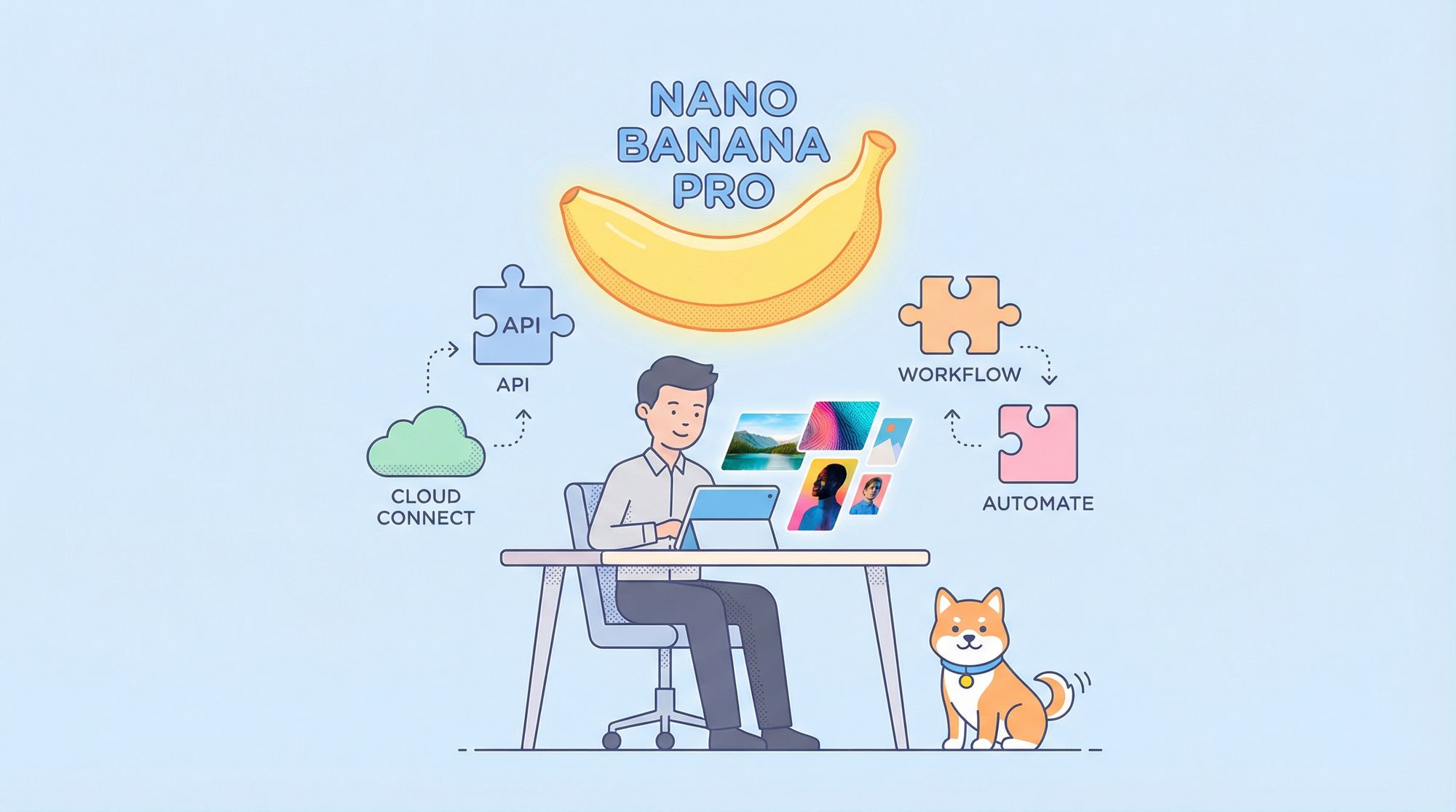
Looking for unlimited, high-fidelity AI image generation at zero cost? Google’s Gemini 3 Pro Image model—nicknamed Nano Banana Pro—has set a new standard for text-to-image quality. But with official access requiring billing and strict quotas, how can developers, QA engineers, and backend teams leverage this model for free?
This practical guide breaks down every reliable free method for using Nano Banana Pro, from instant web access to API integration. We’ll also show how Apidog streamlines API experiments and debugging for professional workflows.
What is Nano Banana Pro? (Gemini 3 Pro Image Model, Technical Overview)
Nano Banana Pro, officially called gemini-3-pro-image-preview, is Google DeepMind’s most advanced text-to-image and image-editing AI model yet. Exceeding previous models in realism and instruction following, it is fast becoming a favorite for developers and technical teams.
Key Features:
- Native 2K–4K output with photorealistic detail
- Highly accurate text rendering (logos, long text blocks, labels)
- Google Search grounding for factually correct elements (current skylines, real products)
- Multi-image reference: up to 14 images or 6 high-res “hero” shots
- Advanced editing: in-painting, out-painting, and localized changes
- SynthID watermarking on all outputs
- “Thinking mode” for chain-of-thought reasoning, improving final results
Benchmarks rate Nano Banana Pro above competitors like Flux Pro, SD3-Ultra, and previous Imagen-3 variants, especially for instruction adherence and realism.
Fastest Way: Free Access via Official Gemini App (Quotas Apply)
For immediate hands-on experience, start with Google’s official Gemini app:
- Visit gemini.google.com or open the Gemini mobile app.
- Log in with a standard Google account (no Gemini Advanced subscription needed).
- Enter your image prompt (e.g., “generate image of an astronaut walking on Mars”).
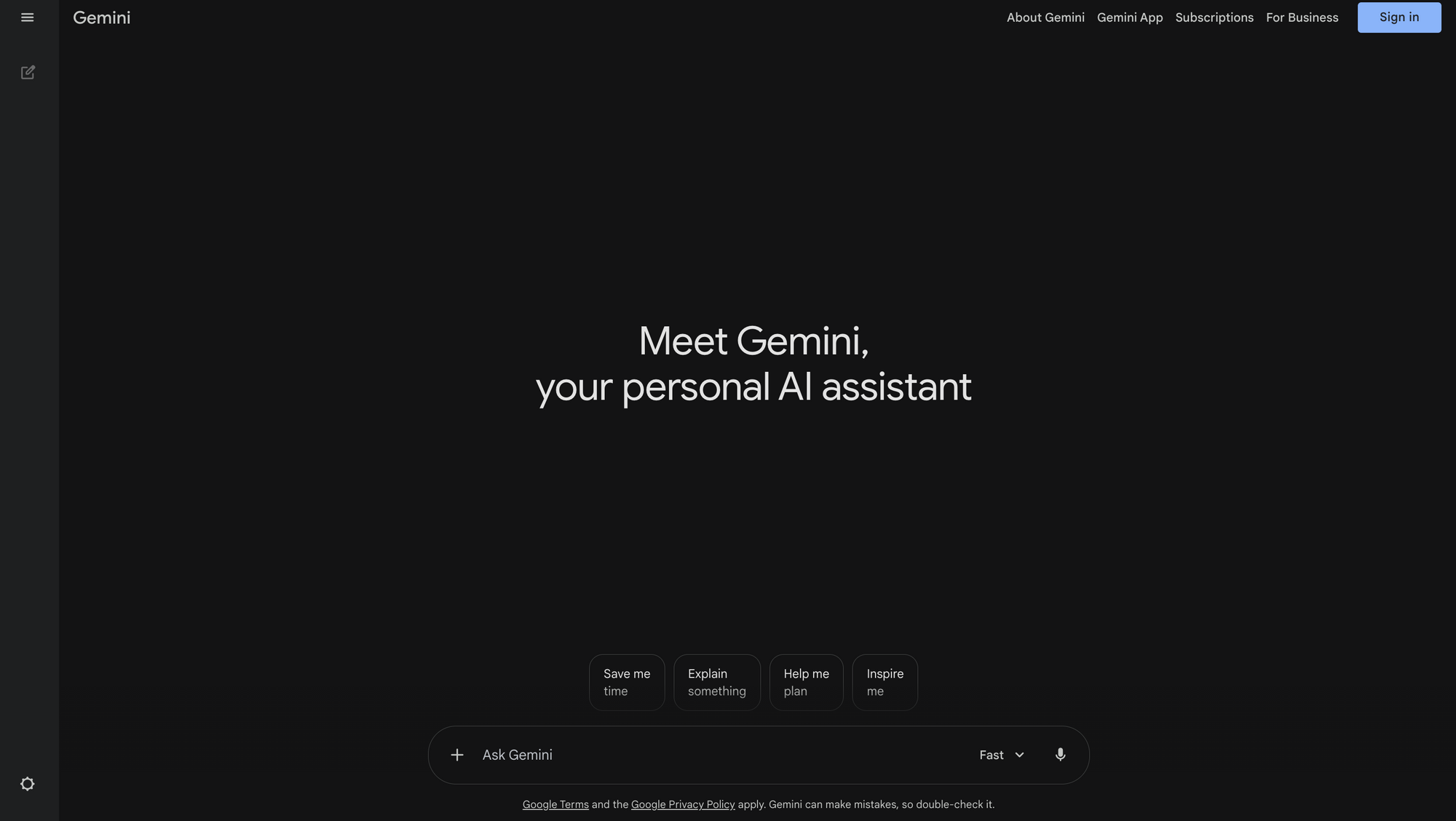
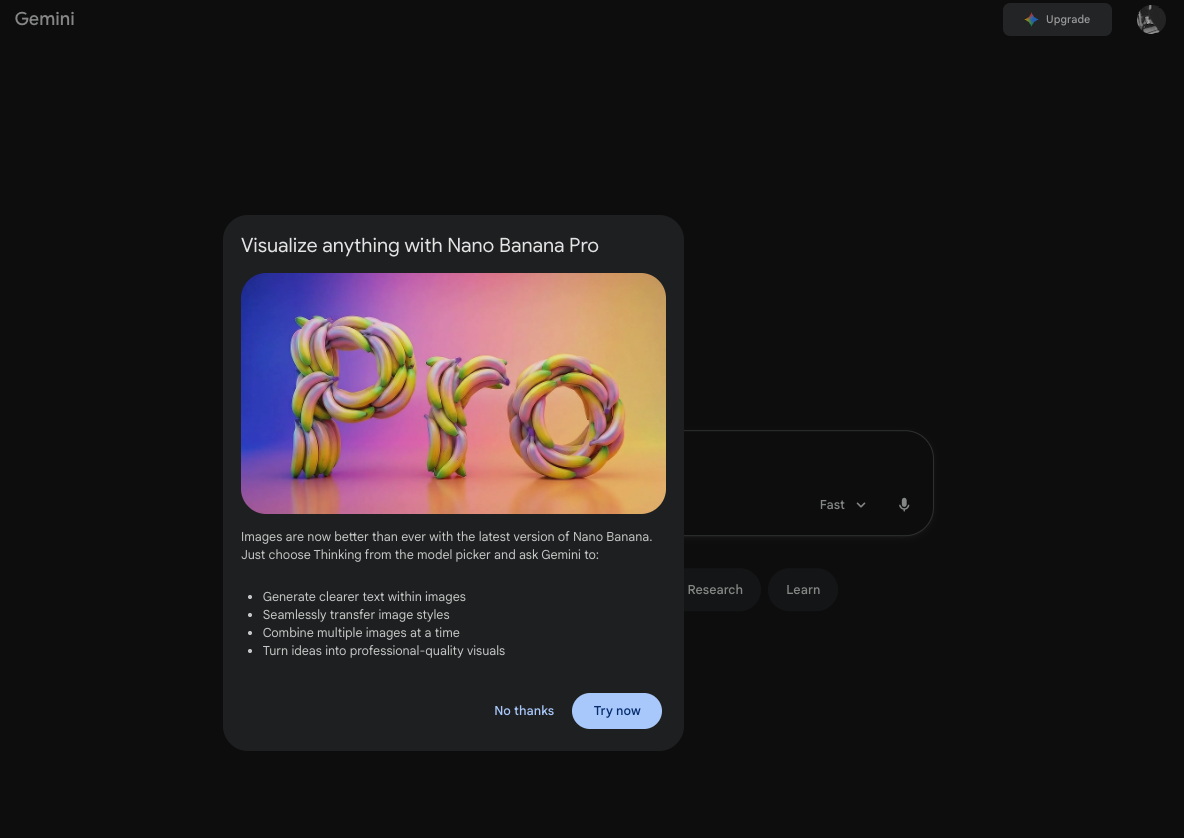
On launch, you get ~50–100 free Nano Banana Pro generations before throttling to a lower-tier model. If you hit your quota, switching between web and mobile apps may provide more free uses.
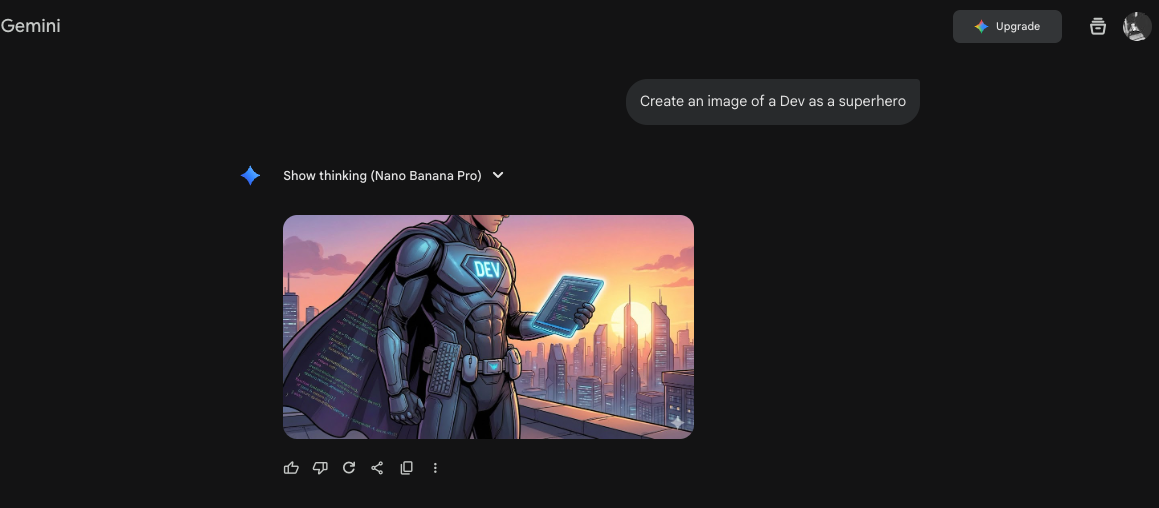
Tip: Mobile users often report higher or reset quotas—try both platforms.
Daily Unlimited: Third-Party Platforms Offering Free Nano Banana Pro
Several third-party sites proxy Google’s API and offer free, often unlimited, access to Nano Banana Pro. These are ideal for developers needing higher daily volume or quick batch testing.
Notable Platforms:
| Platform | Model | Daily Limit | Registration | Features/Notes |
|---|---|---|---|---|
| nano-banana.ai | Nano Banana Pro | 100–200/day | Aspect ratio controls, prompt history | |
| felo.ai | Nano Banana Pro | Unlimited (rate-limited) | None | Fastest, no login, great for batch jobs |
| nanobanana-pro.com | Gemini 3 Pro Image | 500/day | No | 4K support, multi-reference upload |
| Genspark.ai Agents | Nano Banana Pro Agent | Varies (promos) | Yes | MoA agent-based image generation |
| Lovart.ai | Nano Banana Pro | Unlimited (promos) | Yes | Free weekends (“Banana-On-Us” events) |
| Higgsfield AI (X) | Nano Banana Pro | On-demand | No | Tag @higgsfield_ai for instant generation |
For example, using felo.ai:
- Go to felo.ai/image.
- Input your prompt, choose resolution and style.
- Generate images instantly—no registration required.
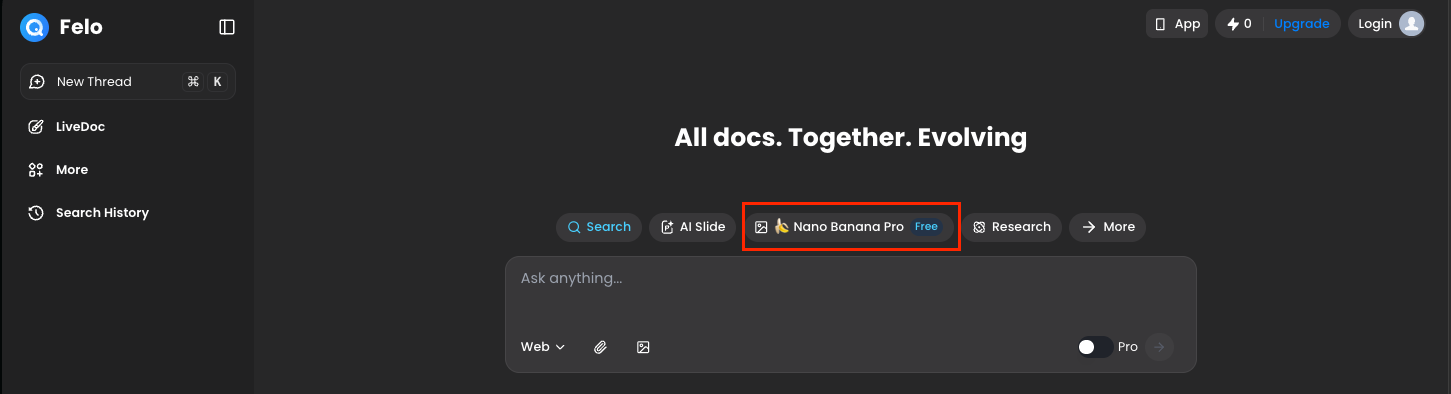
These platforms handle the API costs themselves, making them convenient for repeated use.
Direct API Integration: Free Community Endpoints
For teams wanting full API control, several community-driven endpoints proxy Nano Banana Pro for free. This is especially useful for backend integration, QA automation, or advanced workflows.
Example Free Endpoint:
POST https://api.felo.ai/v1/gemini-image-gen
Headers:
  Content-Type: application/json
  Authorization: Bearer free   // (some mirrors: empty)

Body:
{
  "prompt": "A cyberpunk city at night, neon signs in Japanese, ultra detailed, 4k",
  "resolution": "2048x2048",
  "model": "gemini-3-pro-image-preview"
}
Additional mirrors can be found on GitHub by searching “free nano banana pro api”. These rotate frequently.
Why Use Apidog for API Experiments?
When testing these endpoints, Apidog stands out for:
- Effortless multipart/form-data handling (vital for image uploads and multi-reference tasks)
- Real-time JSON response inspection and error debugging
- Header and authentication management
- Importing OpenAPI schemas and environment variable switching across mirrors
- Built-in mock server to simulate errors (rate limits, safety rejections) without burning real quota
Download Apidog to streamline your Nano Banana Pro API workflow and outperform manual approaches like curl or Postman.
Crafting Strong Prompts for Nano Banana Pro (Developer Tips)
To maximize output quality, structure your prompts for clarity and specificity. Nano Banana Pro excels with detailed, well-organized requests.
Prompt Structure:
- Subject and action
- Style or artistic influence
- Lighting, camera specs, mood
- Technical details (resolution, grain, lens, etc.)
- Text elements (quoted, if needed)
- Negative prompts (if supported)
Example:
“Photorealistic portrait of a female astronaut floating inside the International Space Station, Earth visible through window in background, wearing white NASA suit with American flag patch, soft rim lighting, shot on 85mm lens f/1.4, cinematic color grading like Interstellar --ar 3:4 --v 4k --quality 2”
For image editing:
- Upload reference image(s)
- Prompt: “Replace the background with a Martian landscape at sunset, keep the subject identical, match lighting direction.”
Nano Banana Pro is especially strong at physics-aware edits and typography accuracy.
Limitations and Responsible Use
- Safety Filters: Google’s filters block nudity, violence, and public figure deepfakes even on third-party platforms.
- Rate Limits: Typically, 1–5 requests per minute on free endpoints.
- Watermarks: All images contain SynthID watermarks, detectable by Google’s tools.
- Quotas: Free proxies may lose funding or go offline without notice—always keep backup endpoints.
Nano Banana Pro vs Other AI Image Models: 2026 Comparison
| Feature | Nano Banana Pro | Flux Pro | Midjourney v6.1 | DALL·E 4 |
|---|---|---|---|---|
| Text rendering accuracy | Excellent | Good | Moderate | Good |
| 4K native support | Yes | Yes | Yes | Yes |
| Search grounding | Built-in | No | No | No |
| Multi-reference fusion | Up to 14 | 8 | 4 | 6 |
| Free unlimited access | Yes (wrappers) | No | No | No |
| Speed (per image) | 8–15 sec | 4–6 sec | 10–20 sec | 12 sec |
Nano Banana Pro leads the field for accuracy, instruction following, and free availability (when accessed through wrappers).
Gemini 3 Pro is one option, but for different artistic styles or rate limit flexibility,the Z-Image API's free tieroffers an alternative worth testing alongside it.
If you want to explore the model's capabilities before moving to the Pro tier,getting started with Nano Banana 2 for freecovers the access options and rate limits you will encounter first.
Conclusion: Start Generating with Nano Banana Pro and Apidog
With these proven methods, you can leverage Google’s flagship image model for free—whether you need instant results, daily batch testing, or direct API integration. Apidog is the go-to tool for API developers seeking to iterate, test, and debug Gemini 3 Pro Image endpoints efficiently.
Experiment with prompt structure, switch endpoints as needed, and enjoy professional-grade image generation without cost or hassle.


