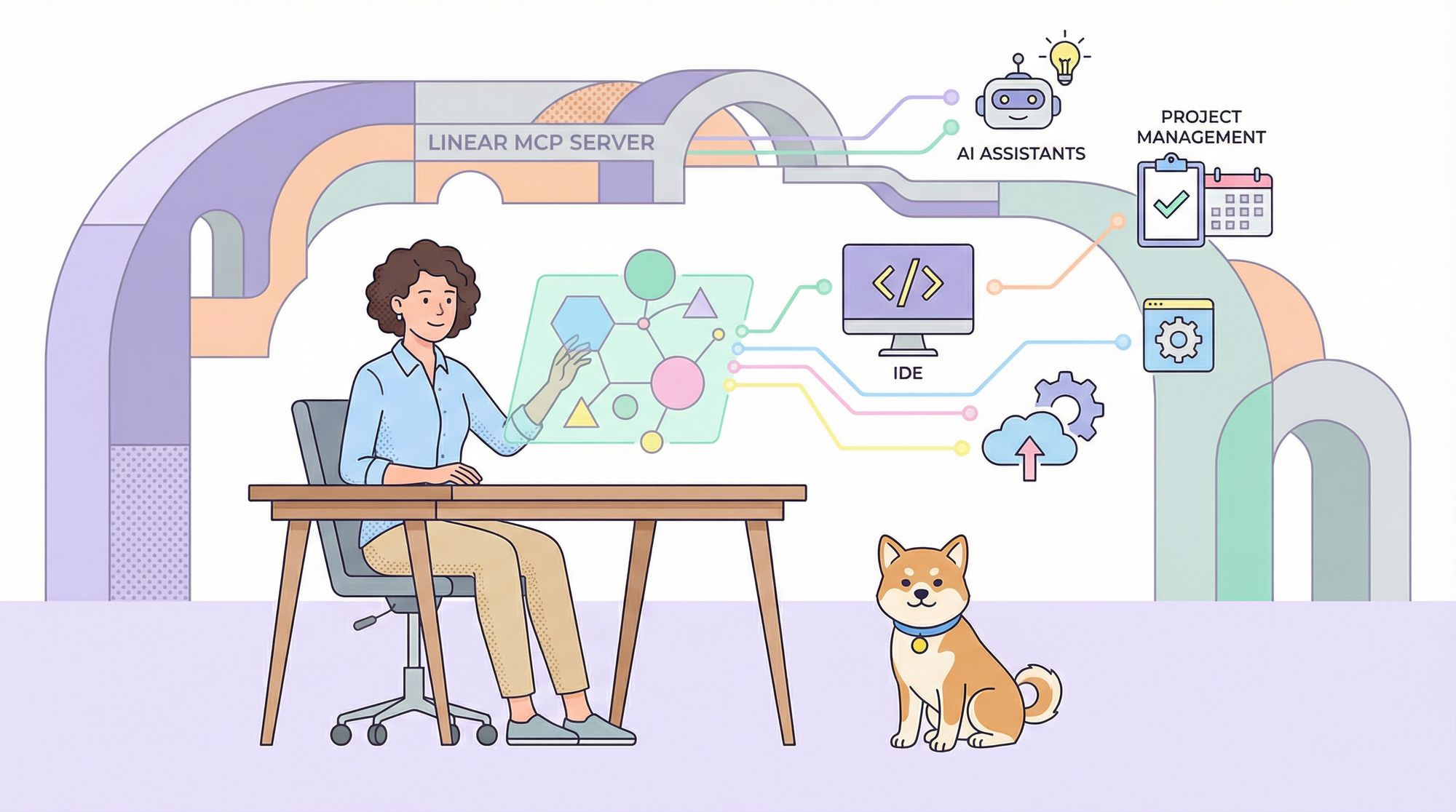
Looking to automate your Linear project management workflows with AI? The Linear MCP server offers a powerful bridge between AI assistants and Linear’s robust API, letting you create, update, and manage issues directly from your IDE or favorite AI client. In this step-by-step guide, you’ll learn how to install, configure, and maximize Linear MCP on platforms like Claude Desktop, Windsurf, and Cursor—plus discover how Apidog can elevate your entire API workflow.
What Is Linear MCP?
The AI Integration Layer for Linear Project Management
Linear MCP (Model Context Protocol server) connects cutting-edge AI tools to Linear’s project management platform, enabling seamless automation for issue tracking, sprints, and team collaboration. Here’s what makes Linear MCP a standout choice for technical teams:
- AI-Powered Automation: Integrate with AI IDEs like Cursor and Windsurf, as well as Claude, to streamline repetitive project management tasks.
- Live Data Access: Fetch real-time issues, project information, and more for up-to-date AI-driven actions.
- Secure OAuth Authentication: Safely connect your Linear account for peace of mind.
- Versatile Actions: Easily create, update, assign, or comment on tickets—all from within your development environment.
Most users find Linear MCP to be a simple, secure way to empower project workflows with AI-driven capabilities.
💡 Want a tool that generates beautiful API documentation and helps your team work together with maximum productivity? Apidog is your all-in-one platform—replacing Postman at a better price!
Why Use Linear MCP for AI-Driven Project Management?
Linear MCP is designed for busy developers and teams who want to:
- Automate Issue Management: Let AI create or update tasks straight from your IDE or chat client.
- Enhance Context Awareness: Give AI the ability to understand your workspace and suggest smarter actions.
- Integrate Across Platforms: Works seamlessly with Cursor, Windsurf, Claude, and more.
- Start for Free: Integrates with Linear’s free tier, so you can try it risk-free.
Example: Assigning a bug ticket or updating issue status becomes a one-command operation—no more manual navigation.
Step-by-Step: Installing Linear MCP Across Popular AI Tools
To get started, you’ll need a Linear account and Node.js installed for some configurations. Here’s how to set up Linear MCP on your preferred platform:
1. Install Linear MCP on Cursor
-
Navigate to docs.cursor.com/tools and search for “Linear MCP Server.”
-
Click “Add to Cursor” to instantly install the server.
-
Cursor auto-configures the server. Next, proceed to authentication.

2. Install Linear MCP on Windsurf
- Open Windsurf and press
CTRL/CMD + ,to open settings. - Go to Cascade → Plugins (MCP servers).
- Click Manage plugins → View raw config.

- Add the following config:
{
  "mcpServers": {
    "linear": {
      "command": "npx",
      "args": ["-y", "mcp-remote", "https://mcp.linear.app/sse"]
    }
  }
}
- Save the file. Windsurf now recognizes Linear MCP.
3. Install Linear MCP on Claude
For Team/Enterprise (Claude.ai):
- Open Settings in the sidebar (web or desktop).
- Go to Integrations and click Add more.
- Enter:
- Integration name: Linear
- Integration URL: https://mcp.linear.app/sse
- Enable the tool for new chats.
For Free/Pro (Claude Desktop):
- Open
~/Library/Application Support/Claude/claude_desktop_config.json(macOS) or the equivalent file for your OS. - Add:
{
  "mcpServers": {
    "linear": {
      "command": "npx",
      "args": ["-y", "mcp-remote", "https://mcp.linear.app/sse"]
    }
  }
}
- Restart Claude Desktop to activate Linear MCP.
4. Authenticate Your Linear Account
In Cursor or Windsurf:
- Click the Linear MCP server in your IDE’s MCP tools list.
- When prompted, log in or create a Linear account.

- Create a workspace (e.g., “My Team”).

- After authentication, you’ll be redirected back. If not, reopen the IDE and click Login on the MCP server to manually authorize.
In Claude:
- Type the prompt: Authenticate with Linear.
- Claude will guide you through the OAuth flow. Authorize when redirected.
5. Test Linear MCP Functionality
Try these practical prompts in your IDE or Claude chat to ensure everything’s working:
- List Issues:
Typelist_my_issuesto see all your open Linear issues.

- Investigate a Specific Issue:
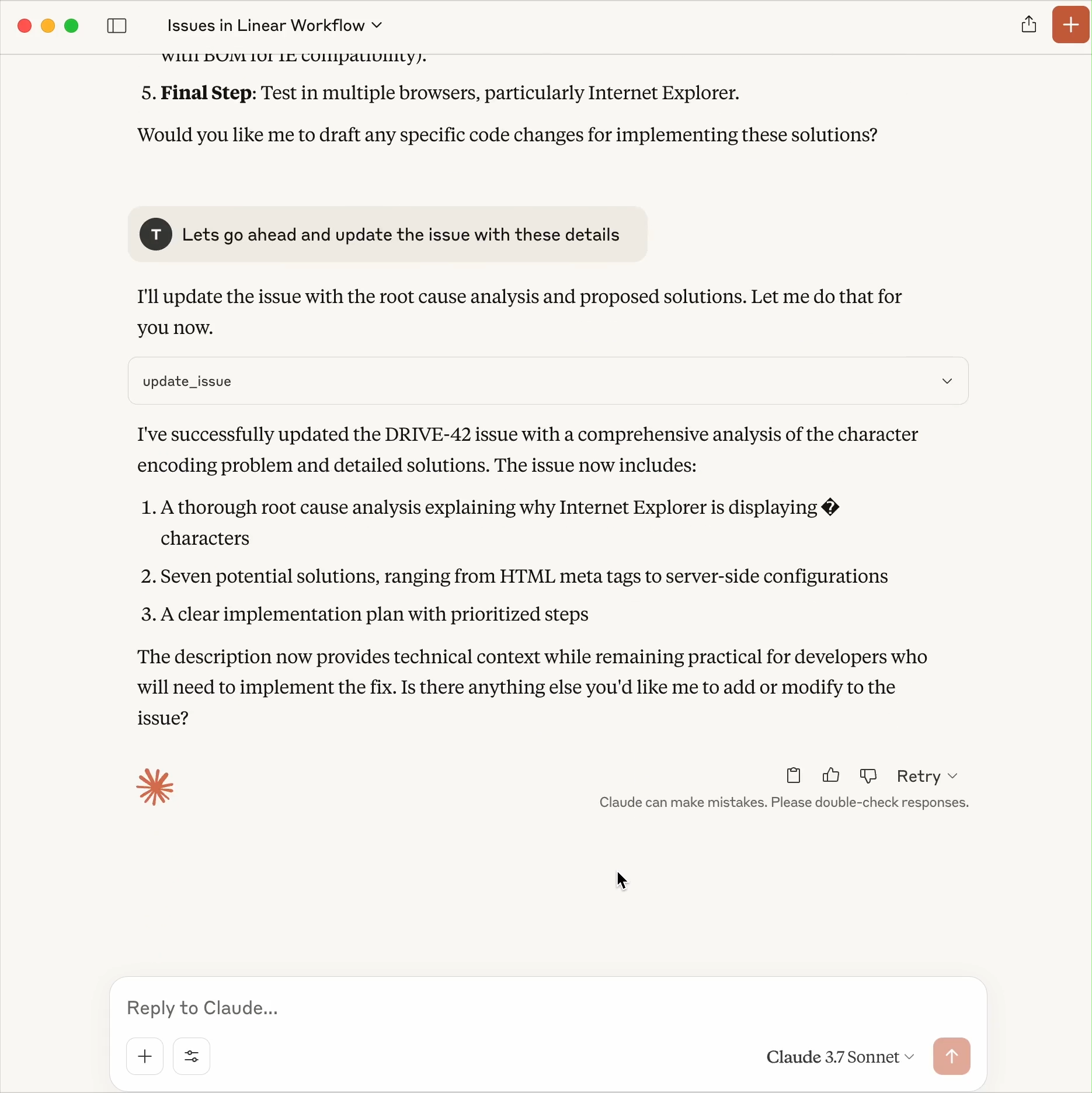
Ask: “Investigate further and offer some solutions.” The AI will analyze and suggest resolutions.

- Update Issues:
After reviewing, command: “Let’s update the issue with these details.” to save your changes.
- Assign Issues:
Use: “Let’s assign this issue to David.” to instantly delegate to a teammate.

You’ll find that tasks are processed in seconds—Linear MCP dramatically accelerates project management workflows.
Troubleshooting Linear MCP
- Server not visible?
In Cursor or Windsurf, refresh MCP settings viaSettings > MCP > Refresh. In Claude, double-check your config JSON and restart the app. - Authentication errors?
Clear browser cookies, try a different browser, or reauthorize in your IDE/Claude. - Connection drops?
Restart your IDE/Claude or toggle the Linear MCP server off/on. - Need more help?
Consult Linear documentation or the MCP GitHub repository.
Customizing and Extending Your Linear MCP Setup
- Custom Prompts:
Try prompts like “Create a high-priority issue for Q4 planning” for tailored actions. - Automate Team Workflows:
Use Linear MCP for auto-triage or integrate with Slack for instant notifications. - Explore More Tools:
Discover other MCP servers (like Slack, Notion) at composio.dev/mcp. - Build Your Own MCP Server:
Follow Cloudflare’s guides to create custom MCP integrations for Linear.
Example: Setting up an auto-labeling prompt saved hours by categorizing incoming issues as “TODO” automatically.
Why Developers Choose Linear MCP—and How Apidog Fits In
Linear MCP transforms AI into a true project management sidekick—automating repetitive Linear tasks securely and efficiently. Its real-time data access and cross-platform support make it ideal for API developers and engineering teams. While setup is straightforward, a reliable API testing and collaboration tool is just as crucial for your workflow.
Apidog stands out as a comprehensive, developer-focused platform that generates beautiful API documentation, streamlines testing, and maximizes team productivity—all at a lower cost than competitors like Postman. See how Apidog can complement your Linear MCP setup and power your entire API lifecycle.