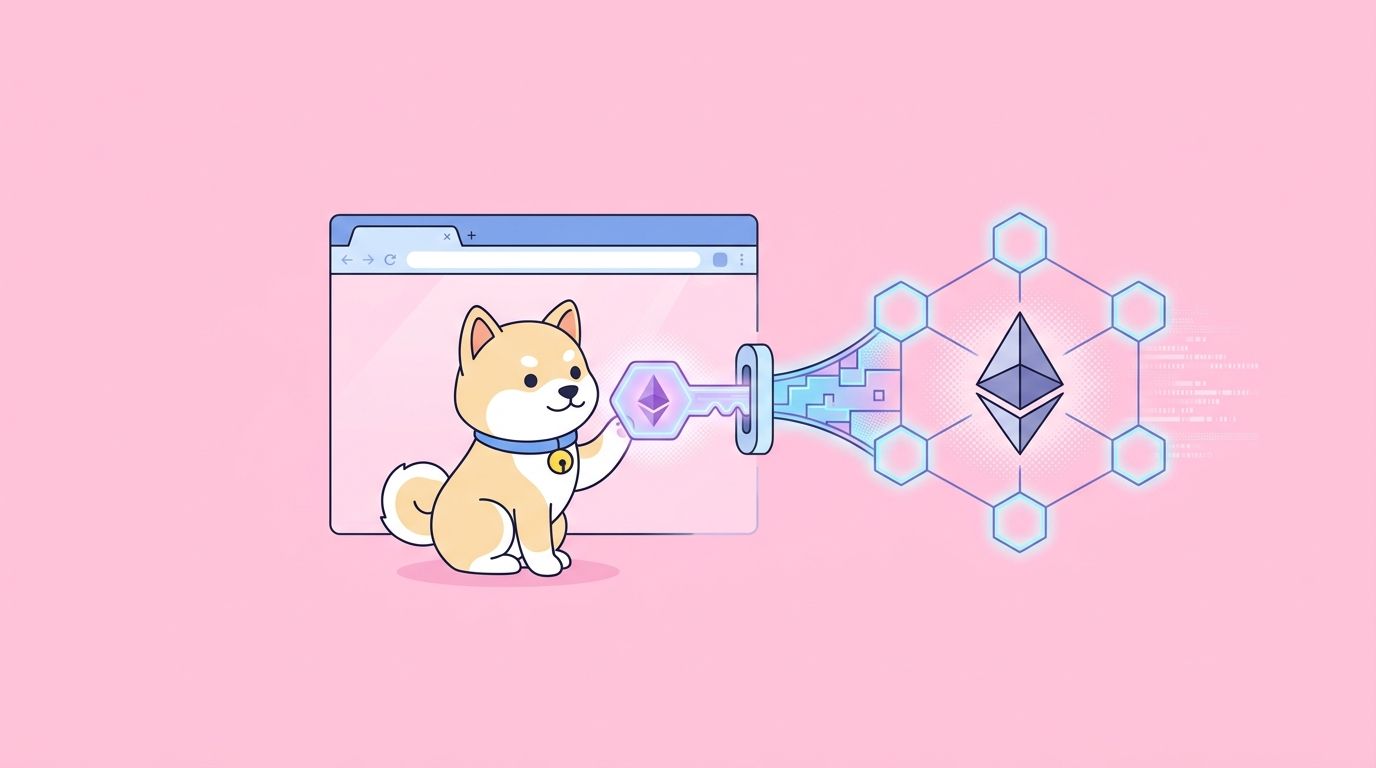
MetaMask is the default on-ramp to Ethereum for tens of millions of users, and if you run a dApp, the MetaMask API is the thing that sits between your UI and their signing keys. The “MetaMask API” is two things in a trench coat: the injected window.ethereum provider defined by EIP-1193, and the MetaMask SDK that extends that same surface to mobile apps, React Native, and Node.js backends. Learn the provider, and you have learned 80% of every wallet integration on the web.
This guide walks through detecting the provider, requesting accounts, reading the current chain, signing messages with personal_sign and EIP-712, sending transactions, adding or switching chains, and using the MetaMask SDK when you are outside a browser extension. You will also see where ethers.js v6 and viem fit as higher-level wrappers, and where Apidog plugs into the workflow when you want to test the underlying JSON-RPC calls without writing throwaway frontend code.
If you are building anything that touches wallets, bookmark this alongside our guide on the best crypto wallet API for a broader view of the provider landscape.
TL;DR
- The MetaMask API is the EIP-1193 provider exposed at
window.ethereumin browsers, plus the MetaMask SDK for mobile and Node. - Start with
eth_requestAccountsto prompt the user to connect, then listen onaccountsChangedandchainChanged. - Sign messages with
personal_sign, and sign structured data witheth_signTypedData_v4(EIP-712). - Switch networks with
wallet_switchEthereumChain(EIP-3326) and add new ones withwallet_addEthereumChain(EIP-3085). - Higher-level libraries like ethers.js v6, viem, and wagmi wrap the raw provider; Snaps extend MetaMask itself.
- Use Apidog to test JSON-RPC endpoints, mock transaction responses, and debug signatures before shipping.
What is the MetaMask API?
The MetaMask API is the interface MetaMask exposes to web pages and apps for interacting with Ethereum and EVM-compatible chains. In a browser, the extension injects a provider object at window.ethereum, and that object follows the EIP-1193 standard. Any dApp that targets that standard works with MetaMask, Coinbase Wallet, Rabby, Frame, and dozens of others with zero code changes.
Outside the browser, the MetaMask SDK gives you the same provider shape in React Native, pure Node.js, desktop Electron apps, and even server-side scripts. The SDK handles the deep-linking and QR-code dance that lets a mobile MetaMask wallet sign transactions requested by a desktop or backend process. Under the hood it still speaks EIP-1193, so your app code barely changes.
MetaMask also ships Snaps, a plugin system that lets third parties extend the wallet with new chains, custom RPC methods, and account types. Snaps are out of scope here, but worth knowing if you want to support non-EVM chains or custom signing flows inside MetaMask itself.
Authentication and setup
There are no API keys for the provider itself. Authentication is the user approving each request in their wallet UI. You do need two things: a way to detect the provider, and a way to listen for changes.
Start with detection. The @metamask/detect-provider helper handles edge cases like multiple wallets being installed, but you can also check directly.
// Vanilla JS detection
import detectEthereumProvider from '@metamask/detect-provider';

const provider = await detectEthereumProvider({ mustBeMetaMask: true });

if (!provider) {
  alert('Please install MetaMask');
} else {
  console.log('MetaMask detected');
}
Once you have the provider, wire up event listeners before you request anything. Losing the accountsChanged event is the most common MetaMask integration bug.
window.ethereum.on('accountsChanged', (accounts) => {
  if (accounts.length === 0) {
    console.log('User disconnected');
  } else {
    console.log('Active account:', accounts[0]);
  }
});

window.ethereum.on('chainChanged', (chainId) => {
  // Best practice: reload the page on chain change
  window.location.reload();
});
For React apps, wagmi handles all of this for you and picks up MetaMask automatically via its injected connector.
Core endpoints
All provider calls go through window.ethereum.request({ method, params }). The method name is a JSON-RPC string, and params is an array or object depending on the method. Here are the calls that cover 95% of dApp integrations.
Request accounts and read chain
// Prompt the user to connect
const accounts = await window.ethereum.request({
  method: 'eth_requestAccounts',
});
const account = accounts[0];

// Read the current chain
const chainId = await window.ethereum.request({
  method: 'eth_chainId',
});

console.log(account, chainId); // '0x...' '0x1' (Ethereum mainnet)
The equivalent raw JSON-RPC call, which you can fire at any Ethereum node, looks like this with curl.
curl https://mainnet.infura.io/v3/YOUR_KEY \
  -X POST \
  -H "Content-Type: application/json" \
  -d '{"jsonrpc":"2.0","method":"eth_chainId","params":[],"id":1}'
For read-only calls you do not need MetaMask at all; node providers like Alchemy or Infura serve the same RPC. See our Alchemy API guide for the full picture on hosted Ethereum nodes.
Sign a simple message
personal_sign is the classic human-readable signature. It prefixes the message so users cannot be tricked into signing arbitrary transaction bytes.
const message = 'Sign in to Apidog at ' + new Date().toISOString();
const signature = await window.ethereum.request({
  method: 'personal_sign',
  params: [message, account],
});
Sign structured data with EIP-712
For anything complex, like a permit or a login challenge, use eth_signTypedData_v4. MetaMask renders the fields cleanly in the confirmation popup, which both protects users and builds trust.
const typedData = {
  domain: { name: 'Apidog Demo', version: '1', chainId: 1 },
  types: {
    EIP712Domain: [
      { name: 'name', type: 'string' },
      { name: 'version', type: 'string' },
      { name: 'chainId', type: 'uint256' },
    ],
    Login: [
      { name: 'wallet', type: 'address' },
      { name: 'nonce', type: 'uint256' },
    ],
  },
  primaryType: 'Login',
  message: { wallet: account, nonce: 42 },
};

const sig = await window.ethereum.request({
  method: 'eth_signTypedData_v4',
  params: [account, JSON.stringify(typedData)],
});
Send a transaction
Transactions use eth_sendTransaction. MetaMask handles gas estimation and nonce management automatically.
const txHash = await window.ethereum.request({
  method: 'eth_sendTransaction',
  params: [{
    from: account,
    to: '0xRecipientAddressHere',
    value: '0x38d7ea4c68000', // 0.001 ETH in wei, hex
  }],
});
Switch or add a chain
EIP-3326 and EIP-3085 cover switching to a known chain and adding a new one.
// Switch to Polygon (chainId 137 = 0x89)
try {
  await window.ethereum.request({
    method: 'wallet_switchEthereumChain',
    params: [{ chainId: '0x89' }],
  });
} catch (err) {
  if (err.code === 4902) {
    // Chain not added yet
    await window.ethereum.request({
      method: 'wallet_addEthereumChain',
      params: [{
        chainId: '0x89',
        chainName: 'Polygon',
        rpcUrls: ['https://polygon-rpc.com'],
        nativeCurrency: { name: 'MATIC', symbol: 'MATIC', decimals: 18 },
      }],
    });
  }
}
React with the MetaMask SDK
The SDK also works well in regular React when you want a single integration path that covers desktop extension, mobile deep-link, and in-app browser.
import { MetaMaskProvider, useSDK } from '@metamask/sdk-react';

function Connect() {
  const { sdk, connected, account } = useSDK();
  return (
    <button onClick={() => sdk?.connect()}>
      {connected ? account : 'Connect MetaMask'}
    </button>
  );
}

export default function App() {
  return (
    <MetaMaskProvider sdkOptions={{ dappMetadata: { name: 'My dApp' } }}>
      <Connect />
    </MetaMaskProvider>
  );
}
For production apps, wrap the raw provider in ethers.js v6 or viem. They give you typed contracts, ABI decoders, and better error messages while still talking to the same MetaMask API underneath. If you also need email or social login as a fallback, pair MetaMask with an embedded wallet via our Privy API guide.
Common errors and rate limits
MetaMask returns standard JSON-RPC error codes. The ones you will hit most often:
4001: User rejected the request. Show a friendly “connection cancelled” toast and do not retry automatically.4100: Unauthorized. The account is not connected; calleth_requestAccountsfirst.4200: Unsupported method. Rare, but confirm the wallet is MetaMask before calling vendor-specific methods.4902: Chain not added. Follow up withwallet_addEthereumChain.-32002: Request already pending. Users sometimes click the button twice; debounce on your side.
The provider itself has no rate limit, but the underlying RPC does. If you are proxying reads through Infura or Alchemy, you are bound by their tier. For fiat flows like ETH-to-USD conversion, most teams pair this integration with a fiat on-ramp and off-ramp API so users can top up without leaving the dApp.
MetaMask API pricing
The MetaMask extension and the SDK are free. There is no charge per connection, per signature, or per transaction. MetaMask earns revenue through swap fees when users trade inside the wallet and through the MetaMask Card, not from dApp developers.
Costs you will pay come from the RPC endpoint your dApp hits for reads. A free Alchemy or Infura tier handles most small apps; production dApps usually land between $49 and $299 per month for dedicated throughput.
Testing the MetaMask API with Apidog
Browser-based signing is hard to debug because the request flow spans an extension, a page, and sometimes a mobile deep-link. That is where Apidog earns its place in the wallet-dev toolkit. You can hit the raw JSON-RPC endpoint your dApp uses, confirm that eth_chainId and eth_getBalance return what you expect, and save the whole flow as a test suite.
Import the Ethereum JSON-RPC spec, set your node URL as an environment variable, and you have a reusable collection for every EVM chain. Apidog also mocks responses, so your frontend developers can build against a fake eth_sendTransaction while the smart contract is still in audit. For CI, you can run the same collection from the command line and fail the build if a response shape changes. If you have been fighting with Postman collections that never sync across the team, our guide on API testing without Postman in 2026 explains why Apidog handles multi-protocol dApp testing better.
Download Apidog to get started.
FAQ
Does the MetaMask API work on mobile?Yes. Use the MetaMask SDK, which deep-links to the mobile app for signing. The provider surface is identical to the browser extension, so your code stays the same. For a deeper comparison with other mobile wallet SDKs, see our best crypto wallet API roundup.
What is the difference between eth_sign, personal_sign, and eth_signTypedData_v4?eth_sign signs raw bytes and is dangerous; MetaMask warns users aggressively. personal_sign prefixes a human-readable message. eth_signTypedData_v4 signs structured EIP-712 data and shows fields cleanly in the MetaMask UI. Use the last two; avoid eth_sign.
Do I need a separate API key from MetaMask?No. The provider is free and keyless. You do need an RPC provider like Alchemy or Infura for reads outside the wallet, which have their own keys.
Can I use ethers.js or viem with MetaMask?Yes, both wrap the window.ethereum provider. Ethers v6 exposes BrowserProvider(window.ethereum), and viem has createWalletClient({ transport: custom(window.ethereum) }). Most production dApps use one of the two.
What happens if a user has multiple wallets installed?MetaMask implements EIP-6963, so dApps can detect all installed wallets instead of fighting over window.ethereum. Wagmi and RainbowKit handle this automatically.
Is MetaMask Snaps ready for production?Yes, Snaps went generally available in 2024. Most production use is for non-EVM chain support, custom transaction insights, and hardware wallet integrations.