
xAI shipped Grok Voice with the Grok 4.3 release, and the headline for developers is simple: it is free on the xAI Console. No per-minute charge, no per-token charge, full access to the voice agent model, the text-to-speech surface, the speech-to-text surface, and the Custom Voices clone tool. The only billable resource is the underlying Grok 4.3 token usage when the agent reasons, and that has its own free console allowance for testing.
This guide covers how to get Grok Voice running for zero cost, including how to clone your own voice, what the WebSocket session looks like, and how to test the whole flow with Apidog before you wire it into a product.
If you also want the broader Grok 4.3 API guide, or a head-to-head against OpenAI’s stack in Grok Voice vs GPT-Realtime, those companion posts cover the rest of the surface.
TL;DR
- Grok Voice is free for users on the xAI Console (
console.x.ai); no per-minute or per-token charge for TTS, STT, voice agent, or Custom Voices. - Flagship model:
grok-voice-think-fast-1.0. Time-to-first-audio under 1 second; xAI claims it is roughly 5x faster than the closest competitor. - 80+ preset voices across 28 languages; 5 built-in voice agent personas (Eve, Ara, Rex, Sal, Leo).
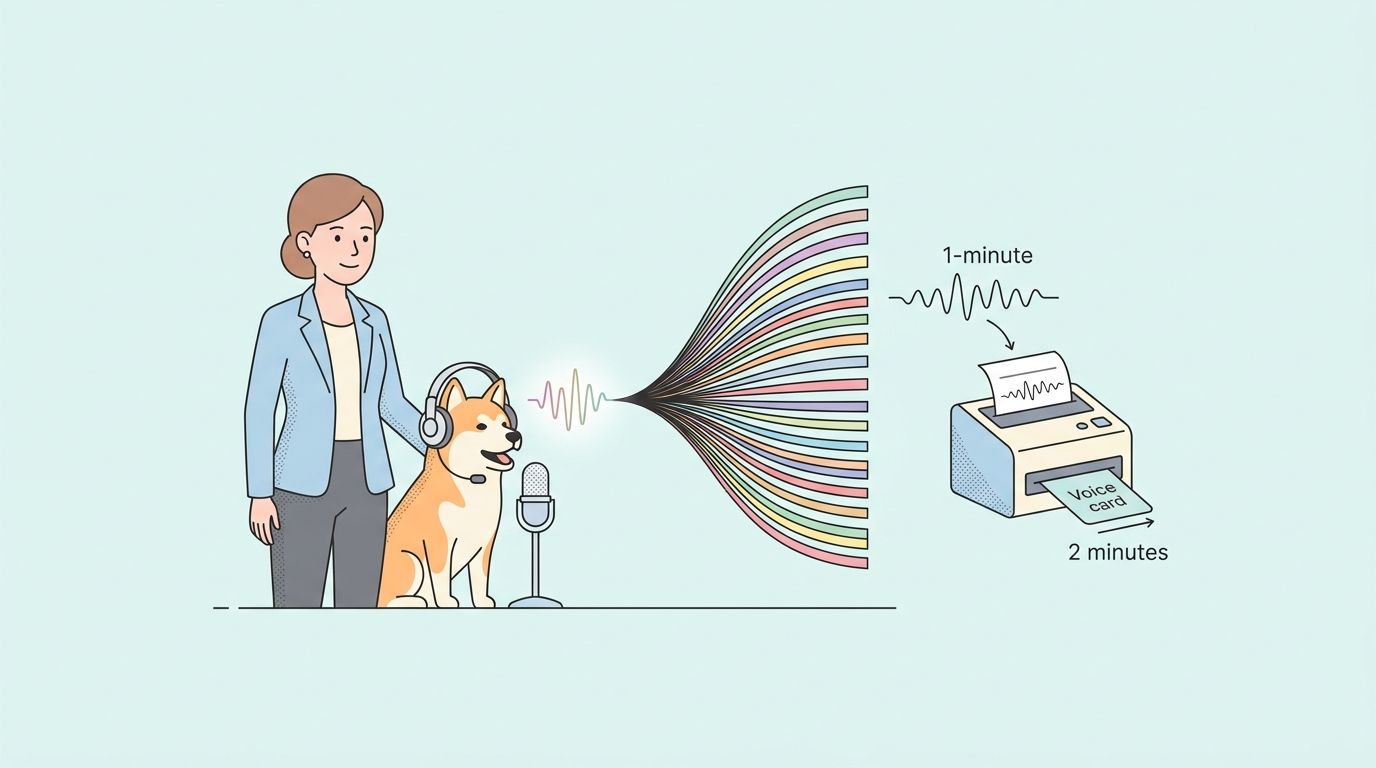
- Custom voice cloning from about 1 minute of speech; production-ready voice in under 2 minutes.
- WebSocket endpoint:
wss://api.x.ai/v1/realtime?model=grok-voice-think-fast-1.0. - REST endpoints for TTS, STT, and Custom Voices share one API surface.
- Use Apidog to script the WebSocket session and replay it without rerecording audio.
What Grok Voice gives you for free
The xAI Console is the path to free access. Sign in at console.x.ai, generate an API key, and you can call four surfaces with no charge tied to the voice features themselves:
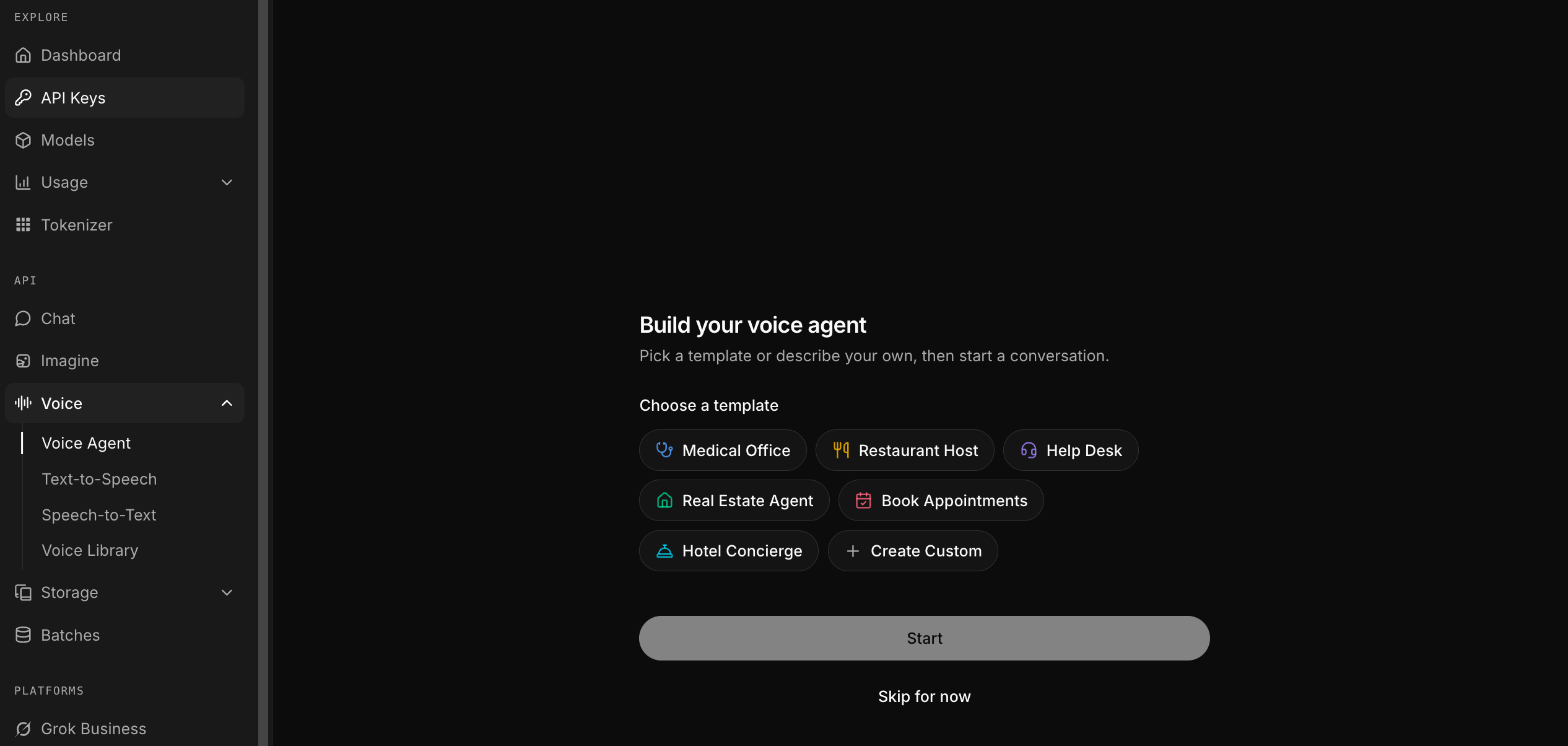
- Voice Agent (real-time speech-to-speech). The full conversational model, with tool use, server-side voice activity detection, and turn-taking baked in.
- Text-to-Speech. 80+ preset voices across 28 languages, with output as MP3 or μ-law for telephony.
- Speech-to-Text. Streaming and batch transcription across 25 input languages, with word-level timestamps and speaker diarization.
- Custom Voices. Clone your voice from a short sample and use the resulting
voice_idacross the TTS and voice agent APIs.
The only meter that ticks is Grok 4.3 token usage when the agent reasons over a request. The console gives you free credit to test that surface too, which is enough to validate end-to-end flows before any billing kicks in.
Step 1: Get a console key
Go to console.x.ai and sign in with your X account. From the API Keys page, create a new key with voice and chat scopes enabled. Export it once and reuse:
export XAI_API_KEY="xai-..."
For client-side apps where you cannot ship the key, mint an ephemeral token from the console settings or via the /v1/realtime/sessions endpoint. Ephemeral tokens carry the same scope but expire in minutes, so you can hand them to a browser without leaking the parent key.
Step 2: Pick a voice
Two paths.
Preset voices. The voice agent ships with five named personas:
- Eve: female, energetic. Good for upbeat support flows.
- Ara: female, warm. Default for general assistance.
- Rex: male, confident. Good for sales scripts.
- Sal: neutral, smooth. Good for narration and longer reads.
- Leo: male, authoritative. Good for compliance and formal flows.
For the broader TTS API, the preset library is much larger; over 80 voices spanning 28 languages, all callable with a voice parameter on the TTS endpoint.
Custom voice clones. Upload a WAV file of about a minute of clean speech from a single speaker. xAI returns a voice_id in under two minutes, and the same ID works across both TTS and the voice agent.
curl https://api.x.ai/v1/custom-voices \
  -H "Authorization: Bearer $XAI_API_KEY" \
  -F "name=narrator-jane" \
  -F "language=en" \
  -F "audio=@sample.wav"
The maximum reference clip length is 120 seconds, but more is not better; clean, consistent audio matters more than length. Record in a quiet room, single take, no music bed.
Step 3: Make Grok talk over WebSocket
The voice agent is a single WebSocket session. Open it once, stream audio in, stream audio out. A minimal Node.js client looks like this:
import WebSocket from "ws";

const ws = new WebSocket(
  "wss://api.x.ai/v1/realtime?model=grok-voice-think-fast-1.0",
  { headers: { Authorization: `Bearer ${process.env.XAI_API_KEY}` } }
);

ws.on("open", () => {
  ws.send(JSON.stringify({
    type: "session.update",
    session: {
      voice: "ara",
      instructions: "You are a friendly support agent. Keep replies under two sentences.",
      input_audio_format: "pcm16",
      output_audio_format: "pcm16",
      turn_detection: { type: "server_vad" },
    },
  }));
});

ws.on("message", (raw) => {
  const event = JSON.parse(raw.toString());
  if (event.type === "response.audio.delta") {
    process.stdout.write(Buffer.from(event.delta, "base64"));
  }
});
User audio gets sent in input_audio_buffer.append events as base64 PCM16 frames. The server emits response.audio.delta events as the model replies, and response.audio.done when the turn closes. PCM16 at 24 kHz is the safe default for browser and desktop apps; switch to μ-law when you bridge to phone systems.
Step 4: Add tool use
The voice agent supports function calling, so the model can hit your APIs mid-conversation. Declare a tool in the session config:
ws.send(JSON.stringify({
  type: "session.update",
  session: {
    tools: [{
      type: "function",
      name: "lookup_order",
      description: "Look up the status of a customer order by order number.",
      parameters: {
        type: "object",
        properties: { order_id: { type: "string" } },
        required: ["order_id"],
      },
    }],
  },
}));
The model will emit response.function_call_arguments.done when it wants to call the tool. Run the function on your side, then push the result back with a conversation.item.create of type function_call_output. The model picks up where it left off and narrates the answer.
A built-in web_search tool ships out of the gate, which is useful for grounding answers in fresh data without writing your own retrieval layer.
Step 5: Use TTS without the agent
If you only need text-to-speech (audio prompts, app voiceover, podcast intros), skip the WebSocket and hit the REST endpoint:
curl https://api.x.ai/v1/tts \
  -H "Authorization: Bearer $XAI_API_KEY" \
  -H "Content-Type: application/json" \
  -d '{
    "model": "grok-tts-1",
    "voice": "ara",
    "input": "Welcome back to your account. Your last login was Tuesday at 3pm.",
    "format": "mp3"
  }' \
  --output greeting.mp3
Format options are mp3 (high-fidelity) and mulaw (8 kHz, telephony). The endpoint is synchronous; you get bytes back, no streaming session needed.
Step 6: Test the whole flow in Apidog
WebSocket APIs are awkward to debug from the terminal because the conversation is stateful. The standard pattern we use:
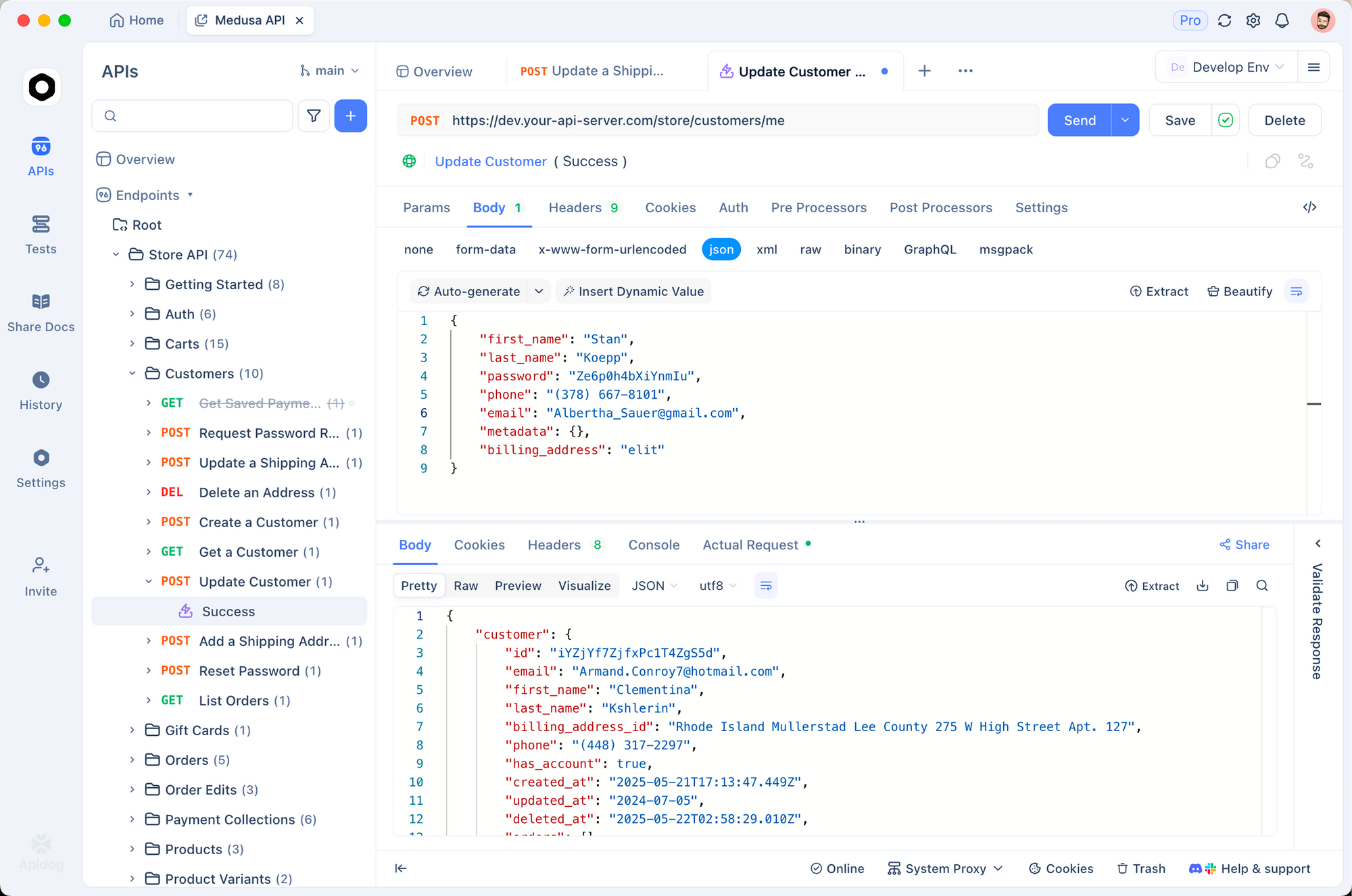
- Save the WebSocket URL with the bearer token pre-filled in an environment.
- Stage a script of JSON messages:
session.update,input_audio_buffer.append(with a fixture audio frame),response.create. - Replay the script against a single connection and capture every server event into a tree.
- Diff two runs side by side when you change the voice or the instructions; useful for catching drift in turn-taking behavior.
Download Apidog, create a new WebSocket request, and paste your XAI_API_KEY under environment variables. The same collection works for TTS and STT (which are plain REST), and you can keep both surfaces under one project. For more on stateful API testing patterns, see API testing tool for QA engineers.
Free tier limits
The console gives you full access without a per-minute or per-token charge for the voice features themselves. The boundaries that do exist:
- Rate limits. The console enforces request-per-minute caps on each endpoint to prevent abuse. They are generous enough to build and demo against; they are not a production allowance.
- Custom voice quota. A single account can hold a finite number of custom voice clones at once. You can delete and recreate to free a slot.
- Reasoning tokens. When the voice agent thinks (Grok 4.3 under the hood), it bills against your console credit. Free credit covers prototyping; production will need a paid plan.
If you hit rate-limit errors, batch your requests or move to a paid tier; the API behavior does not change, only the cap.
Comparing voices
Run the same line through every preset before you ship. Voices read tone differently, and a short test list catches the bad pairings fast:
- A two-sentence greeting.
- A confirmation phrase (“Got it, that’s all set”).
- A long sentence with a number, a date, and a comma.
The model agnostic test we run internally: speak the same prompt at three speeds (calm, normal, urgent) and listen for the inflection change. Grok’s preset voices handle this better than most TTS engines we have benchmarked, but you still want the audit before going live.
FAQ
Is the API actually free, or is there a hidden cap?The voice features (TTS, STT, voice agent, Custom Voices) carry no per-minute or per-token charge on the console. The reasoning model under the hood bills against console credit; the console allowance is enough for prototyping.
Do I need an X (Twitter) account?Yes. Console sign-in uses an X account.
Can I use Grok Voice from a browser?Yes, with an ephemeral token. Mint it server-side via /v1/realtime/sessions, hand the short-lived token to the browser, and connect the WebSocket directly. The parent key never leaves your server.
What audio quality can I expect?TTS output is high-fidelity MP3 or 8 kHz μ-law. The voice agent runs PCM16 at 24 kHz internally. Quality is on par with the major commercial TTS engines; latency is the differentiator.
Does it work with telephony?Yes. μ-law output is the standard format for SIP and PSTN bridges. You still need a SIP provider; xAI does not ship its own SIP gateway today.
How does the cloning quality compare to other tools?Cloning quality scales with reference audio quality more than length. A clean 60-second sample in a quiet room beats a noisy 120-second sample in our tests. The output voice_id is portable across the TTS endpoint and the voice agent without recloning.
Can I use Grok Voice for AI characters in a game?Yes. The TTS endpoint is fast enough for runtime generation, and Custom Voices means each character can have its own clone. Watch latency on long lines; chunked TTS is the pattern.
Wrapping up
Grok Voice is the cleanest free path to a real-time voice agent in 2026. The console has no per-minute charge, the latency is real, and Custom Voices removes the licensing friction that blocked most teams from shipping voice features. The fastest way to validate the model for your use case is to script a session in Apidog, run it against three preset voices, and listen.
When you are ready to plug it into Grok 4.3 reasoning, see the Grok 4.3 API guide. For a side-by-side against OpenAI’s stack, see Grok Voice vs GPT-Realtime.


