To call Grok 4.7, send a POST request to https://api.x.ai/v1/responses with "model": "grok-4.7" and your xAI key as a Bearer token. It costs $2 per million input tokens, $0.50 per million cached input tokens, and $6 per million output tokens for prompts under 200,000 tokens, with a 500,000-token context window. SpaceXAI (the company formerly called xAI) shipped it on September 21, 2026 at the same price as Grok 4.6, so for most existing integrations the upgrade is a one-line change.
Below: the first request, reasoning effort and what it does to your bill, encrypted reasoning, caching, streaming, tools, rate limits, and a reusable test setup in Apidog. For background on the model, read what Grok 4.7 is and what changed; the official reference is the Grok 4.7 page in the xAI docs.
Grok 4.7 API at a glance
| Property | Value |
|---|---|
| Model id | grok-4.7 |
| Endpoint | POST https://api.x.ai/v1/responses (Chat Completions still works as a legacy endpoint) |
| Context window | 500,000 tokens |
| Output limit | None listed by xAI |
| Input / cached / output, under 200k | $2.00 / $0.50 / $6.00 per 1M tokens |
| Input / cached / output, 200k and above | $4.00 / $1.00 / $12.00 per 1M tokens |
| Reasoning effort | low, medium, high (default), xhigh |
| Inputs | Text and images (JPG or PNG, up to 20 MiB) |
| Tools | Function calling, web search, X search, code execution |
| Knowledge cutoff | May 2026 |
| Batch API | Not supported |
Step 1: get a key and load credits
Create an account at console.x.ai, load it with credits (the API is prepaid), and generate a key. Our Grok API key guide walks through the console screens. Keep the key out of your code:
export XAI_API_KEY="your-key-here"
Step 2: make your first request
The Responses API is the primary endpoint and the one every example in the xAI docs uses:
curl https://api.x.ai/v1/responses \
  -H "Content-Type: application/json" \
  -H "Authorization: Bearer $XAI_API_KEY" \
  -d '{
    "model": "grok-4.7",
    "input": "Review this function for bugs: function median(a){a.sort();return a[a.length/2]}"
  }'
The API works with the OpenAI SDK. Point the client at xAI’s base URL and call responses.create:
import OpenAI from "openai";

const client = new OpenAI({
  apiKey: process.env.XAI_API_KEY,
  baseURL: "https://api.x.ai/v1",
});

const response = await client.responses.create({
  model: "grok-4.7",
  reasoning: { effort: "medium" },
  input: [
    { role: "system", content: "You are a senior backend reviewer." },
    { role: "user", content: "Find the bug in: function median(a){a.sort();return a[a.length/2]}" },
  ],
});

console.log(response.output_text);
If you prefer another client, the same model is grok-4.7 in xAI’s Python SDK (xai_sdk), xai.responses('grok-4.7') in the Vercel AI SDK, and xai/grok-4.7 in LiteLLM. Two compatibility notes: xAI now labels Chat Completions a legacy endpoint, and its Anthropic SDK compatibility is fully deprecated. New code should target /v1/responses.
Step 3: pick a reasoning effort
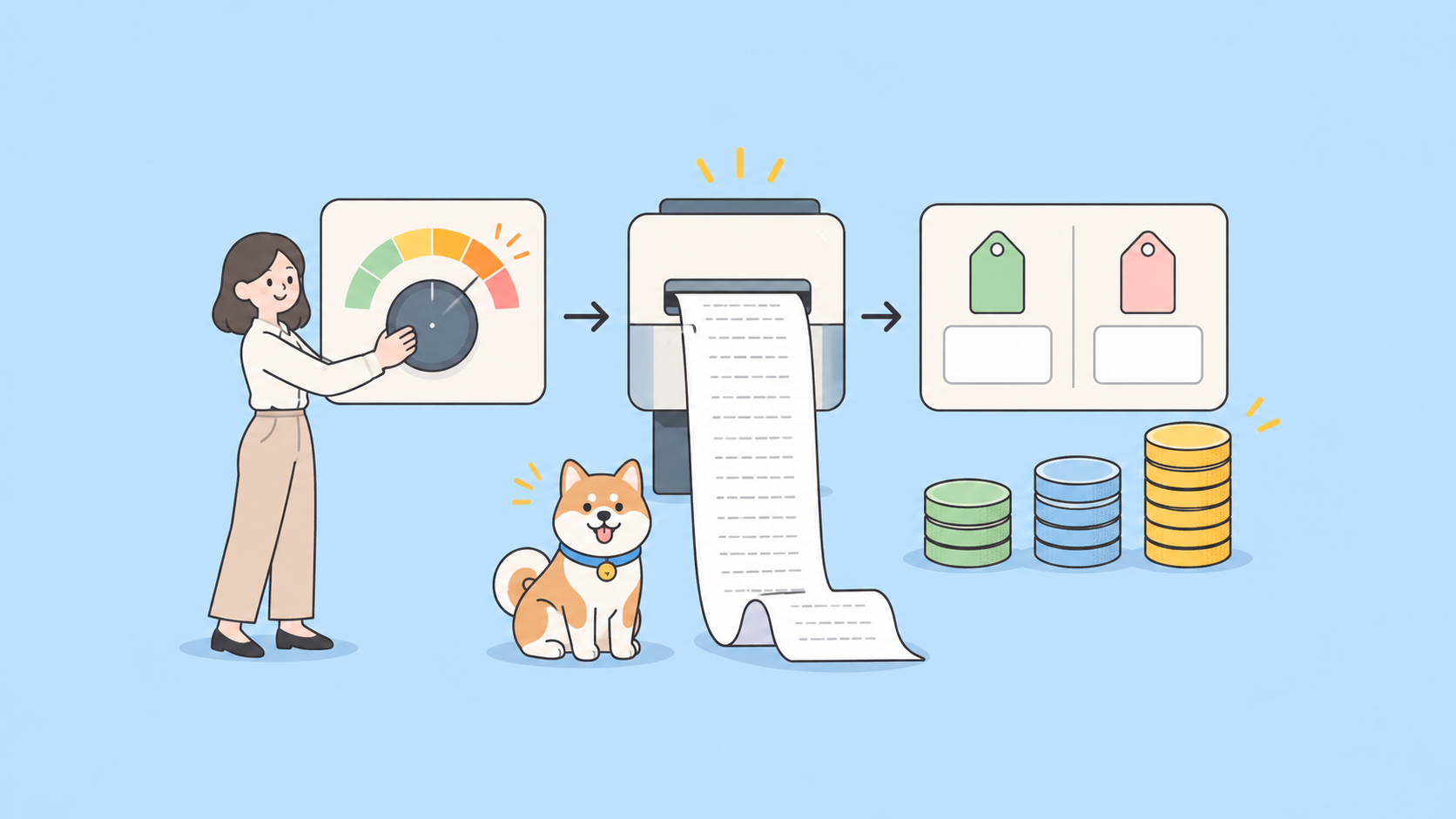
Grok 4.7 always reasons. You can’t turn it off, but you control how hard it thinks with reasoning.effort on the Responses API (reasoning_effort in the xAI SDK): low for latency-sensitive tool calls, medium for analysis and long context, high (the default) for hard multi-step problems, and xhigh when quality beats response time.
This setting is the biggest lever on your bill. SpaceXAI’s release page publishes CursorBench 4.0 results per effort level, and the spread is wide:
| Effort | CursorBench 4.0 | Avg cost per task | Avg output tokens per task |
|---|---|---|---|
| low | 33.1% | $1.58 | 15,677 |
| medium | 41.6% | $3.49 | 36,683 |
| high | 43.9% | $4.69 | 56,382 |
| xhigh | 46.3% | $6.01 | 70,141 |
Going from low to xhigh buys 13.2 points and costs about 3.8 times as much per task, because the model writes about 4.5 times as many output tokens. Start at medium, and move a route up only when your own tests show the extra quality matters.
One more constraint: reasoning models reject presencePenalty, frequencyPenalty, and stop. If an older wrapper still sends any of them, the request returns an error.
Step 4: handle encrypted reasoning in multi-turn calls
This is the behavior change most likely to surprise you. On the Responses API, grok-4.7 always returns reasoning.encrypted_content, even when your include list doesn’t ask for it. You can’t read the reasoning, but you can carry it forward.
For multi-turn conversations, pass the reasoning items from the previous response back unchanged in the next request’s input. That keeps the model’s reasoning intact across turns. Don’t edit, trim, or reorder those items. If your code filters the output array down to message items before building the next turn, it now discards context Grok 4.7 expects to get back. Chat Completions behavior is unchanged.
Step 5: make caching work for you
Cached input costs $0.50 per million tokens against $2 for fresh input, a 75% discount. The catch: a cache hit needs your request to land on a server that already holds the prefix. SpaceXAI “highly recommends” setting prompt_cache_key on Responses API calls (or the x-grok-conv-id header on Chat Completions). It routes a conversation’s requests to the same server; without it, xAI warns, you often pay full input price on a cache-cold server.
Order the prompt for reuse: system prompt, tool schemas, and reference documents first, the new user message last. Anything that changes near the top breaks the prefix and the discount with it.
Step 6: stream responses
Add "stream": true to receive server-sent events instead of one JSON body at the end. Because reasoning is always on, the model can think for a while before the first answer token, and a non-streaming call looks hung or trips a short HTTP timeout. Grok 4.7 streams reasoning summaries, so you can show progress while it thinks.
Function calls are the exception: per the xAI docs, a function call arrives whole in a single chunk. Parse it when that chunk lands instead of assembling arguments from deltas. Our guide to testing LLM APIs that stream over SSE shows how to inspect the raw event sequence in Apidog.
Step 7: add tools
Function calling uses the Responses API tool format. You describe the function, Grok returns a function_call item, you run it, and you send back a function_call_output with the matching call_id:
curl https://api.x.ai/v1/responses \
  -H "Content-Type: application/json" \
  -H "Authorization: Bearer $XAI_API_KEY" \
  -d '{
    "model": "grok-4.7",
    "input": [{"role": "user", "content": "Has order 10482 shipped yet?"}],
    "tools": [{
      "type": "function",
      "name": "get_order_status",
      "description": "Look up the fulfillment status of an order",
      "parameters": {
        "type": "object",
        "properties": { "order_id": {"type": "string"} },
        "required": ["order_id"]
      }
    }]
  }'
Structured outputs are supported too, so you can hold the final answer to a JSON schema.
Server-side tools run on xAI’s side: {"type": "web_search"}, X search, and code execution. They bill on top of tokens: web search is $5 per 1,000 calls, X search $5 per 1,000 posts, and code execution $5 per 1,000 calls, so an agent that searches every turn pays that fee every turn. Web search accepts allowed_domains and excluded_domains (up to five each). Without a search tool, Grok 4.7 has no live data; its knowledge stops at May 2026.
Watch the 200k pricing cliff
The price table has two rows for a reason. Once a prompt reaches 200,000 tokens, the whole request bills at the higher rate: $4 input, $1 cached, $12 output. It isn’t only the tokens above the line that cost more.
A 190,000-token prompt with a 4,000-token answer costs about $0.40. A 210,000-token prompt with the same answer costs about $0.89. Roughly 10% more input more than doubles the bill.
Count tokens before you send, summarize history as a conversation nears the line, and use xAI’s context compaction for long agent loops. The cheap part of the 500,000-token window ends at 200,000.
Rate limits and 429s
Limits scale with your cumulative spend and match Grok 4.6’s:
| Tier (cumulative spend) | Requests per second | Tokens per minute |
|---|---|---|
| T0 ($0) | 150 | 50M |
| T1 ($50) | 172 | 53M |
| T2 ($250) | 208 | 60M |
| T3 ($1,000) | 312 | 74M |
| T4 ($5,000) | 500 | 100M |
Cached tokens count toward tokens per minute. Go over and you get HTTP 429. Retry with exponential backoff and jitter instead of hammering the endpoint; our guide to rate limit exceeded errors covers the patterns.
Migrating from Grok 4.6
Most integrations need one change: grok-4.6 becomes grok-4.7. Price, context window, rate limits, and effort levels are identical. Re-test three things before you move production traffic:
- Multi-turn handling. Confirm your code passes encrypted reasoning items back unchanged.
- Tokens per task. A new, larger base model changes how many tokens a task takes, even at the same per-token rate. Measure your real prompts.
- Effort mapping. Cursor’s docs say effort levels are more separated than in Grok 4.6, so a route tuned at
mediumcan behave differently.
Our Grok 4.6 API guide still holds for everything that didn’t change. Two notes: https://us.api.x.ai/v1 keeps inference in the US for a 10% premium, and Grok 4.7 Fast (2x price) is only in Cursor and Grok Build, not the public API.
Test the Grok 4.7 API in Apidog
A saved, repeatable request beats a curl command in your shell history when you’re comparing effort levels or checking an upgrade.
- Create an environment in Apidog with
base_urlset tohttps://api.x.ai/v1andXAI_API_KEYstored as a secret variable. Add a second environment for the US endpoint if you need it. - Save the request:
POST {{base_url}}/responseswith anAuthorization: Bearer {{XAI_API_KEY}}header and your real prompt in the body. - Add assertions: status is 200,
modelequalsgrok-4.7,usageexists, andoutputcontains amessageitem. These catch a wrong key, a wrong model id, or a changed response shape before your app does. - Clone it per effort level (
low,medium,high,xhigh) and run the four as one test scenario. You get response time and token usage side by side for your prompt, not a benchmark’s. - Mock the endpoint once the response shape is stable, so frontend work continues without spending credits.
When the next model ships, change one variable and re-run. Download Apidog to set it up.
FAQ
What is the Grok 4.7 model id? grok-4.7. On partner platforms it’s spacexai/grok-4.7 (Vercel AI Gateway) and x-ai/grok-4.7 (OpenRouter).
How much does the Grok 4.7 API cost? $2 per million input tokens, $0.50 cached, and $6 output for prompts under 200,000 tokens, and double that at 200,000 and above. There’s no batch discount for 4.7.
Can I turn off reasoning? No. Use low effort for the fastest, cheapest responses.
Is there a free Grok 4.7 API? xAI’s API runs on prepaid credits. Our guide on how to use Grok 4.7 for free covers the no-cost routes that do exist.
How does Grok 4.7 compare with GPT-6 Sol and Claude Opus 5.5? It has the lowest output price of the three and trails Opus 5.5 on the coding benchmarks both vendors report. The three-way comparison has the numbers.
Start with one saved request
Send the curl request above, then save it in Apidog with assertions and an effort-level scenario. You get a baseline cost per task on your own prompts before moving traffic. To choose a default effort level, read the Grok 4.7 benchmarks breakdown next.