
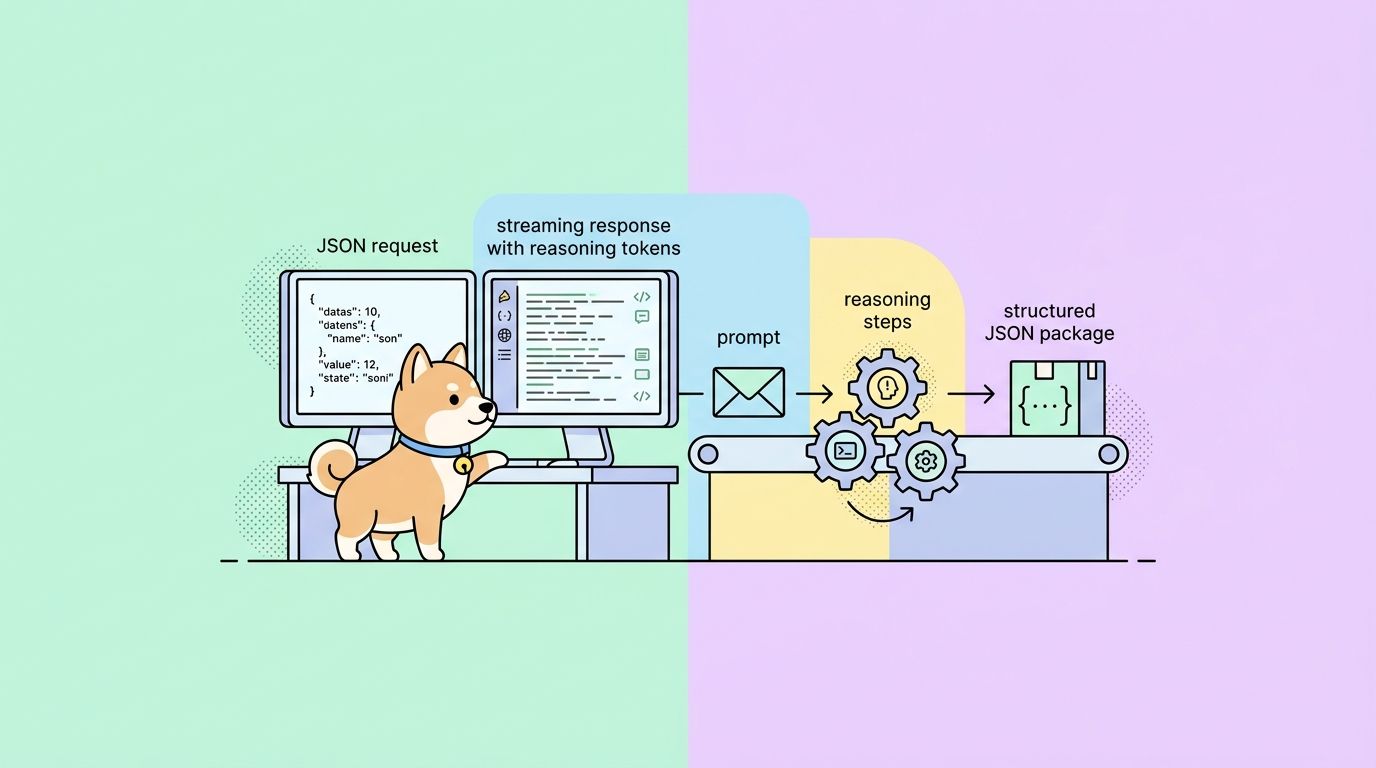
GPT-5.5 launched on April 23, 2026, and the developer headline is simple: OpenAI opened the model inside ChatGPT and Codex the same day, and committed to the Responses and Chat Completions APIs “very soon.” This guide covers both sides of that line; how to call GPT-5.5 the minute keys work, and how early testers are driving it today through the Codex sign-in path.
You will get endpoint shapes, authentication, Python and Node examples, the full parameter table, thinking-mode pricing math, error handling, and a testing workflow in Apidog that saves credits when you iterate.
For the product-level overview of the model, see What is GPT-5.5. For a pure free-tier path, see How to use GPT-5.5 API for free.
TL;DR
- GPT-5.5 ships on the Responses and Chat Completions endpoints; the model ID is
gpt-5.5. Pro isgpt-5.5-pro. - API pricing is $5 / M input and $30 / M output; Pro is $30 / M input and $180 / M output.
- Context window is 1 M tokens in the API and 400 K inside Codex CLI.
- Until general API rollout finishes, developers can drive GPT-5.5 through Codex using a ChatGPT sign-in.
- Use Apidog to pre-build the collection; the request shape matches GPT-5.4 with a new model ID and an expanded
reasoningblock.
Prerequisites
Before you fire the first request, line up four things:
- An OpenAI developer account with a billable tier. A ChatGPT Plus or Pro subscription is separate from API billing; you need both if you want UI access and programmatic access.
- An API key with access to the GPT-5 model family. Project-scoped keys are strongly recommended over user keys for any production workload.
- The SDK version that supports
gpt-5.5. On Python that isopenai>=2.1.0; on Node it isopenai@5.1.0or newer. - An API client that can replay requests without spamming the terminal. curl works for one call; after that, switch to Apidog or similar.
Export your key once:
export OPENAI_API_KEY="sk-proj-..."
Endpoint and authentication
GPT-5.5 lives on the same two endpoints as the rest of the GPT-5 family.
POST https://api.openai.com/v1/responses
POST https://api.openai.com/v1/chat/completions
The Responses API is OpenAI’s newer, tool-aware surface and is where thinking mode, web search, and computer use all plug in cleanly. Chat Completions still works and still carries most legacy integrations.
Auth is a bearer token. Every request takes a JSON body with the model ID, the prompt or message array, and whatever parameters you want.
curl https://api.openai.com/v1/responses \
  -H "Authorization: Bearer $OPENAI_API_KEY" \
  -H "Content-Type: application/json" \
  -d '{
    "model": "gpt-5.5",
    "input": "Summarize the last 10 releases of the openai/codex repo in three bullets.",
    "reasoning": { "effort": "medium" }
  }'
If the call succeeds you get a JSON object with an output array of messages and a usage block broken down into input, output, and reasoning tokens. Failures return the standard OpenAI envelope with a code and a human-readable message; the error table at the end of this guide covers the ones you will hit first.
Request parameters
Every field in the body maps to either cost or behavior. Here is the full map for gpt-5.5.
| Parameter | Type | Values | Notes |
|---|---|---|---|
model |
string | gpt-5.5, gpt-5.5-pro |
Required. Pro costs 6× input and 6× output. |
input / messages |
string or array | Prompt or chat array | Required. input for Responses, messages for Chat Completions. |
reasoning.effort |
string | none, low, medium, high, xhigh |
Default is low. xhigh unlocks Thinking-style depth at a token cost. |
max_output_tokens |
integer | 1 – 128000 | Hard cap for output, excluding reasoning tokens. |
tools |
array | Function, web_search, file_search, computer_use, code_interpreter | Tool definitions; the model picks and chains them. |
tool_choice |
string or object | auto, none, or a named tool |
Force-call a specific tool when you know you need it. |
response_format |
object | { "type": "json_schema", "schema": {...} } |
Structured output; strict mode is now default. |
stream |
boolean | true / false | Server-sent events. Reasoning tokens arrive as separate events. |
user |
string | Free-form | Used for abuse detection; pass a hashed user ID. |
metadata |
object | Up to 16 key-value pairs | Shows up in the OpenAI dashboard and logs. |
seed |
integer | Any int32 | Soft determinism; same seed with the same prompt is close, not identical. |
temperature |
number | 0 – 2 | Ignored at reasoning.effort >= medium. |
The three fields that most move cost are reasoning.effort, max_output_tokens, and tools. Thinking-style runs at reasoning.effort: "high" or "xhigh" can easily add 3–8× the output token count of a low run.
Python example
The SDK shape for GPT-5.5 follows the 5.4 Responses API; the only diff is the model ID and the wider reasoning.effort range.
from openai import OpenAI

client = OpenAI()

response = client.responses.create(
    model="gpt-5.5",
    input=[
        {
            "role": "system",
            "content": "You are a senior Go engineer. Answer in terse, runnable code.",
        },
        {
            "role": "user",
            "content": (
                "Write a worker pool with bounded concurrency and a context "
                "cancellation path. No third-party deps."
            ),
        },
    ],
    reasoning={"effort": "medium"},
    max_output_tokens=4000,
)

print(response.output_text)
print(response.usage.model_dump())
Two things worth noting:
response.output_textflattens theoutputarray for you. If you need the structured events (tool calls, reasoning traces, citations), readresponse.outputdirectly.usagenow returnsinput_tokens,output_tokens, andreasoning_tokensas separate counters. Bill against all three.
Node example
import OpenAI from "openai";

const client = new OpenAI();

const response = await client.responses.create({
  model: "gpt-5.5",
  input: [
    { role: "system", content: "You are a careful reviewer." },
    {
      role: "user",
      content:
        "Review this migration and flag any operation that would lock a write-heavy table for more than 200 ms.",
    },
  ],
  reasoning: { effort: "high" },
  tools: [{ type: "file_search" }],
  max_output_tokens: 6000,
});

console.log(response.output_text);
console.log(response.usage);
Set reasoning.effort to high when the task is review-style and the cost of a missed issue is greater than the cost of a few extra cents in reasoning tokens.
Thinking mode
GPT-5.5 Thinking is not a different model ID; it is the standard gpt-5.5 model run with reasoning.effort at high or xhigh, paired with a longer max_output_tokens budget. OpenAI’s ChatGPT UI exposes it as a toggle; on the API you control it per-request.
Two rules of thumb:
- Use
mediumas the default. It covers most agentic work, multi-file debugging, and document generation. Costs stay close to flat versus GPT-5.4. - Reserve
highandxhighfor research, correctness-critical review, and long tool chains. Budget 3–8× the output token count and time the response rather than assuming it will return in under 30 seconds.
If your request touches computer_use or long web-search chains, Thinking-level effort is worth the spend; the hallucination drop OpenAI cited in the launch post mostly shows up in these workflows.
Structured output
Strict JSON output is the default on GPT-5.5. Pass a schema and the SDK refuses to return malformed JSON.
response = client.responses.create(
    model="gpt-5.5",
    input="Extract the title, speaker, and start time from this transcript chunk.",
    response_format={
        "type": "json_schema",
        "json_schema": {
            "name": "session_extract",
            "strict": True,
            "schema": {
                "type": "object",
                "required": ["title", "speaker", "start_time"],
                "properties": {
                    "title": {"type": "string"},
                    "speaker": {"type": "string"},
                    "start_time": {"type": "string", "format": "date-time"},
                },
            },
        },
    },
)
For any pipeline that feeds downstream code, always set a schema. It costs nothing at the token level and removes the retry loop you would otherwise write around malformed output.
Tool use and agents
The Responses API exposes five first-party tool types:
web_search— real-time search, now with per-result citations.file_search— vector search over uploaded files.code_interpreter— sandboxed Python.computer_use— mouse, keyboard, and browser via the Operator stack.function— your own callbacks.
GPT-5.5’s improvement over 5.4 here is not the tool list; it is how willing the model is to chain them without supervision. In testing against The Decoder’s reproduction suite, GPT-5.5 completed 11 % more multi-step tool chains without user intervention than 5.4 under the same prompt.
Error handling and retries
Expect four error codes often enough to handle them by name.
| Code | Meaning | Retry? |
|---|---|---|
429 rate_limit_exceeded |
Per-minute or per-day cap hit. | Yes, with exponential backoff + jitter. |
400 context_length_exceeded |
Input + output + reasoning > 1 M tokens. | No, shorten the input. |
500 server_error |
Transient on OpenAI’s side. | Yes, up to 3 attempts. |
403 policy_violation |
Safety refusal. | No, rewrite the prompt. |
Reasoning tokens count against the context window. A reasoning.effort: "xhigh" call on a 900 K-token input will hit 400 for context overflow even if your user message is short.
Testing workflow with Apidog
GPT-5.5 calls are expensive enough that you do not want to discover a schema bug by rerunning the prompt 20 times. The workflow that wastes the fewest tokens:
- Build the request once in Apidog, save it as a collection entry, and tag the environment (dev, staging, prod key).
- Use the built-in mock server to replay the last real response while you iterate on downstream code.
- Flip to the live key only when the schema is stable.
Apidog also ships a Claude Code and Cursor integration so the same collection is reachable from whichever editor-level agent you use. See our Apidog in VS Code walkthrough and the Apidog vs. Postman comparison for the full setup.
Calling GPT-5.5 before the API is general
Until OpenAI finishes the Responses API rollout, the practical path for developers who want hands-on time with GPT-5.5 is the Codex sign-in flow. The Codex free guide walks through installing the CLI, authenticating with a ChatGPT account, and selecting the model.
FAQ
Is there a gpt-5.5-mini?Not at launch. OpenAI kept gpt-5.4-mini as the cost-optimized SKU.
What is the context window?1 M tokens in the API. 400 K inside Codex CLI. Both include reasoning tokens.
Do I need to rewrite my GPT-5.4 code?No. Swap the model ID, widen max_output_tokens if you want Thinking-level output, and re-tune reasoning.effort for your workload.
How do I reduce cost?Three levers: Batch (50 % off), Flex (50 % off, slower queueing), and strict schemas to kill retry loops. Full cost math in the GPT-5.5 pricing breakdown.
Where do I watch for the API GA announcement?The OpenAI developer community and the OpenAI API pricing page are the fastest public signals.
If your project needs visuals alongside text, the same OpenAI account and request pattern carry over to the gpt-image-2 image generation API, which slots neatly into an existing GPT-5.5 integration.
For use cases that demand persistent, low-latency connections rather than discrete request-response cycles,OpenAI's WebSocket streaming mode is worth exploring alongside the standard GPT-5.5 HTTP interface.


