
To use the Claude Haiku 5.5 API, send a POST request to https://api.anthropic.com/v1/messages with "model": "claude-haiku-5-5", your key in the x-api-key header, and anthropic-version: 2023-06-01. It costs $0.10/$0.50 per million input/output tokens for prompts up to 100K tokens ($0.50/$2.50 above that), reads up to 1M tokens of context, writes up to 128K, and defaults to medium effort with adaptive thinking on.
Anthropic released Haiku 5.5 on October 7, 2026, and it’s the first Haiku with effort levels (what is Claude Haiku 5.5 covers specs and positioning). This guide covers a first call in curl, Python and TypeScript, then effort, thinking, caching, batch, refusals and agent toolsets. You can save and assert every request below in Apidog.
Claude Haiku 5.5 API at a glance
| Parameter | Haiku 5.5 behavior |
|---|---|
| Model ID | claude-haiku-5-5 (Bedrock: anthropic.claude-haiku-5-5); no separate alias |
| Price per MTok, prompts up to 100K tokens | $0.10 input, $0.50 output, $0.01 cache reads |
| Price per MTok, prompts over 100K tokens | $0.50 input, $2.50 output, $0.05 cache reads |
| Context / max output | 1M / 128K; 300K on Batch with the output-300k-2026-03-24 beta header |
output_config.effort |
low, medium (default), high, xhigh, max |
thinking |
adaptive by default; disabled only at high effort or below |
thinking.display |
Empty thinking field by default; summarized returns readable text |
temperature, top_p, top_k |
Non-default values return 400 |
| Assistant prefill | Returns 400, even with thinking off |
| Minimum cacheable prompt | 512 tokens (4,096 on Haiku 4.5) |
Sources: the Haiku 5.5 model page and the Claude API pricing docs.
Your first Claude Haiku 5.5 API call
Create a key in the Claude Console (the Anthropic API key guide walks through it) and export it as ANTHROPIC_API_KEY. Never paste the key into code. Then send this:
curl https://api.anthropic.com/v1/messages \
  -H "x-api-key: $ANTHROPIC_API_KEY" \
  -H "anthropic-version: 2023-06-01" \
  -H "content-type: application/json" \
  -d '{
    "model": "claude-haiku-5-5",
    "max_tokens": 4096,
    "output_config": {"effort": "medium"},
    "thinking": {"type": "adaptive", "display": "summarized"},
    "messages": [{"role": "user", "content": "Classify this ticket as billing, bug, or feature request: The export button times out on large projects."}]
  }'
The Python SDK picks up ANTHROPIC_API_KEY from the environment:
import anthropic

client = anthropic.Anthropic()
response = client.messages.create(
    model="claude-haiku-5-5",
    max_tokens=4096,
    output_config={"effort": "medium"},
    thinking={"type": "adaptive", "display": "summarized"},
    messages=[{"role": "user", "content": "Classify this ticket as billing, bug, or feature request: The export button times out on large projects."}],
)

for block in response.content:
    if block.type == "thinking":
        print("[thinking]", block.thinking)
    elif block.type == "text":
        print(block.text)
print(response.stop_reason, response.usage)
TypeScript follows the same shape:
import Anthropic from "@anthropic-ai/sdk";

const client = new Anthropic();
const response = await client.messages.create({
  model: "claude-haiku-5-5",
  max_tokens: 4096,
  output_config: { effort: "medium" },
  thinking: { type: "adaptive", display: "summarized" },
  messages: [
    { role: "user", content: "Classify this ticket as billing, bug, or feature request: The export button times out on large projects." },
  ],
});

for (const block of response.content) {
  if (block.type === "text") console.log(block.text);
}
console.log(response.stop_reason, response.usage);
Three habits keep this code working. Select content blocks by type, because a response can open with a thinking block and content[0].text breaks. Leave headroom in max_tokens, because thinking tokens count toward it. And keep the request body clean: no temperature, top_p, top_k, budget_tokens or assistant prefill. Each one is a 400 on this model. If you’re moving older code, the Haiku 5.5 vs Haiku 4.5 guide lists every breaking change with before/after JSON.
Pick an effort level
Effort, set in output_config.effort, is the main dial for quality, latency and cost. The prompting guide gives these starting points:
low: the cheapest and fastest level, for chat, short tool tasks and simple, high-volume requests.medium: the default. Start here for most work, including agentic coding.high: knowledge work, longer agent tasks and strict instruction following.xhighandmax: only where your evals show a gain. Anthropic suggests running the same evals on Claude Sonnet 5.5 and comparing.
The cost curve is steep. Here are Anthropic’s own OSWorld 2.1 (offline subset) runs from the launch charts, with partial-credit score and cost per attempt:
| Effort | Score | Cost per attempt |
|---|---|---|
low |
42.0% | $0.0695 |
medium |
53.3% | $0.1257 |
high |
61.3% | $0.1827 |
xhigh |
67.6% | $0.2792 |
max |
72.4% | $0.6111 |
Going from xhigh to max more than doubles the cost for under five points. The Haiku 5.5 benchmarks breakdown has the other per-effort charts.
One quirk: at xhigh in multi-turn chats, the model sometimes writes its whole answer in its thinking and ends the turn with no visible text. Check for an empty reply before showing it to a user.
Control thinking
Adaptive thinking is on by default, and two things changed from Haiku 4.5. First, the default display hides the text. Each thinking block comes back with an empty thinking field and only a signature. Set "display": "summarized" (as in the first call) when you want readable summaries in logs or a UI. To get less thinking, lower the effort; prompting the model to answer directly didn’t stop it in Anthropic’s testing.
Second, you can turn thinking off, but only at high effort or below:
{
  "model": "claude-haiku-5-5",
  "max_tokens": 1024,
  "thinking": {"type": "disabled"},
  "output_config": {"effort": "low"},
  "messages": [{"role": "user", "content": "Extract the invoice number from: INV-2291, due Nov 3."}]
}
The same body at xhigh or max returns a 400. A forced tool_choice (any or a named tool) is accepted, but the response starts with the tool call and carries no thinking block.
For multi-turn and agent loops, pass every thinking block back unchanged and keep history append-only. Changing system, tools or earlier messages before a returned thinking block can return a 400, and thinking blocks work only in the account that produced them (or one linked to it).
Cache prompts and batch jobs
Caching is where Haiku 5.5 gets cheap. For prompts up to 100K tokens, a cache read costs $0.01 per million tokens against $0.10 for fresh input, a 5-minute cache write costs $0.125 and a 1-hour write $0.20. The minimum cacheable prompt is 512 tokens, down from 4,096 on Haiku 4.5, so short system prompts and tool lists now qualify. Mark the stable prefix with cache_control:
{
  "model": "claude-haiku-5-5",
  "max_tokens": 1024,
  "system": [{
    "type": "text",
    "text": "You are a support triage assistant. <long, stable policy text here>",
    "cache_control": {"type": "ephemeral"}
  }],
  "messages": [{"role": "user", "content": "Ticket: refund not received after 10 days."}]
}
Changing top-level effort between requests invalidates the cache; per-message effort (beta header mid-conversation-output-config-2026-07-01, Claude API and Google Cloud) keeps it. The prompt caching docs cover TTLs, and our prompt caching explainer covers the concept.
For work that can wait, the Message Batches API cuts input and output by 50%: $0.05/$0.25 for prompts up to 100K tokens and $0.25/$1.25 above. Batch is also the only route to 300K output tokens, with the output-300k-2026-03-24 beta header.
Watch the 100K line: “a prompt of over 100,000 tokens pays higher prices,” in Anthropic’s words. The Haiku 5.5 pricing guide works through examples on both sides.
Handle stop_reason “refusal”
Haiku 5.5 runs safety classifiers that can decline a request, and it has no server-side fallback. A declined request comes back with stop_reason: "refusal", and the categories are cyber, frontier_llm, bio and general_harms. If you’re moving from Haiku 4.5, these refusals are new. Sending the same request again usually returns another refusal, so don’t retry blindly:
def run(client, messages):
    response = client.messages.create(
        model="claude-haiku-5-5",
        max_tokens=4096,
        messages=messages,
    )
    if response.stop_reason == "refusal":
        details = getattr(response, "stop_details", None)
        category = getattr(details, "category", "unknown")
        log_refusal(category, messages)  # your logging
        return {"status": "refused", "category": category}
    text = "".join(b.text for b in response.content if b.type == "text")
    return {"status": "ok", "text": text}
Branch on stop_reason before you read content, and route refusals to a person or another model in your own code. Teams doing legitimate security or life sciences work blocked by the cyber or bio classifiers can apply to Anthropic’s Cyber Verification Program or Life Sciences Verification Program.
Computer use and browser use
On the Claude API and Google Cloud, Haiku 5.5 supports computer use only through the computer_toolset_20260801 toolset, which needs no beta header; declaring computer_20250124 returns a 400. Browser use goes through browser_toolset_20260801, which Haiku 4.5 doesn’t support. The Python and TypeScript SDKs added beta classes for both on launch day. See the computer use tool docs for the member tools.
Rate limits
Haiku 5.5 has the same rate limits as Haiku 4.5: 1,000 requests, 2M input tokens and 400K output tokens per minute on the Start tier, up to 10,000 requests, 10M input and 2M output on Scale. Priority Tier isn’t supported. For 429 handling, see the rate limit exceeded guide.
Test the Claude Haiku 5.5 API in Apidog
Saved requests make effort comparisons and refusal debugging repeatable. Here’s the setup in Apidog:
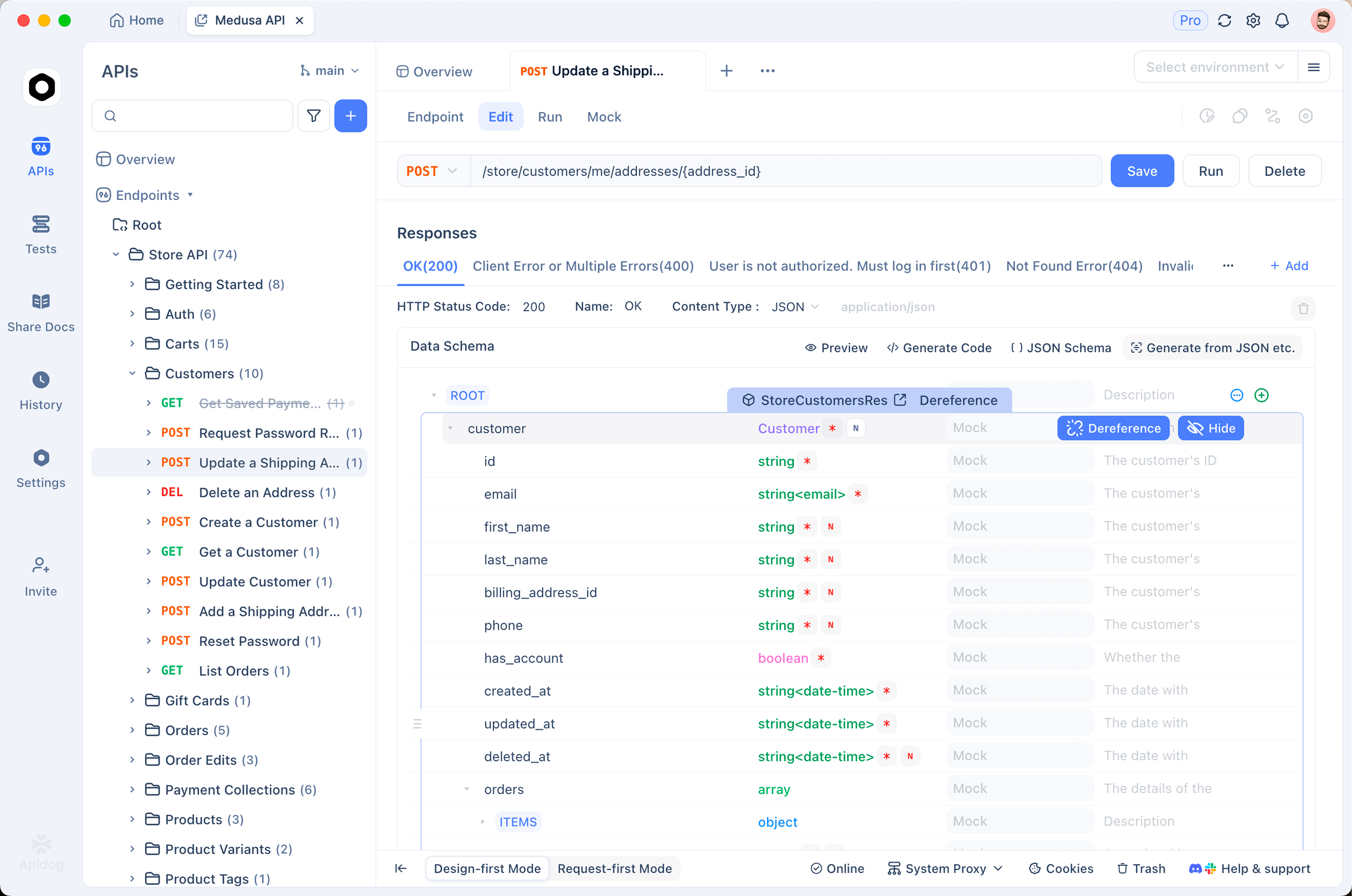
- Create an environment and add
ANTHROPIC_API_KEYas a secret variable. Reference it as{{ANTHROPIC_API_KEY}}in thex-api-keyheader, next toanthropic-version: 2023-06-01andcontent-type: application/json. - Create a POST request to
https://api.anthropic.com/v1/messages, paste the first-call body, and save it. - Add assertions: status is 200,
$.stop_reasonequalsend_turn,$.usage.output_tokensis greater than 0, and$.content[*].typecontainstext. A refusal or an emptyxhighreply now fails the test instead of slipping through. - Duplicate the request four times with
low,high,xhighandmax, and run the folder. You getusagefor every effort level on your own prompt. - Add the cached-system-prompt variant and assert that
$.usage.cache_read_input_tokensis greater than 0 on the second run.
For broader patterns, see testing LLM applications.
FAQ
What is the Claude Haiku 5.5 model ID? claude-haiku-5-5, with no date suffix and no separate alias, on the Claude API, Google Cloud, Microsoft Foundry and Claude Platform on AWS. On Amazon Bedrock it’s anthropic.claude-haiku-5-5.
Is there a free Claude Haiku 5.5 API? There’s no ongoing free tier, but new API users get a small amount of free credit to test the API. Free Claude.ai users can select Haiku 5.5 in chat, but that isn’t an API key. Max and Team plans now include monthly API credits. The free access guide covers what counts and what doesn’t.
Why does my Haiku 4.5 request return 400? Check for budget_tokens, a non-default temperature or top_p, any top_k, an assistant prefill, or the old computer_20250124 tool. Those are the usual causes.
Can I use Haiku 5.5 in Claude Code? Yes, from v2.1.293. On the Anthropic API the haiku alias resolves to Haiku 5.5. See Claude Haiku 5.5 in Claude Code.
Should I use Haiku 5.5 or Sonnet 5.5 for agentic coding? Anthropic says Sonnet 5.5 and Opus 5.5 “remain better choices for complex agentic coding tasks.” Use Haiku 5.5 for narrowly scoped work: classification, summarization, compaction, subagents and browser use.
Next step
Send the first-call request at medium, then rerun it at low and high on a prompt from your own workload and compare usage.output_tokens and answer quality. Download Apidog to keep all three runs with assertions, so the next model release is a one-field change.