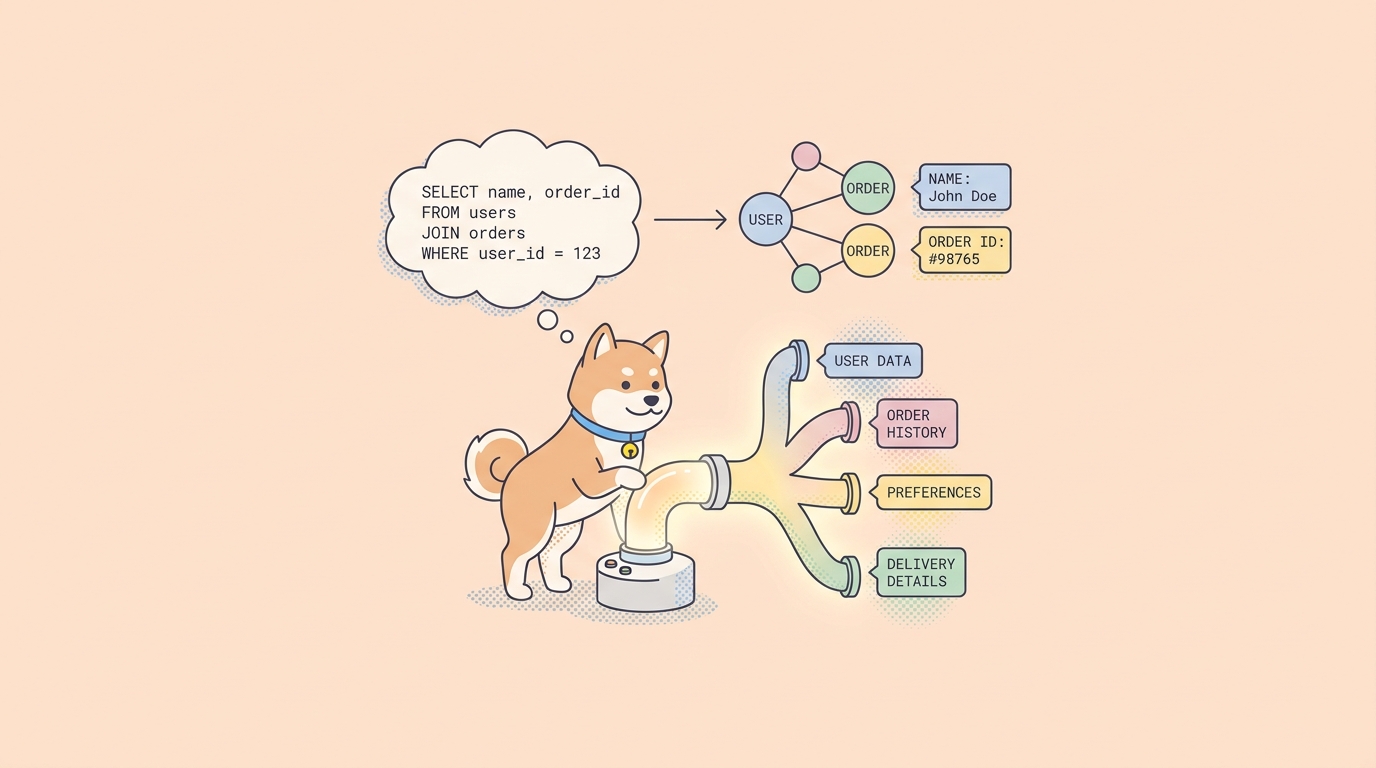
You have a GraphQL endpoint and you need to know it works. Not “the server is up,” but the real thing: does the user query return the fields your app reads, does a createOrder mutation actually persist an order, and do the shapes hold when you change a variable. A REST tool that only knows path-and-verb calls makes this awkward. GraphQL sends everything to one URL as a POST body, so you need a client that understands the query language itself, gives you field suggestions, and lets you assert on the JSON that comes back.
Apidog handles GraphQL as a first-class request type, next to HTTP, gRPC, WebSocket, SSE, and SOAP. This guide walks through building a GraphQL request from scratch: writing a query, fetching the schema for code completion, passing variables, running a mutation, and asserting on the response. The running example is an e-commerce API where you query a user and their orders, then create a new order. If you want the conceptual background on why GraphQL sends a single typed query instead of many endpoints, the official GraphQL documentation is the canonical reference, and our comparison of REST vs GraphQL covers when each one fits.
What you’re testing and why GraphQL is different
REST gives you many endpoints, each returning a fixed shape. GraphQL gives you one endpoint and lets the caller ask for exactly the fields it wants. That flexibility is the whole point, and it’s also what makes testing feel different.
Two things change. First, the request is a query document in the body, not a URL you vary. A GET /users/42 becomes a user(id: 42) { ... } selection sent by POST. Second, GraphQL almost never returns a non-200 status for a business error. A failed query still comes back 200 OK with an errors array in the JSON. So checking the status code isn’t enough. You have to read the body. That single fact shapes how you assert later in this guide.
Apidog gives you a dedicated GraphQL body type, schema-aware code completion, variables for reusable queries, and the same assertion and test-scenario tools you’d use for REST. You design and run the request in the app, then save it into a scenario you can rerun. Let’s build one.
Create a GraphQL request in Apidog
First, Download Apidog or open it in your browser, then open your project. If you’re starting fresh, create a project so the request has somewhere to live.
Step 1: make a new request and switch the body to GraphQL
Click the + button and choose New Request. This opens the standard request builder, the same one you’d use for a REST call: method, URL, parameters, and Authorization.
Set the method to POST and paste your GraphQL endpoint into the URL bar. A typical one looks like this:
https://api.yourstore.com/graphql
Now tell Apidog this is a GraphQL request. In the request body area, click Body, then select GraphQL. The body editor changes to a GraphQL-aware view with a Query box, which is where the query language lives.
If your endpoint needs a token, open the Authorization section and add it there, for example a Bearer token. Auth on a GraphQL request works the same as any other HTTP request in Apidog, because under the hood it is still an HTTP POST.
Step 2: write your first query
On the Run tab, type your query into the Query box. Start with something concrete. Here you want a user and the orders attached to them:
query GetUserWithOrders {
  user(id: "usr_1024") {
    id
    name
    email
    orders {
      id
      total
      status
      createdAt
    }
  }
}
This asks for one user and a nested list of their orders. The field names have to match your server’s schema exactly. If your schema calls it emailAddress instead of email, this query fails. That’s the next step’s job to prevent.
Step 3: fetch the schema for code completion
Guessing field names is where GraphQL testing goes slow. Apidog can read your schema so the editor suggests valid fields and types as you type, instead of you cross-checking a doc in another tab.
This is a manual, on-demand action. Click the Fetch Schema button in the input box. Apidog runs an introspection query against your endpoint and pulls the type system. Once it succeeds, code completion turns on: start typing a field inside a selection and you get IntelliSense-style suggestions for what’s actually available on that type.
Two things worth knowing. Code completion is not automatic; it only comes on after you click Fetch Schema. And if your endpoint has introspection disabled (some production servers do for security), the fetch won’t return a schema, so you’ll write fields by hand against your own documentation. If the fetch works, refetch it after any schema change so the suggestions stay current.
Step 4: run it and read the response
Click Send. The response appears in the lower half of the interface. A healthy result looks like this:
{
  "data": {
    "user": {
      "id": "usr_1024",
      "name": "Dana Whitfield",
      "email": "dana@example.com",
      "orders": [
        { "id": "ord_5001", "total": 89.90, "status": "SHIPPED", "createdAt": "2026-07-01T09:14:00Z" },
        { "id": "ord_5002", "total": 12.50, "status": "PENDING", "createdAt": "2026-07-12T16:03:00Z" }
      ]
    }
  }
}
Notice the top-level data key. Every GraphQL response nests your result under data, and any problems show up in a sibling errors array. Keep that structure in mind, because your assertions will point at data.user..., not at the root.
Pass variables to make the request reusable
Hardcoding "usr_1024" into the query works once. For a request you’ll rerun across users and environments, move that value into a variable. GraphQL has a first-class variable syntax for this, and Apidog supports it. The syntax itself is standard GraphQL rather than an Apidog invention, so the official GraphQL docs on variables are the source of truth.
Declare the variable in the query signature with a $ prefix and a type, then use it in the arguments:
query GetUserWithOrders($userId: ID!) {
  user(id: $userId) {
    id
    name
    orders {
      id
      total
      status
    }
  }
}
Then supply the value as a small JSON object of variables:
{
  "userId": "usr_1024"
}
Now the same query runs for any user by changing one JSON value. Pair this with Apidog environment variables and you can point the identical request at staging and production without editing the query. This is what turns a one-off call into something you can save, share, and run in a suite.
Write a mutation to create an order
A mutation changes data. In GraphQL there’s no separate protocol or UI for it; a mutation is written as GraphQL in the same Query box, with the mutation keyword instead of query. So the workflow you already know carries straight over.
Here you create an order for the user you queried earlier:
mutation CreateOrder($input: CreateOrderInput!) {
  createOrder(input: $input) {
    id
    total
    status
    createdAt
  }
}
The variables carry the payload:
{
  "input": {
    "userId": "usr_1024",
    "items": [
      { "sku": "TSHIRT-BLK-M", "quantity": 2 },
      { "sku": "MUG-CERAMIC", "quantity": 1 }
    ],
    "currency": "USD"
  }
}
Click Send. A good response echoes the created order:
{
  "data": {
    "createOrder": {
      "id": "ord_5003",
      "total": 42.30,
      "status": "PENDING",
      "createdAt": "2026-07-15T10:22:11Z"
    }
  }
}
Because mutations write real data, run them against a test or staging environment, not production. A common pattern is to run the mutation, capture the returned id, then run your GetUserWithOrders query again and confirm the new order shows up in the list. That query-mutation-query loop is a realistic end-to-end check, and it’s exactly the kind of thing you’ll want to save as a scenario in the next section.
Assert on the response instead of eyeballing it
Reading JSON by hand is fine while you explore. For a test that runs unattended, you need assertions that pass or fail on their own. Apidog lets you add assertions to a request so a run is judged automatically, which is what you set up in API assertions.
For GraphQL, three checks cover most cases:
- Assert the HTTP status is
200. Necessary but not sufficient, since GraphQL returns 200 even on business errors. - Assert that the
errorsfield is absent. This is the real GraphQL pass or fail gate. Iferrorsexists, the operation failed no matter what the status says. - Assert on specific values inside
data, using a JSONPath like$.data.createOrder.statusequalsPENDING, or$.data.user.ordershas a length greater than zero.
That combination catches the failure modes that a status-only check misses: a query that returns 200 with an errors array, or one that succeeds but returns the wrong shape. Point your value assertions at the nested path under data, matching the response structure you saw earlier.
Save it into a test scenario
A single asserted request is a good smoke test. The real payoff is chaining requests into a scenario: query the user, create an order, then query again to confirm it persisted. Apidog test scenarios let you sequence these steps, pass data between them (capture the id from the mutation, feed it into the confirming query), and run the whole flow with one click. The full walkthrough lives in how to write a test scenario with Apidog.
At a high level: create a new test scenario, add your GraphQL query and mutation as steps in order, extract the order id from the mutation response into a variable, and reference that variable in the final query step. Attach the assertions from the previous section to each step. Now you have a repeatable regression test for your GraphQL API that a human, a schedule, or a pipeline can run.
For teams weighing GraphQL against other styles before committing, our breakdown of REST vs GraphQL vs gRPC and the roundup of GraphQL testing and mocking tools both help you place this workflow in context. And if your stack also speaks SOAP, the same request-and-assert pattern applies in how to test SOAP APIs in Apidog.
Automate the workflow with the Apidog CLI
Once your GraphQL scenarios live in the project, you can run the project’s saved test scenarios from a terminal or CI runner with the Apidog CLI. Install it and log in:
npm install -g apidog-cli
apidog login --with-token <your-token>
Then run a saved scenario by id, pointed at an environment:
apidog run --access-token $APIDOG_ACCESS_TOKEN -t <scenario_id> -e <env_id> -r cli
Here -t is the test scenario id, -e is the environment id, and -r is the reporter (cli, html, or junit; comma-separate them, like -r html,cli, for more than one). The CLI runs saved scenarios and test suites from your cloud project and reports pass or fail, which is what wires Apidog into a build. One honest caveat: the CLI documentation confirms HTTP scenario execution, and it does not state whether scenarios containing GraphQL steps run headlessly. Treat the CLI as your engine for HTTP regression runs and for keeping specs in sync via its import command (OpenAPI, HAR, Postman, and more), and do your GraphQL query, mutation, and assertion work in the app. See the Apidog CLI installation guide for token setup and Apidog CLI in a GitHub Actions pipeline for wiring it into CI.
FAQ
Do I need a paid plan to test GraphQL in Apidog? The GraphQL request docs don’t gate this feature behind a plan tier, and they don’t draw a cloud-versus-self-hosted line either. You can start on the free tier: try it free, no credit card required, and see Apidog for current plan details.
Why does my GraphQL request return 200 but still fail? That’s normal GraphQL behavior. The transport succeeded, so the HTTP status is 200, but the operation hit a business or validation error that lands in the errors array of the JSON body. Always assert that errors is absent in addition to checking the status, as covered in API assertions.
How do I get field suggestions while writing a query? Click the Fetch Schema button in the input box. Apidog introspects your endpoint and enables code completion so the editor suggests valid fields and types. It’s a manual step, not automatic, so click it once your endpoint URL is set, and refetch after any schema change.
Where do mutations go? I don’t see a separate mutation tab. There isn’t one. A mutation is written as GraphQL in the same Query box, using the mutation keyword instead of query. Pass its payload through variables, then click Send, just like a query.
How do I pass different values without rewriting the query? Use GraphQL variables. Declare them in the operation signature with a $ prefix and supply a JSON object of values. The syntax follows the standard GraphQL specification, and Apidog’s variable support pairs with environment variables so one request runs across staging and production.
Wrapping up
Testing GraphQL comes down to a few honest habits: write the query in the Query box, fetch the schema so the editor helps you, move fixed values into variables, and assert on the body rather than trusting the status code. Run a mutation the same way you run a query, then chain both into a saved scenario so the check repeats itself. Download Apidog to follow along, build the user-and-orders flow above, and you’ll have a GraphQL regression test you can rerun any time your schema moves.