
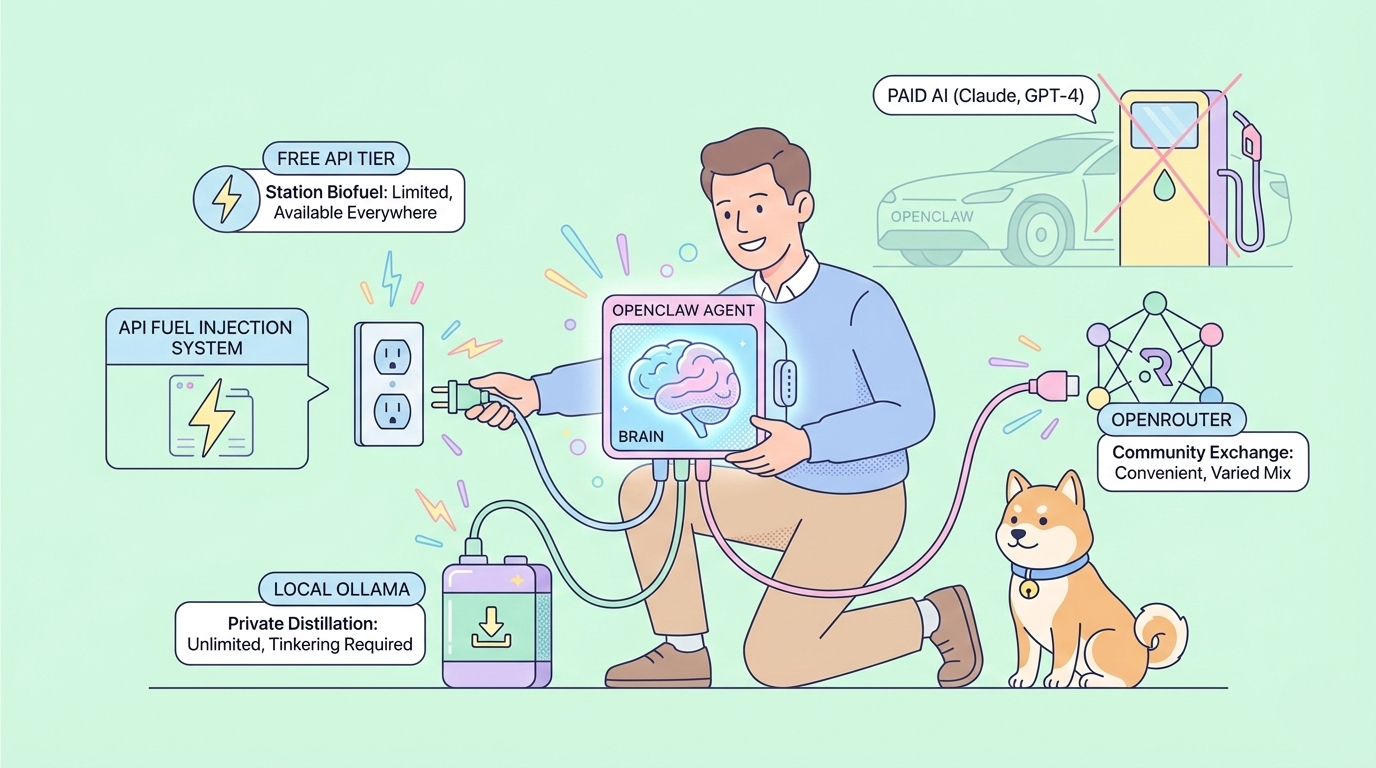
OpenClaw, formerly known as Clawdbot, has taken the developer world by storm. With over 145,000 GitHub stars and widespread adoption, OpenClaw/Clawdbot has become one of the most popular open-source AI agents available. But there's one question everyone asks: How can you run OpenClaw/Clawdbot for free?
If you want to use OpenClaw API, Claude API, CodeX API, Gemini API .... for 30% Cheaper, Checkout Zenn.CEO to access these APIs at a discount!
The good news is that running OpenClaw/Clawdbot doesn't require expensive API subscriptions. While OpenClaw/Clawdbot works beautifully with paid models like Claude and GPT-4, you can absolutely run OpenClaw/Clawdbot using completely free alternatives. Whether you choose OpenRouter's free tier, free APIs from major providers, or local models through Ollama, your OpenClaw/Clawdbot instance can be fully functional without any API costs.
In this comprehensive guide, we'll walk you through every method to run OpenClaw/Clawdbot for free. By the end, you'll have your OpenClaw/Clawdbot installation connected to free AI models and ready to assist you across WhatsApp, Telegram, Slack, Discord, and more.
What Is OpenClaw/Clawdbot? A Quick Overview
Before diving into free setup methods, let's understand what makes OpenClaw/Clawdbot special.
The History of OpenClaw/Clawdbot
OpenClaw/Clawdbot was originally created by Austrian software engineer Peter Steinberger in November 2025. The project started as "Clawdbot," derived from Clawd (now Molty), an AI-based virtual assistant. After trademark concerns from Anthropic, Clawdbot was renamed to "Moltbot" on January 27, 2026, and then to "OpenClaw" just three days later.
Despite the name changes, the community still refers to it as OpenClaw/Clawdbot interchangeably. The OpenClaw/Clawdbot project achieved viral success in late January 2026, accumulating 60,000+ GitHub stars in just 72 hours.
Why OpenClaw/Clawdbot Is Popular
OpenClaw/Clawdbot stands out because it:
- Works across multiple messaging platforms (WhatsApp, Telegram, Slack, Discord, Signal, iMessage, Teams)
- Runs locally on your own devices
- Provides AI models with secure access to files, scripts, and browsers
- Is completely open-source and free to use
The only potential cost with OpenClaw/Clawdbot is the AI model API but that's exactly what we're solving in this guide.
Method 1: Running OpenClaw/Clawdbot with OpenRouter Free APIs
OpenRouter is the easiest way to run OpenClaw/Clawdbot for free. OpenRouter aggregates multiple AI models and offers several completely free options.
Why OpenRouter Is Perfect for OpenClaw/Clawdbot
OpenRouter provides a unified API that works seamlessly with OpenClaw/Clawdbot. Instead of configuring multiple providers, you configure OpenClaw/Clawdbot once with OpenRouter and gain access to numerous free models.
Step 1: Create a Free OpenRouter Account for OpenClaw/Clawdbot
To use OpenRouter with OpenClaw/Clawdbot:
- Visit openrouter.ai
- Sign up for a free account
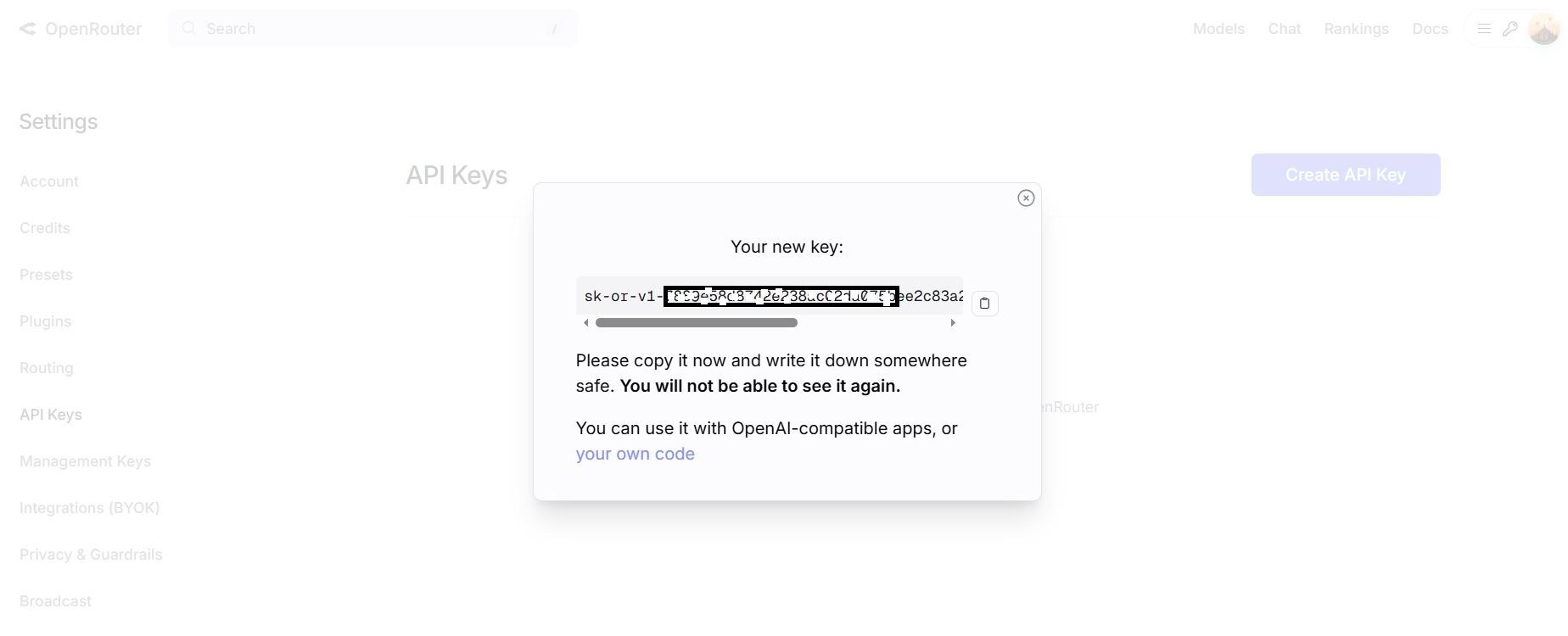
- Navigate to the API Keys section
- Generate a new API key for your OpenClaw/Clawdbot installation
- Copy the API key you'll need it for OpenClaw/Clawdbot configuration
Step 2: Identify Free Models for OpenClaw/Clawdbot on OpenRouter
OpenRouter offers several free models compatible with OpenClaw/Clawdbot:
| Model | Provider | Context Window | Best For |
|---|---|---|---|
| meta-llama/llama-3.2-3b-instruct | Meta | 128K | General tasks in OpenClaw/Clawdbot |
| google/gemma-2-9b-it | 8K | Quick responses in OpenClaw/Clawdbot | |
| mistralai/mistral-7b-instruct | Mistral | 32K | Coding tasks in OpenClaw/Clawdbot |
| qwen/qwen-2-7b-instruct | Alibaba | 32K | Multilingual OpenClaw/Clawdbot usage |
| microsoft/phi-3-mini-128k-instruct | Microsoft | 128K | Long context in OpenClaw/Clawdbot |
Step 3: Configure OpenClaw/Clawdbot with OpenRouter
Install OpenClaw/Clawdbot and connect OpenClaw/Clawdbot to OpenRouter:
- Open your OpenClawdbot configuration file
- Set the API base URL for OpenClaw/Clawdbot:
OPENAI_API_BASE=https://openrouter.ai/api/v13. Add your OpenRouter API key to OpenClaw/Clawdbot:
OPENAI_API_KEY=your_openrouter_api_key_here4. Set the model for OpenClaw/Clawdbot:
MODEL=meta-llama/llama-3.2-3b-instruct:free5. Restart your OpenClaw/Clawdbot instance
Your OpenClaw/Clawdbot installation is now connected to OpenRouter's free models.
OpenRouter Free Tier Limits for OpenClaw/Clawdbot
OpenRouter's free tier for OpenClaw/Clawdbot includes:
- Rate limits that reset daily
- Access to multiple free models
- No credit card required
For casual OpenClaw/Clawdbot usage, these limits are more than sufficient.
Method 2: Running OpenClaw/Clawdbot with Free Provider APIs
Several AI providers offer free tiers that work directly with OpenClaw/Clawdbot. Here's how to configure each one.
Google Gemini Free API for OpenClaw/Clawdbot
Google offers generous free access to Gemini models, making it an excellent choice for OpenClaw/Clawdbot.
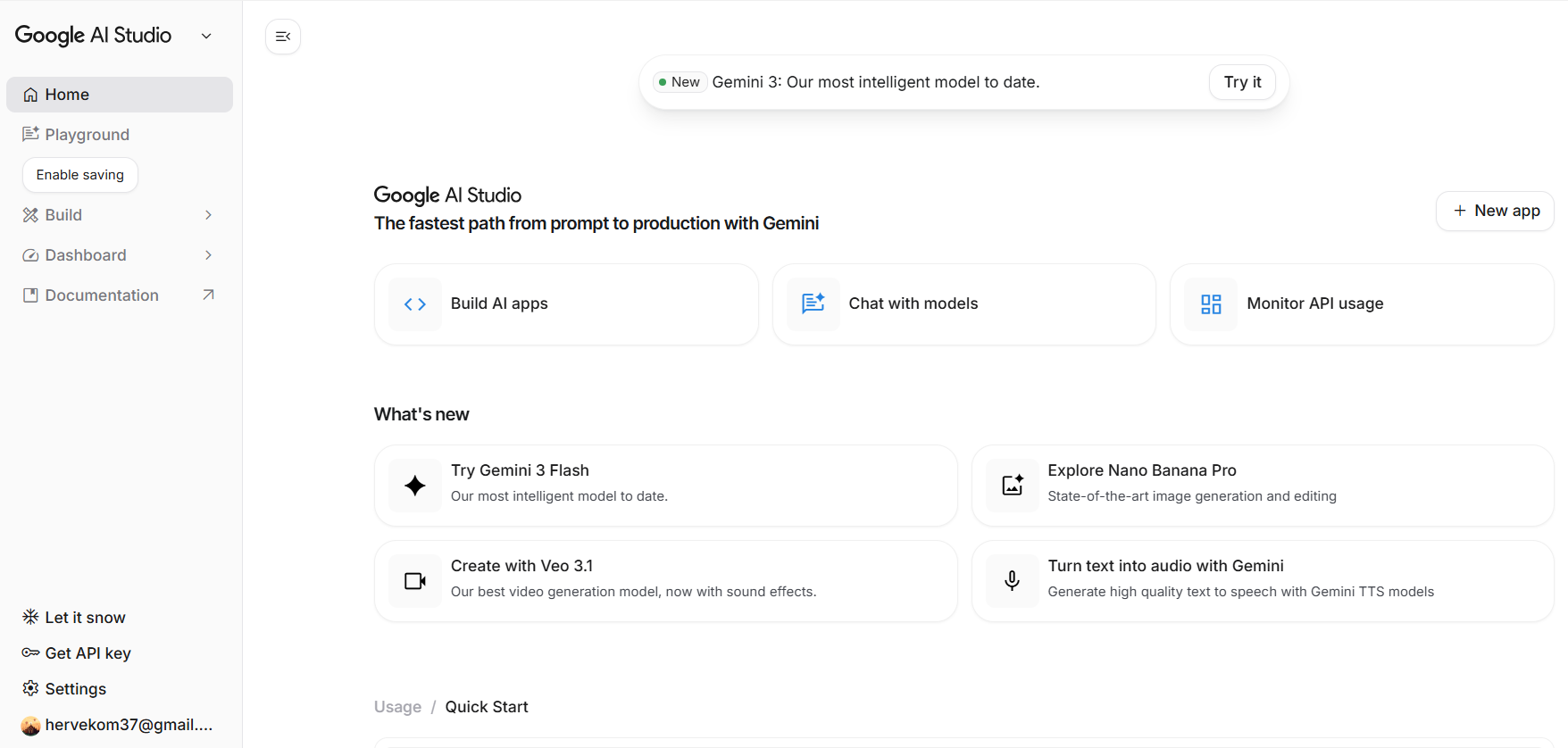
Setting Up Gemini with OpenClaw/Clawdbot
- Visit Google AI Studio
- Sign in with your Google account
- Navigate to "Get API Key"
- Create a new API key for OpenClaw/Clawdbot
- Configure OpenClaw/Clawdbot with Gemini:
GOOGLE_API_KEY=your_gemini_api_key
MODEL=gemini-1.5-flash
Gemini Free Limits for OpenClaw/Clawdbot
- 15 requests per minute
- 1 million tokens per minute
- 1,500 requests per day
These limits provide substantial free usage for OpenClaw/Clawdbot.
Mistral AI Free Tier for OpenClaw/Clawdbot
Mistral offers a free tier that's perfect for OpenClaw/Clawdbot coding tasks.
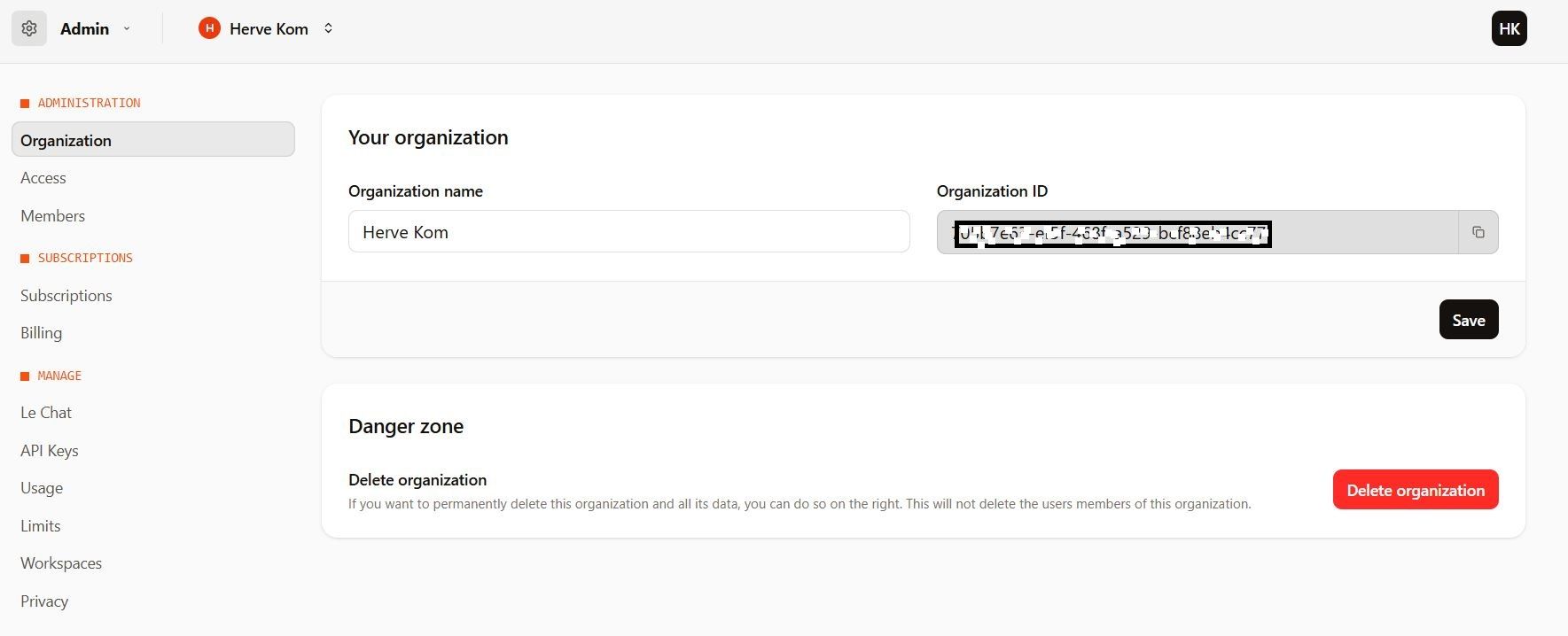
Configuring Mistral with OpenClaw/Clawdbot
- Create a free account at console.mistral.ai
- Generate an API key for OpenClaw/Clawdbot
- Add to your OpenClaw/Clawdbot configuration:
MISTRAL_API_KEY=your_mistral_api_key
MODEL=mistral-small-latest
Groq Free API for OpenClaw/Clawdbot
Groq provides extremely fast inference with generous free limits ideal for responsive OpenClaw/Clawdbot interactions.
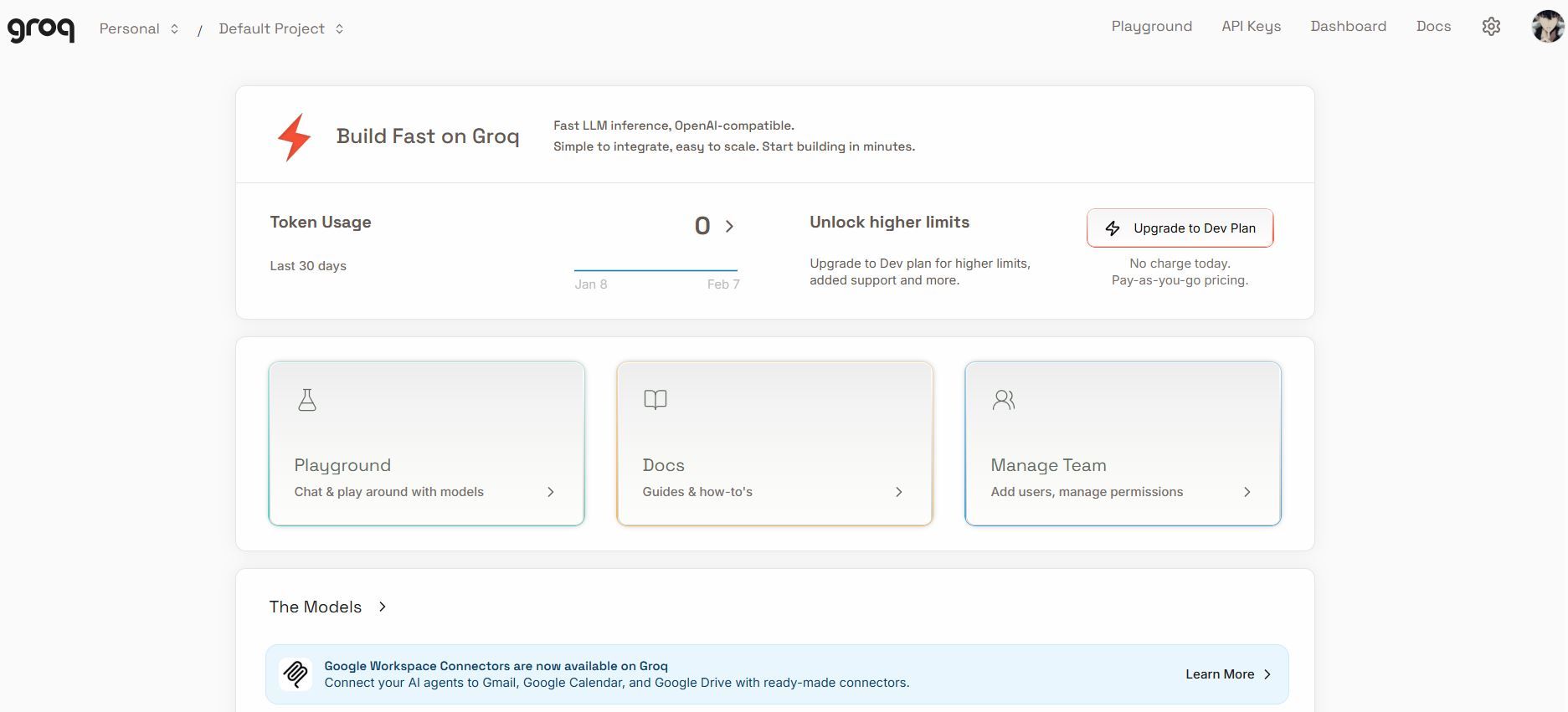
Setting Up Groq with OpenClaw/Clawdbot
- Sign up at console.groq.com
- Create an API key for your OpenClaw/Clawdbot instance
- Configure OpenClaw/Clawdbot:
GROQ_API_KEY=your_groq_api_key
MODEL=llama-3.1-70b-versatile
Groq Free Limits for OpenClaw/Clawdbot
- 30 requests per minute
- 14,400 requests per day
- Access to Llama 3.1 70B and other models
Groq's speed makes OpenClaw/Clawdbot feel incredibly responsive.
Cohere Free Tier for OpenClaw/Clawdbot
Cohere offers free API access that works well with OpenClaw/Clawdbot.
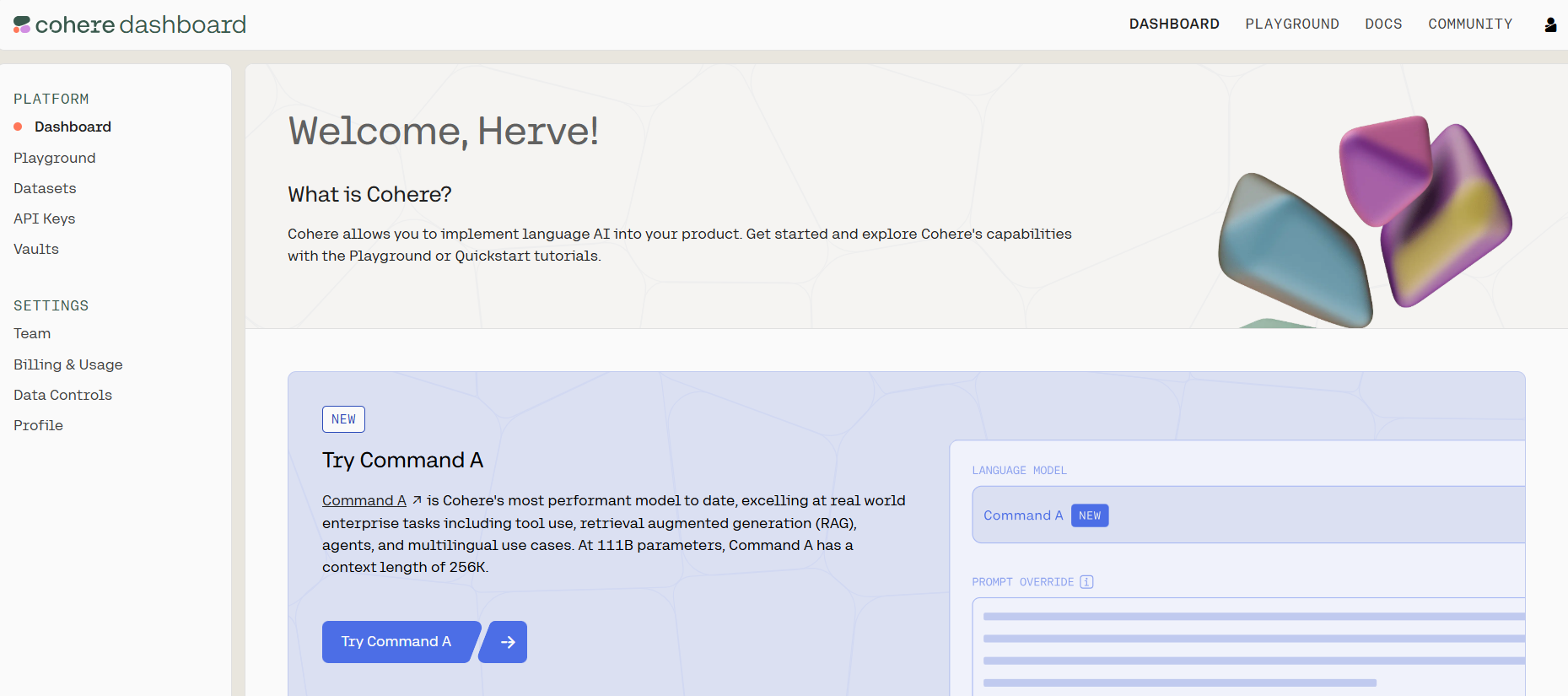
Connecting Cohere to OpenClaw/Clawdbot
- Register at dashboard.cohere.com
- Get your free API key for OpenClaw/Clawdbot
- Configure your OpenClaw/Clawdbot installation:
COHERE_API_KEY=your_cohere_api_key
MODEL=command-r
Method 3: Running OpenClaw/Clawdbot with Ollama (Free Local LLMs)
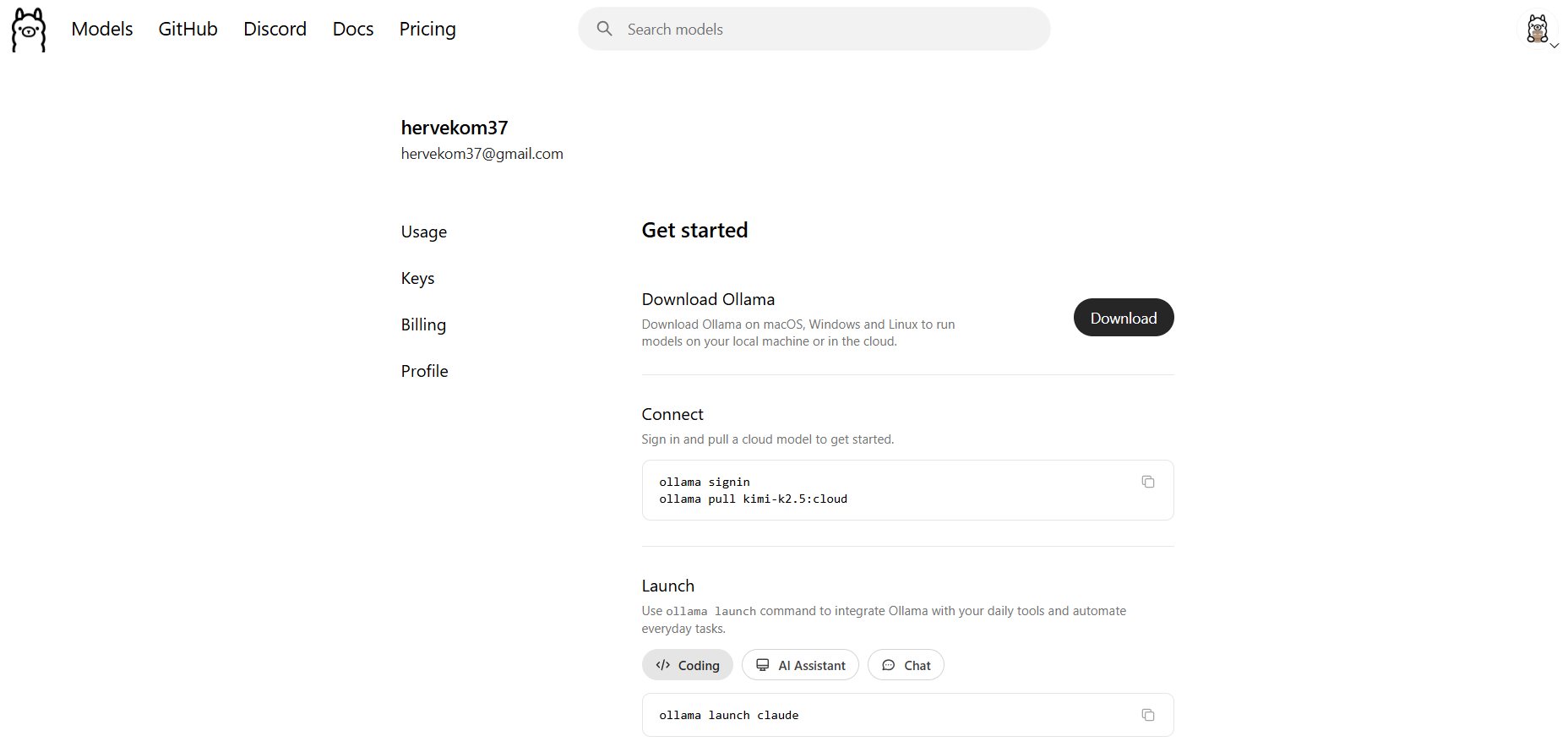
The most cost-effective way to run OpenClaw/Clawdbot is with Ollama completely free local models that never require API payments.
Why Ollama Is Ideal for OpenClaw/Clawdbot
Using Ollama with OpenClaw/Clawdbot provides:
- Zero API costs: Run OpenClaw/Clawdbot indefinitely without paying
- Complete privacy: Your OpenClaw/Clawdbot data never leaves your machine
- No rate limits: Use OpenClaw/Clawdbot as much as you want
- Offline capability: OpenClaw/Clawdbot works without internet
Step 1: Install Ollama for OpenClaw/Clawdbot
To use Ollama with OpenClaw/Clawdbot:
Windows:
- Download Ollama from ollama.com
- Run the installer
- Ollama will be ready for OpenClaw/Clawdbot
macOS:
brew install ollama
Linux:
curl -fsSL https://ollama.com/install.sh | sh
Step 2: Download Models for OpenClaw/Clawdbot
Pull models that work well with OpenClaw/Clawdbot:
# Best overall model for OpenClaw/Clawdbot
ollama pull llama3.2

# Coding-focused model for OpenClaw/Clawdbot
ollama pull codellama

# Smaller, faster model for OpenClaw/Clawdbot
ollama pull phi3

# Powerful model for OpenClaw/Clawdbot (requires 16GB+ RAM)
ollama pull llama3.1:70b
Step 3: Configure OpenClaw/Clawdbot to Use Ollama
Connect your OpenClaw/Clawdbot installation to Ollama:
- Ensure Ollama is running:
ollama serve2. Configure OpenClaw/Clawdbot:
OPENAI_API_BASE=http://localhost:11434/v1
OPENAI_API_KEY=ollama
MODEL=llama3.2
3. Restart OpenClaw/Clawdbot
Your OpenClaw/Clawdbot instance now runs entirely locally with zero API costs.
While running OpenClaw/Clawdbot for free, keep these security tips in mind:
- Don't expose OpenClaw/Clawdbot publicly: Over 21,000 OpenClaw/Clawdbot servers were found exposed online
- Use local models for sensitive data: Ollama keeps your OpenClaw/Clawdbot data private
- Secure your API keys: Never commit OpenClaw/Clawdbot API keys to public repositories
Conclusion: Enjoy OpenClaw/Clawdbot Completely Free
Running OpenClaw/Clawdbot for free is entirely possible with the methods outlined in this guide. Whether you choose OpenRouter's free tier for convenience, provider-specific free APIs for quality, or Ollama for complete privacy and unlimited usage, your OpenClaw/Clawdbot installation can be fully functional without any cost.
To summarize your free OpenClaw/Clawdbot options:
- OpenRouter Free: Easiest setup for OpenClaw/Clawdbot with multiple free models
- Google Gemini Free: High-quality responses for OpenClaw/Clawdbot
- Groq Free: Fastest inference for responsive OpenClaw/Clawdbot
- Ollama: Zero cost, unlimited usage, complete privacy for OpenClaw/Clawdbot
The OpenClaw/Clawdbot community continues to grow, with developers finding new ways to maximize this powerful AI agent. By using free models, you can experience everything OpenClaw/Clawdbot offers without worrying about API bills.
Start with Ollama if privacy matters most, or try OpenRouter if you want the quickest setup. Either way, your OpenClaw/Clawdbot journey doesn't have to cost anything.


